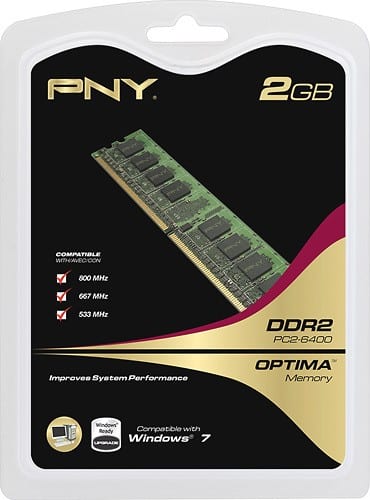
A:Answer To check the specs for compatibility, (if using Windows), Click Start, and in the search box type "dxdiag" and press Enter. On the System tab, take note of the System Manufacturer and System Model fields. Google " [Manufacturer] [Model] Manual" (or replace "Manual" with "Specs") and the specs will be featured in the Memory/RAM section of the manual. Take note of the total RAM allowed and divide by the number of slots on the board, that's the max amount you can have for each slot. (ex. 16GB total divided by 4 slots would be 4GB max per slot) The Manual will also tell you the max speeds and DDR type it can handle.