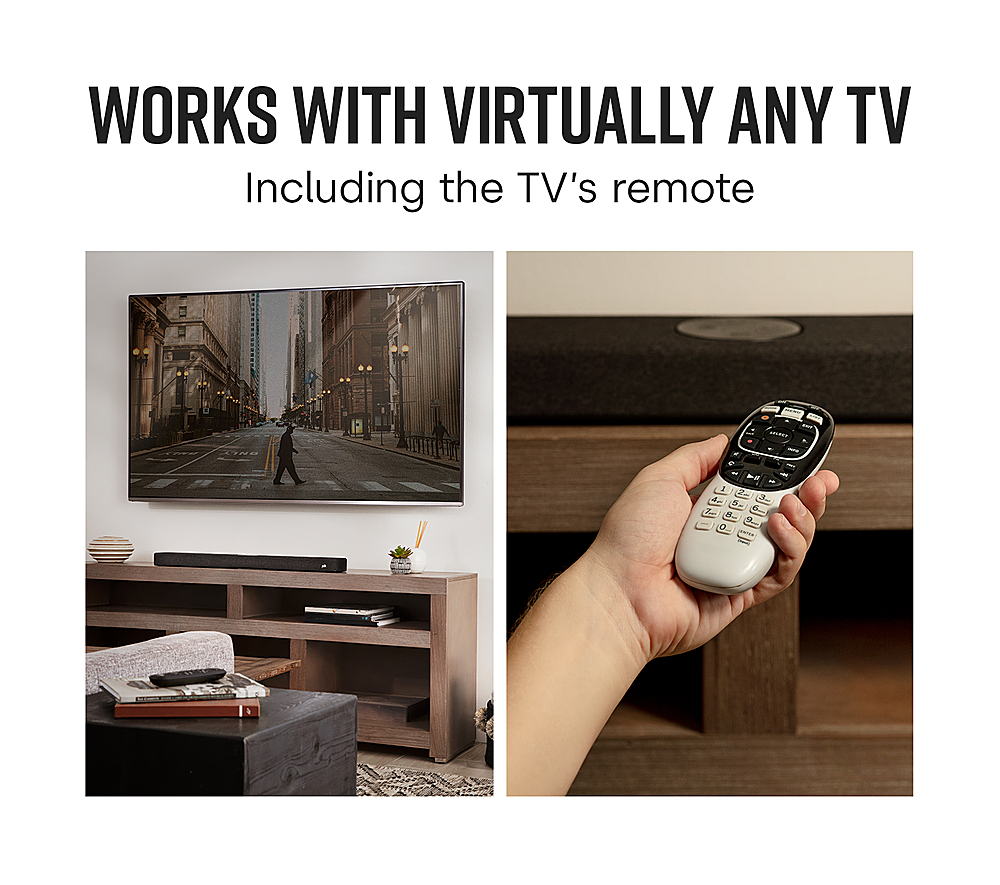
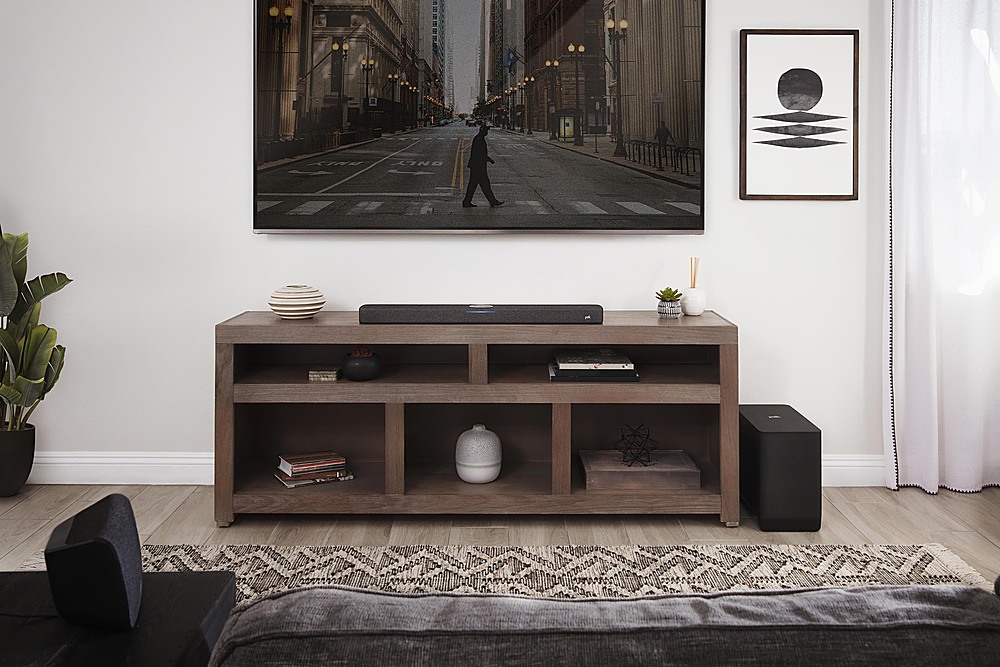
A:AnswerUsing HDMI ARC from your TV is the preferred option. If your Television has HDMI ARC, connect the XBOX and Blu-Ray Player to the Television first and the HDMI ARC (audio return channel) from the Television to the Soundbar. If the Television does not have HDMI ARC, connect a Digital Optical Cable from the TV to the Soundbar while connecting all sources to the TV.
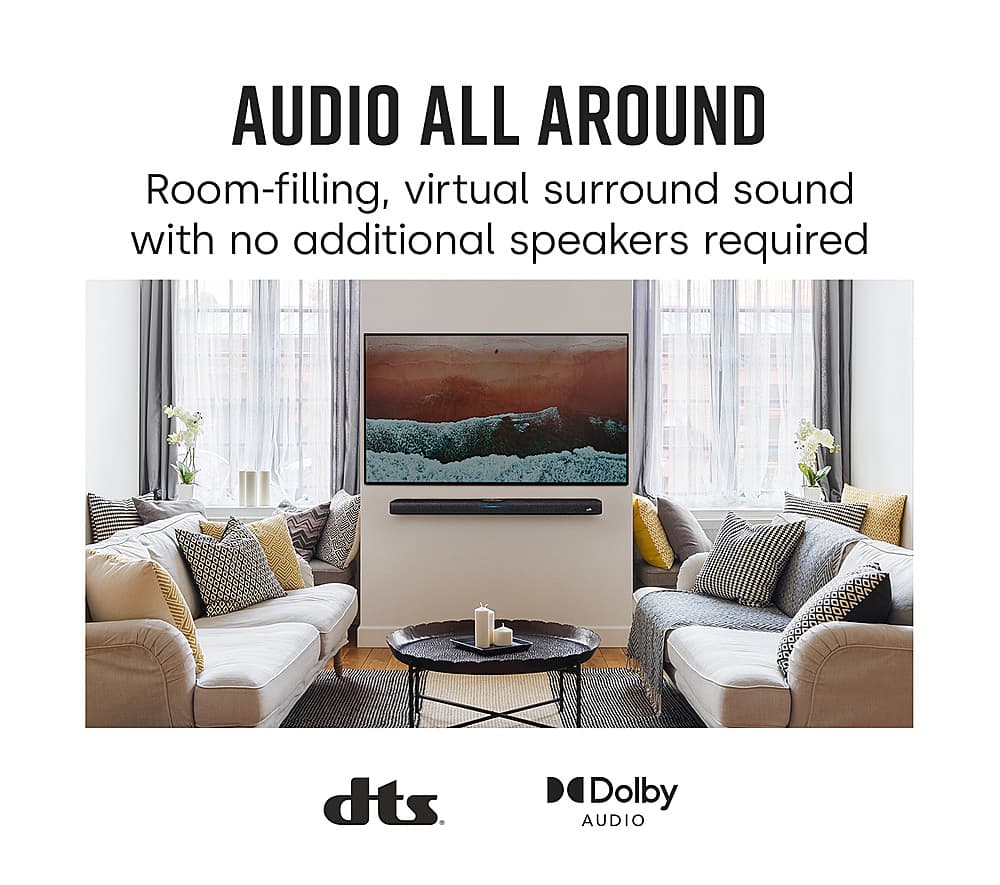
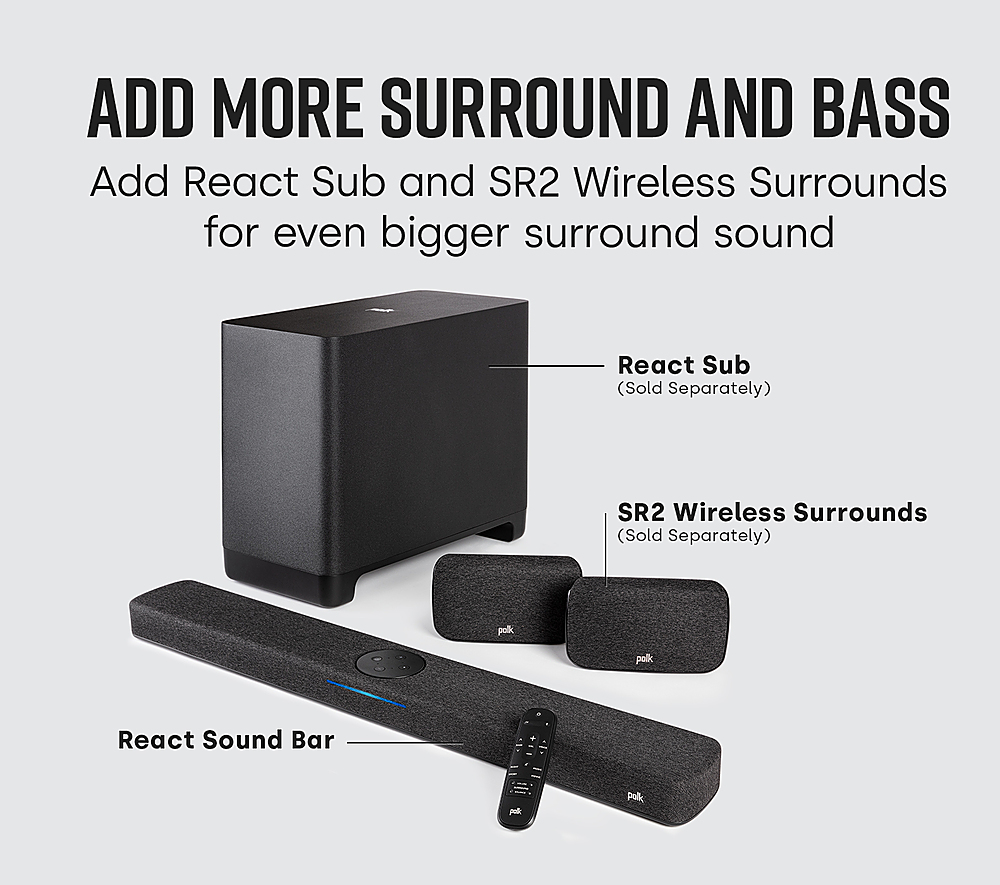
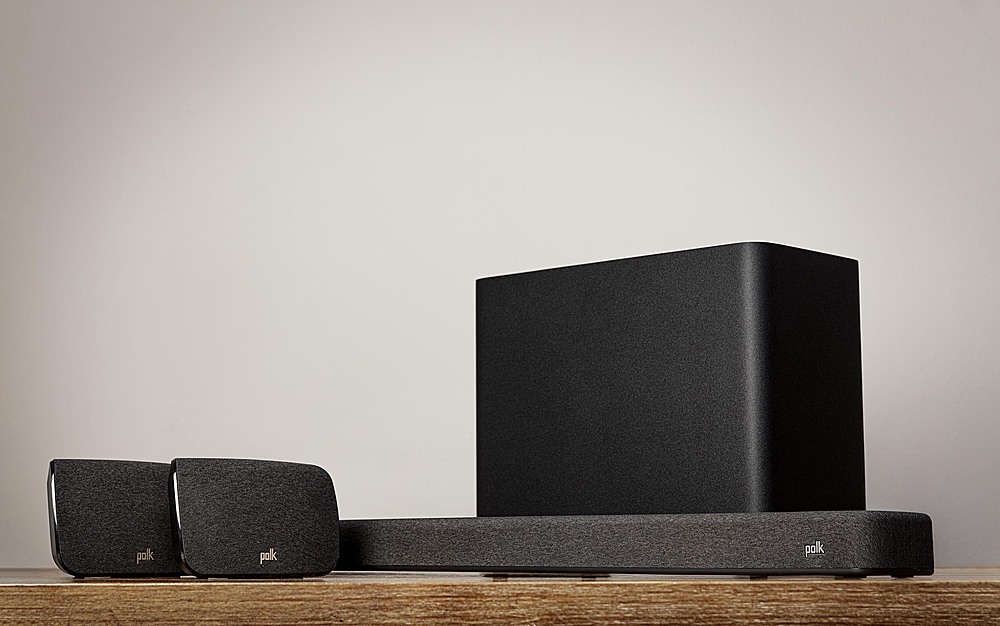
A:AnswerHello and thank you for your question. Create a 5.1 system by adding the SR2 wireless surround speakers and wireless React subwoofer. The React is DTS and Dolby Audio compatible. It is not Dolby Atmos.
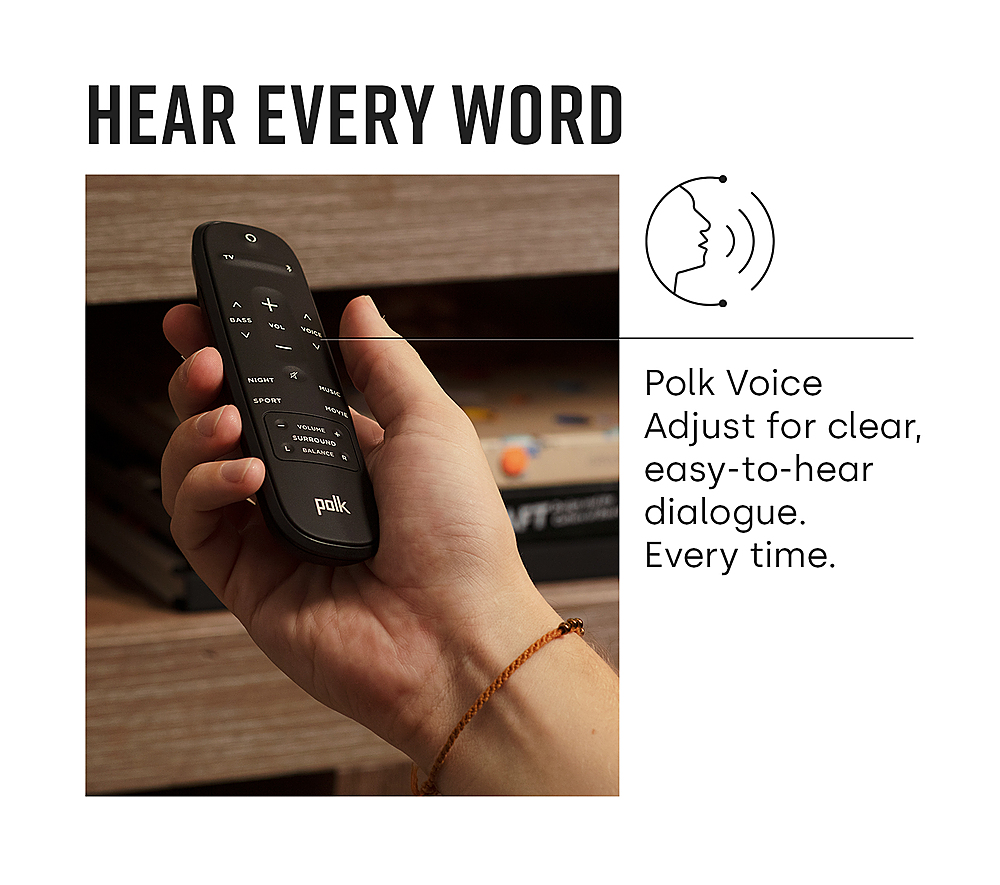
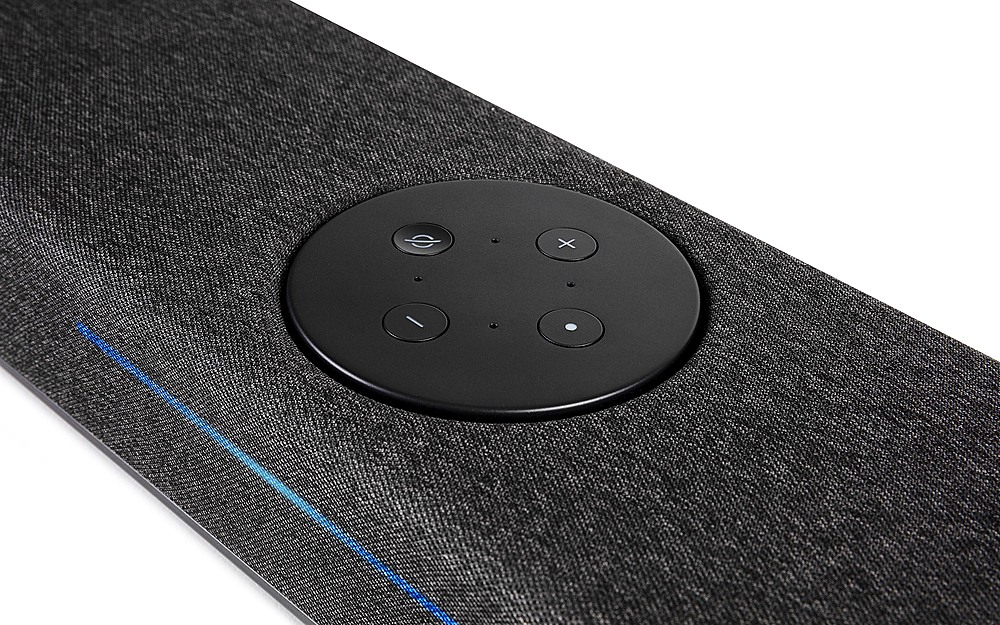
A:AnswerHello. The React Soundbar remote control provides are rich list of audio settings to choose from. While there isn't a button labeled treble, there is a dedicated bass control. Further sonic enhancements are made available courtesy of the Night, Sport, Music and Movie modes.
A:AnswerYes. It comes with two clips that you can use with YOUR screws and drywall anchors. You will have to fish wires through the wall just like you did with your tv.
A:AnswerHello, the SR2 surround speakers will connect to the sound bar specifically and provide surround sound via the sound bar connection. It does not connect to the subwoofer.
A:AnswerHello,
The React features VoiceAdjust technology which can help with making the dialogue sound clear and legible. This will help adjust other sounds to make sure you can hear the voices over any other elements better.
A:AnswerHello, to use only with your TV or Bluetooth, you can hook the soundbar up with an HDMI cable into an HDMI ARC port or Optical cable and use it without needing the Alexa app. If you wish to use Network services such as Spotify Connect, you will have to use the Alexa app to set it up on your network. These setup instructions are explained in the manual and if you have further questions you can always give our customer care team a call at 800-377-7655 (Product Support) Mon - Sun: 9AM - 9PM EST
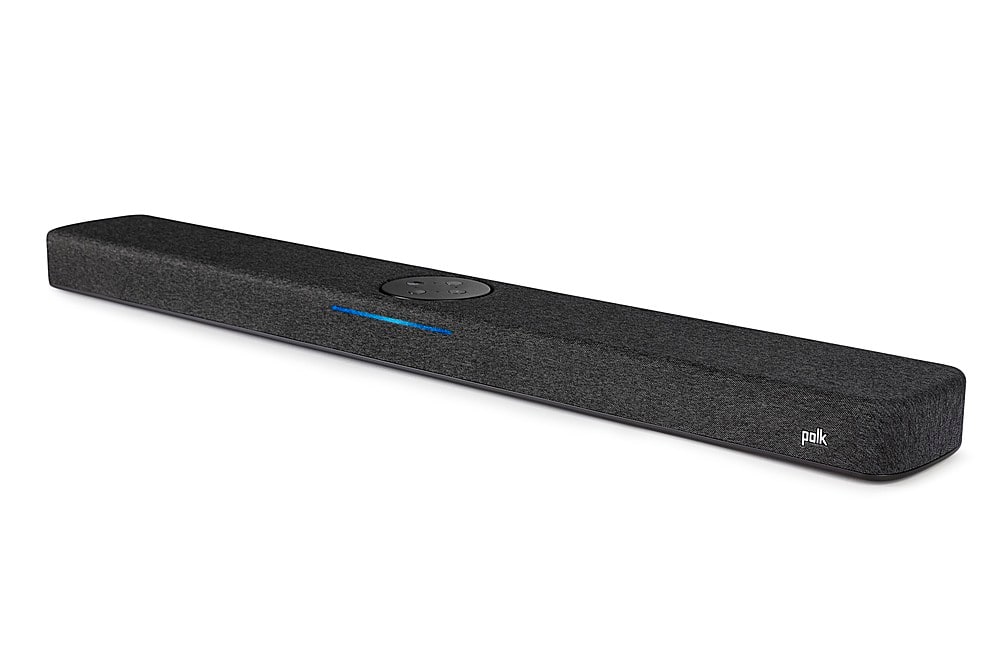
A:AnswerHello, Sound Bars are designed to be used instead a receiver as they have their own amplifier built-in. They are not designed to be used as a center channel speaker. If you are looking for a center channel, we would recommend looking at our dedicated center channel speakers such as the Monitor XT35 or Reserve R350. We have plenty of center channel speakers to choose from to suit your needs in your system.
A:AnswerThe provided USB connection on the Polk Audio React Soundbar is intended for Service and Firmware updates where Wi-Fi is unavailable. USB playback may be possible using the connected television set.
A:AnswerI myself have the LG c2 55 inch tv and the poke sound bar works very well so i would think it would do just as well with your tv. The poke wasn't my first choice but it was within my budget at the time, but overall it works very well 4 the time being.
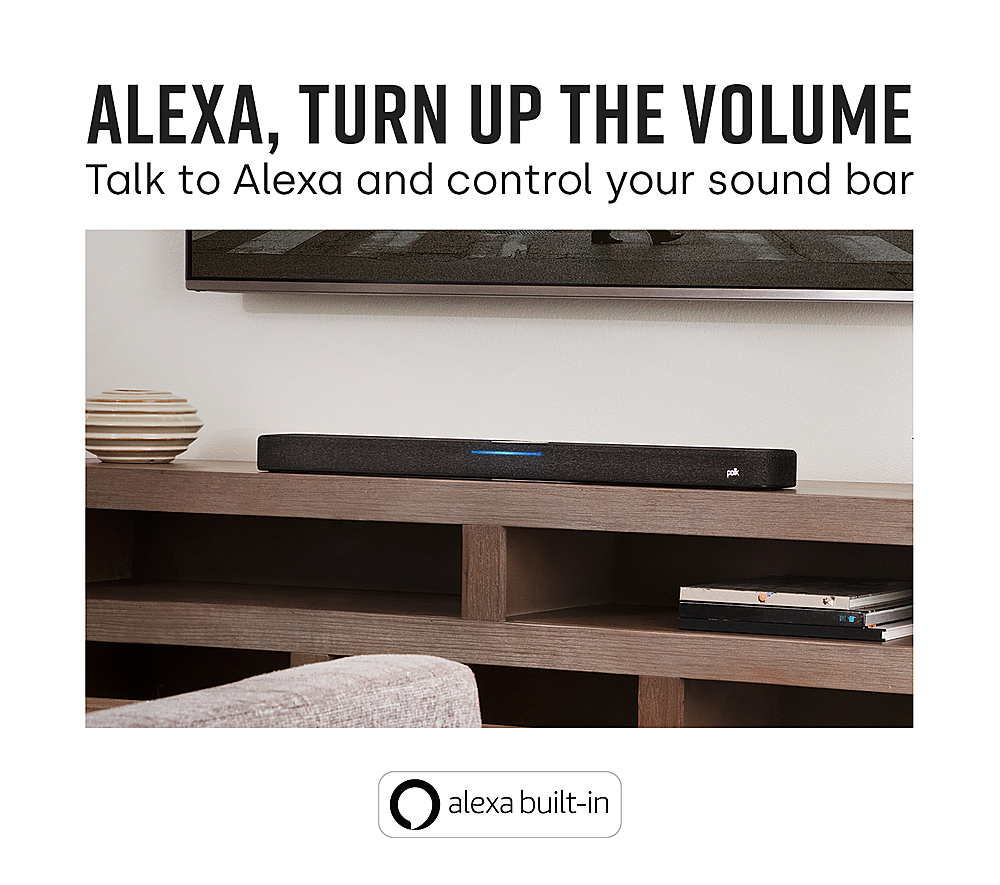
A:AnswerHello, the Polk Audio React Soundbar has Alexa Built-in. It is not compatible with Google Home. Please consider our MagniFi Mini or MagniFi Max AX soundbars, as they are Google Home compatible.