A:AnswerHello, unfortunately commercials are broadcast at a louder level to grab the attention of the viewer. No setting on the sound bar can be adjusted.
A:AnswerHello and thank you for your question. Headphones would be best connected to the TV Analog audio out. Most sound bars will not have any audio output.
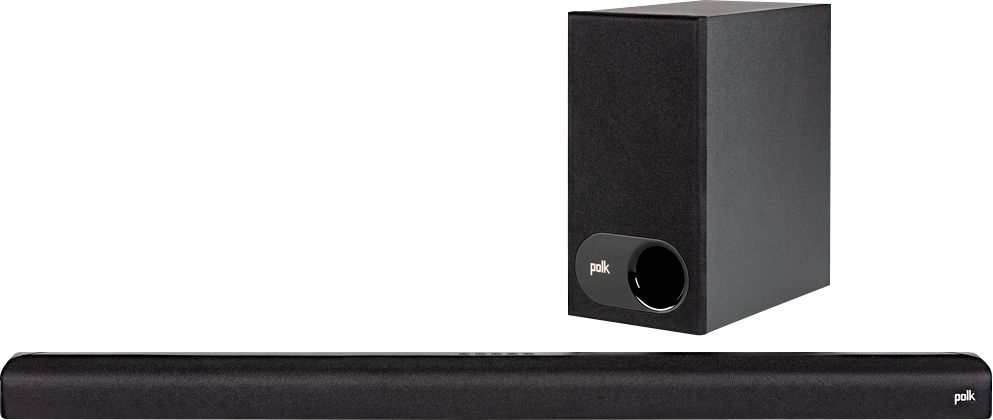
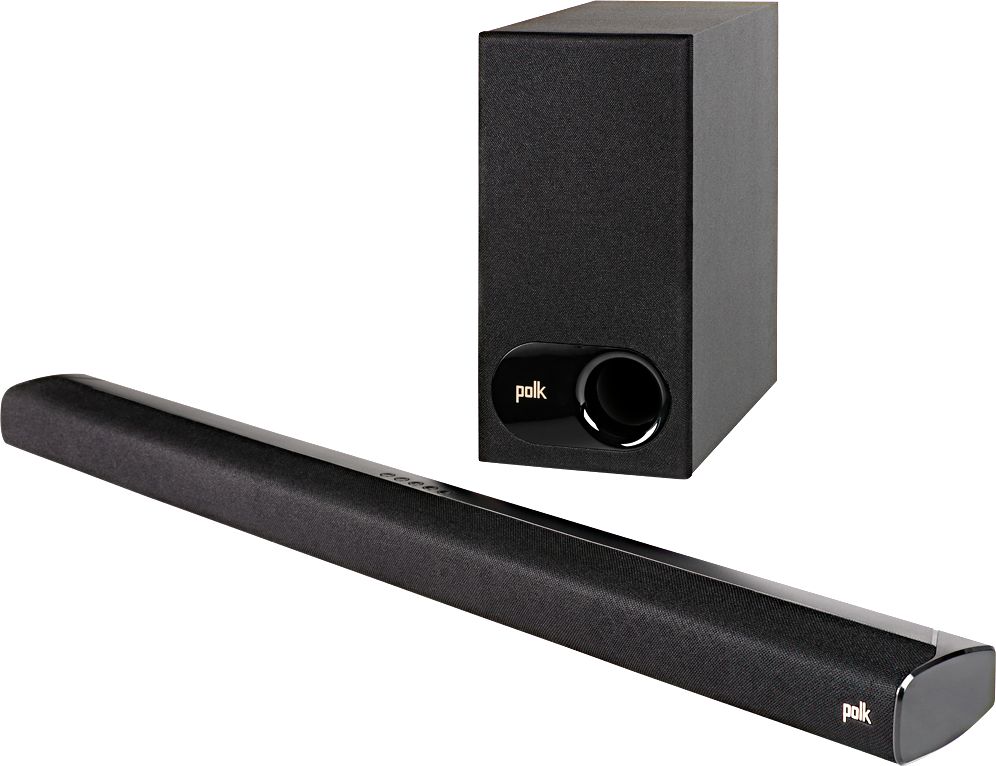
A:AnswerHello and thank you for your question. Yes the Polk Audio Signa S2 is compatible with Visio brand TV's. 3 options for connecting the sound bar to your TV, HDMI ARC, Analog, or optical digital. HDMI ARC is the preferred connection.
A:AnswerHello and thank you for your question. The Signa S2 has 2 keyholes in the back that can be used to mount to a wall. Mount the sound bar above the TV directly to the wall.
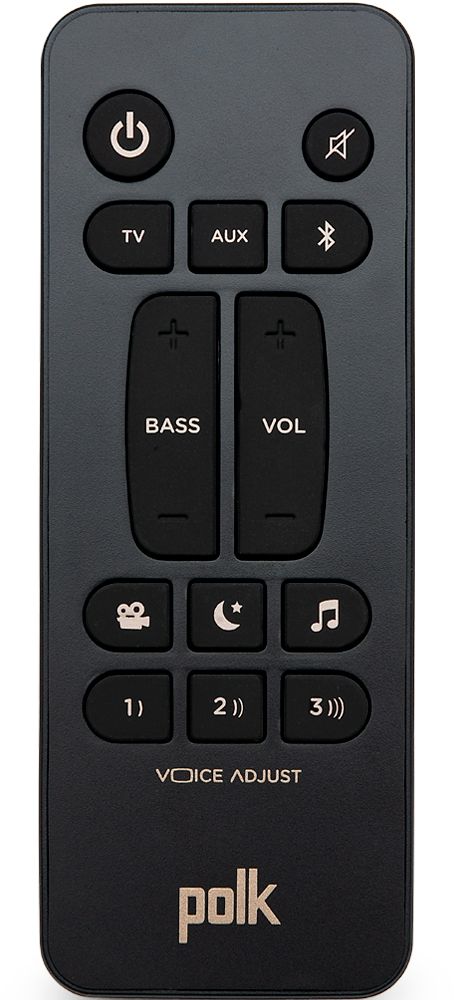
A:AnswerHello, I recommend putting Voice adjust to level 3. With Voice Adjust you can control dialogue volume levels. Isolate and adjust the voice channel level to reproduce clear, crisp dialogue.
A:AnswerHello this is Clint with Sound United. I would encourage you to please reach out to our technical service team by phone so we can help troubleshoot the issue. 800-377-7655 or email https://support.polkaudio.com/app/ask
A:AnswerHello and thank you for your question. Yes you can stream music from your phone to the Signa S2 sound bar via Bluetooth. The Signa S2 does have Bluetooth.
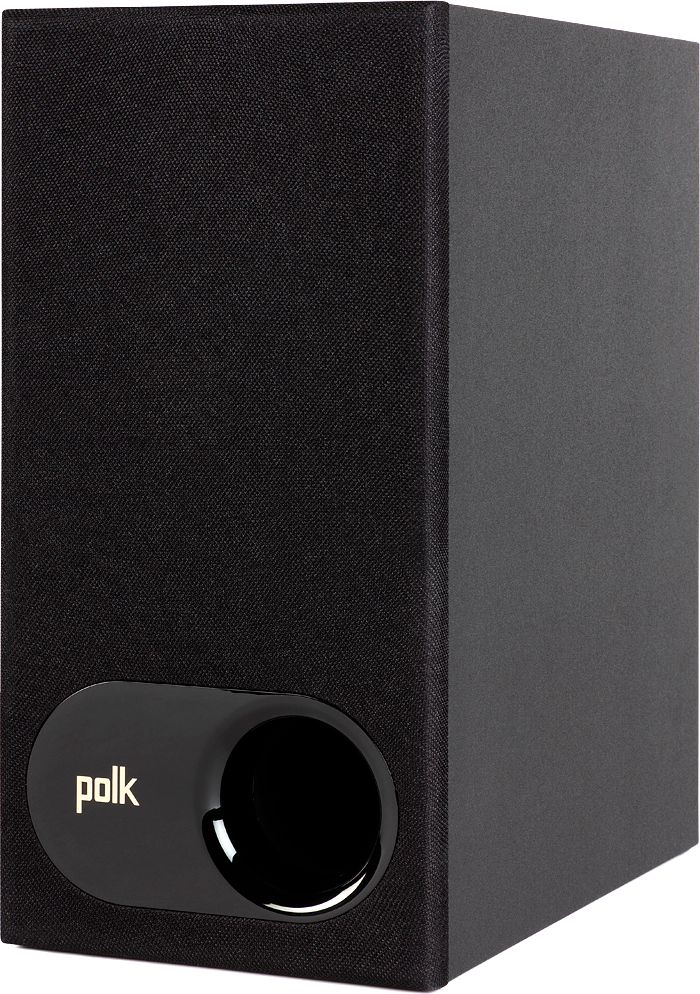
A:AnswerPlacement can also play a big part in Bass output. Placing a Sub in a corner will increase Bass output. Bass volume can also be increased on the remote. Make sure the sound bar is not in night mode.