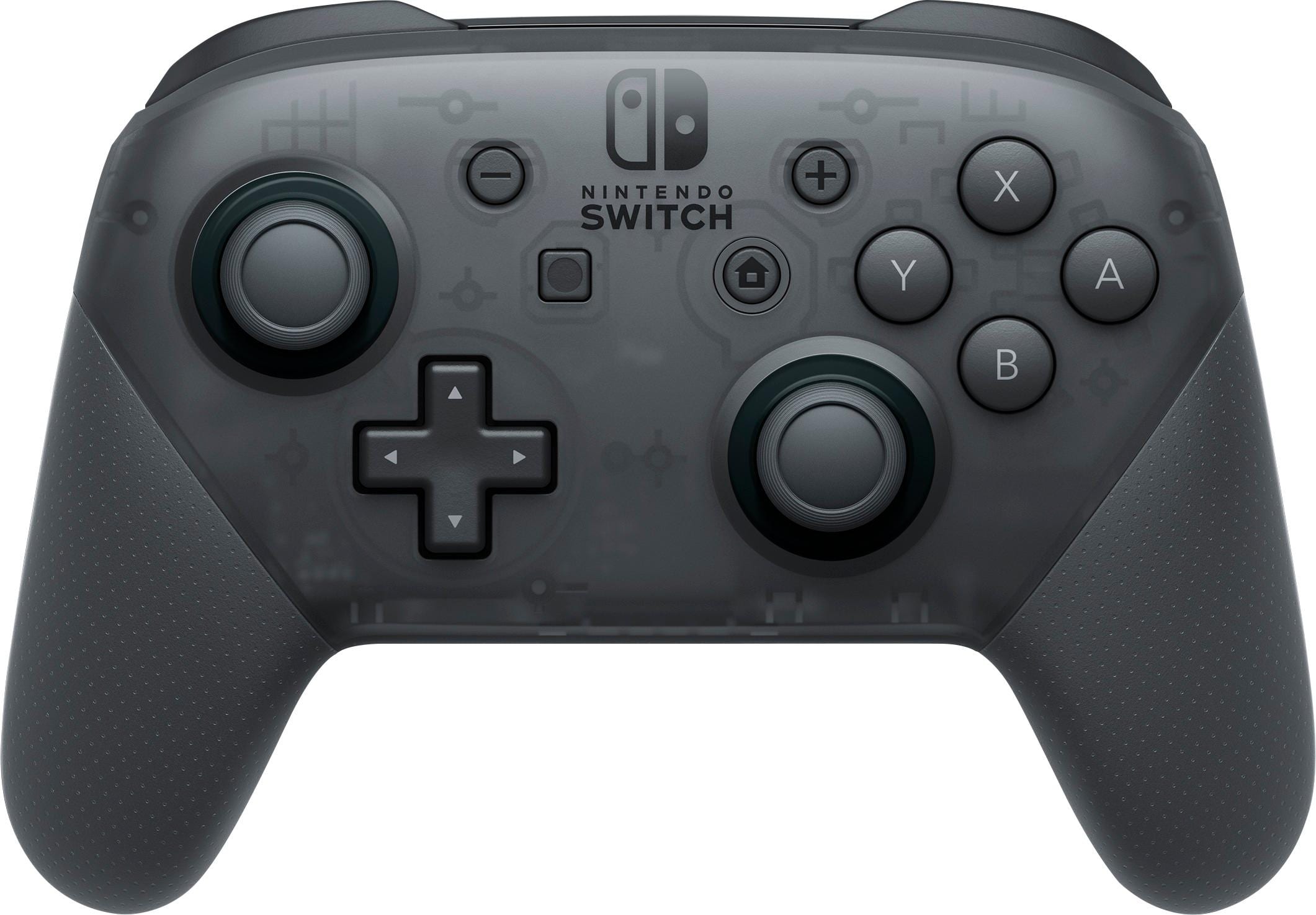
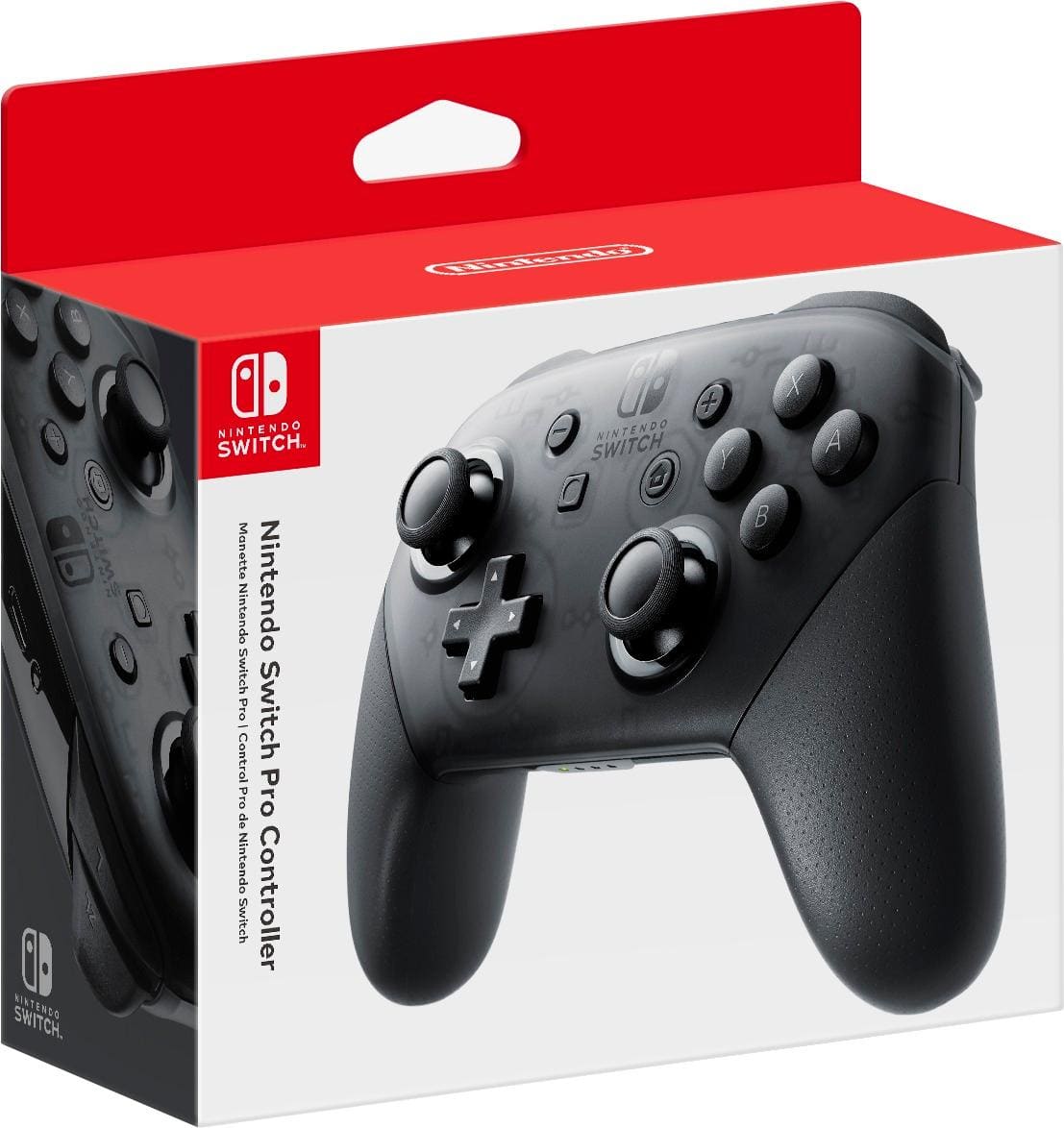
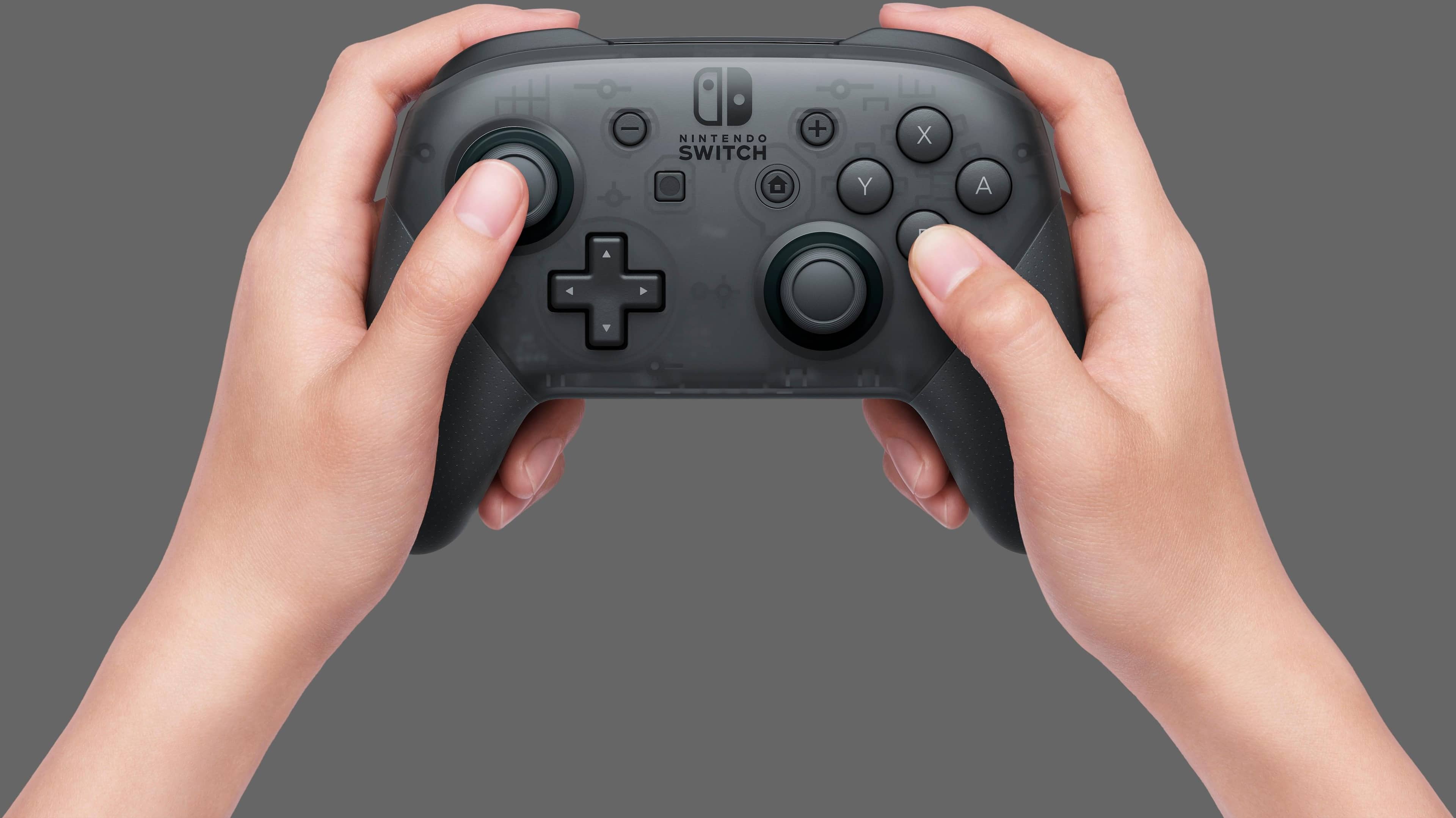
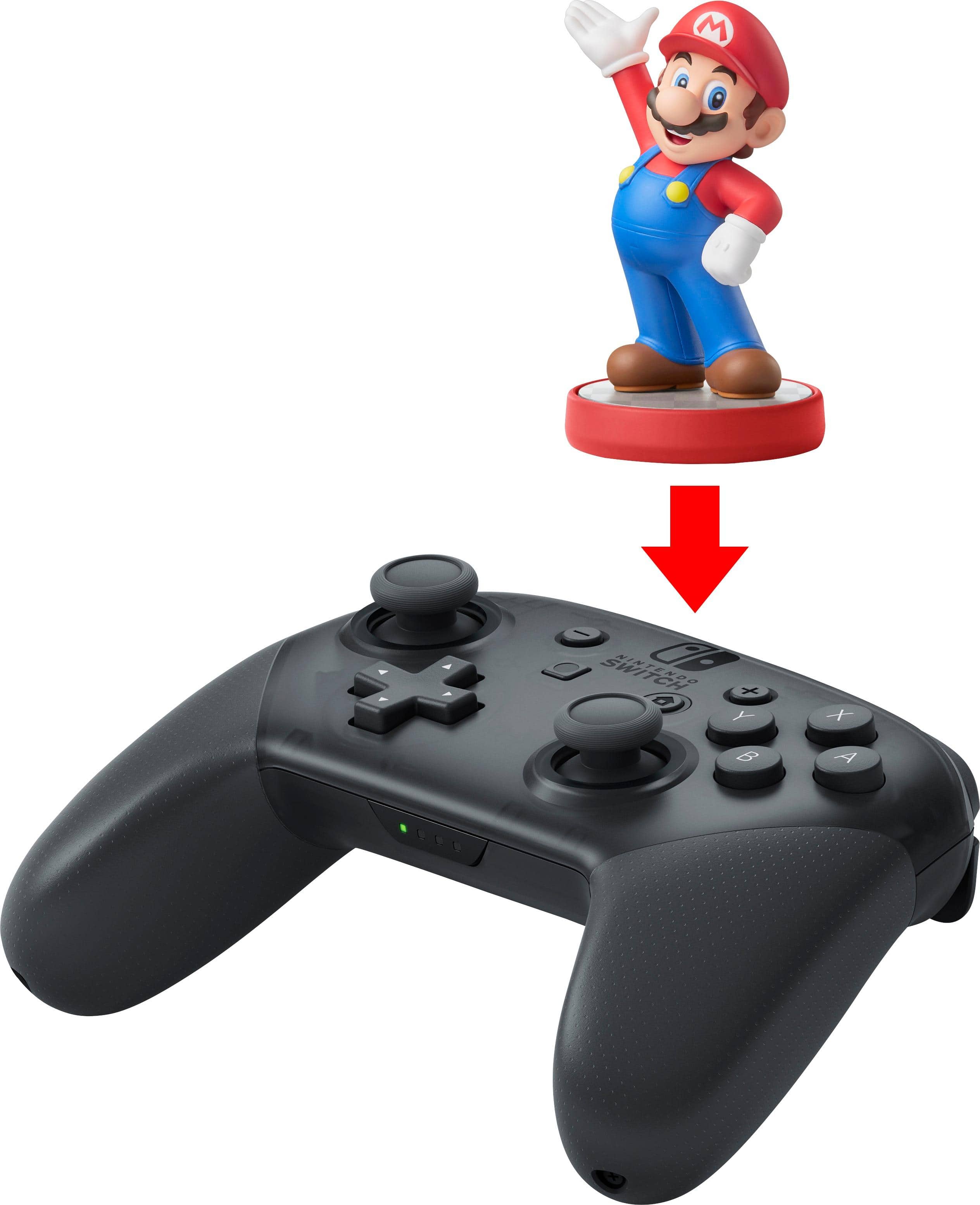
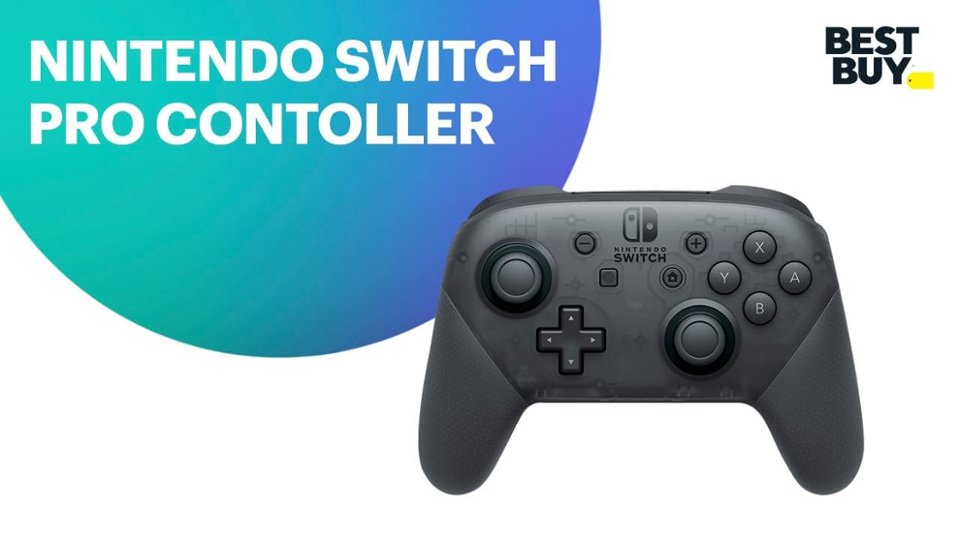
A:AnswerWhen the screen is in handheld mode, you can play using this controller. This controller used a USB-A to USB-C charging cord. It charges at the same normal speed as other charging controllers.
A:AnswerI've used mine wired to the docked console and it works fine. Make sure you enable wired connection in settings or it will only use the connected cable to charge. For the second question, It does not warm significantly while charging at least the ones I had
A:AnswerYes you can connect with an iPhone that runs the latest version of iOS. Just press and hold the pair button at the top and go to "Settings > Bluetooth" tap on the "Pro Controller" and it pairs to the iPhone. Please make sure the game you want to play works with controllers first
A:AnswerIt's possible I'm not 100 percent sure because it doesn't have a docking system but since all the Nintendo switches have Bluetooth built in I would think you can connect one to it.
A:AnswerThe controller doesn’t have Bluetooth. You’ll be after a PS4 or PS5 controller to be able to connect headphones to them. I think Xbox does as well, but I’m not confident.
A:AnswerWith the right drivers it should work out of the box. It really depends on your flavor of Linux.... I think it works out the box with PopOS if I remember correctly though. Hope this helps.
A:AnswerI was thinking of doing that too but the pro controllers usbc is meant for charging and there is a headphone jack on the console or if you dont wanna do that use a wireless controller.