A:AnswerHusband is 6'2 230 and son is 6'0 210 and they run, no issues and very stable. Weight capacity up to 300 lbs for running.
Solid piece of equipment, especially for the walking, hiking, interval training. incline abilities(up to 10)
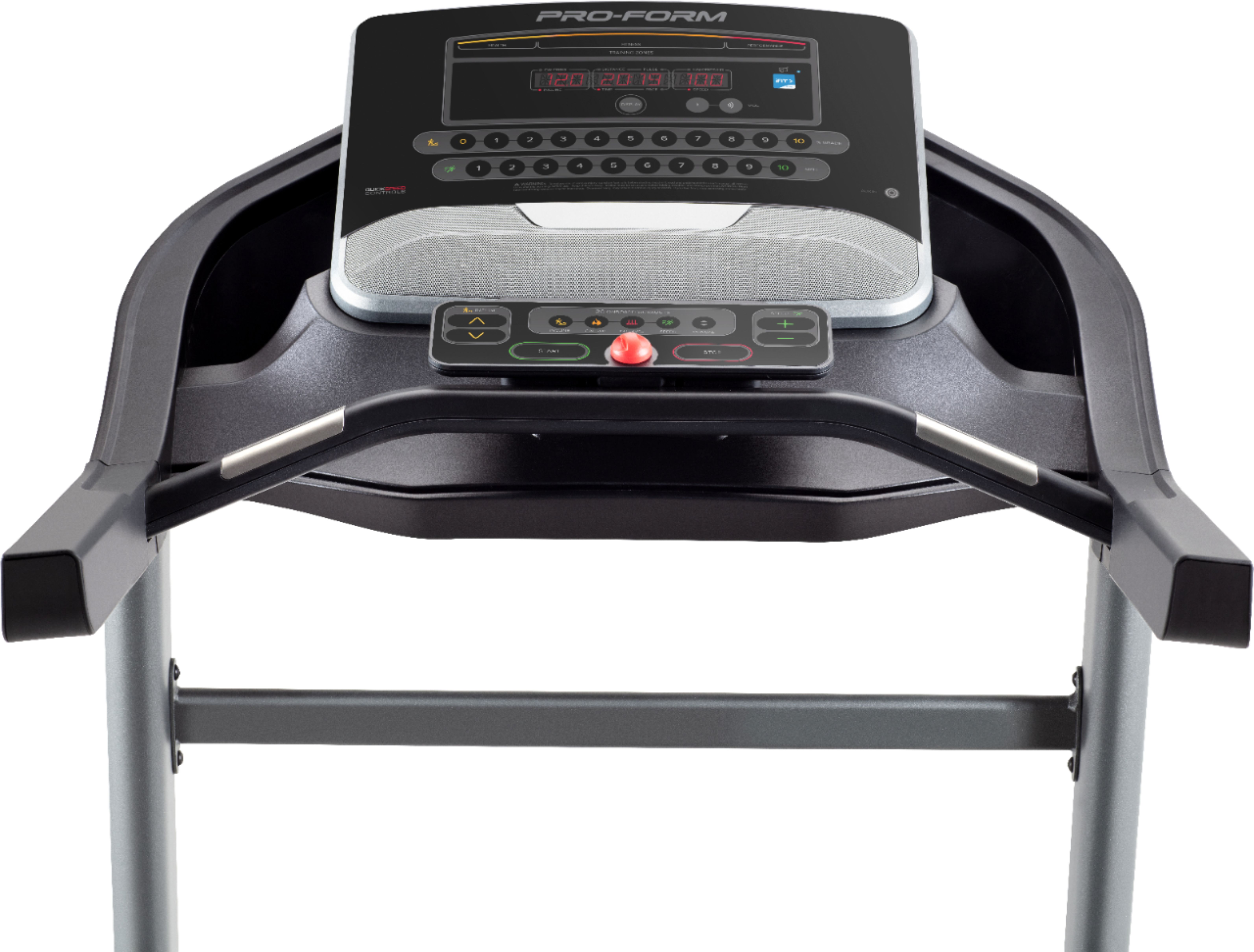
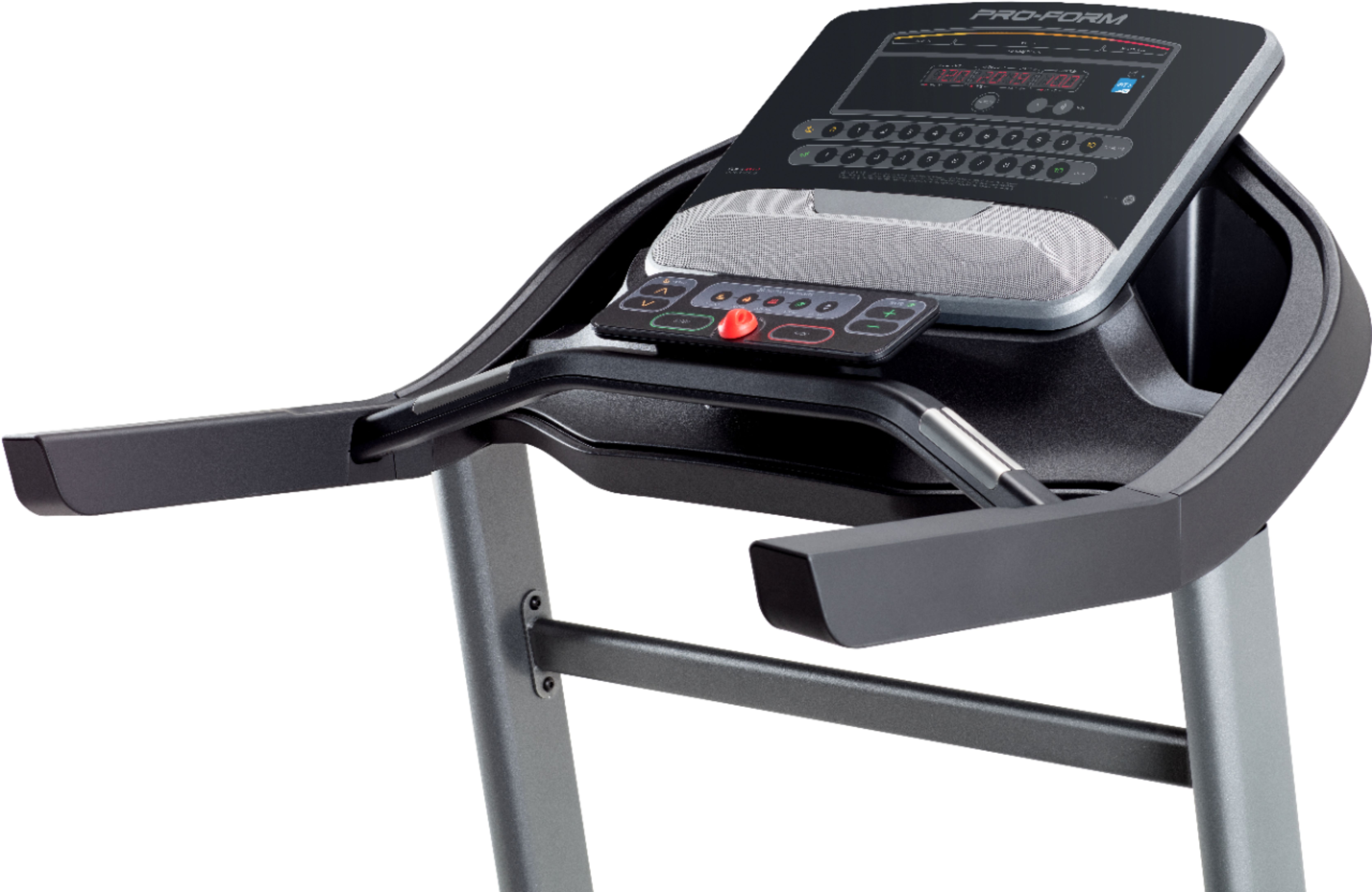
A:AnswerYou can use it without ifit the day you get the treadmill. Just hold down the ifit button on the treadmill to bypass it and use it like a non-smart treadmill.
A:AnswerWith an iFit subscription, you'll have unlimited access to all of iFit's incredible, trainer-led content. Workouts include high-energy studio workouts and global workout content, so you can get the best personal training right in your home. If you are not interested in using these features hold down the Bluetooth or iFit button for 30 seconds to bypass the iFit activation. This puts it in manual mode where you can use the on-board workouts. For more information visit www.ifit.com/activate or call our iFIT call center at 866-608-1798.
A:AnswerNo not really. It does use Bluetooth to connect to the ifit app, but you cannot play your music from the speakers using it. Audio is only supported using an aux cable between your device and the treadmill speakers.
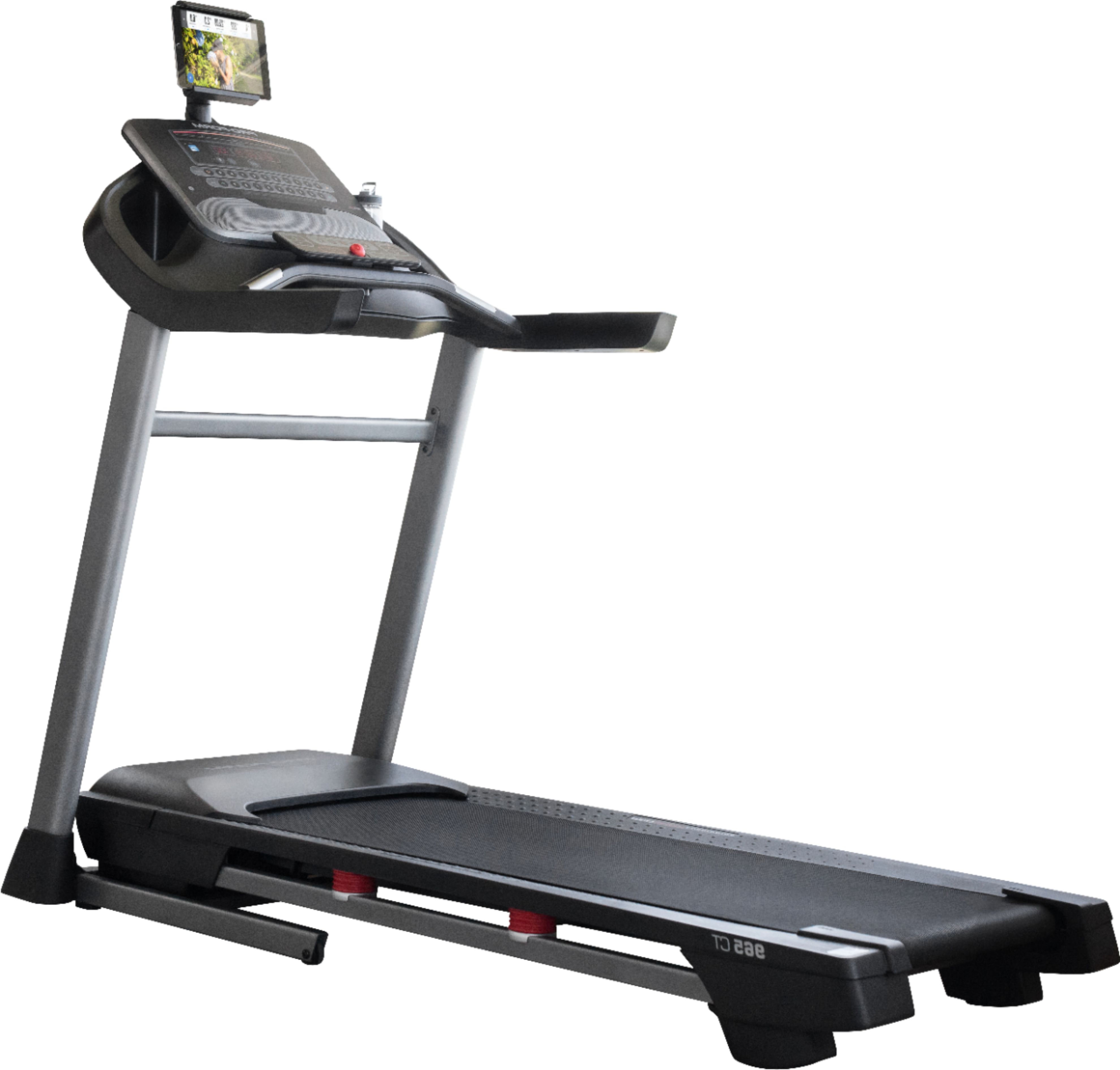
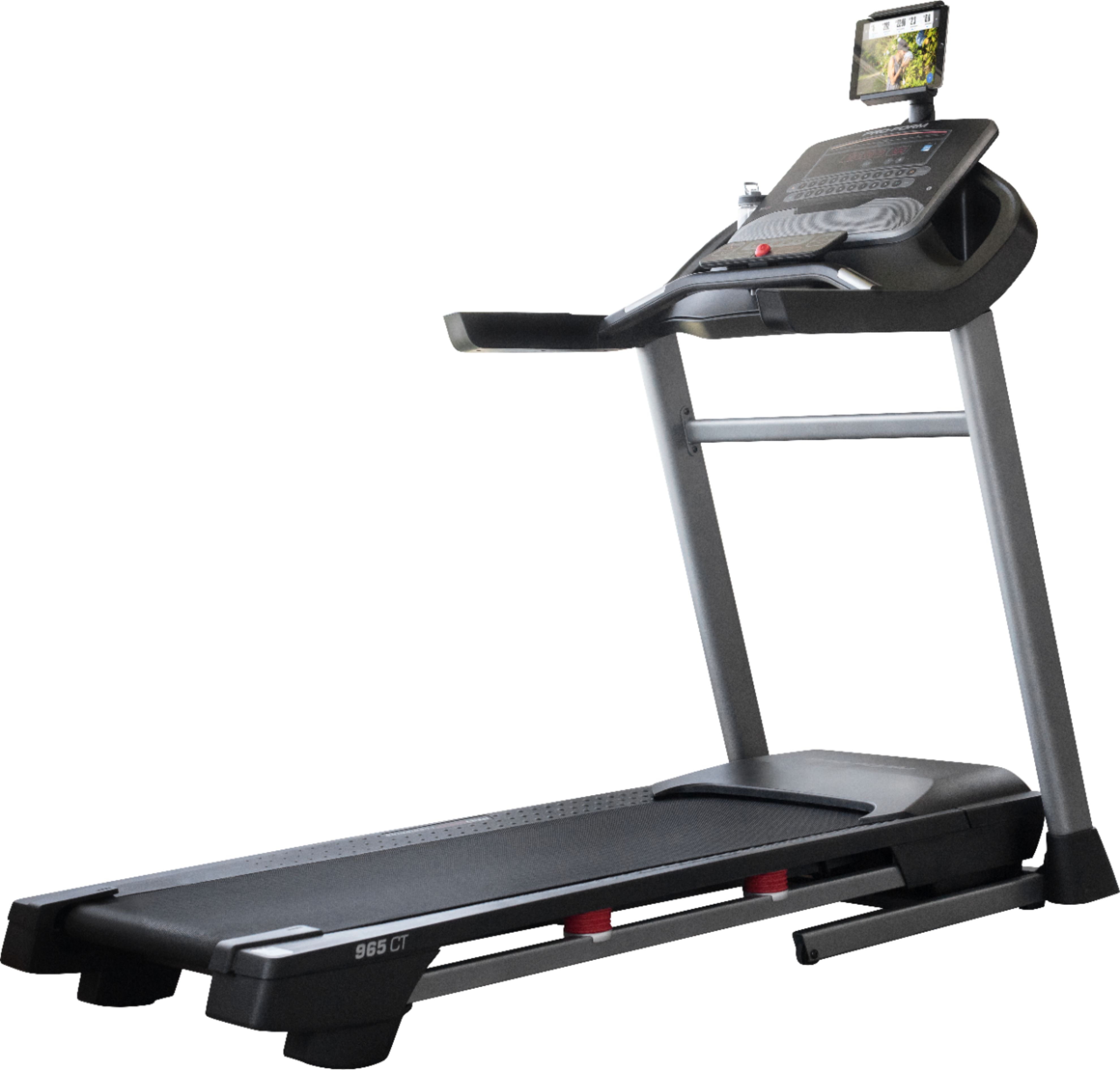
A:AnswerYes, but it takes some effort. You have to lift up the deck and lock it in place and then tip back the treadmill towards you to use the two wheels and then you can put it where you want it to be. If you zoom in on the picture you can see the wheels.
A:AnswerOur treadmills are designed to run quietly so you can carry on a conversation with someone next to you etc. If you are running and pounding the mat with your feet, it will obviously be much louder.
A:AnswerWhen you are running fast you will be pounding the deck harder and so it will shake more. The motors are designed to be quiet so you can carry on a conversation when walking or watching a screen.