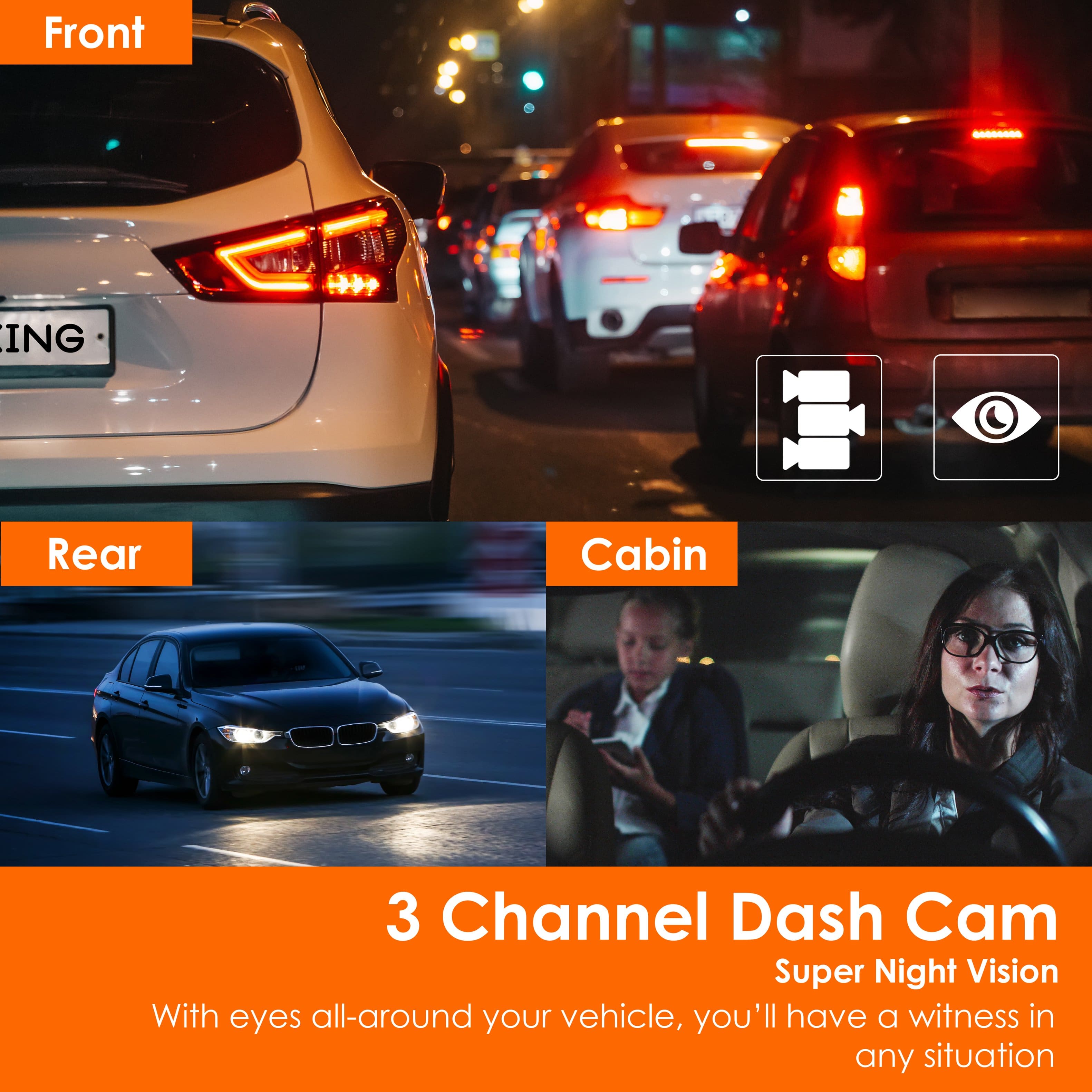
A:AnswerYou can activate / deactivate the cabin microphone with just one bouton so it's really up to you, but you can definitely record audio in the cabin if you want to.
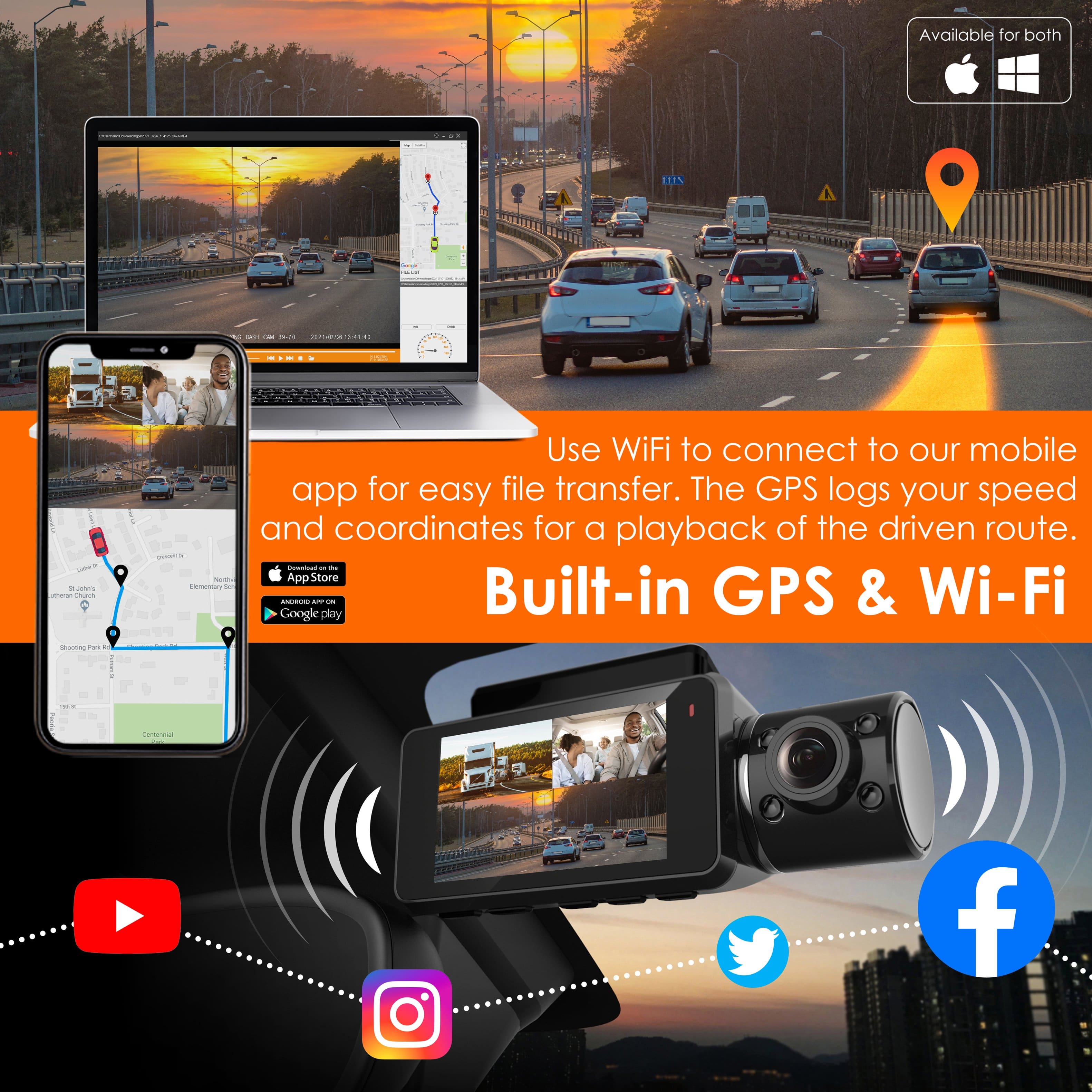
A:AnswerHI, Thank you for your message! Please try using VLC player instead. Windows Media Player does not have the codecs necessary and wants you to purchase those codecs. VLC is a free software that will play all of our files!
A:AnswerHello!
That's odd, while it is possible that the night vision may be getting engaged it should not persist during the day. Please note that for the inside cabin camera it may appear as purple-ish but this due to the night vision being used with the normal camera to ensure clarity during the day and night. If you need further assistance, please do not hesitate to contact us: https://www.rexingusa.com/support/contact-us/
A:AnswerHello!
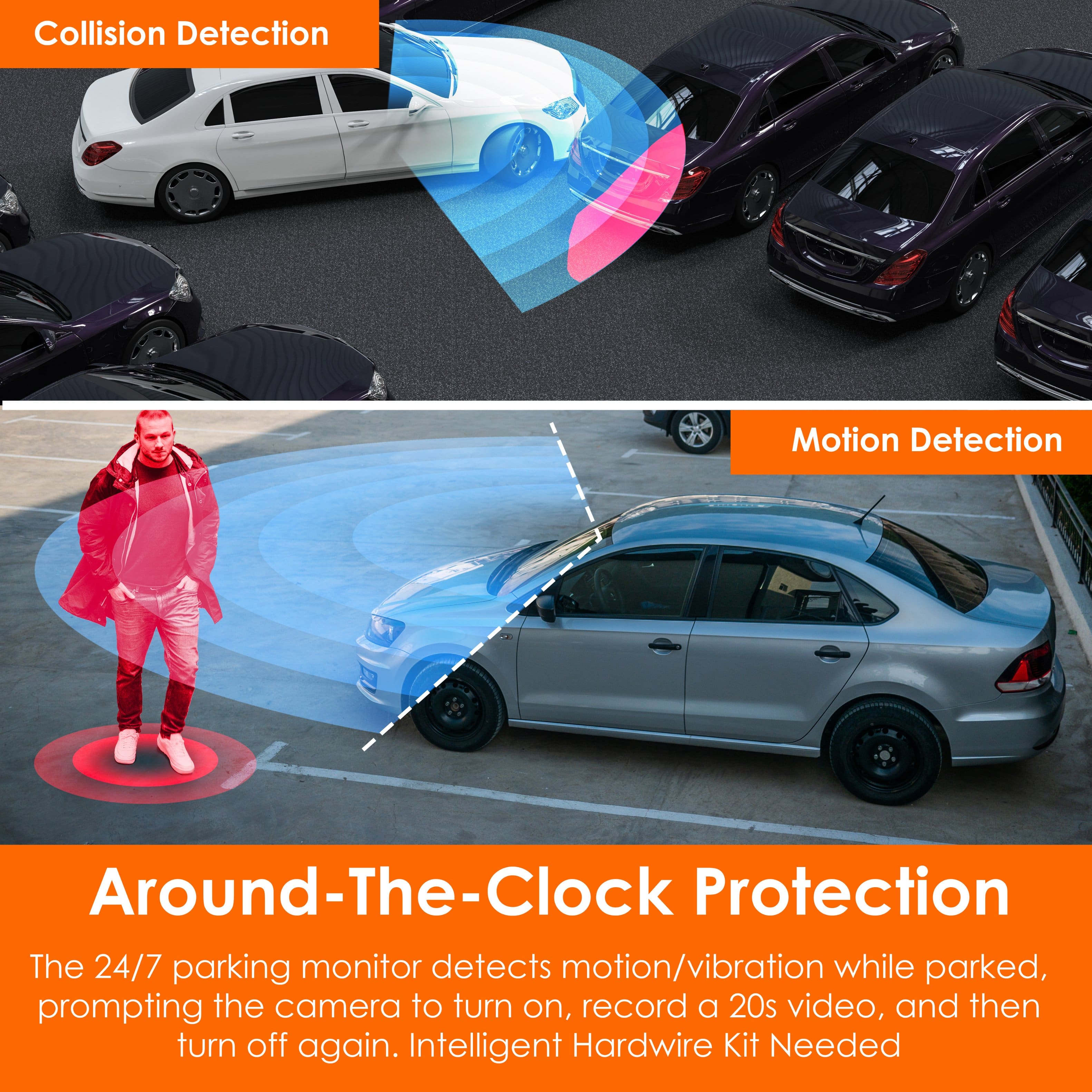
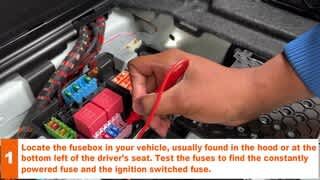
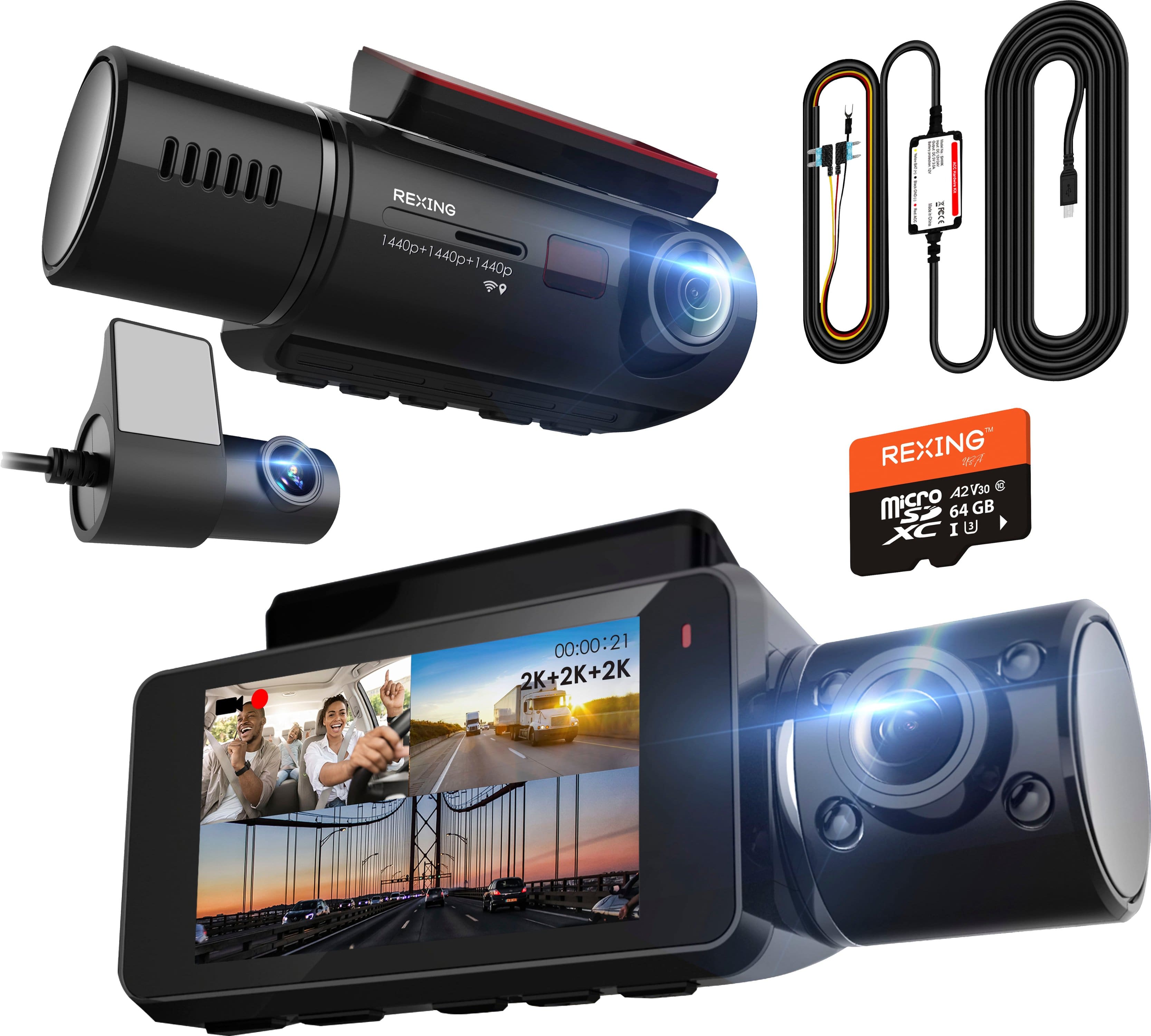
We would recommend using the provided cigarette socket charger but if not present to use either a smart or hardwire kit! If your vehicle's cigarette socket charger is always on, this can cause issues as the dashcam would potentially drain your vehicle's battery if left overnight.
A:AnswerHello!
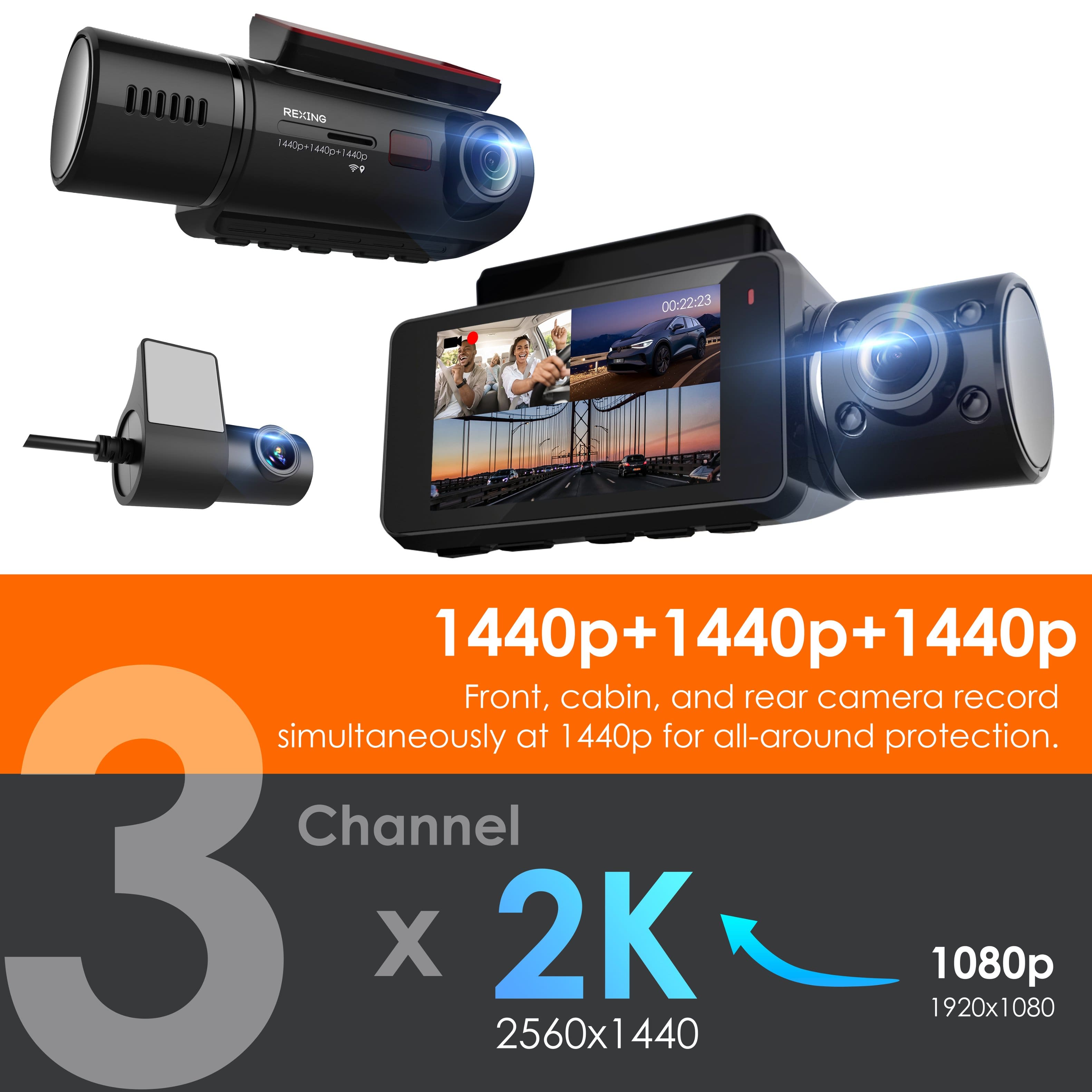
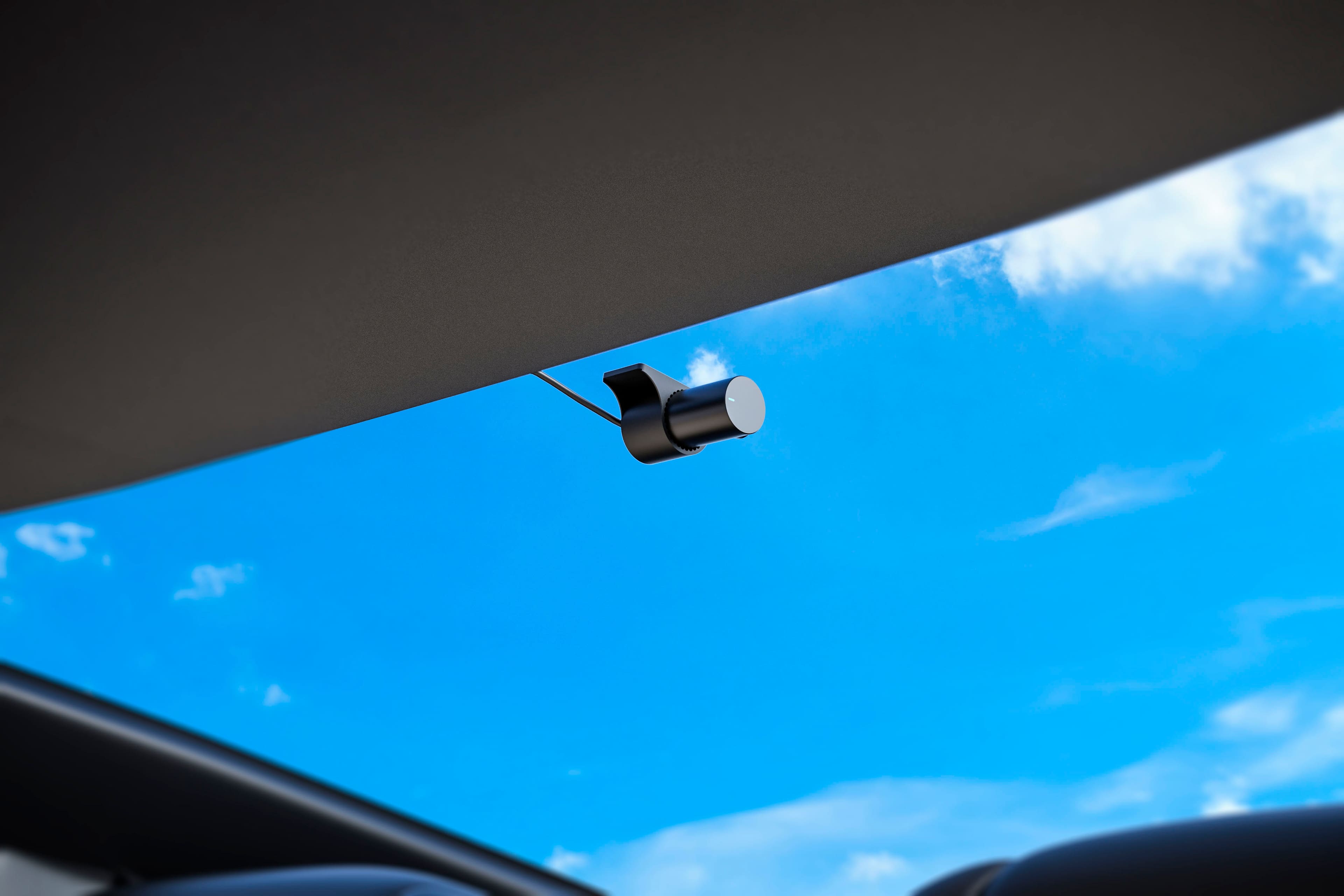
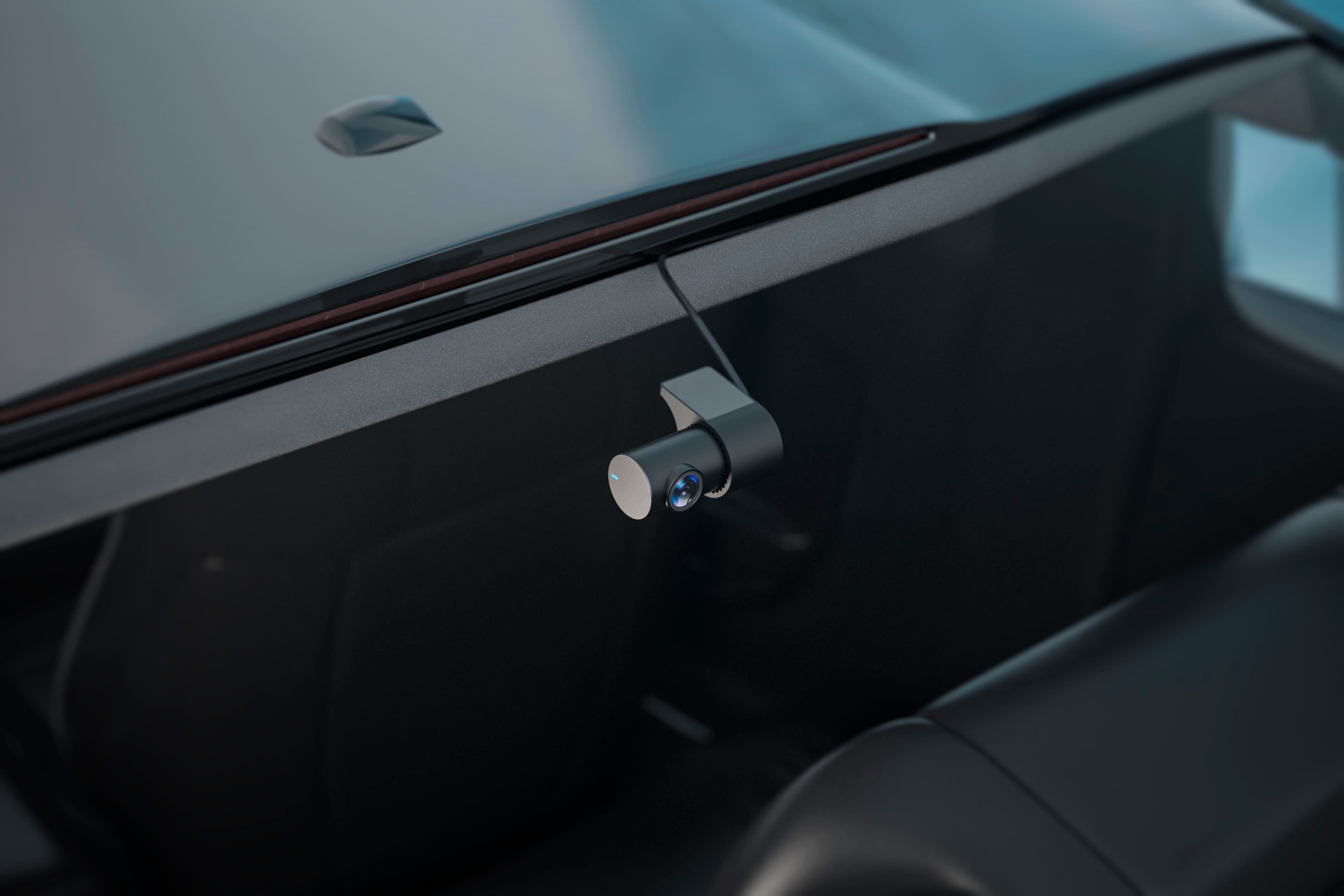
It can attach to the rear windshield in the back of your vehicle. You can install the cables through the trim lines of your vehicle for a sleek and hidden cable.
A:AnswerHello!
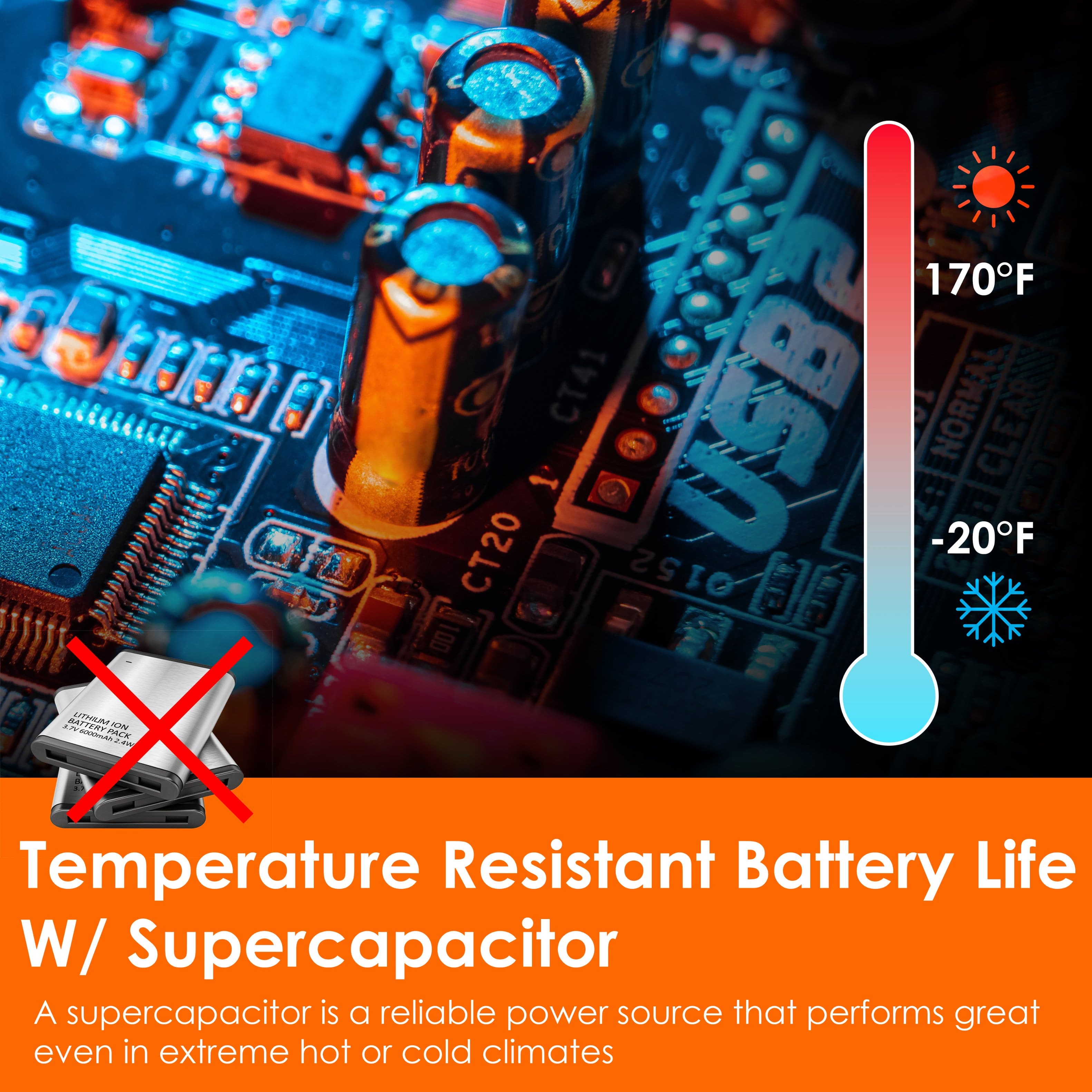
The dashcam does not have a battery, therefore it cannot be charged. Please note that the dashcam needs constant power in order to work.
A:AnswerHello!
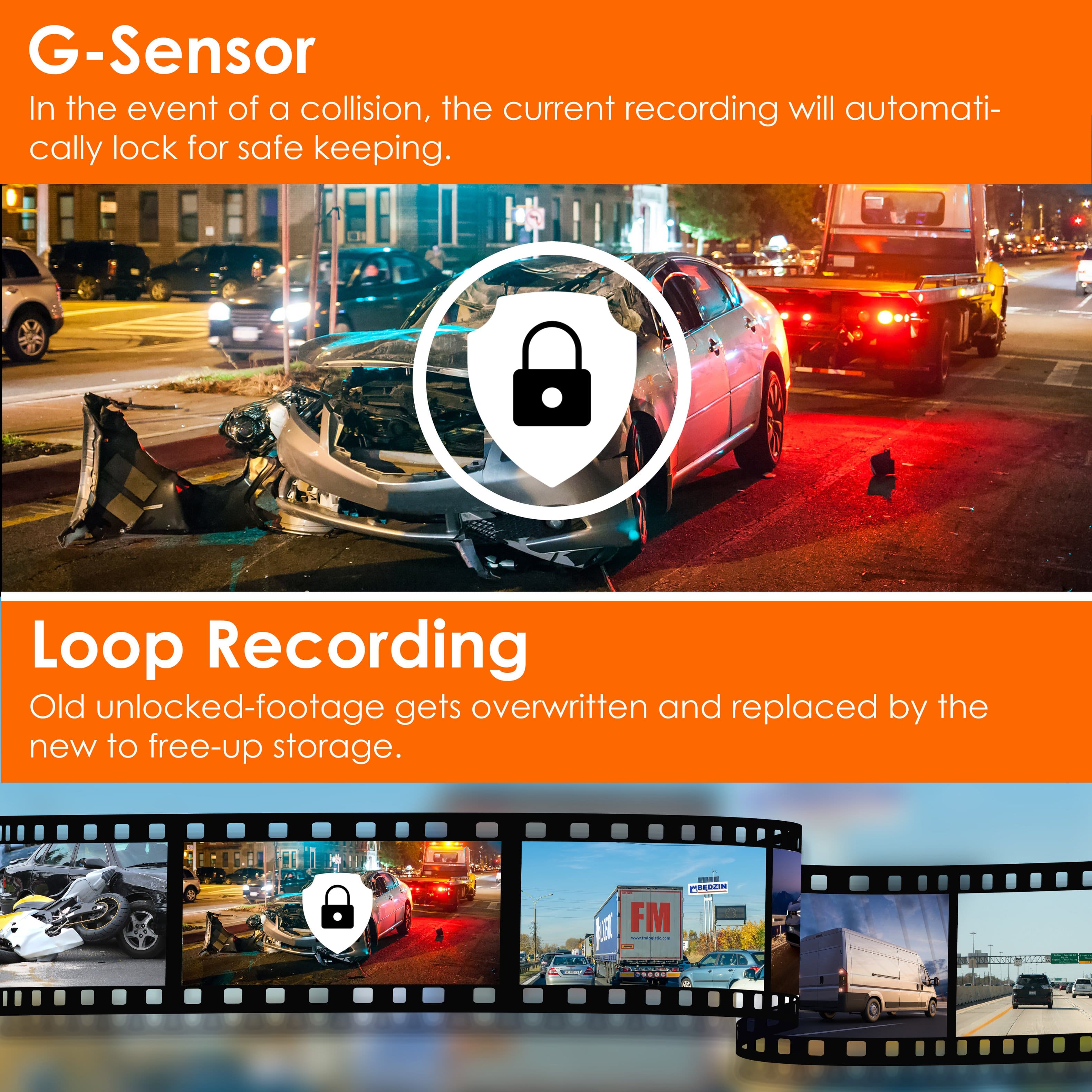
Yes, the maximum allowed microSD card size is 512GB. Anything 512GB or lower will be fine. However, whichever the size, please make sure the microSD card is rated for U3!
A:AnswerHI, Yes, this device uses a super capacitor instead of a battery. It needs constant power to keep it on.
The rear camera is powered by the front camera directly, so need to plug the rear camera into a 12V socket separately.