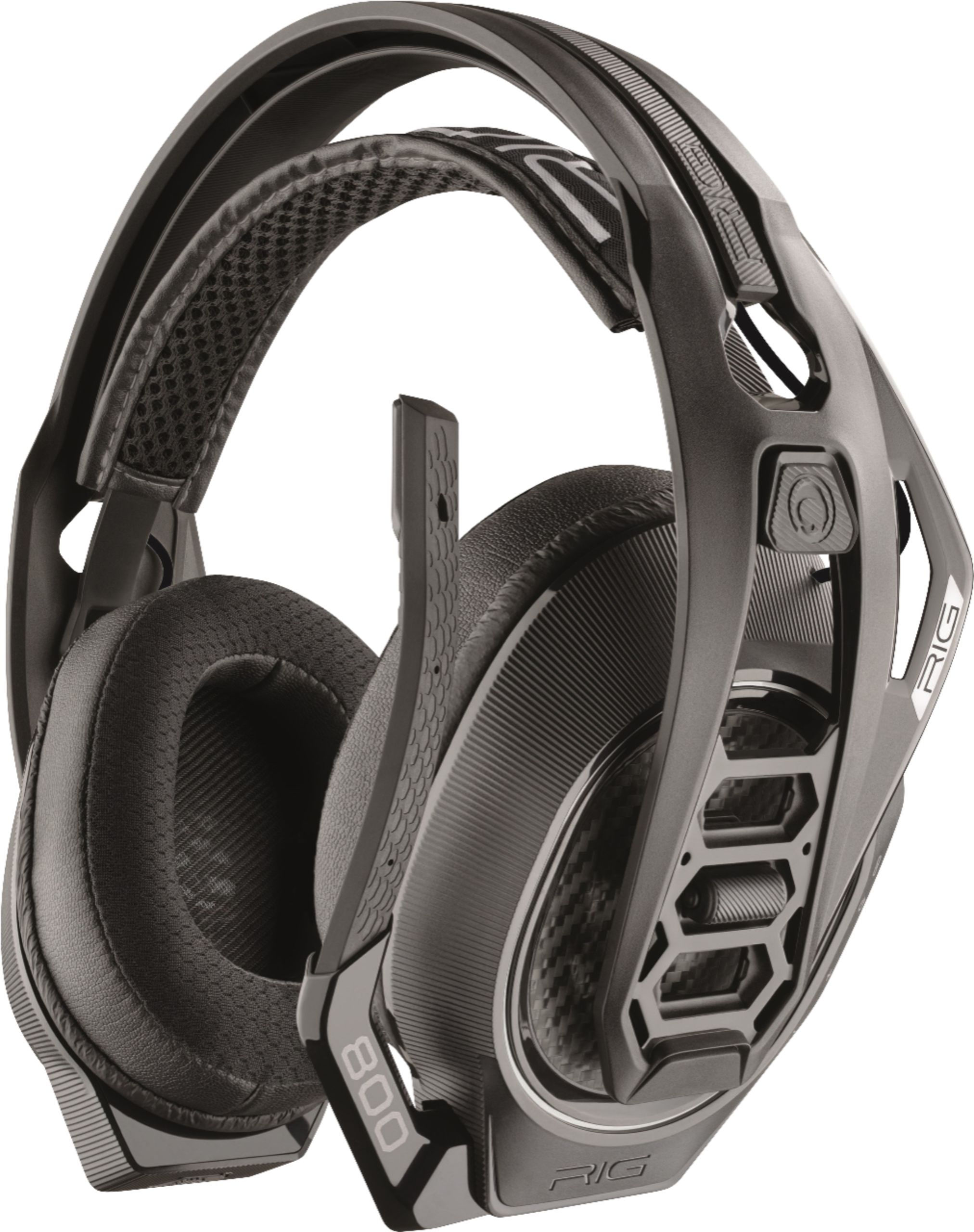
A:AnswerJust bought a pair an hour ago. I can't charge them at all, the light doesn't even go red. I have tried using my laptop, the Xbox and a phone charger with three different cords which all work on other devices and nothing. I'm super mad.
A:AnswerHello! No, please note the RIG 800LX SE Headset does not work with Bluetooth signal, hence it is unable to pair to a mobile phone or Bluetooth enabled device. Our Customer Care Team is available at: https://www.plantronics.com/us/en/support/contact if you have any other questions!
A:AnswerDolby atmos is like the new around sound, it's been called as artificial full 3d sound because sound comes from all directions, artificially; you should YouTube a vid to see how they do it.
Regarding the subscriton, no, it does not require a subscription. The code is to download an "APP" from the xbox store so the headphones work properly, it's like the software for the headphones to do their job right. So no, you don't have to pay monthly or anything, just use the code in the xbox store to download that app and you should be good to go.
Hope I was able to help!
A:AnswerLittle late but some might still see this and it will help...yes the xbox version will work for ps4...you just need to put the selector switch to pc and then it works on ps4.
A:AnswerNo , the light stays on to indicate the headset sees external power and there is no indication when charging is complete. You would have to power the headset on and listen for the "Battery High" dialogue.
A:AnswerThis is easily corrected by turning the chat volume (top volume dial) on the headset down as low as you can go without losing your content's audio, then adjust audio according with the bottom volume controller. This headset acts like other headsets I've seen where your game/movie/TV shot audio comes through on the chat channel as well. Doing this makes SIGNIFICANT improvements in the Dolby Atmos audio.
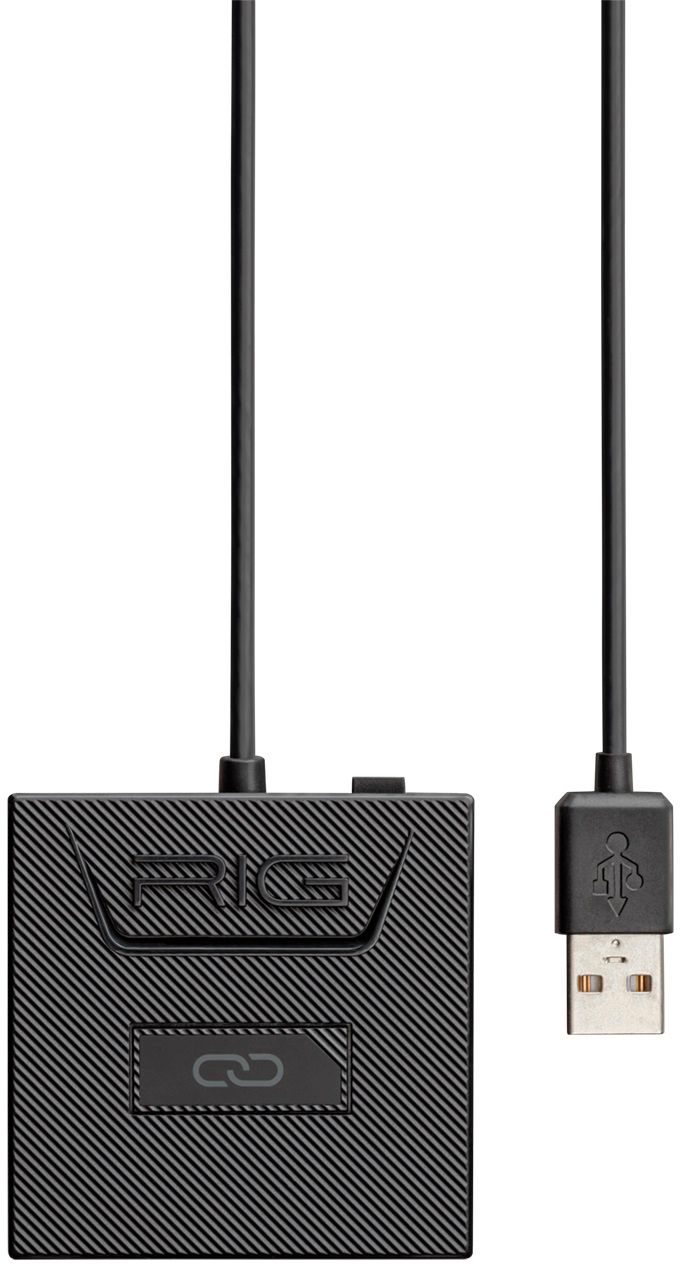
A:AnswerThe RIG 800LX will not pair directly to a PC with Bluetooth audio because the headset does not operate on Bluetooth technology. It operates on RF technology. The RIG 800LX includes a USB adapter for wireless connection. If you need to re-pair the headset to the adapter, see instructions below. If you are using the USB adapter on a PC, first make sure the switch on the back of the adapter is flipped to PC.
To Pair your RIG 800 headset and USB adapter, please do the following:
1. Make sure the RIG 800 headset is powered OFF.
2. Once the USB adapter is plugged into console or PC, press and hold the pairing button on top of the USB adapter until the LED indicator light is flashing Blue/Red.
a. RIG 800LX: Selector switch on the USB adapter should be set to PC or Xbox depending on which gaming source you are plugged into.
3. Turn your headset back on. You should hear "Headset on, Battery x, Headset not connected".
4. Slide the headset power switch up and hold to put the headset into pairing mode; headset LED flashes Blue/Red (or just Blue depending on RIG 800 version) to indicate headset is in pairing mode, and then steady Blue, or no LED, once pairing is complete.
5. Once the LED indicator light on the USB adapter turns Purple, pairing is complete; You should also hear “headset connected” from the headset speakers
a. XBOX: When the headset is connected, you should see a Headset assigned message pop up on your XBOX and there should be a green ring around your profile picture.
USB Adapter Indicator LED color summary:
• RED LED indicator light on the USB adapter means there is power to the USB adapter but it is not connected to the headset
• PURPLE LED indicator light on the USB adapter means your headset is connected to the adapter
• BLUE/RED flashing LED indicator light on the USB adapter means your adapter is in pairing mode and ready to be paired with the headset once the headset is put in pairing mode
If you are still having issues, you can contact RIG Customer support at support.us@nacongaming.com
A:AnswerYes! I bought these to use for work and gaming. For me, that means an XBOX One X for games and a Macbook for work. If it's a newer MacBook he is also going to need a USB-C to USB adapter. The headphones come with a small adapter they use rather than Bluetooth.
A:AnswerAre you using the manufacturer supplied cable, and if so what’s the source of the power you’re charging it with( wall outlet, Xbox, Pc, etc.)? If you’ve tried changing the power source and your still having the same issue, contact the manufacturer.
A:AnswerYou don’t have to plug them into the controller it’s all wireless. You plug the Bluetooth device into your Xbox an when the light come on it will be red at first but once you turn on the headset it turn to purple and it also tell your battery strength and let you know your connected
A:AnswerNo, our RIG 800LX SE is only compatible with the Xbox One and computers as it can only transmit and receive sound using the included wireless adapter. Please don't hesitate to contact our customer care group at www.plantronics.com/support if you have other questions!
A:AnswerHello Rob, you are able to adjust the size of headband by changing the ear cups to a different option on the headband, the available sizes are Small, Medium and Large, perhaps adjusting the fit may make it more comfortable while wearing glasses. If you require any further assistance, please do not hesitate in calling our Customer Care group at http://www.plantronics.com/us/support/contact/
A:AnswerOur RIG 800LX can be used by any device that supports standard USB audio devices including Windows 7 computers, however, Dolby Atmos is only supported on Windows 10 Creators Update and later. Please don't hesitate to contact us at www.plantronics.com/support if you have other questions!
A:AnswerDid you download the Dolby Atmos Application on your xbox. In there it will turn on the Atmos. Also make sure your headphones are turned on before turning on the xbox. Doesn't connect correctly sometimes. If so, leave headphones on and reset xbox. They're awesome headphones
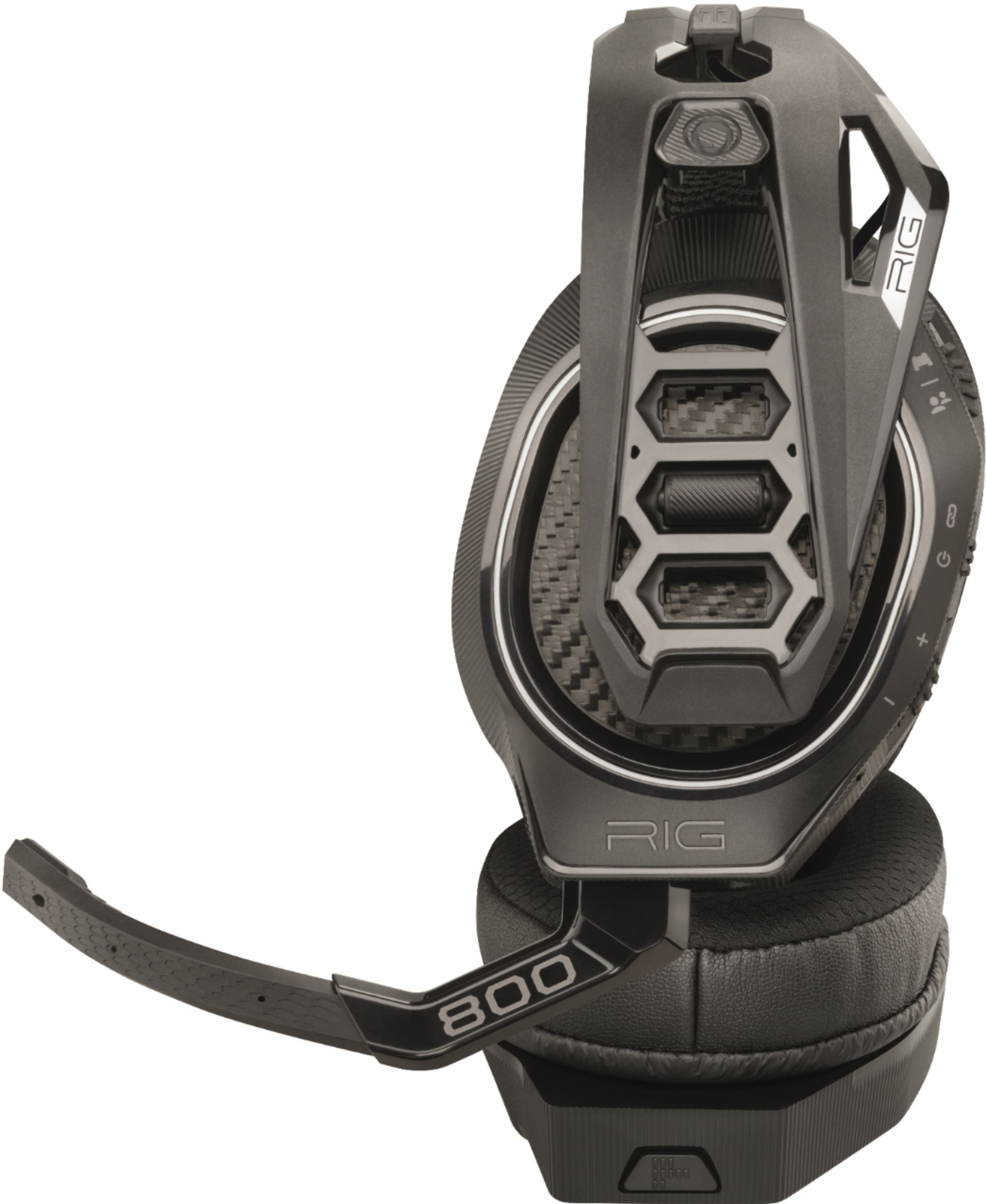
A:Answerif your rig came fully assembled, check the mike. It connects to the headset via 3.5 mm jack. Make sure it is pushed in all the way. It happens to mine all the time. Mic cuts out or acts like its muted. Or it gets weirdly static-y. I push it in all the way and its fixed. It seems to come out if i lower the mic using the far end of it. Too much downard torque i think.