A:AnswerHi Tcuzzle!
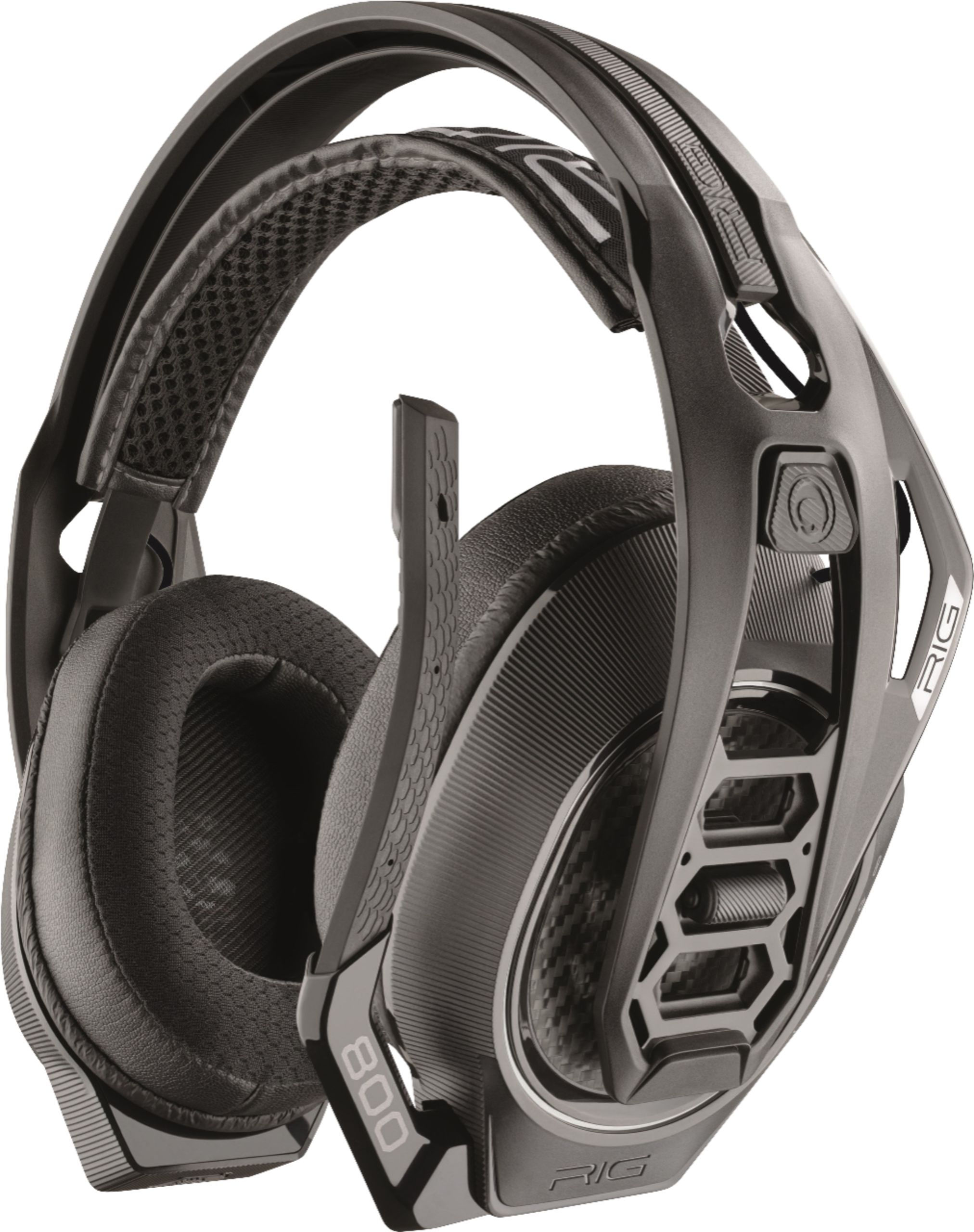
Yes, you should be able to charge your RIG 800 LX SE headset with any USB charge block Just make sure that it is 5 volt charger.
If you would like more details on this product you can contact us at: www.plantronics.com/support
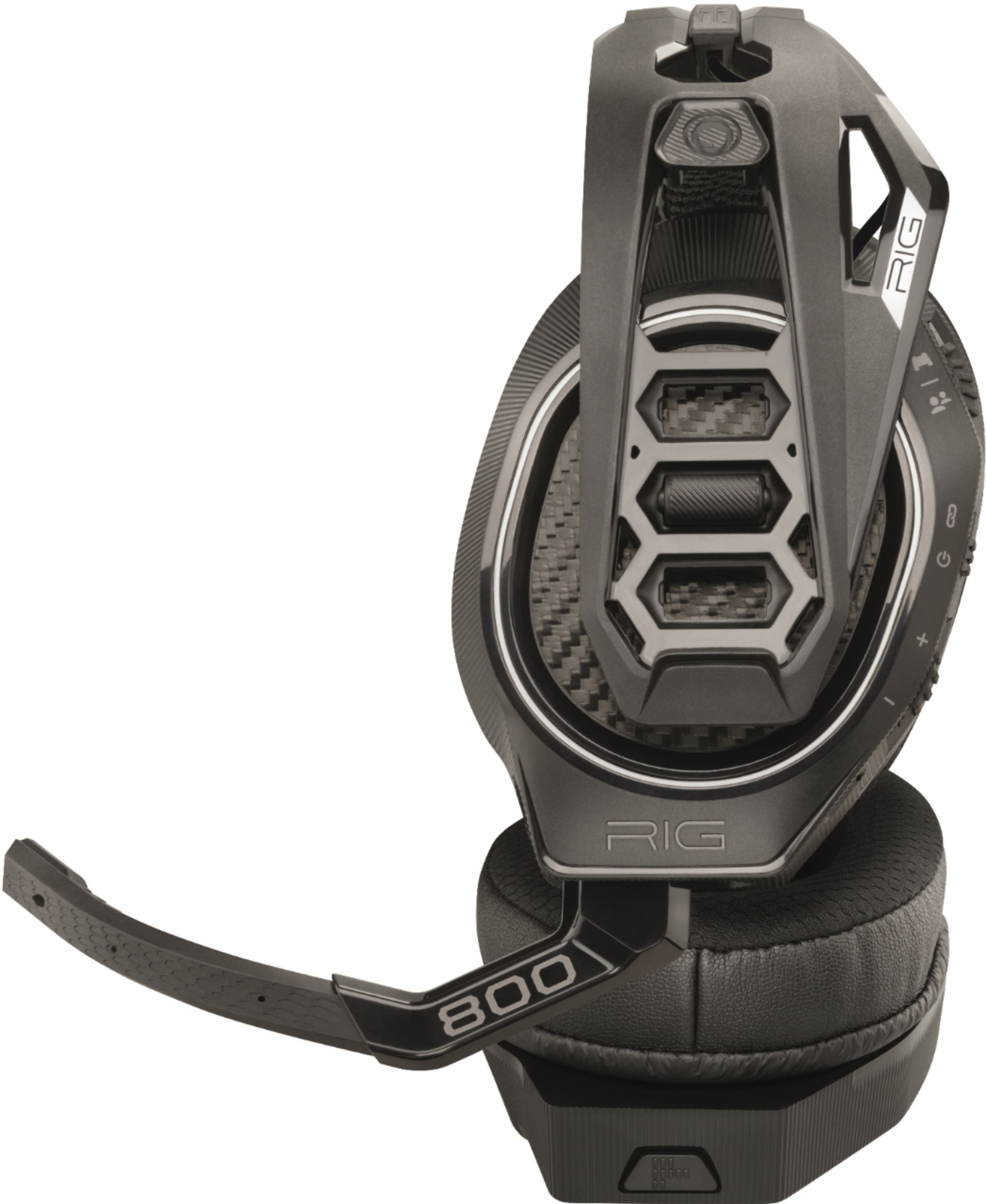
A:AnswerYes, the microphone boom can be bent in order to position it closer to your mouth or pointing to it. It's normal for sound to get distorted at high volume levels when there is a high amount of bass/low end noise playing through the headset and this model doesn't have built-in sidetone/monitoring but if the device your're connecting the headset to has this feature built-in you should be able to use it for this headset and similar devices.
A:AnswerYes, this headset can be used while charging. Although, the micro usb charge cable that comes with it is rather short so a longer one is needed. That said, it has a 24 hour battery life so you shouldn’t need to.
A:AnswerHello Jay, our RIG 800LX includes a standard micro USB to USB charging cable. Please don't hesitate to contact our customer care group at www.plantronics.com/support if you have other questions!
A:AnswerHi Thriller, I haven't connected them to my to the PC yet. but for the xbox one it should be ok to use two of these headphones at the same time, my wife uses a set of turtle beaches and I use these headphones while we game together and they both work at the same time.
A:AnswerHi! We're sorry to hear you've had audio issues with your headset. Adjusting the microphone's position might help in this situation. You might also want to test it with a PC to isolate the cause of the issue. Please modify the audio settings from your console as well. In case you get the same results, please note this unit has a one-year limited warranty from date of purchase. Feel free to contact our Customer Care Team at: https://www.plantronics.com/us/en/support/contact if you require further assistance!
A:AnswerIt sounds like the battery isn't fully charged in the headset.
My next guess would be a cell phone with the blue-tooth turned on is close to the Xbox and either the transceiver on the Xbox or the headset is causing it to drop....usually when they can't make up their choice they will time out - quit.
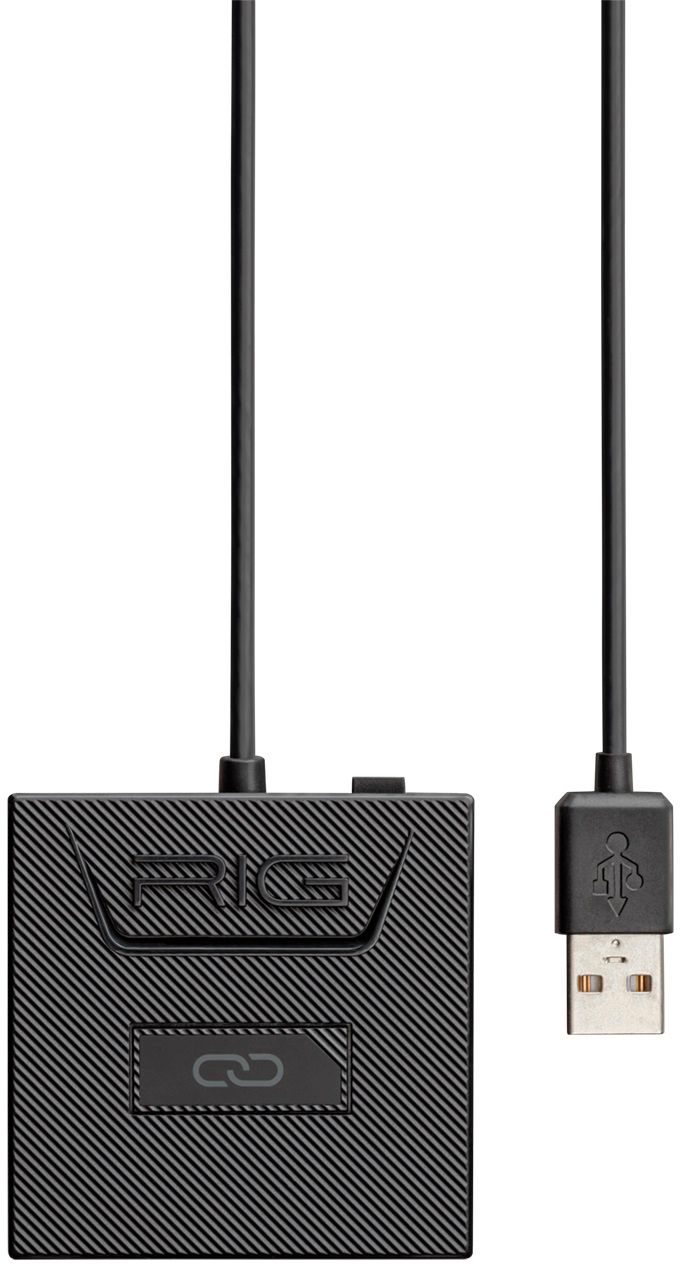
A:AnswerNo, the RIG 800 series wireless transmitter is not sold separately as it's only bundled with the headset itself. If you need to use the headset with an Xbox One you will need to use the RIG 800LX or RIG 800LX SE.
A:AnswerYes,
They worked for Destiny 2 in-game chat for me. They took a little longer to set up than what I had expected (because it said quick connect) but you have to download the Dolby app and changes a couple things in your settings for these to work. But once they work they are crystal clear.
But, you should have no problem using these headphones in-game in Destiny 2.
A:AnswerThe headset will automatically shut itself off after being disconnected for any length of time or if it hasn't been moved for a while. It is a battery saving feature. Not sure why it would turn blue but instead of flipping the switch up and holding it just flip it down and take them off. Even if the light is on the headset is probably off. Have you charged them all the way and do you have the selection switch set correctly on the transmitter that is attached via USB to the Xbox or PC? If you just bought them and it seems wrong take them back and trade then for another set. See if it still does the same thing. When I turn mine on the light turns blue first. When I shut them off it turns red but then goes out after a couple seconds.