Questions & Answers
- Model:
- B0BFJKL395
- |
- SKU:
- 6551550
Highly rated by customers for: Camera Quality, Ease of use, Overall Performance
$49.98Your price for this item is $49.98
Comp. Value: $79.99
The comparable value price is $79.99
Page Showing 1-20 of 31 questions
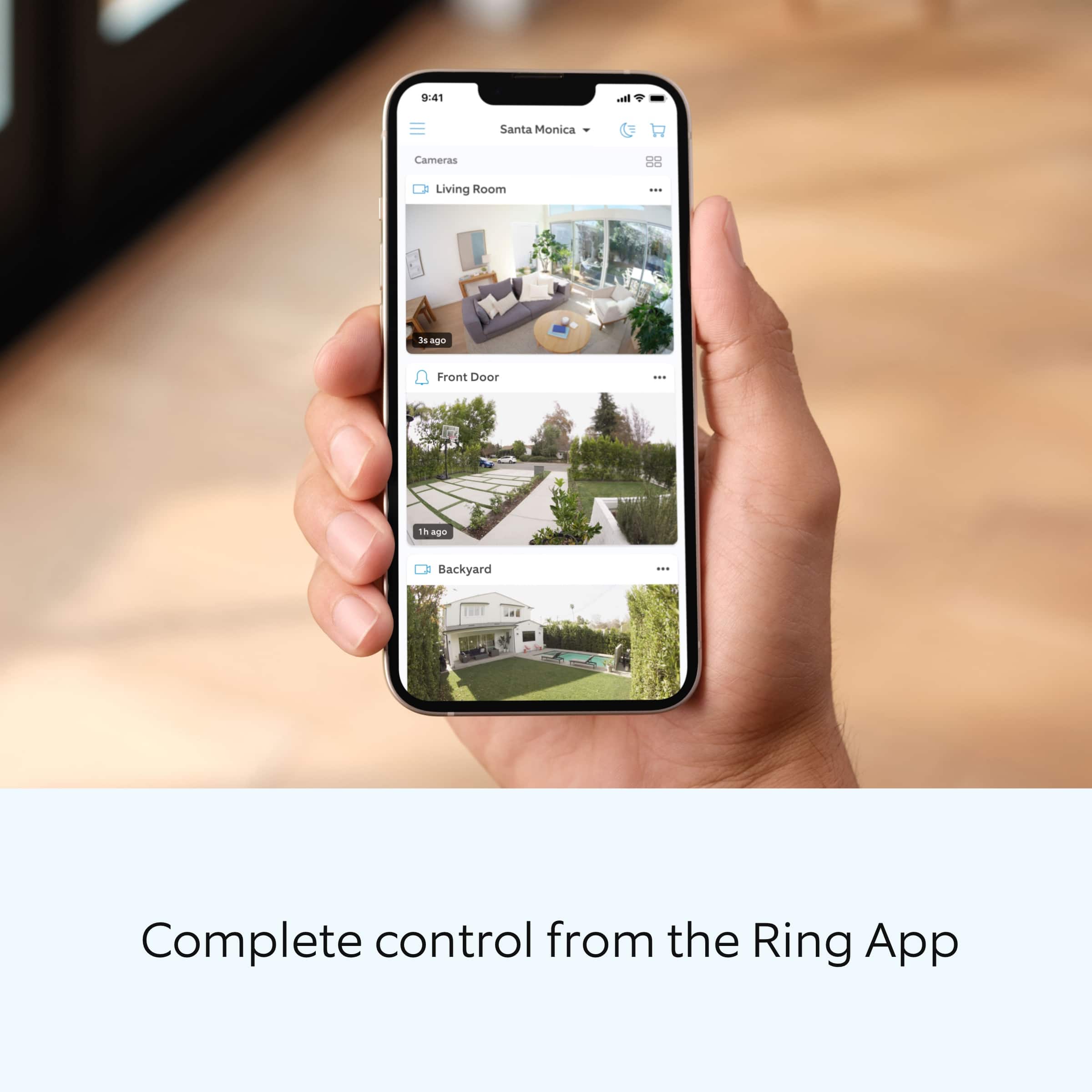
Q: QuestionDo you have to pay for a security subscription to use this or does it just connect to a free app for ur phone?
Asked by Anonymous.
- A:Answer no subscription needed to use, but if you want video history storage its 4 bucks a month for 1 unit or 10 bucks monthly for unlimited units.
Answered by JosephS
Q: QuestionWill the camera pick up outdoor activity if positioned inside looking out a window?
Asked by LisaC.
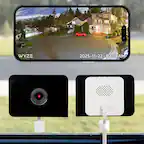
- A:Answer Yes, it will record from the inside of the window looking out although at night there needs to be lighting outside otherwise you will see the window reflection. I don’t have the porch light on only Christmas lights. A bit hard to see with only Christmas lights. Better during the day or porch light on. Pictures for reference 1. No lights 2. With Christmas lights only 3. Evening.
Answered by ElizabethV
Q: QuestionHow does it compare to Ring Stick-up camera? It costs only 50% . What features it doesn’t have?
Asked by Robin.
- A:Answer Hi Robin. Good question. The main difference between the Ring Indoor Cam and the Ring Stick Up Cam is where you can place them and how they receive power. Indoor Cam is an indoor-only camera that plugs into standard power outlets for nonstop power. Stick Up Cam is a versatile camera that goes almost anywhere, indoors or out. Plus, it's weather-resistant and comes in 4 different power options: battery, plug-in, solar, and power over Ethernet. We invite you to reach out to our Community if any additional information is needed regarding your question. The Ring Community is our first peer-to-peer community forum, giving our customers the ability to help one another by sharing their feedback and experiences with each other. All the best, Nicole from Ring.
Answered by Ring

Q: QuestionHow long is the power cord?
Asked by EDSCI.
- A:Answer power cord about 48"
Answered by JosephS
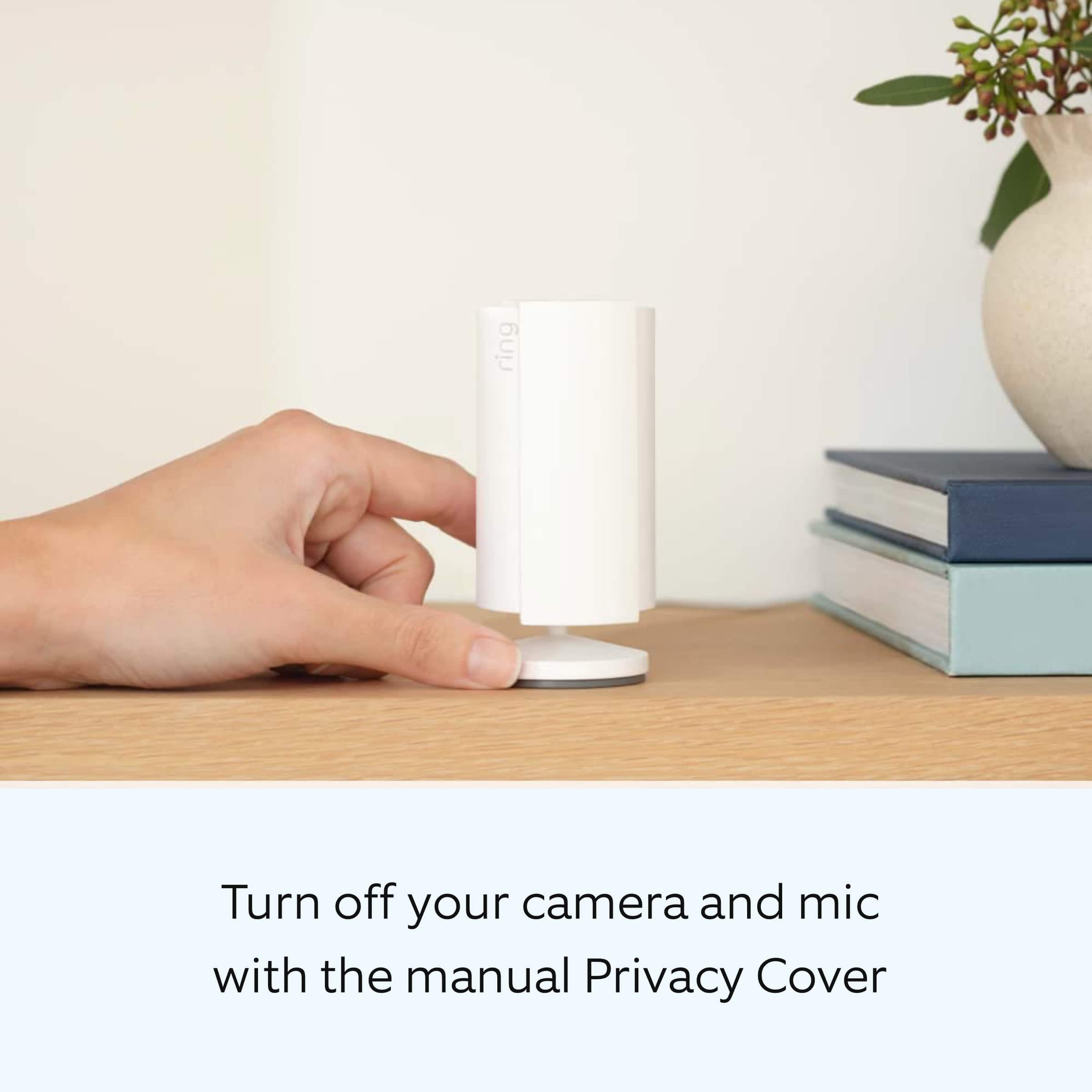
Q: Questionis the privacy cover moved by manually or is it moved by the app
Asked by robert.
- A:Answer You have to move it manually.
Answered by Christmas
Q: QuestionIs there a backup battery for when power goes out?
Asked by Mary.
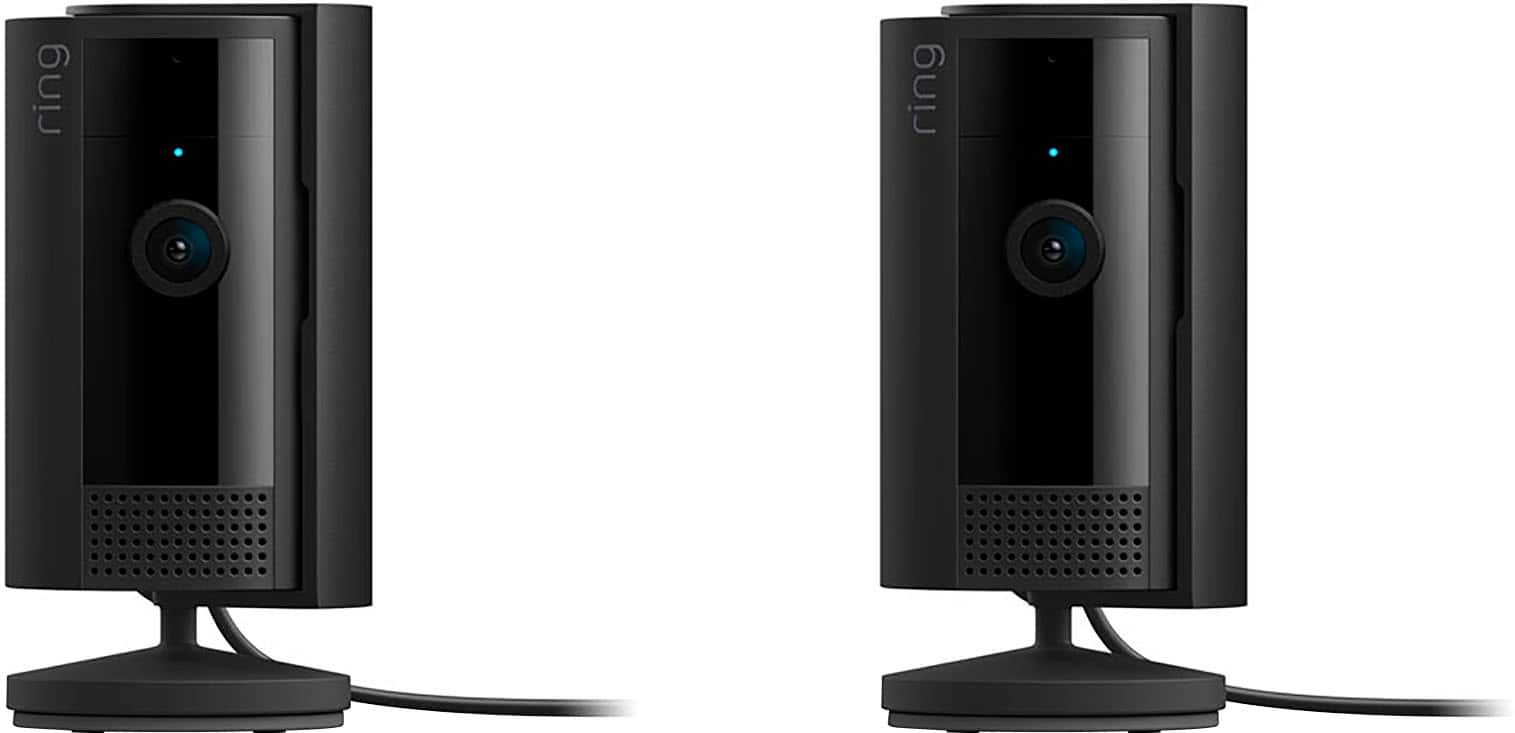
- A:Answer Hi Mary. Thanks for asking. No, the Ring Indoor Cam does not have a backup battery. The Ring Indoor Cam is a small, lightweight security camera with flexible mounting options specifically designed to be used indoors. It is powered using plug-in power with a 7-W USB-A power adapter. We invite you to reach out to our Community if any additional information is needed regarding your question. The Ring Community is our first peer-to-peer community forum, giving our customers the ability to help one another by sharing their feedback and experiences with each other. All the best, Nicole from Ring.
Answered by Ring

Q: QuestionCan the blue record Light Be turned off
Asked by RonF.
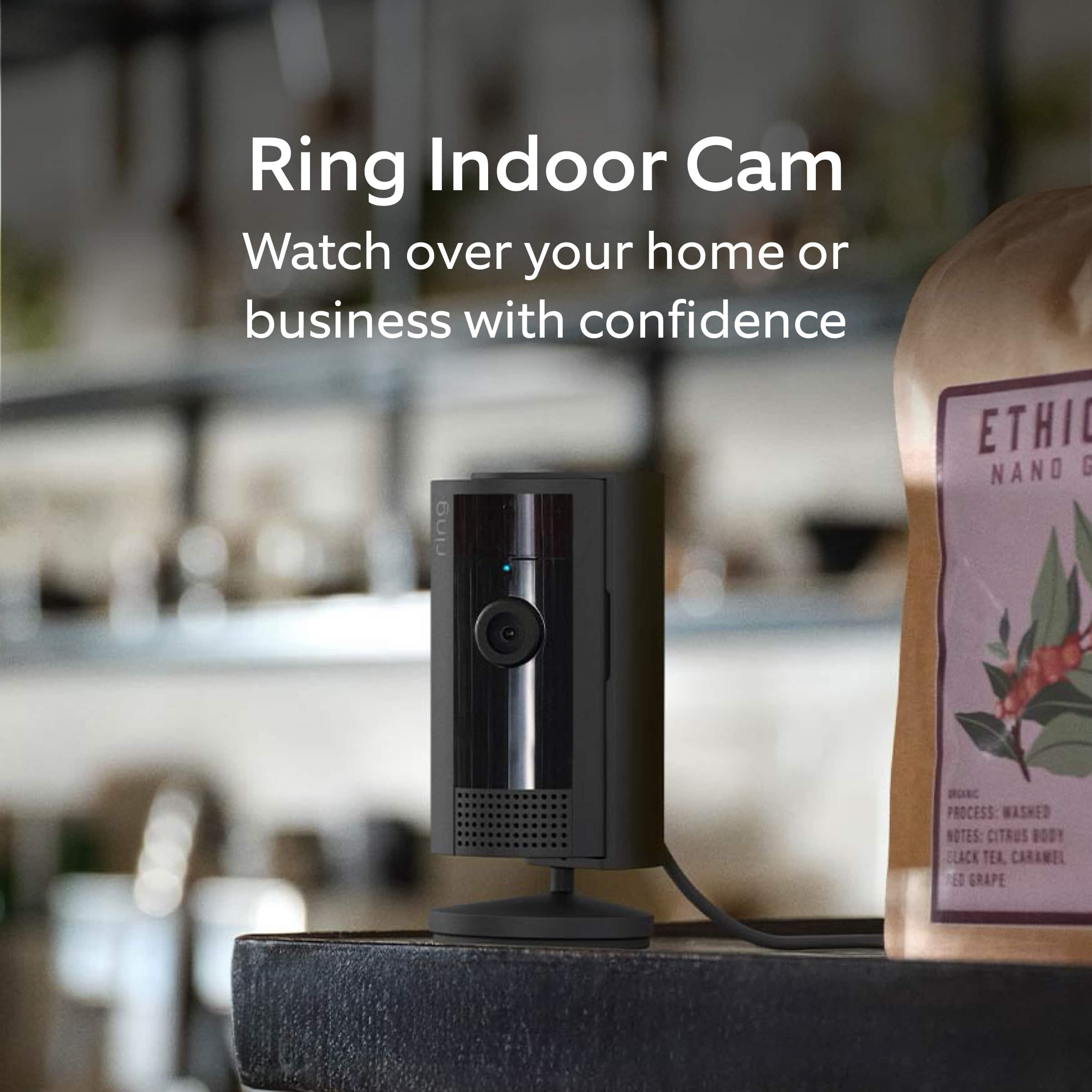
- A:Answer Hi, Ron - The solid blue light on your Ring Indoor Cam indicates that the camera is actively recording or in setup mode. As of now, there's no built-in option in the Ring app to disable this light. This feature is designed to ensure transparency and inform individuals that they are being recorded, which can be important for privacy and legal reasons. If the blue light is distracting or you'd prefer it to be less noticeable, some users have found success by gently covering it with a small piece of black electrical tape or a custom decal designed for this purpose. These solutions can help reduce visibility without affecting the camera's functionality. Please note that modifying the camera in this way is not officially supported by Ring and may void your warranty. Additionally, it's important to consider local laws and regulations regarding surveillance and recording before making such modifications.
Answered by Virtual Supply
Q: QuestionDo they have to be program with the other ring camera.
Asked by Anonymous.
- A:Answer Hello. We appreciate the time you have taken to ask this question. No, the devices can be setup on the same or separate locations within the Ring app, or on separate accounts. If any additional information is needed regarding your question, please reach out to our community. Ring Community is our first peer-to-peer community forum, giving our customers the ability to help one another and share their feedback and experiences directly with Ring. Join the Ring Community today! Thank you, Amilia from Ring.
Answered by Ring

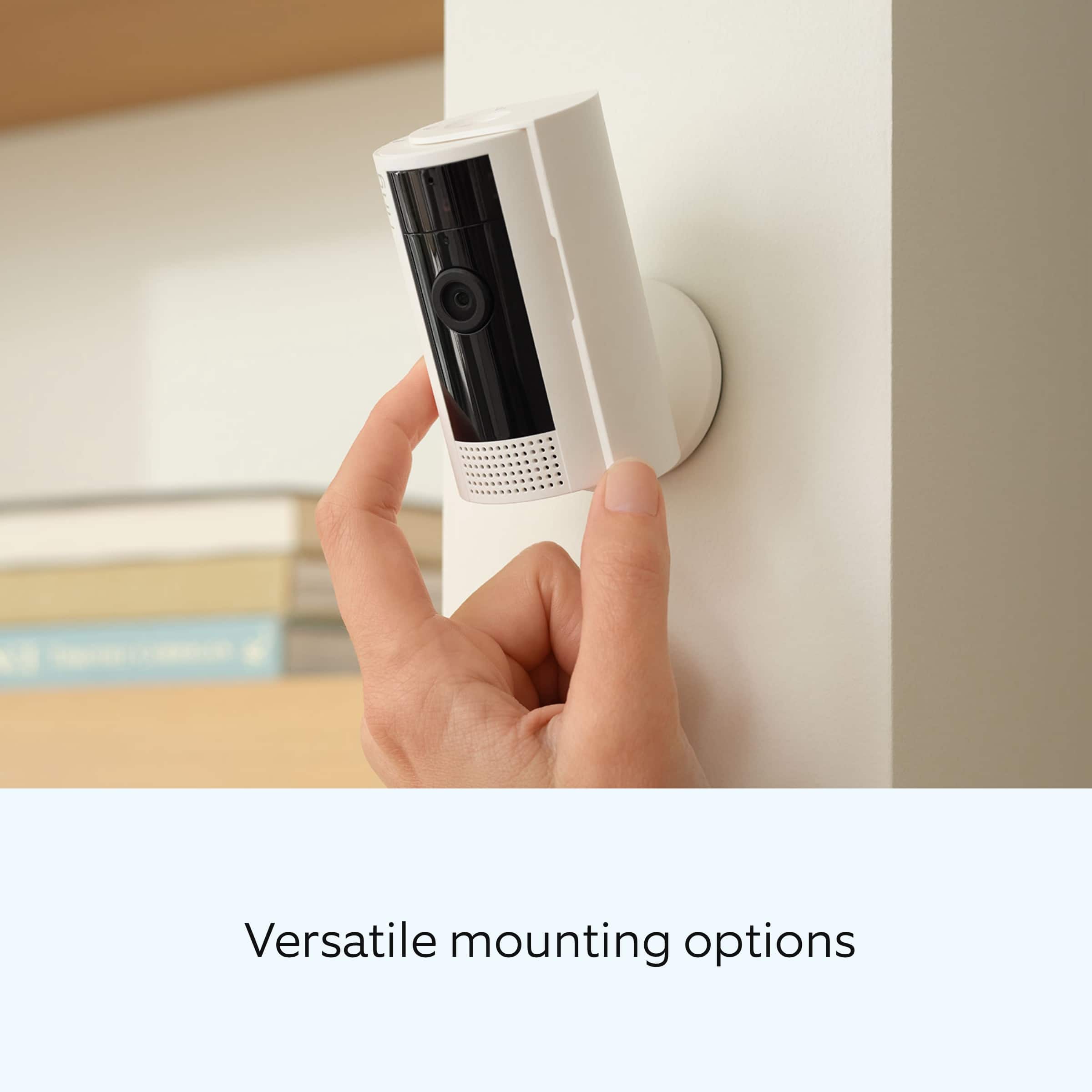
Q: QuestionDoes this camera tilt downward at all so it can be put on a higher shelf and see down? I don’t want to mount it to a wall.
Asked by TechnoG.
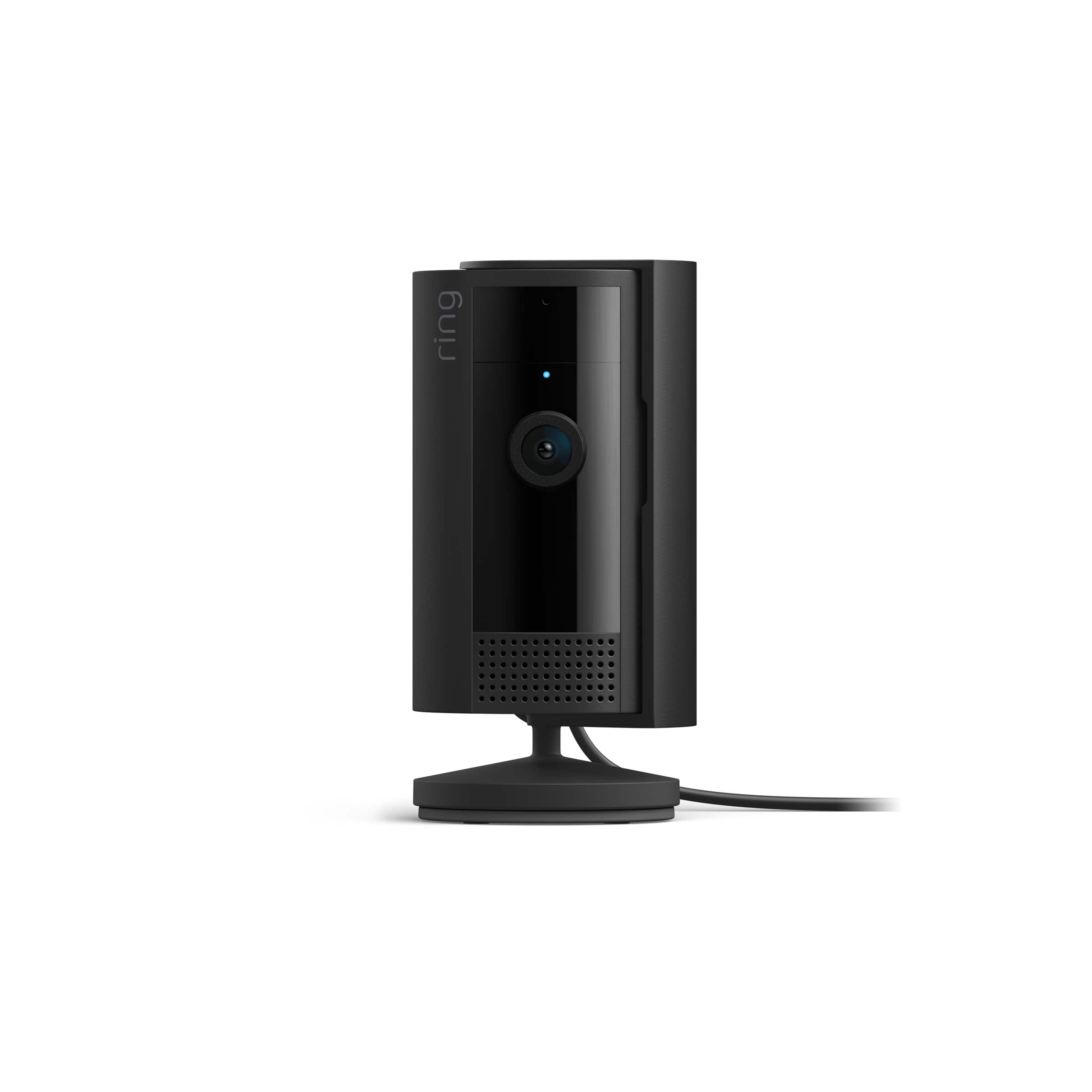
- A:Answer Hello. Yes, it can, it is mounted on a pivot, so you can tilt it front-back in any direction, inclusive in diagonal. The pivot is not centered at the base, so you can swing the base to the opposite side, to bring the pivot to the edge of the base and tilt it forward even further. Just beware that by doing this, the weight will drive forward the camera to fall, so you must tape the base to the shelf or screw it with the provided hardware (it will mark the shelf).
Answered by RSL1
Q: QuestionWill this connect to my RING outdoor subscription to view who is coming and going? Also, is there sound?
Asked by Anonymous.
- A:Answer Yes
Answered by Rando
Q: QuestionHi will I be able to see the video feeds in Apple Home and zsamsung Smart Things?
Asked by Dustin052584.
- A:Answer Hi Dustin052584. Thank you for taking the time to ask this question. No, Ring is not compatible with Apple Home. For smart home integration, Ring is compatible with Alexa-enabled devices. If any additional information is needed regarding your question, please reach out to our community. Ring Community is our first peer-to-peer community forum, giving our customers the ability to help one another and share their feedback and experiences directly with Ring. Join the Ring Community today! Thank you, Amilia from Ring.
Answered by Ring

Q: QuestionHow do I set up one of my ring portable cameras at a remote location.
Asked by Pops.
- A:Answer Easy answer is to be present at the location where you want the camera to be set, once that is done, you can monitor cameras anywhere you are while having data service in your device. If you are not there, change to password to a temporary one, share your credentials with whom is going to set up the camera for you with your account, once that´s done, change back the password so only you have access to it.
Answered by RSL1
Q: QuestionWe're going to Europe this summer. Will the camera that I set up in the United States transmit while I'm in Europe?
Asked by Anonymous.
- A:Answer Yes it will, once set up, you can see your cameras anywhere you have data (cellular or Wi-Fi) on your device. You can see it via the app or directly at the webpage. All features work too (talk-listen, zones, schedules, etc.) Just know, data is way more expensive overseas, either have a day pass or use a local sim cad for your internet service.
Answered by RSL1
Q: QuestionCan more than one person have access to video on their phone?
Asked by Anonymous.
- A:Answer Yes, not sure how many, I currently have 3 people besides me that can see my cameras. For this, each individual must have their own ring account and app. Then you can chose what cameras and who of those can see them. In other words, you can pick and choose what cameras can be seen by each individual. And you can update that information or deny access anytime. Let's say you go on a trip and you want your neighbor to see what is going on with your garage or aquarium, you and add him access those 2 cameras while away.
Answered by RSL1
Q: QuestionCan I have two cameras at different addresses with the same payment plan?
Asked by gonzalo.
- A:Answer Yes under the whole home plan you can control two or more devices with all features available to those specific devices. It’s still going to cost you $10 monthly even for the lower tier service without the “extras” that come with every other brands cameras, doorbells, lights, alarms etc etc. While some cameras have 24/7 recording they almost always have to be plug in devices or a battery device with a plug also!!! Just go with another service like BLINK for better cameras, better quality and cheaper yet better monthly subscription services!! Plus some cameras have built in storage on a micro SD card for local stationed which requires a complete extra device with RING!!
Answered by BrentAce
Q: QuestionCould you use them outside if under a ledge so they aren’t in direct weather
Asked by Hailey.
- A:Answer Yes of course, but it will deteriorate your camera as fast as much as it is exposed to the elements, providing that is an indoor camera (not weather proofed). I did this with one indoor camera and it has lasted me over 2 years under the ledge, but I took the precaution to set it in a way the water or even overspray of rain won´t reach it.
Answered by RSL1
Q: QuestionDoes the ring camera system offer continuous 24/7 monitoring without having to log into it? Or does each session time out after a certain period of time. I have a separate TV monitor and I would like for it to have live feed without it timing out.
Asked by Consumer.
- A:Answer It should NOT time-out; mine does not. As long as you have internet it stays connected. My RING is programmed through ALEXA, cellphone and computer, so even when I close off my computer for the day, Alexa and Cellphone announces Motion or anything 24/7. I suggest you leave your TV on 24/7.
Answered by Christmas
Q: QuestionDo I need wifi for this camera. It’s a safety camera for my senior Mom
Asked by Anonymous.
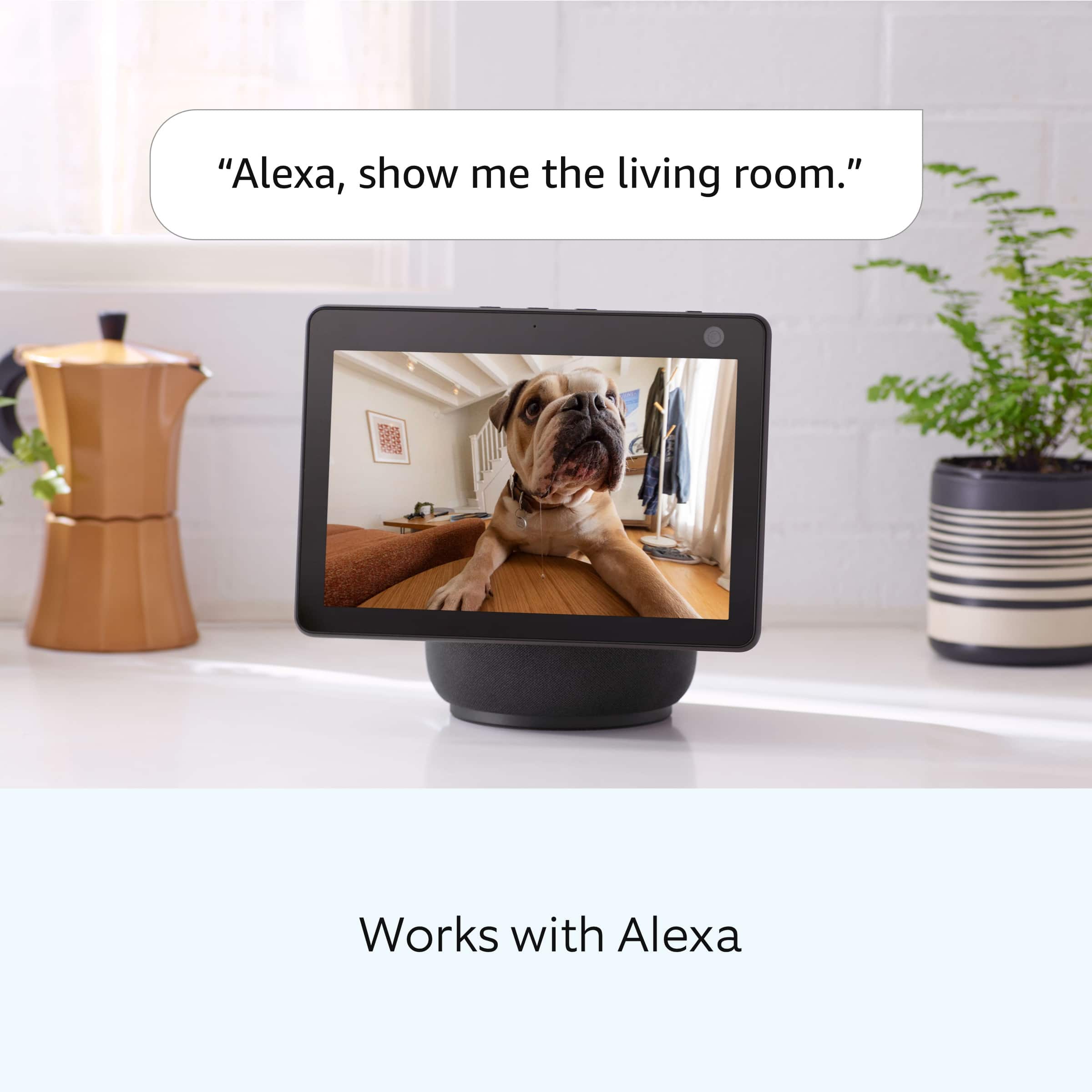
- A:Answer Yes, Internet/Wii. Get a Monitor, Cellphone or Alexa Echo for your mom to see and hear announcement from the cameras.
Answered by Christmas
Page 1, Showing 1-20 of 31 questions
Most-viewed items
- Black Friday Deal$199.99Your price for this item is $199.99
- Black Friday Deal$14.99Your price for this item is $14.99
- Black Friday Deal$89.99Your price for this item is $89.99
- $34.99Your price for this item is $34.99$59.99The comparable value for this item is $59.99
- Black Friday Deal$39.99Your price for this item is $39.99
- Black Friday Deal$119.99Your price for this item is $119.99
- Black Friday Deal$49.98Your price for this item is $49.98
- Black Friday Deal$49.99Your price for this item is $49.99
- Black Friday Deal$349.99Your price for this item is $349.99
- Black Friday Deal$399.99Your price for this item is $399.99
- Black Friday Deal$74.99Your price for this item is $74.99
- $19.99Your price for this item is $19.99$29.99The comparable value for this item is $29.99
- $179.98Your price for this item is $179.98$279.99The comparable value for this item is $279.99
- Black Friday Deal$229.99Your price for this item is $229.99
- $119.99Your price for this item is $119.99$149.99The comparable value for this item is $149.99
- $25.99Your price for this item is $25.99$39.99The comparable value for this item is $39.99
- $34.99Your price for this item is $34.99
- Black Friday Deal$24.99Your price for this item is $24.99
- $19.98Your price for this item is $19.98$29.98The comparable value for this item is $29.98
- $49.99Your price for this item is $49.99$69.99The comparable value for this item is $69.99