
Early Black Friday DealsNew Doorbusters through SundayShop now

Main Content

Questions & Answers

Your price for this item is $379.99
Page Showing 1-20 of 47 questions
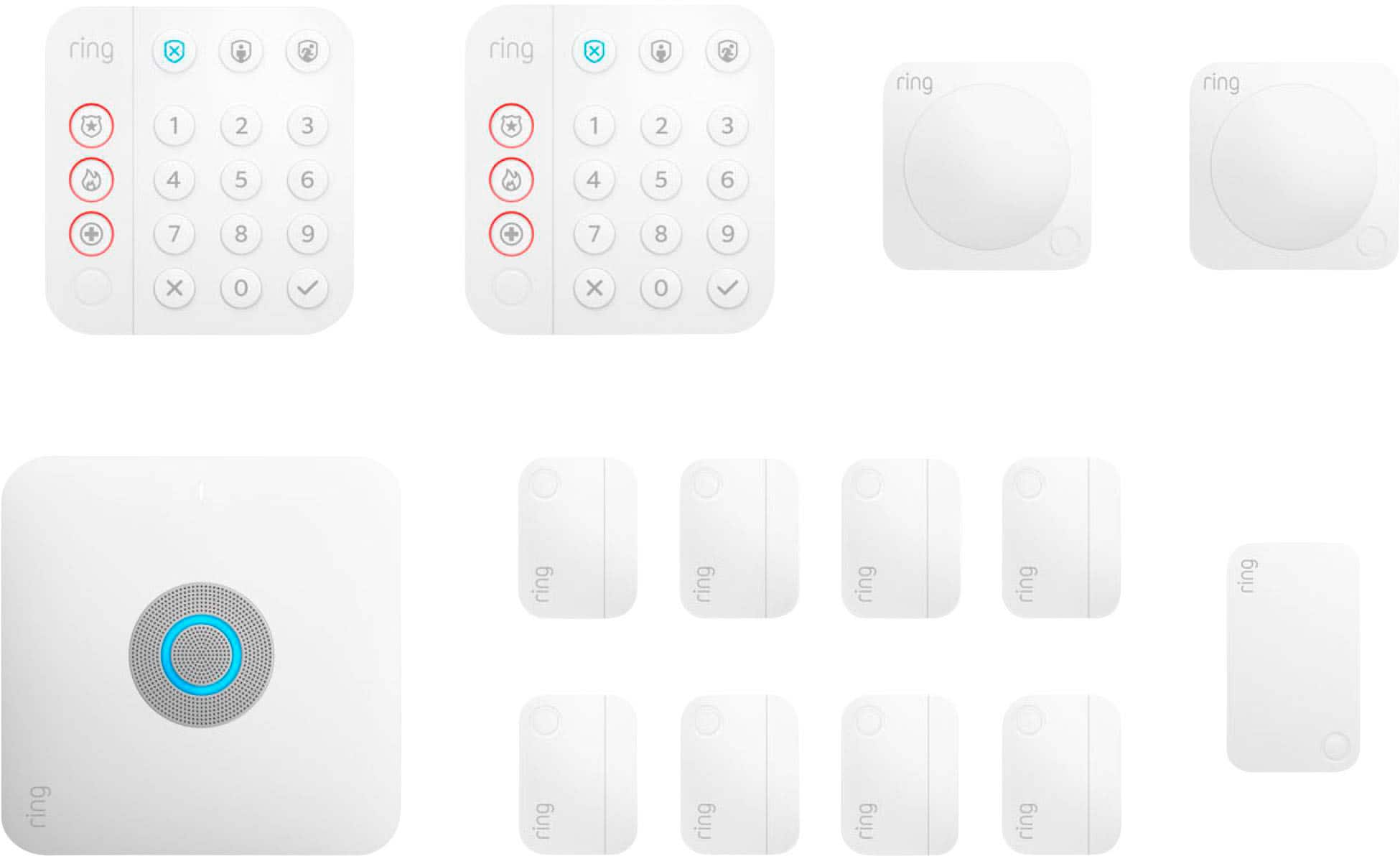
  • QuestionWhat comes included in this kit?

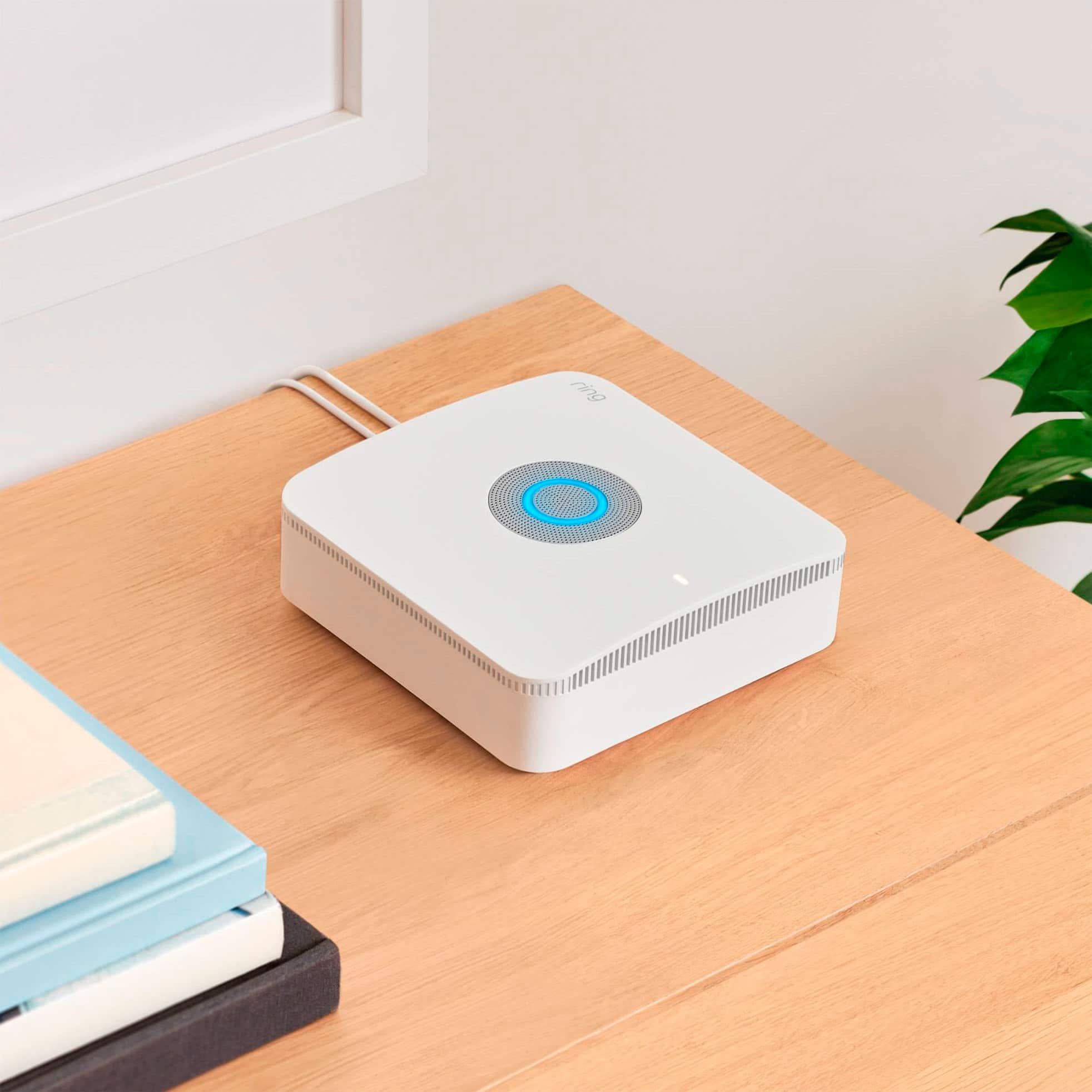
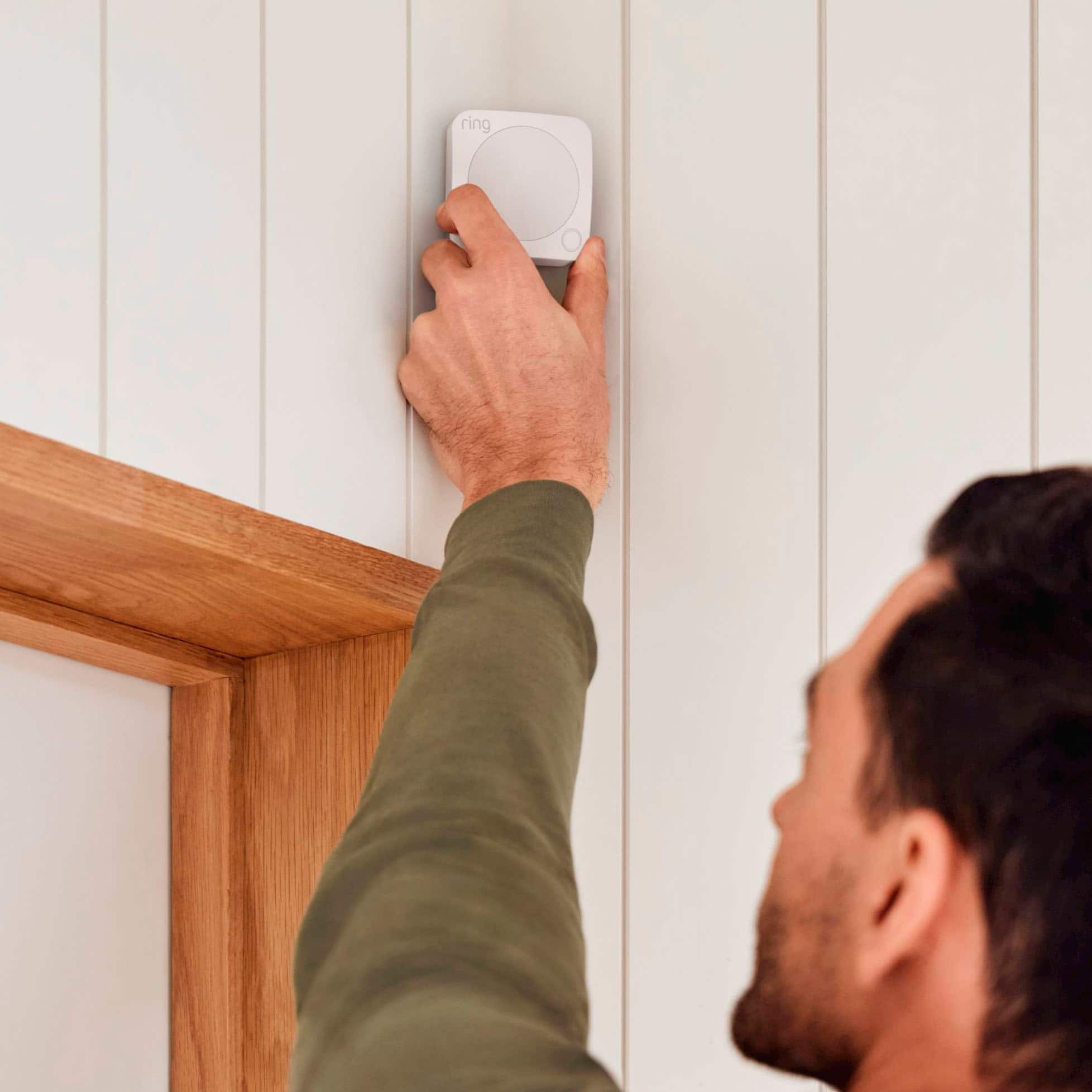
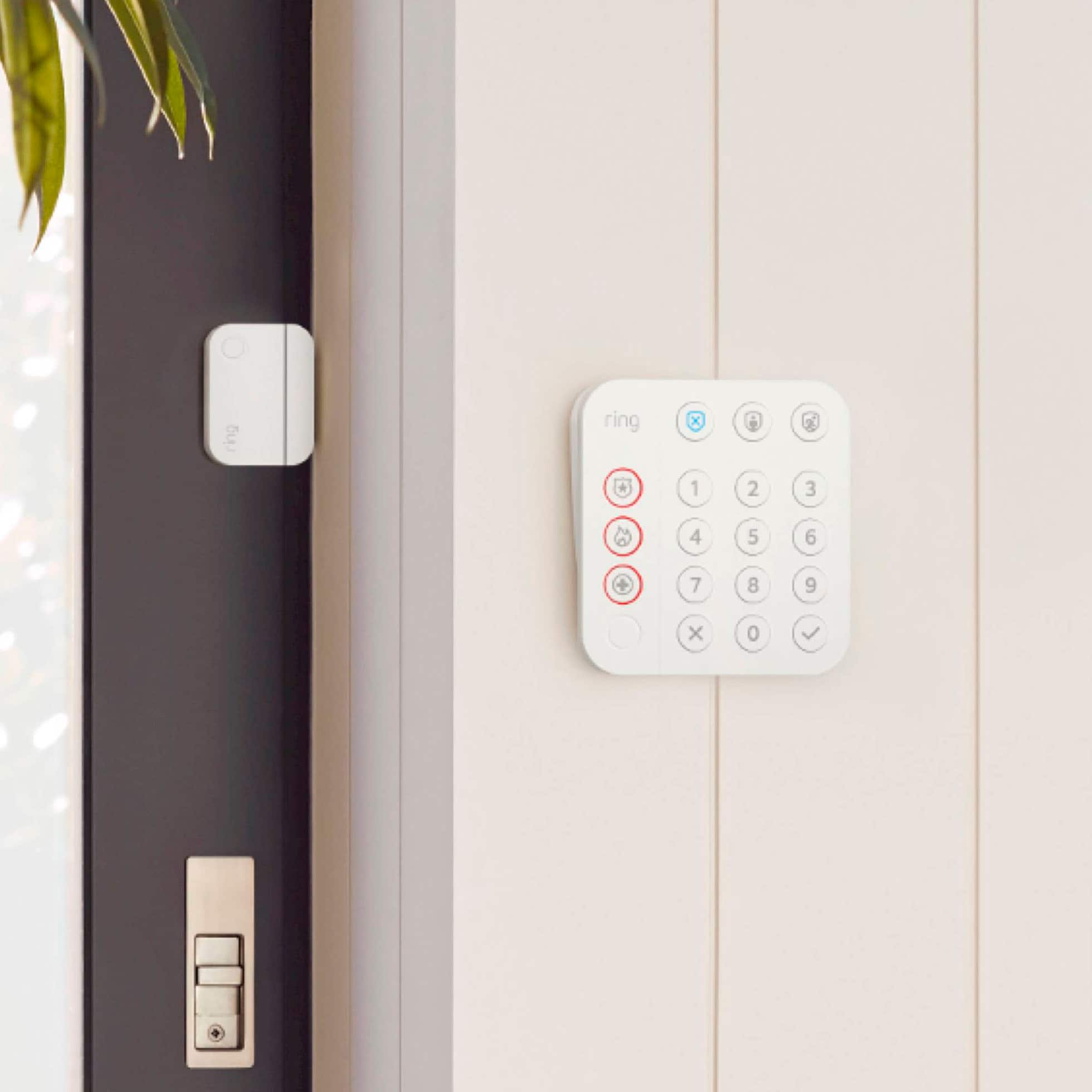
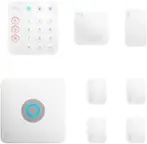
    • Answer This kit includes one Alarm Pro Base Station, two Keypads, eight Contact Sensors, two Motion Detector, and one Range Extender.
    This question and answer was generated by AI based on customer and product data.
  • QuestionHow long does the battery backup last?

    • Answer The battery backup will last for 24 hours.
    This question and answer was generated by AI based on customer and product data.
  • QuestionDoes Ring Alarm Pro require a subscription?

    • Answer Yes, all Ring Alarm products and accessories require a subscription for digital notifications, in-app features, digital arming/disarming, and integration with other Ring, Echo, and third party products.
    This question and answer was generated by AI based on customer and product data.
  • QuestionWhat is the maximum wireless range of this security system?

    • Answer The maximum wireless range is 1500 feet.
    This question and answer was generated by AI based on customer and product data.
  • QuestionHow do I get additional battery life?

    • Answer You can get additional battery life with Ring Power Packs, sold separately.
    This question and answer was generated by AI based on customer and product data.
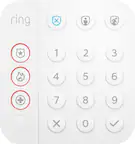
  • QuestionDoes this security kit come with a keypad?

    • Answer Yes, this kit includes two keypads.
    This question and answer was generated by AI based on customer and product data.

  • QuestionWhat happens when the internet goes down?

    • Answer With a Ring Protect Pro subscription, you'll have LTE backup to keep you and your Ring devices online and ready to protect.
    This question and answer was generated by AI based on customer and product data.
  • QuestionWhat type of sensors are included?

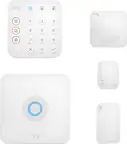
    • Answer The included sensors are magnetic contact sensors.
    This question and answer was generated by AI based on customer and product data.
  • QuestionCan this security system be connected to Alexa?

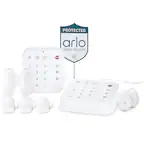
    • Answer Yes, this security system can be connected to Alexa.
    This question and answer was generated by AI based on customer and product data.
  • QuestionThe description for the Ring - Alarm Pro Home Security Kit 14 Pieces - White states that it provides wifi coverage for 1500 sq ft. If your home is larger than 1500 sq ft (say 3000 sq ft) do I need to buy another eero extender to get full coverage?

    Asked by Wonderer.

    • Answer Hello Wonderer, Yes. All generations of eero products will work as wifi extenders for your Ring Alarm Pro, but we recommend eero 6 Mesh Wifi Extenders, which are compatible with Ring Power Packs. More details on Ring Alarm Pro can be found on website: https://support.ring.com/hc/en-us/articles/360054396012-Ring-Alarm-Pro Also, Ring Community was launched to help deliver the most current news and educational information to our neighbors. This online forum is divided into four categories: Product Boards, Ring Updates, Tips + Tricks, and a Moderators’ Corner. The Product Boards are where you can begin new topics with your questions or feedback; there is also a search option that helps you find topics that have already been posted by other neighbors. We invite you to visit our site at https://community.ring.com/ today! All thew best, Antonio from Ring

      Answered by Ring

  • QuestionIs this system still compatible with the older ring systems? (gen 2 specifically)?

    Asked by Anonymous.

    • Answer Hello Yes, the Ring Alarm Pro works with a wide range of devices including contact sensors, motion detectors, keypads and range extenders (both 1st gen and 2nd gen). For more info on the Ring Alarm Pro please visit: https://support.ring.com/hc/en-us/articles/360054396012-Ring-Alarm-Pro. Ring Community was launched to help deliver the most current news and educational information to our neighbors. This online forum is divided into four categories: Product Boards, Ring Updates, Tips + Tricks, and a Moderators’ Corner. The Product Boards are where you can begin new topics with your questions or feedback; there is also a search option which helps you find topics that were already posted by other neighbors. We invite you to visit our site at https://community.ring.com/ today! All the best, Antonio from Ring

      Answered by Ring

  • QuestionWhat components require a battery? Are cameras wired (e.g. replace existing outdoor lights). For example, if we snowbird and are away for several months will the system continue to function as long as there is power at the house?

    Asked by BENT.

    • Answer Cameras aren’t wired but if you are away, battery of the camera would still last for few months assuming no one comes to your home in your absence. And while you are home as a precaution, I recommend getting an extra battery so that it can be replaced as soon as one in the camera drains out.

      Answered by GauravG

  • Questioncan I add cameras to the system?

    Asked by tj.

    • Answer Hello tj, Great question! Thanks for asking! Yes, when your Ring Alarm or Ring Alarm Pro system is triggered, every second counts, and there’s no guarantee that an intruder will be in front of a camera when the time comes. That’s why you can set any Ring device with a camera to start recording the instant your Alarm is triggered. To set up your Ring Camera devices to begin recording automatically, follow these instructions: https://support.ring.com/hc/en-us/articles/360035485411--Linked-Devices-Automatically-Record-on-Cameras-when-Alarm-is-Triggered. We invite you to reach out at https://community.ring.com/ if any additional information is needed regarding your Ring Alarm Pro pre-purchase question. Ring Community is our first peer-to-peer community forum, giving our customers the ability to help one another and share their feedback and experiences with Ring. Thank you, Alexis from Ring

      Answered by Ring

  • QuestionIf there is an intrusion, does this security system sound an audial alarm or just inform the home owner? We are looking for a system that will sound a loud alarm.

    Asked by Great.

    • Answer Hello Alan, Great question. The Ring Alarm Pro has a siren of 104 Decibel Siren measured at 1 ft. Please see our help center article for more information: https://support.ring.com/hc/en-us/articles/4402107896340-Ring-Alarm-Pro-Help-FAQs. Additionally, if you have not already, please check out our Ring Community forum where other Ring users, like yourself, have an open discussion platform to share their experiences, as well as solutions to issues experienced: https://community.ring.com/. Thank you, Jamila with Ring.

      Answered by Ring

  • QuestionCan I connect Honeywell z wave thermostats to a ring device

    Asked by Anonymous.

    • Answer Hi, Thank you for your questions today! Yes, most Honeywell Z wave thermostats can be paired with the Ring Alarm Pro Base Station through the Ring app. You will need to know how to put your thermostats into add or pair mode and then use the Ring app to connect. This should be available in the manufacturer's directions. If any additional information is needed regarding the Ring Alarm Pro Base Station, please reach out to our community. Ring Community is our first peer-to-peer community forum, giving our customers the ability to help one another and share their feedback and experiences directly with Ring. Sincerely, Matthew from Ring.

      Answered by Ring

  • QuestionIf I purchase an additional sensor will it work with this package? If so which sensor would I purchase.

    Asked by SensonQuestion.

    • Answer Hi SensonQuestion. Thank you for reaching out to us with your question. Yes, you can add additional sensors to your Ring Alarm Kit. You can add additional Ring Alarm Window and Door Contact Sensors, Ring Alarm Outdoor Contact Sensors, or Ring Alarm Motion Detectors depending on your needs. If any additional information is needed regarding your question, please reach out to our community. Ring Community is our first peer-to-peer community forum, giving our customers the ability to help one another and share their feedback and experiences directly with Ring. Join the Ring Community today! Thank you, Amilia from Ring.

      Answered by Ring

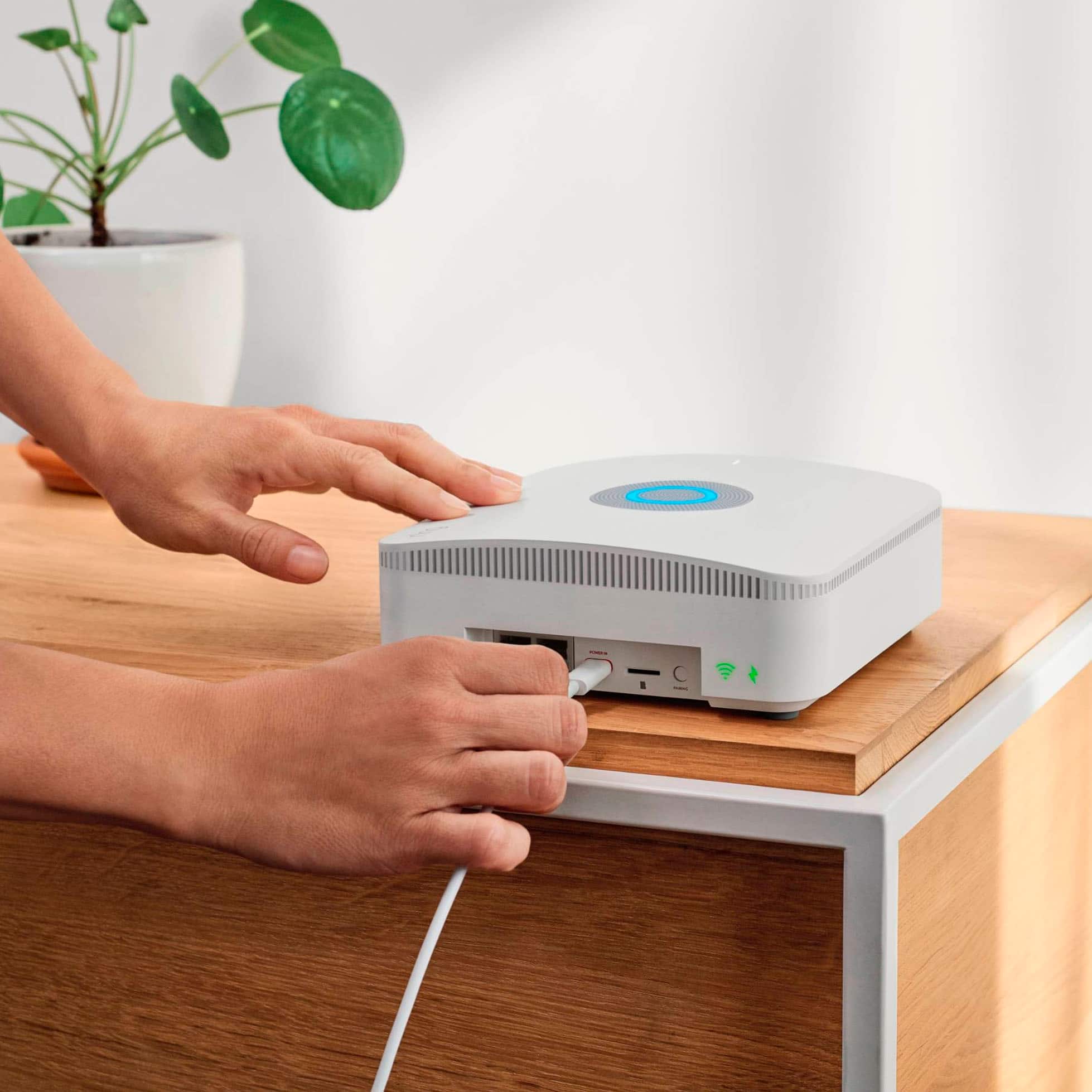
  • QuestionIf I already have a whole house wifi system can I use that instead of the built in Eero system

    Asked by Workingguy55.

    • Answer Hi Workingguy55. Thank you for taking the time to reach out to us with your question. Yes, you can choose to use your existing router instead. Or, you can create a second wifi network (also know as Double NAT-ing) that will operate independently from your primary wifi network. This allows you to use certain features, including 24/7 Backup Internet, Extra Data, and Ring Edge while maintaining your original wifi network and connected devices. Another option is to put your Alarm Pro’s eero router into Bridge Mode. Doing so will allow your existing router to manage the connection between your wifi network and Internet Service Provider (ISP). NOTE: When using Bridge Mode, you must connect Alarm Pro to your router via an ethernet cable. Additionally you will lose certain Alarm Pro advanced features, such as 24/7 Backup Internet and Extra Data. You will however retain the ability to use Ring Edge for local video processing. If any additional information is needed regarding your question, please reach out to our community. Ring Community is our first peer-to-peer community forum, giving our customers the ability to help one another and share their feedback and experiences directly with Ring. Join the Ring Community today! Thank you, Amilia from Ring.

      Answered by Ring

  • QuestionMy internet service enters the house through my garden level basement. In the basement I have a Netgear wireless router. I want to install the Alarm Pro base station on the next level. Are the Netgear router and the Alarm Pro base station compatible?

    Asked by JWB.

    • Answer Hi JWB. Thank you for taking the time to reach out to us with your question. Yes, you can use the Ring Alarm Pro Base Station with your Netgear router. Instead of plugging the Ring Alarm Pro directly into your modem (or modem/router combo device) as the eero app suggests by default, you can plug the Ring Alarm Pro into an open ethernet port on your Netgear router. If you want to use the device on a different level, you would need to route the ethernet cable to the desired location. You can keep using your existing wifi network and the devices connected to it as before. You may need to add a network switch to set up the Ring Alarm Pro as a secondary router. We invite you to reach out to our community if any additional information is needed regarding your question. The Ring Community is our first peer-to-peer community forum, giving our customers the ability to help one another by sharing their feedback and experiences with each other. Thank you, Melissa from Ring.

      Answered by Ring

  • QuestionHow does or does this router work with Starlink provided internet service without bypassing the starlink router?

    Asked by Starlink.

    • Answer Hi Starlink. Thank you for your question. You can create a second wifi network (also know as Double NAT-ing) that will operate independently from your primary wifi network. This allows you to use certain features, including 24/7 Backup Internet, Extra Data, and Ring Edge while maintaining your original wifi network and connected devices. Another option is to put your Alarm Pro’s eero router into Bridge Mode. Doing so will allow your existing router to manage the connection between your wifi network and internet service provider. NOTE: When using Bridge Mode, you must connect Alarm Pro to your router via an ethernet cable. Additionally you will lose certain Alarm Pro advanced features, such as 24/7 Backup Internet and Extra Data. You will however retain the ability to use Ring Edge for local video processing. A compatible Ring subscription is required for full functionality of the Ring Alarm Pro. We invite you to reach out to our community if any additional information is needed regarding your question. The Ring Community is our first peer-to-peer community forum, giving our customers the ability to help one another by sharing their feedback and experiences with each other. Thank you, Melissa from Ring.

      Answered by Ring

  • QuestionDo you have techs that will install the Ring System?

    Asked by BJ.

    • Answer Hi BJ. Thank you for taking the time to reach out to us with your question. Yes, OnTech is a nationwide network of trained, trusted, and insured in-home technicians. They offer professional installation for select Ring products, plus product tips and setup via face-to-face instruction. OnTech can provide professional installation for Ring Video Doorbells, Ring Stick Up Cams, Ring Chime Pro, Spotlight Cam (Wired and Battery), Ring Alarm Kits with extra security devices, such as contact and motion sensors, and the Ring Retrofit Alarm Kit. For more information or to schedule an appointment, please call 1-833-ONTECH3. You can also contact Best Buy Best Buy's customer service at: 1-888-237-8289 for more information on their installation services. We invite you to reach out to our community if any additional information is needed regarding your question. The Ring Community is our first peer-to-peer community forum, giving our customers the ability to help one another by sharing their feedback and experiences with each other. Thank you, Melissa from Ring.

      Answered by Ring