Black Friday is hereShop new DoorbustersShop now

Main Content

Questions & Answers

Your price for this item is $89.99
The comparable value price is $179.99
Page Showing 1-20 of 22 questions
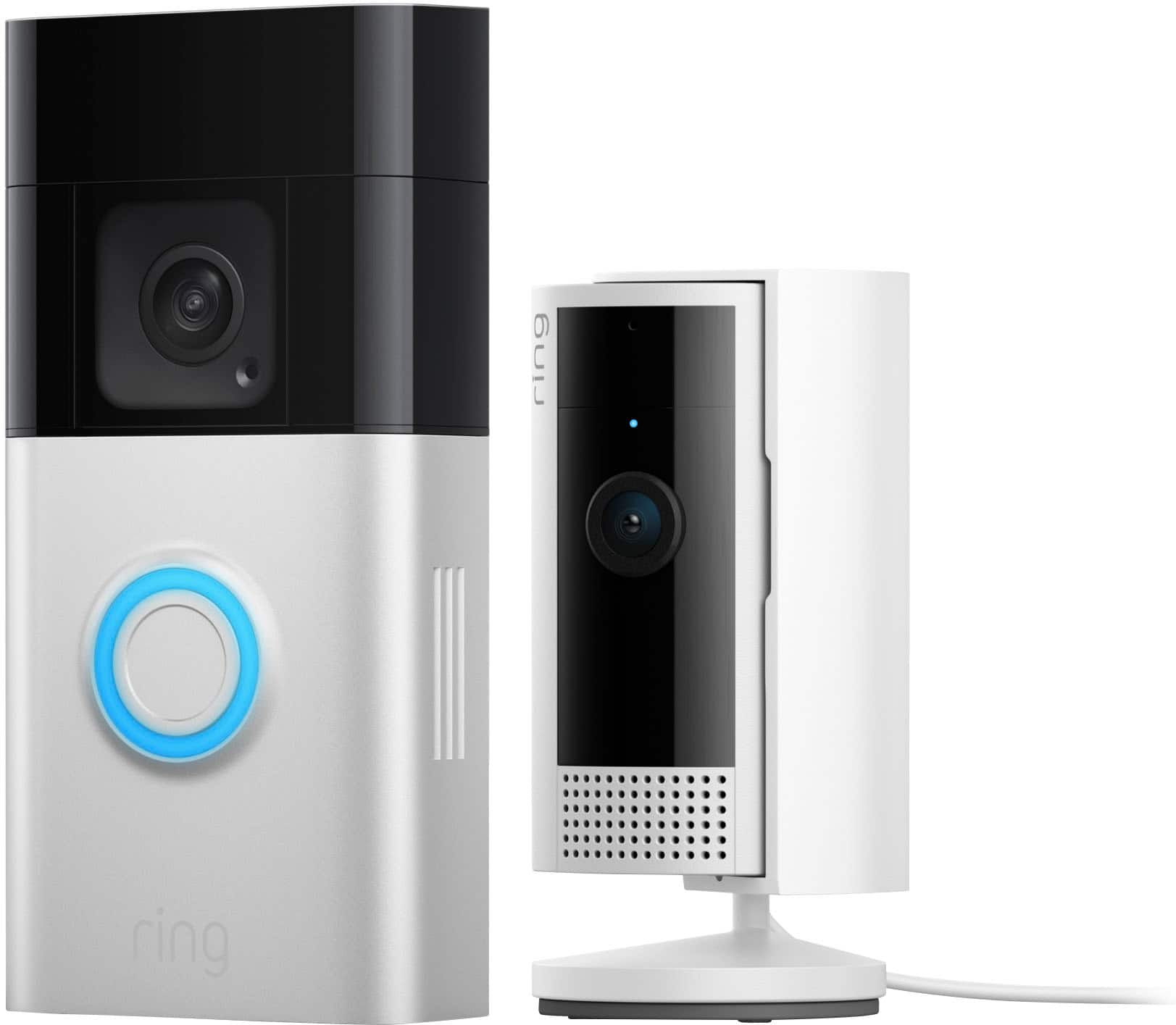
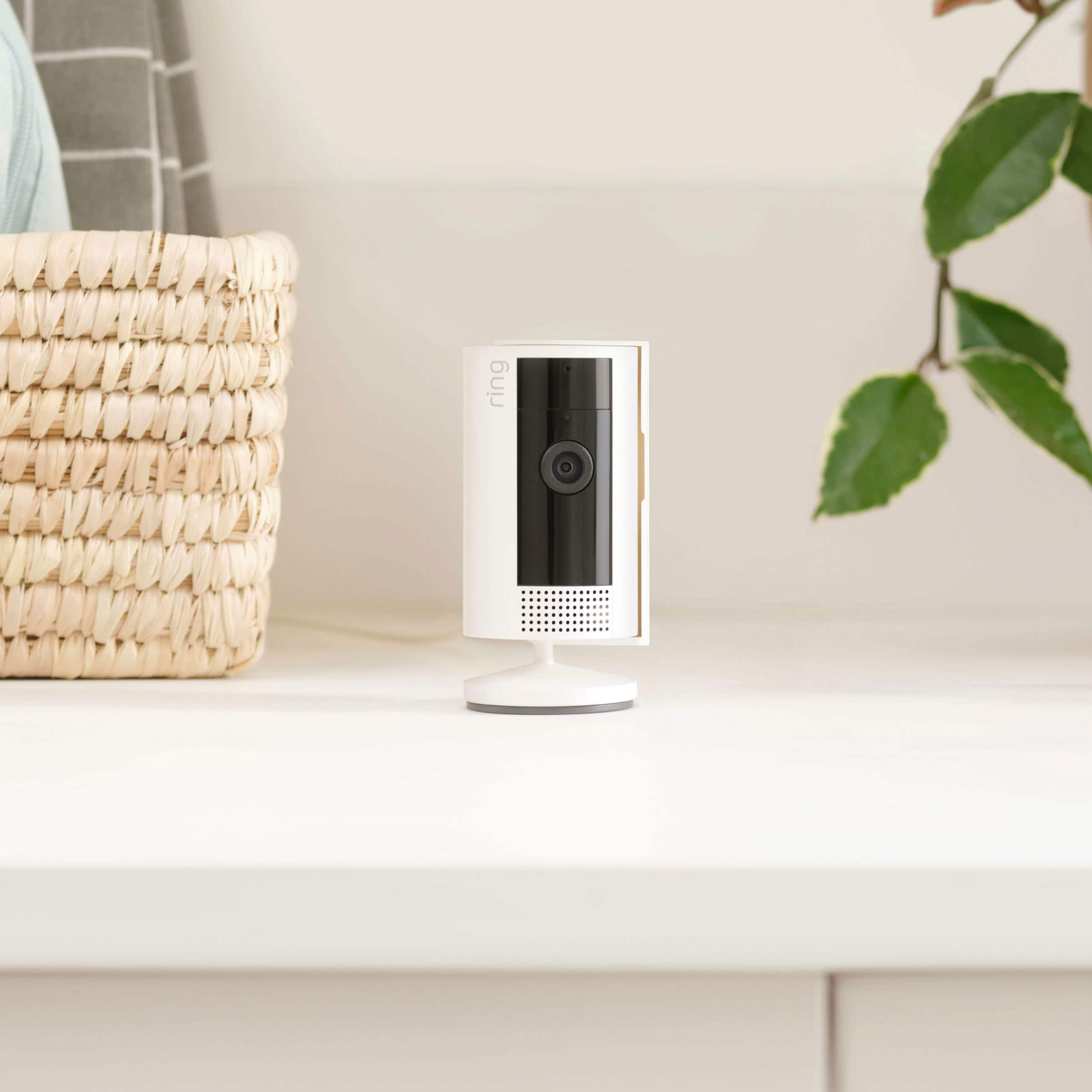
  • QuestionWhat is the camera resolution of the Indoor Cam?

    • Answer The Indoor Cam has a resolution of 1080p.
    This question and answer was generated by AI based on customer and product data.
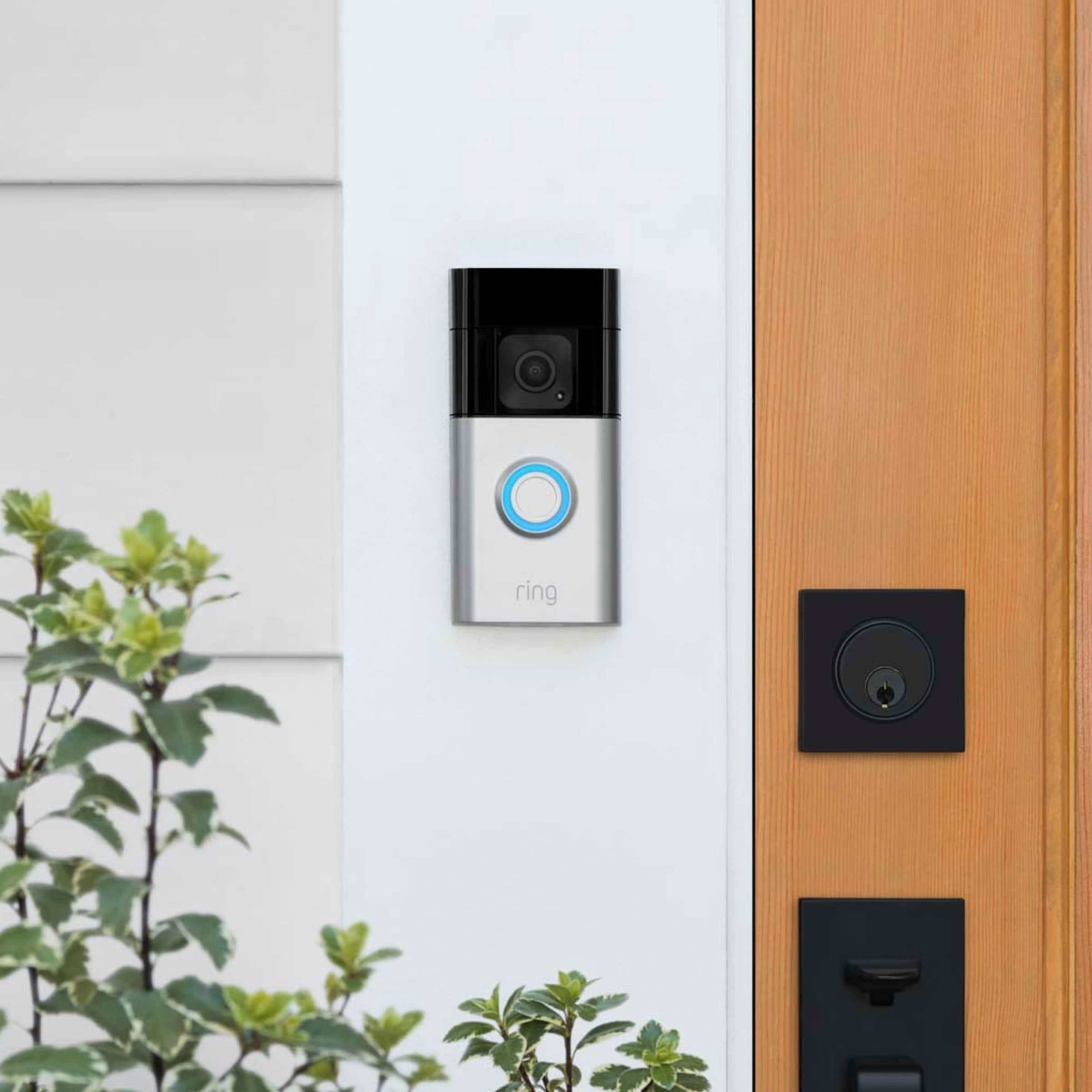
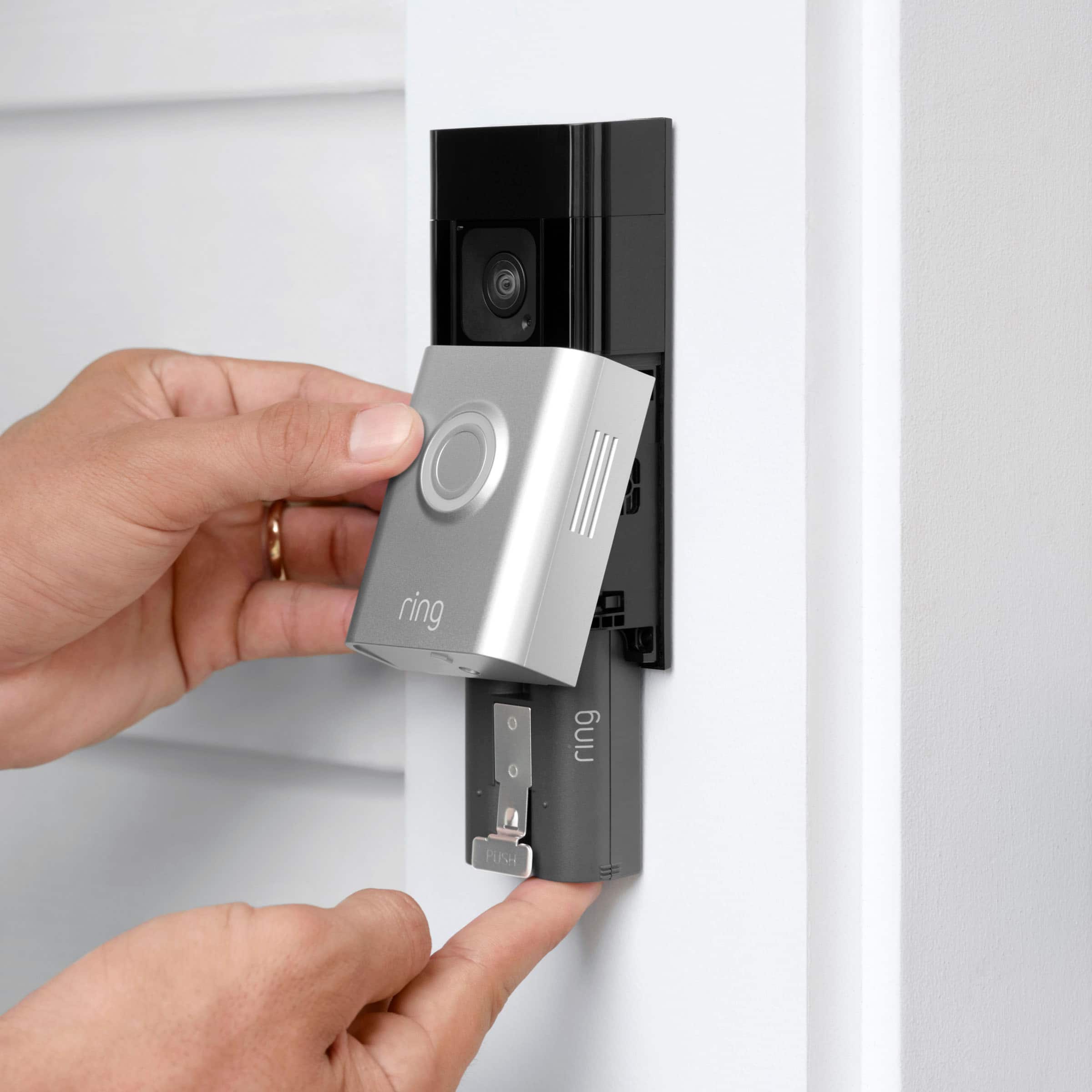
  • QuestionWhat type of battery is used in this doorbell?

    • Answer This doorbell uses a quick release lithium-ion battery pack.
    This question and answer was generated by AI based on customer and product data.
  • QuestionDoes this doorbell have night vision?

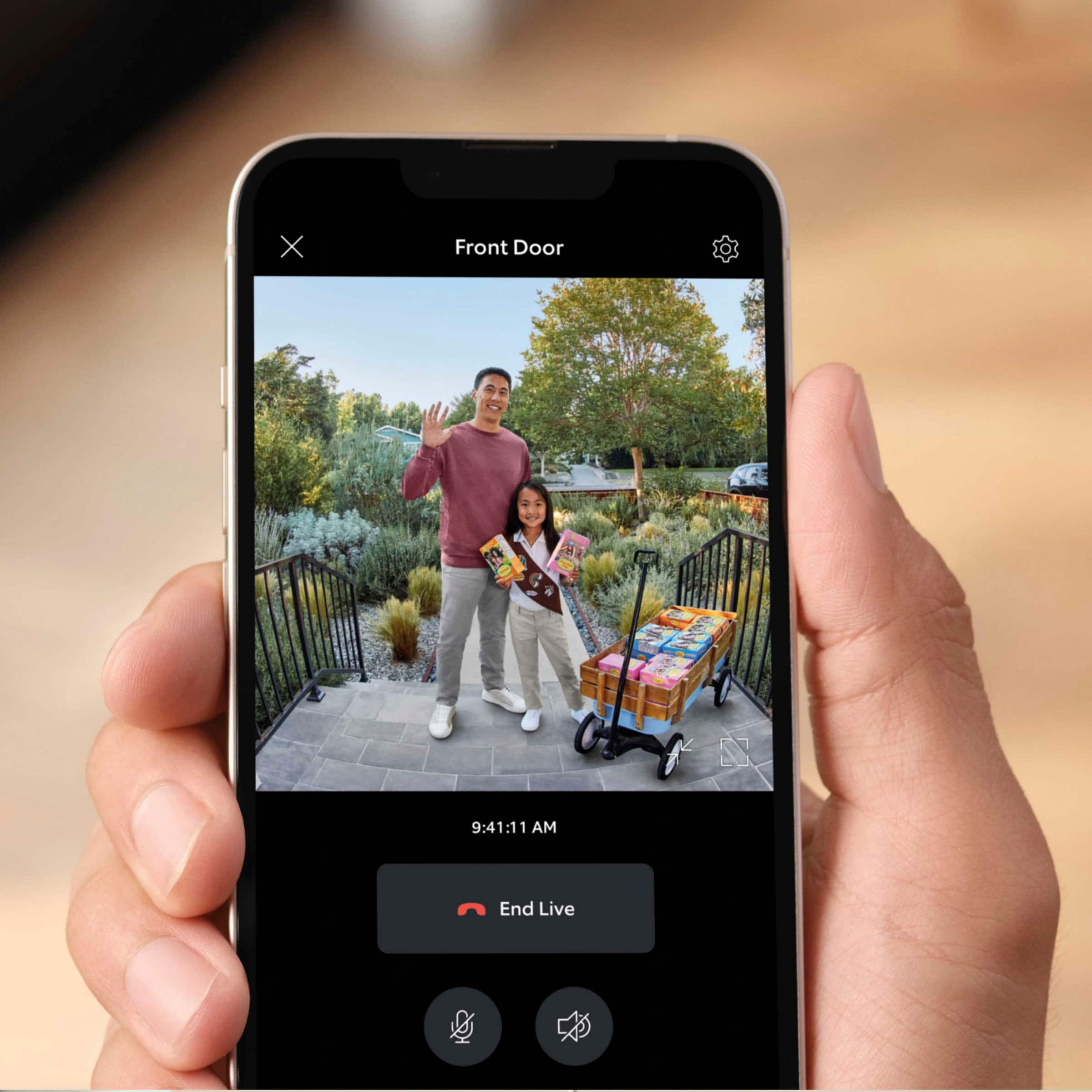
    • Answer Yes, the doorbell has color night vision with improved motion detection.
    This question and answer was generated by AI based on customer and product data.

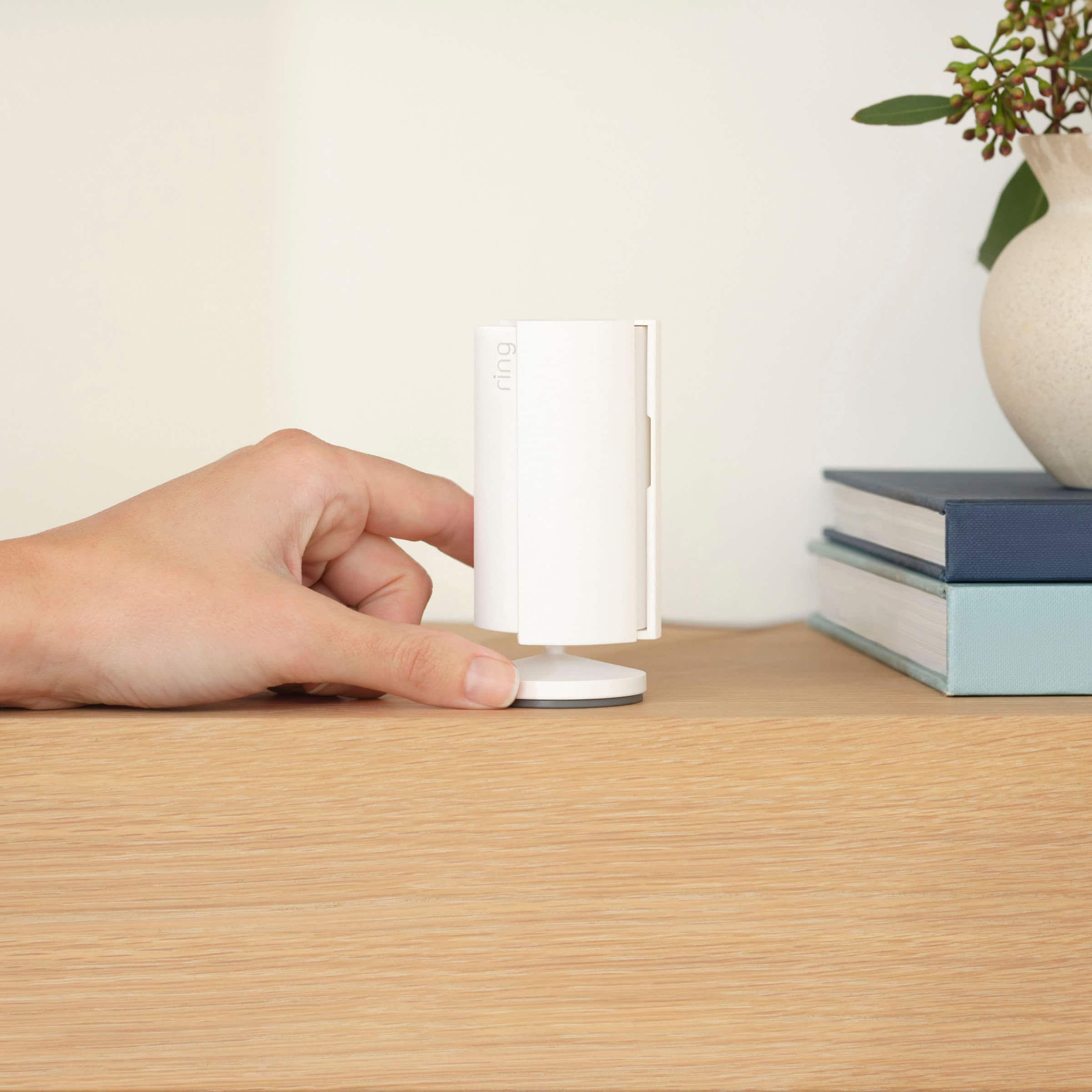
  • QuestionHow is the Indoor Cam powered?

    • Answer The Indoor Cam plugs into any standard power outlet.
    This question and answer was generated by AI based on customer and product data.

  • QuestionCan I connect this doorbell to my Alexa devices?

    • Answer Yes, you can connect this doorbell with Alexa-enabled devices for announcements and two-way talk.
    This question and answer was generated by AI based on customer and product data.
  • QuestionWhat is the benefit of having the Quick Release Battery Pack?

    • Answer The Quick Release Battery Pack allows for quick and effortless charging.
    This question and answer was generated by AI based on customer and product data.
  • QuestionHow easy is the installation for the Battery Doorbell Plus?

    • Answer The Battery Doorbell Plus can easily be set up by connecting it to wifi through the Ring app and mounting with the included tools.
    This question and answer was generated by AI based on customer and product data.

  • QuestionDoes this doorbell require a subscription?

    • Answer A Ring Protect subscription is optional but not included.
    This question and answer was generated by AI based on customer and product data.
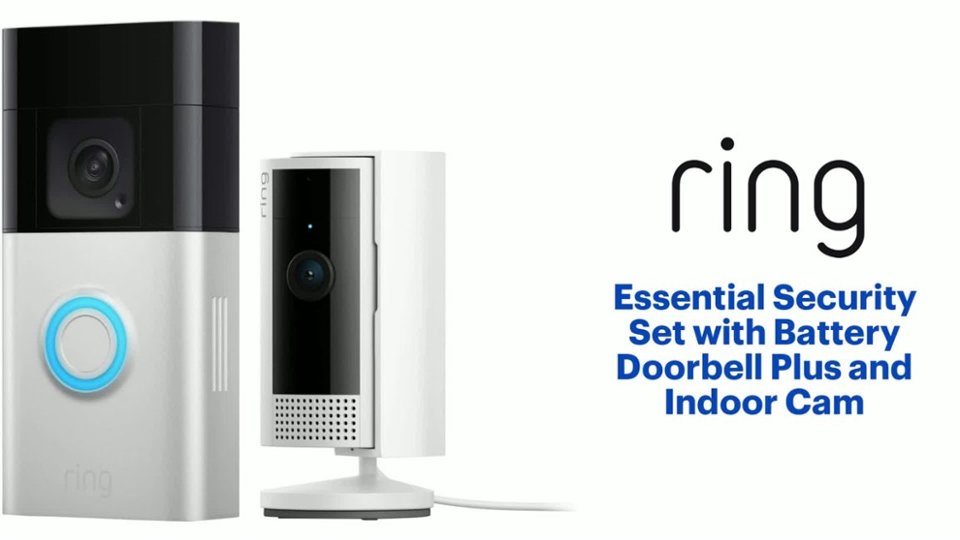
  • QuestionDoes the Ring Essential Security Set include Package Alerts?

    • Answer Package Alerts is an exclusive feature for the Ring Protect subscription, which is sold separately.
    This question and answer was generated by AI based on customer and product data.

  • QuestionDo you have to buy a subscription to use

    Asked by M42024.

    • Answer Hi M42024. Thank you for your question. No, the Ring Battery Doorbell and Ring Indoor Cam are both able to work without a subscription. There are many features the Ring Home Plan will add to both of those devices. While subscribed to one of our Ring Home Plans, you will have access to videos of every motion and live view event. Without this service, you will still receive real-time video alerts on your smartphone and have access to the live view feature. If any additional information is needed regarding your Ring Battery Doorbell or Ring Indoor Cam please reach out to our community. Ring Community is our first peer-to-peer community forum, giving our customers the ability to help one another and share their feedback and experiences directly with Ring. Sincerely, Matthew from Ring.

      Answered by Ring

  • QuestionDoes the indoor cam work with just the doorbell? Or is the security hub required?

    Asked by LauraN.

    • Answer Hi LauraN. Thank you for your question. The Ring Indoor Cam does not require the Ring Alarm Base Station for use. It is compatible with b/g/n wifi networks operating on 2.4 GHz frequencies. If any additional information is needed regarding your question, please reach out to our community. Ring Community is our first peer-to-peer community forum, giving our customers the ability to help one another and share their feedback and experiences directly with Ring. Thank you, Melissa from Ring.

      Answered by Ring

  • QuestionCan I hardwire this doorbell

    Asked by Sally.

    • Answer Hi Sally. Thank you for taking the time to ask this question. Yes, the Ring Battery Doorbell Plus can be hardwired to an existing doorbell system or transformer for continuous charging (8-24 VAC, 40VA max, 50/60Hz). If any additional information is needed regarding your question, please reach out to our community. Ring Community is our first peer-to-peer community forum, giving our customers the ability to help one another and share their feedback and experiences directly with Ring. Join the Ring Community today! Thank you, Amilia from Ring.

      Answered by Ring

  • QuestionCan I have two way talk availability without Alexa?

    Asked by BuckeyeVol.

    • Answer Hi Crystal. Thank you for reaching out to us with your question. Yes, the Two-Way Talk feature is a standard feature available on all Ring doorbells and cameras. If any additional information is needed regarding your question, please reach out to our community. Ring Community is our first peer-to-peer community forum, giving our customers the ability to help one another and share their feedback and experiences directly with Ring. Join the Ring Community today! Thank you, Amilia from Ring.

      Answered by Ring

  • QuestionIs it waterproof at all?

    Asked by Geo.

    • Answer Hi Geo. Thank you for reaching out to us with your question. No, the Ring Battery Doorbell Plus is not waterproof. The Ring Battery Doorbell Plus can withstand outdoor use and has been tested to withstand water projected through a 6.3mm nozzle at a volume of 12.5 liters per minute and a pressure of 30 kPa at a distance of 3 meters for at least 3 minutes. However, your device is not intended for underwater use. The Ring Indoor Cam and its accessories are for indoor use only. Do not expose your device or adapter to liquids. If any additional information is needed regarding your question, please reach out to our community. Ring Community is our first peer-to-peer community forum, giving our customers the ability to help one another and share their feedback and experiences directly with Ring. Join the Ring Community today! Thank you, Amilia from Ring.

      Answered by Ring

  • QuestionWhat is the cost of the plan that goes with this doorbell?

    Asked by Larry.

    • Answer Hi Larry. Thank you for reaching out to us with your question. We have listed the pricing for the optional Ring Home Plans here: The Ring Home Basic Plan includes video recording for one Ring doorbell or home camera, person and package alerts, video preview alerts, and 10% off select Ring.com purchases. The cost of the Ring Home Basic Plan is $4.99/month or $49.99/year. The Ring Home Standard Plan covers all home devices at one location, includes everything in the Ring Home Basic Plan, doorbell calls, extended live view, alarm cellular backup, and more. The cost of the Ring Home Standard Plan is $9.99/month or $99.99/year. The Ring Home Premium Plan covers all home devices at one location, includes everything in the Ring Home Standard Plan, smart video search, 24/7 recording, SOS emergency response, and more. The cost of the Ring Home Premium Plan is $19.99/month or $199.99/year. We invite you to reach out to our community if any additional information is needed regarding your question. The Ring Community is our first peer-to-peer community forum, giving our customers the ability to help one another by sharing their feedback and experiences with each other. Thank you, Amilia from Ring.

      Answered by Ring

  • QuestionCan the indoor camera be mounted to a wall?

    Asked by TanyaT.

    • Answer Yes

      Answered by CAZMARE

  • QuestionCan I have it record to an external hard drive hooked up to my router?

    Asked by eddie.

    • Answer Hi eddie. Thank you for taking the time to reach out to us with your question. No, the Ring devices use an optional video storage feature that comes with one of our Ring Home Plans. If any additional information is needed regarding your question, please reach out to our community. Ring Community is our first peer-to-peer community forum, giving our customers the ability to help one another and share their feedback and experiences directly with Ring. Join the Ring Community today! Thank you, Amilia from Ring.

      Answered by Ring

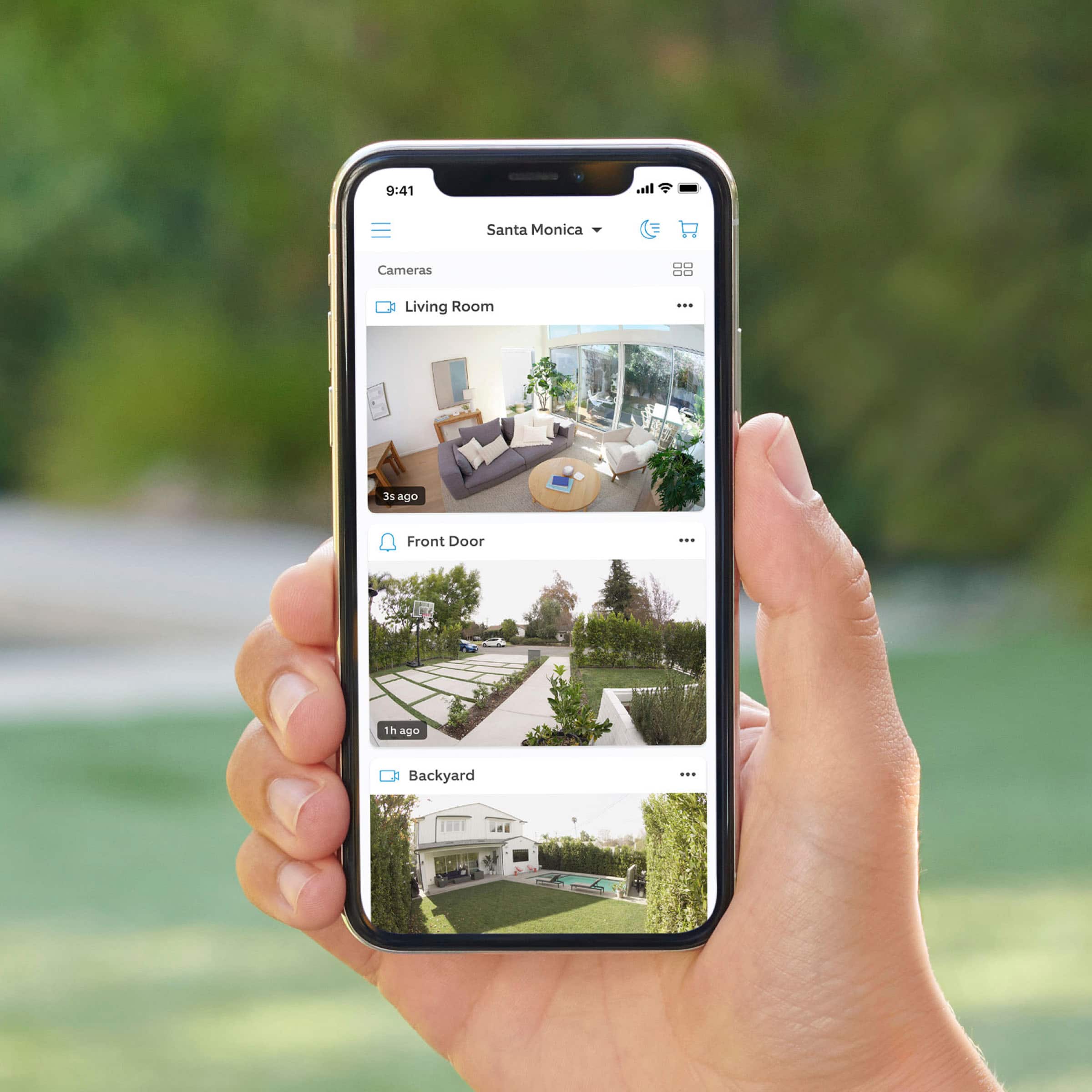
  • QuestionWill activity show up on our phone if out of town

    Asked by Donna.

    • Answer Hi Donna. We appreciate the time you have taken to ask this question. Yes, you can receive notifications and view your Ring devices from within the Ring app while away from home, as long as your Ring devices are connected to wifi. If any additional information is needed regarding your question, please reach out to our community. Ring Community is our first peer-to-peer community forum, giving our customers the ability to help one another and share their feedback and experiences directly with Ring. Join the Ring Community today! Thank you, Amilia from Ring.

      Answered by Ring

  • QuestionSo I just upgraded my Wifi to 2Gbs of speed splitting into 3 bands: 2.4ghz, 5ghz, and 6ghz & my indoor camera was able to find the 2.4 gbhz band because that’s all it can connect to, however the battery doorbell could not even find it. Any next steps?

    Asked by doorbell.

    • Answer Hi doorbell. Thank you for your question! We understand the importance of a seamless setup process so that you can begin using your Ring Battery Doorbell Plus right away. The Ring Battery Doorbell Plus is designed to be a DIY home security solution that can be trusted to provide you with lasting coverage. Rest assured, we are here to provide you with solutions today. It sounds like the device is not operating as expected. In some cases, setting up your Ring device(s) can fail when there are too many devices on one network. Wireless networks utilize different channels for communication. The 2.4 GHz band uses channels 1-11 within the United States and 1-13 in some other countries. The 5 GHz band utilizes select channels between 36 and 165. Multiple wireless devices using the same channels at the same time can cause wireless interference. If you are receiving a message that the network cannot be found or is too far away when connecting devices to the 2.4 GHz frequency, it could be due to this interference. We recommend switching your router’s channel to 1, 6, or 11 to avoid overlapping other channels. If your Ring device does not find any wifi networks, try starting the setup from the beginning or from another mobile device. If the Ring device finds networks, but not your own network you might need to make the Ring device scan for new networks. For battery-powered devices, such as the Ring Video Doorbell or Ring Video Doorbell 2, in order to scan for an updated network list, you will need to exit and re-enter setup mode using the setup button on the device. This will cause it to generate a fresh scan of the available networks for your next setup attempt. A wifi analyzer application can be used on Android devices, or sometimes within your router, to evaluate which channels have the most congestion. We recommend doing this when you are experiencing setup problems, poor audio and/or video quality, or delays with notifications. Open up your Ring device’s ability to communicate by following these steps: Create a DHCP reservation. A DHCP reservation is a permanent IP address assignment that is reserved for the use of one device. Locate the Mac ID listed on the back of your Ring device or on the box. Create a DHCP reservation to ensure that every time your Ring device connects to your router, it will be given the same address. Note: there are many different terms for this option; please check your router’s manual to be sure. Set a static IP. You can also set a static IP during the setup process in the Ring app. Note: Ensure the address you provide is outside the range of your DHCP server in order to prevent an IP conflict. Once a DHCP Reservation or Static IP is in place, try the following: Move your ring device to the DMZ (demilitarized zone). Using the IP address you reserved, place your Ring device in the demilitarized zone (sometimes referred to as IP passthrough) of your router. This will allow the Ring device’s traffic to pass through any security settings that may be preventing connection. Note: This can only be done for one connected device at a time. Once you have verified that all steps in the Ring app have been completed and neither your internet connection nor your wifi password are the cause of your connectivity issue, troubleshoot by going through the following solutions one at a time, step by step. Check the SSID (name) of your network. If it has special characters or blank spaces before or after the name, rename the network to something simpler. Once the device is online, a firmware update will start. Once updated successfully, return your network back to its previous settings. Set the Ring device back up to see if it will connect. Enable and connect to a guest network. A guest network is a separate access point for your network that is isolated from your other devices. By creating one, you can make a firewall-free network for your Ring device. Create a guest network with a simple, alphanumeric SSID name and password and connect your Ring device(s) to it. Wifi 6 (802.11 ax): If you have a wifi6 router in 802.11 af/ax mode and can't complete your setup, change your router or guest network to 802.11 b/g/n and complete your set up. Our support team is available 24/7 if you have any questions or need further assistance getting your device set up. If any additional information is needed regarding your Ring Wired Doorbell Plus, please reach out to our community. Ring Community is our first peer-to-peer community forum, giving our customers the ability to help one another and share their feedback and experiences directly with Ring. Sincerely, Matthew from Ring.

      Answered by Ring

  • QuestionHow do you mount tu wall? Does it have a sticker?

    Asked by Marine1990.

    • Answer Hi Marine1990. Thank you for your question today! The Ring Battery Doorbell is installed onto it's included mounting bracket. The Ring mounting bracket is designed to be drilled into your wall with included mounting screws. Once the mount is secure, press the doorbell onto the mount until you hear a click to secure. If any additional information is needed regarding your Ring Battery Doorbell, please reach out to our community. Ring Community is our first peer-to-peer community forum, giving our customers the ability to help one another and share their feedback and experiences directly with Ring. Thank you, Matthew from Ring.

      Answered by Ring