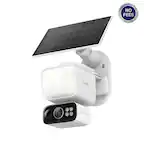
A:AnswerThe motion sensor has several sensitivity settings. My driveway is about 40 feet long and I have to use the least sensitive setting so that every car diving by doesn't activate the cam.
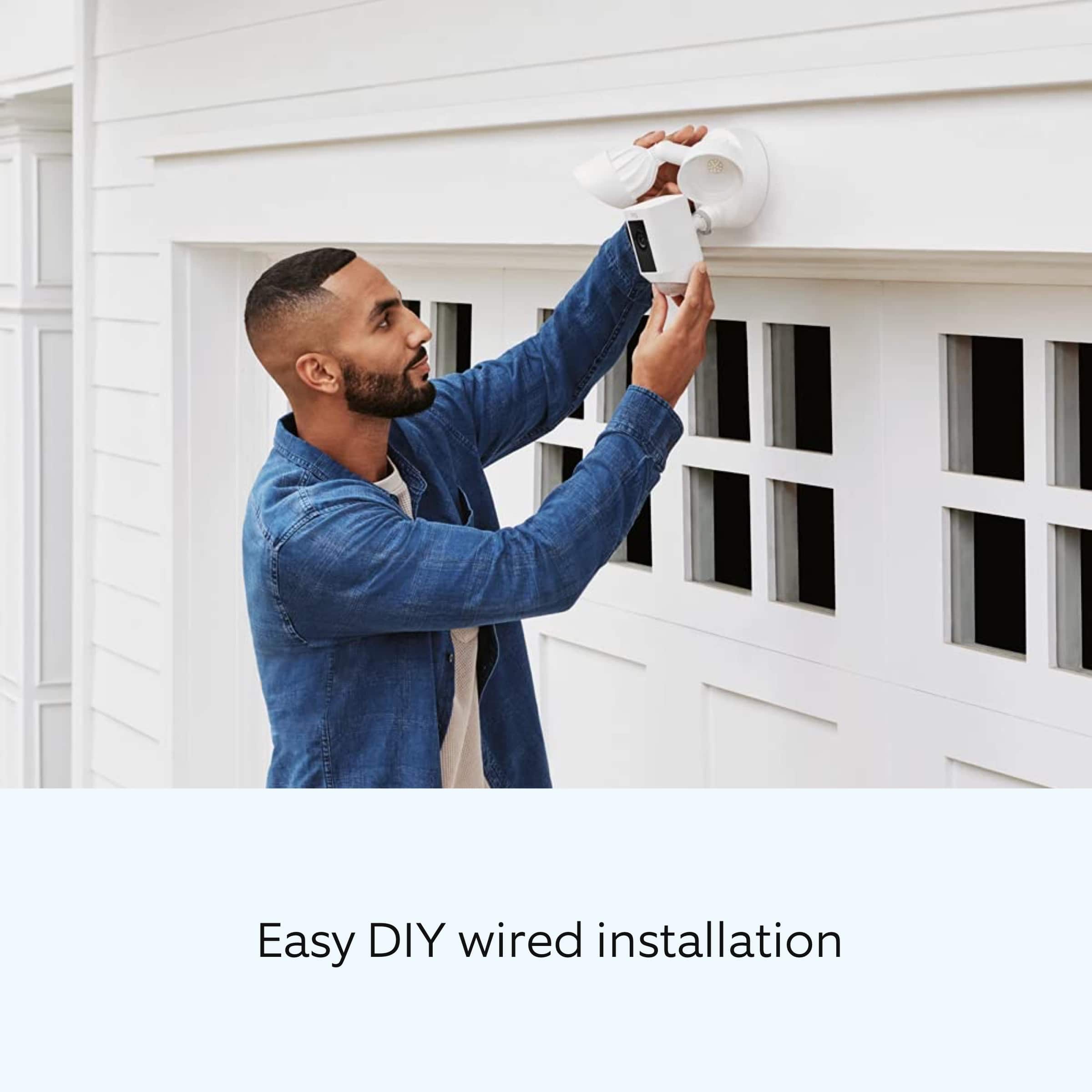
A:AnswerNo installation is not included with the purchase if the light. You have to purchase that separately. Make sure you purchase a floodlight installation and not a wifi camera installation.
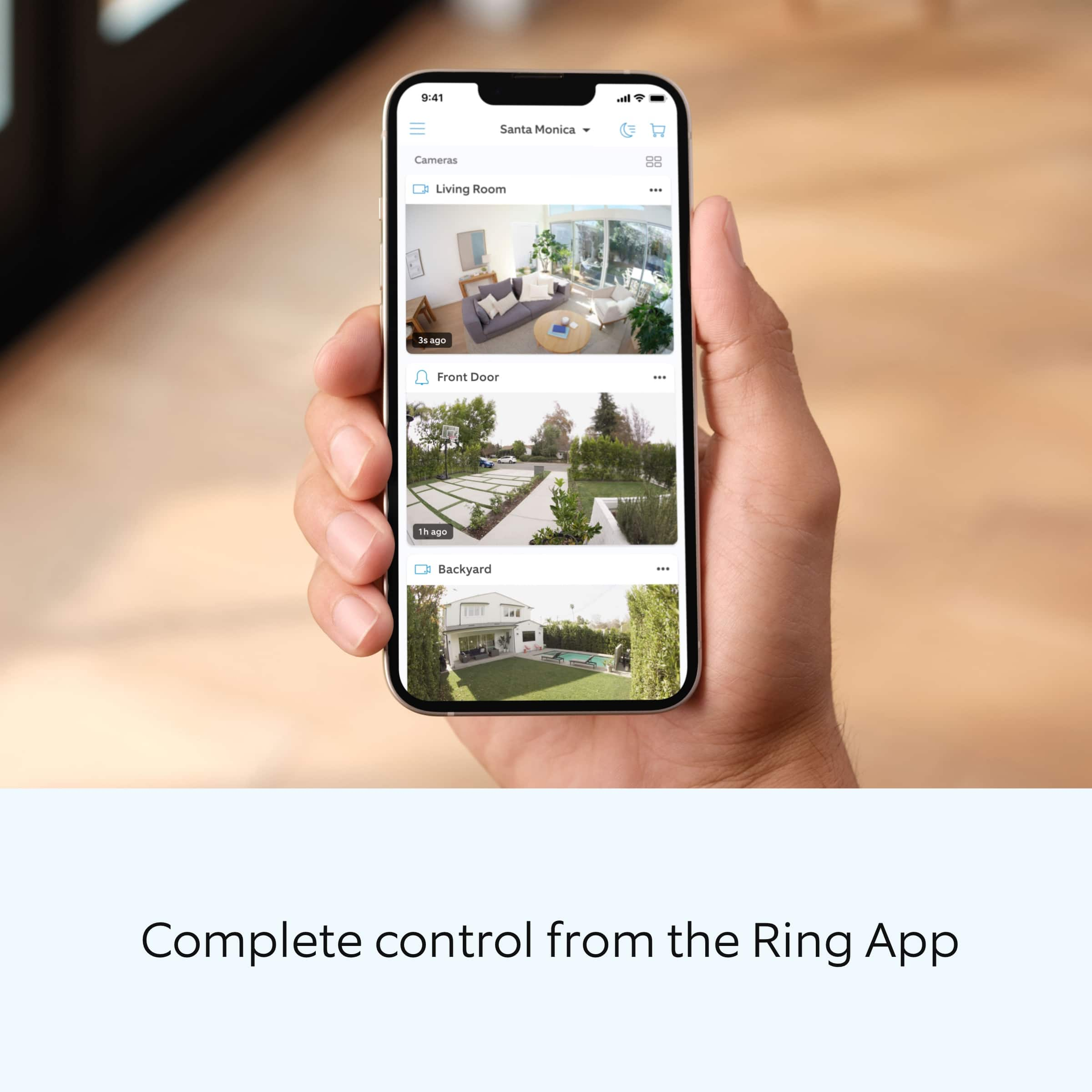
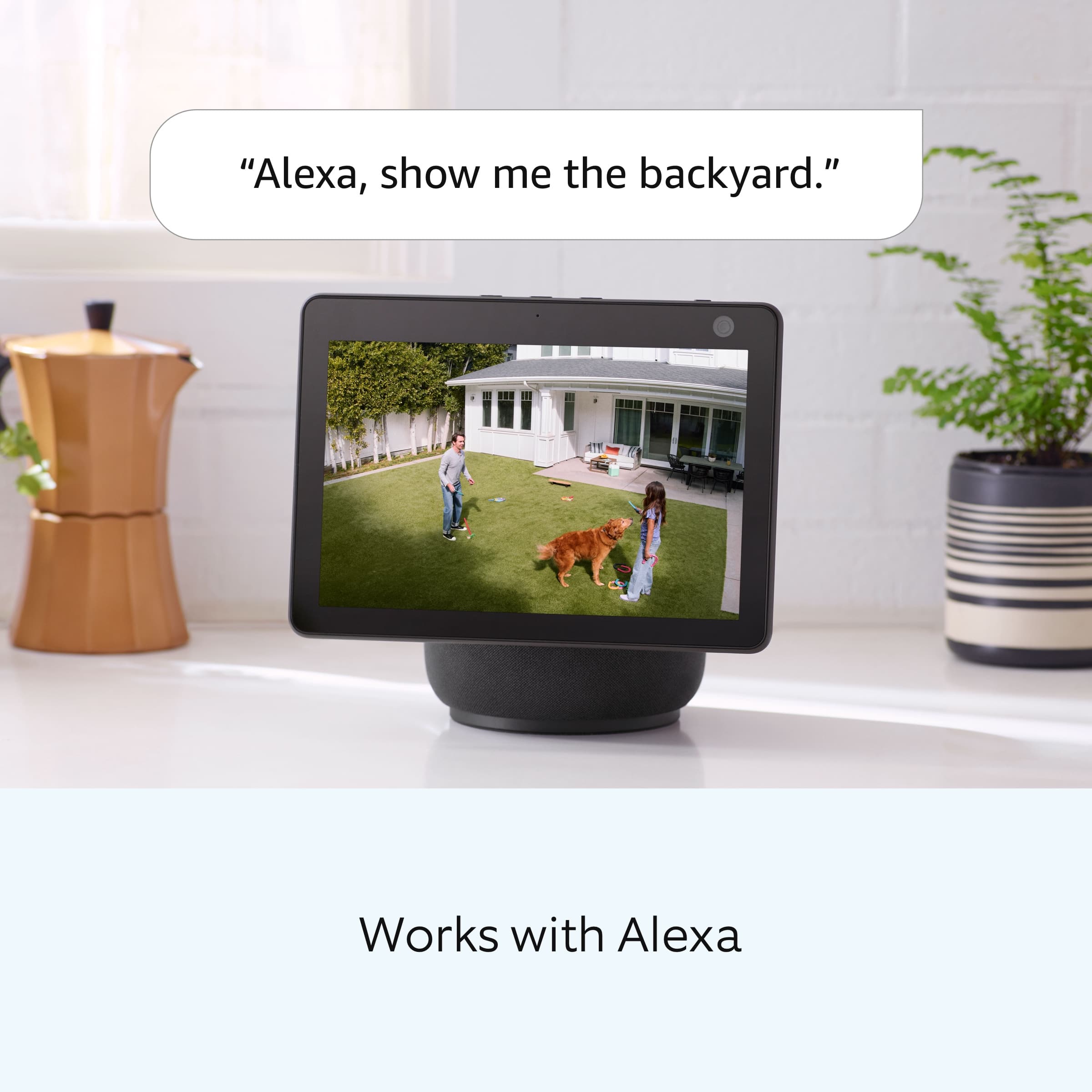
A:AnswerONLY through the Smartphone app. Amazon's Alexa/Echo services cannot control lighting separately as of 5/20/22.
Google Home services cannot access camera footage without professional work-arounds.
A:AnswerInstallation is not included with the item you have to purchase that separately from bestbuy. Price changes so you have to check with your store.
A:AnswerWiFi range is dependant on your Wireless Router and installation environment. (More neighbors with internet devices will result in communication bottlenecks / traffic jams with significantly lowered range) In a clean environment, expect up to 150ft of Unamplified, Line of Sight Range. Walls and other construction materials (stucco, cement, aluminum siding, etc) will reduce this accordingly.
Motion detection and visible range is similar to what can be seen by the Naked Eye with 20/20 vision.
A:AnswerHi GN,
Great question! Yes, the Ring Floodlight Camera Plus requires electricity. Your Floodlight Camera Wired Plus security camera must be installed on a 4“ round UL listed weatherproof electrical box. Visit our support center for details on how to install: https://support.ring.com/hc/en-us/articles/360060800632-Installing-Floodlight-Cam-Wired-Plus-Security-Camera-.
Ring Community launched in March 2019 to help deliver the most current news and educational information to our customers. You can find tips and tricks from other Ring users at https://community.ring.com/. This peer-to-peer forum allows our neighbors to share their feedback and experiences to assist each other in resolving their concerns.
All the Best,
Nicole with Ring
A:AnswerHello Chris,
Yes, the lights on the Floodlight Cam Wired Plus are operated by passive infrared heat detection while the camera unit notifies you of movement within the camera’s field of view. As a result, the light and camera can be controlled independently.
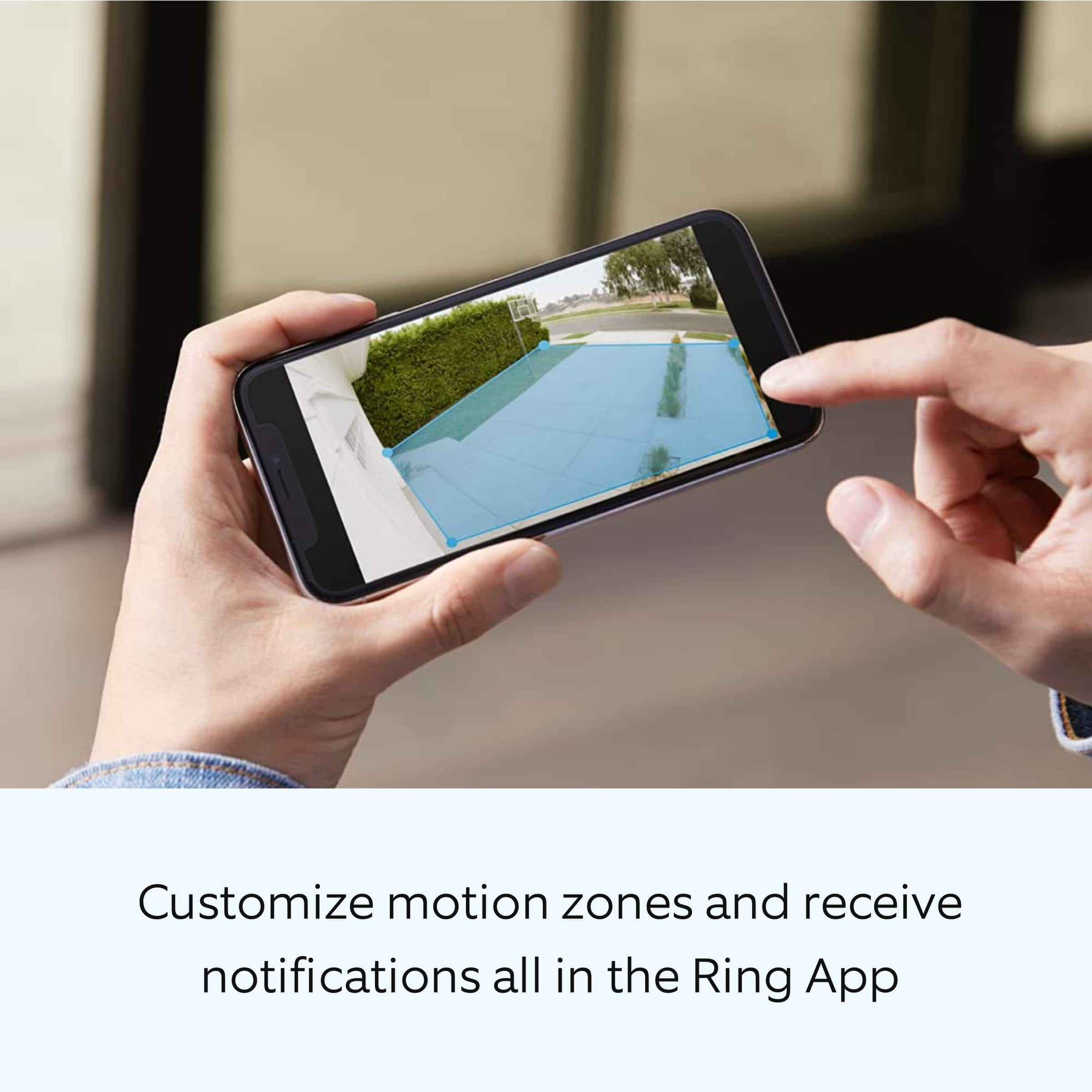
Additionally, the floodlight’s motion zones are divided up into three 90 degree zones that can be independently turned on and the distance adjusted to customize the area that will trigger the lights to turn on. The camera too can have its motion-sensing area customized through the Ring App, and can cover up to three different zones. The combination of these different customizable zones gives you complete control over the area you wish to cover with your Floodlight Cam Plus.
Also, Ring Community was launched to help deliver the most current news and educational information to our neighbors. This online forum is divided into four categories: Product Boards, Ring Updates, Tips + Tricks, and a Moderators’ Corner. The Product Boards are where you can begin new topics with your questions or feedback; there is also a search option that helps you find topics that have already been posted by other neighbors. We invite you to visit our site at https://community.ring.com/ today!
Thank you,
Antonio from Ring
A:AnswerThe camera uses 2.4GHz. A signal from inside the house will work just fine as long as it’s within range. Mine is on my garage and connected to our WiFi router inside the house. No issues at all.
A:AnswerNo it needs to be installed by electrician to nearest power outlet. But well worth the Cost of @ $125. We now have several on my street, We have noticed a lot less traffic and no thiefts that I know of. $3 per month per device to have ring monitor as well as see from your phone.