A:Answer Hello Alicia,
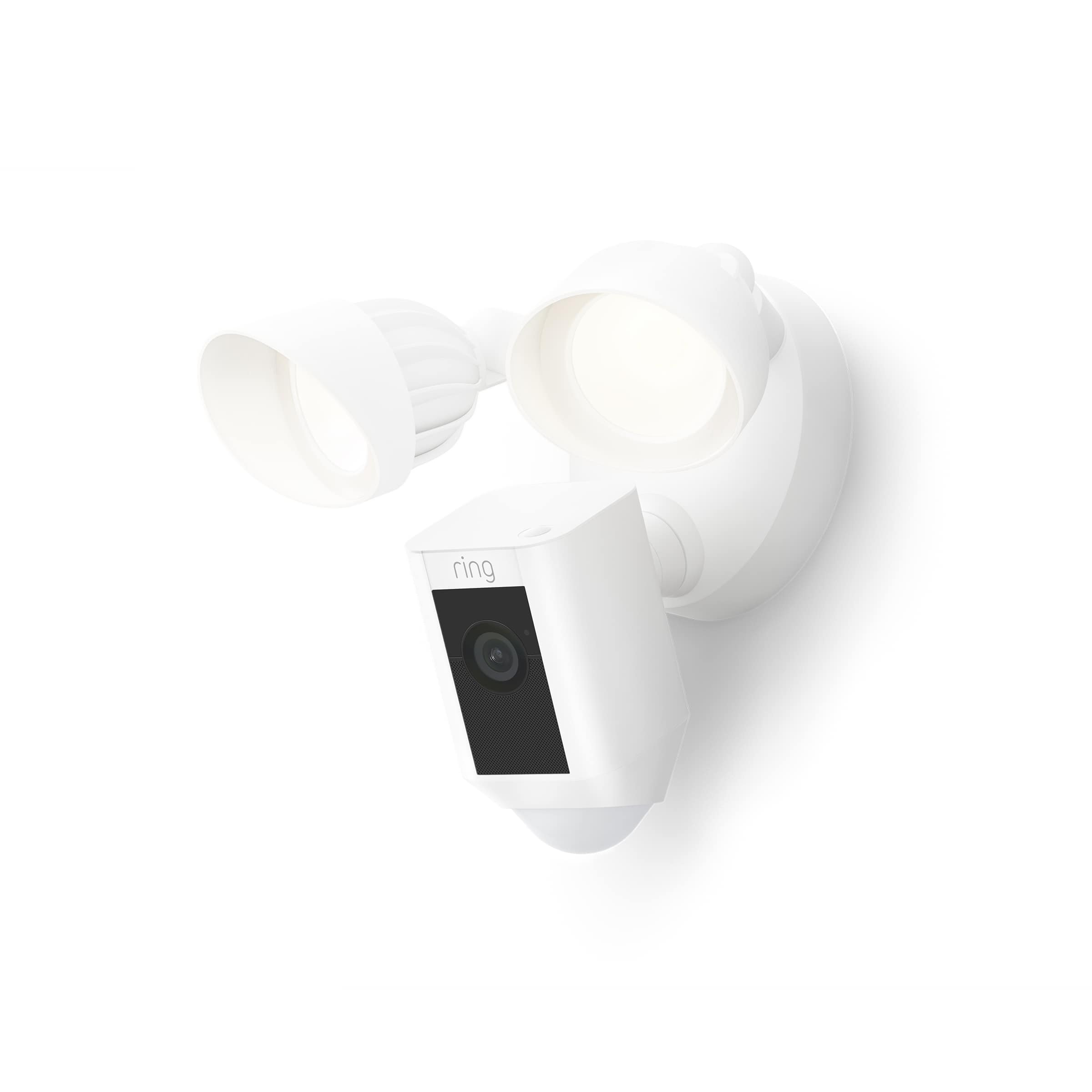
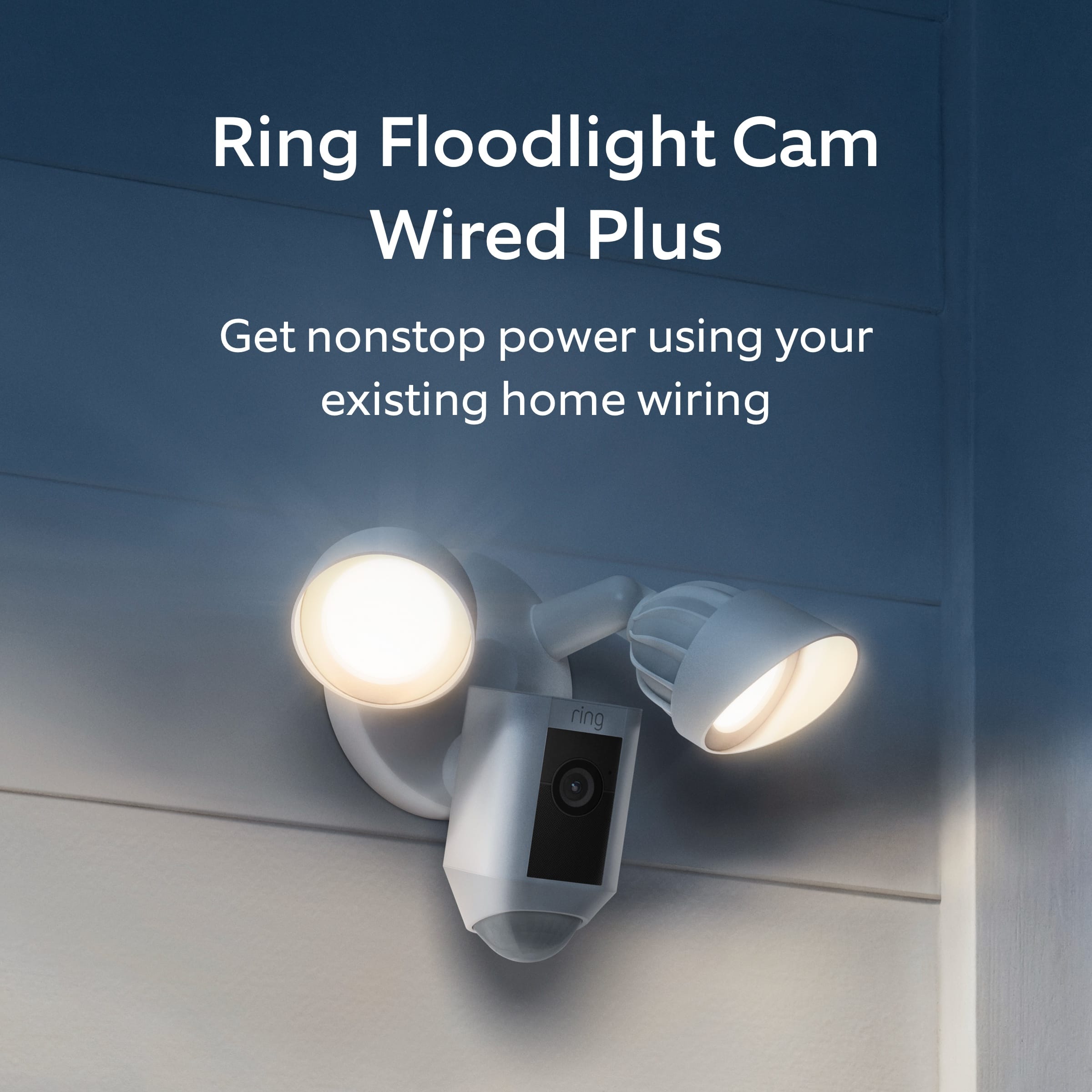
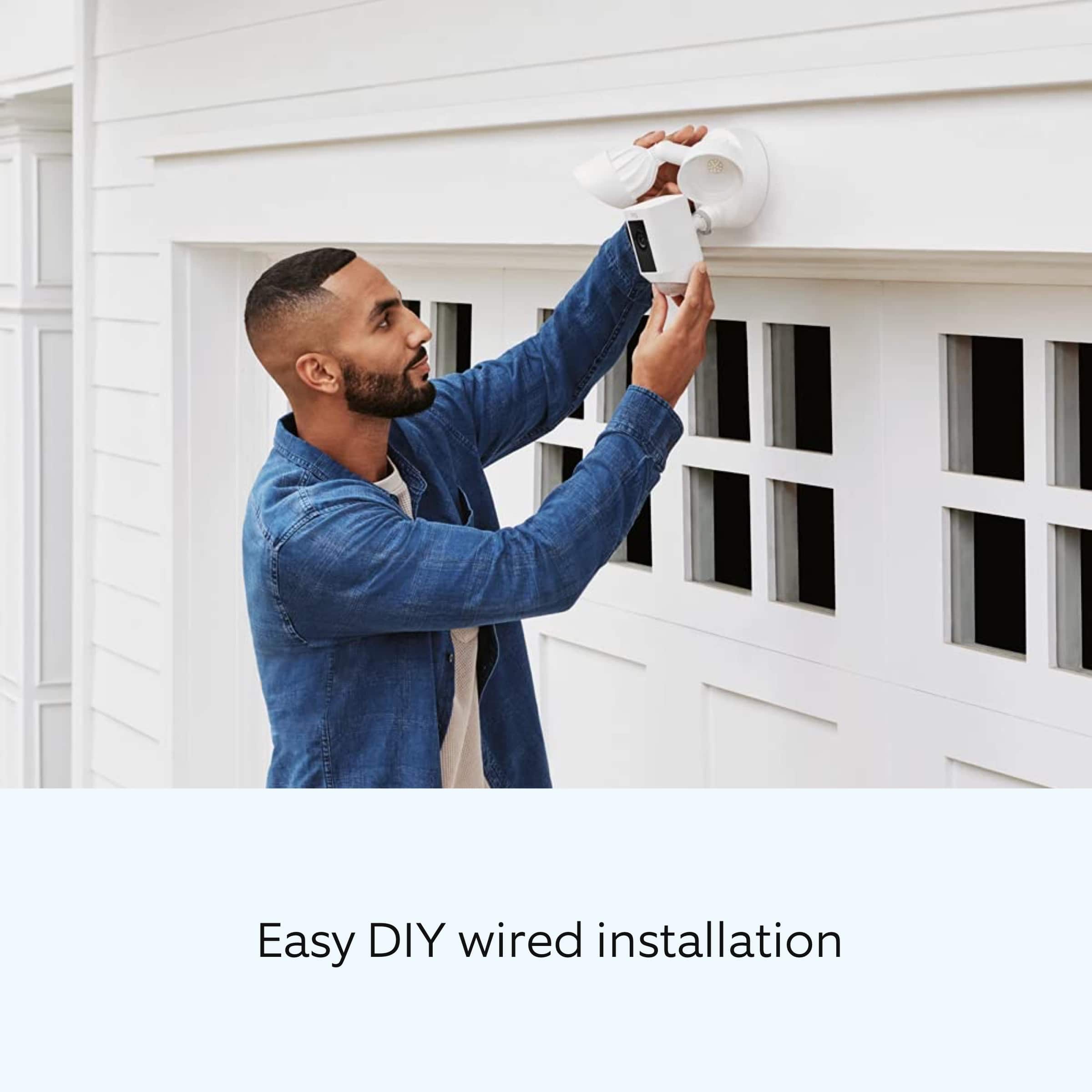
No. Ring Floodlight Cam Wired Plus is not compatible with solar panels. Floodlight Cam Wired Plus security camera must be installed on a 4“ round UL listed weatherproof electrical box. Ring Floodlight Cam should be connected to a 110 VAC~240 VAC 50/60 Hz power source.
Before you begin installing your Ring Floodlight Cam Wired Plus, outdoor security camera, make sure that you’re following safety code standards. Installation by a qualified electrician may be required in your area. Make sure to refer to your local laws and building codes before performing electrical work; permits plus professional installation may be required by law. More details can be found here: https://support.ring.com/hc/en-us/articles/360060800632-Installing-Floodlight-Cam-Wired-Plus-Security-Camera-.
Also, Ring Community was launched to help deliver the most current news and educational information to our neighbors. This online forum is divided into four categories: Product Boards, Ring Updates, Tips + Tricks, and a Moderators’ Corner. The Product Boards are where you can begin new topics with your questions or feedback; there is also a search option that helps you find topics that have already been posted by other neighbors. We invite you to visit our site at https://community.ring.com/ today!
All the best,
Antonio from Ring