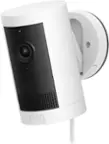
A:AnswerYou can go in the setting and set the lights to come on from dusk to dawn. You can set different modes when you want the lights to come on. I have 3 linked together and every once in a while one won't come on with the rest. You can use the app to turn them off and on as well.
A:AnswerHi Tandem4two.
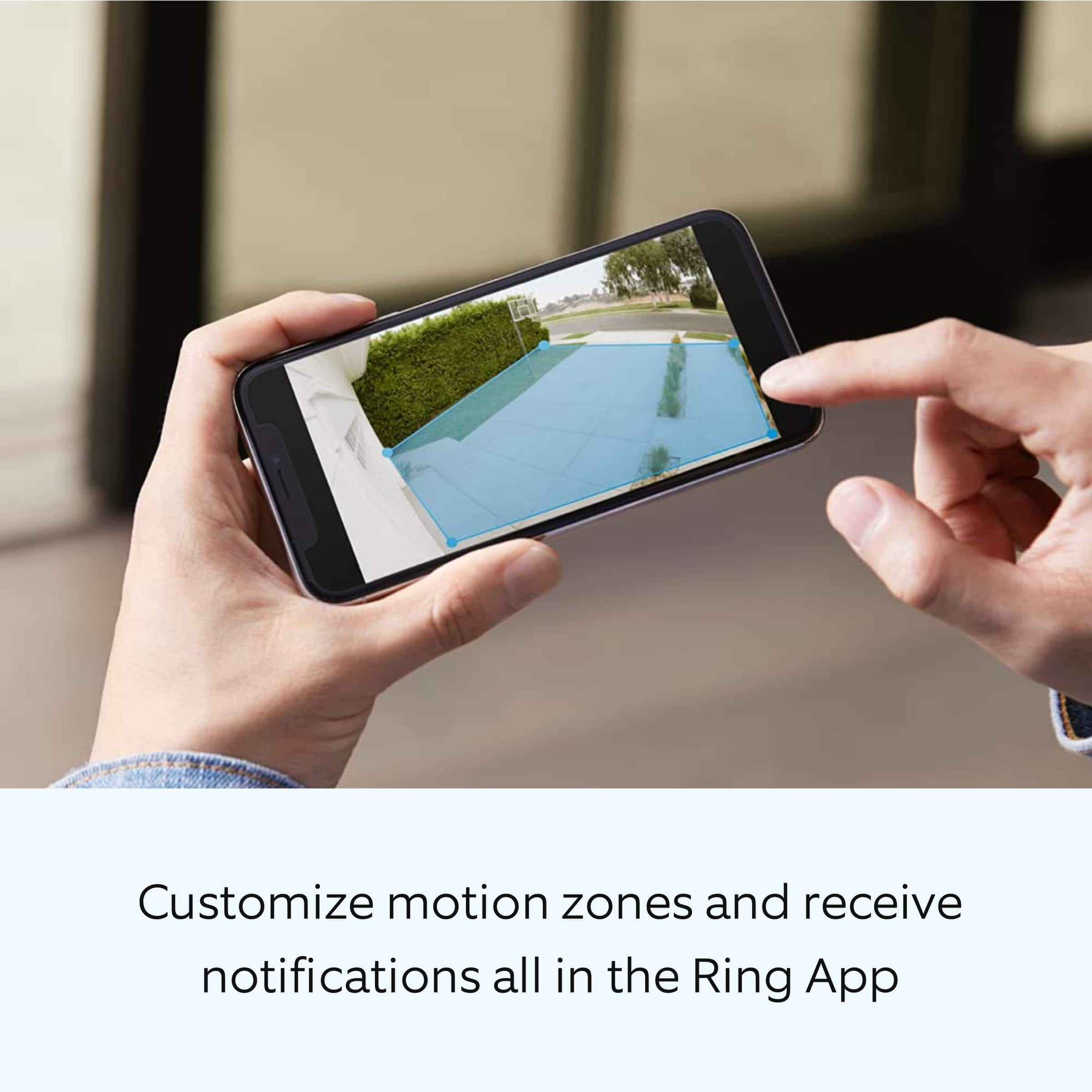
Good question. The Ring Floodlight Cam Plus offers customizable motion zones up to 30 feet. We recommend installing the device nine feet (three meters) off the ground for the optimal range of motion detection.
We invite you to reach out to our Community if any additional information is needed regarding your question. The Ring Community is our first peer-to-peer community forum, giving our customers the ability to help one another by sharing their feedback and experiences with each other.
All the best,
Nicole from Ring.
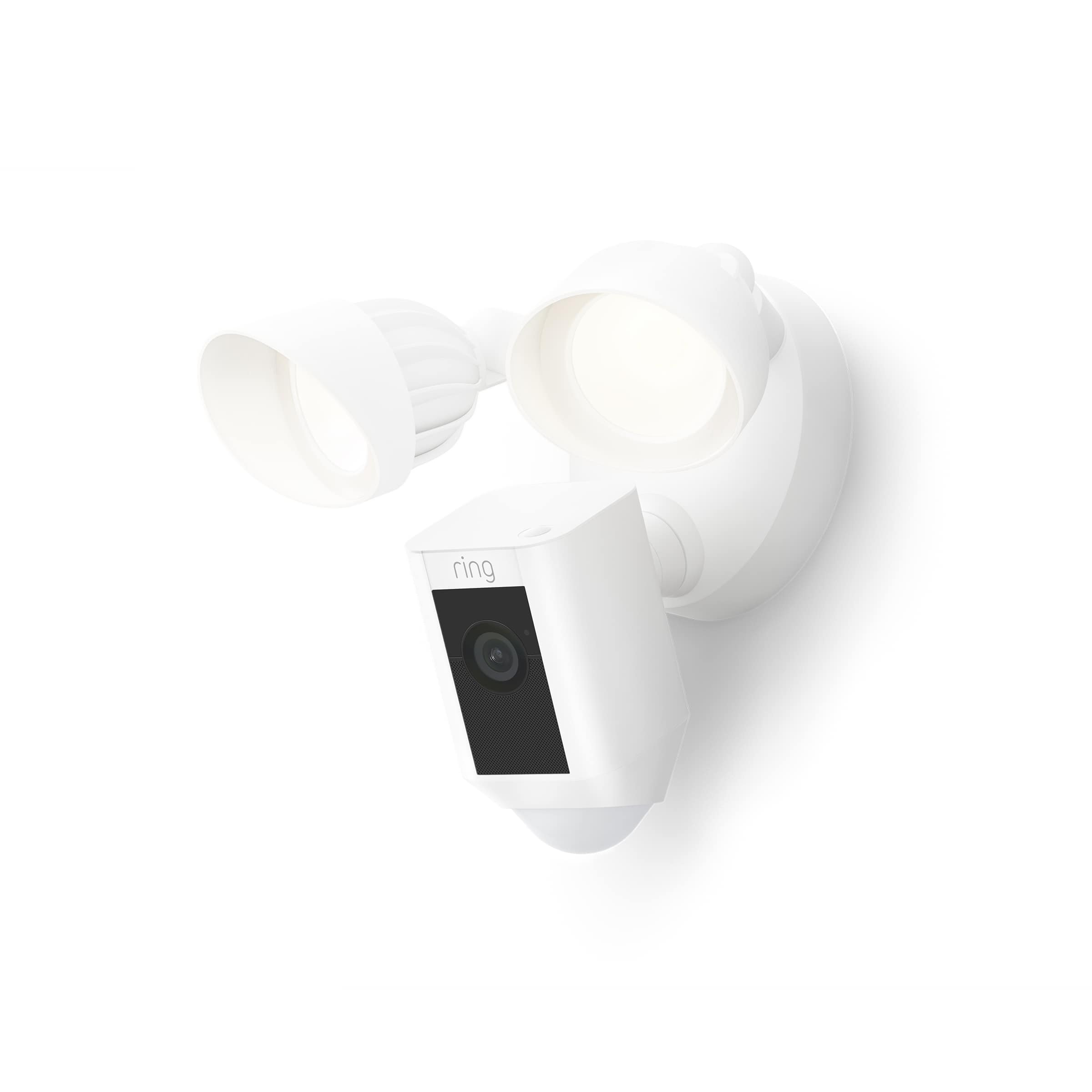
A:AnswerHi Britt.
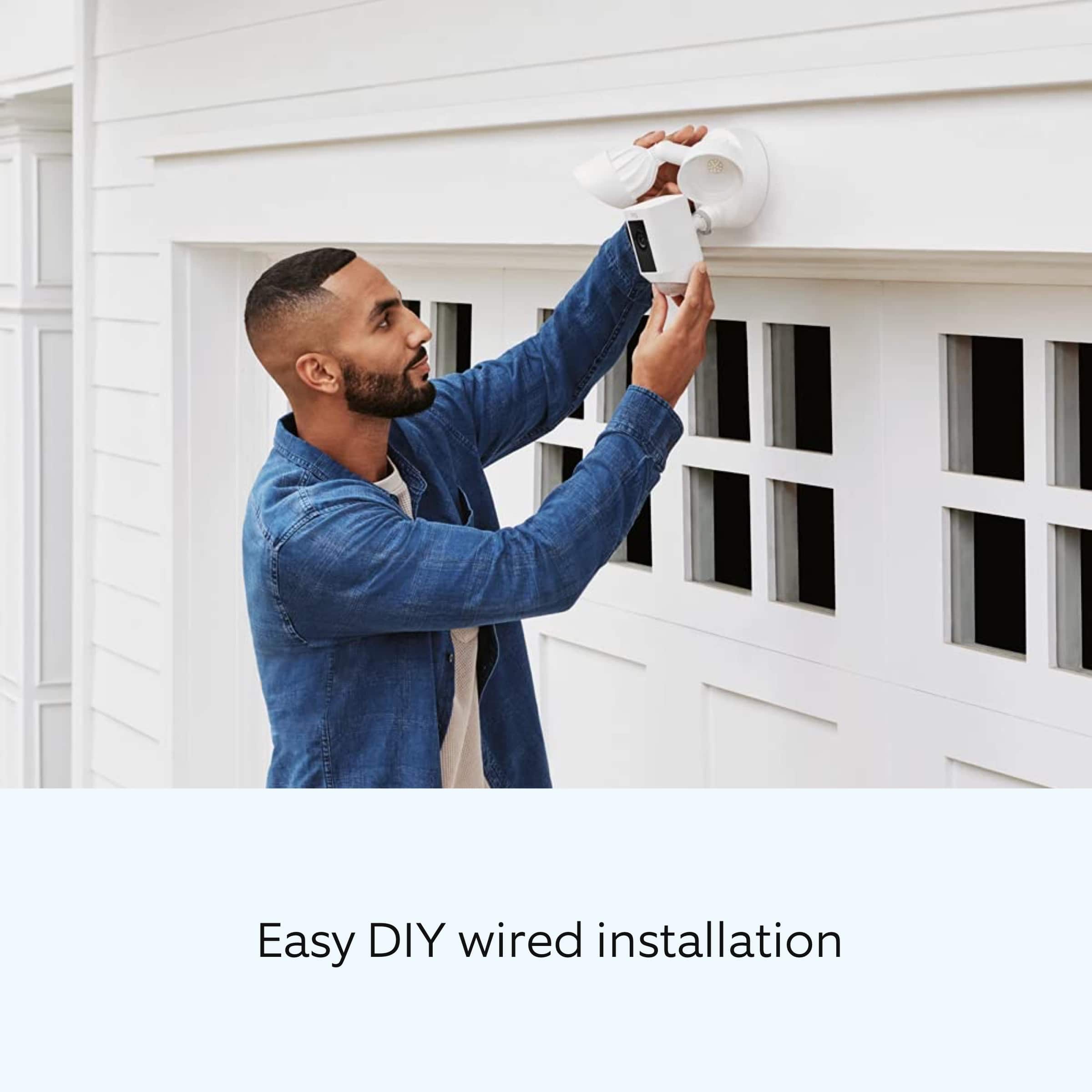
Good question. No, you do not need a doorbell to install the Ring Floodlight Cam Plus. The Ring Floodlight Cam Plus must be installed on a 4“ round UL-listed weatherproof electrical box. It also requires a wifi connection and is compatible with 2.4 GHz networks. Visit our support center for more information.
We invite you to reach out to our Community if any additional information is needed regarding your question. The Ring Community is our first peer-to-peer community forum, giving our customers the ability to help one another by sharing their feedback and experiences with each other.
All the best,
Nicole from Ring.
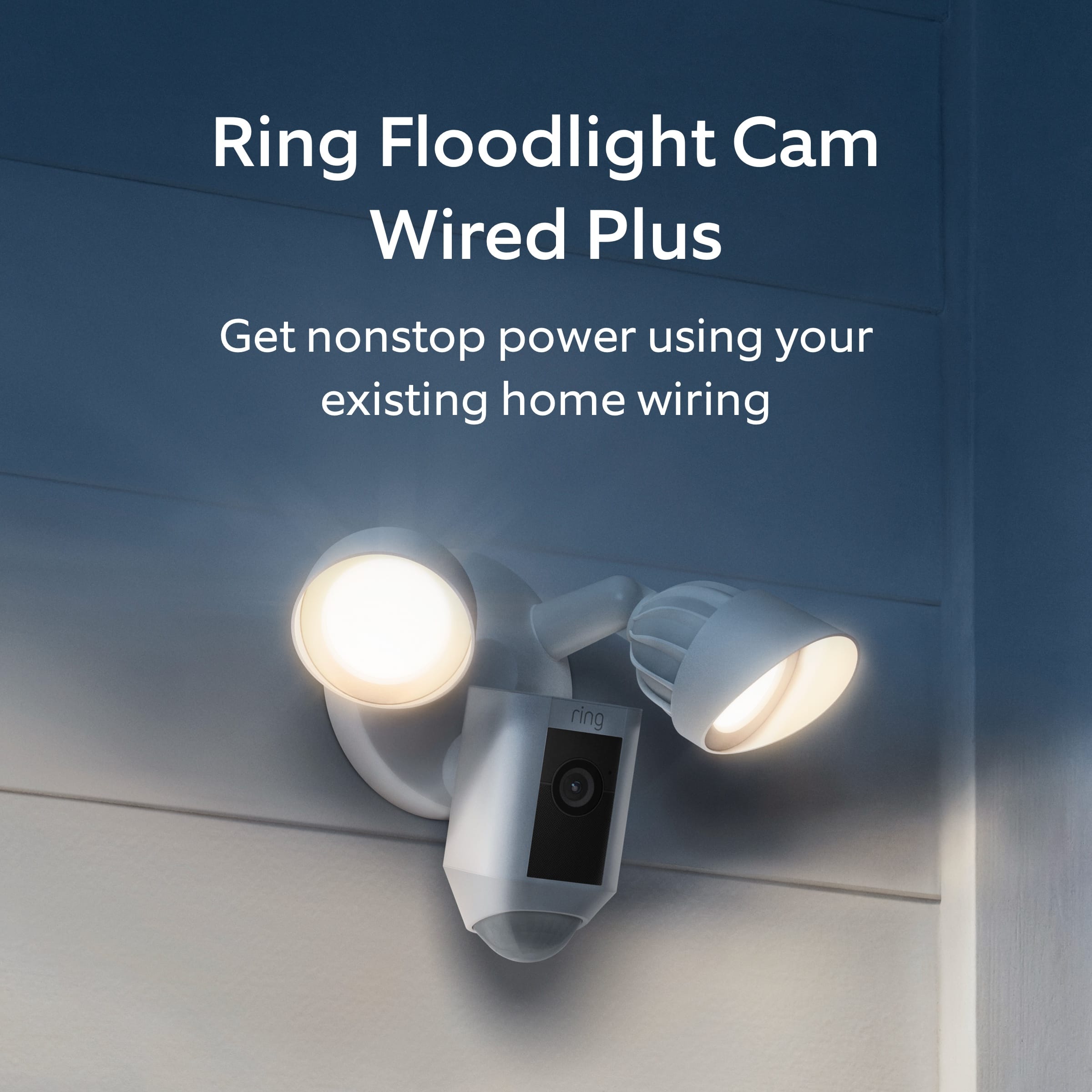
A:AnswerHi Pattycake.
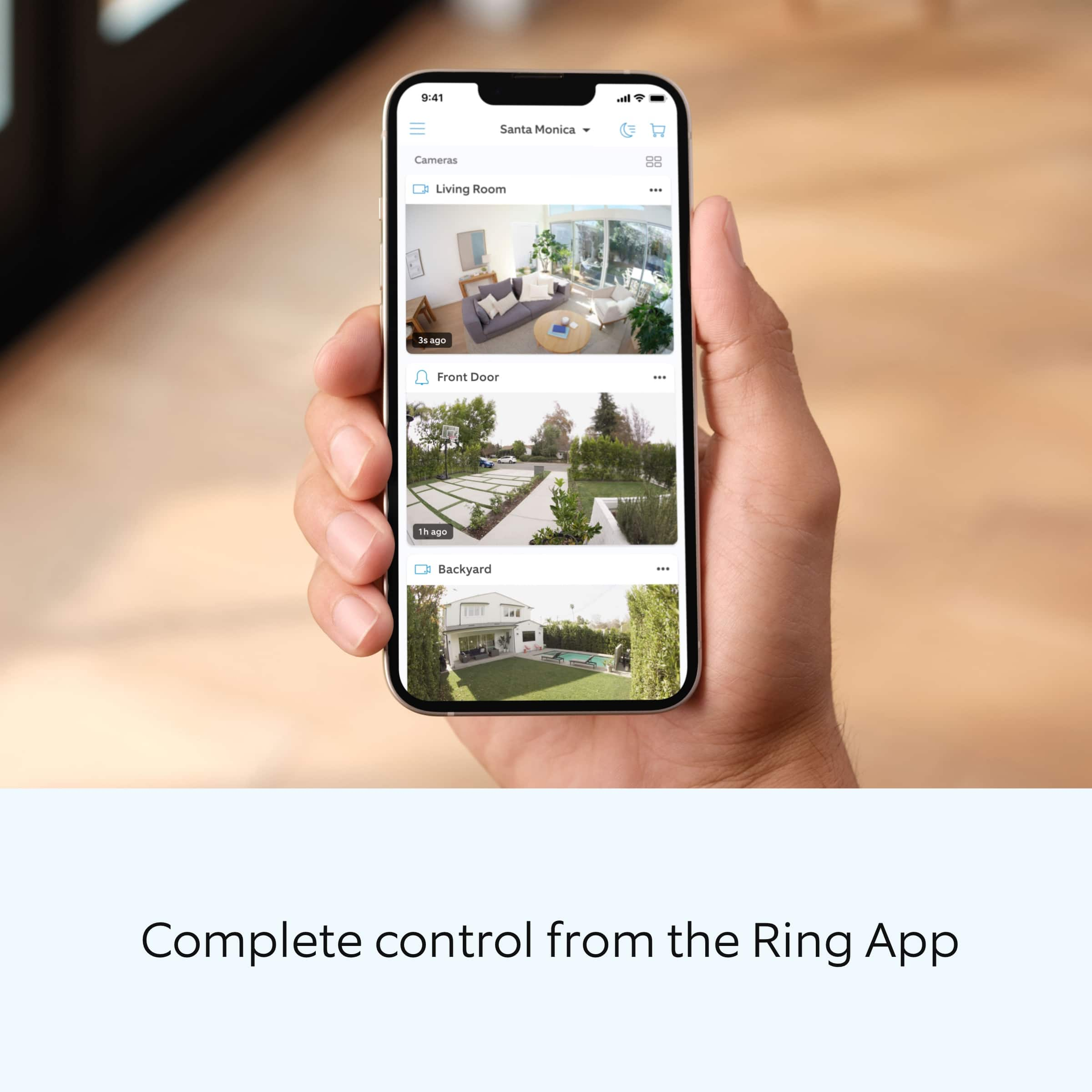
Thanks for asking. No, you do not need to remove devices from your account if you change internet providers. However, you may need to reconnect them to your new network. To reconnect a Ring video doorbell or security camera to your wifi network:
Open the Ring app.
Tap the menu (≡).
Tap Devices and select the doorbell or camera you'd like to reconnect to wifi.
Tap the Device Health tile.
Under Network, tap Change Network, and follow the prompts in the app.
Allow some time for your device to fully reconnect to the network, then check your wifi signal strength in Device Health to confirm it has successfully reconnected.
We invite you to reach out to our Community if any additional information is needed regarding your question. The Ring Community is our first peer-to-peer community forum, giving our customers the ability to help one another by sharing their feedback and experiences with each other.
All the best,
Nicole from Ring.
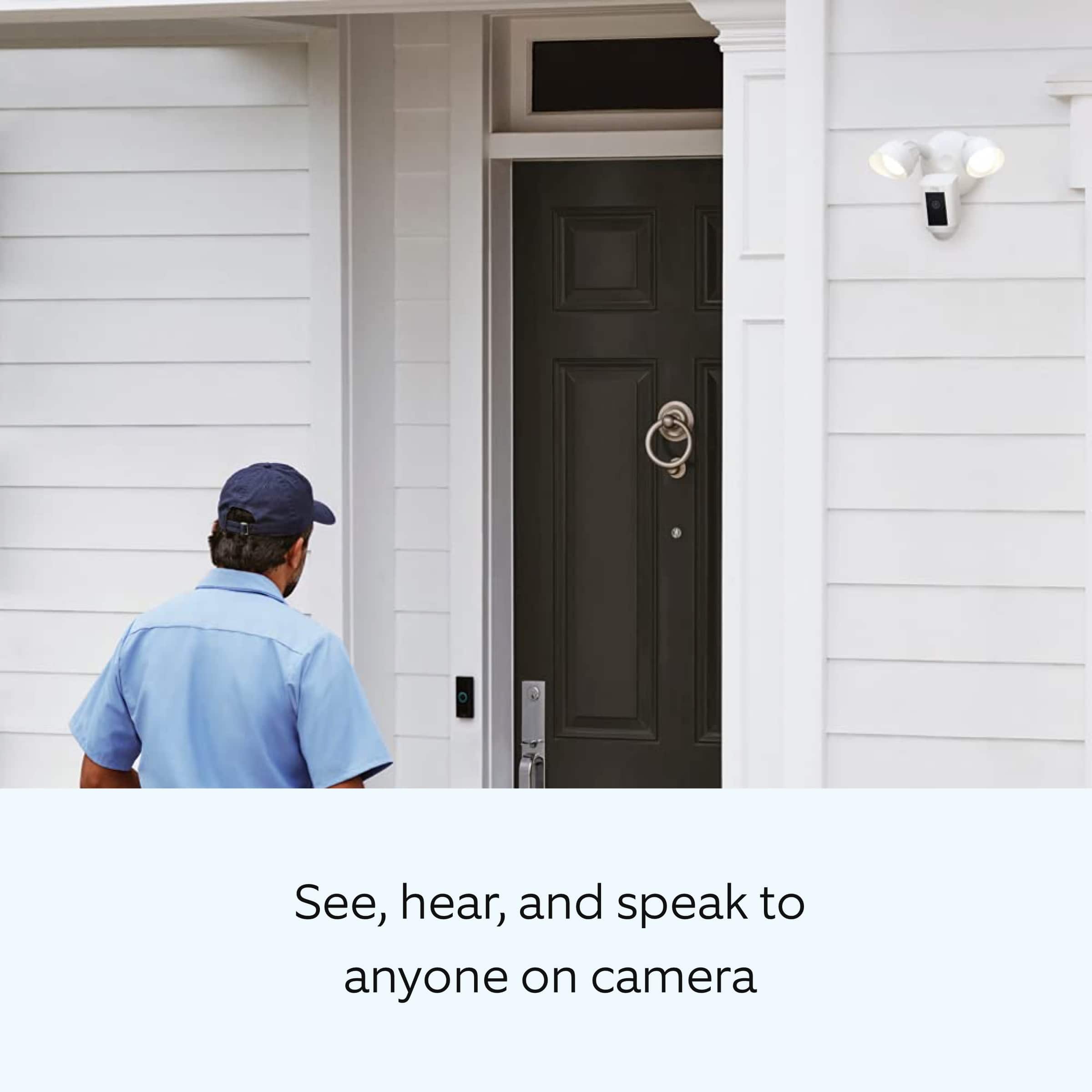
A:AnswerHi Rmor.
Good question. No, the Ring Floodlight Cam Wired Plus requires wifi in order to work. It is compatible with 802.11 b/g/n wifi connections at 2.4 GHz.
We invite you to reach out to our Community if any additional information is needed regarding your question. The Ring Community is our first peer-to-peer community forum, giving our customers the ability to help one another by sharing their feedback and experiences with each other.
All the best,
Nicole from Ring.
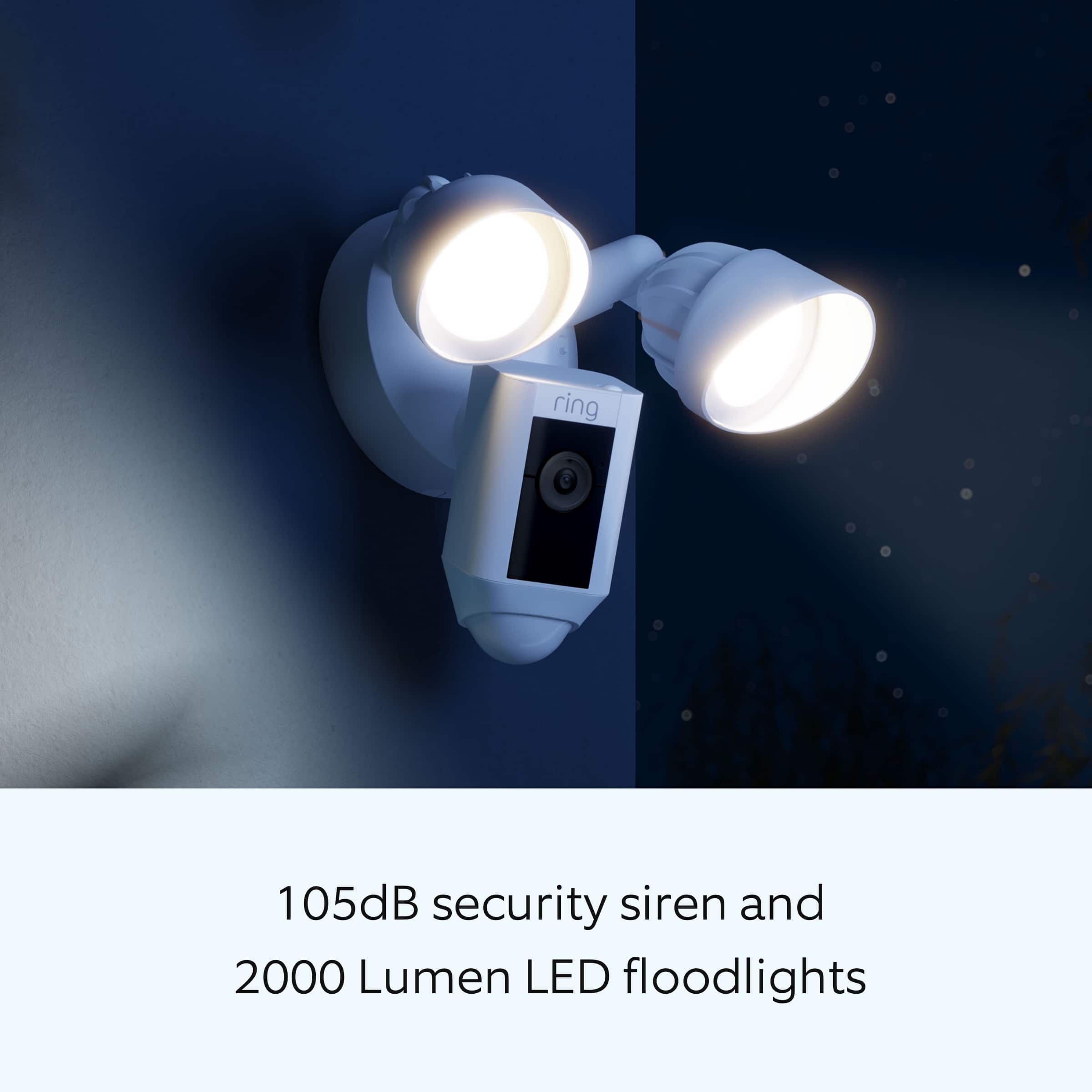
A:AnswerYou can set it to detect motion how ever long you want. But, you may want to look at other ring options. If you live in apartment type setting, your app will be alerting you to every movement