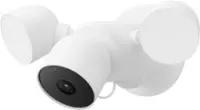
A:AnswerYes, I originally installed one horizontally but after found a little research I found out that the manufacturer says it voids the warranty if you install it horizontally.
A:AnswerHello Wayne52,
All Ring Doorbells and Cameras provide standard features (instant alerts, live view, and two-way talk) without any monthly fee. Our optional Ring Protect Plans offer additional video recording and storage features, for those who want them, starting at $3/month (per Ring device). To learn more about what features are included when enrolled in an optional Ring Protect Plan, please visit the link below. https://ring.com/protect-plans
If you have any additional questions please reach out to us today at https://community.ring.com/. We look forward to hearing from you!
All the Best,
Danielle from Ring
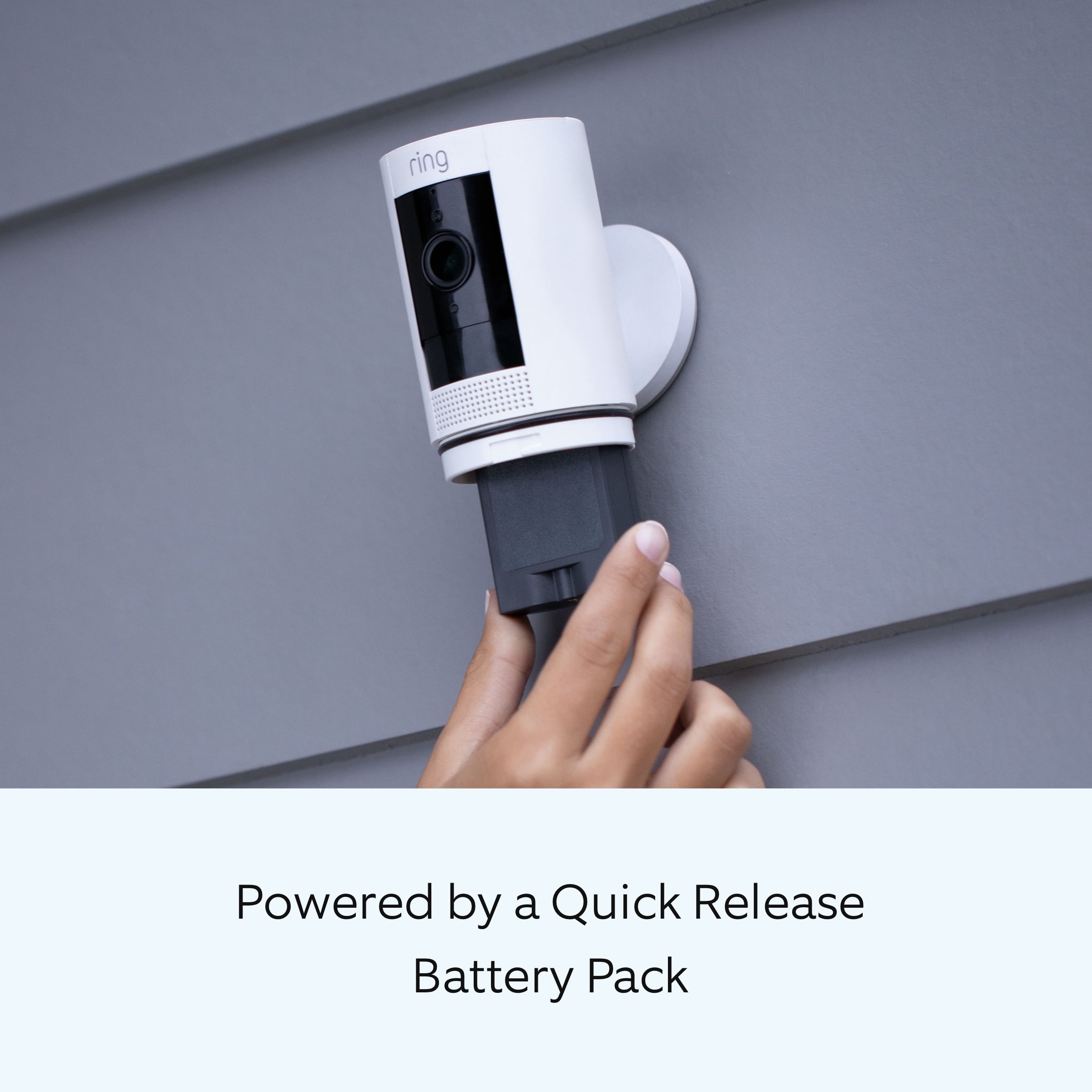
A:AnswerNo. This uses a rechargeable battery. I was bummed because I thought I could it to replace my bad camera that used solar. I had to Mount this one low outside so I could get to the battery to take out and charge.
A:AnswerThe connection on the back of the camera is adjustable as in you can tilt it forward, backward, or side to side...basically like 3 D. I mounted mine and then angled it accordingly to the side and then upward to get the door and the part of my yard I wanted to get. There is a connection on the bottom for the axis or you can put it to the rear of the camera as well. I use the rear mount.
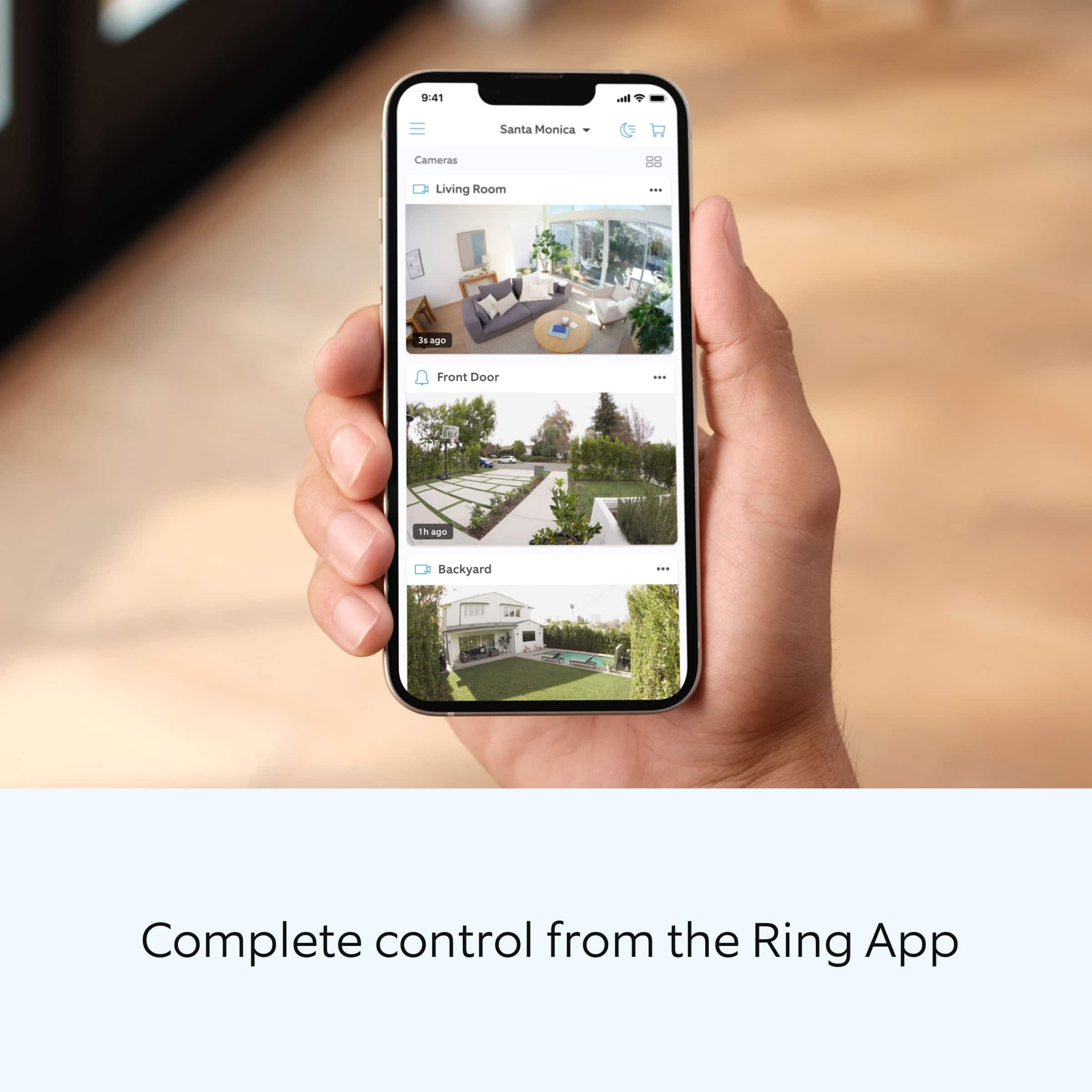
A:AnswerPaul its so easy bro.... you download the ring app to your phone, scan the square patch that is included with your camera, then it will scan for networks, when you find yours all you do is use your network password to sign in..... that's it.
A:AnswerTo view live video on your phone, you do not need to initiate a service plan. However, to store video in the cloud, you do. Ring’s current monthly fee for cloud storage is $3/cam, if I understand it correctly.
A:AnswerThere will be a Blue light that comes on when camera operates day or night.
In night mode there will be a Red light that will also come on for infrared mode.
I had asked Ring if there was a way to deactivate the lights and there is not at this time.
A:Answerso it truly depends on how you position the camera o would say if its straight 90 degrees on each side but if more to one side you obviously would see more of a wider range on that side..
A:AnswerHi Mounting.
Thank you for reaching out to us with your question. Here are the instructions for installing the Ring Outdoor Cam:
Install the mounting plate.
On walls: UP arrow points upward.
On ceiling and eaves: UP arrow points toward target area.
Warning: Only use the included mounting screws when securing the mounting plate, and avoid positions that have electrical wiring behind the plate. Do not drill into your home's electrical wiring.
If installing on a wood surface, screw the mounting plate directly into the wall.
If installing on a masonry (concrete, brick, or stucco) surface, mark four screw holes using the plate as a guide. Drill pilot holes using a 0.24 in (6 mm) drill bit. Insert the included wall anchors, then drive the four mounting screws through the mounting plate into the wall anchors.
1. Unscrew the base using a Phillips head screwdriver.
2. Secure the base to the camera's back, with the UP arrow pointing upward.
3. Slide the mounting bracket down to remove it from the base.
4. Align base grooves with bracket hooks, then slide downward until the camera locks in place.
5: Installing security screws:
The Outdoor Cam includes two security screw locations:
Battery compartment security point.
Mounting bracket security point.
Remove rubber plugs from desired locations to access screw holes.
Installing security screws when mounting on a table or shelf
Rotate base's longer edge forward, then tighten security screw using a Phillips head screwdriver.
Flip camera to access battery compartment, then insert second security screw.
Installing security screws when mounting on a wall
Remove camera from mounting bracket. Then remove base rubber plug, reattach camera, and tighten security screw using a Phillips head screwdriver.
Remove battery compartment cover, extract rubber plug, then reattach and secure cover with provided security screw using Phillips head screwdriver.
6: Adjusting the camera angle
You can rotate the camera to adjust the field of view.
Remove the protective film from the device to allow motion detection and proper view.
Use the Live View feature in the Ring app to make sure the camera is monitoring the desired area. Rotate the camera to adjust the view accordingly.
If any additional information is needed regarding your question, please reach out to our community. Ring Community is our first peer-to-peer community forum, giving our customers the ability to help one another and share their feedback and experiences directly with Ring. Join the Ring Community today!
Thank you,
Amilia from Ring.