Skip to contentGo to Product Search
Gift Ideas
Main Content

Questions & Answers

$99.99
Page Showing 61-80 of 81 questions
  • QuestionDo you have to have a plan for this to work? Meaning do I have to pay a monthly fee?

    Asked by Anonymous.

    • Answer Yes and no - you have to have a plan if you want the videos to be SAVED for later review. (If you just want to have live video, then no.)

      Answered by JimR

  • QuestionIs WiFi required for this specific Cordless Ring Camera???

    Asked by Pat.

    • Answer Yes. How else is it supposed to work? WIRELESS camera

      Answered by TheePlanB

  • QuestionDoes this camera have lights?

    Asked by Catfish.

    • Answer Yes - for night vision / video purposes. It does NOT have a built in light for like lighting up an area as a security light, if that is what you are asking…

      Answered by JimR

  • Questioncan you view video on a monitor ?

    Asked by rd.

    • Answer Yes, you can view the Ring videos on your smartphone or tablet using the Ring app or on your PC using a browser such as Edge or Chrome by going to Ring.com and signing into your account. You can view up to 4 Live Views at the same time on your PC.

      Answered by EZMcLee

  • QuestionDoes this camera use the same battery as the Ring doorbell?

    Asked by Brian.

    • Answer Yes it does.

      Answered by Fyrcap

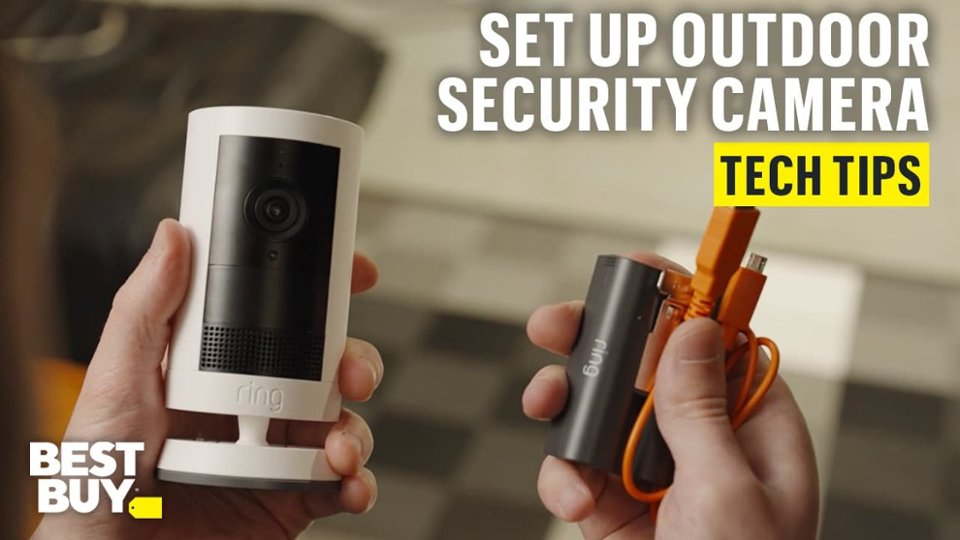
  • Questiondoes it have the same plug receiver as the older ones so I can run an adapter cable to an AC source or any non ring standard solar panel that supports the same USB conversion plug?

    Asked by BeBopReviewer.

    • Answer It has a USB-C plug, in my case I removed a small adapter that allowed my solar panel to connect to the old stick up cam and it works perfectly

      Answered by Raul

  • QuestionWhere can i get the charger so i can have my camera plugged in all times

    Asked by Anonymous.

    • Answer Yes you can get solar or plugin to back of cam

      Answered by RobertS

  • QuestionHow long does the battery last?

    Asked by haraf.

    • Answer Depends on the amount of alerts it responds to Mine has been installed for almost two weeks and has only used 21% of battery

      Answered by KennethP

  • Questioncan I connect this to my smart phone?

    Asked by Katzsnag.

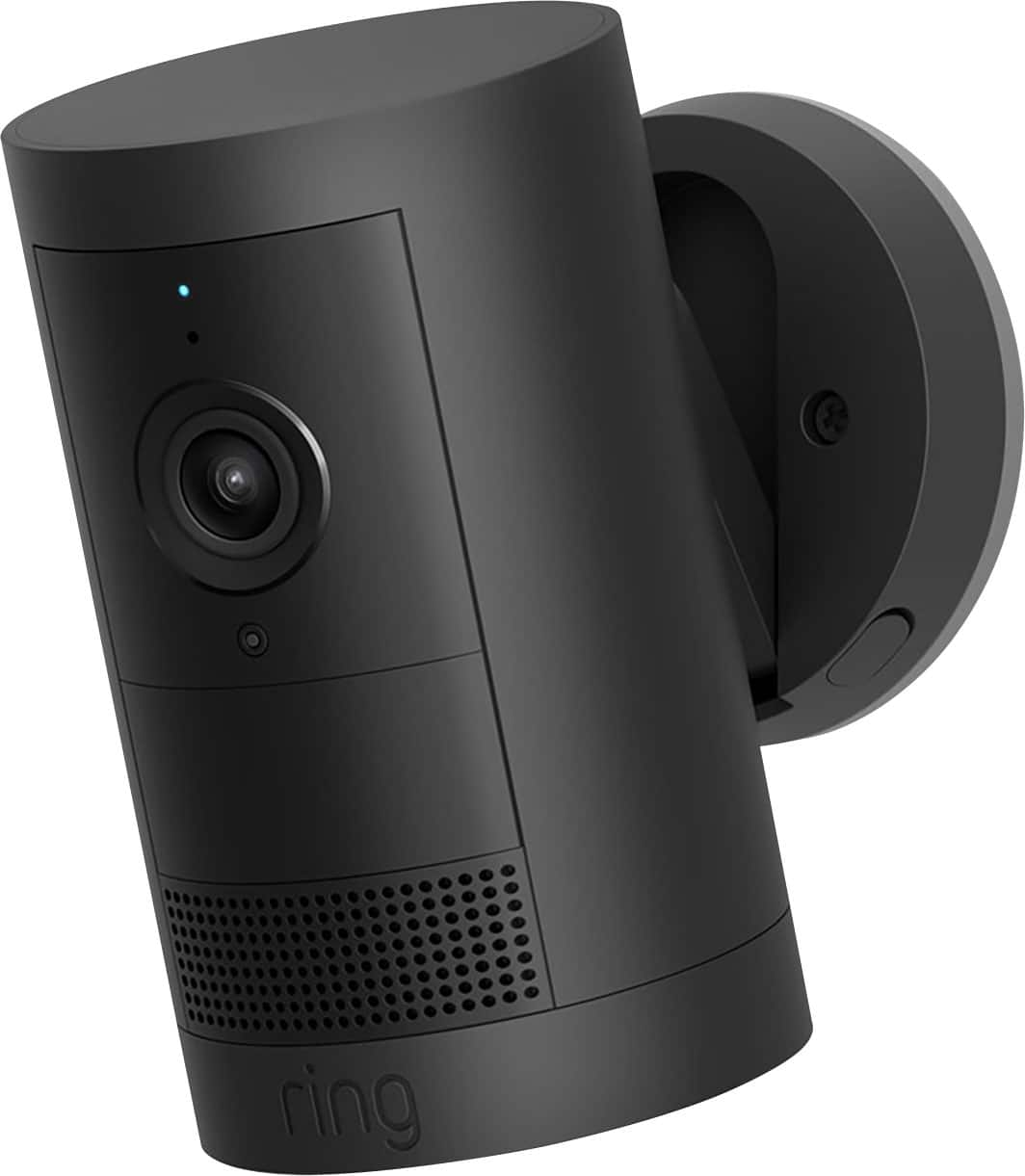
    • Answer Hi Katzsnag. Thank you for reaching out to us with your question. Yes, you can view and manage your Ring devices within the Ring app. The Ring app requires iOS 17 (or higher), or Android 9 (or higher). If any additional information is needed regarding your question, please reach out to our community. Ring Community is our first peer-to-peer community forum, giving our customers the ability to help one another and share their feedback and experiences directly with Ring. Join the Ring Community today! Thank you, Amilia from Ring.
      Answered by Ring

  • QuestionWhat type of usb plug does this accept? Can i use the usb-c solar panel to keep it charged?

    Asked by Mrbullred.

    • Answer Hello Mrbullred. Thank you for taking the time to reach out. At Ring, we want to ensure that you have the best possible experience with our products. Your peace of mind and security are extremely important to us. Rest assured, we're here to help! To answer your question, yes. The Ring Outdoor Cam Plus requires utilizes a USB-C port on the back of the device for power or solar options. If any additional information is needed regarding your Ring Floodlight Cam Plus, please reach out to our community. Ring Community is our first peer-to-peer community forum, giving our customers the ability to help one another and share their feedback and experiences directly with Ring. Thank you for being the best part of Ring! Have a wonderful day! Sincerely, Jess from Ring.

      Answered by Ring

  • QuestionIs this waterproof

    Asked by Anagurl.

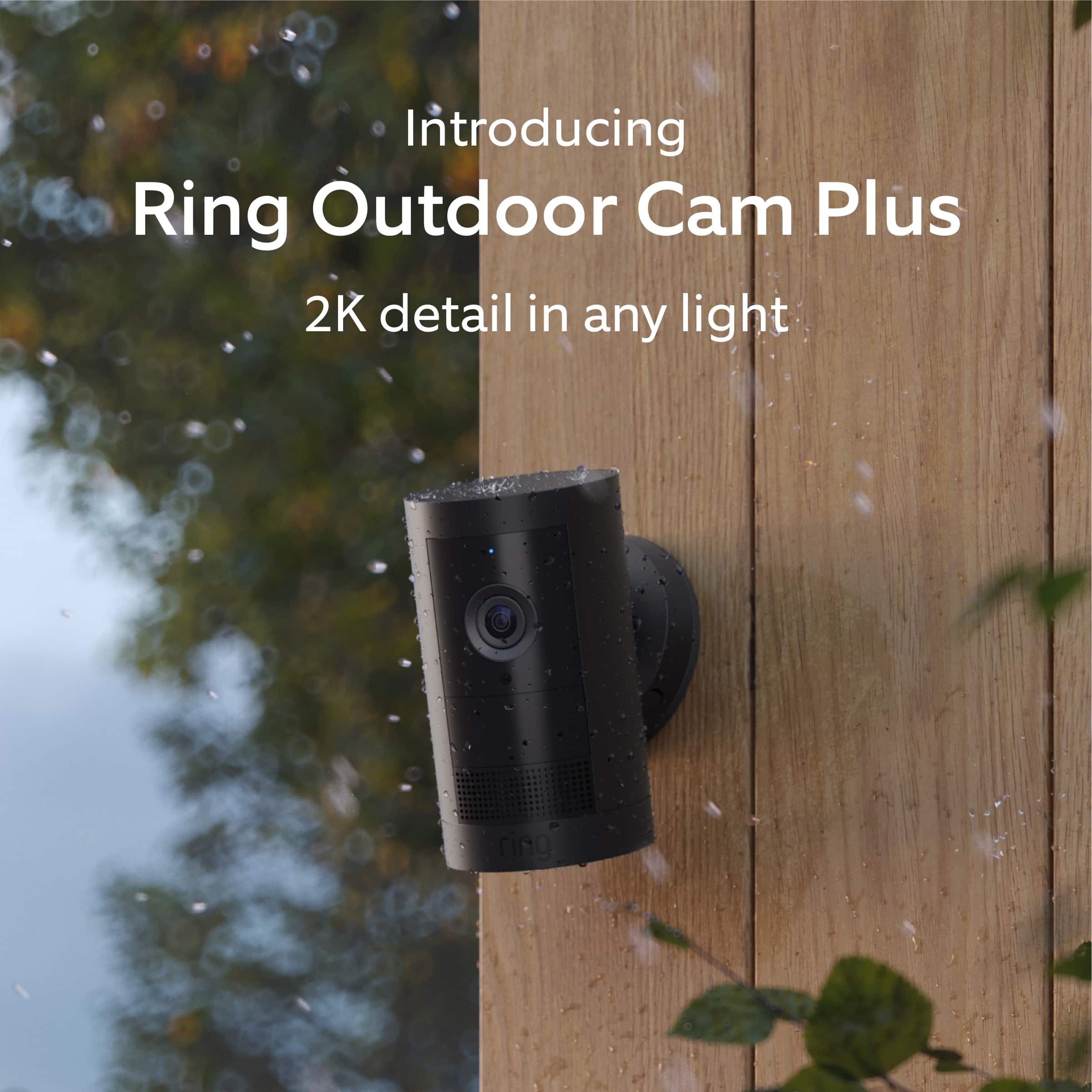
    • Answer Hi Anagurl. Thank you for reaching out to us with your question. No, the Ring Outdoor Cam Plus is not waterproof. The Ring Outdoor Cam Plus and adapter (if included) can withstand outdoor use and contact with water under certain conditions. However, your device is not intended for under water use and may experience temporary effects from exposure to water. If any additional information is needed regarding your question, please reach out to our community. Ring Community is our first peer-to-peer community forum, giving our customers the ability to help one another and share their feedback and experiences directly with Ring. Join the Ring Community today! Thank you, Amilia from Ring.
      Answered by Ring

  • QuestionDoes this camera use two batteries?

    Asked by Jerry.

    • Answer Hi Jerry. Thank you for taking the time to ask this question. No, the Ring Outdoor Cam Plus can only use one battery at a time. You can purchase an additional battery to easily swap out when the first one drains. If any additional information is needed regarding your question, please reach out to our community. Ring Community is our first peer-to-peer community forum, giving our customers the ability to help one another and share their feedback and experiences directly with Ring. Join the Ring Community today! Thank you, Amilia from Ring.

      Answered by Ring

  • QuestionCan you power 2 of these off one solar panel and if so what cable would I need to connect them?

    Asked by Dave.

    • Answer Hi Dave. We appreciate the time you have taken to ask this question. No, you can only connect one Ring camera with one Ring Solar Panel. If any additional information is needed regarding your question, please reach out to our community. Ring Community is our first peer-to-peer community forum, giving our customers the ability to help one another and share their feedback and experiences directly with Ring. Join the Ring Community today! Thank you, Amilia from Ring.
      Answered by Ring

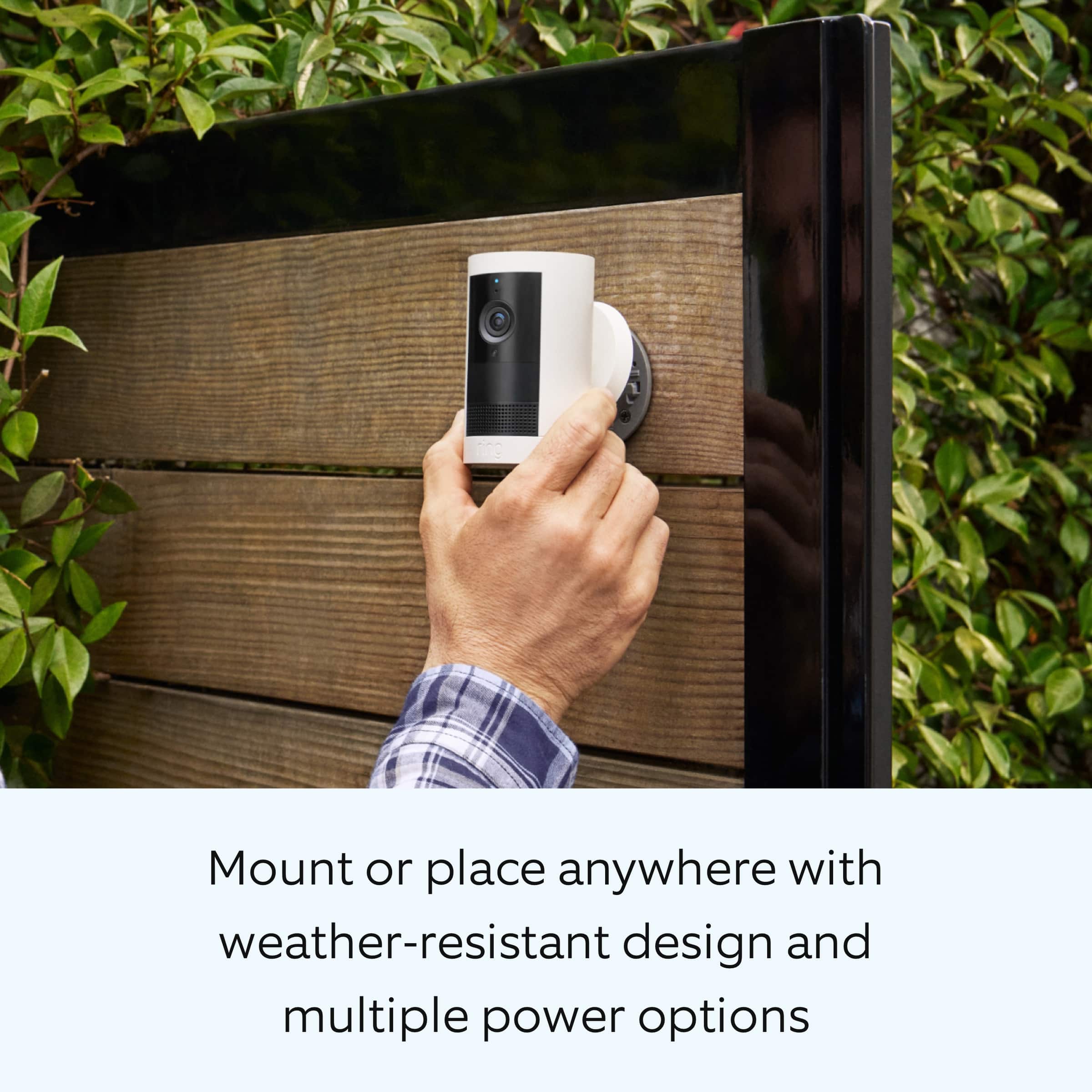
  • QuestionWhat is the field of view on this camera? How long does the battery last in 24/7 recording?

    Asked by Billj.

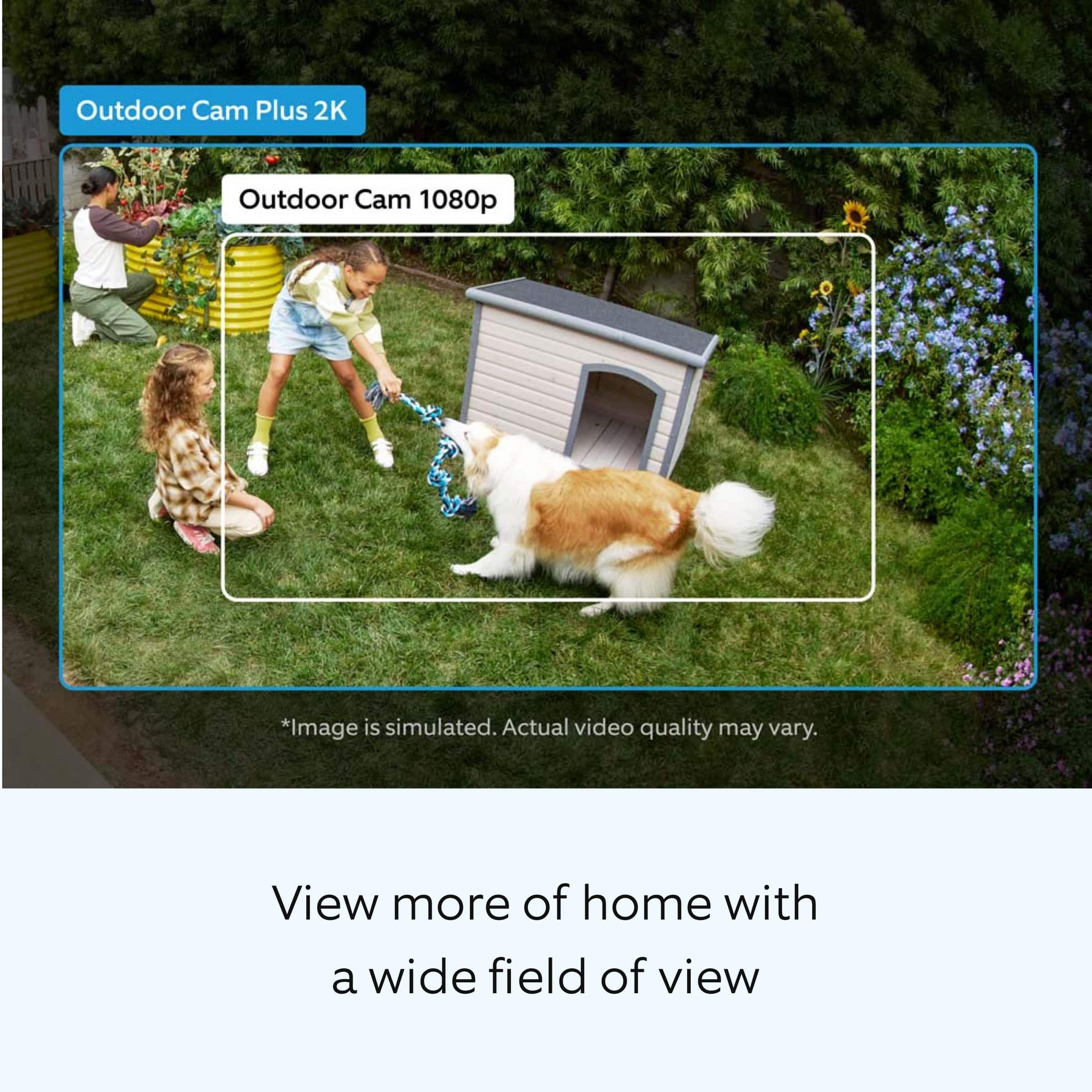
    • Answer Hi Billj. We appreciate the time you have taken to ask this question. The Ring Outdoor Cam Plus has a 160° diagonal, 140° horizontal, and 80° vertical field of view. The Ring Outdoor Cam Plus can only use the 24/7 recording feature when plugged in. If any additional information is needed regarding your question, please reach out to our community. Ring Community is our first peer-to-peer community forum, giving our customers the ability to help one another and share their feedback and experiences directly with Ring. Join the Ring Community today! Thank you, Amilia from Ring.
      Answered by Ring

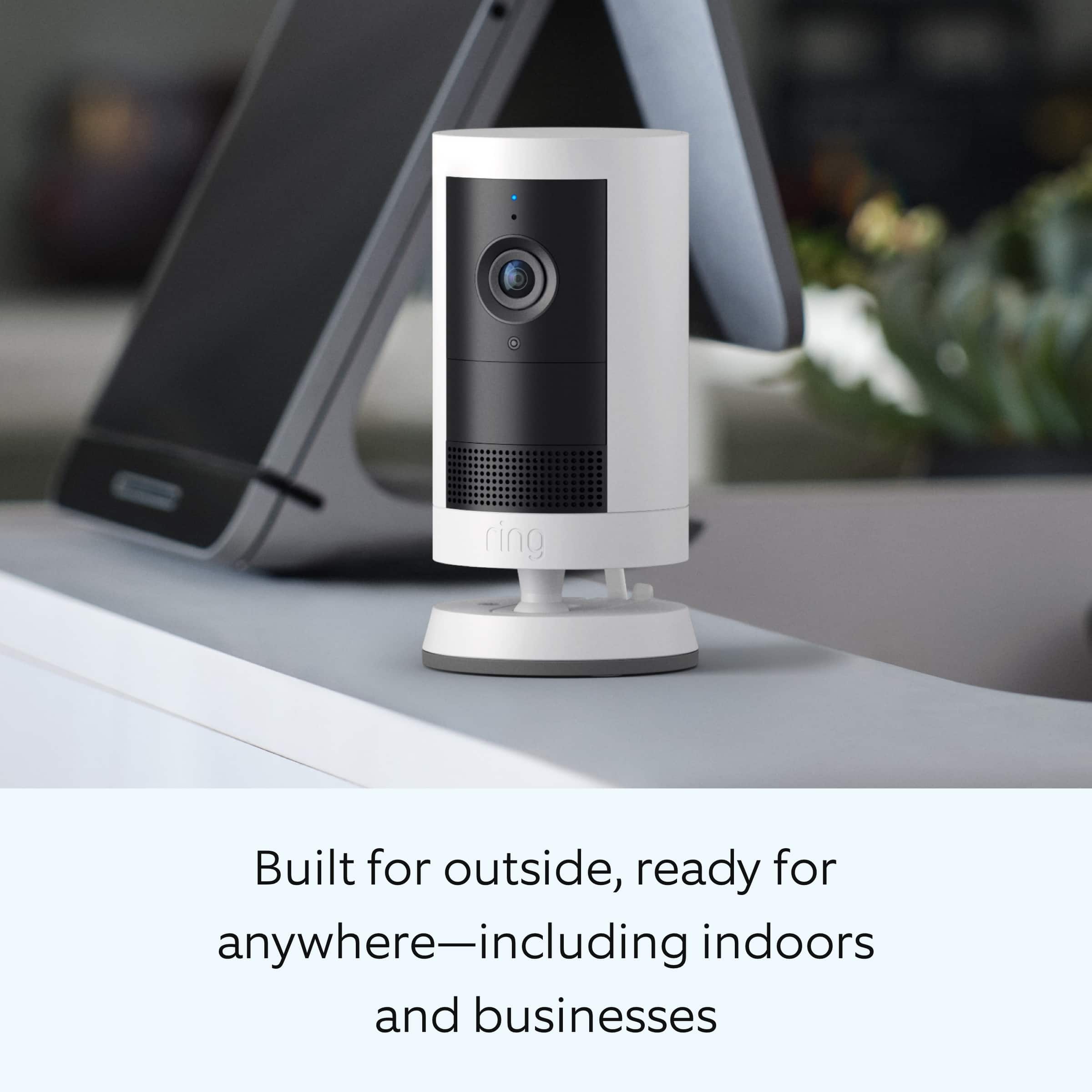
  • QuestionDoes this camera detect motion through windows?

    Asked by JeffK.

    • Answer Hi JeffK. We appreciate the time you have taken to ask this question. No, the camera may have a hard time detecting motion and you may get distorted images at night. To get proper motion detection, cameras should not be placed facing a window or in front of a glass door. If any additional information is needed regarding your question, please reach out to our community. Ring Community is our first peer-to-peer community forum, giving our customers the ability to help one another and share their feedback and experiences directly with Ring. Join the Ring Community today! Thank you, Amilia from Ring.
      Answered by Ring

  • QuestionI'm a little confused about the whole Nest product line, is it Nest or Google, because I like the original Nest subscription and platform, but my Nest cameras only work with Google subscription

    Asked by NestCamOwner.

    • Answer The same way ring works you have to have A ring subscription . Unless 1 buys the other out they are separate .

      Answered by hrpl

  • Question*How do I move the mounting plate from the bottom of the camera to the rear of the camera?

    Asked by EricF.

    • Answer there is A tiny screw in the plate that works withe the screw driver that came with th camera . Unscrew the arm and fasten it to the back . The screw in the middle where the arm attaches . There is A rubber plug in the back remove it and put it back where the screw came off the bottom.

      Answered by hrpl

  • QuestionHow long is the battery life on this camera?

    Asked by STJ.

    • Answer Hi STJ. Thank you for reaching out to us with your questions. Batteries in Ring devices are designed to go months between charges under normal conditions. However, real battery life is dependent on a number of factors, such as local weather, the number of events captured, and the frequency of activation. We invite you to reach out to our community if any additional information is needed regarding your question. The Ring Community is our first peer-to-peer community forum, giving our customers the ability to help one another by sharing their feedback and experiences with each other. Thank you, Miyuki from Ring.

      Answered by Ring

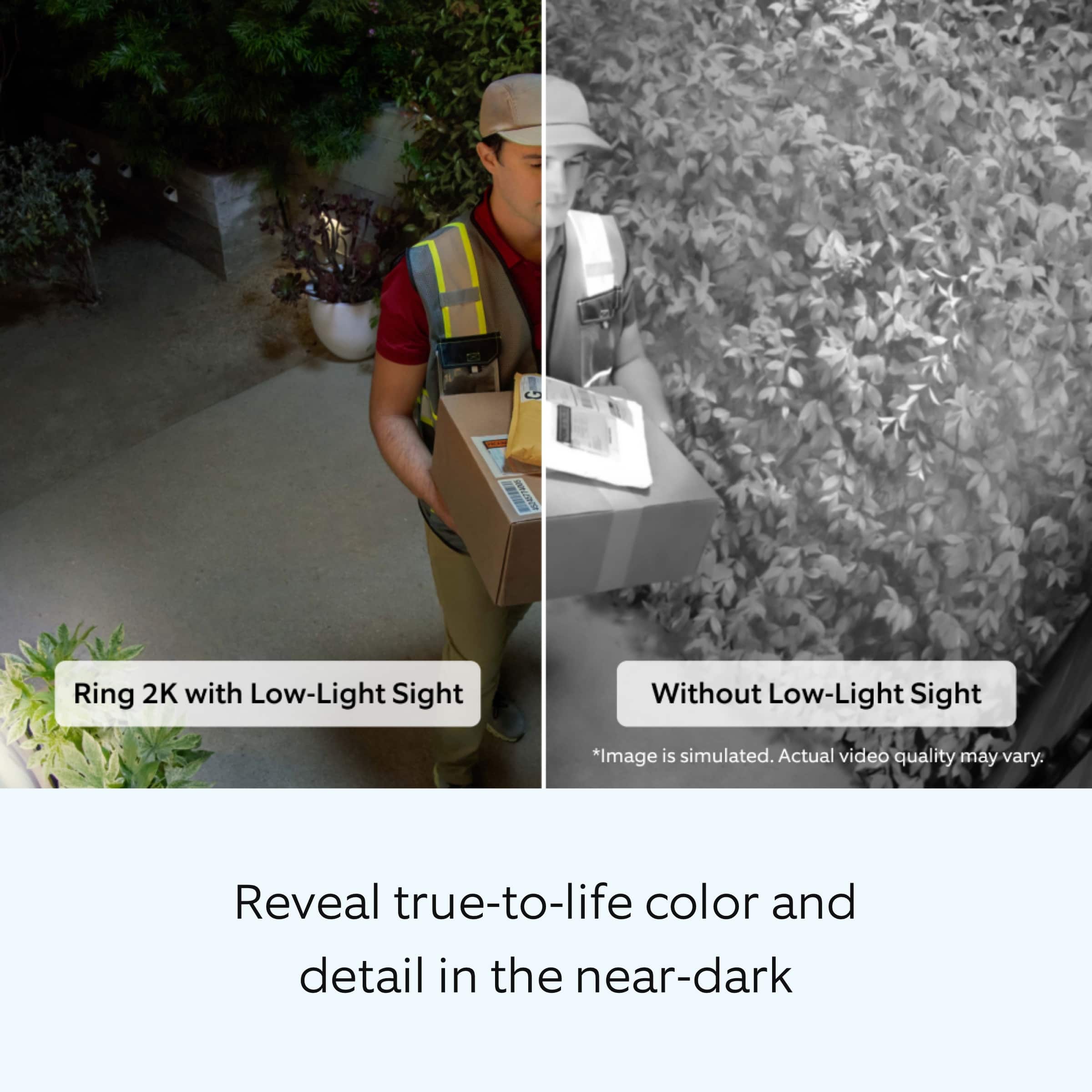
  • QuestionCan you mount it on the eave of the house? Or, will it show the video upside down?

    Asked by Ric.

    • Answer Hi Ric. Thank you for reaching out to us with your question. Yes, the included mount is adjustable for wall or ceiling installation. If any additional information is needed regarding your Ring Outdoor Cam Plus, please reach out to our community. Ring Community is our first peer-to-peer community forum, giving our customers the ability to help one another and share their feedback and experiences directly with Ring. Join the Ring Community today! Thank you, Amilia from Ring.
      Answered by Ring

  • QuestionWhen placed on vinyl surface how well does the sticky part hold. As in the weather heat cold rain ect

    Asked by Trouble.

    • Answer Hi Trouble. Thank you for taking the time to ask this question. Please follow these instructions for installing the Ring Outdoor Cam Plus: 1. Slide the mounting plate in the direction opposite to the UP arrow to remove. 2. Use the mounting plate as a guide to mark screw holes on the wall. 3. Install the mounting plate with the UP arrow pointing up. 4. Unclasp the camera mount. 5. Unscrew to detach the camera mount from the battery cover. 6. Remove the rubber cap on the back of your camera and use it to plug the bottom. 7. Attach the camera mount to the back of your camera with its screw. 8. Clasp the camera mount and attach your camera to the mounting plate by sliding until you feel a click. 9. Unclasp the camera mount and tighten the security screw. 10. Tighten the security screw on the battery cover. (Optional) Adjust your camera’s position, then remove the rubber cap at the base of the camera mount and tighten the screw to secure in place. Replace the rubber cap. 11. Adjust your camera’s angle, then tighten the screw on the camera mount arm to secure in place. If any additional information is needed regarding your question, please reach out to our community. Ring Community is our first peer-to-peer community forum, giving our customers the ability to help one another and share their feedback and experiences directly with Ring. Join the Ring Community today! Thank you, Amilia from Ring.

      Answered by Ring