Main Content

Questions & Answers

$99.99
Page Showing 21-40 of 95 questions
  • QuestionThe camera is powered by battery. What battery? Is the battery removable and rechargeable? If so how is a second battery purchased?

    Asked by birdman.

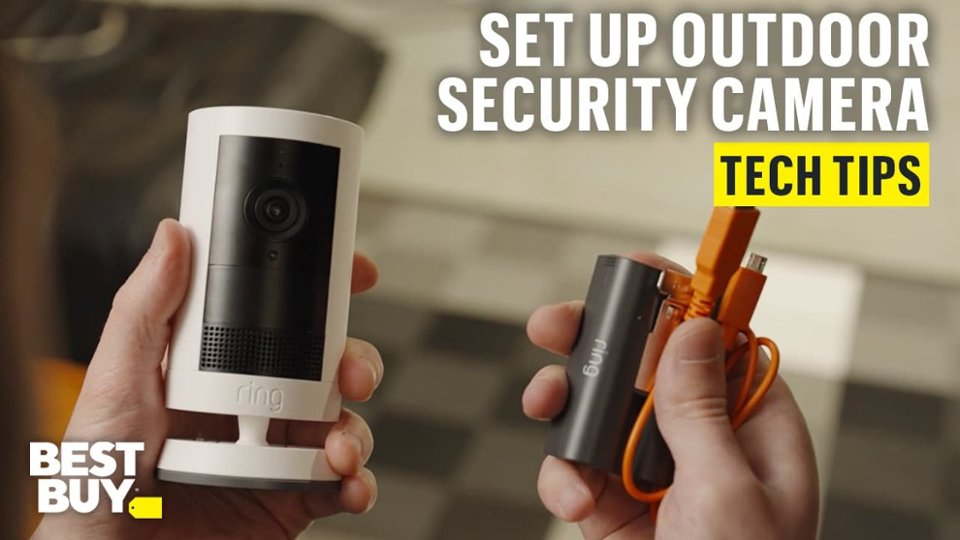
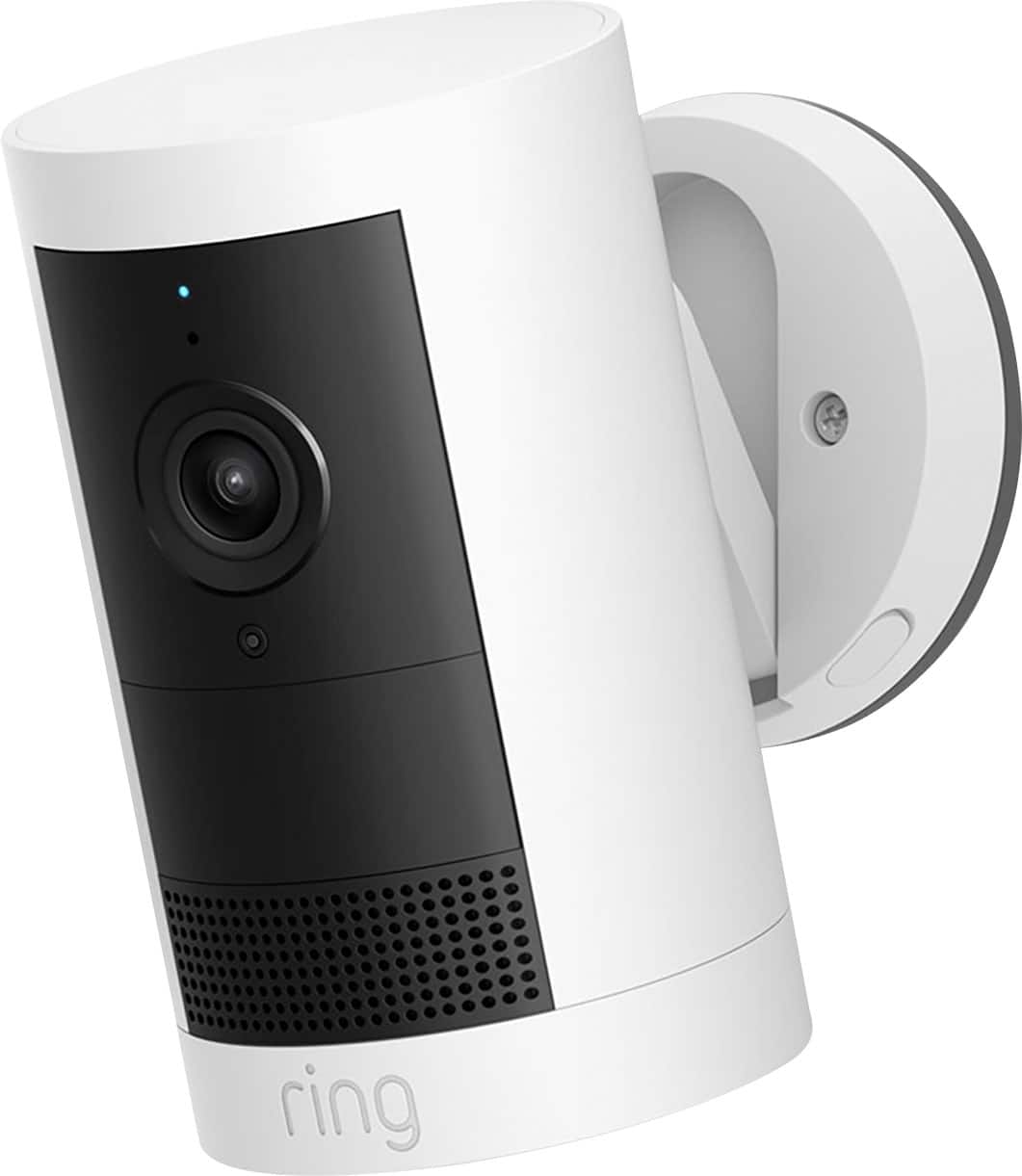
    • Answer Hi birdman. Thank you for reaching out to us with your questions. Yes, the Ring Outdoor Cam Plus comes with one removable Ring Rechargeable Battery Pack. Additional batteries can be purchased from retailers such as Best Buy, or directly from our Ring website. If any additional information is needed regarding your question, please reach out to our community. Ring Community is our first peer-to-peer community forum, giving our customers the ability to help one another and share their feedback and experiences directly with Ring. Join the Ring Community today! Thank you, Amilia from Ring.
      Answered by Ring

  • QuestionDo these specific cameras broadcast live feed or is it only recorded for playback?

    Asked by Quickquestion.

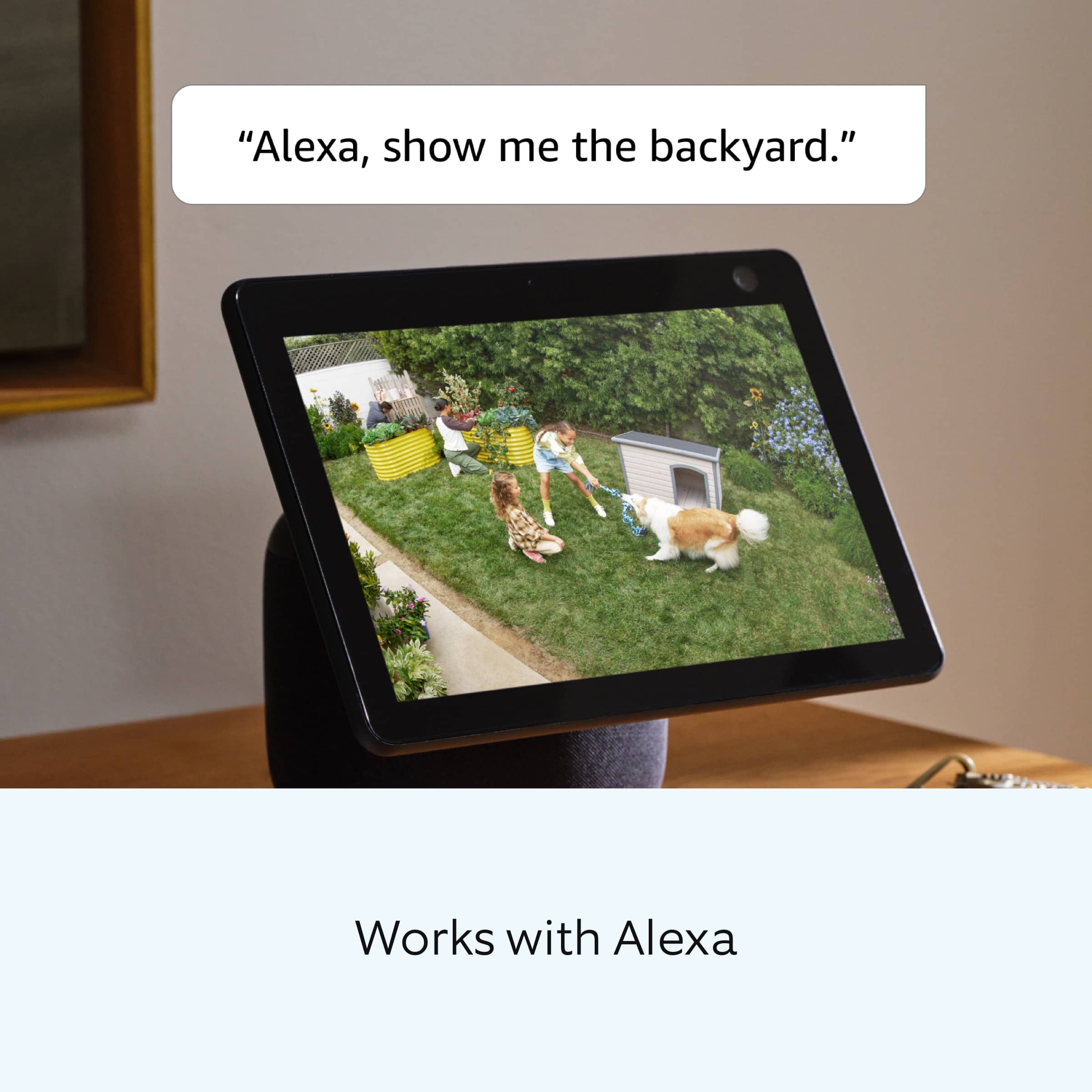
    • Answer Yes camera displays live feed and playback too.

      Answered by Omar

  • QuestionCan you use a plug to connect camera for continuous power

    Asked by Pat.

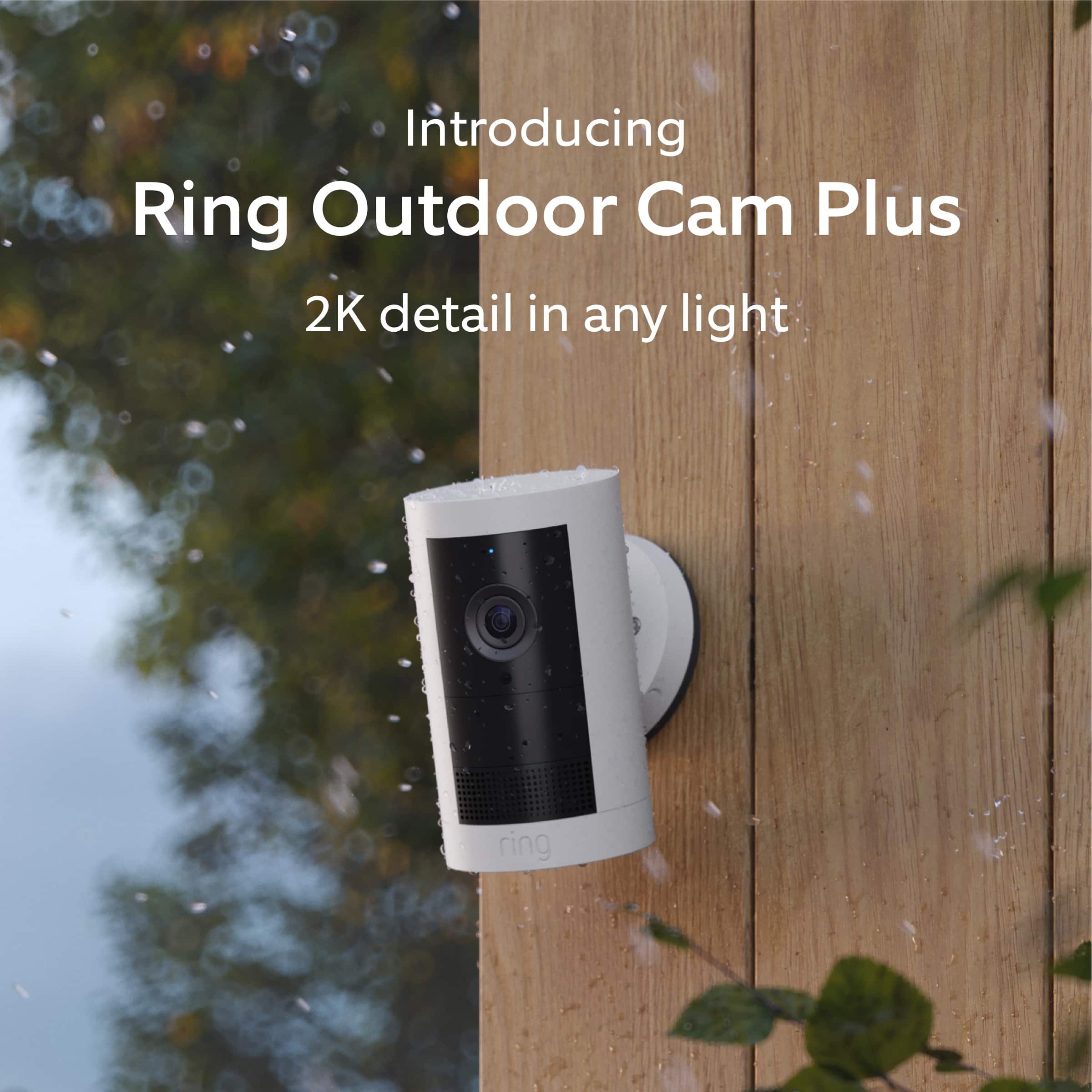
    • Answer Hi Pat. Thank you for reaching out to us with your question. Yes, you can convert the battery-operated device to be a plug-in using the Ring Indoor/Outdoor Power Adapter (USB-C). You can also convert the battery-operated Ring Outdoor Cam Plus to hardwired with the Ring Hardwired Kit. The Ring Hardwired Kit requires an existing junction box and may be mounted on a wall or ceiling. It is compatible with Ring USB-C input cameras only. If any additional information is needed regarding your question, please reach out to our community. Ring Community is our first peer-to-peer community forum, giving our customers the ability to help one another and share their feedback and experiences directly with Ring. Join the Ring Community today! Thank you, Amilia from Ring.
      Answered by Ring

  • QuestionDoes this serve as a doorbell?

    Asked by Weez.

    • Answer Hi Weez. Thank you for taking the time to ask this question. The Ring Outdoor Cam Plus is designed as a security camera and does not serve as a doorbell. It does not have a button for visitors to press, and it will not ring a chime or send a doorbell-specific notification when someone approaches your door. However, the Ring Outdoor Cam Plus does offer motion detection, so it can alert you when someone is near your door, and you can use the Two-Way Talk feature to communicate with them through the Ring app. We invite you to reach out to our community if any additional information is needed regarding your question. The Ring Community is our first peer-to-peer community forum, giving our customers the ability to help one another by sharing their feedback and experiences with each other. Thank you, Miyuki from Ring.

      Answered by Ring

  • QuestionWhat watt of solar panel will this ring outdoor cam plus camera take ? I have seen 4 watt , 6 watt and 8watt. Which is better for this camera ?

    Asked by Anonymous.

    • Answer Hello. We appreciate the time you have taken to ask this question. The Ring Outdoor Cam Plus can connect to a Ring 4W Solar Panel (USB-C). The device's battery level may vary based on the amount of direct sunlight the solar panel receives. It is important to ensure that your Ring Solar Panel is installed correctly and that it is receiving enough direct sunlight to operate as intended. For best performance, Ring recommends at least two to three hours of direct sunlight for the Ring Solar Panel. With the recommended amount of direct sunlight, the device will remain continuously charged under most conditions. If any additional information is needed regarding your question, please reach out to our community. Ring Community is our first peer-to-peer community forum, giving our customers the ability to help one another and share their feedback and experiences directly with Ring. Join the Ring Community today! Thank you, Amilia from Ring.
      Answered by Ring

  • QuestionMicro USB charger?

    Asked by Eda.

    • Answer Yes

      Answered by Poncho

  • QuestionHow long is the battery life?

    Asked by Pam.

    • Answer I just have it for a couple weeks but it says the battery lasts about 6 months. It has the option to connect to an outlet but the connector is not included.

      Answered by Poncho

  • QuestionHow do you mount onto a Arlo mount

    Asked by Cassan.

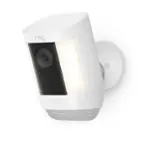
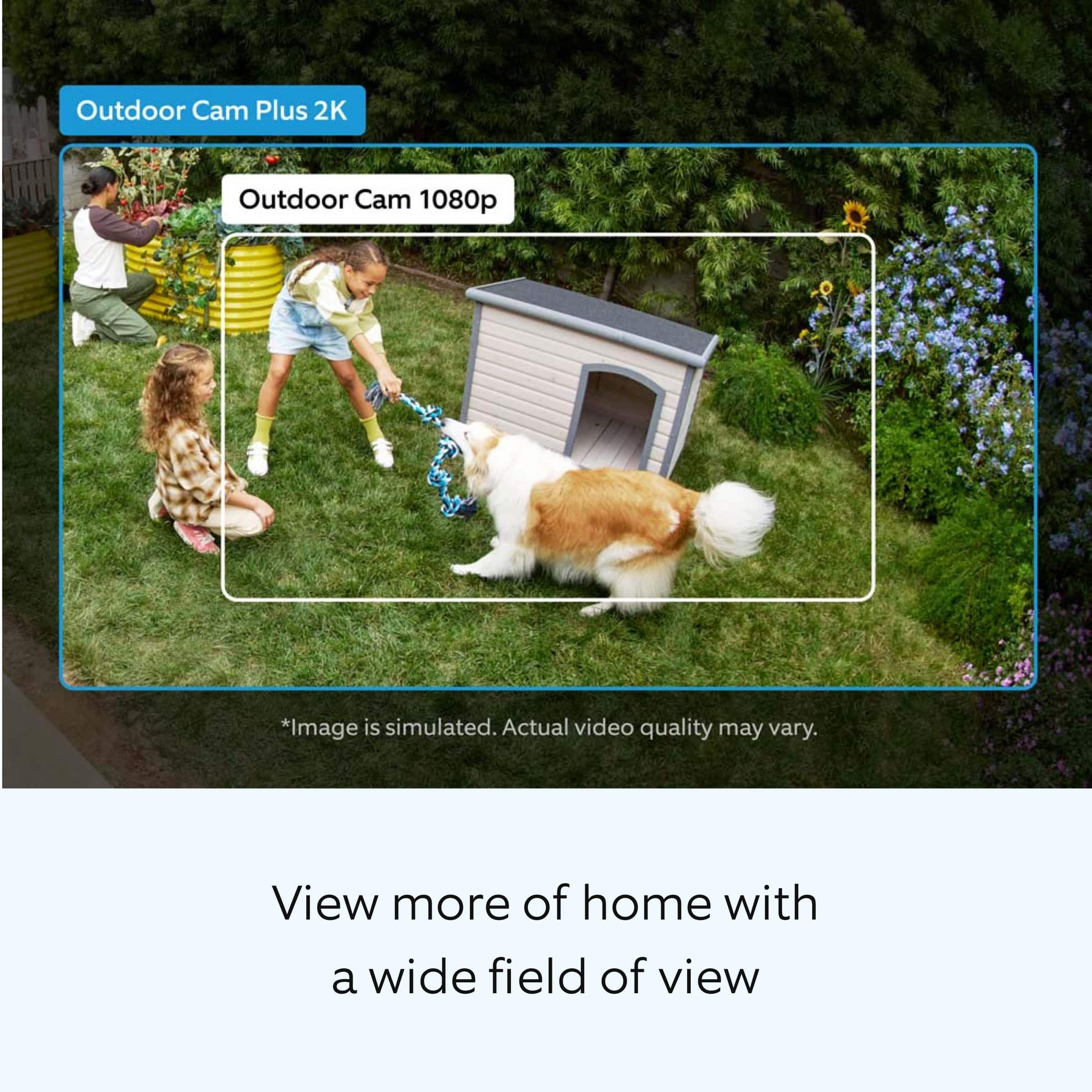
    • Answer Hi Cassan. Thank you for taking the time to ask this question. Please follow these instructions for installing the Ring Outdoor Cam Plus: 1. Slide the mounting plate in the direction opposite to the UP arrow to remove. 2. Use the mounting plate as a guide to mark screw holes on the wall. 3. Install the mounting plate with the UP arrow pointing up. 4. Unclasp the camera mount. 5. Unscrew to detach the camera mount from the battery cover. 6. Remove the rubber cap on the back of your camera and use it to plug the bottom. 7. Attach the camera mount to the back of your camera with its screw. 8. Clasp the camera mount and attach your camera to the mounting plate by sliding until you feel a click. 9. Unclasp the camera mount and tighten the security screw. 10. Tighten the security screw on the battery cover. (Optional) Adjust your camera’s position, then remove the rubber cap at the base of the camera mount and tighten the screw to secure in place. Replace the rubber cap. 1. Adjust your camera’s angle, then tighten the screw on the camera mount arm to secure in place. If any additional information is needed regarding your question, please reach out to our community. Ring Community is our first peer-to-peer community forum, giving our customers the ability to help one another and share their feedback and experiences directly with Ring. Join the Ring Community today! Thank you, Amilia from Ring.
      Answered by Ring

  • QuestionHow long does charge last

    Asked by Anonymous.

    • Answer About 2-3 months before needing a recharge.

      Answered by RG101

  • QuestionDo you need a bracket?

    Asked by Anonymous.

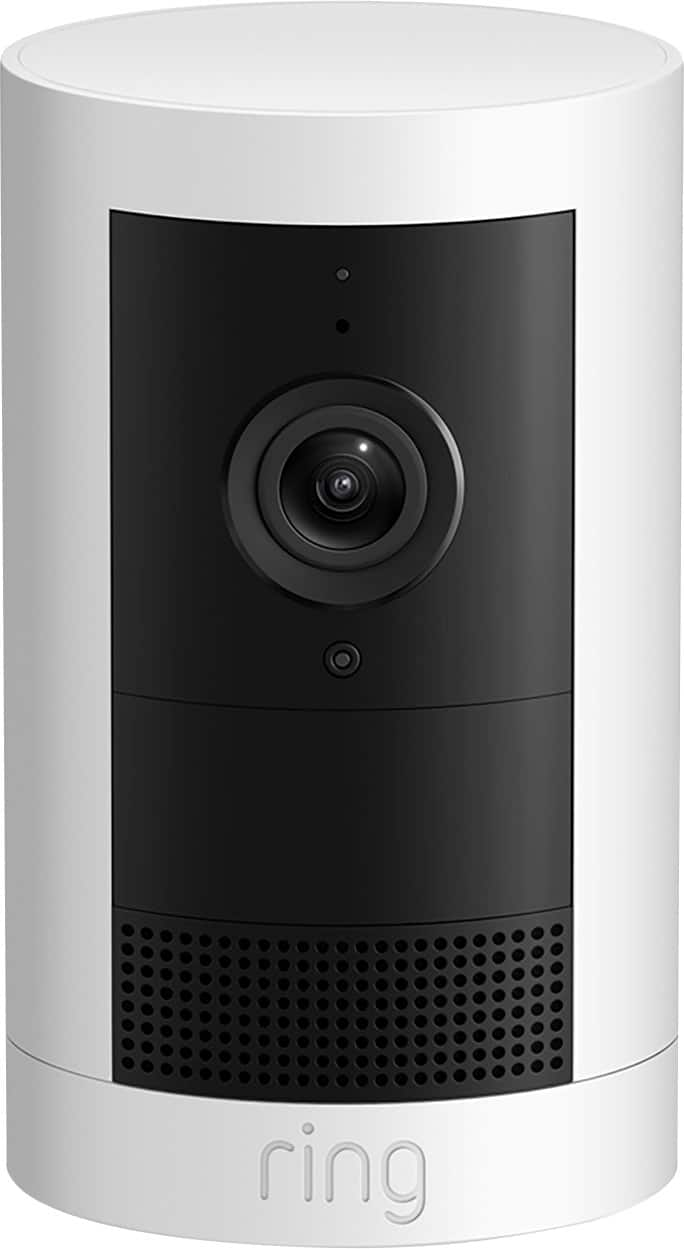
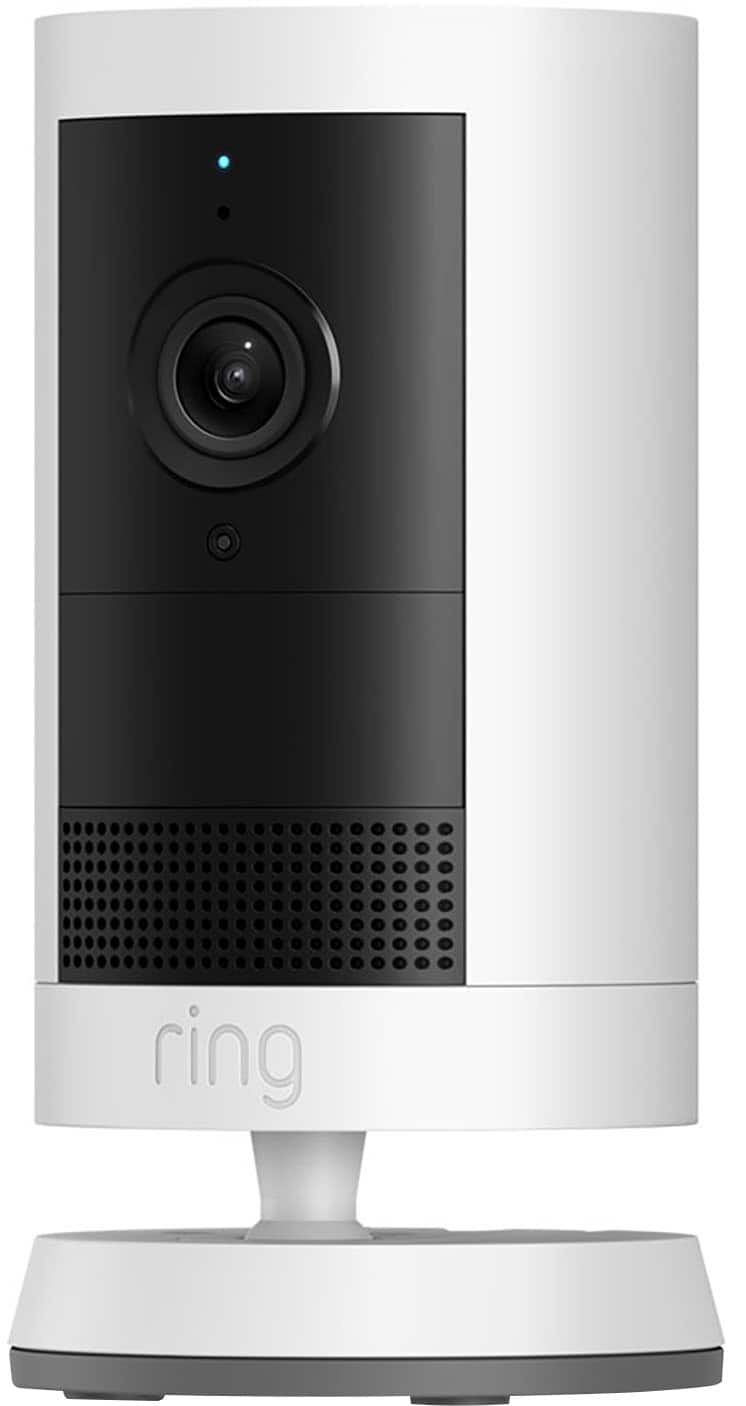
    • Answer Mounting Bracket is part of the assembly

      Answered by RG101

  • QuestionDoes this camera have to be plugged in to power all the time or does it run on a battery?

    Asked by Wondering.

    • Answer Battery

      Answered by RG101

  • QuestionIs there a way to check how much battery is left on the camera through the ring app? or do i just have to wait till battery is completely dead?

    Asked by Steven.

    • Answer The app will send you a notification at 30% and you can also check the top right corner of the camera preview for battery health.

      Answered by 1111

  • QuestionDoes this item come with a battery?

    Asked by Hernandz.

    • Answer Yes, a rechargeable battery

      Answered by RG101

  • QuestionDoes this camera need wifi to work

    Asked by Kay1.

    • Answer Hi Kay1. Thank you for your question today! Yes, the Ring Outdoor Cam Plus requires a Wi-Fi connection to work. It requires a recommended minimum upload speed of 3.5 Mbps for optimal performance, and supports dual-band Wi-Fi connectivity at 2.4GHz and 5.0GHz. It connects to your home Wi-Fi network to send video footage, motion alerts, and notifications to your Ring app. We invite you to reach out to our community if any additional information is needed regarding your question. The Ring Community is our first peer-to-peer community forum, giving our customers the ability to help one another by sharing their feedback and experiences with each other. Thank you, Miyuki from Ring.

      Answered by Ring

  • QuestionSo i'm getting random notifications on the application from other cameras/areas, i only want notifications for my cameras and that's it Only when my cameras detect motion, not other cameras or other areas... how can i do this? thanks!

    Asked by Steven.

    • Answer Hi Steven. Thank you for taking the time to ask this question. You can customize your notifications and Neighbors feed to see relevant posts. Your feed settings determine which neighborhood events appear in your summary. To access Neighbors push notification settings, email notification settings, and customize Neighbors feed: Open the Ring app or Neighbors app. For the Ring app, tap the Neighbors shortcut tile, then tap the gear icon. For the Neighbors app, tap the menu (≡) Tap Neighborhood Settings. To edit push notifications, tap Push Notification Settings. Then, tap Filter Alerts by Type. Once complete, tap Apply Filter or Done. To edit Neighbors feed, tap Feed Settings. Tap Advanced Settings to choose and refine what topics you want to see in your feed. Once complete, tap Apply or Done. The topics you select also enable or disable push notifications for each topic. To edit Neighbors email notifications, tap Email Notification Settings. Select your desired notification settings and tap Save. If any additional information is needed regarding your question, please reach out to our community. Ring Community is our first peer-to-peer community forum, giving our customers the ability to help one another and share their feedback and experiences directly with Ring. Join the Ring Community today! Thank you, Amilia from Ring.
      Answered by Ring

  • QuestionWhen i install the app on my phone, does it offer 2FA for more security, incase someone steals my password? 2 factor authentication?

    Asked by Steve.

    • Answer Hi Steve. Thank you for your question today! Yes, the Ring app offers two-factor authentication for added security. When you attempt to sign in to Ring with two-step verification, we'll text a six-digit verification code to your mobile phone. This helps us verify your identity. Enter the verification code to complete the sign-in process. We only use this phone number to secure your account. We invite you to reach out to our community if any additional information is needed regarding your question. The Ring Community is our first peer-to-peer community forum, giving our customers the ability to help one another by sharing their feedback and experiences with each other. Thank you, Miyuki from Ring.

      Answered by Ring

  • QuestionCan this battery doorbell be changed to wired

    Asked by Sammy.

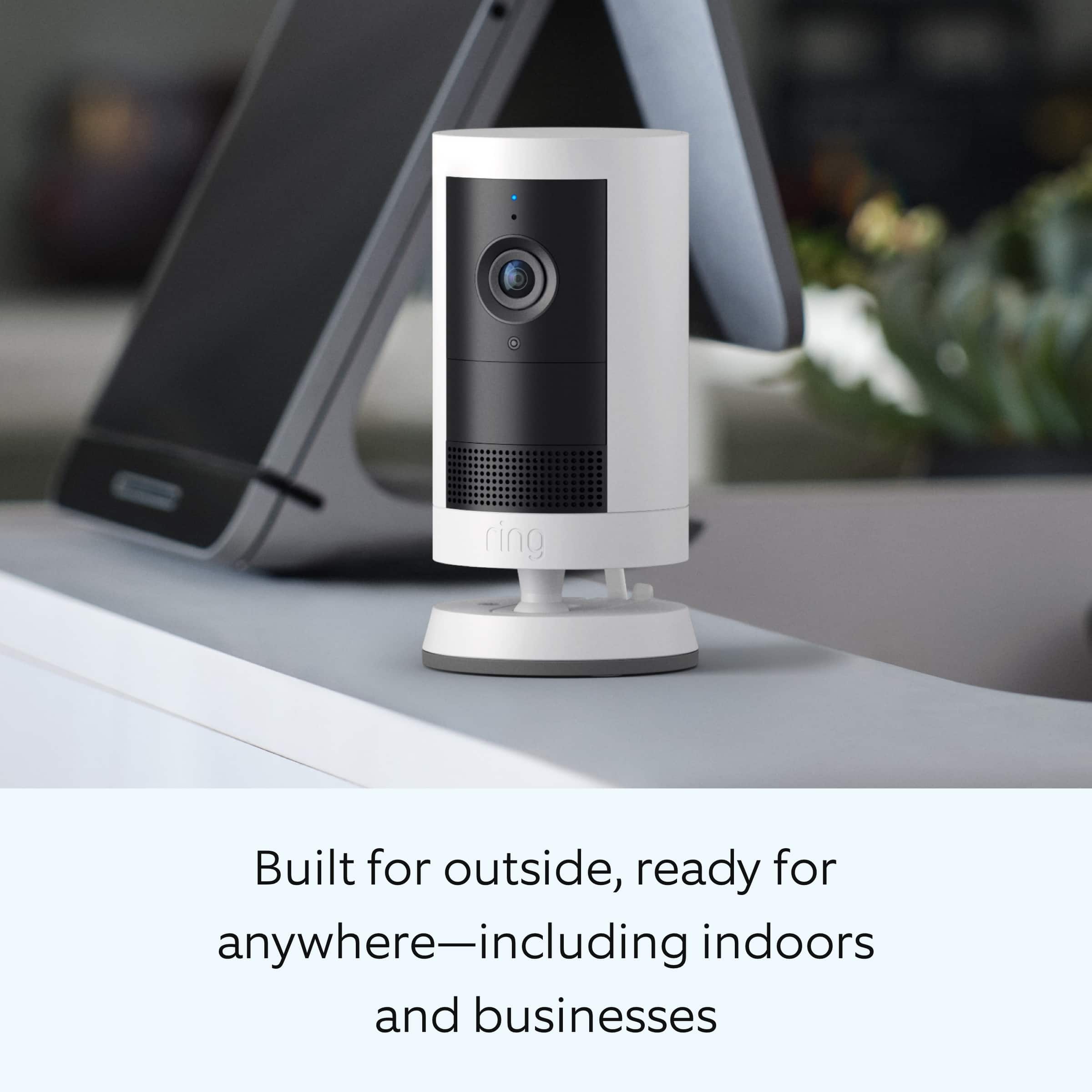
    • Answer Hi Sammy. Thank you for reaching out to us with your question. Yes, you can convert the battery-operated Ring Outdoor Cam Plus to hardwired with the Ring Hardwired Kit. The Ring Hardwired Kit requires an existing junction box and may be mounted on a wall or ceiling. It is compatible with Ring USB-C input cameras only. You can also convert the battery-operated device to be a plug-in using the Ring Indoor/Outdoor Power Adapter (USB-C). If any additional information is needed regarding your question, please reach out to our community. Ring Community is our first peer-to-peer community forum, giving our customers the ability to help one another and share their feedback and experiences directly with Ring. Join the Ring Community today! Thank you, Amilia from Ring.
      Answered by Ring

  • QuestionCan the video be shared with another party so they can see what is going on

    Asked by Anonymous.

    • Answer Hello. Thank you for taking the time to ask this question. Yes, you can share videos from within the Ring app. 1. Open the Ring app to the main dashboard. 2. Tap the History tile in the shortcut bar. 3. Scroll to the video you want to download, then tap more (•••). 4. Tap Share and select how you would like to share this video. You also have the option to share one or more Ring devices with as many shared users as you like. Access to particular cameras can be granted or taken away by the owner. If any additional information is needed regarding your question, please reach out to our community. Ring Community is our first peer-to-peer community forum, giving our customers the ability to help one another and share their feedback and experiences directly with Ring. Join the Ring Community today! Thank you, Amilia from Ring.
      Answered by Ring

  • QuestionCan it be hard wired to power

    Asked by Anonymous.

    • Answer The camera can be hard wired, 120V AC adaptor has to be rated at least 2A to 3A for newer models, the output is a USBC cable, it can be plugged in the back of the camera (a small rubber cap needs to be lifted)

      Answered by Anonymous