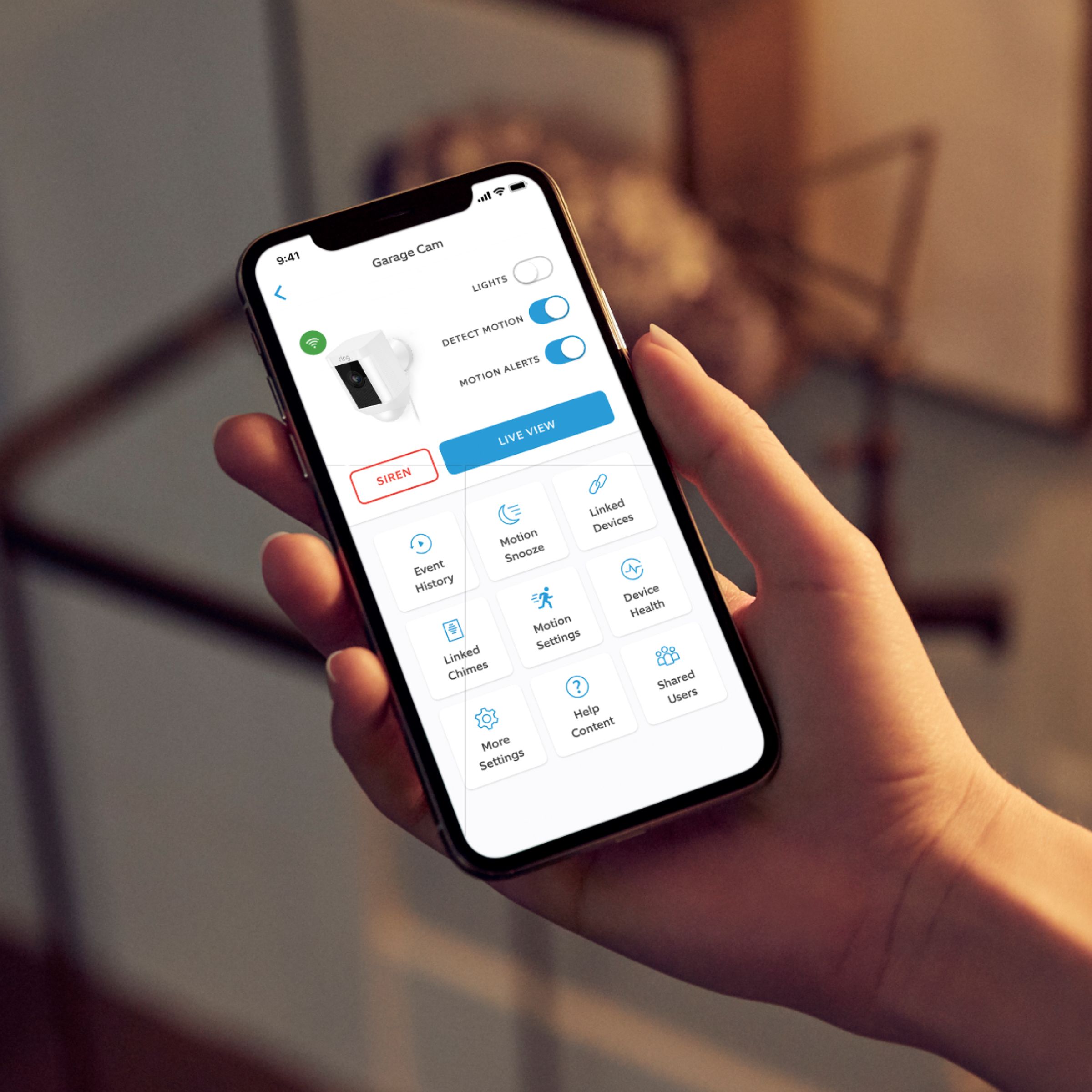
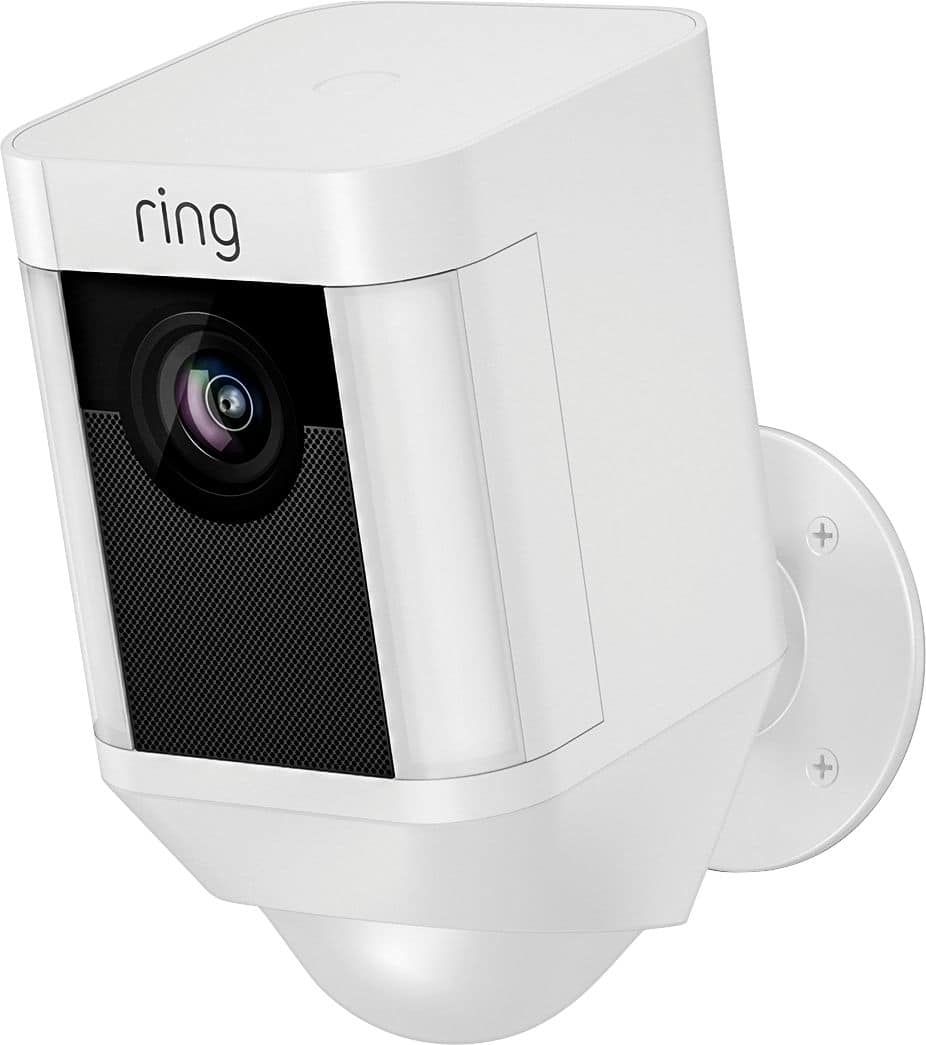
A:AnswerYes, the light feature can remain off, or even better - the range and sensitivity of the motion detector can be reduced to eliminate unwanted alerts or lights.
A:AnswerNo, these units rely on WiFi and internet access. BestBuy does sell stand alone systems - either hard wired or wireless that should fit your needs. The cost will be about the same.
A:AnswerHello Tmac,
No, the Live View will automatically turn off after 10 minutes. Here is more information on the live view feature: https://support.ring.com/hc/en-us/articles/208144516-Using-Live-View.
For any additional questions or concerns, please feel free to reach out on our community forum at https://community.ring.com/.
Thanks,
Alexis with Ring
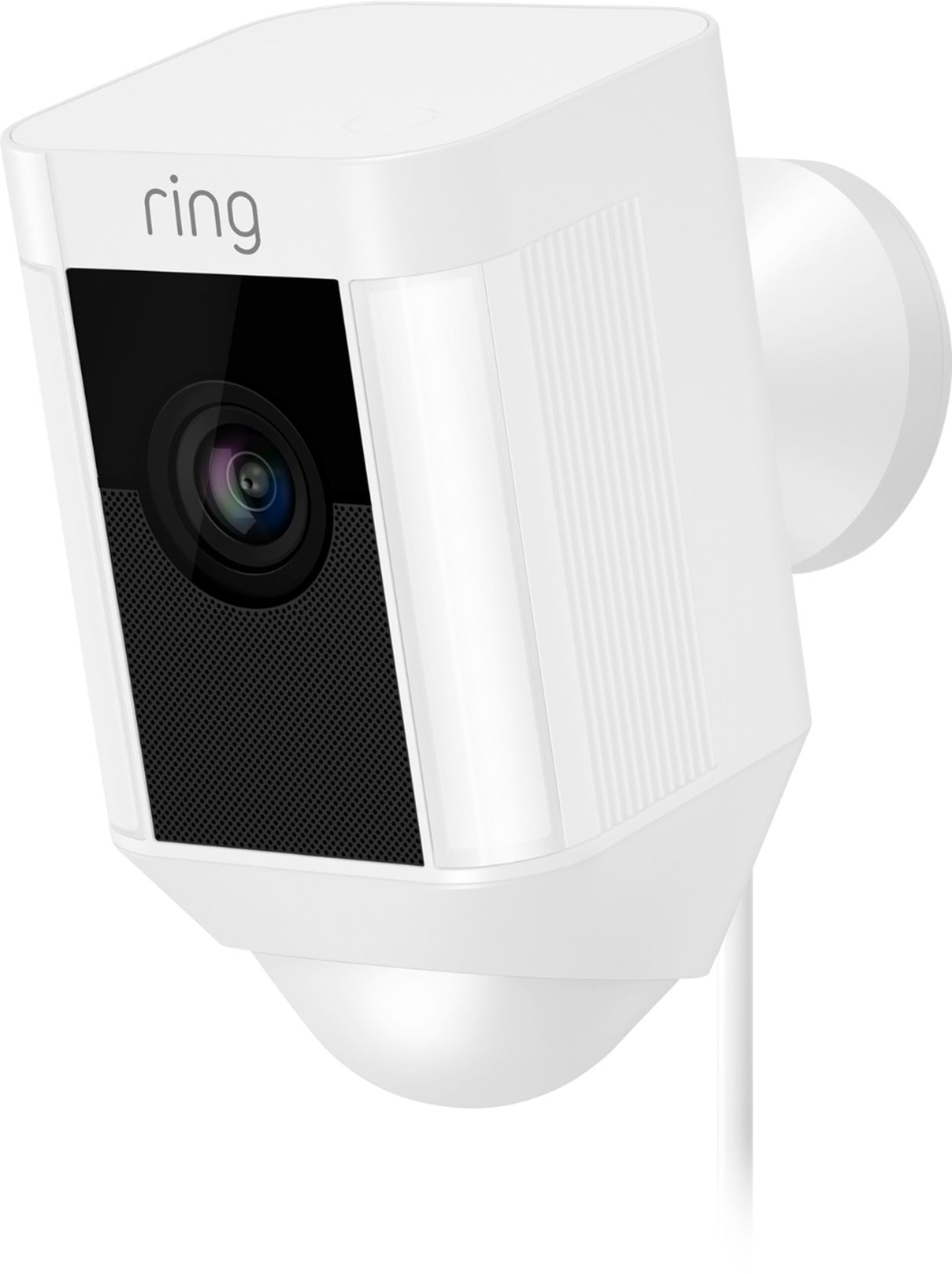
A:AnswerThe units sold here in the U.S.A. are standard 120 Volt two-wire polarized plug. Best Buy sells a variety of voltage adapters that will fit your needs and are relatively inexpensive.
Note: your electrical outlets are 220 Volts, not Watts - Watts are units of power consumed.
A:AnswerThis camera can see better at nighttime and this camera has better microphones for talking to someone by the camera. Plus this has motion activated lights
A:AnswerMy back yard is 100 feet long and everything is clear when zoomed. Past that point things are still identifiable but a little grainy when zoomed.
A:AnswerHi Dom, thank you for this question. Each Ring Security Camera can be used independently, and does not require another Camera for use. Different retailers may have different bundles available for purchase, but you should also be able to find each Camera in the bundle available individually. All the best, Ashley from Ring.
A:AnswerYes, you may cut the plug off and install a new one. Pay attention to the polarity - the white wire attaches to the wider blade on the plug, and the black wire attaches to the narrow blade on the plug.
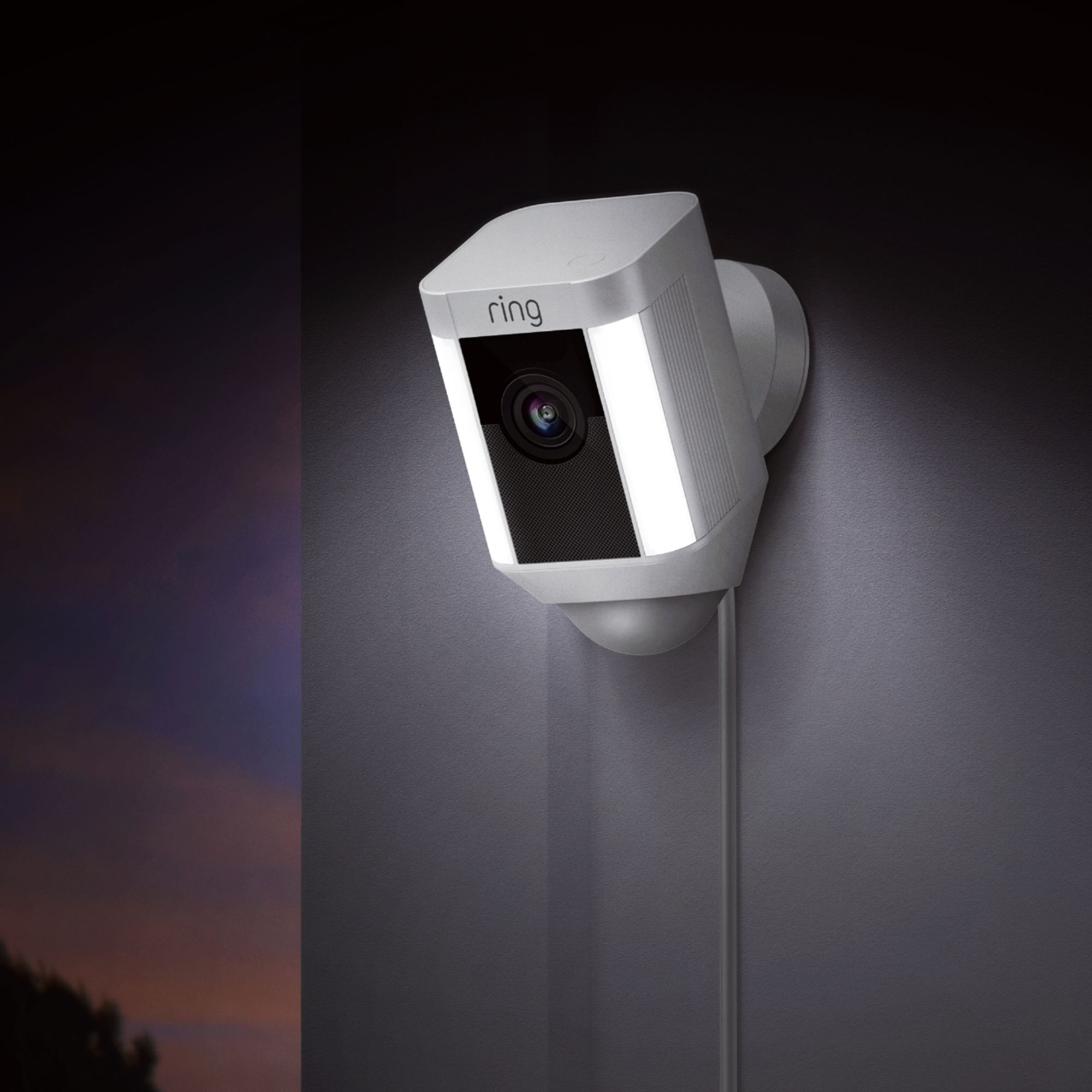
A:AnswerThe kit includes a mounting base that can be mounted on the wall and the camera slides on the base. The camera has a swivel base that can be adjusted side to side as well as up and down
To move the camera, slide the camera up and off the base, remove the four small screws and relocate the base to its new position
I've moved a camera anywhere from a few inches to completely different locations
I only had to go into the camera setup on my phone and rename the camera and configure it to optimize coverage in the new location