Main Content

Questions & Answers

Page Showing 81-100 of 154 questions
  • QuestionWhere does the power cord belong when its outside ?

    Asked by Ciara.

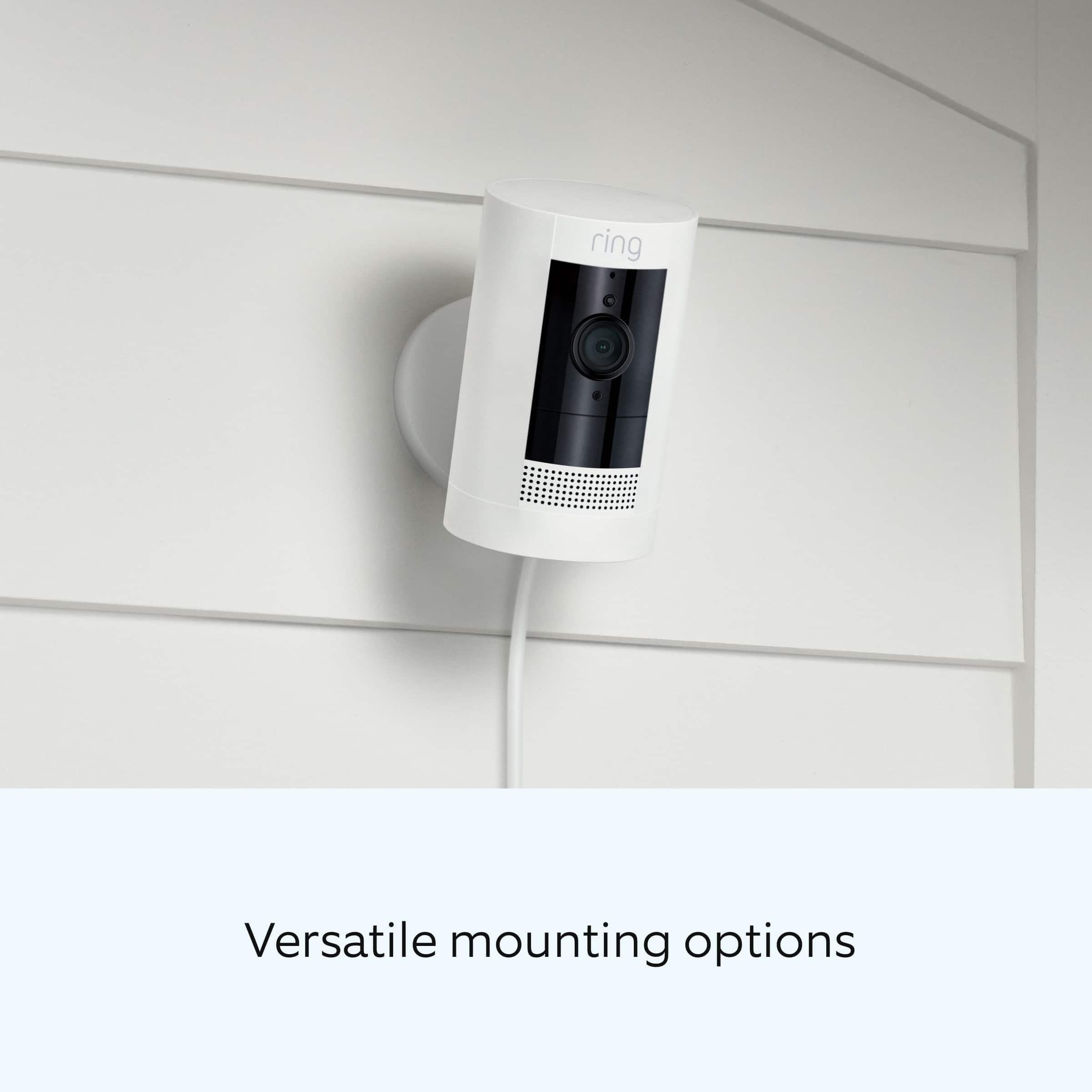
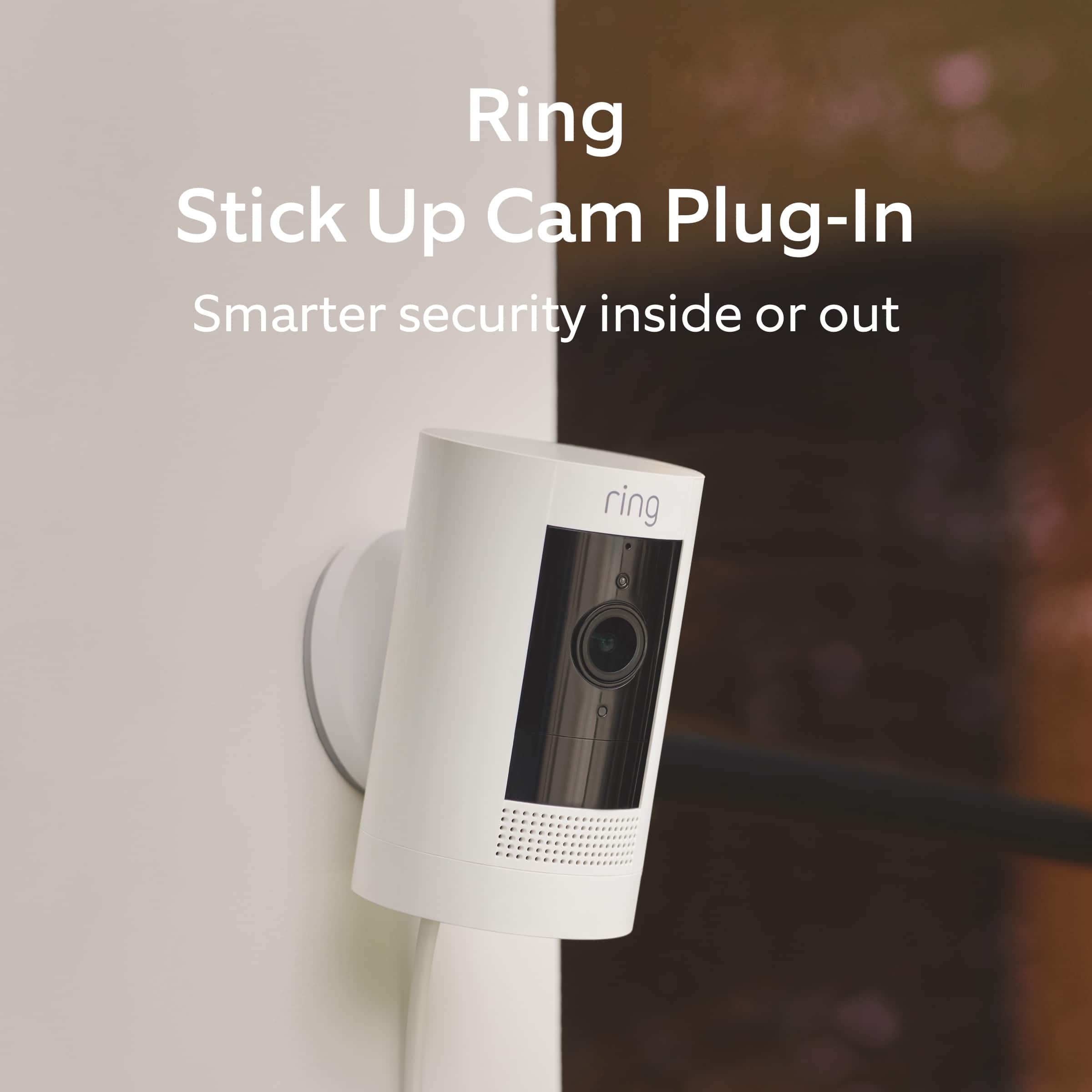
    • Answer Hi Ciara. Thank you for asking! The Ring Stick Up Cam is designed for both indoor and outdoor use and contains two USB power supplies in the box. One is for indoor use and one is for outdoor use. When installing, ensure that any connected cables have been routed through the bottom cover. For more information on installing your Ring Stick Up Cam, visit our support center: https://support.ring.com/hc/en-us/articles/360035469331-Physically-Installing-Your-Stick-Up-Cam-Wired. We invite you to reach out to our Community if any additional information is needed regarding your question. The Ring Community is our first peer-to-peer community forum, giving our customers the ability to help one another by sharing their feedback and experiences with each other. You can find it here: https://community.ring.com/. All the best, Nicole from Ring.

      Answered by Ring

  • QuestionWill I need to subscribe?

    Asked by Mick.

    • Answer Only if you want to keep videos available to review after an event happens.

      Answered by PapaG

  • QuestionWired means connected to what ? I need a constant footage without motion sensors. Possible ??

    Asked by cavehoppers.

    • Answer Hello Pranai, Great question! Stick Up Cam Wired offers advanced motion detection, 1080p full HD resolution, and a wide viewing angle. The Stick Up Cam Wired is powered via PoE or micro-USB. Here is a helpful article with more information regarding this devices' functionality: https://support.ring.com/hc/en-us/articles/360035469751-Stick-Up-Cam-Wired-Information. This device would not provide constant footage without a motion being detected. We understand that not everything important that happens in front of your cam or video doorbell will trigger a notification. Snapshot Capture is an app feature that takes snapshots at certain intervals. This allows you to review what’s happened in front of your devices in between events. The images taken by the Snapshot Capture feature will be integrated into your Event Timeline along with the videos taken during motion events and Live View. That way, you can scan through a single timeline and get a good overview of what’s happening around your home. Here is an article that elaborates more on this feature: https://support.ring.com/hc/en-us/articles/360034355652-Timeline-Security-Snapshots-Using-Snapshot-Capture. We invite you to reach out at https://community.ring.com/ if any additional information is needed regarding your Ring Stick Up Camera Wired pre-purchase question. Ring Community is our first peer-to-peer community forum, giving our customers the ability to help one another and share their feedback and experiences with Ring. Thank you, Alexis with Ring

      Answered by Ring

  • QuestionDoes it work well with 5g

    Asked by Jojo.

    • Answer Yes extremely well.

      Answered by carol11944

  • QuestionHow long does my stick-up camera keep a certain date memory in my phone?

    Asked by Anonymous.

    • Answer It records to the cloud. Nothing is stored in the camera. The cloud holds up to 180 days

      Answered by Dallas

  • QuestionHow is the picture quality at night? Does this have night vision?

    Asked by NightVision.

    • Answer Yes it has night vision. I have this camera in my backyard and the picture is very clear.

      Answered by CynthiaC

  • QuestionI live on the 2nd floor in a condo complex. I wan to monitor who is coming up my stairs. How clear would the picture be if the camera is approximately 20 to 50 feet away?

    Asked by Bree.

    • Answer Quality of a video is pretty good. I have it at rear and front of my house- I can see everything so well. You can confidently buy it.But what I don't understand is sometime it does trigger sensor and sometime it wont.

      Answered by cavehoppers

  • QuestionDoes it work with 5G wifi? My last camera is now inoperable since they upgraded the wifi to 5G in my area. I am looking to replace the nonfunctioning one. Also what is the size of the unit? I need something fairly small.

    Asked by terri145.

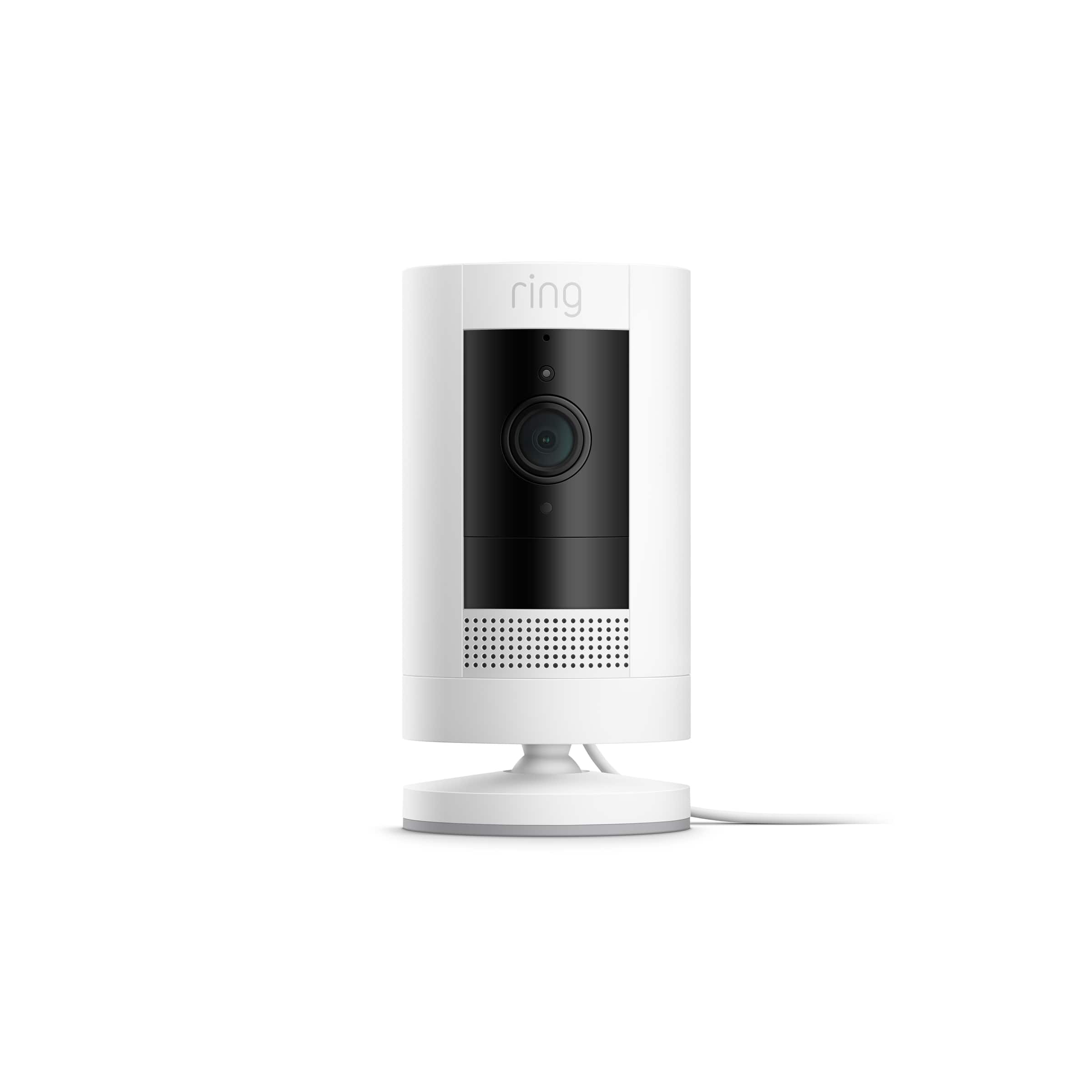
    • Answer Hello Terri145, Smart phones and tablets using to a 5G cellular network will work with the Ring app. Also, Ring Stick Up Cam is only compatible with 2.4GHz wifi networks. Wifi routers broadcast signals in the 2.4 and 5 GHz frequency. A 2.4 GHz connection travels further at a lower speed. A 5 GHz frequency provides faster speeds at a shorter range. The article below lists out the features of individual Ring security cameras along with a recommendation as to which model might be best for you: https://support.ring.com/hc/en-us/articles/115004687606-Ring-Security-Camera-Product-Comparison For any additional installation questions or set up concerns, please feel free to reach out on our community forum at https://community.ring.com/. You can also visit our help site, https://support.ring.com/hc/en-us, for tips & tricks, videos and help articles for all our Ring products. Thank you, Antonio from Ring

      Answered by Ring

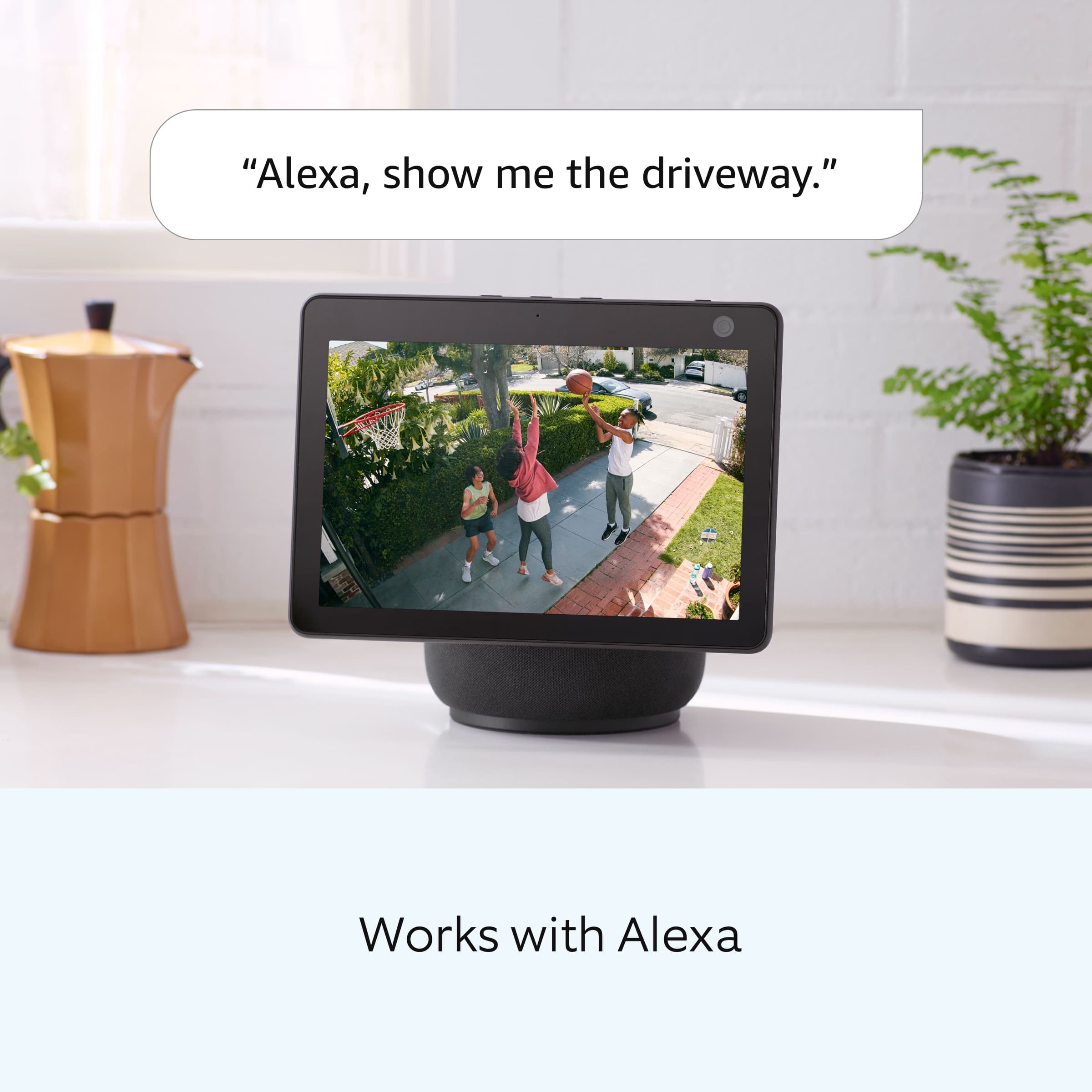
  • QuestionDo you have to have Alexa to use this system?

    Asked by Kathie.

    • Answer No, you can use only with the ring app if you no have Alexa no problem to use that

      Answered by Buenisimo

  • QuestionDoes this work with 5G internet?

    Asked by MARIO.

    • Answer Yes

      Answered by Security

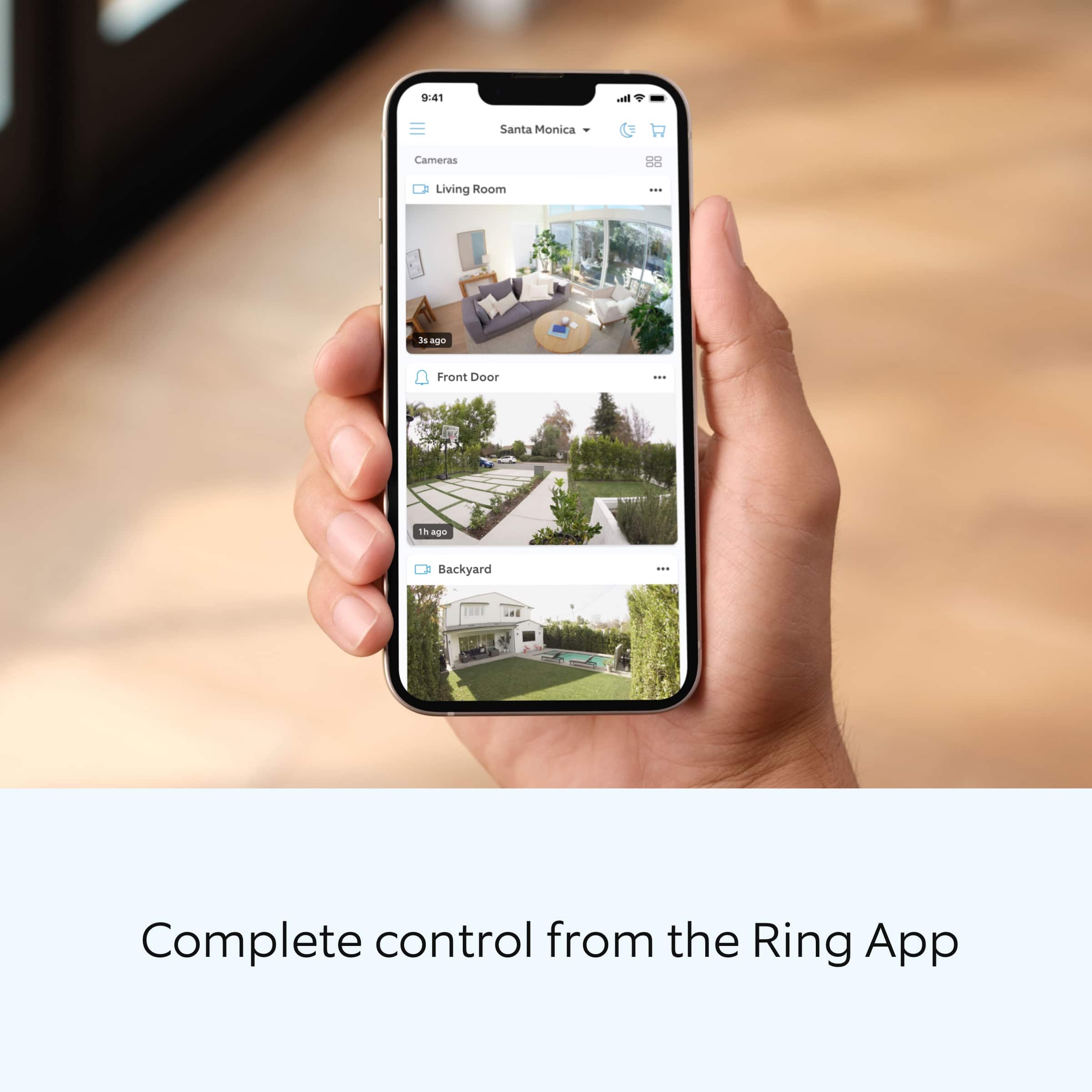
  • QuestionCan I view the video on my smart phone and laptop?

    Asked by RandyS.

    • Answer Yes , You need to down load Ring appl. To your phone or laptop.

      Answered by DieuAm

  • QuestionIs this continuous feed?

    Asked by rick.

    • Answer Hello rick, Great question. No, the Ring Stickup Camera does not have a continuous feed. The Ring Stickup Camera will record when motion is detected or if a live view is done. Please see our help center article for more information: https://support.ring.com/hc/en-us/articles/115004442203-Stick-Up-Cam-Information. If you have any additional questions, please feel free to reach out through our Ring Community forum on Ring.com (http://ring.com/): https://community.ring.com/. Thank you, Jamila at Ring.

      Answered by Ring

  • Questionhow do you get the picture to go threw your laptop

    Asked by Anonymous.

    • Answer Just go to Ring.com and login to your account.

      Answered by Maddvrick

  • QuestionI know this is a wired camera but can i also put a battery in it and have it plugged in at the same time? Basically I want the camera to stay powered even when the power in house goes out. Thank you.

    Asked by ilikegreen.

    • Answer Hello ilikegreen, Great question. No, the Ring Stick Up Indoor/Outdoor Wired does not have the option to be battery powered. For more information, please see our help center article: https://support.ring.com/hc/en-us/articles/360035469751-Stick-Up-Cam-Wired-Information. For any additional questions or concerns, please feel free to reach out on our community forum at https://community.ring.com/. We look forward to hearing from you soon! Thank you, Jamila with Ring.

      Answered by Ring

  • QuestionDoes the Ring - Stick Up Indoor/Outdoor Wired 1080p Security Camera RECORD video/screenshots that I can look at later? Or do I have to always be by my phone?

    Asked by Anonymous.

    • Answer Hello Anonymous, Thank you for reaching out to us. With a Ring Protect Plan, the Ring Stickup Camera will record motion that you can look at later. A Ring Protect Plan is not necessary to view real time notifications on your Ring cameras. Without the Ring Protect Plan you can still use the live view and two-way audio feature, you are still able to see who is at your door and answer motion notifications. In order to see past recorded videos from your ring device, you will need the optional Ring Protect Plan, which starts at $3/month per device or $30/year per device. Please see the following link for more information regarding the Ring Protect Plan and the benefits it offers: https://ring.com/protect-plans?undefined. For any additional questions or concerns, please feel free to reach out on our community forum at https://community.ring.com/. We look forward to hearing from you soon! Thank you, Jamila, with Ring.

      Answered by Ring

  • QuestionDoes this plug in, or do you have to hardwire it?

    Asked by ipadmom.

    • Answer HELLO, YOU PLUG IT IN !

      Answered by YILOVETOOSHOP

  • QuestionWould this camera be able to pick up a cigerate in someone’s hand on a lower balcony?. From about10 feet away?

    Asked by Skippy.

    • Answer I don't see a problem with that as long as there is a clear line of sight for the camera. I can see what people have in their hands across the street from my front door camera

      Answered by BonnieH

  • QuestionDoes this Connect to WiFi?

    Asked by Anonymous.

    • Answer Yes.

      Answered by Durable

  • QuestionDoes it record

    Asked by Cagey.

    • Answer Hello Cagey. Yes. Out of the box, your Ring Indoor Cam is designed to keep you connected to your home in real time, no matter where you are. When you add an optional Ring Protect Plan, for as little as $3/month per device, videos of each ring, motion, and live view event are stored in the cloud, allowing you to review, share, and save them at your leisure. For any additional installation questions or set up concerns, please feel free to reach out on our community forum at https://community.ring.com/. You can also visit our help site, https://support.ring.com/hc/en-us, for tips & tricks, videos and help articles for all our Ring products. Thank you, Antonio from Ring
      Answered by Ring

  • QuestionIf I sign up for the cloud service, will it record video clips automatically whenever motion is detected or do I have to manually start recording video? If so, how long are the video clips? 10sec, 30 sec?

    Asked by chris.

    • Answer Automatically. All you have to do manually is adjust the settings to your liking. Video is as long as the motion is active.

      Answered by TeamCKP