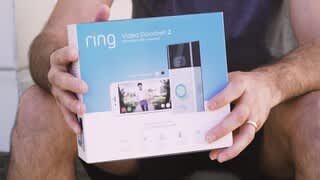
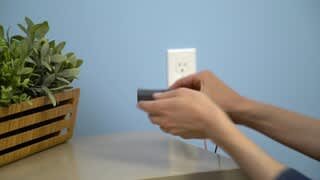
A:AnswerNot sure about the Geek Squad setting it up, however it is so simple to set up, if you can use a screwdriver, which comes with it, you can set it up in a matter of a few minutes. Fully setup and ready to monitor!
A:AnswerOne free month is offered through ring if you activate it.
You would need the $3 a month or $30 a year paid up front if you choose to have the event stored and viewable. If you have more than one device, the cost goes up to $10 a month or $100 a year. The added cost is hard for me.
Without the added cost of service you cannot have a recording of the even and go back to look at it.
Without the added cost service, you will be able to look live or look right when you receive a notification of motion as you setup in your settings. Event will not be saved to watch again without added subscription

A:AnswerWorks with the smart phone app. You can use Alexa Echo Devices to take it to the next level of smart home devices by having Alexa tell you when someone presses the doorbell or if you want video chat using an Echo Show device. But it is not required.
A:Answeryes, the battery needs to be installed as well.
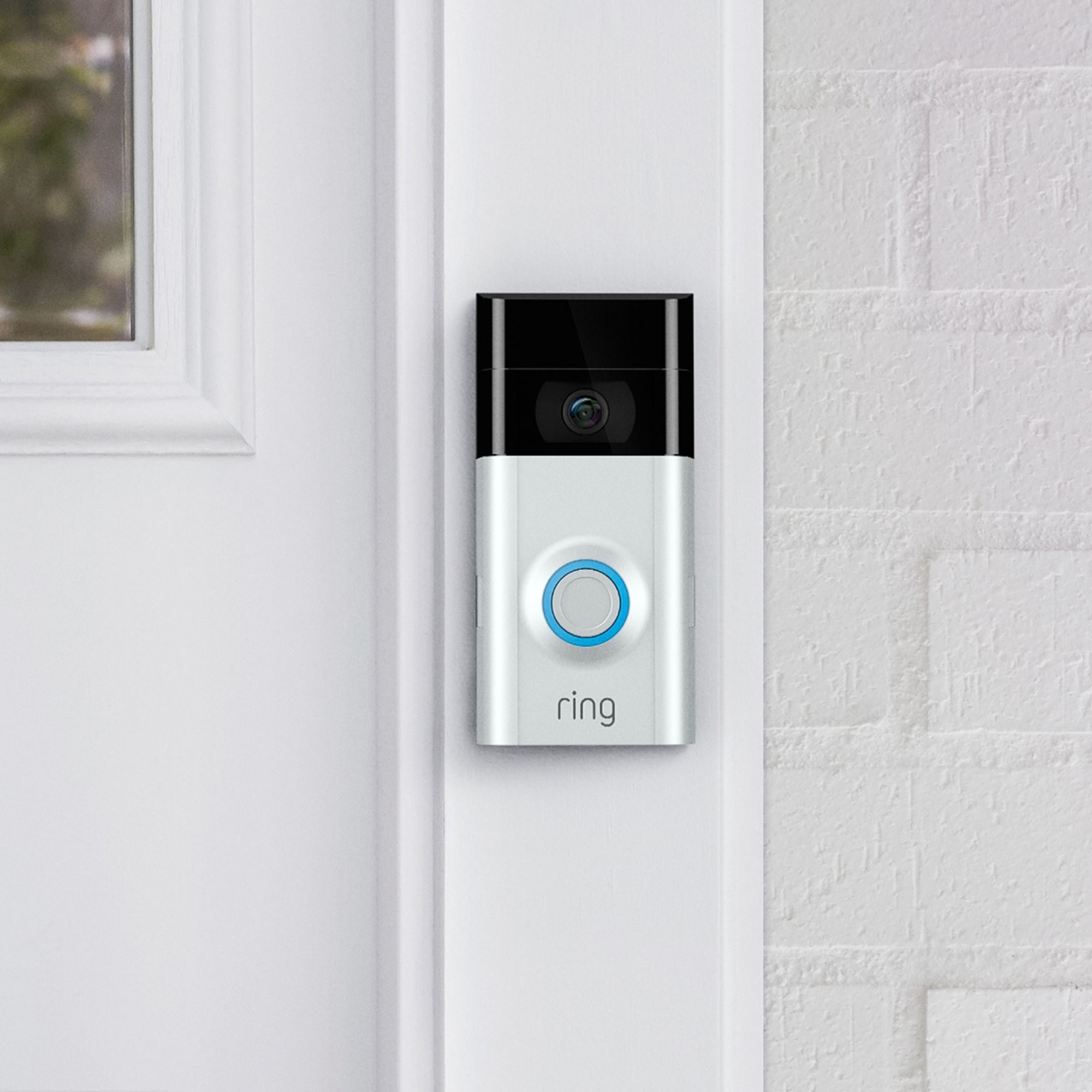
You will also notice a difference between hardwired installation and non hardwired installation. if it is hardwired then the circle around where you press the doorbell will be lit up, but if the doorbell is not hardwired then that circle will not be lit up.
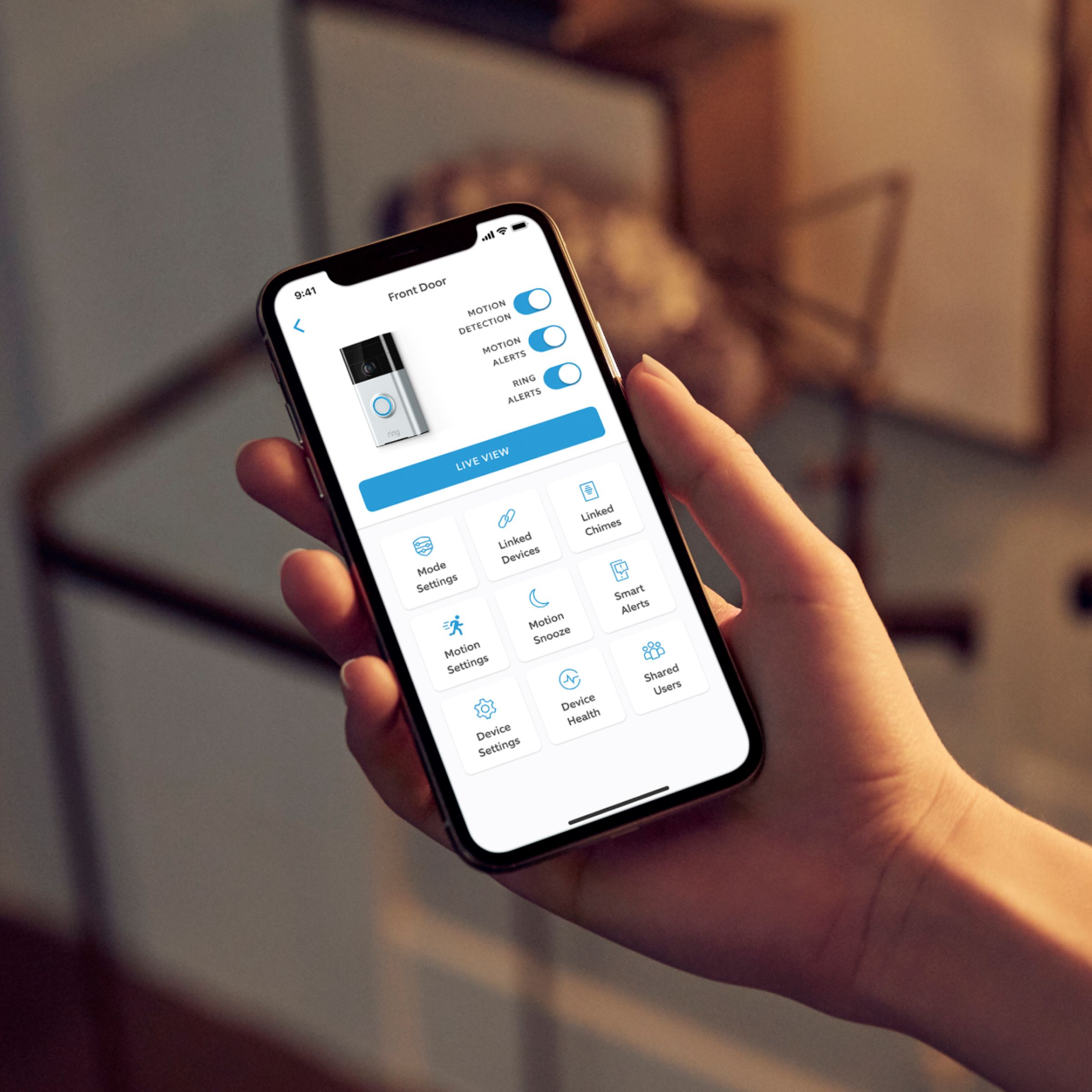
A:AnswerYou can adjust the sensitivity for the motion sensor and motion alerts. If you click the three dots above the camera in the ring app then go to motion settings then select motion zones. Also if you add the wedge kit; it'll help to focus the camera on motion that's present at her door and not on cars driving by.
A:AnswerI assume you are speaking about different entry points - as in an apartment. In my opinion it should work as each RING device has a separate MAC address. But I would call RING technical support to be sure.
A:AnswerYes, this can be viewed by multiple cell phones or computers. Simply login into to the ring account on the ring app that you download on your cell phone.
A:AnswerYou can set it up yourself it is easy to do. Or you can pay to have them set it up. Which is what I was gonna do until I saw how easy it was I did it myself. It even comes with the little tools to do that.
Hope that answered your question