A:AnswerI mounted my Samsung curved TV to it just fine. I did have to use one of the spacers that came with the unit to mount it flat and it really worked well.
A:AnswerOnly with a bit of extra work. I mounted to 1 inch boards horizontally between my 24 inch studs. Then I screwed the frame and the boards making sure that I hit the studs on one side. So far it hasn't fallen down!
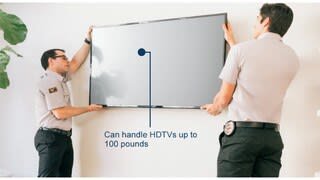
A:AnswerYes, we paid a little extra and had Best Buy's Geek Squad come out and install the mount as well as our TV. The Geek squad was great! Much easier than us doing it ourselves.
A:AnswerTo shift the TV side to side after installation you need to loosen the lock down screws slightly then slide the mount on the rails. The total movement will be about 6" side to side. The movement can be done by hand but once you get to the desired position, you need to re-lock the screws.