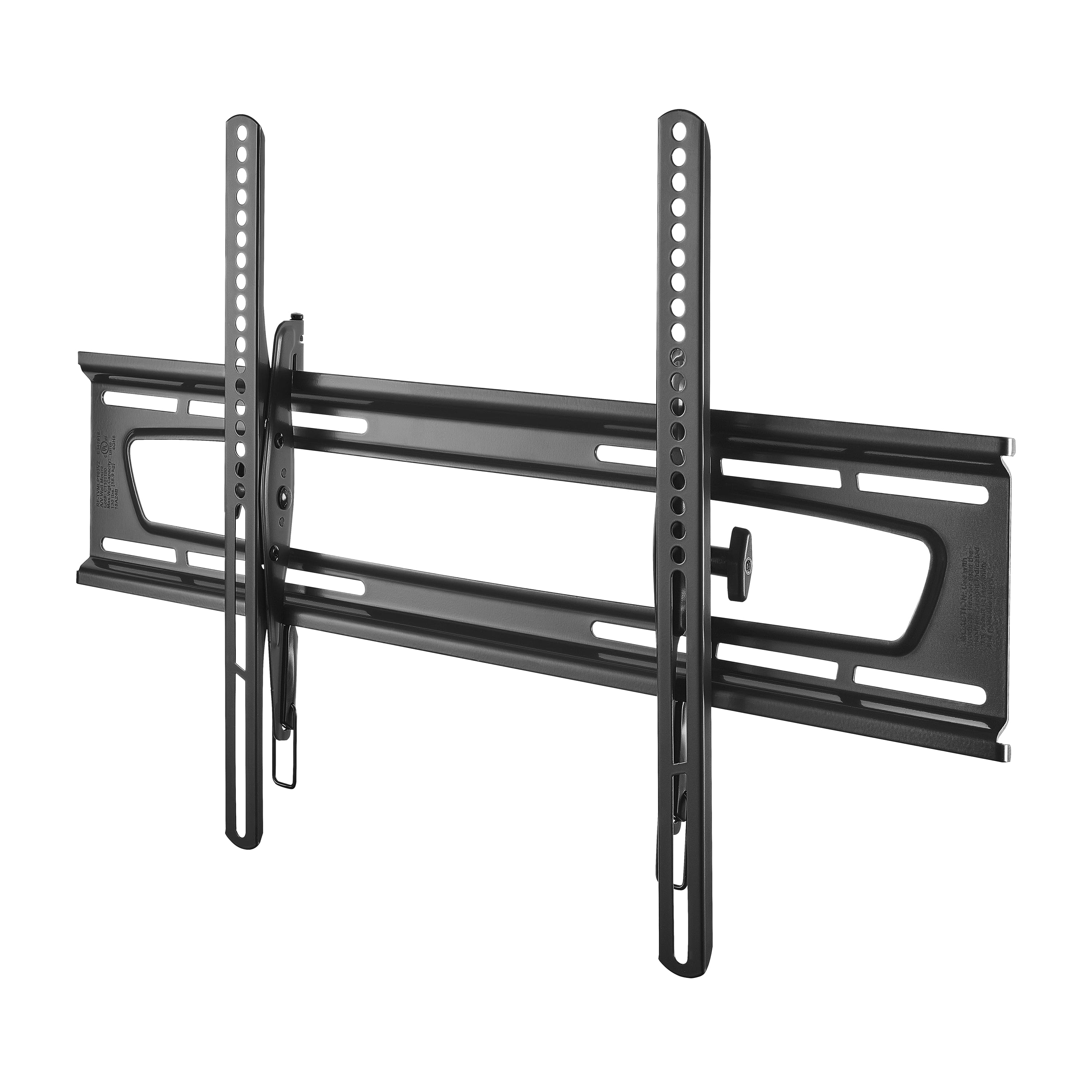
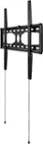
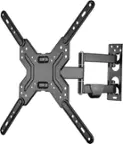
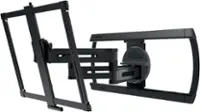
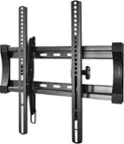
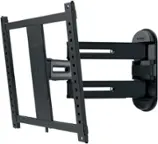
A:AnswerWith the Rocketfish mounts, my old one held a 32" TV and there are 2 loops at the bottom of each arm that is attached to the TV - you have to have a helper so that you can pull BOTH of them down to disengage the TV from the wall mount at the same time. The newer, larger one workes exactly the same way.
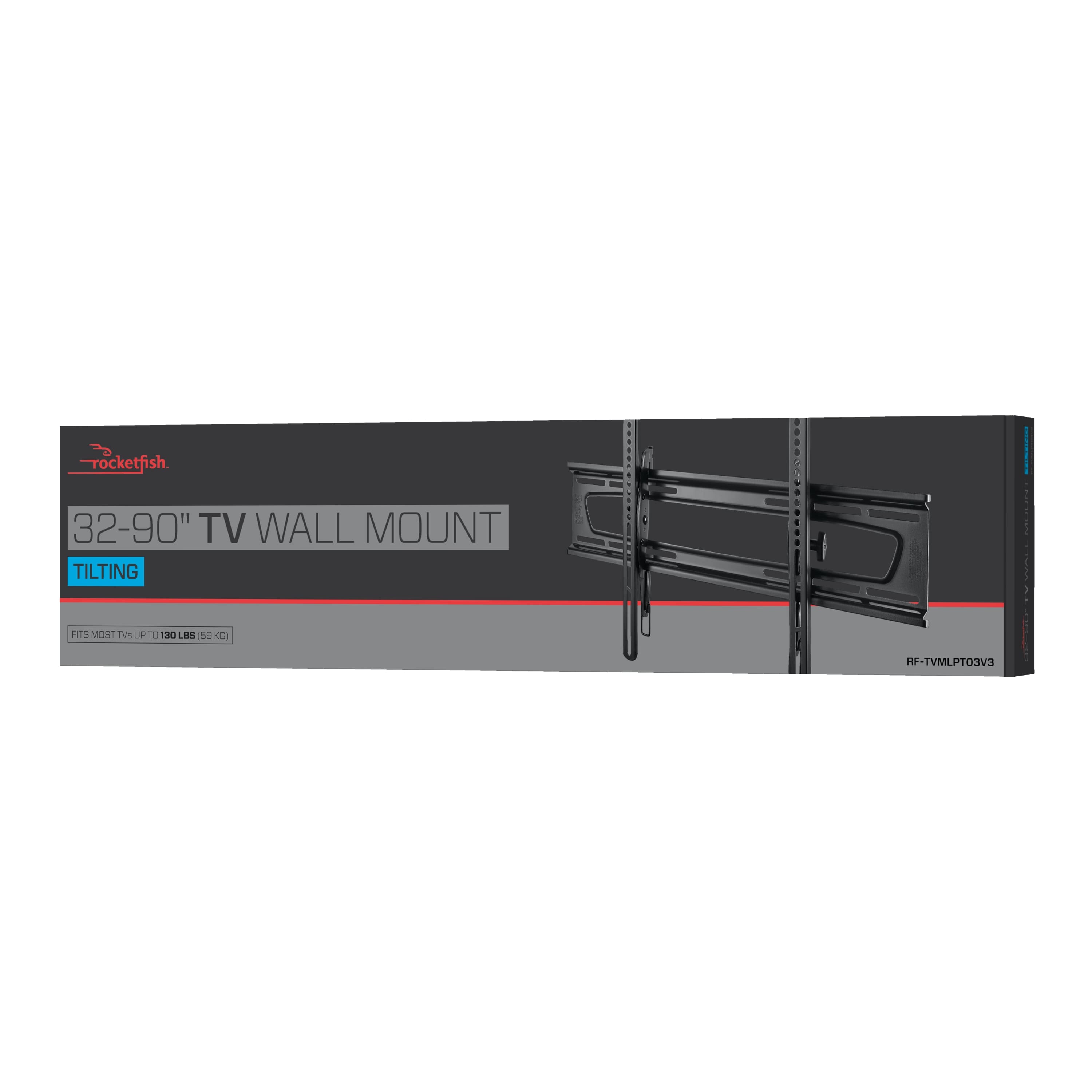
A:AnswerI’m not sure if it will work with a 70” LG because I’m not familiar with the type of screw used in LG TV’s, but I have my Samsung 70” TV mounted on it right now and it’s rock solid!
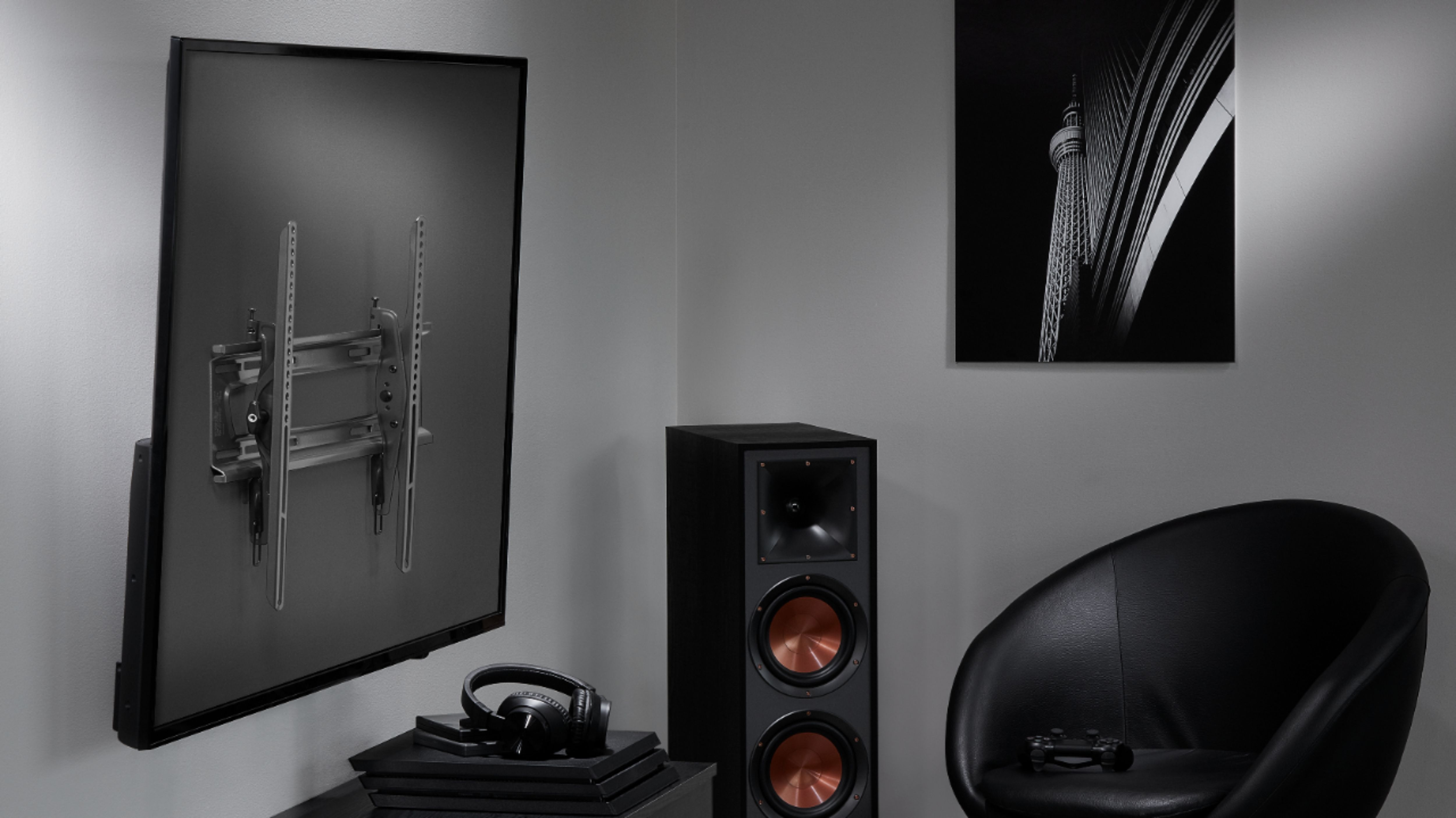
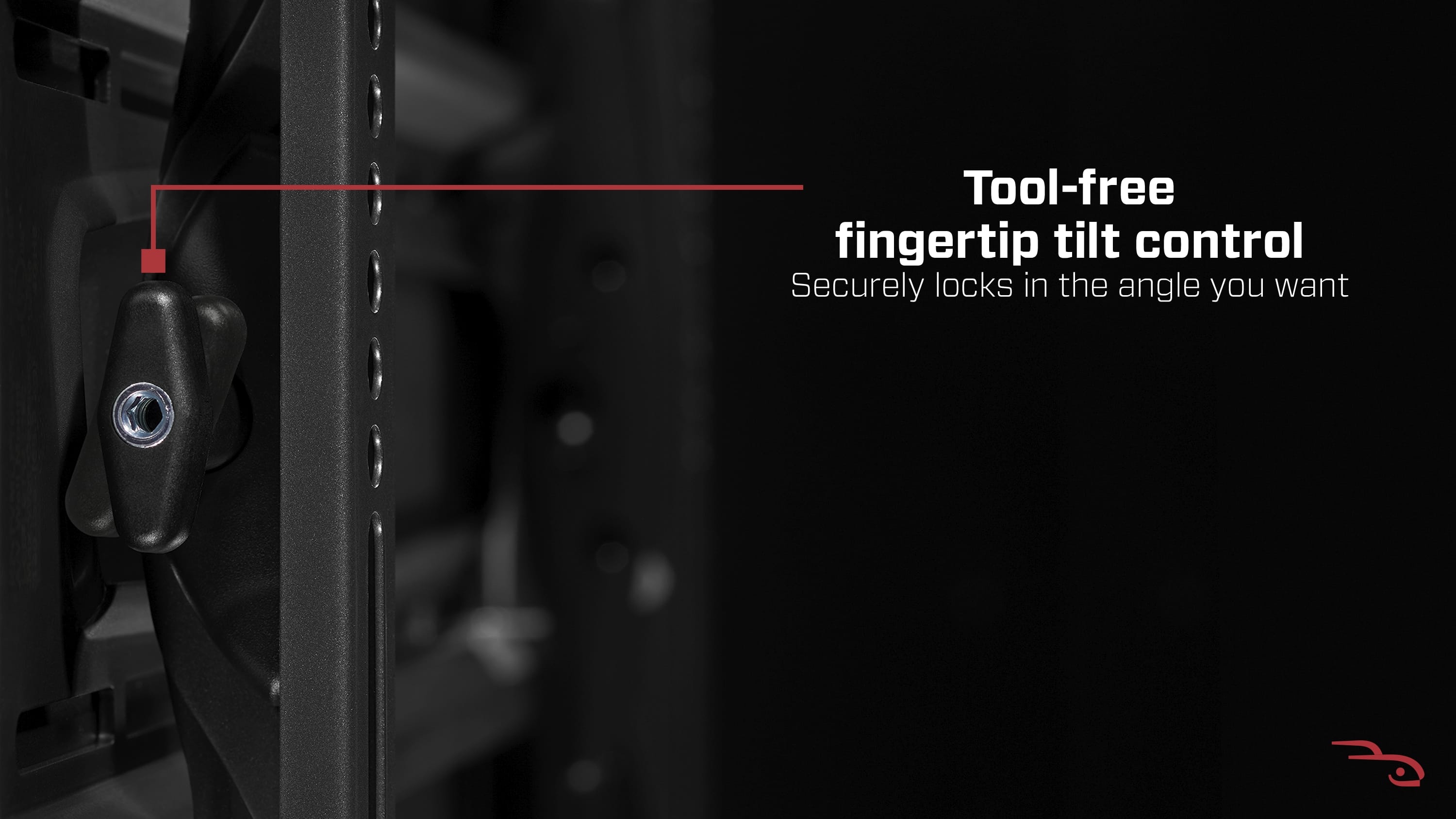
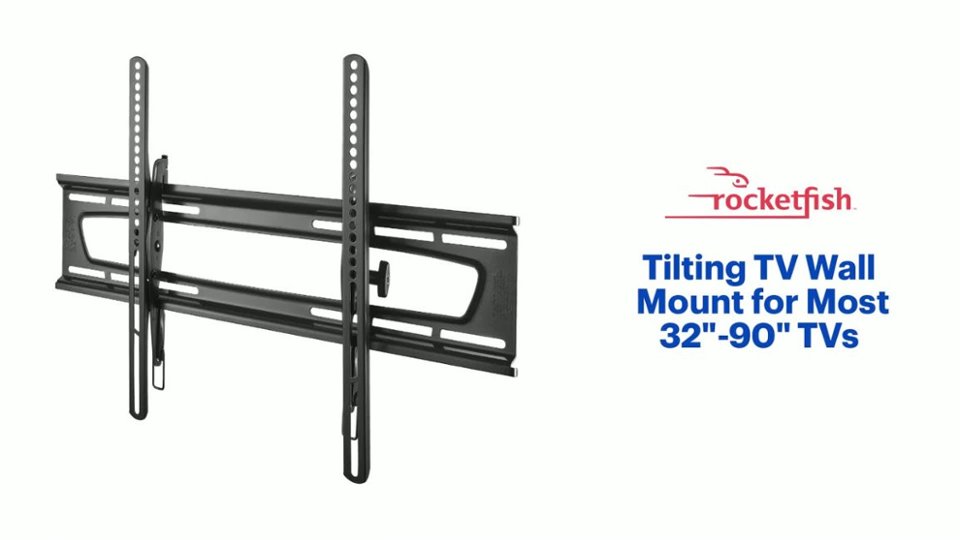
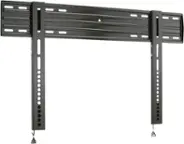
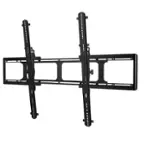
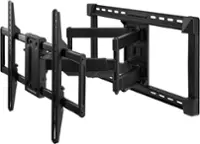
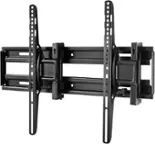
A:AnswerThe set up is actually quite simple and very secure. Once you figure out part B uses screw EE LOL it goes together very well. The 2 vertical bars mount to the back of the TV with the large rectangular bracket mounting to the wall. Must be screwed in to 2 studs to support the weight. Once the 2 components are mounted securely then the TV just hangs on the wall bracket and it click locks into place for a secure mount. I'm very pleased with how it handles my 70" TV.
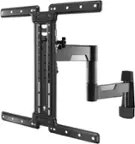
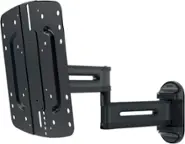
A:AnswerThe mount with brackets and all extends about 3 1/2” from the wall. It also pivots up and down if you’re looking for that sort of functionality.
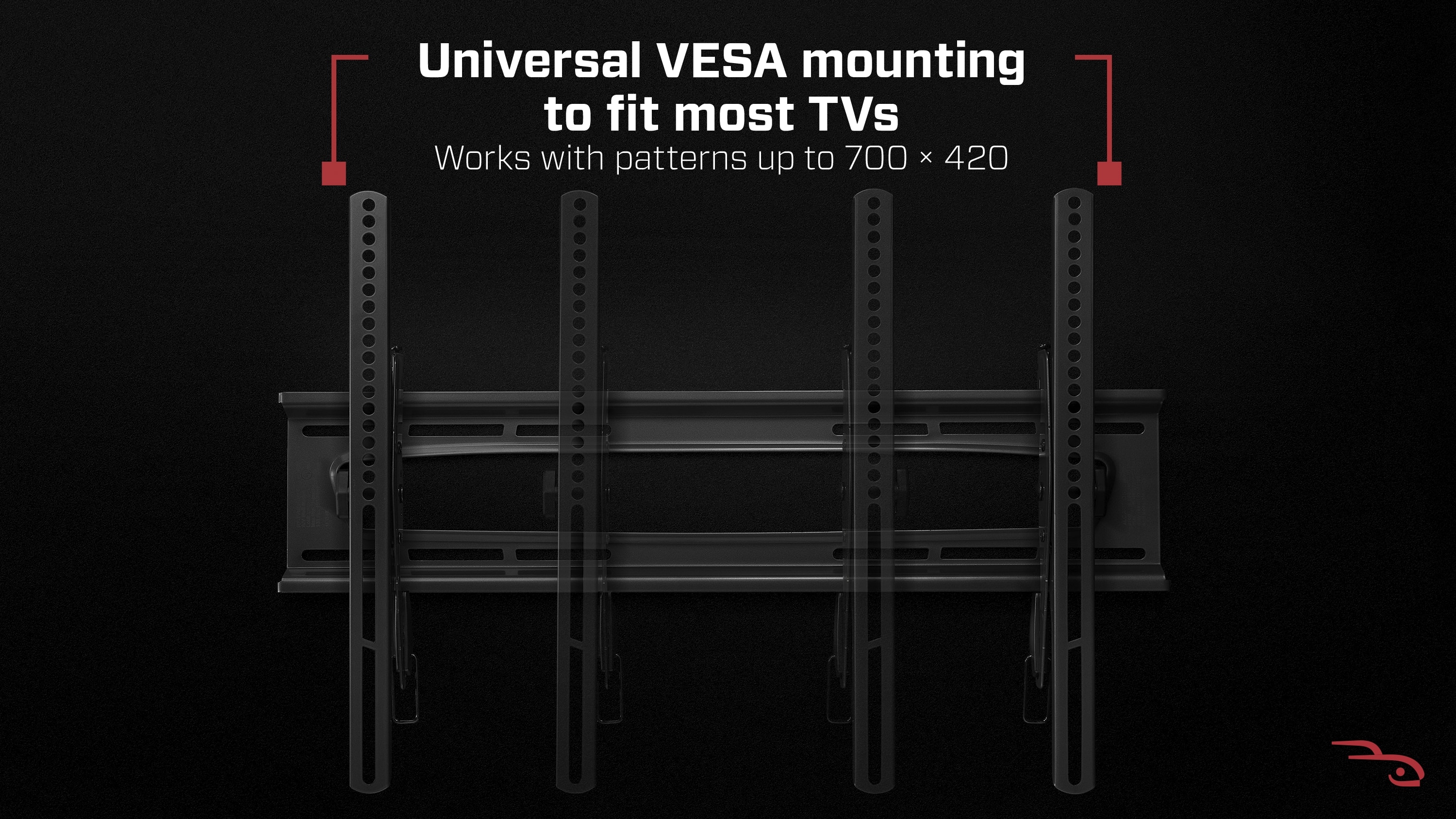
A:AnswerThis should mount to brick as long as it is a flat surface. You may also want to consider purchasing your own fasteners instead of using the lag bolts and plastic anchors that come with the mount. The Panasonic unit will only be compatible if it is a VESA standard mounting pattern. Check the specs of the unit and it should list the mounting pattern similar to 200 x 200 or 200 x 300. I hope this helps.
A:AnswerPossible if you can reach the manufacturer. This was sent to me to answer, Sorry I could not be more helpful.
At least you already have the bolts for the rails to the tv.