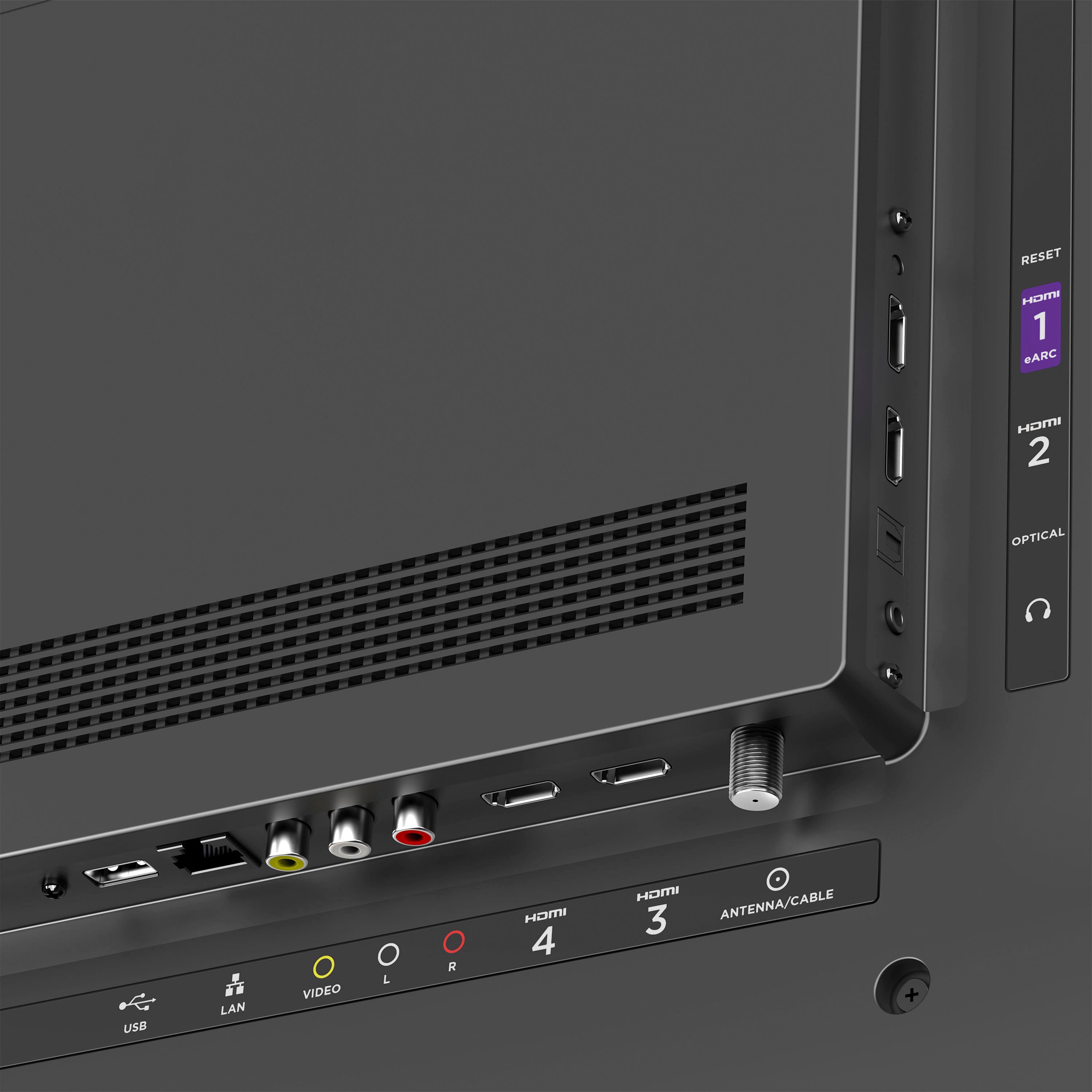
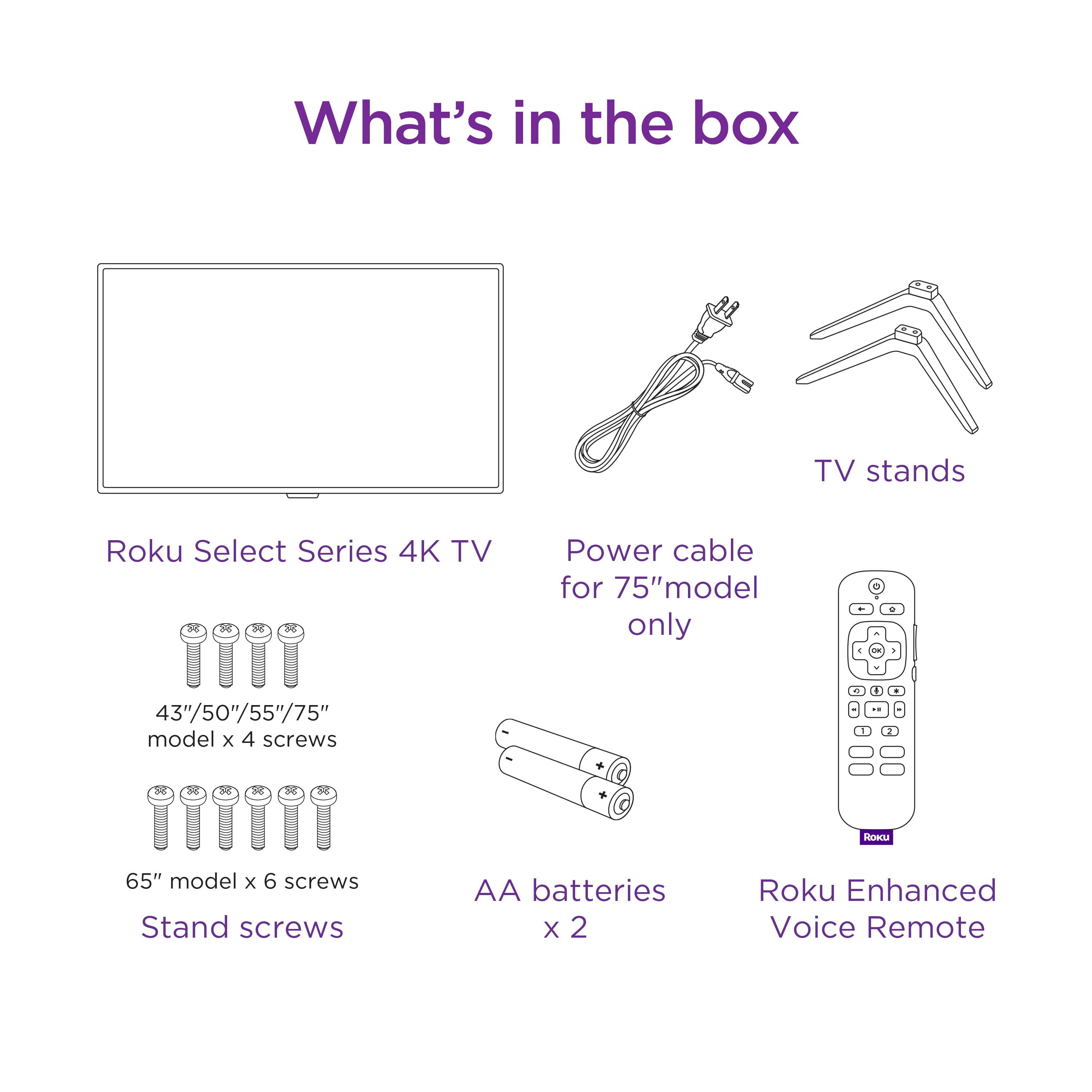
A:AnswerThe 43" Roku TV doesn't have built-in Bluetooth. However, it does have 4 HDMi ports, 1 USB port, an Optical jack and one 3.5mm headphone jack in the back. So, if the Bluetooth transmitter plug is 3.5mm, then Yes.
A:AnswerNo one does not need cable to watch TV, instead connect an antenna to the back via coaxial. Also, connect your TV via WiFi for channels by Roku and others that offer free entertainment.
A:AnswerThe setting is in the Power section.
From the Roku home screen, go into the Settings menu.
Now enter the "System" menu.
Choose Power, and then Power On.
Choose the input you want to be the default when the TV turns on.
A:AnswerHello! Roku has a Featured Free option on the home screen of every Roku player and Roku TV.
Every Roku device comes with countless hours of free entertainment. The only hard part? Deciding what to watch.
Live TV Channel Guide: Browse 400+ free live channels, hit movies, and more. Sort by category or genre to start watching what you want in a snap.
Local News: Keep up on what’s happening with live local news channels from across the country.
The Roku Channel: Enjoy a huge selection of hit Roku Originals, popular movies, trending TV shows, live news, sports, and more.
Featured Free: A curated selection of free in-season episodes, movies, and more from top channels across the Roku platform.
Here is also a link to our Roku Channel Store which lists all our Top free movies and TV shows.
https://channelstore.roku.com/browse/top-free-movies-and-tv
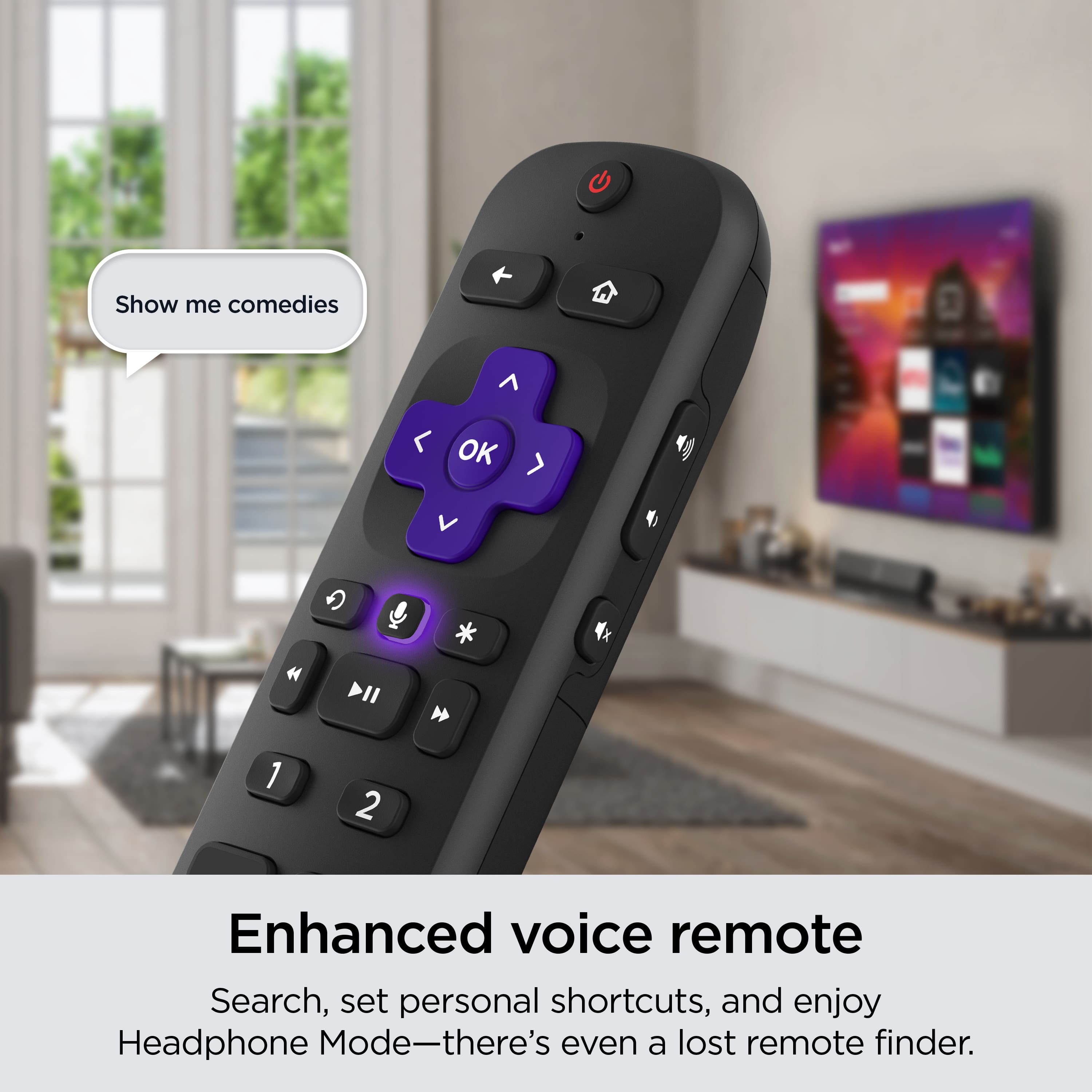
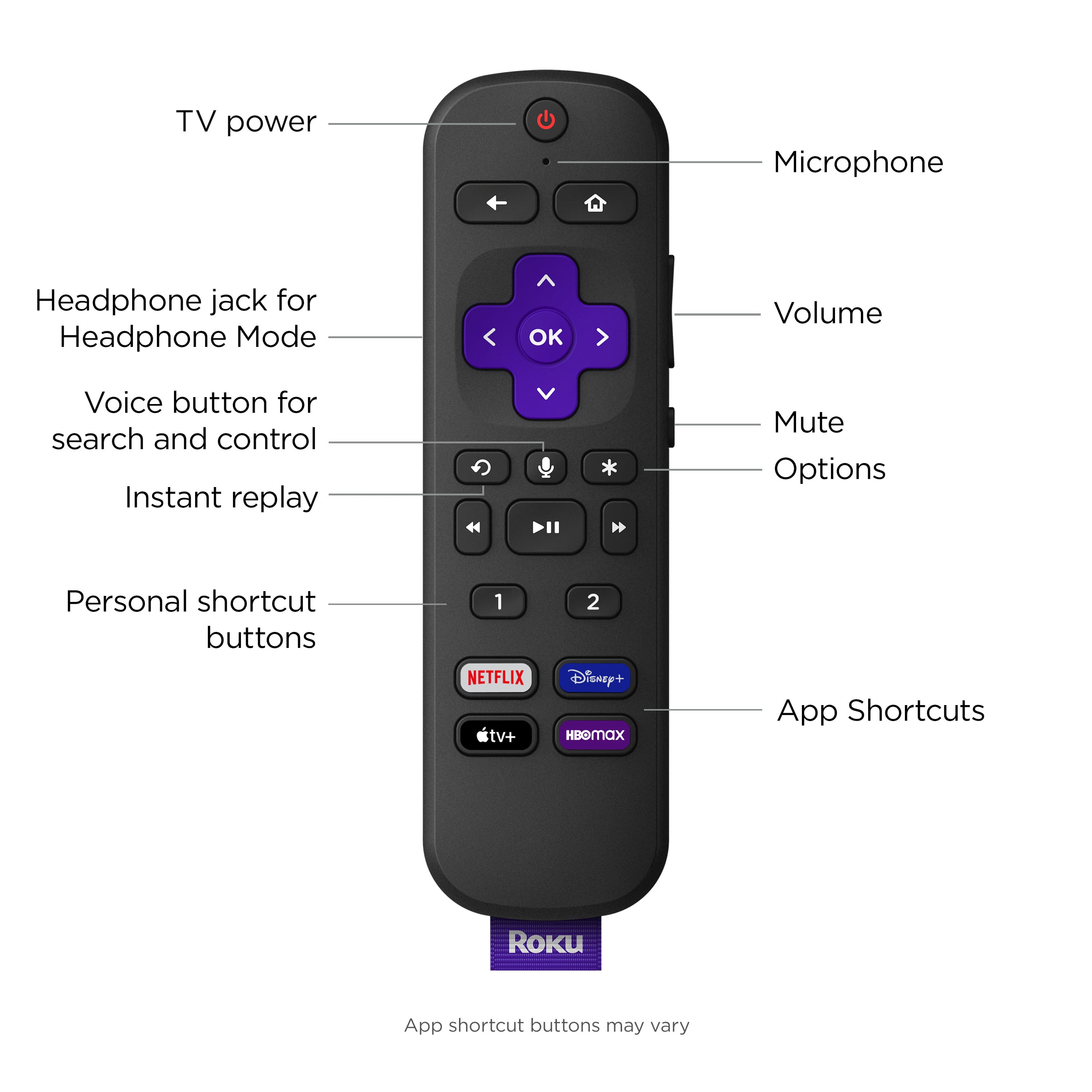
A:AnswerYes. My husband has visual and hearing callenges and uses our Roku verbal command remote to "launch cable box", or open different APPs. It's helped.
A:AnswerHello Linda, The seasonal themes should be enabled by default, If you'd like more information please visit https://support.roku.com/en-gb/article/208756858