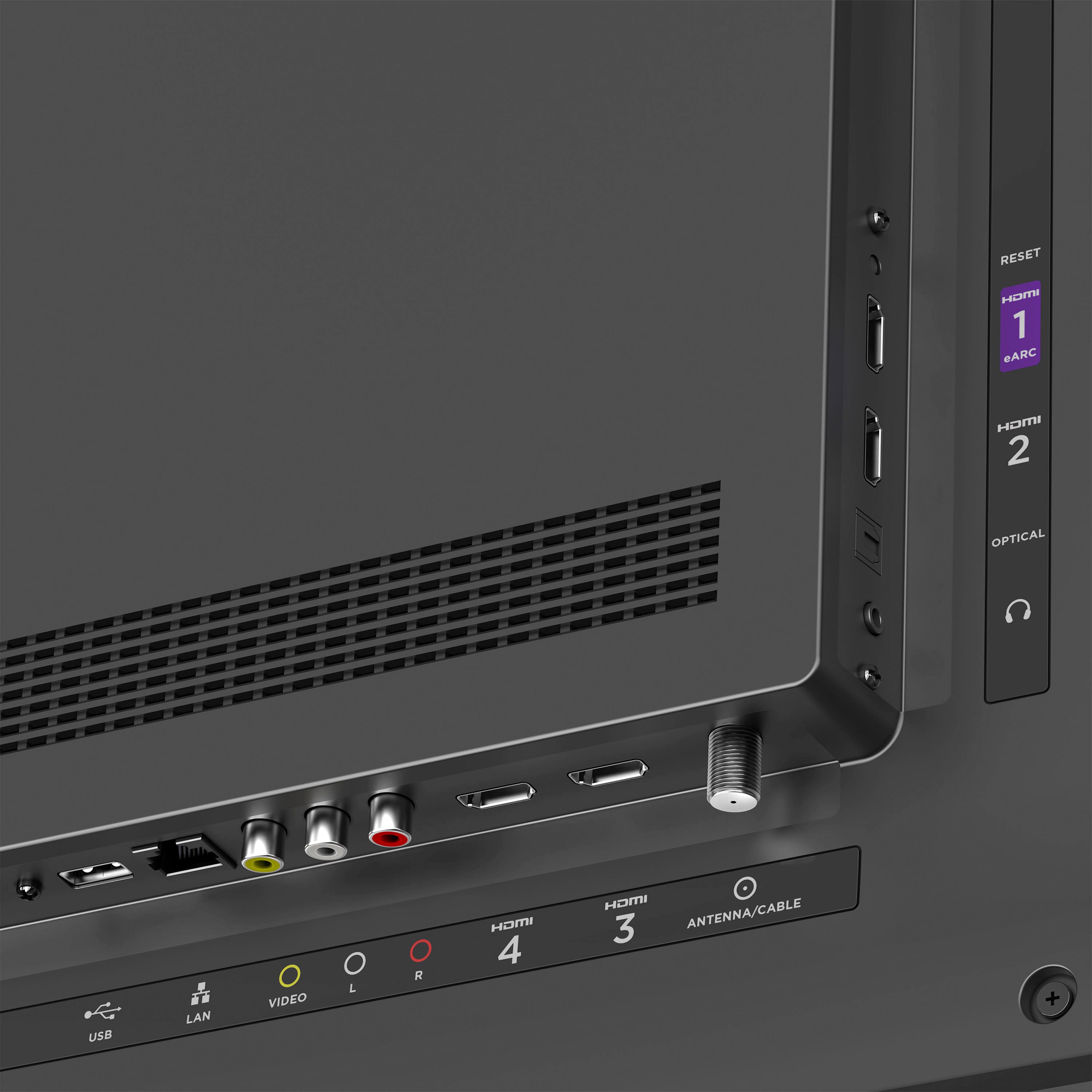
A:AnswerThere are several ways to connect the TV to your existing receiver or soundbar. For the best quality (Dolby Atmos), use an HDMI cable connected to the TV's eARC port. Alternately, you can also use an optical cable for up to 5.1 surround sound or component cables for stereo output.
As a tip, if you're interested in bypassing the receiver, we offer a suite of Roku audio products that add immersive surround sound—all wirelessly connected! Check out our website for more details.
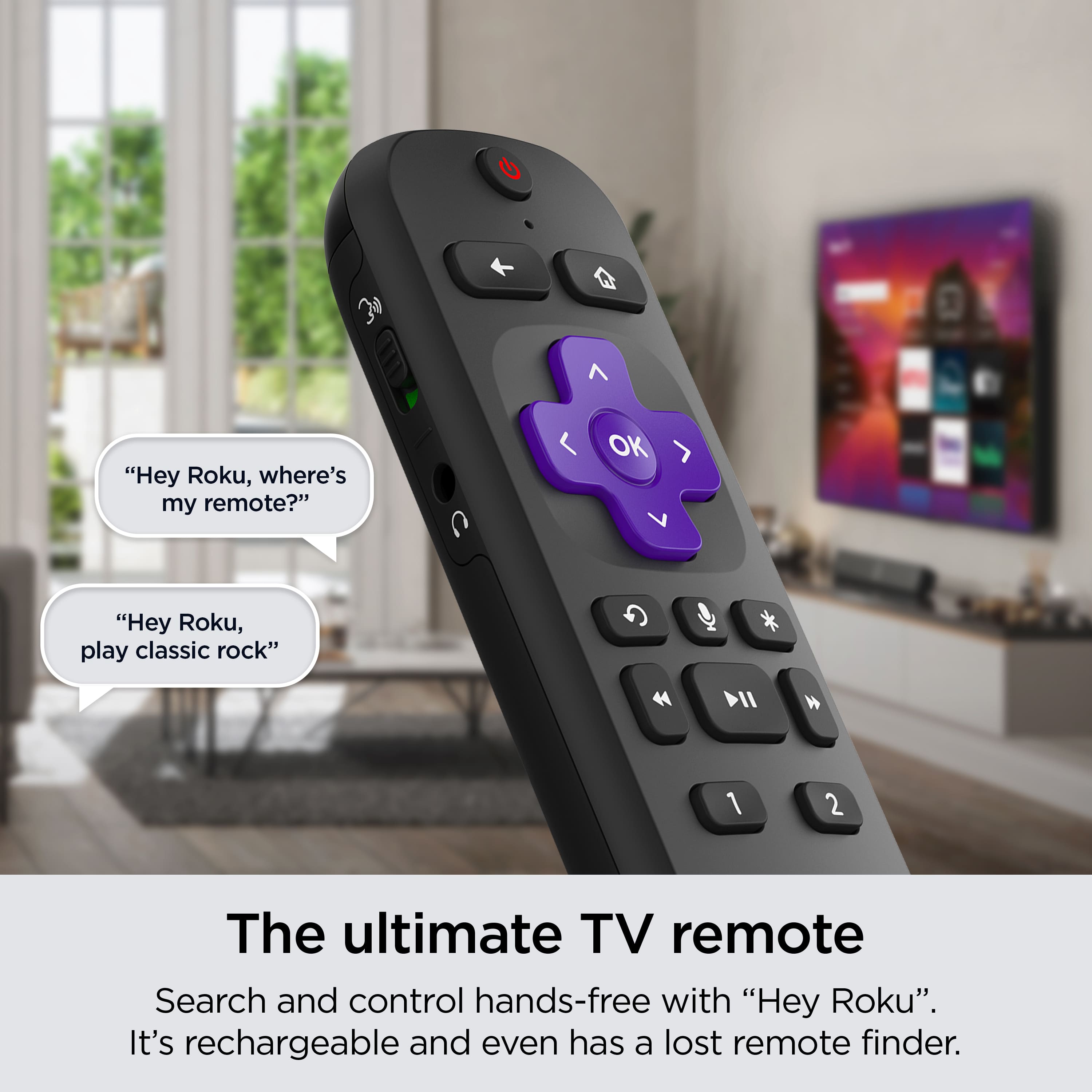
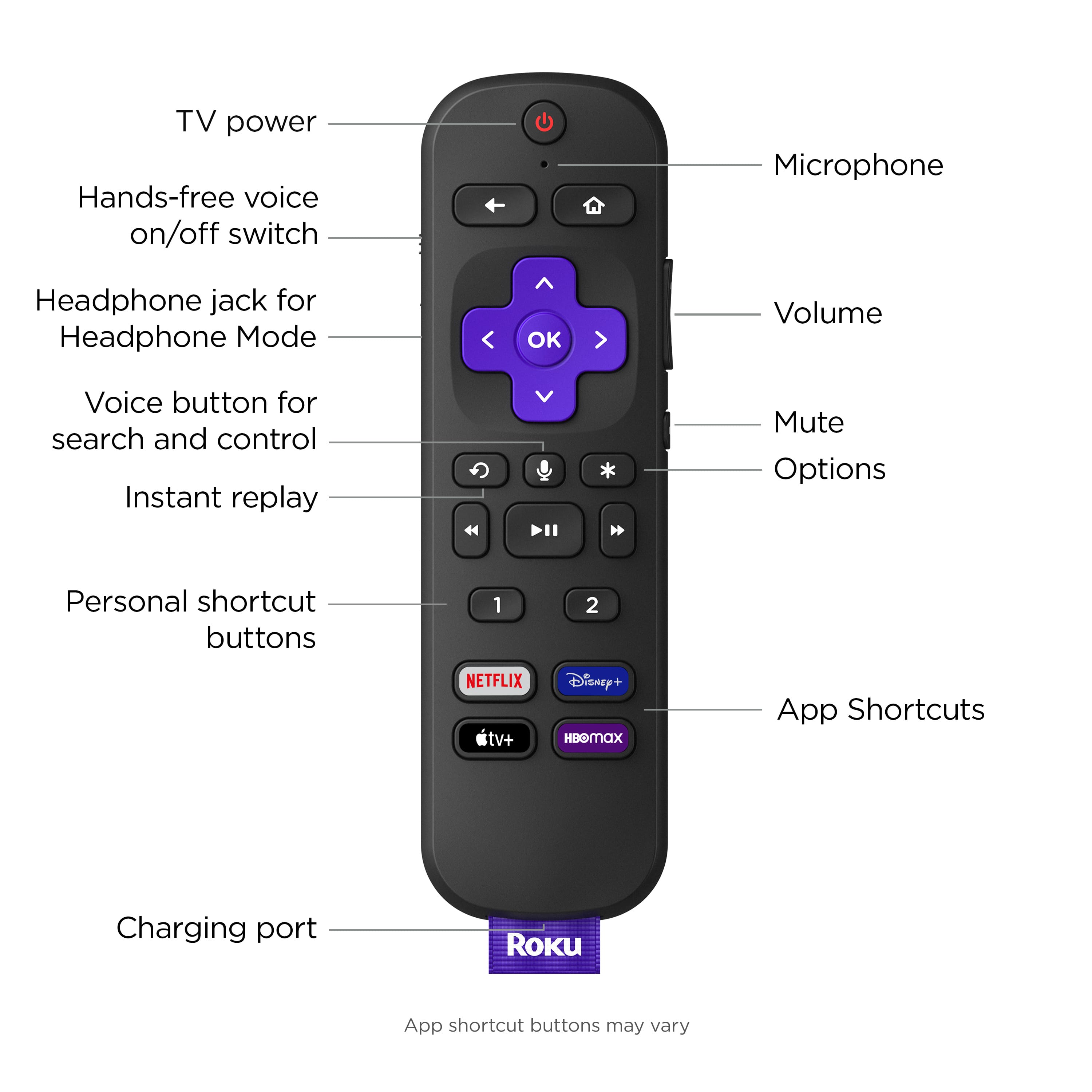
A:AnswerHello DP! This TV comes with various audio output options that can be compatible with hearing aids. This TV has a headphone jack on the Voice remote pro so you can use it to connect your TV to your hearing aid accessory, like a bluetooth transmitter or a streamer. If your hearing aids are equipped with Bluetooth capabilities, this TV also supports bluetooth connectivity. This allows you to connect your hearing aids directly to the TV without the need for additional accessories.
A:AnswerYes! You can take advantage of Apple Airplay or Screen mirroring to display content from your phone on your TV. Additionally, you can always use the Roku OS which is built into this TV to download the Xfinity Stream channel, login using your existing credentials, and continue watching all of your favorites. Visit our website for more information or feel free to contact a member of our support team. Happy Streaming!
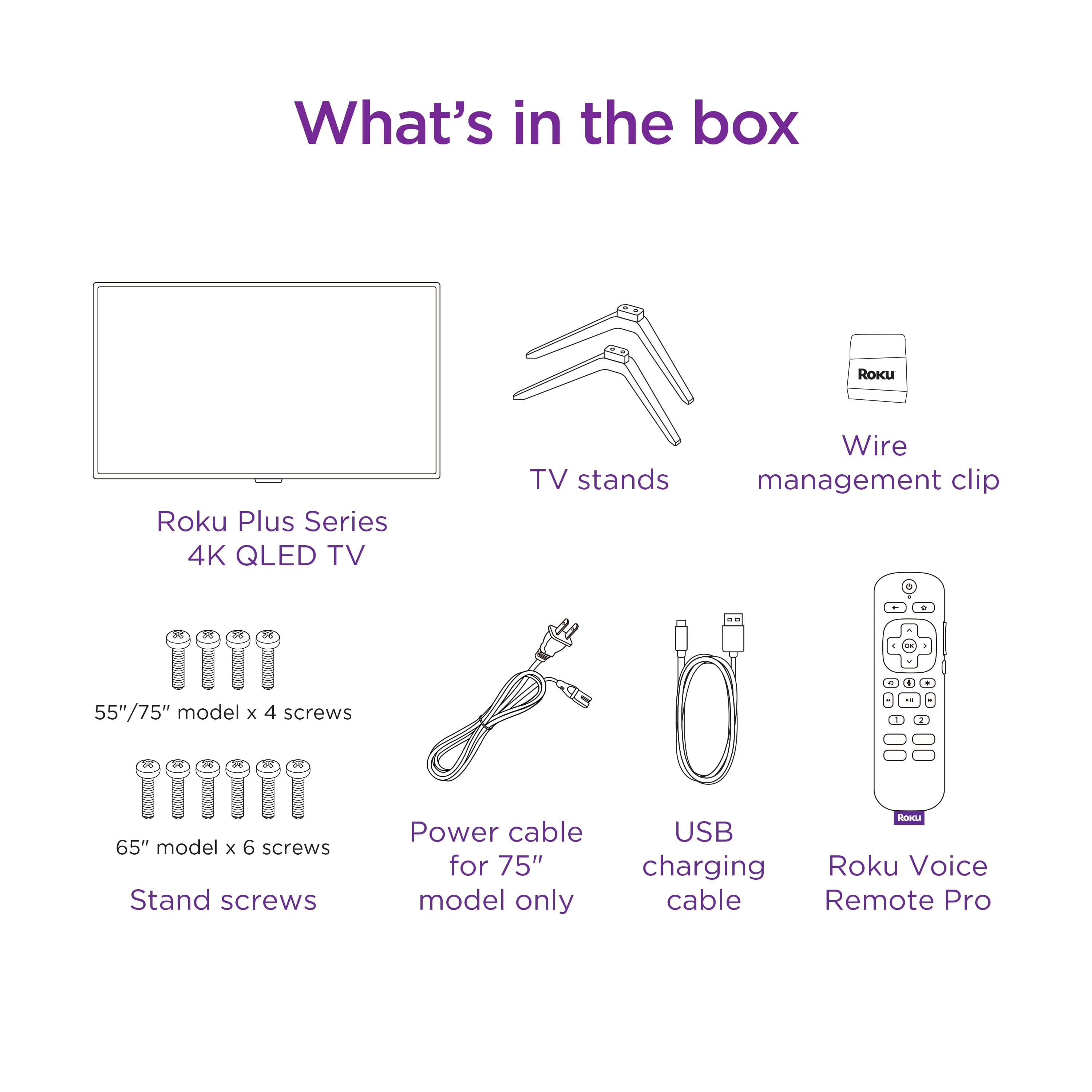
A:AnswerHey there! The weight of this TV model alone is of about 36.7 lbs. If you decide to put the TV on the leg stands included, just under a pound of weight can be added to the total. You can find more helpful information under the Specifications tab to help you prepare. We hope this helps!
A:AnswerHi SkootMcGoot. unfortunately, our Roku-branded TVs are not compatible with a center stand. The good news is that they come with standard VESA mount support, allowing you to interchange stands with one that might fit more with your needs. For our 65" Plus Series TV you will want to find a TV mount with a 400 x 300 mm VESA pattern! If you have any other questions please reach out via our support page. Thanks!
A:AnswerHi there! We would recommend utilizing the stands according to the proper instructions provided in the manual. You can check out our other Roku-branded TVs if the size is a concern, or you could mount any of them with a TESA standard mount. Happy Streaming!
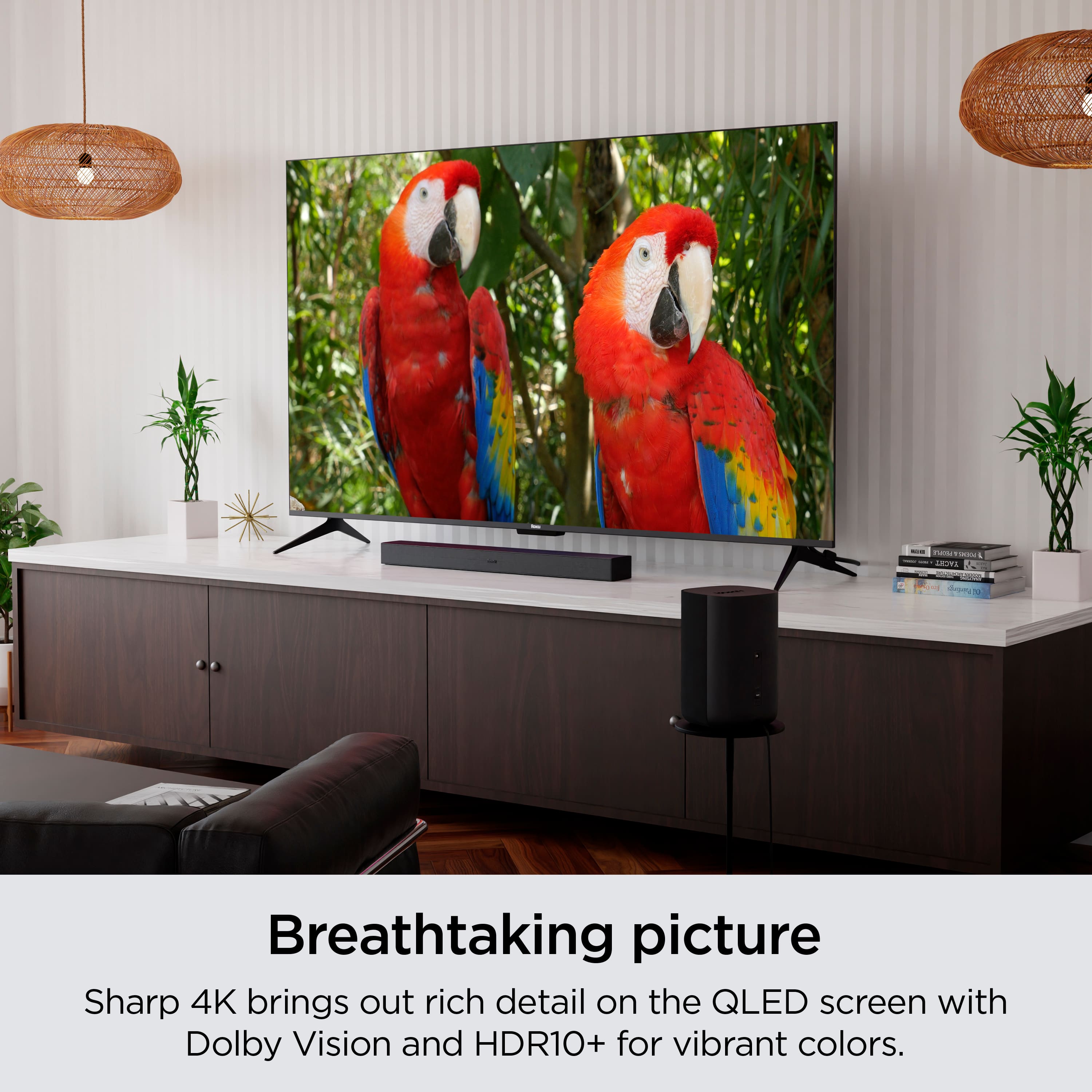
A:AnswerBoth the 65'' and 75'' Plus series models come with 2 built-in speakers and are compatible with Dolby Atmos surround sound systems and are Dolby Atmos certified to provide a great home theater experience. We take a lot of pride in the audio design of these TVs and the best way to assess the quality is to hear it for yourself. Stop by your local Best Buy and ask for a listen!
A:AnswerHello! This TV offers 4 HDMI ports.
As a tip, be sure to check out the product description tab labeled, "Specifications" for an in-depth look at this TV's offerings. You may have to click on the down arrow to expand the section fully. Happy Streaming!