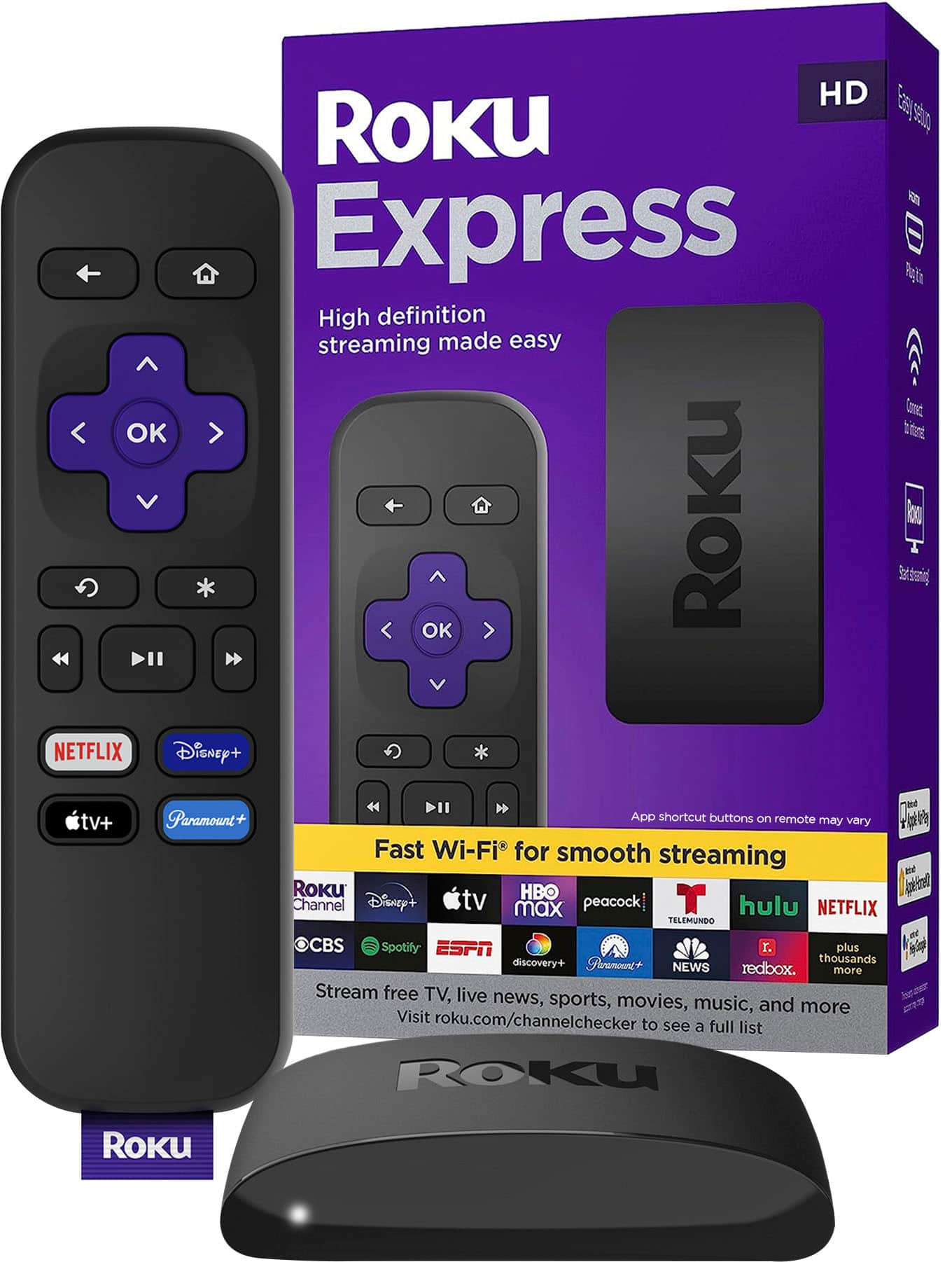
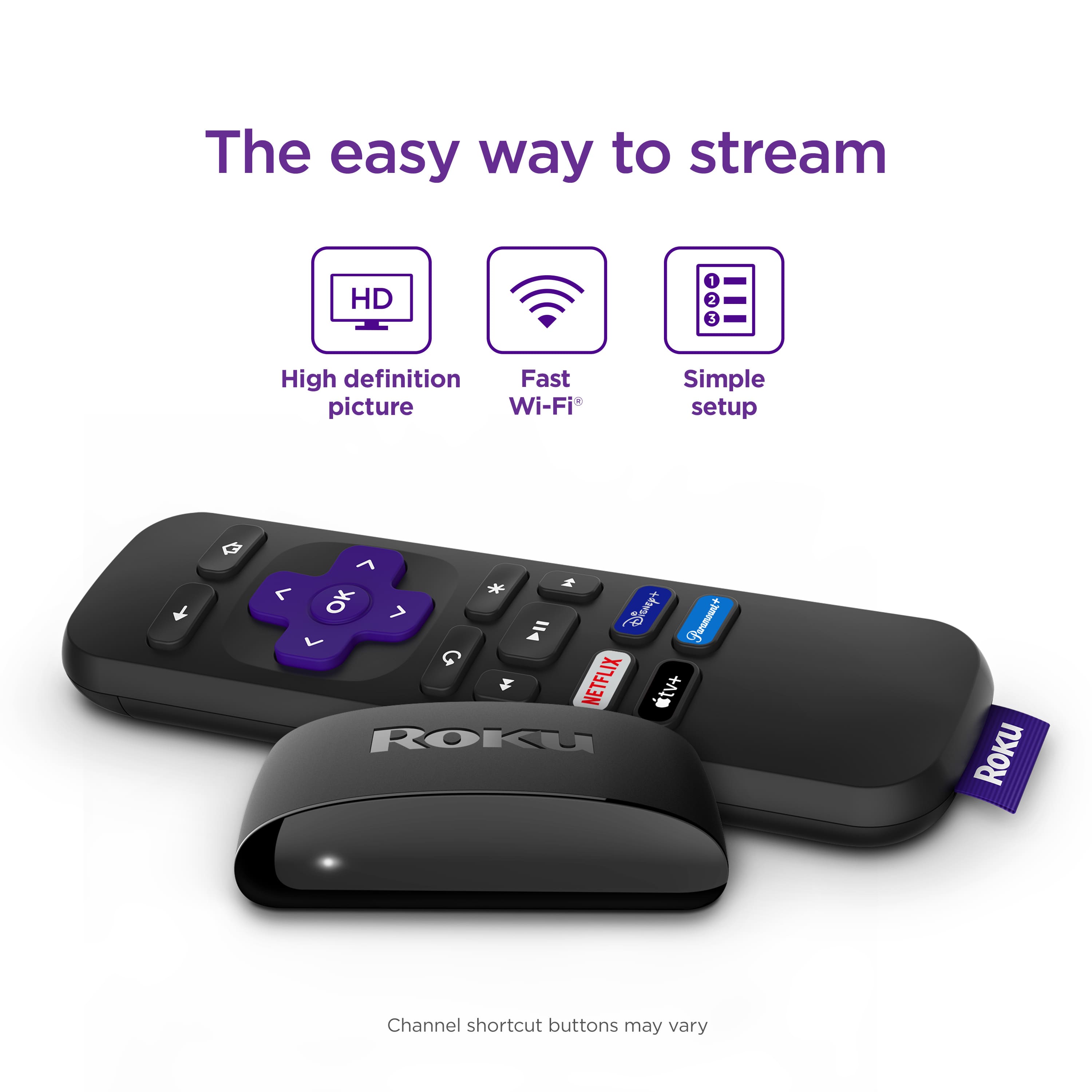
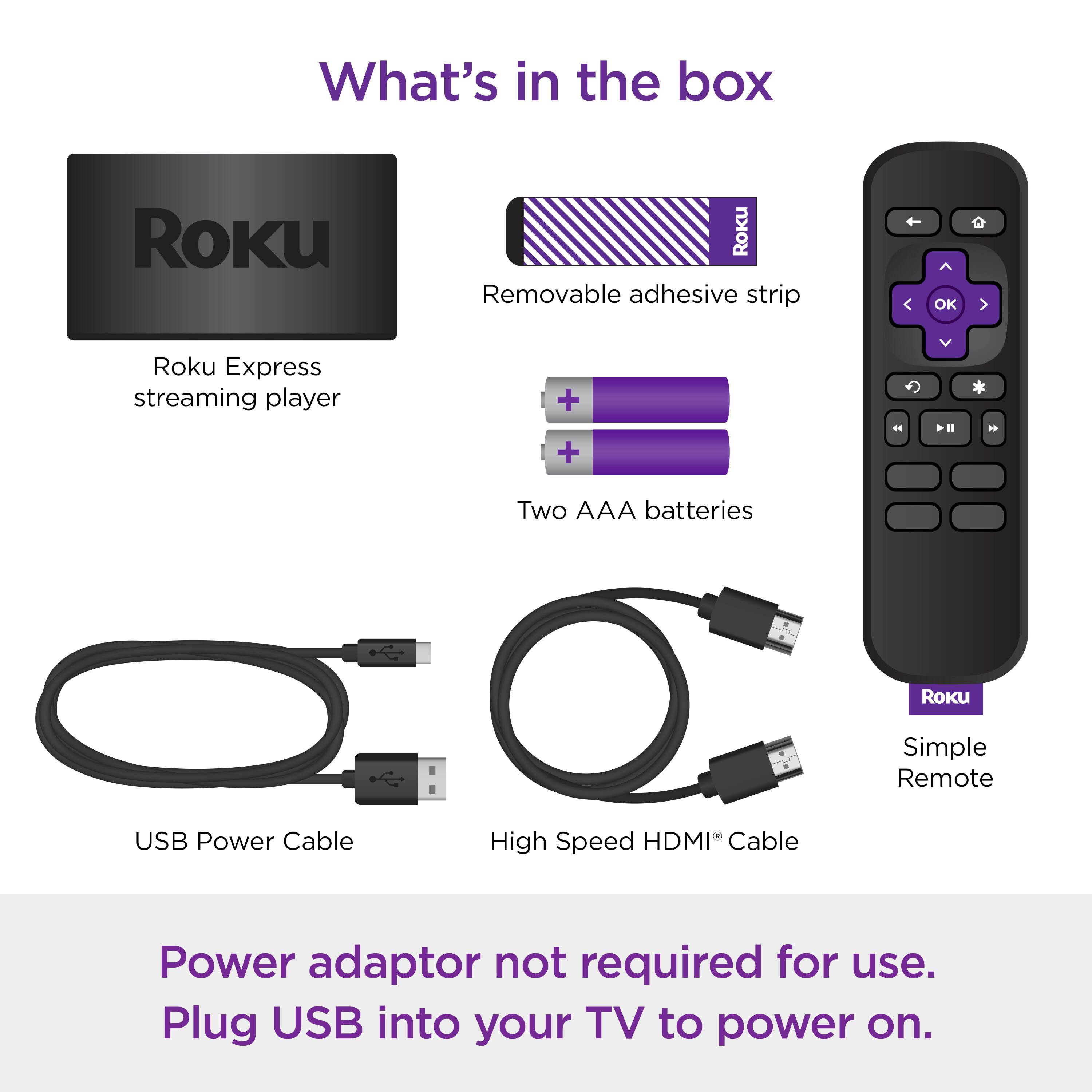
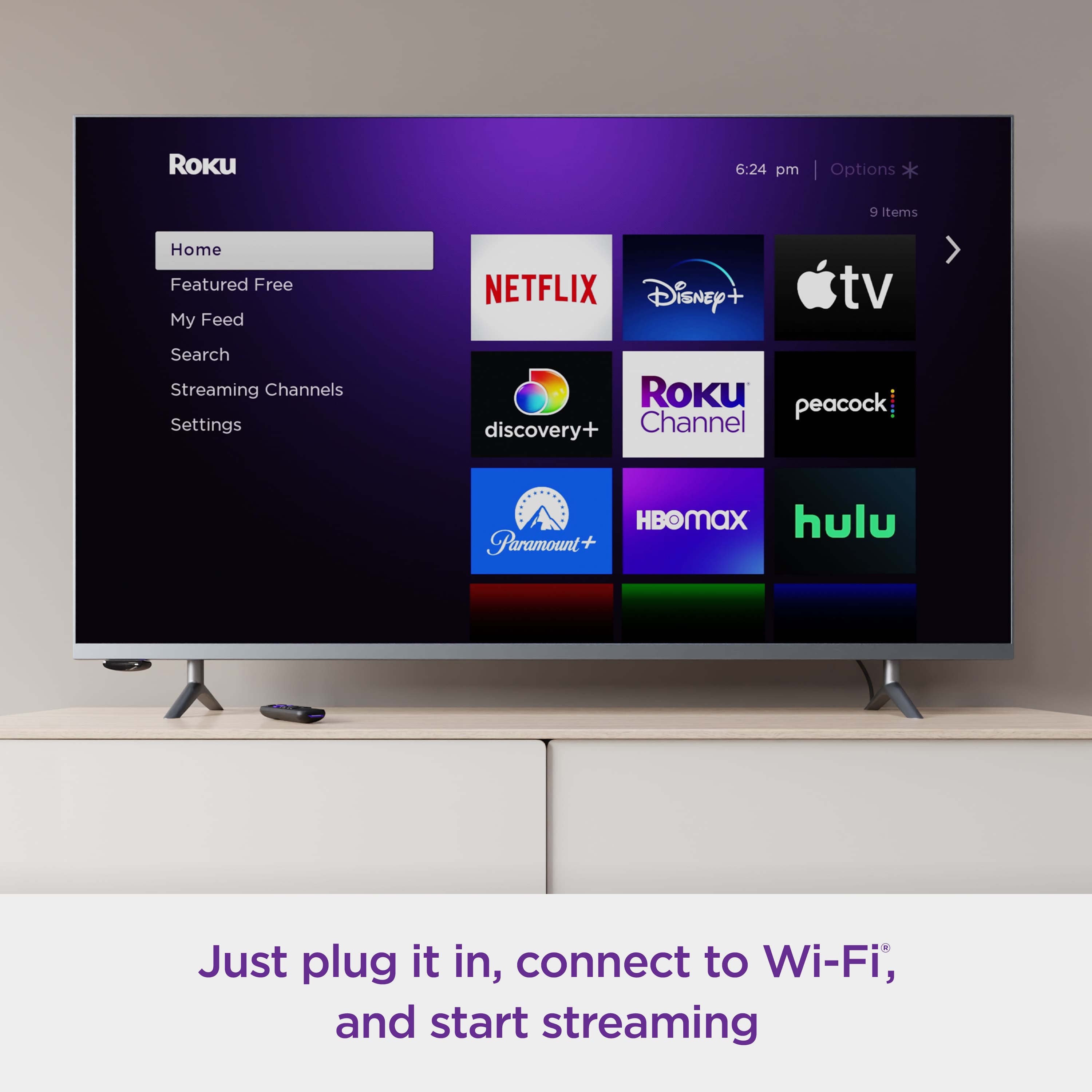
A:AnswerHello! Roku devices give you access to Xfinity! All you would need to do is download the app and sign into your Xfinity account. If you are ever curious what Roku has to offer here is a link to our Roku channel store. https://channelstore.roku.com/search
A:AnswerYes. That is how I am using it.
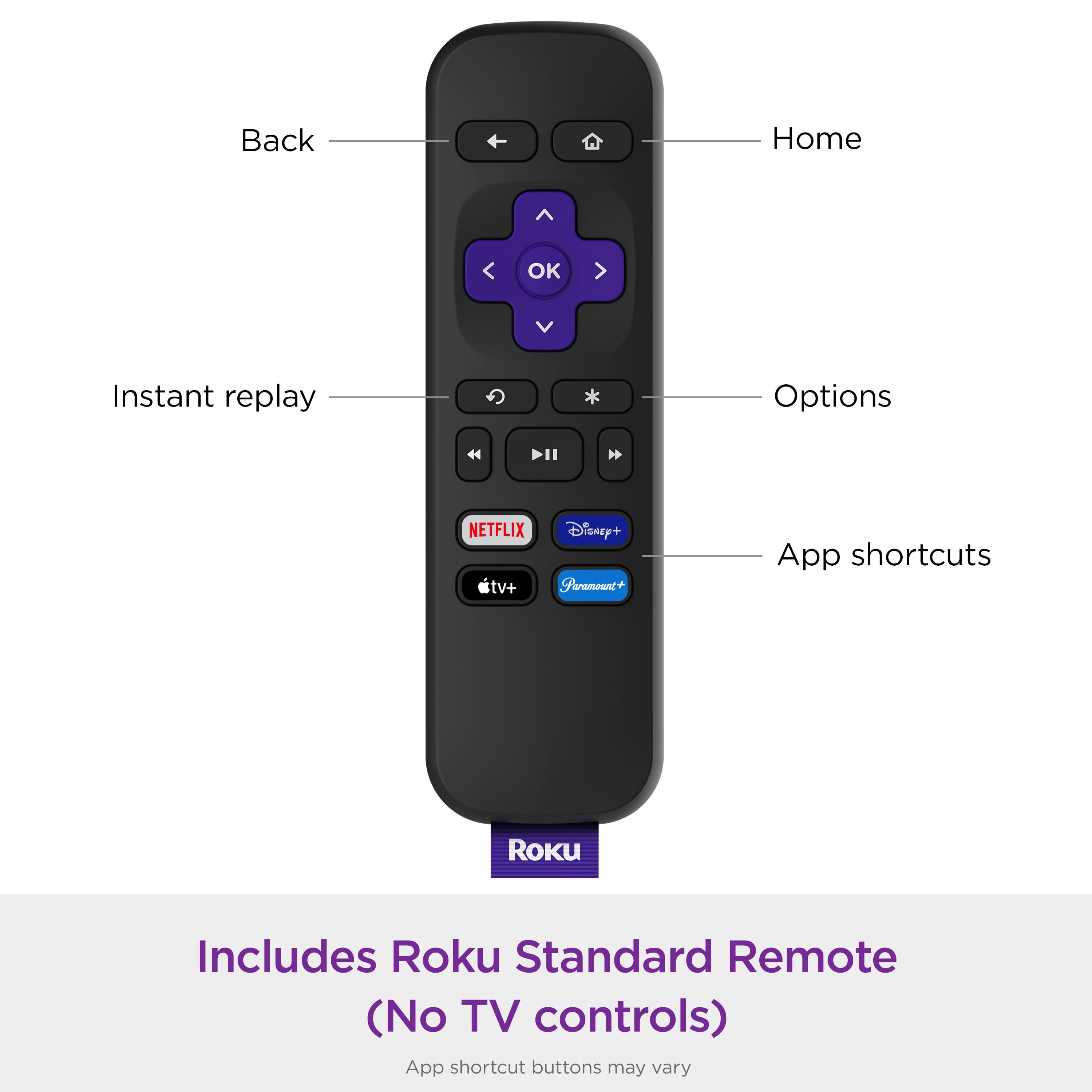
I also purchased another remote for another TV. Also Roku but with TV control. Works much the same but with the convenience of only needing the one remote to also turn the TV on
A:AnswerYoutube tv is a service that charges monthly. I use it and like it a lot.
You can put the app on your Roku and then pick a plan and packages that suit your wants and needs.
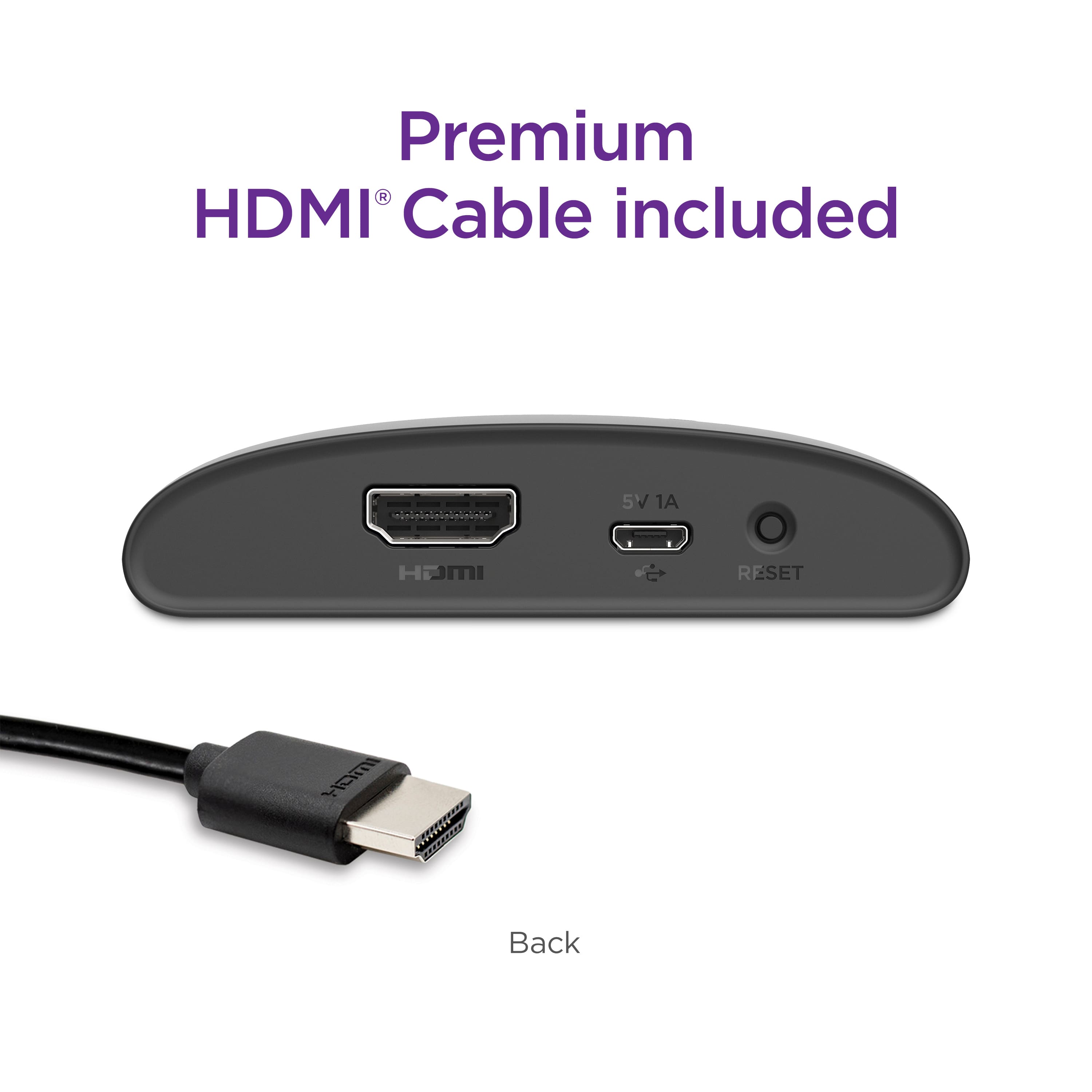
A:AnswerHello JR! Roku remotes can only control the TVs directly. The TV then control the audio device through HDMI-CEC. If you're using optical for audio, check that the input you are using on your AVR or soundbar has optical (or S/PDIF) assigned as the audio source.