A:AnswerMike,
Roku works over the internet and all the content is streamed. There is a YouTube channel that will allow you to watch any of their content. Roku offers over 10,000 channels if you want to check the complete channel store use this link https://channelstore.roku.com/browse
A:Answerjond, there could be a lot of reason for a device getting hot placement etc... This link should have some more answers and solutions for you. https://support.roku.com/article/226794787-what-should-i-do-if-the-red-light-is-on-or-i-see-a-your-device-is-overheating-warning-
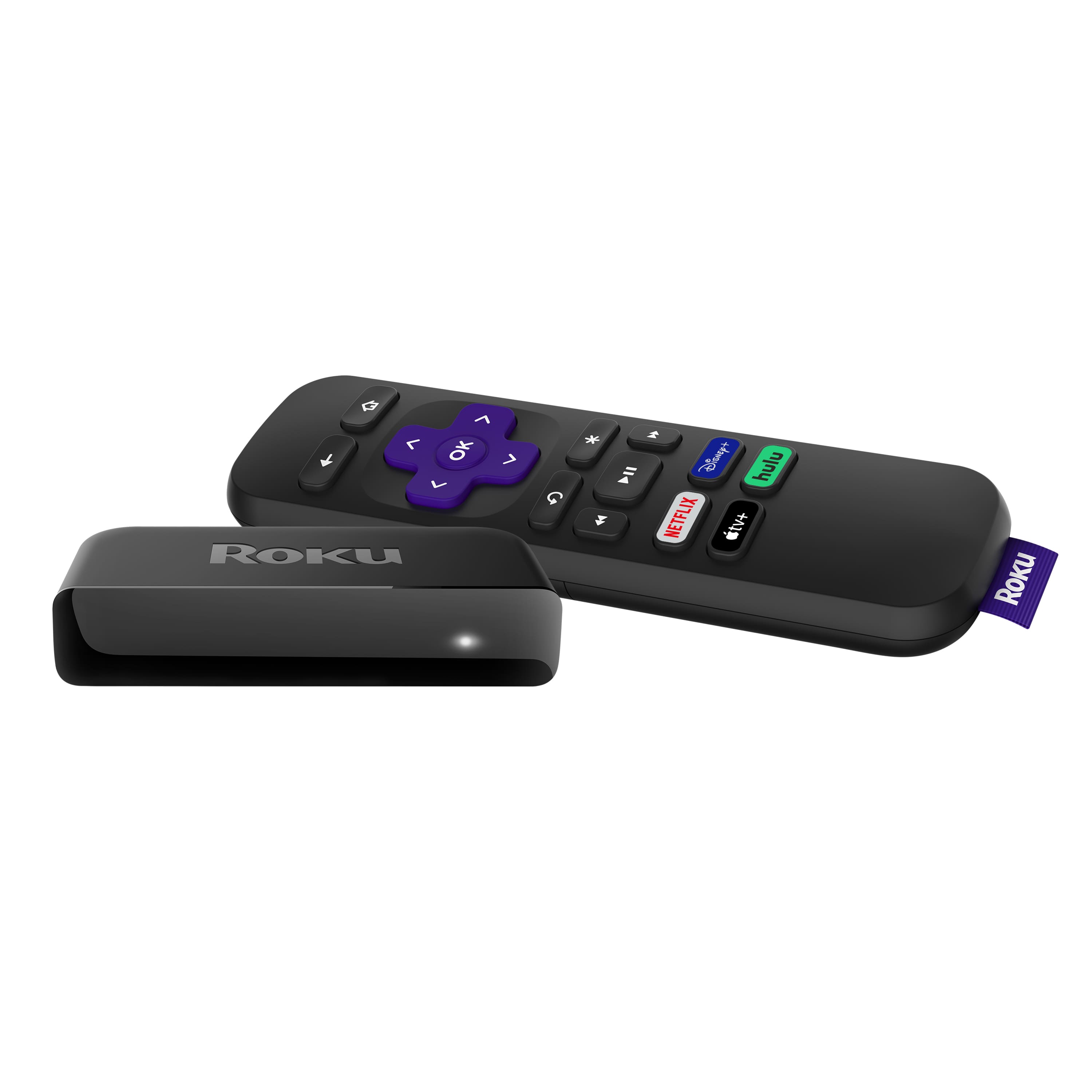
A:AnswerPSM, The Roku Premiere can be used with smart speakers from Amazon Alexa and Google Assistant to recognize voice commands. You can also use the Roku App to control your Roku Premiere with your voice.
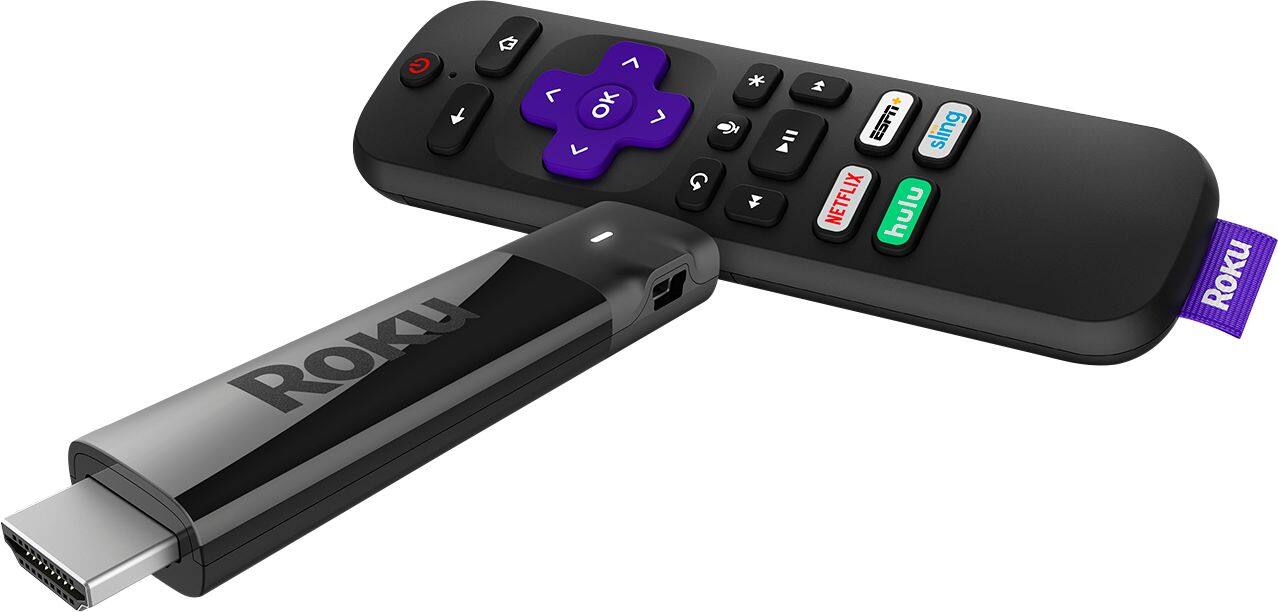
The Roku Streaming Stick+ has a voice control button on the remote itself.
A:AnswerThe Premiere and Express just work on 2.4, but the Streaming Stick+ and Ultra Series support dual band wireless.
https://www.roku.com/products/streaming-stick-plus
A:AnswerAll Roku players are designed to check for software updates automatically over your network. You do not need to plug it into a computer.
Roku® streaming players and Roku TV™ are designed to ensure they are always running the latest version of software. Your Roku device will check to see whether new software is available for download during initial setup and whenever the Roku device is powered on, and then randomly every 24-36 hours. The download and installation are done automatically without ever interrupting your use of the Roku device.
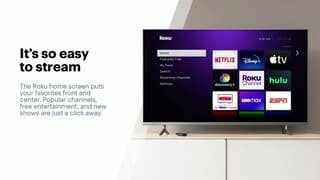
A:AnswerYou can get the MAC Address and other information by going to Settings (on your Roku Home Screen) - Network and About. Once in About you will see the Network Name, Status, Connection Type, Signal Strength, Wireless Channel, IP Address and MAC Address.
A:AnswerNo there is no service fee for using a roku player. Only fee you pay is your normal subscription services that you're currently using. As for working with older TV models, as long as your TV has an HDMI port you should be good.
A:AnswerYes, I had an old Roku and just got this one and works FANTASTIC. Even bought one for my Samsung "Smart" TV. Didnt like the software that came with it and was very slow. As far as curbside, if you order it on line and you have your store selected, it will be waiting for you. As you drive up they direct you to a spot, They ask for your order and your ID, and they bring it out to you. Easy, I have done it 3 times since the lockdown
A:AnswerYes, absolutely. The resolution is entirely dependent on the strength of the internet connection and the capabilities of the screen itself. Smart functionality doesn't factor in at all, and actually I find it to be a simpler, more streamlined experience without it.
A:AnswerI presume from your question that you have *both* your internet connection and cable TV with Frontier as a package deal. You would need to check your contract with Frontier and check to be sure that they offer an Internet-only plan. If they do, you cancel your combo package and subscribe to an internet-only service. They may not like it, but they have to keep your Wi-Fi on if you are paying for it. I would also check the speed of your Wi-Fi to be sure that it will handle streaming.
I would note that if you are getting local broadcasts through the cable and they are important to you, then you need to check with Roku as to what local broadcasts are carried by Roku TV -- it may not be all of them. (For instance, Roku carries PBS channels, but PBS will only send you the ones to whom you have donated -- that's not Roku's fault at all.)
Other than a short but very sharp learning curve (due to my preconceptions of rational ordering of content) I have been quite pleased with my Roku.