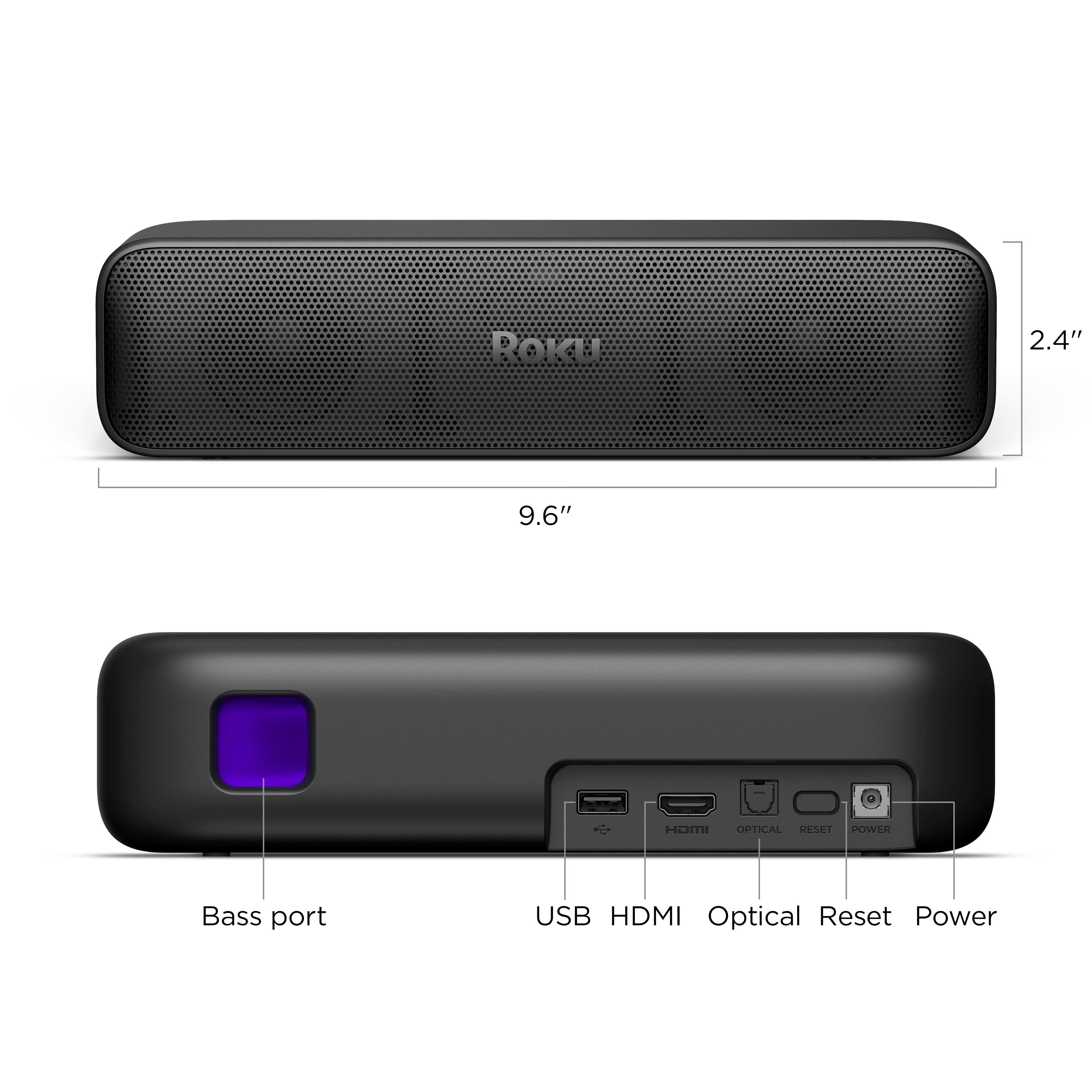
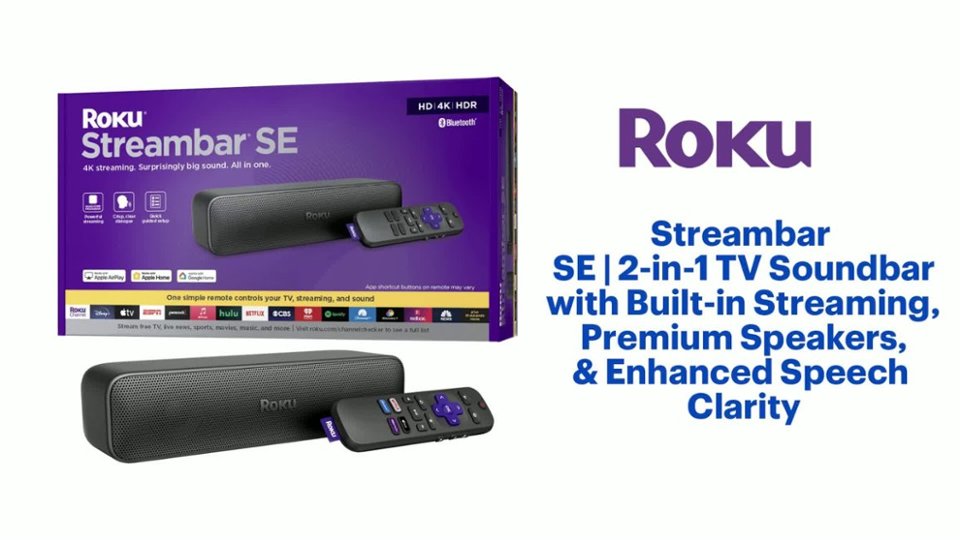
A:AnswerHello Greg, the Roku Streambar SE does have a USB port but it is not for charging the sound bar as it has to be plugged in. The USB port is for playing content off of a USB or powering something with 5v.
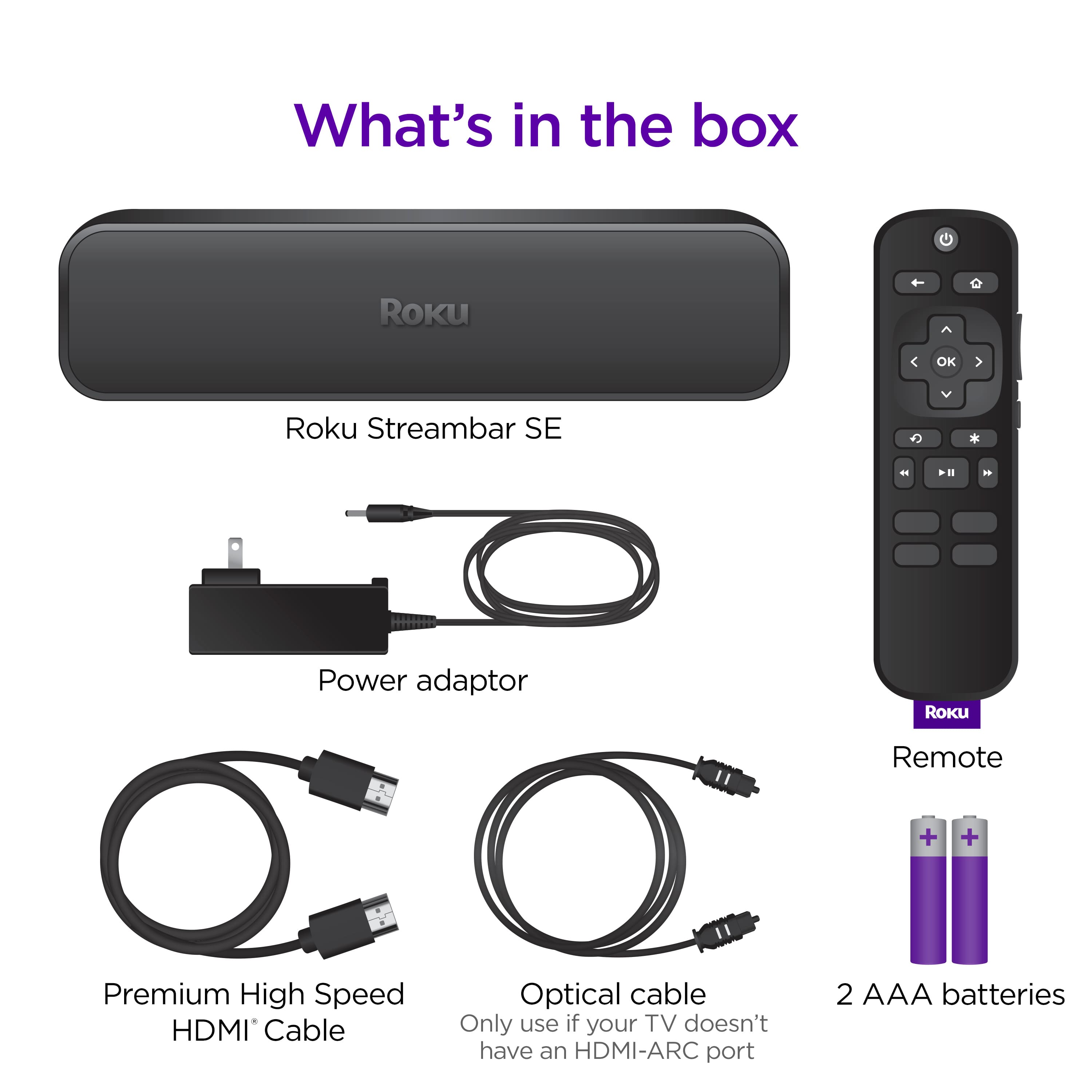
A:AnswerHello, the Roku Streambar SE will work on any TV with an HDMI port. Since your TV is a bit old if you want audio coming out of the streambar for anything other than off the Roku OS you’ll more than likely need to use an optical cable (this would refer to a dvd player or a gaming console).
A:AnswerHello Suzanne, For this to work you would need to use the Roku Mobile App's Headphones mode and control the audio through your phone for the headphones and the remote will control the audio for the soundbar. Here's how https://support.roku.com/article/12210854415383
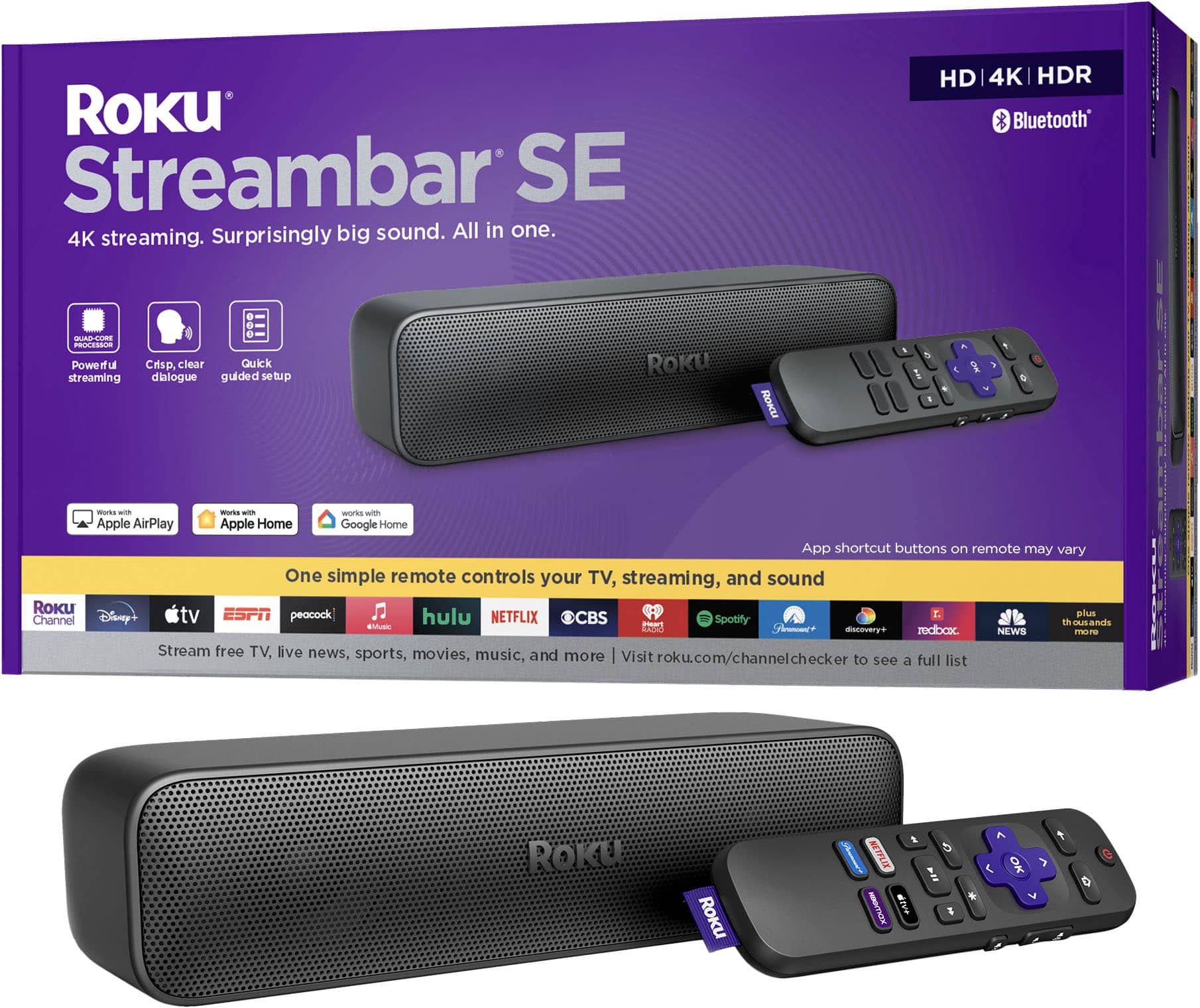
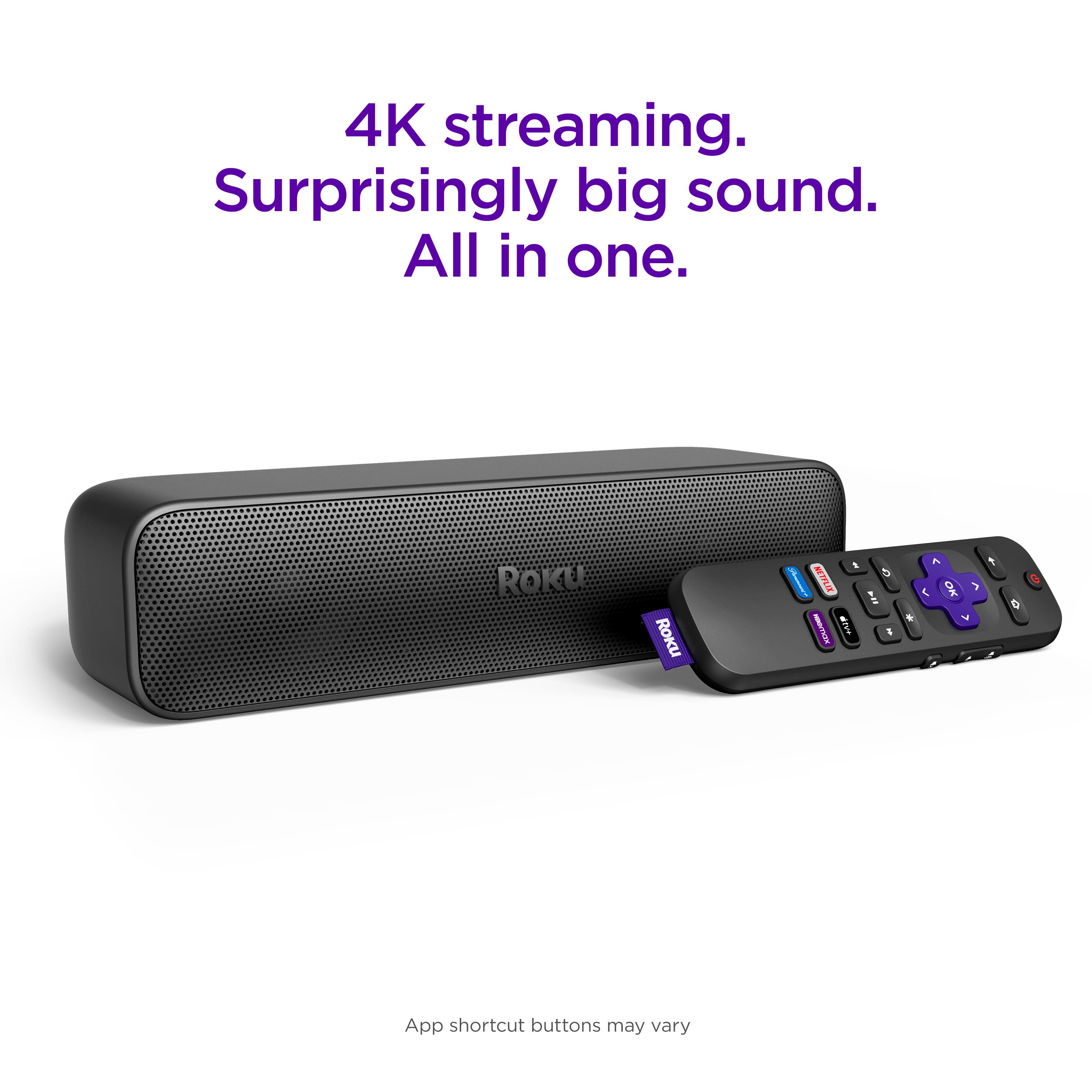
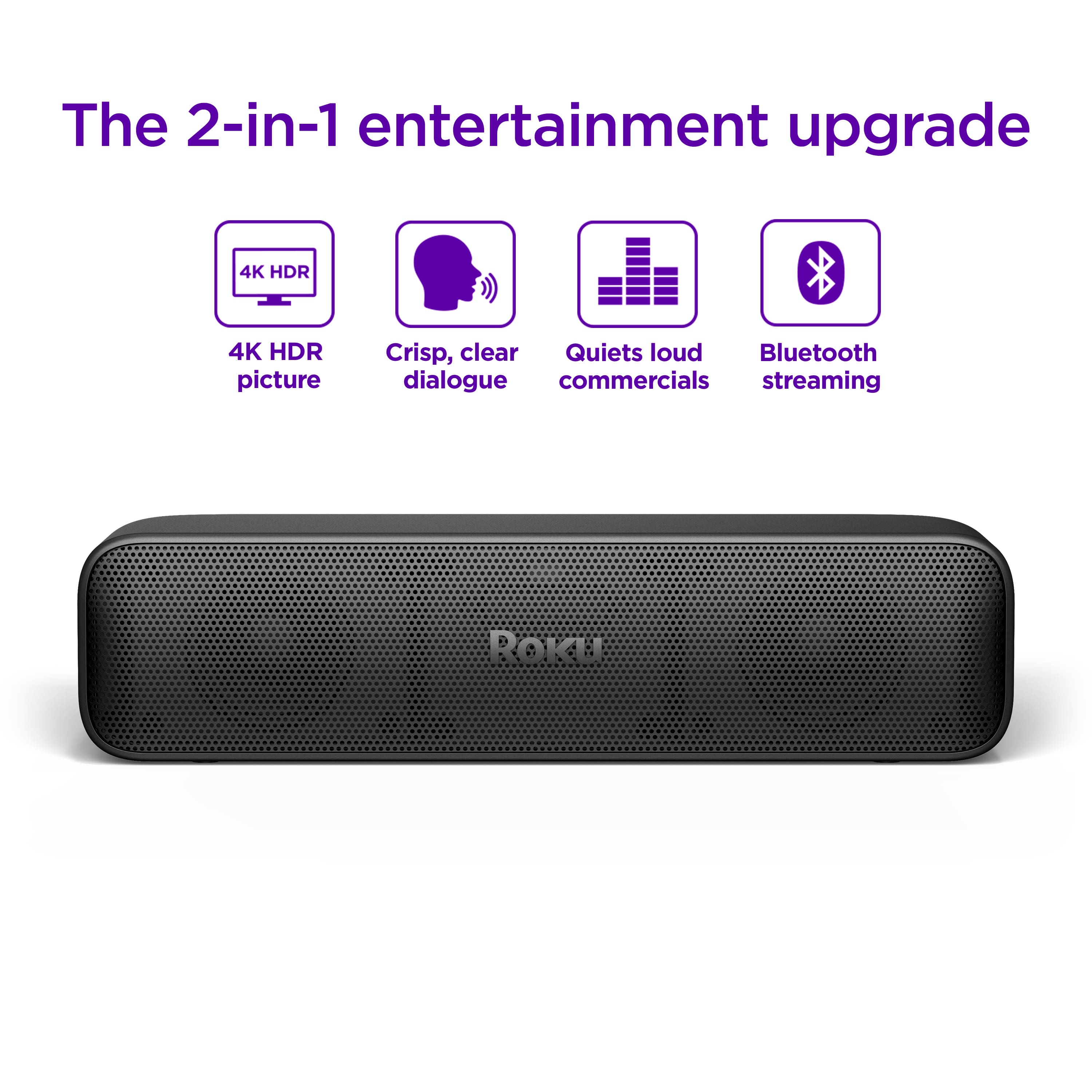
A:AnswerHello Pam0006, Yes! you won't need your other Roku device as this soundbar has one built in to it giving you both the Roku Smart platform and amazing audio. The popping noise will go away since the audio would come out of the Streambar SE
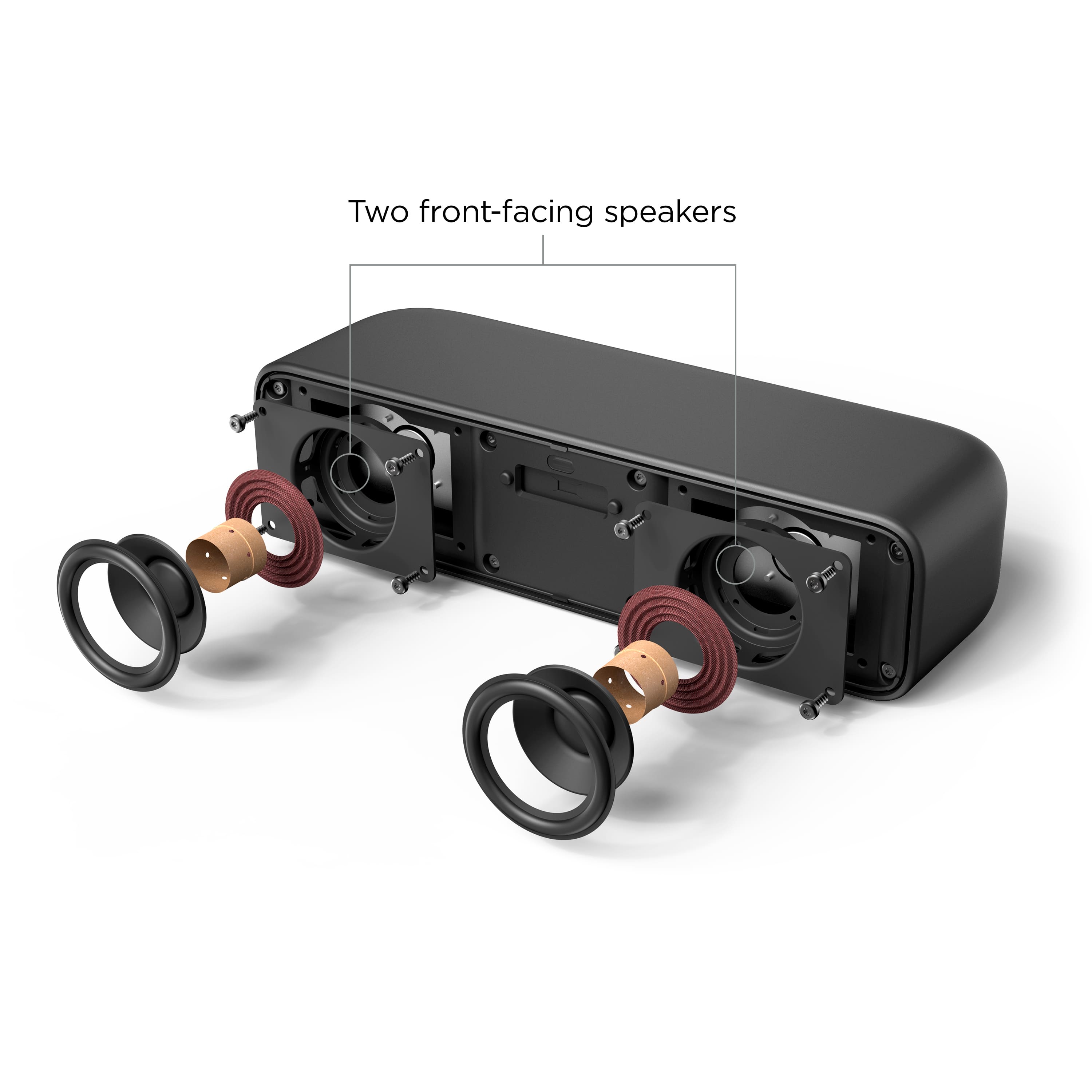
A:AnswerYes. The stereo field wont be perfectly aligned with the video, spatially, but it will work just fine, and it wont affect the sound if it isn't too far to the side.
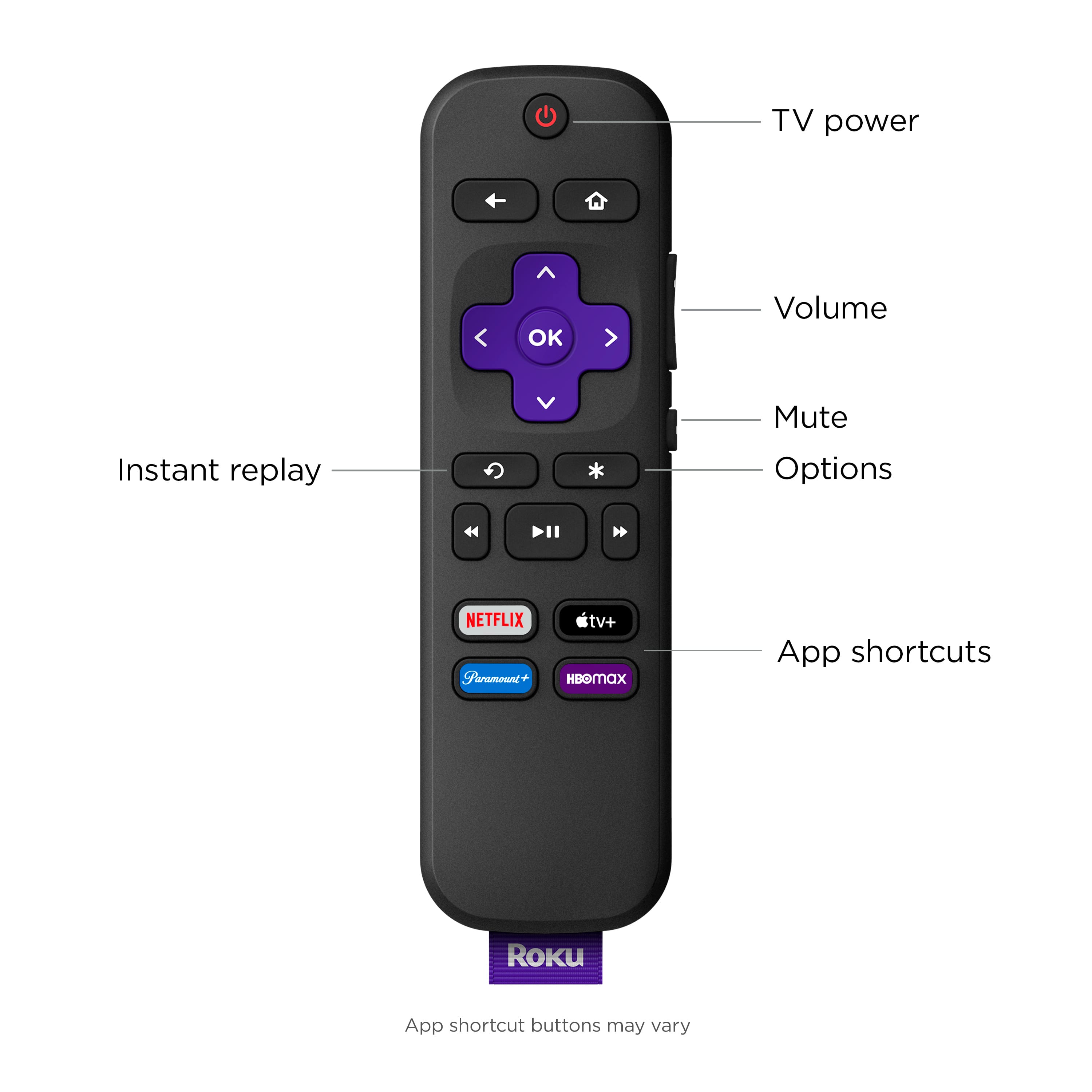
A:AnswerYes, it is a better sound that the tv sound and you can use your old remote. No, you want have double Roku. The new remote will work with your tv.
A:AnswerWe used Roku speakers for our Roku TV. This streambar works great if you need Roku but I think that you may want to research the set of speakers that Roku offers that work with Roku televisions. We have those as well and do find that they offer great quality sound. They connect wirelessly to the TV/internet but require a plug to power them.