A:AnswerHi, Jane! You will not need the Streaming Stick+ to connect your Roku speakers. The Roku Streambar and Streambar Pro connect to any TV through HDMI port. If you have just the Roku Subwoofer or the Wireless Speakers you will need one of the Streambars to connect it if its not a Roku TV.
A:AnswerI haven't noticed an Xfinity app on my Roku but if you have it, the answer is yes. Any television with a USB port along with the internet will let you use the Roku stick.
A:AnswerThis one is not and I was told the rechargeable Rokus were recalled. I had one and it quit working so I took it back to Best Buy. They told me they didn't know when or if rechargeable Rokus will be available. I really liked recharging it, too.
A:AnswerHello Cletus! Yes, Peacock is available on the Roku Platform. Keep in mind, you can always browse the Roku Channel Store at https://channelstore.roku.com/browse
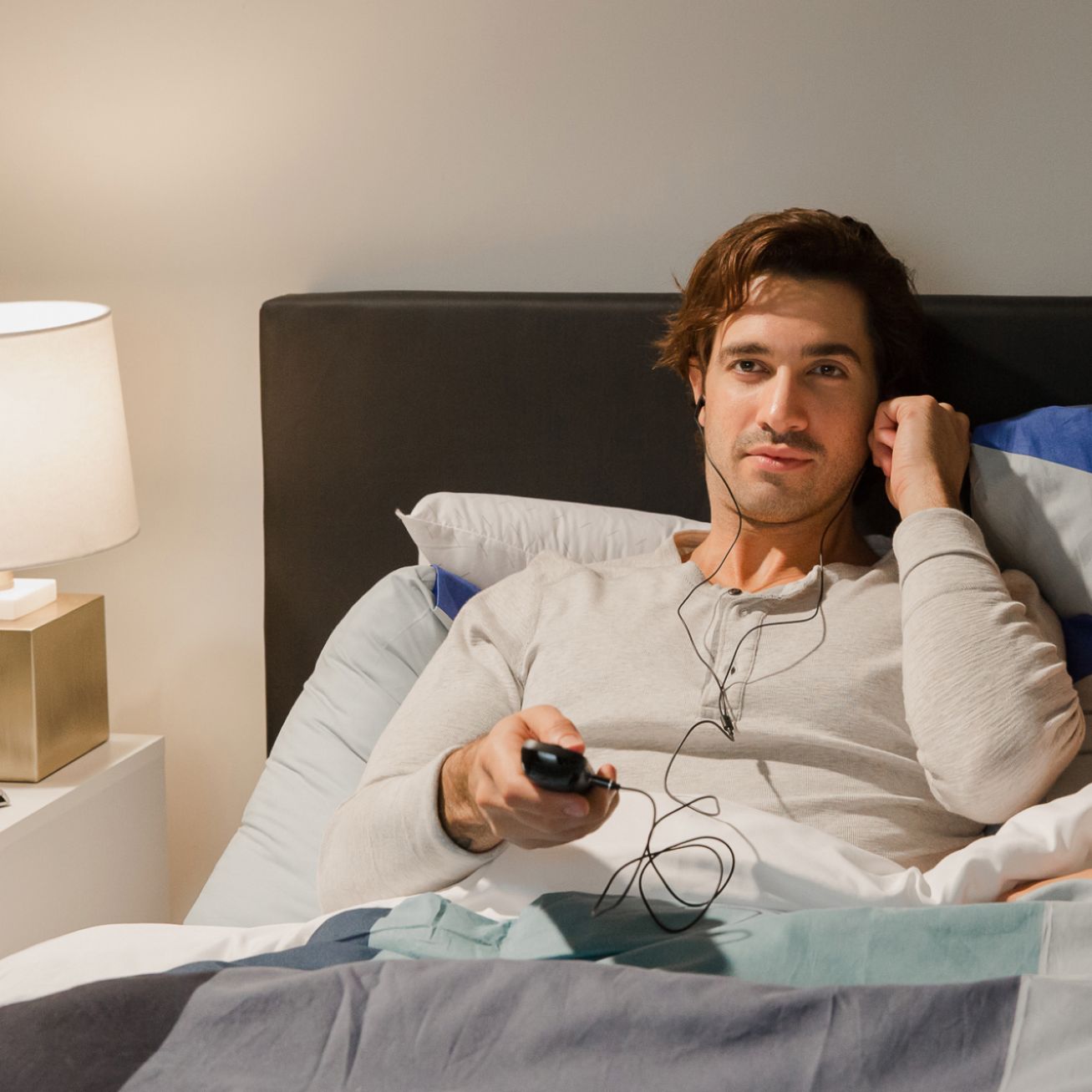
A:AnswerNo concerns needed. I have used various Roku stick models on dumb and smart Samsung TVs and they all work. I have this earphone model on my new Q80 Samsung now and it works fine.
A:AnswerAny audio coming out of your television when watching Roku programming will work with the ear buds. If you want to use a separate remote for OTA stations, just turn the Roku device off.
A:AnswerYour TCL Roku TV would probably be one of the TV devices the stick will work with. When configuring the system, the app will initially determine the type of TV that you have and will test the power on/off and volume buttons to see if they work. The app also provide you an option to choose another brand and will walk you through the set up to make sure the remote control works with your TV. I have an off-brand TV and was still able to make the remote work with it.