A:AnswerSome of the channel apps require a subscription. If you already have a Netflix or Amazon Prime subscription, you simply sign on with your existing username and password. You will need an app for local channels. I use a Xfiniti beta app for my local channels. I pay for Xfinity cable service on my main TV and use the free app through my Roku on three additional TVs in my bedrooms.
A:AnswerI live in florida with spectrum as my internet provider. Unfortunately, spectrum does not have an app for android based smart tv's . this requires me to obtain a separate device to stream my spectrum content. I used apple tv but it had the same problem as other people have indicated....it would just stop working until the power was reset. very annoying. I changed to roku ultra and it has been fantastic. Also, allows direct connection to the modem which is a definite plus.
A:AnswerRoku does offer screen share (mirror) and supports Apple Air Play that allows you to share content wirelessly. The is also a built in media player that you can plug a USB Drive into and play your files that way.
A:AnswerThe Roku was a gift to a family member. After initial set up I was unable to get local programming that was previously available free via antenna. I've read mixed messages with some stating that if these stations were received before they should still be available after Roku is installed. Others state they will not be available. We'll see. I'll take a another shot at getting local channels on my next visit.
A:AnswerJune, yes to use wireless headphones with Roku you must connect via the Roku Mobile App not the TV, here is some more information. The Roku mobile app is a free application for iOS® and Android™ devices that turns your mobile device into the ultimate streaming companion. Watch hundreds of hit movies, TV shows, and more when you are on the go, directly from The Roku Channel tab, or turn your mobile device into a control center for your Roku streaming player or Roku TV™. Not only can you launch channels, navigate the Roku interface, and search and issue commands with your voice, you can also share personal photos and videos on your TV, listen privately with your headphones, and more.
To use the Roku mobile app to connect to your Roku device, you must connect your mobile device to the same wireless network as your Roku device. Some mobile app features are not supported on all Roku devices. You can use the Roku device comparison chart to determine which features are supported on your device. Certain features may require signing in to your Roku account.
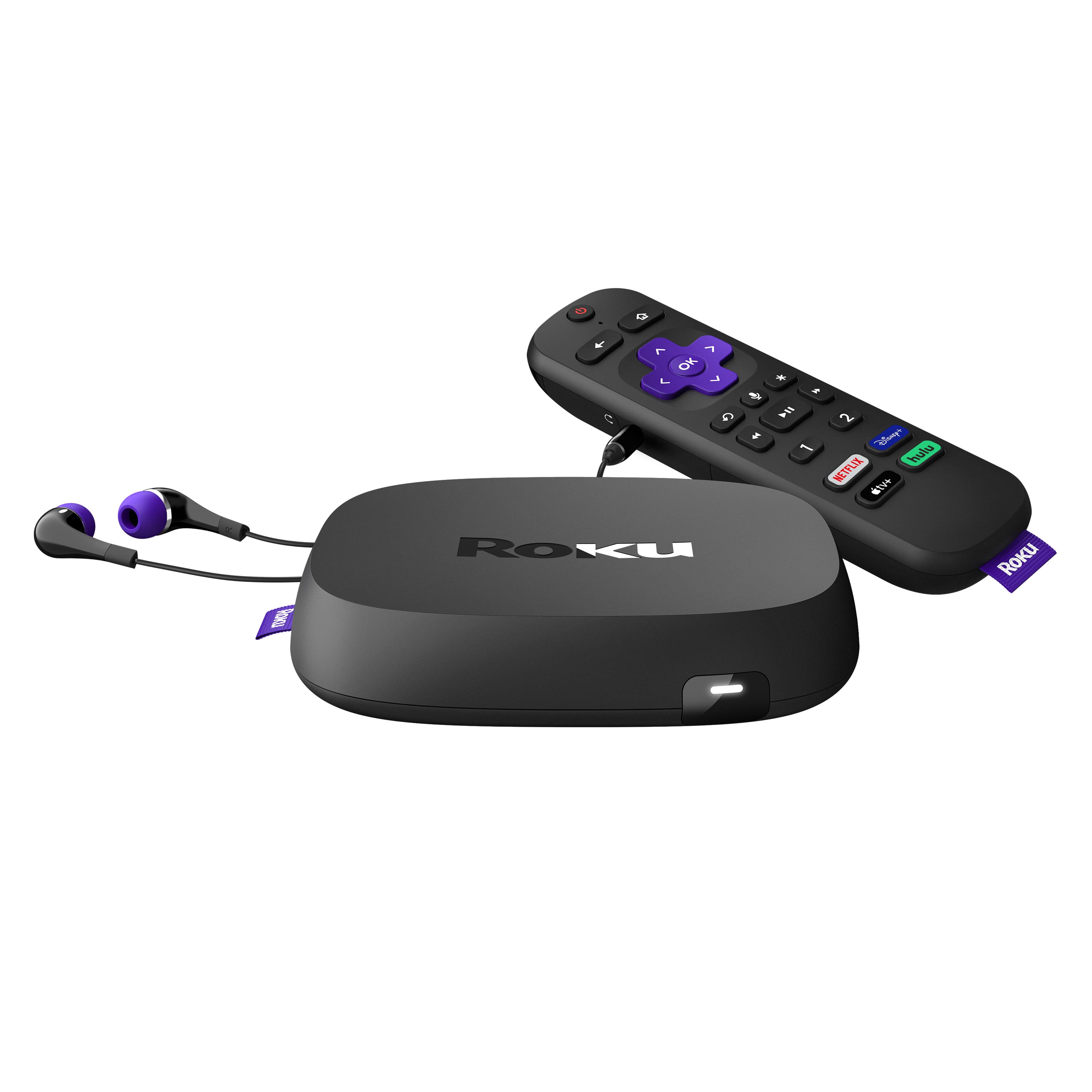
A:AnswerAll Roku devices support the AT&T TV app which used to be called AT&T Now https://channelstore.roku.com/details/d029c484932d244d1fa75c479951e714/at-and-t-tv
A:AnswerGood morning, Roku offers a couple of Nick channels, although TeenNick isn't currently one of them. ION is built into other channels like Hulu. You can get more information on Roku Channel offerings here: https://channelstore.roku.com/browse
A:AnswerIf you want to view your local CBS or NBC TV stations for free, you must have an antenna connected to your TV. The CBS and NBC apps are subscription services with all streaming devices. However, ABC is free that includes multiple commercials with every show you choose to watch.
A:AnswerThe Roku Ultra like all streaming devices are dedicated to be used with one TV. Perhaps you may get the Roku express or Roku stick for your multiple TV's since they are less expensive starting at $29.99 for the Express that includes an HDTV cable.
A:AnswerAll of your subscription are valid with your movie app services on the Roku. Simply load the mivie or network app and log in. HBO Max just recently announced to be available on the Roku. You would need to verify that with HBO Max.