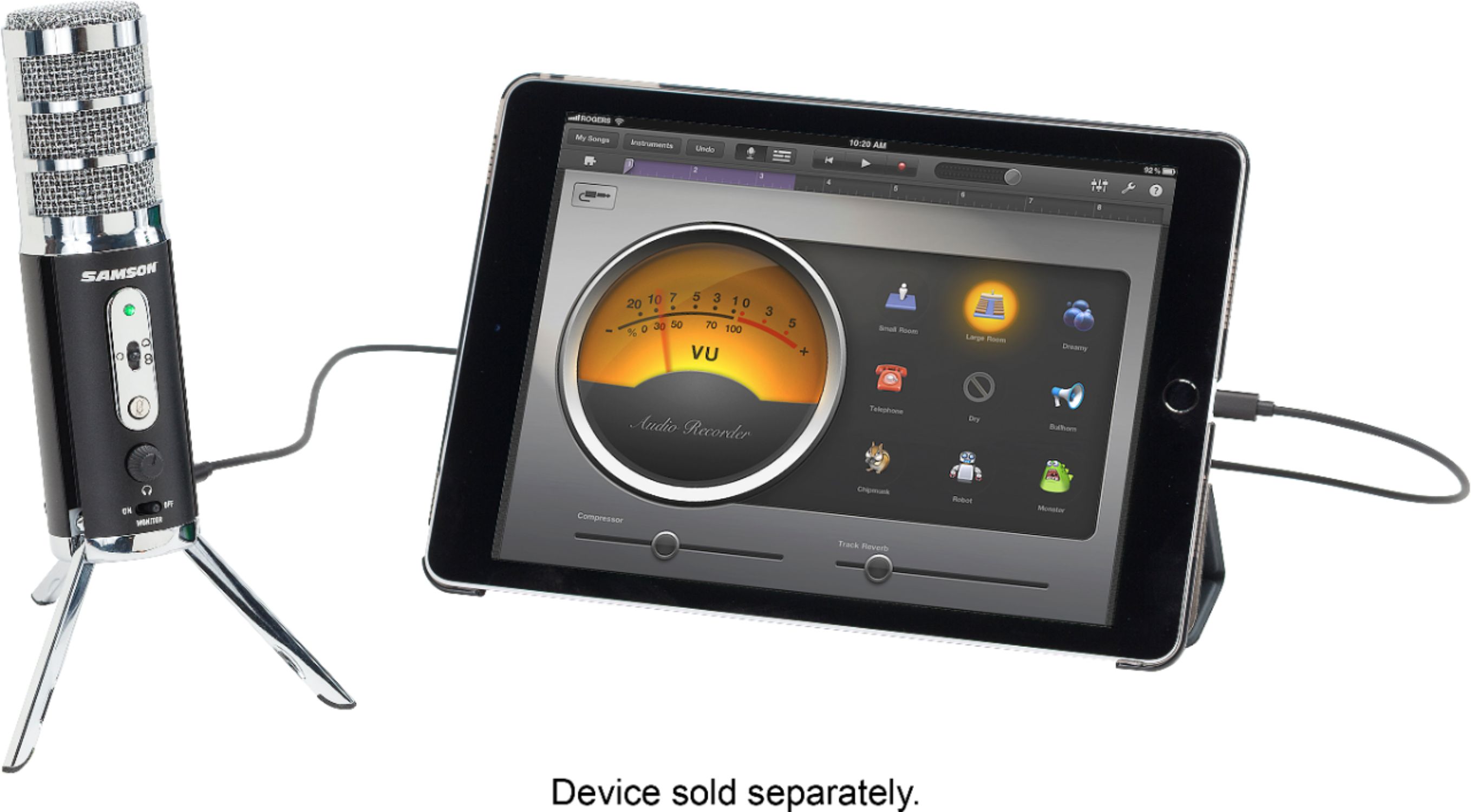
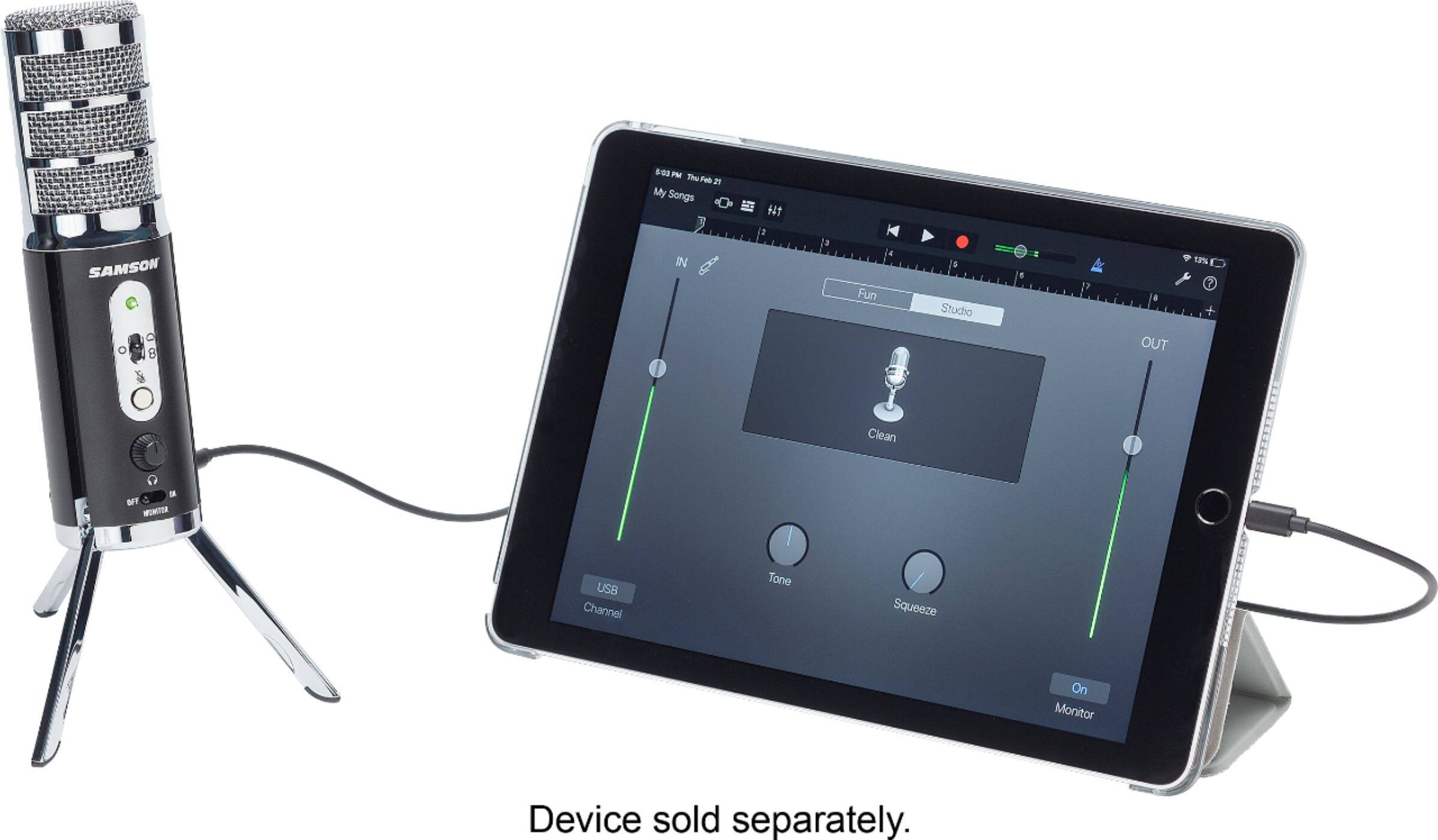
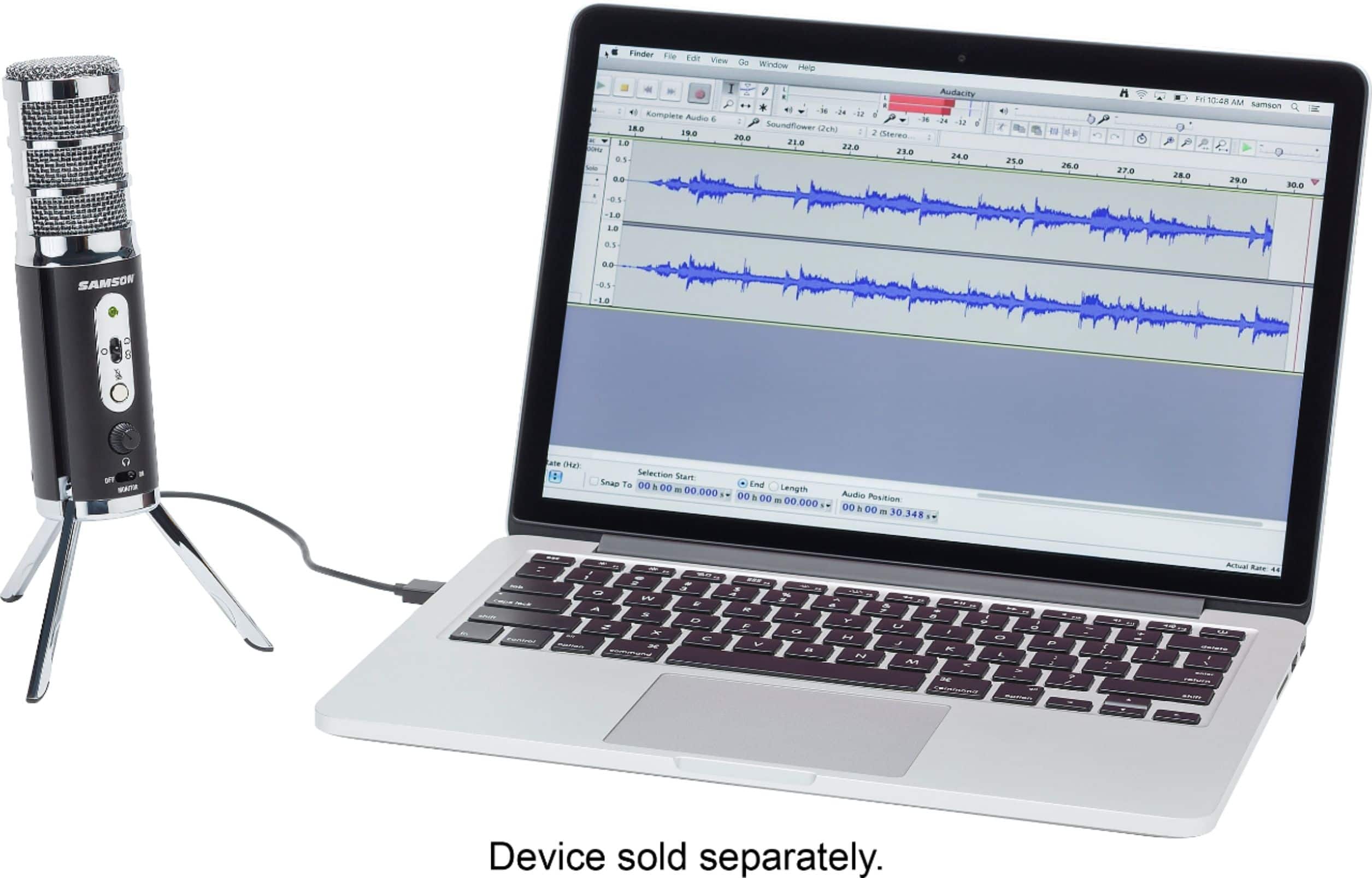
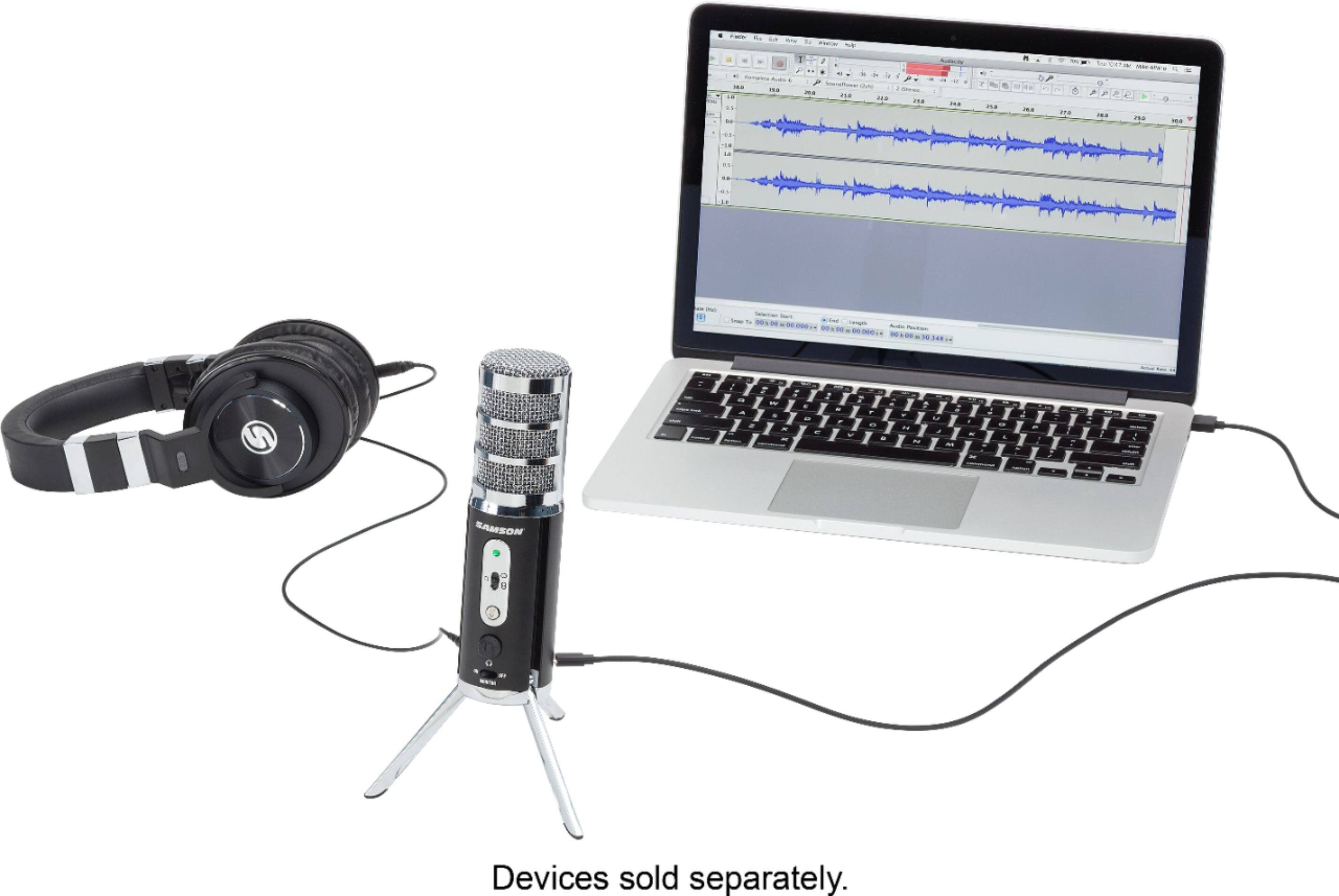
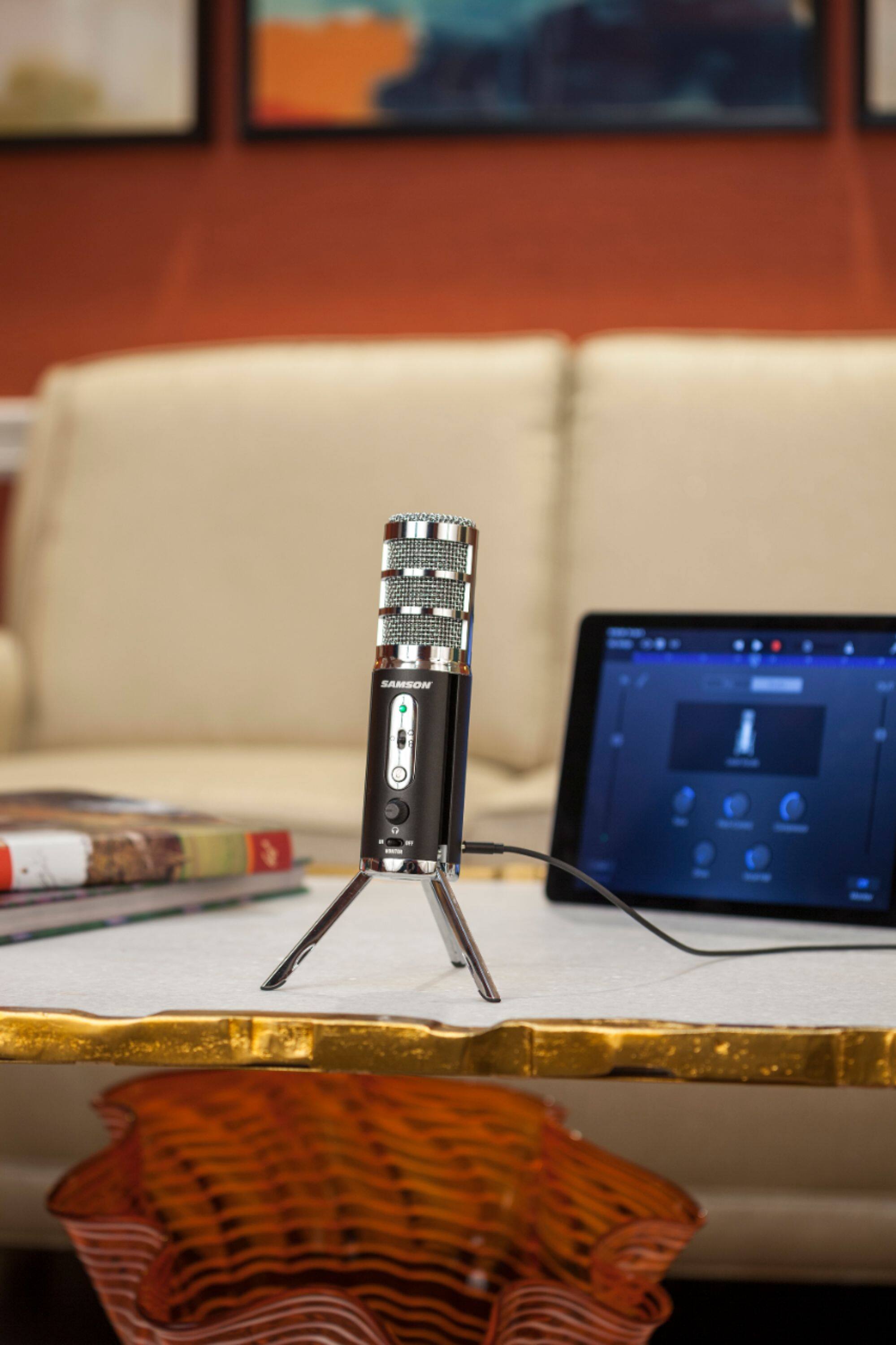
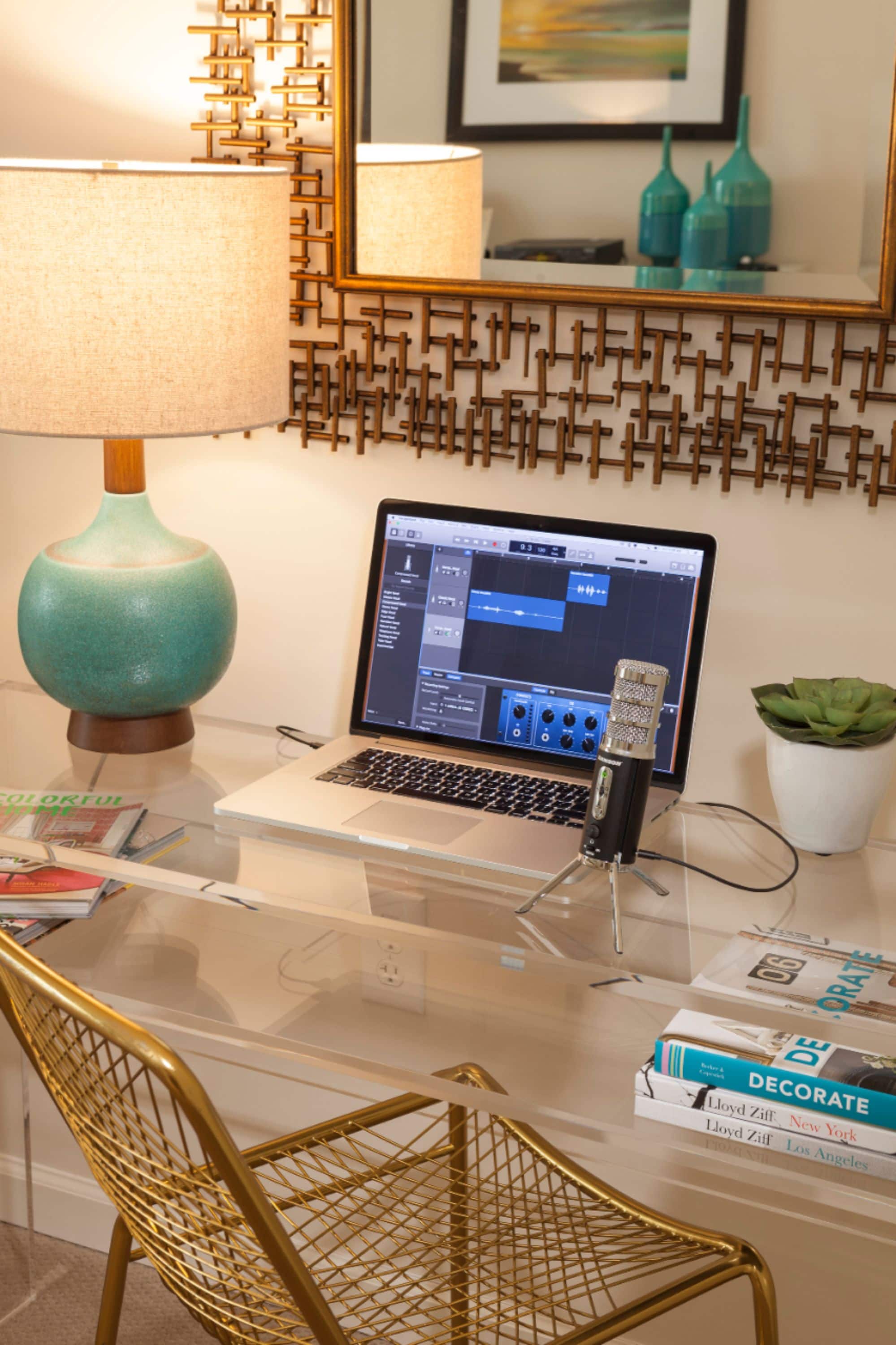
A:AnswerYes you can. There are instructions on how to go in to the settings of your computer and select microphone. On the IPad I just plugged it in and it worked.
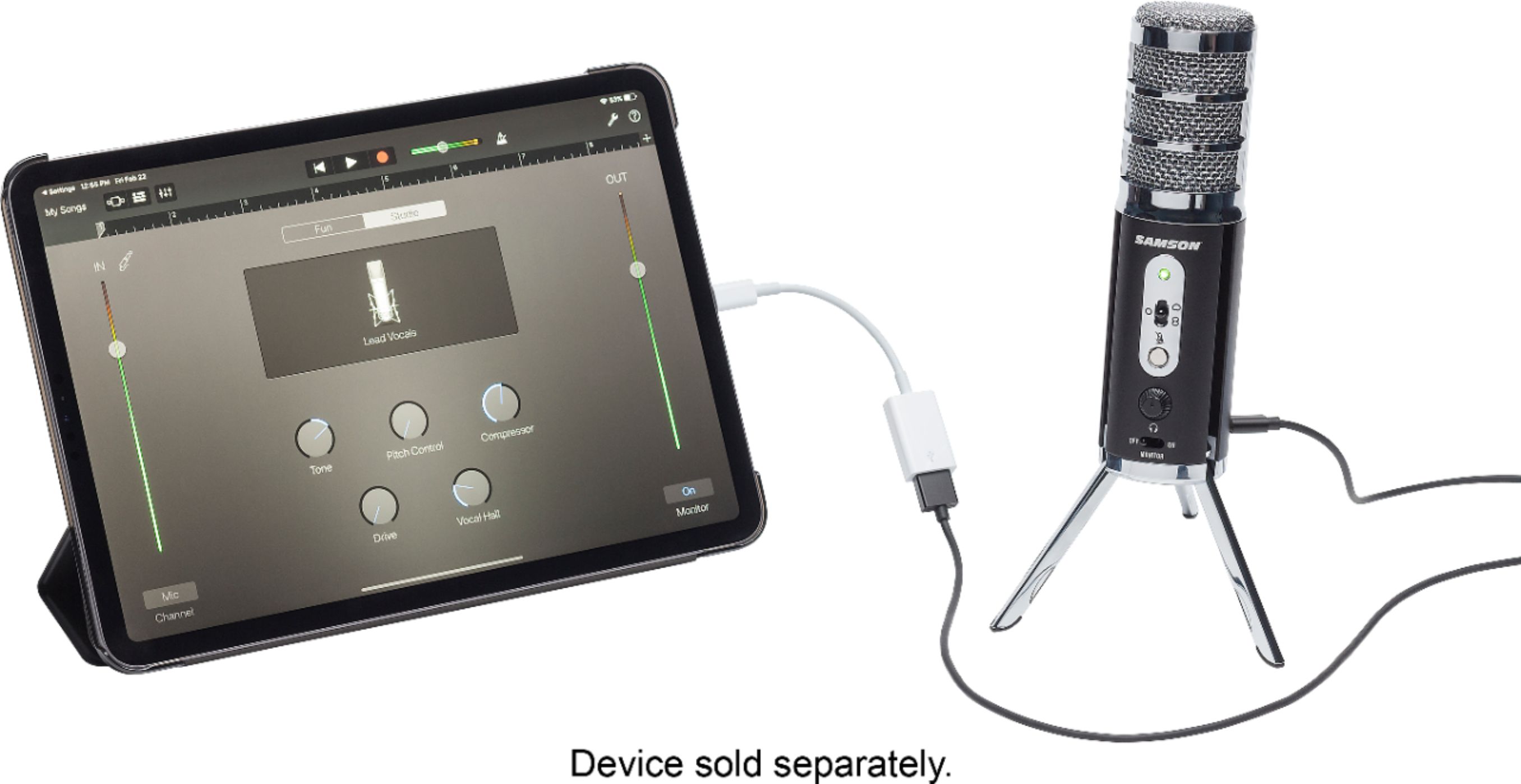
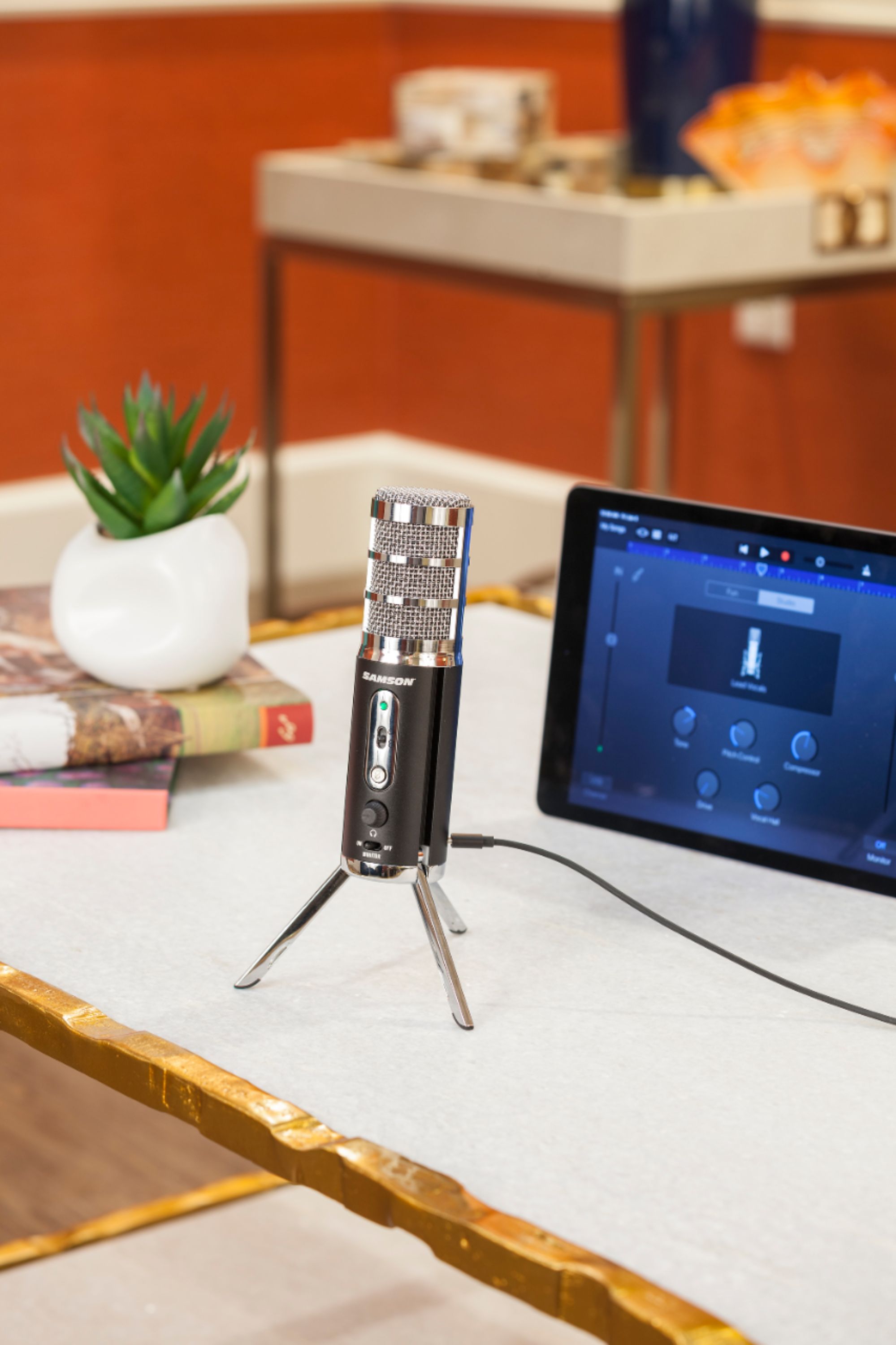
A:AnswerHello - I use it with my iPad Pro all the time. It works perfectly for recording and for conferences via MS Teams, but I am not familiar with video leap.
A:AnswerHello,
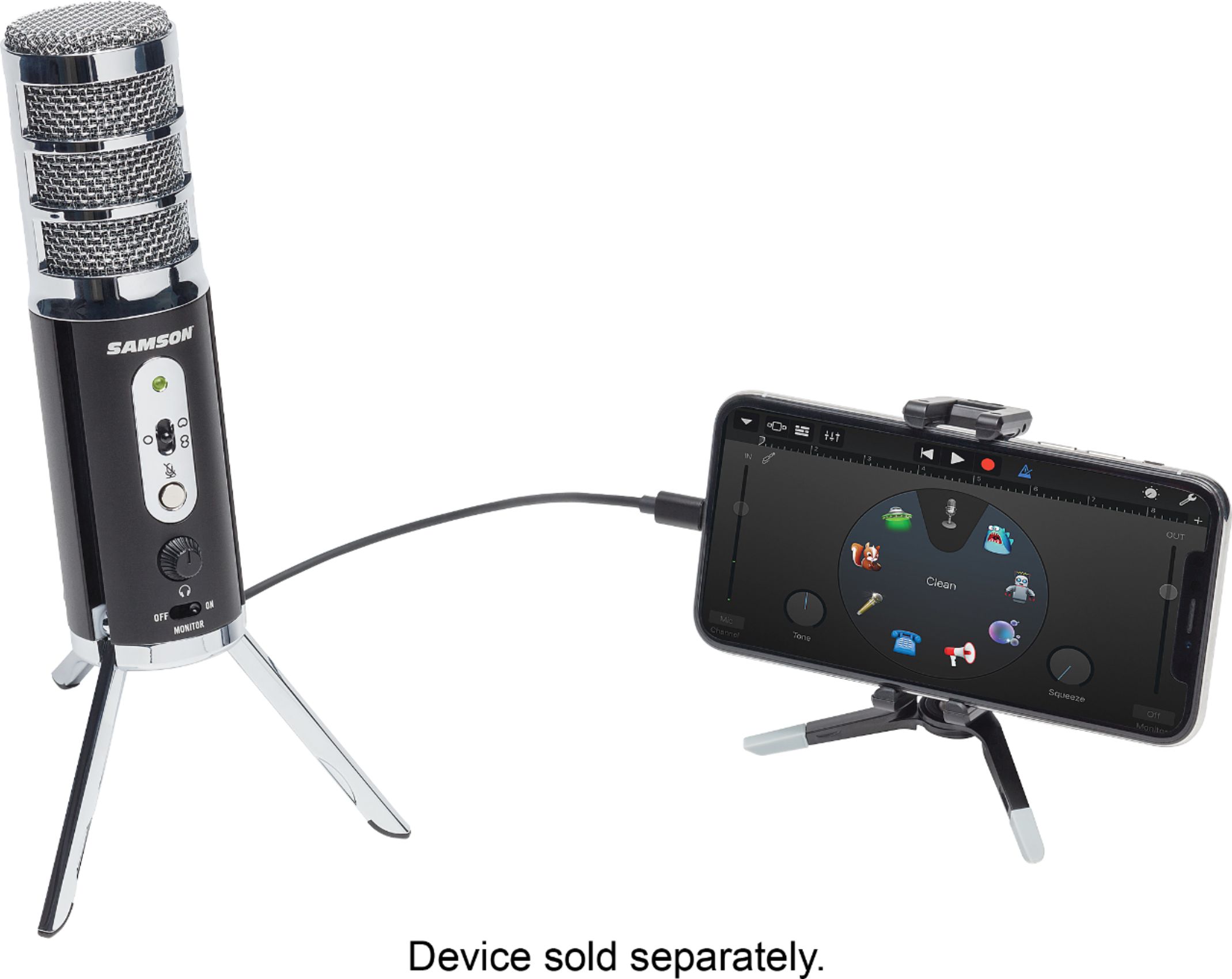
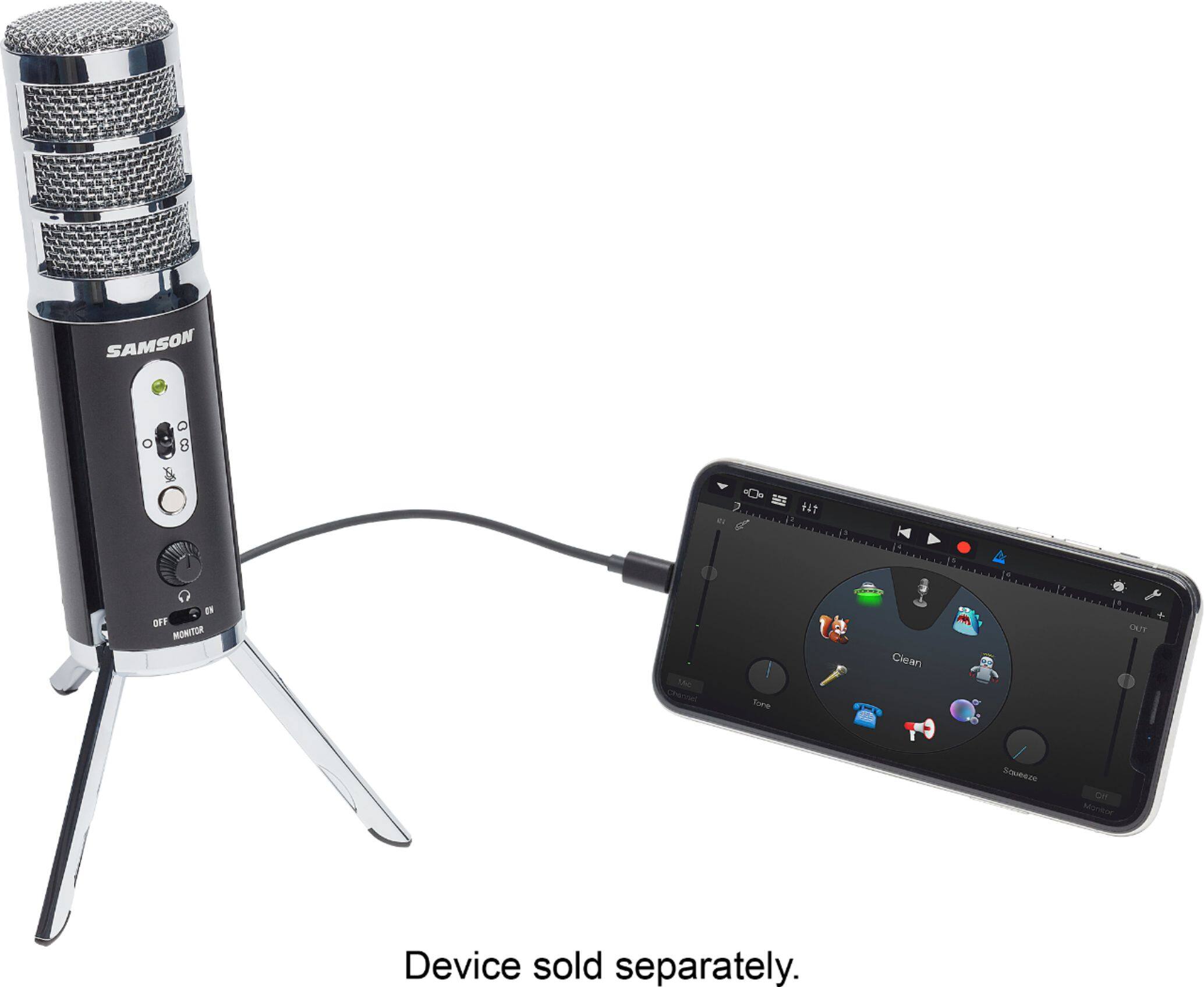
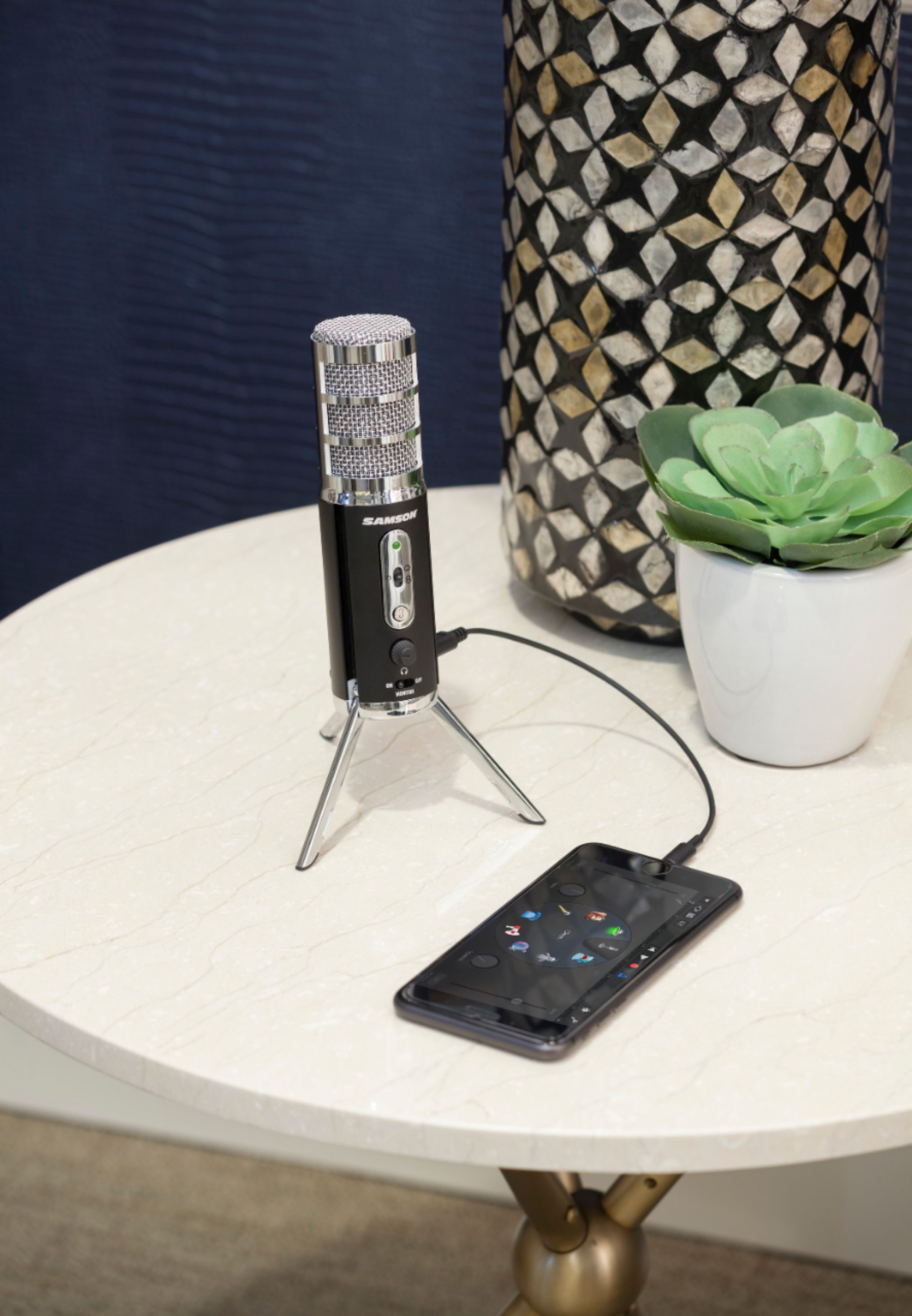
Thank you for contacting Samson Technologies. This will work with most recording/conferencing software. Built in to you iPhone, this will work with your Voice Memo app and allow you to record videos more clearly through your Camera app. This will also work with other programs such as Facebook Live, Instagram, etc. If you have any other questions or inquiries, please let me know at any time and I can absolutely assist you further.
Best Regards,
James (Product Specialist)
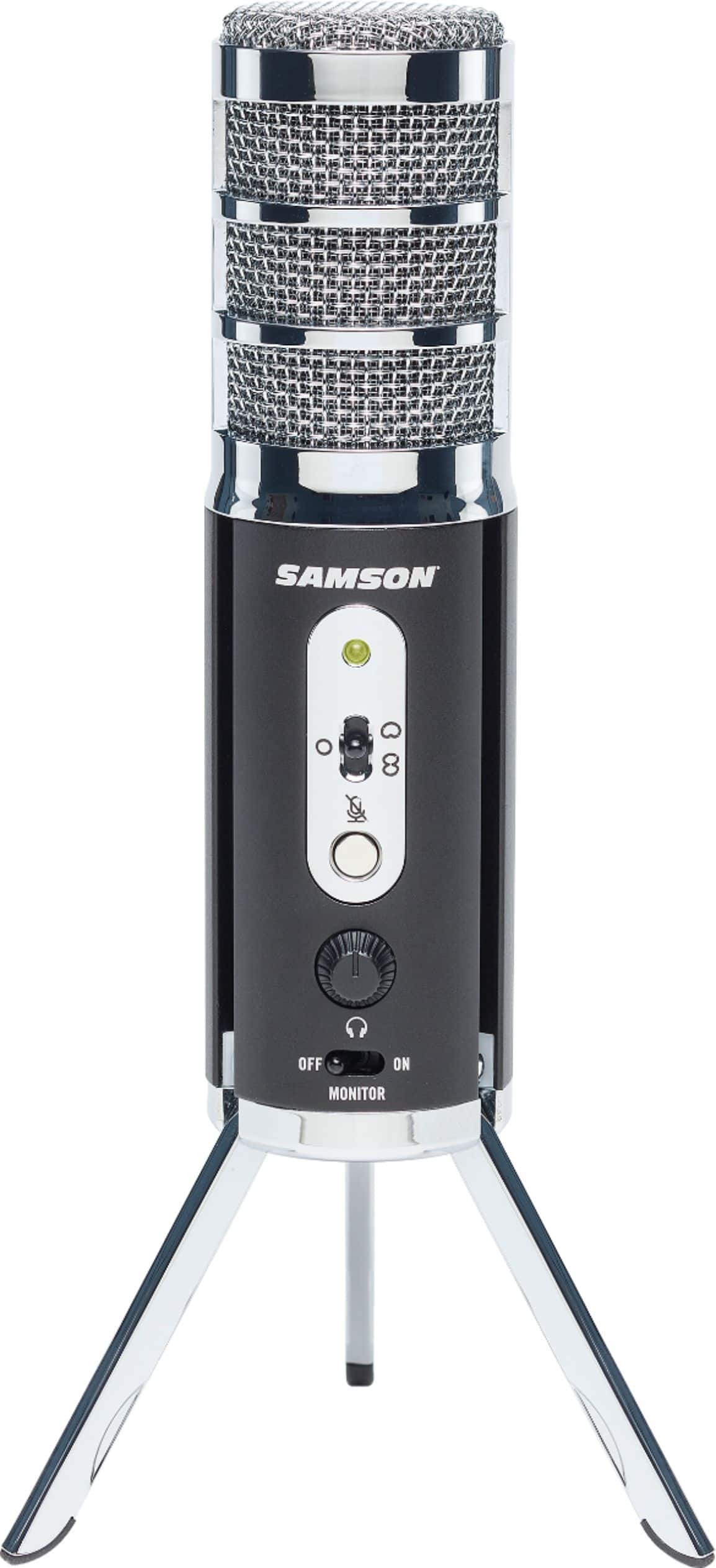
A:AnswerThe mic comes with a micro-usb to lightning cable. If your iphone has no 3.5mm jack, it should recognize the samson external mic. I use it with my pixel 4 and a usb-c adapter.
A:AnswerHello,
Thank you for contacting Samson Technologies. The number should be below the model number and bar code on separate sticker. If you are having issues with this number working, please email us at [email protected]. From there, we will be able to get a new serial number generated for you! If you have any other questions or inquiries, please let me know at any time.
Best Regards,
James (Product Specialist)
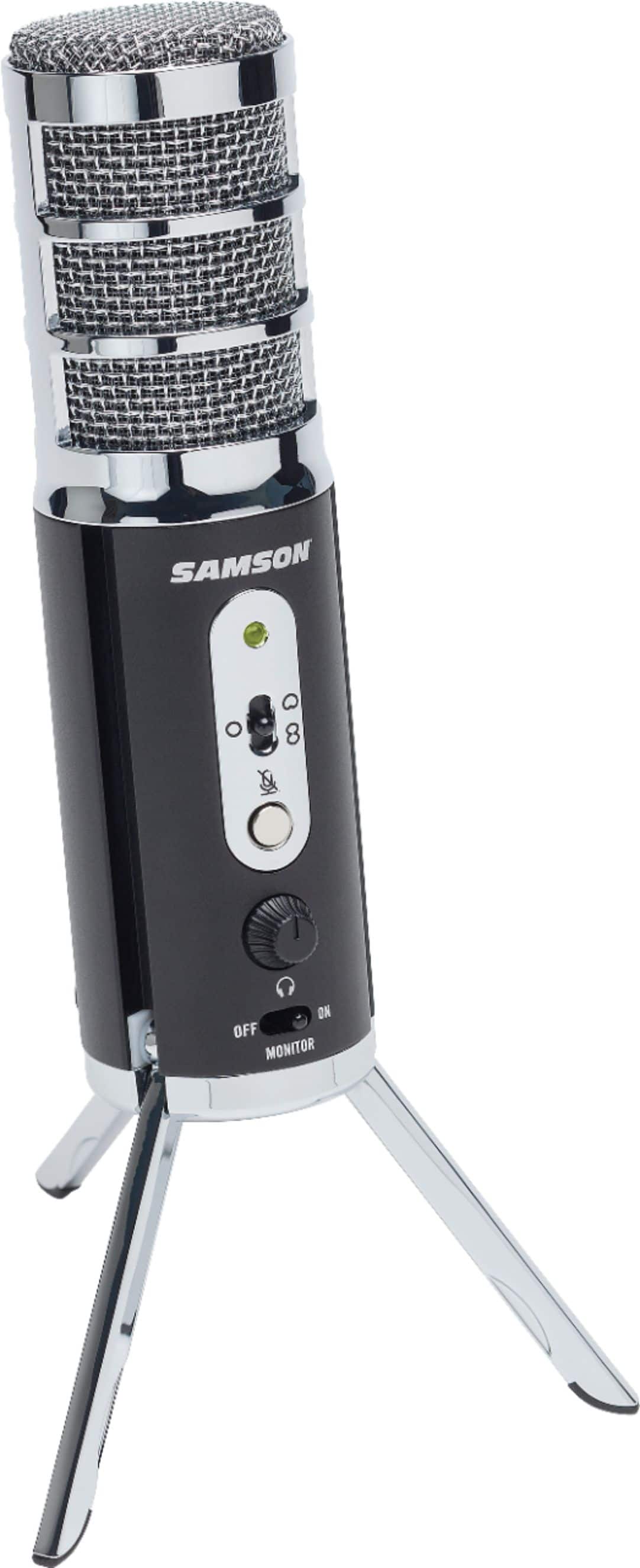
A:AnswerDespite what the other person answered, this microphone would NOT accept anything other than the USB-C to Lightning cable that came with it. I tried a generic cable, and the microphone would not accept it. I tried a genuine Apple cable, which charges from an outlet just fine, but this microphone would still not accept it.
Nice microphone, cruddy adaptor problem.