A:AnswerHello KR,
If your microwave starts by itself with no interaction, unplug it, and contact us at the channels below.
1. Facebook Messenger: http://m.me/samsungsupport
2. Twitter: https://twitter.com/messages/compose?recipient_id=18768513
3. Samsung Community: https://us.commuity.samsung.com/t5/Samsung-Community/ct-p/us
When you message us, please provide us with this reference number (1151711909) to help our team pull up your information.
Thank you!
^Joshua
A:AnswerHello there,
No, this over-the-range microwave does not have sensor cooking.
Here is a link to the microwaves with a sensor-cooking feature.
Over-the-Range Microwave 1.7 cu. ft. in Stainless Steel | Samsung US
https://www.samsung.com/us/home-appliances/microwaves/over-the-range/over-the-range-microwave-with-1-7-cu--ft--capacity-in-stainless-steel-me17r7021es-aa/
Have a great day.
^Camille
A:AnswerGood day,
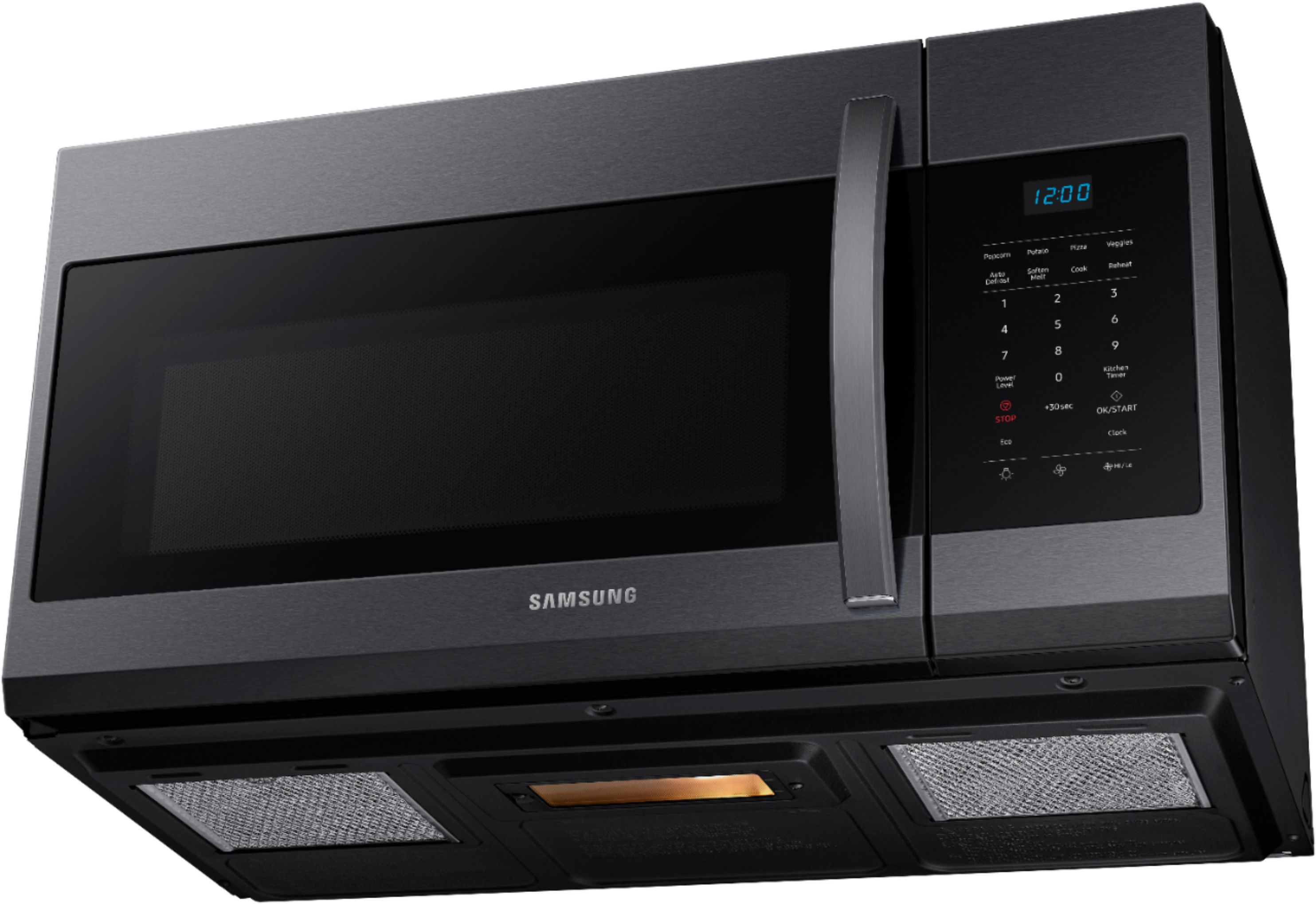
No, you can actually turn the vent fan off if you don't need to use it.
For instructions on using the vent fan button, please refer to the link below under "Use the vents".
Use the lights and vents on your Samsung over-the-range microwave
https://www.samsung.com/us/support/answer/ANS00087683/#:~:text=Press%20the%20Vent%202%20Speed,to%20turn%20off%20the%20vent.
Have a wonderful day.
-Kimberly
A:AnswerNo, but eventually it will char up and brown. I would use it until it breaks or catches on fire but that's me. When people ask about, just tell them that microwaves are not good for drying out weed. Their reaction will be priceless...lol
A:AnswerHello there,
We would love to discuss your microwave to determine how we can best assist you with the fuse replacement.
Please feel free to get back to us via the following options:
1. Facebook Messenger: http://m.me/Samsungsupport
2. Twitter: https://twitter.com/messages/compose?recipient_id=18768513
3. Samsung Community: https://us.community.Samsung.com/t5/Samsung-Community/ct-p/us
Please provide us with this reference number (1148781357) to help our team pull up your information when you message us.
Have a great day.
^Charles
A:AnswerHello mrmike56,
We'll gladly provide the details you need.
Below is the product's dimension (W x H x D) for your reference.
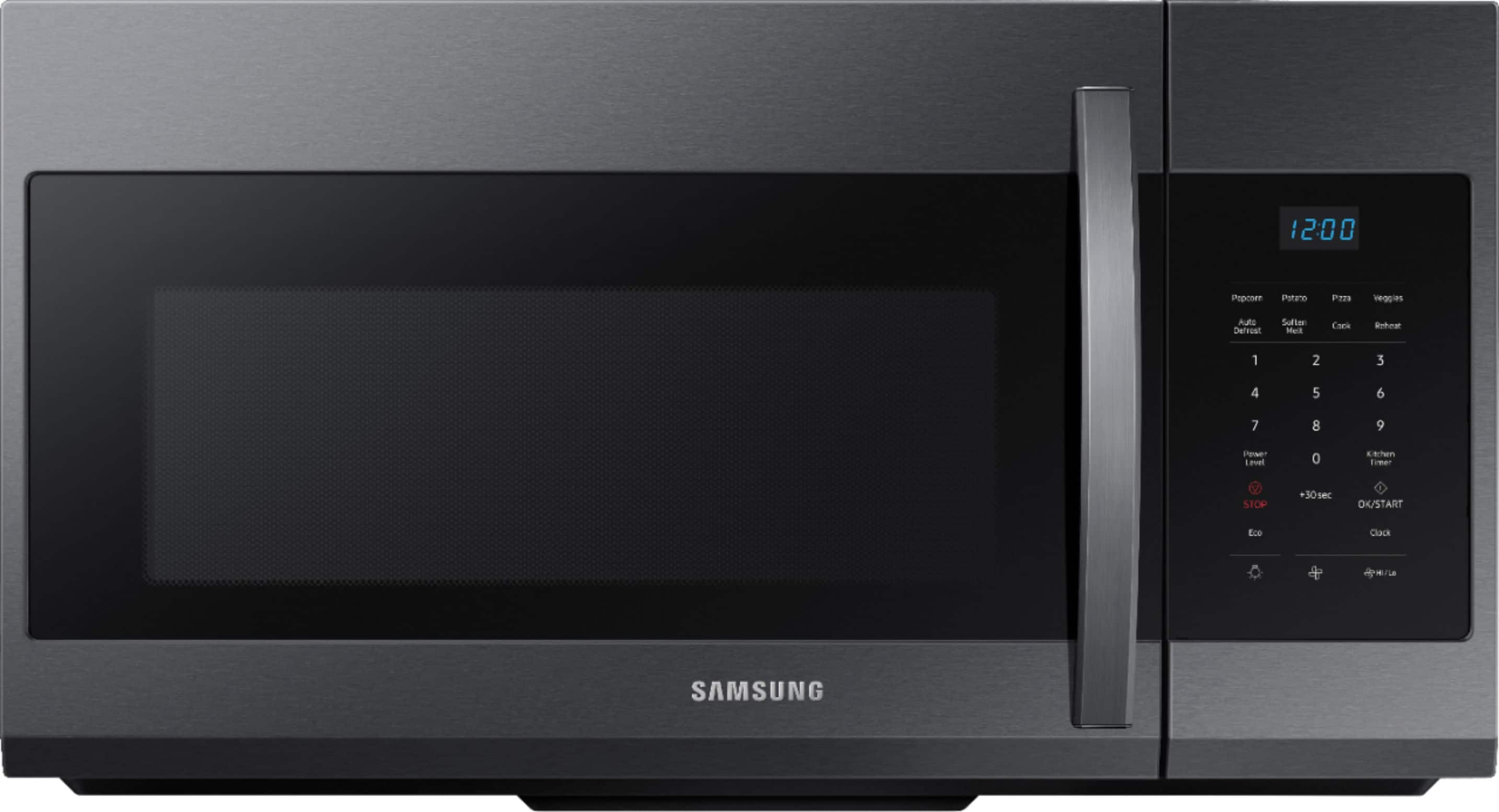
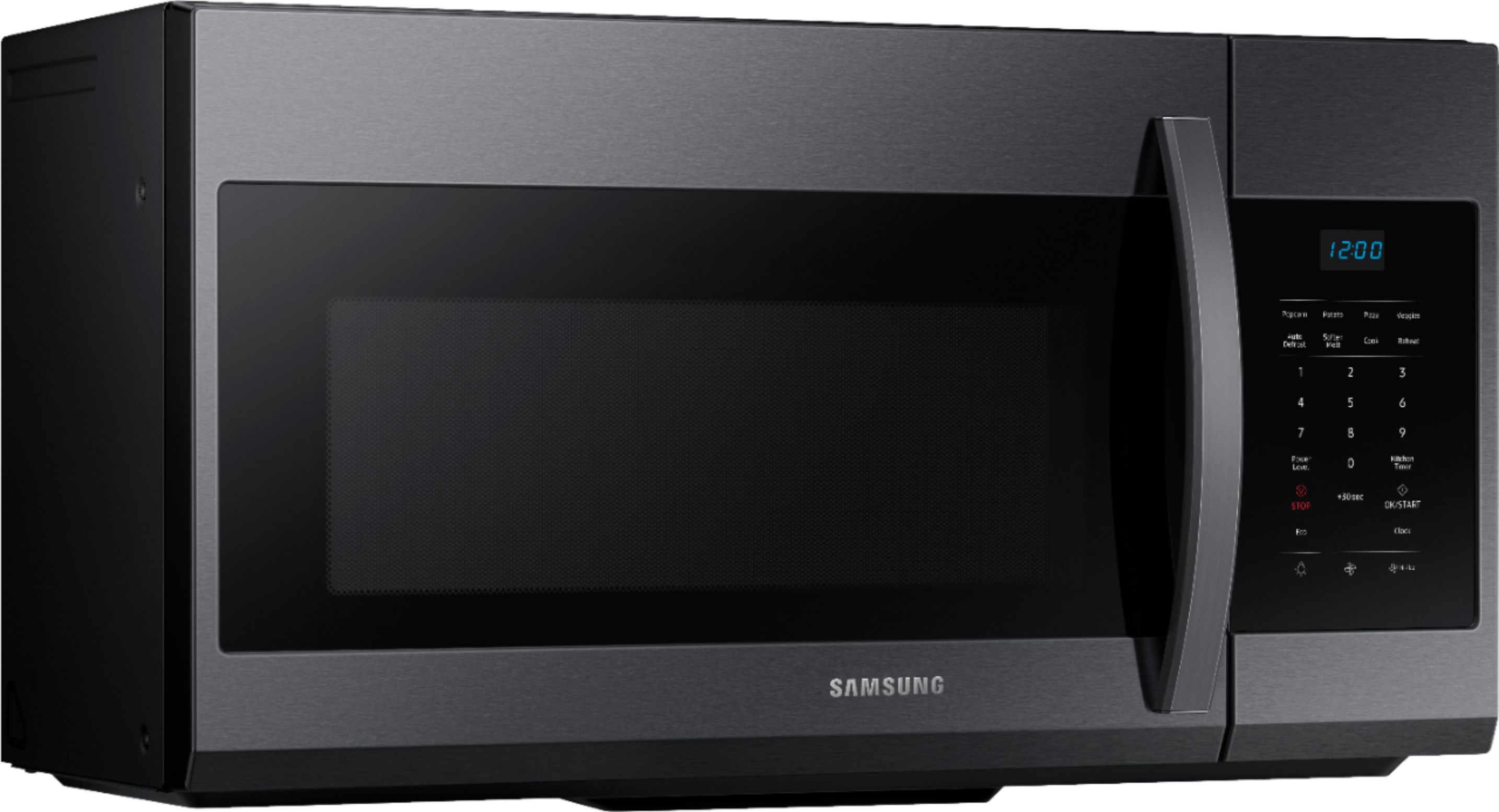
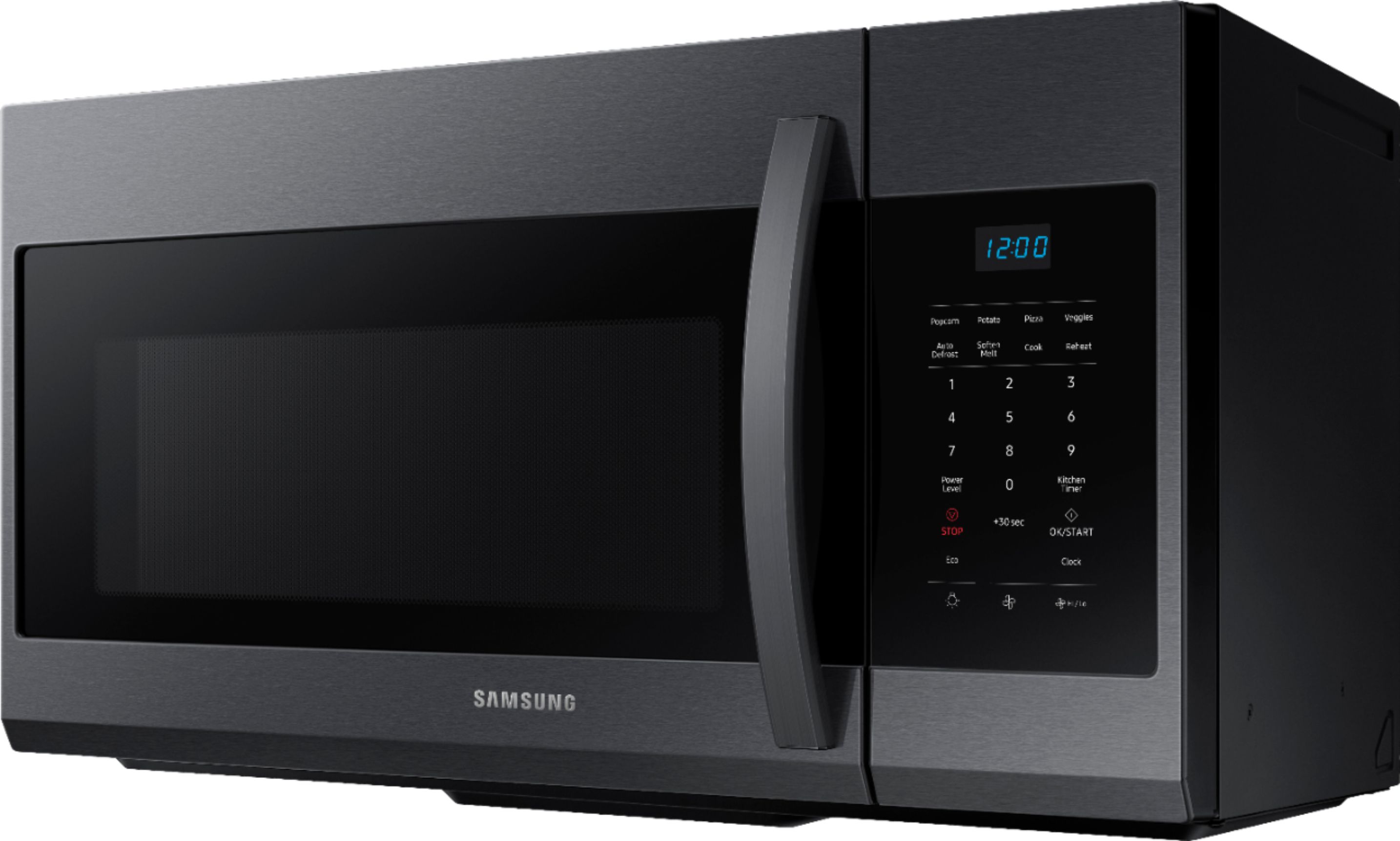
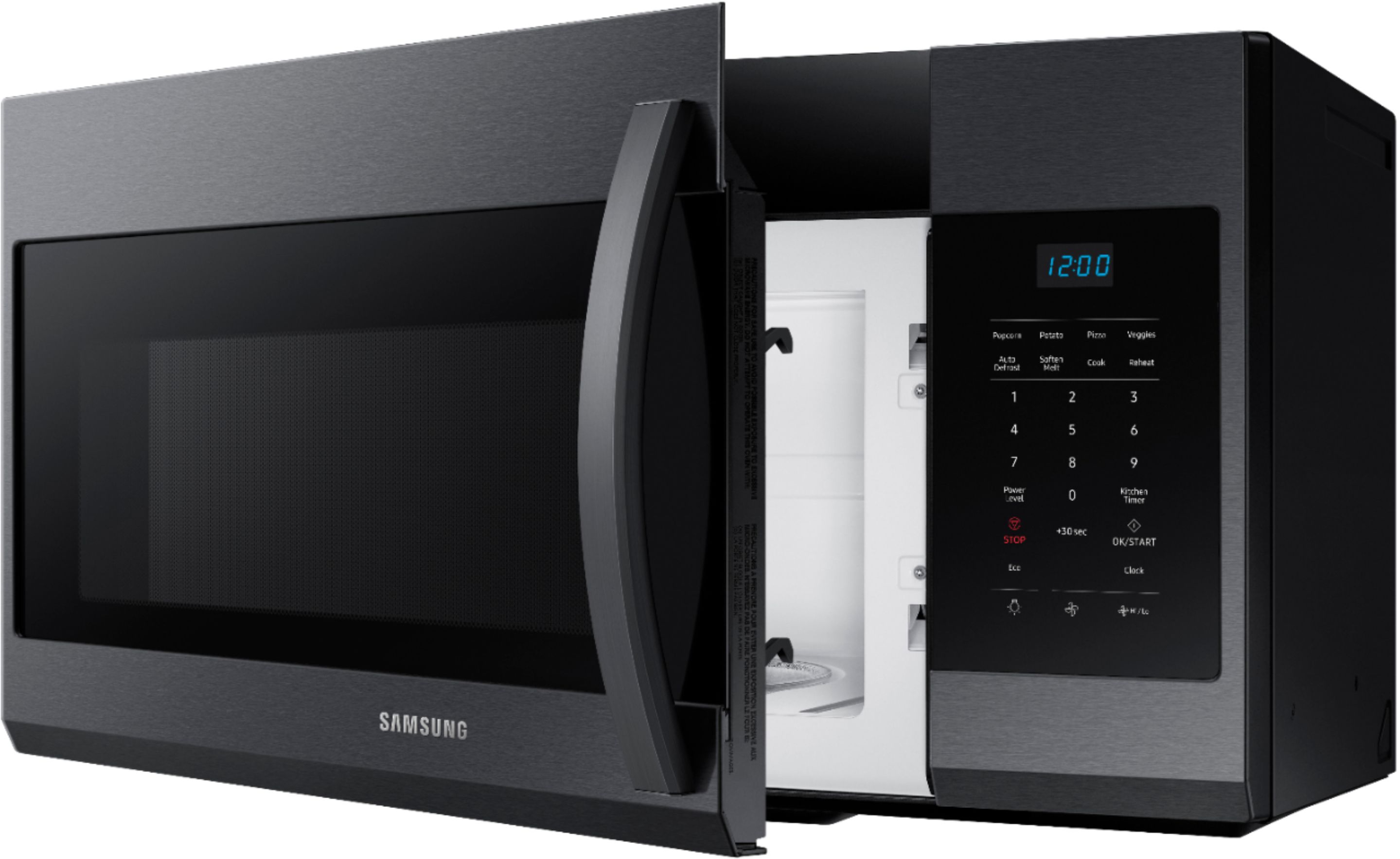
29 7/8” x 17 1/6” x 16 1/2”
Feel free to visit the website via the link below to learn more about the product's specifications.
https://www.samsung.com/us/home-appliances/microwaves/over-the-range/over-the-range-microwave-with-1-7-cu--ft--capacity-in-black-stainless-steel-me17r7021eg-aa/
If you have further questions or inquiries, these are the platforms that you can reach in the future:
1. Facebook Messenger: http://m.me/samsungsupport
2. Twitter: https://twitter.com/messages/compose?recipient_id=18768513
3. Samsung Community: https://us.commuity.samsung.com/t5/Samsung-Community/ct-p/us
Please provide us with this reference number (1148229320) to help our team pull up your information when you message us.
Thank you.
-Angelica
A:AnswerHi Joe,
The microwave's bottom light bulb has 40 watts.
If you have further questions or inquiries, these are the platforms on which you can reach us:
1. Facebook Messenger: http://m.me/samsungsupport
2. Twitter: https://twitter.com/messages/compose?recipient_id=18768513
3. Samsung Community: https://us.commuity.samsung.com/t5/Samsung-Community/ct-p/us
4. Samsung Customer Care: 1-800-7267864 (1800-SAMSUNG)
Please provide us with this reference number (1147512389) to help our team pull up your information when you message us.
Thank you.
-Kimberly
A:AnswerHi Pete,
This microwave doesn't have a grilling feature. You can check out the features and specifications of this model at the link below.
https://image-us.samsung.com/SamsungUS/home/home-appliances/microwaves/pdf/ME17R7021ES_V4.pdf
Thank you for choosing Samsung and have a great day!
^Rainly
A:AnswerHi Sam,
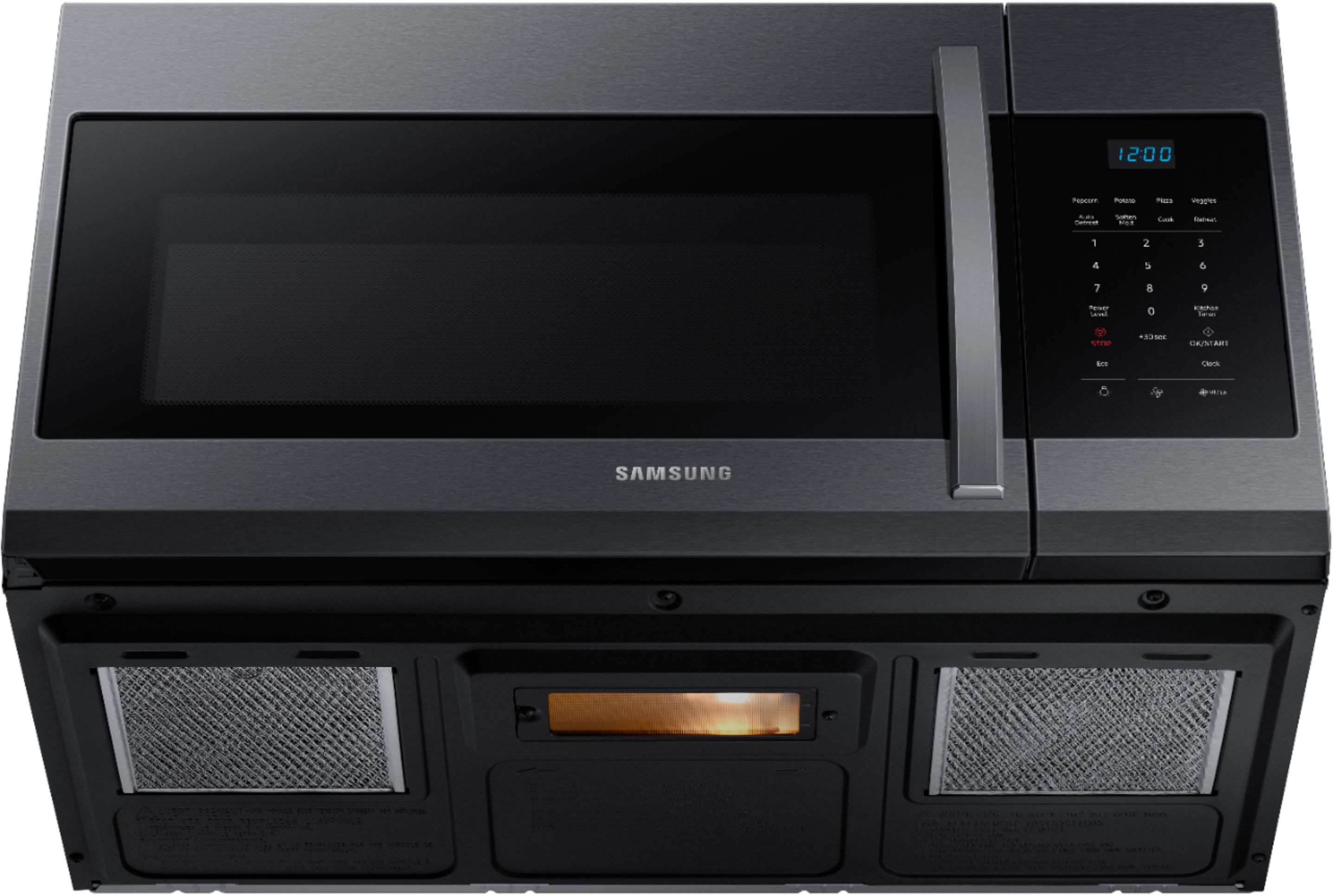
You can set the time on your microwave by pressing the Clock button, then using the number buttons to enter the current time, and then pressing the OK/START button.
Thank you for choosing Samsung and have a great day!
^Rainly
A:AnswerHi there,
Yes, the appliance can vent out to the top.
To see the venting options available for the appliance
Please see page 11-14 of the installation manual for the vent options
Manual
https://downloadcenter.samsung.com/content/EM/202109/20210929171818865/ME4000R_ME17R7021EB_AA_DE68-04584A-01_EN_210325.pdf
Have a great day.
^Charles
A:AnswerHi Izzi,
We appreciate you reaching out to us with your concern regarding the mounting compatibility of our microwaves. We understand how crucial it is for you to have a hassle-free replacement experience, and we're committed to assisting you in any way we can.
We understand with your disappointment and want to assure you that we're here to help resolve this matter promptly. While we strive to ensure compatibility across our product lines, variations in mounting holes and hardware may occur between different models.
To address your specific inquiry, we recommend consulting our official Samsung installation link for detailed information and guidance tailored to your microwave model. Visit the installation manual link below on page 8 under the "Placement of the mounting plate "section of the installation manual for the details.
Installation manual
https://downloadcenter.samsung.com/content/EM/201803/20180307153121132/Manual-Installation_MC17J8100CS_AA_DE68-04129A-02_EN.pdf
Should you need more assistance, please feel free to get back to us via the following options:
1. Facebook Messenger: http://m.me/Samsungsupport
2. Twitter: https://twitter.com/messages/compose?recipient_id=18768513
3. Samsung Community: https://us.community.Samsung.com/t5/Samsung-Community/ct-p/us
When you message us, please provide us with this reference number (1147101328) to help our team gather your information.
Have a great day.
^Charles
A:AnswerHi there,
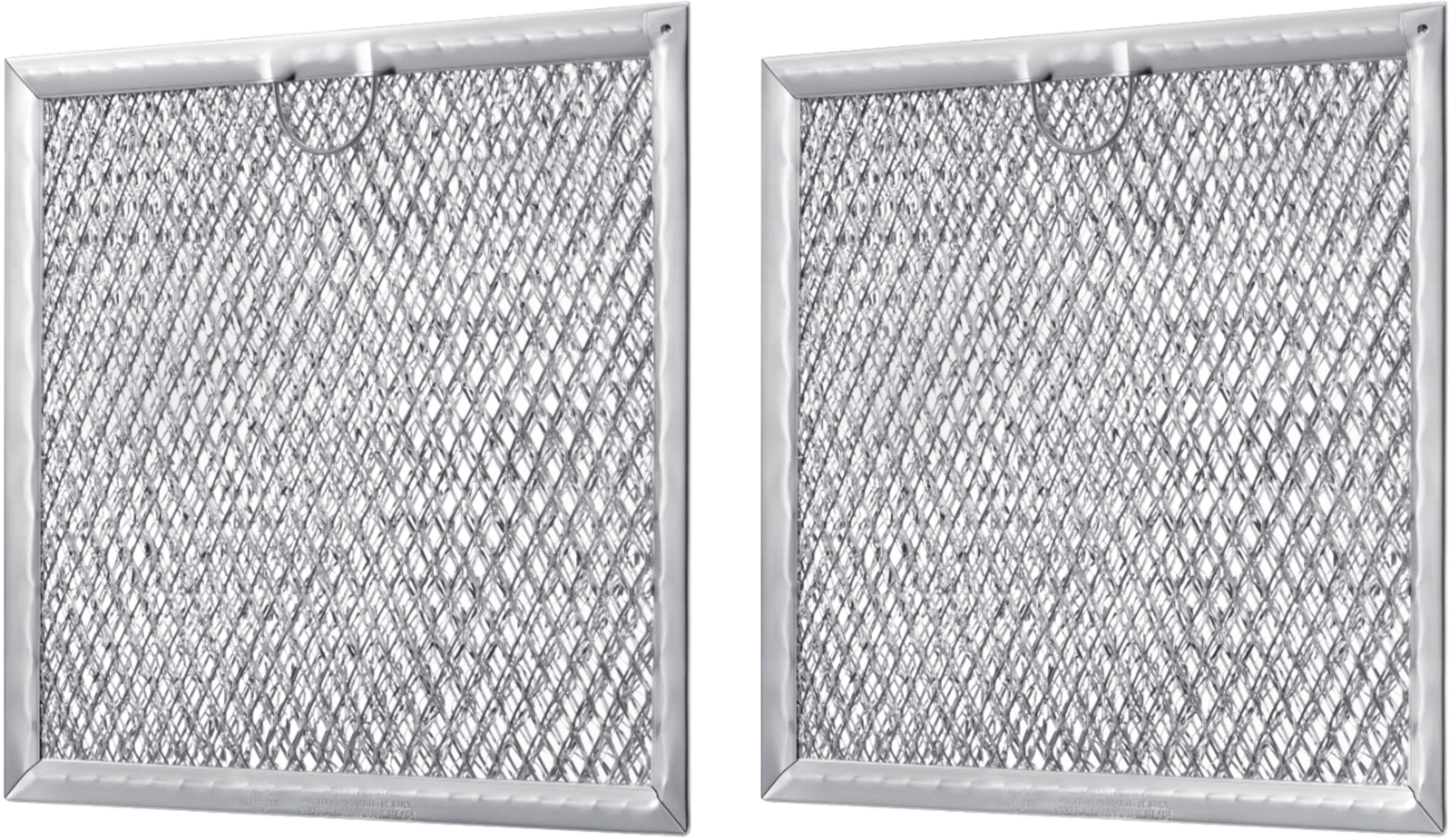
Here is a link to help you change the microwave filters. Please see each section, follow the steps and click the hyperlinks for further assistance.
Replace and clean Samsung microwave filters.
https://www.samsung.com/us/support/answer/ANS00049239/
Have a great day.
^Aloe