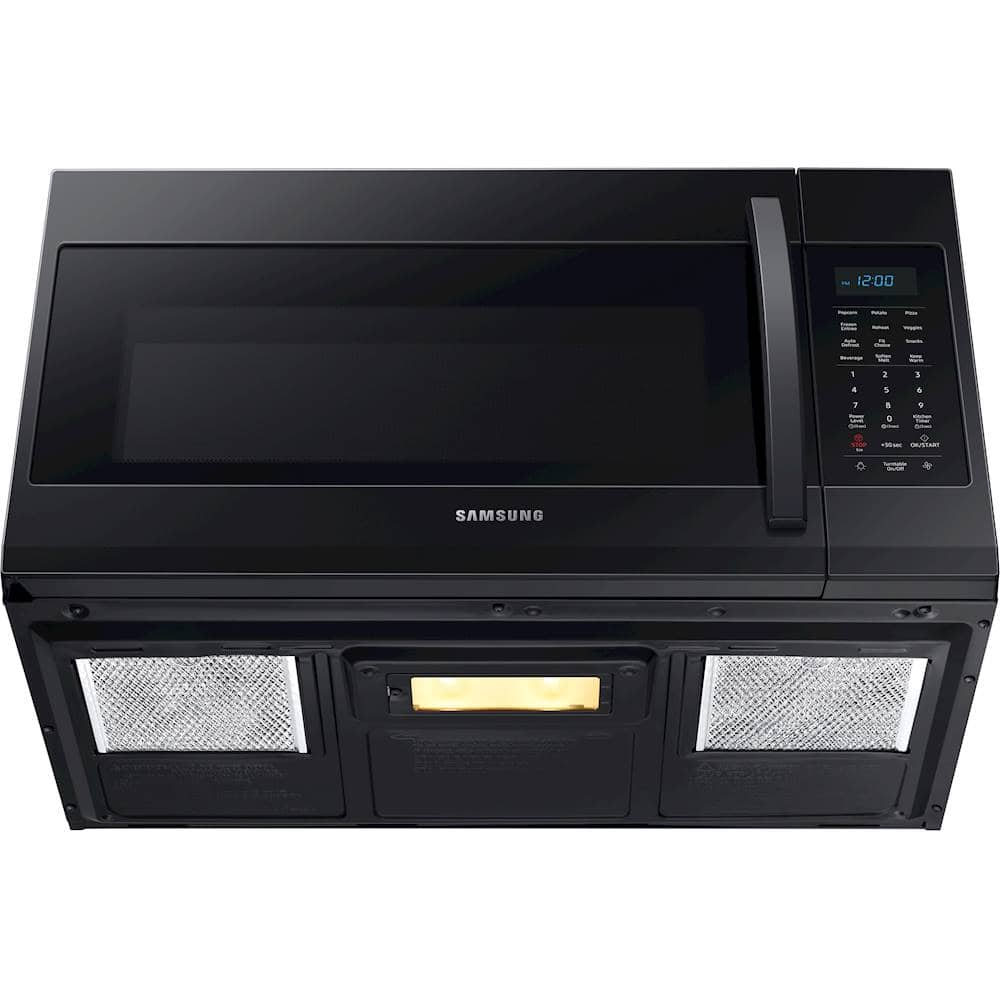
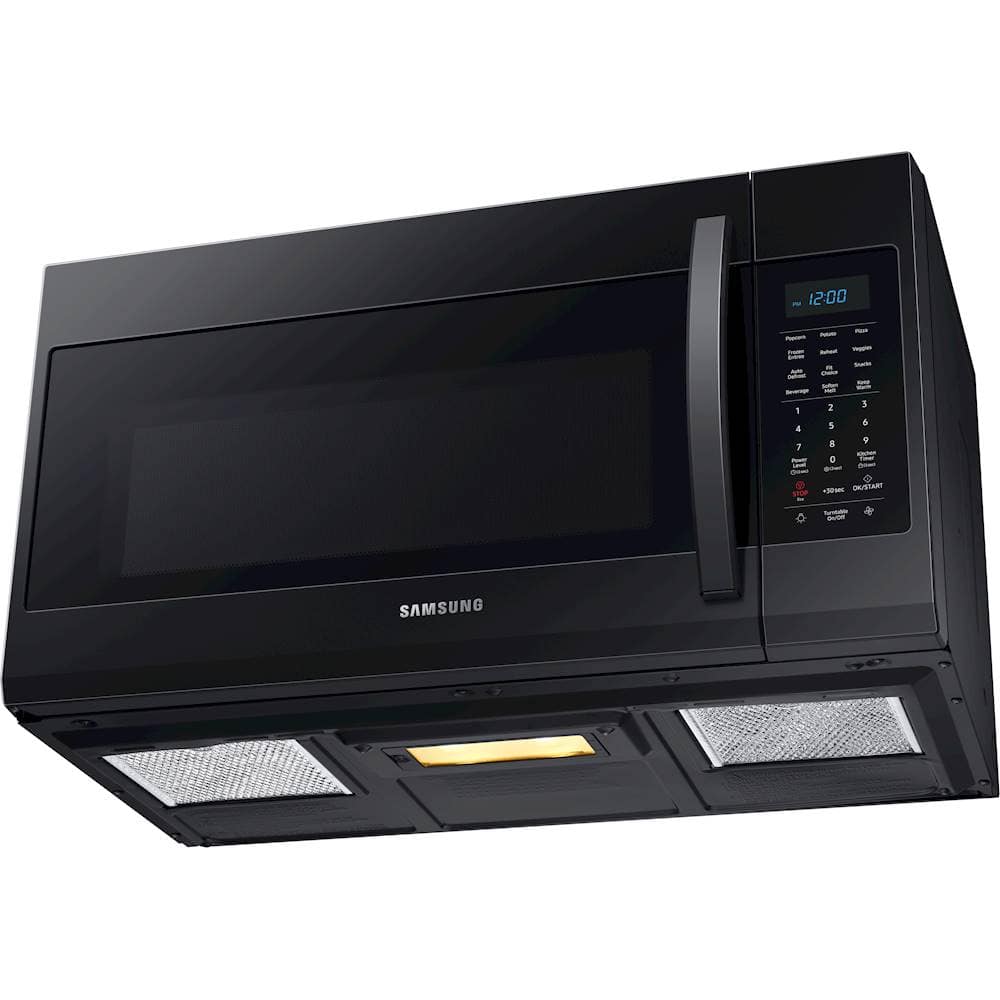
A:AnswerI'm happy to help with this, NolePat! First, here is a link (https://bit.ly/3kckI01) to the full user manual for this model. Page 21 has everything you need to know about replacing the cooktop and oven lights in this model. ^Jecca
A:AnswerI have great news for you, Sandra! According to page 10 of the user manual (https://bit.ly/3kckI01) the vent on this model actually has 4 speed settings. ^Jecca
A:AnswerThanks so much for asking, BK! To help with this, I'm providing this link (https://bit.ly/3D15txW) to the installation manual. As long as your current opening fits the location requirements found on page 7, this model can be installed there. ^Jecca
A:AnswerI'm happy to help with this, johh! First, here is a link (https://bit.ly/3D15txW) to the installation manual for this model. Beginning on page 7 you can find detailed information about the location requirements for this model. ^Jecca
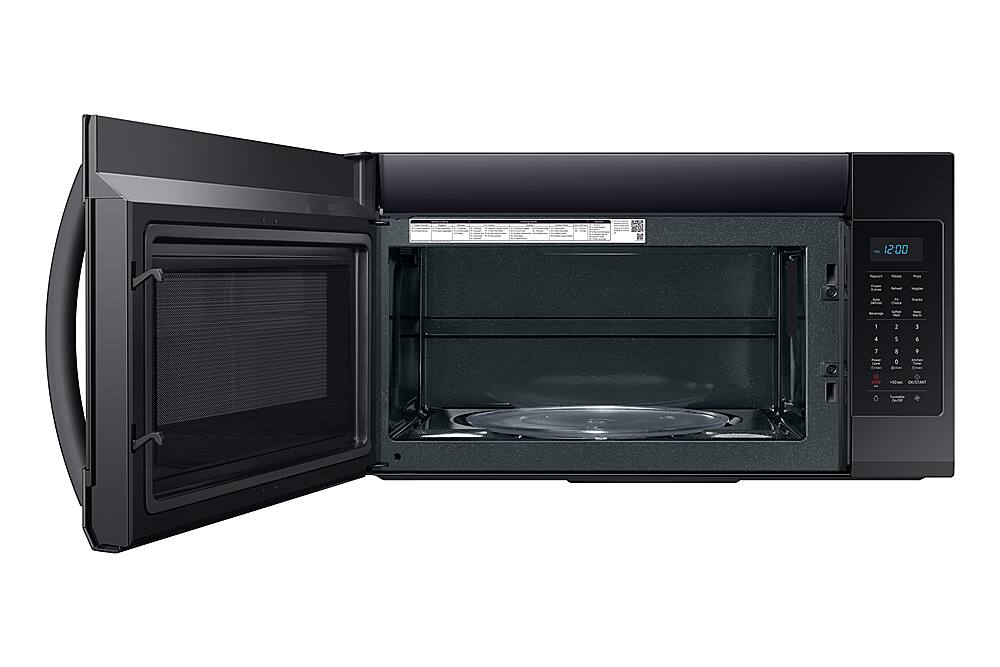
A:AnswerI'm happy to help with this, Tjones! Yes, this microwave does have an internal light that should turn on when the door is opened. However, if your light is not turning on, it may need to be replaced. Here is a link (https://bit.ly/3kckI01) to the user manual. Page 21 has detailed instructions on how to replace the oven light. ^Jecca
A:AnswerI'm happy to help with this, Jeff! Based on what you've described, it is most likely the microwave is in "demo mode" which allows the buttons to function, but prevents the microwave from heating. But not to worry, this link (https://bit.ly/3CMnD6b) can walk you through how to turn off demo mode, as well as what else to check if that does not resolve the issue. ^Jecca
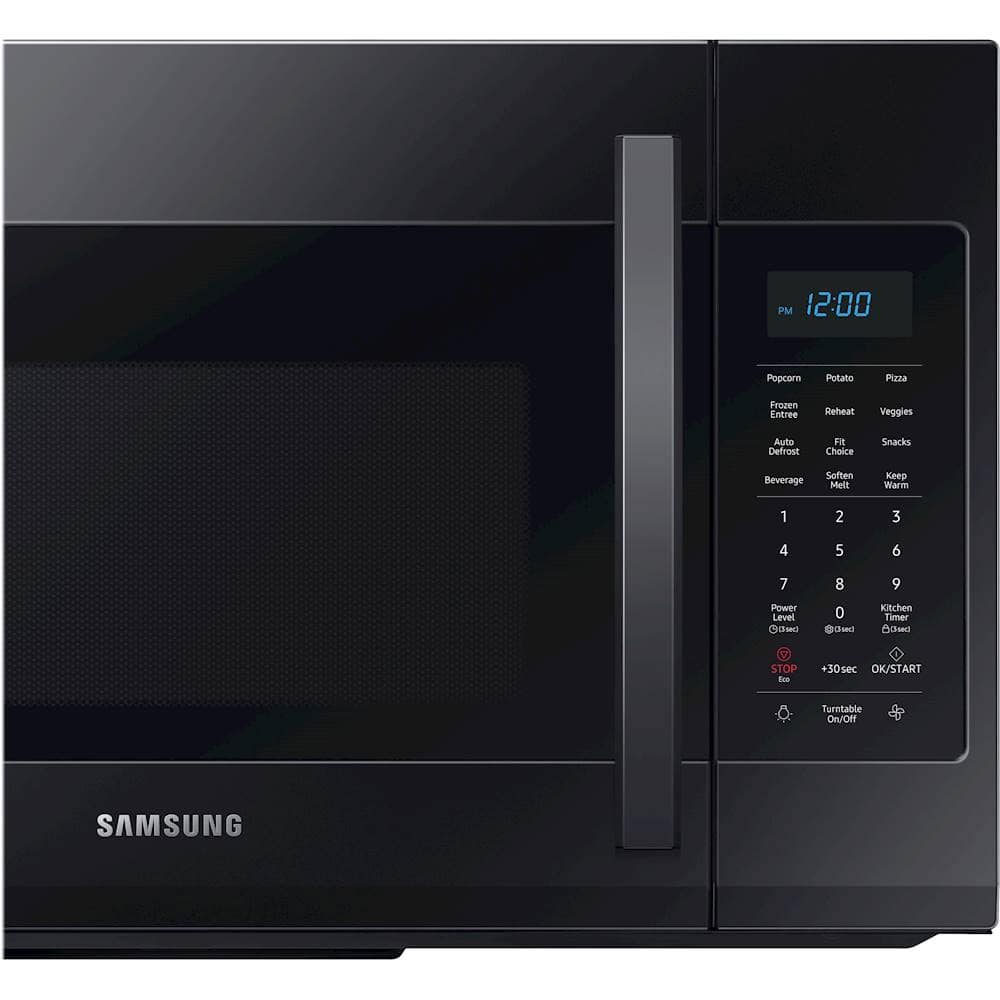
A:AnswerThanks so much for asking! Once the clock has been set on this model, the current time should be displayed when the microwave is not in use. Page 10 of the user manual (https://bit.ly/3kckI01) has step by step instructions on how to set the clock. ^Jecca
A:AnswerHello, I am including a link to a helpful troubleshooting guide to support your concerns on the microwave not heating (https://bit.ly/3CqJf86). If you have questions or further concerns, contact us directly on Facebook at (http://m.me/samsungsupport) or on Twitter at (https://twitter.com/messages/compose?recipient_id=18768513). When you message us, give them this number (1143831307) and it will help our team pull up your information. Thank you for being a Samsung customer. ^Lena
A:AnswerHi there! I'm happy to help with this. I have this link (https://bit.ly/2WHfFM2) that discusses what different error codes mean, as well as what steps to take when you have an error code on your microwave. ^Jecca