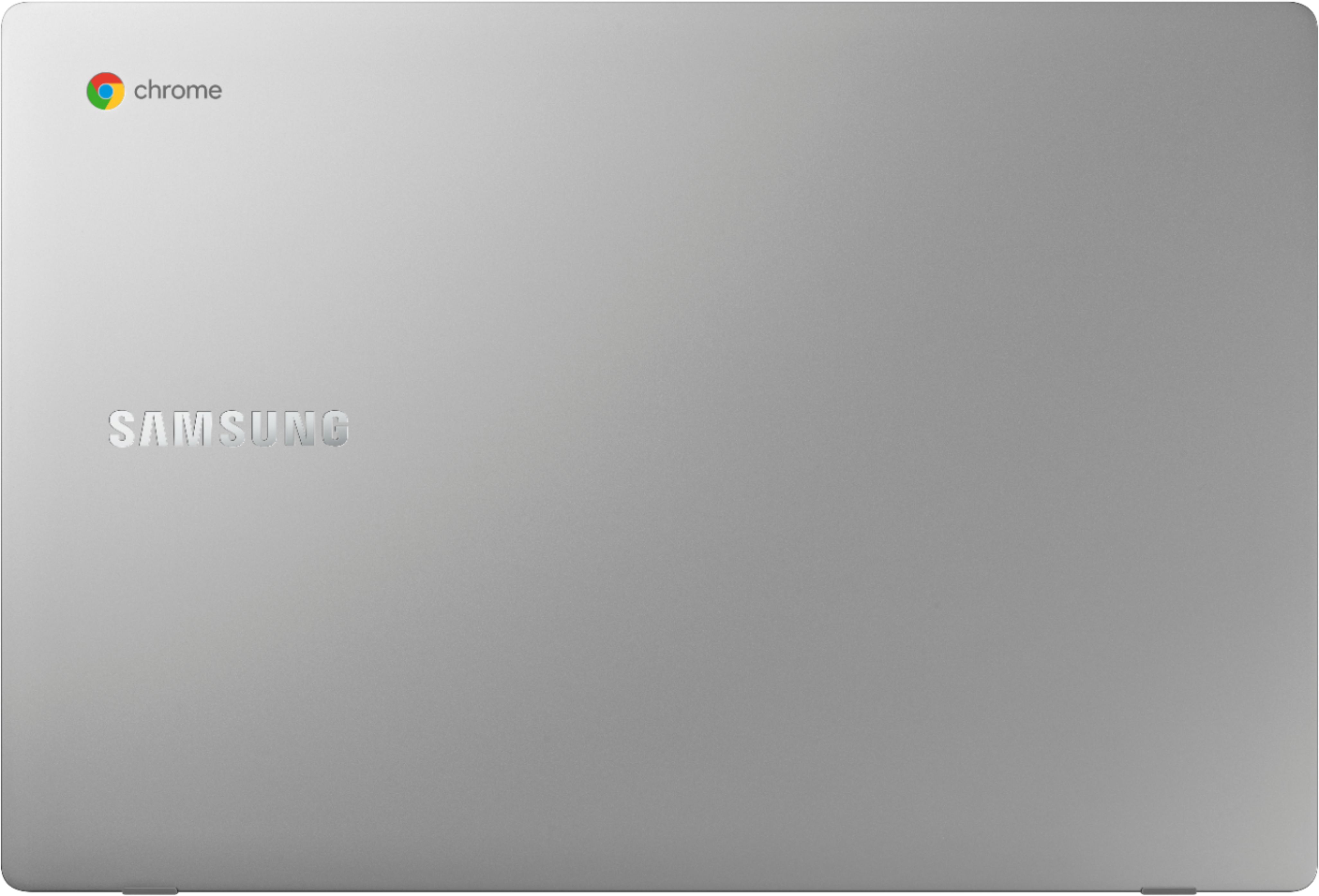
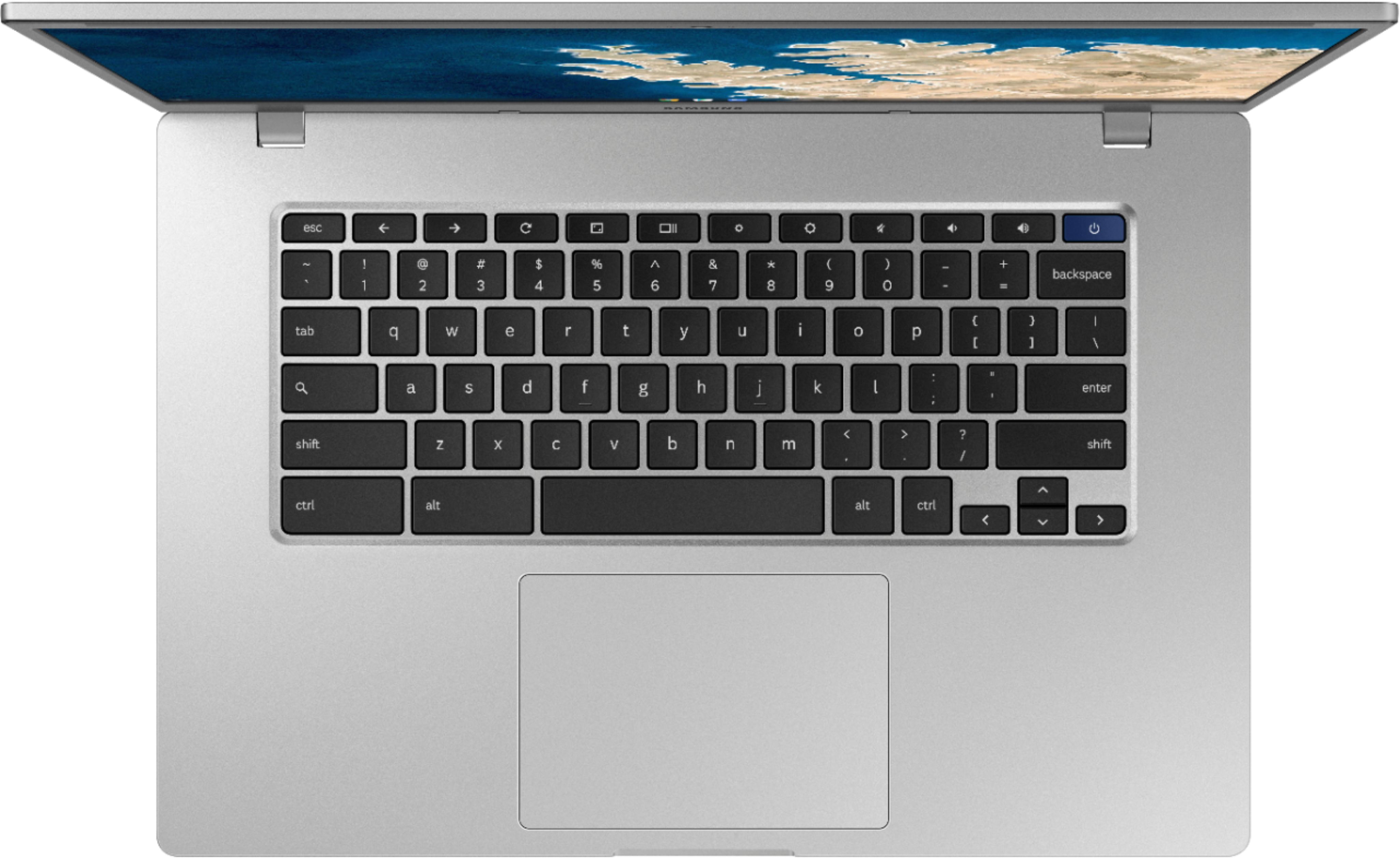
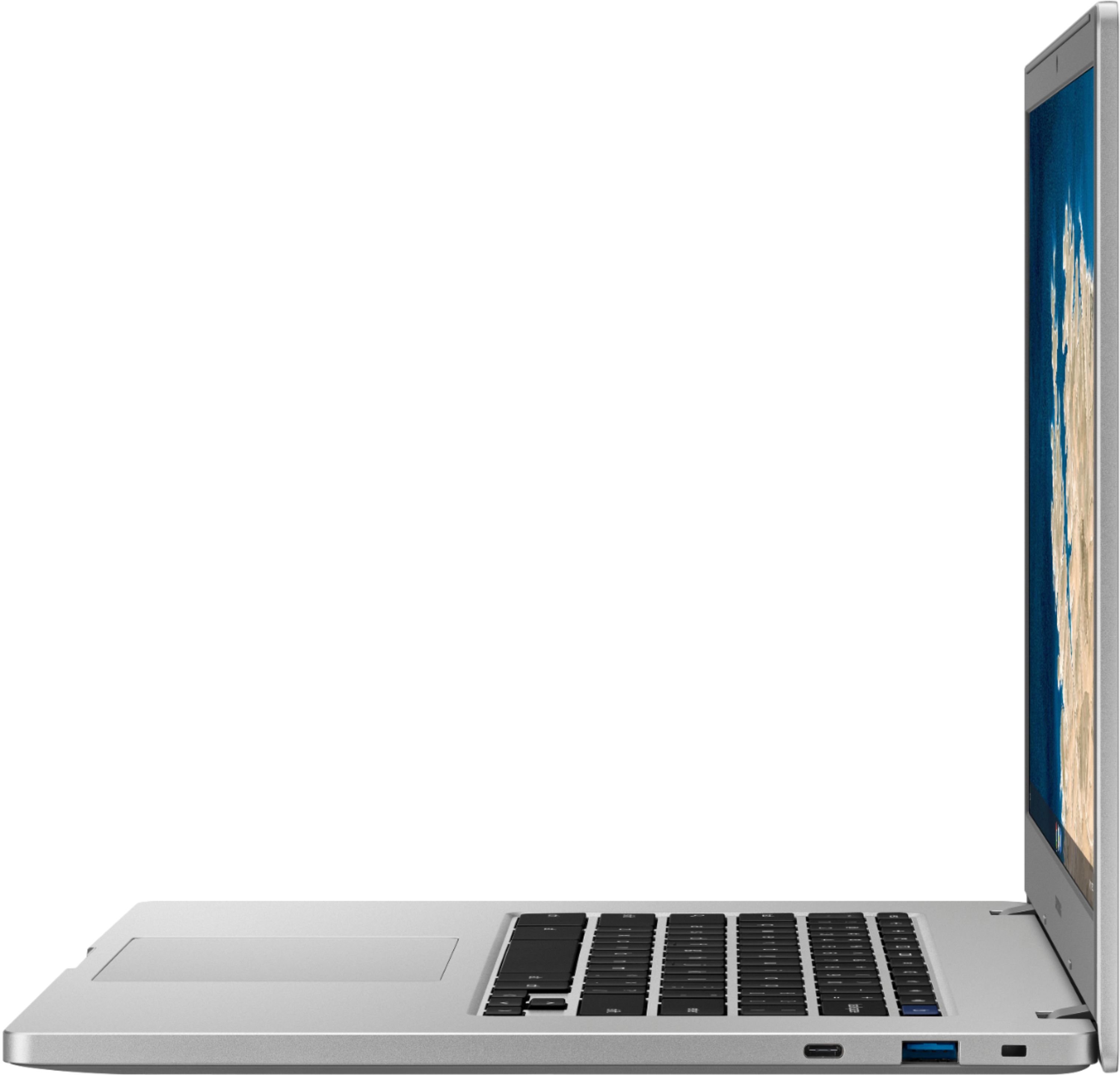
A:Answer Absolutely, not only your photos, you can transfer all the content from your Samsung phone to the Samsung chromebook 4+, there are different ways to do it, you can link your Samsung phone to the chromebook by going to settings->connections-> link to windows, if you do this you can do different things directly in your chromebook like if you are doing it in your Samsung phone, I used a different way,
I did it by signing in with my Google account/email address and then I can see all my photos.