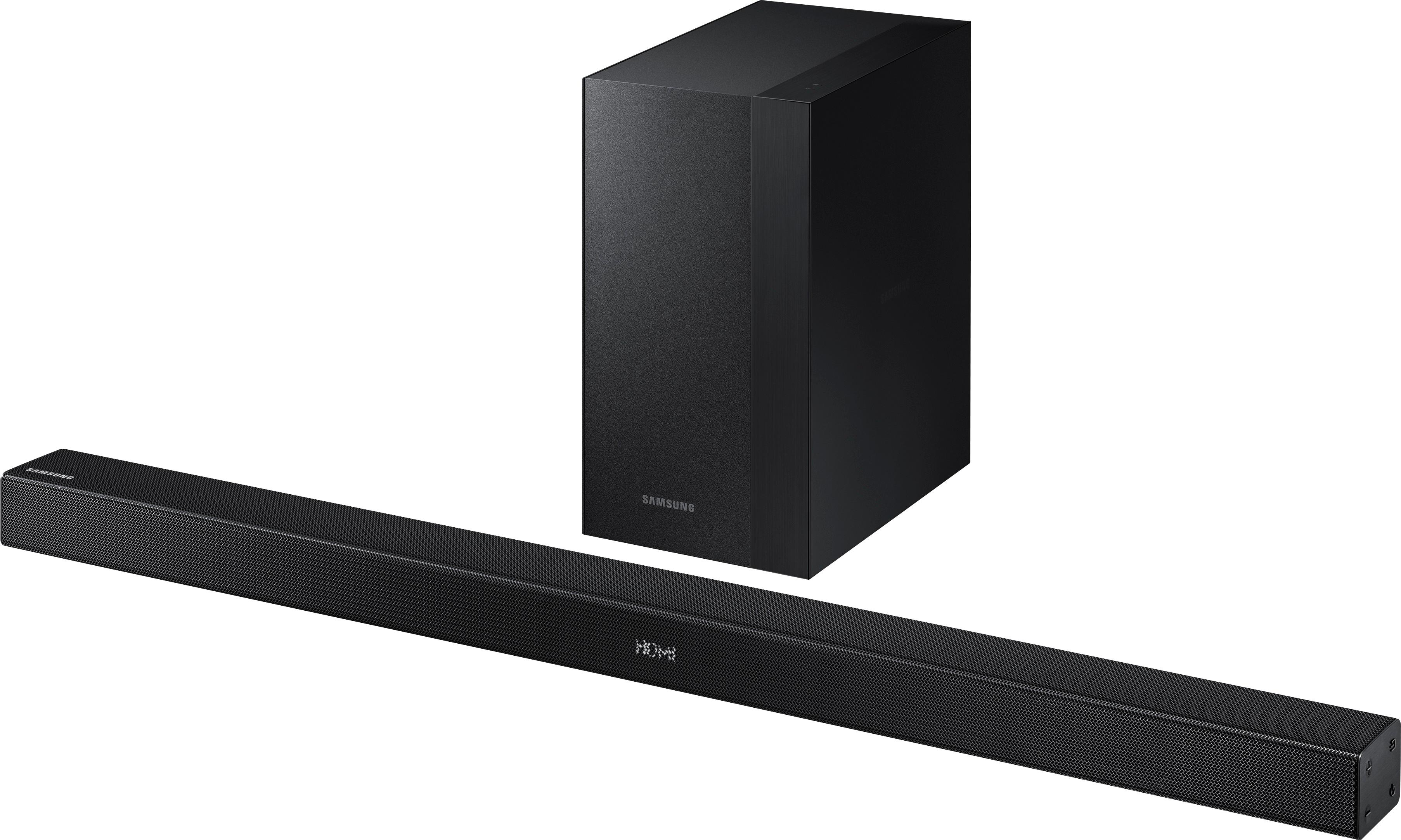
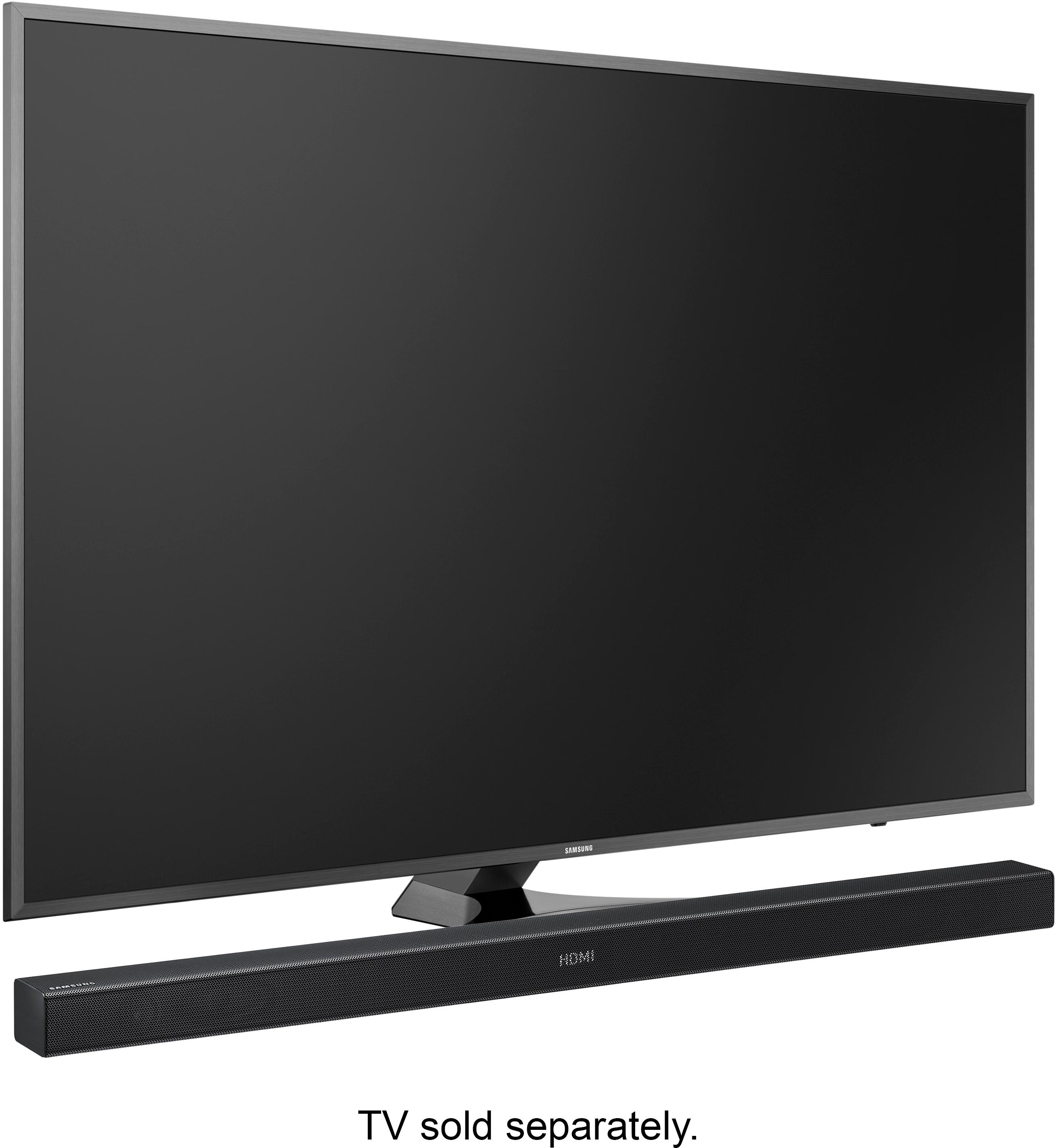
A:AnswerAccording to the owner's manual there are three ways of hooking up to a TV. An optical cable which is included, or HDMI or aux cables neither of which are included.
The Samsung Smart TVs will automatically connect.
A:AnswerYou could run an optical audio cable out of the projector to the soundbar or you could run your laptop hdmi to the soundbar and have an hdmi from the soundbar to the projector. The soundbar has an hdmi in and out.
A:AnswerI have it setup with the 8500S and it works great. I would go into settings on the bar and turn the rear speaker volume up as the factory settings are pretty low.
A:AnswerFirst question: Yes, simply use HDMI or an optical cable to hook up to your TV. Then the sub woofer will wirelessly connect to the sound bar. Second question: I don't think your headphones will connect to the sound bar.
A:AnswerThe Soundbar hooked up just fine to my Element TV.
You can hook it up using an optical cord which comes with it, an HDMI cable that does not come with it and if you need to you can hook it up using aux cables also not supplied.
This sound bar has good sound but if you're looking for a lot of volume I would look elsewhere.
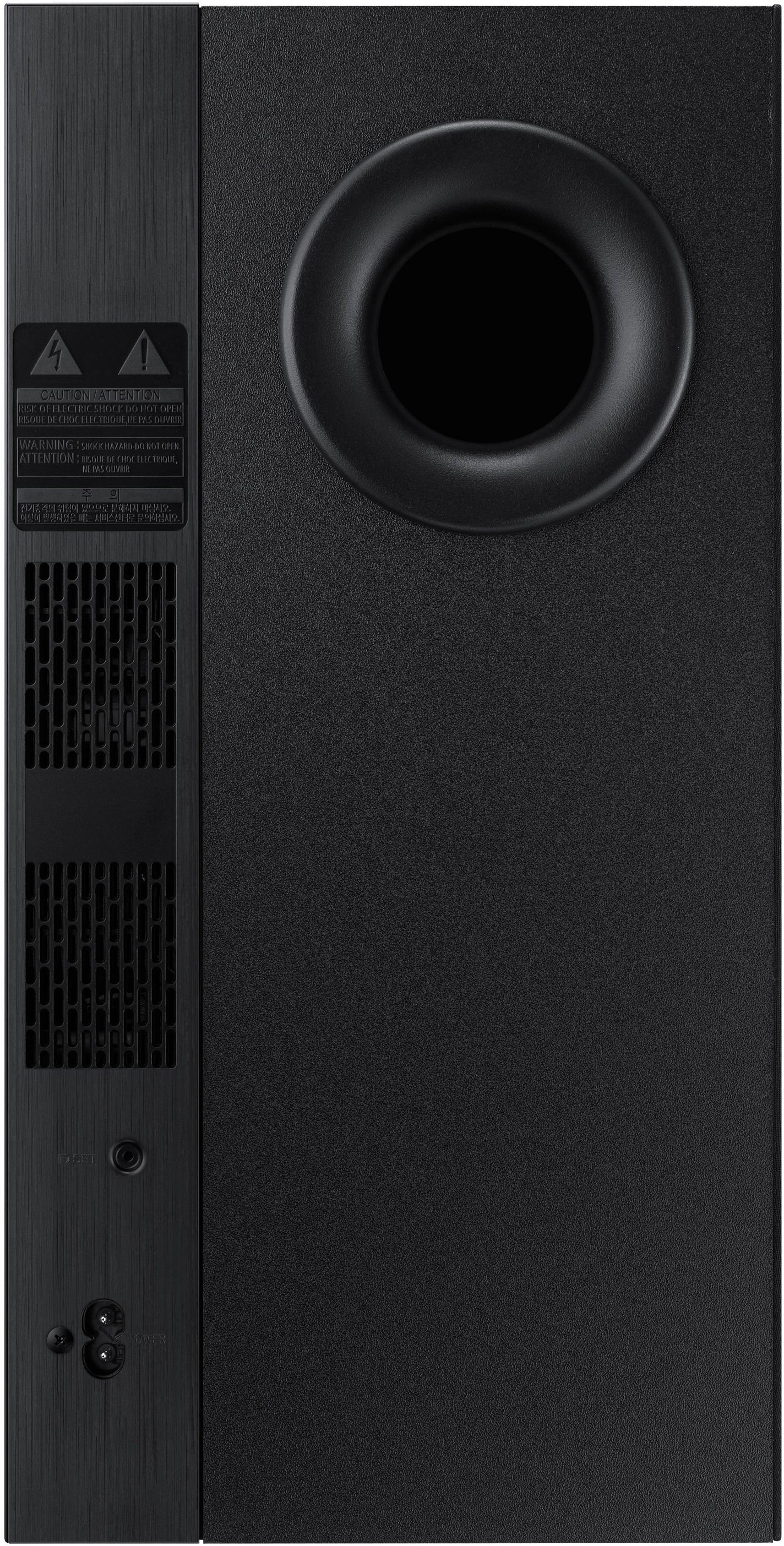
A:AnswerThere are no speaker out plugs on this unit. If you do not have bluetooth speakers, look elsewhere. There is not even a wire from the bar to the subwoofer.
A:AnswerMy living room where this located is fairly large and it sounds good, much better than the TV speakers. It's not a a full fledged surround system but it was a great upgrade for my 60" HDTV, and it has Bluetooth capability.
A:AnswerHello, we understand your concerns with the Soundbar. Please fill out the form below and one of our social media specialists would be happy to assist you. http://smsn.us/SamsungSupportUSA and we will respond accordingly. ^Britt