A:AnswerHello Pancho,
The HW-A430 Soundbar has the ability to connect using Digital Optical Cable or Bluetooth. If the TV has either of these then you're all set.
~Samsung Solutions
A:AnswerHello Nottechsavvy,
The HW-A430 Soundbar has the ability to connect using Digital Optical Cable or Bluetooth. If your projector has either of these inputs then you'll be all set. You'll want to place the soundbar near where your screen is and we do recommend using a Digital Optical Cable for the best audio and user experience.
~Samsung Solutions
A:AnswerHello Ticker,
For the best answer to your question, please contact your local Best Buy local or their online customer service.
~Samsung Solutions
A:AnswerHello Skawee,
The HW-A430 Soundbar has the ability to connect using Bluetooth or Digital Optical. If your TV has either of these inputs then you're all set.
~Samsung Solutions
A:AnswerHello Chuck,
If you are unable to locate the User Manual for your soundbar on Samsung’s website, please follow these steps:
1) Visit the product page of the HW-A430 Soundbar on Samsung’s website
2) Click “Support” below the soundbar name - this will take you to the bottom of the web page.
3) You will then see 2 options in grey boxes: User Manual and Warranty.
4) Click “Download” under User Manual & agree to the terms – the full User Manual will then begin downloading!
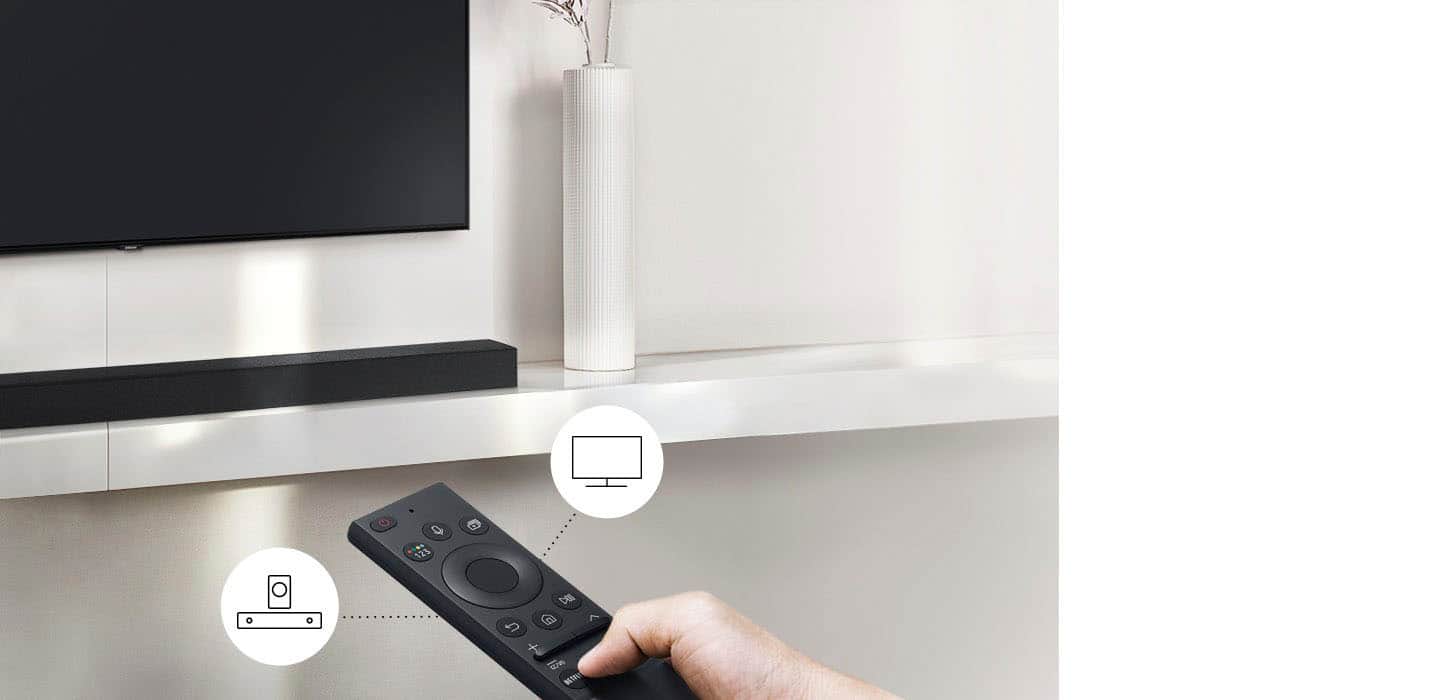
The full manual will show you everything about your provided remote.
~Samsung Solutions
A:AnswerHi there,
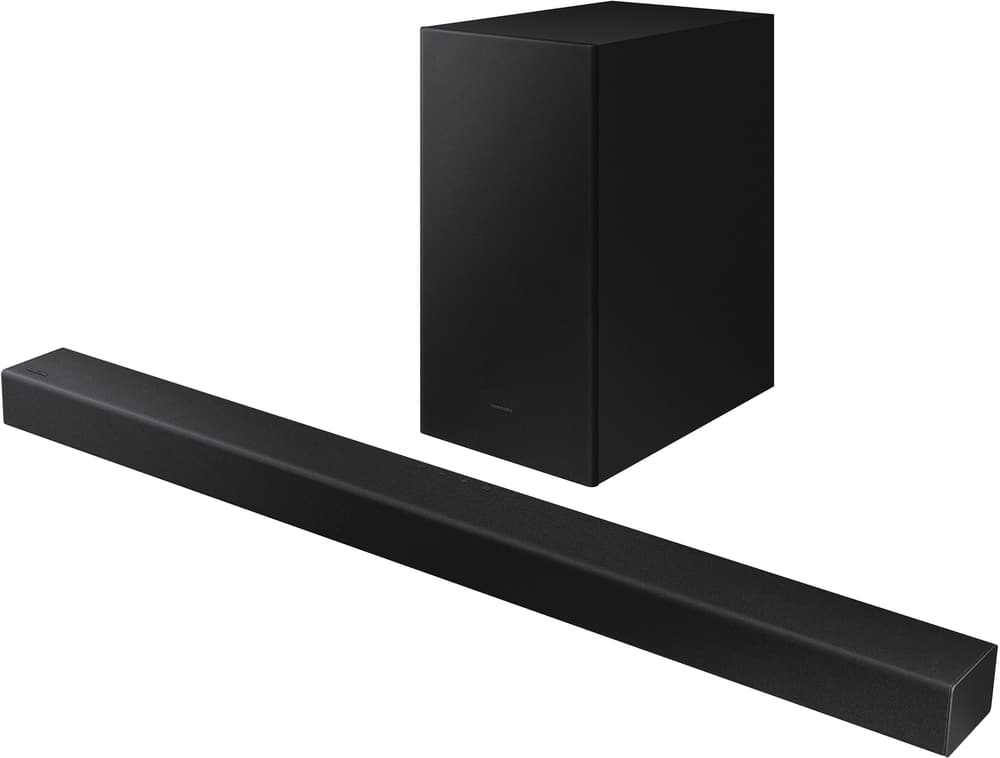
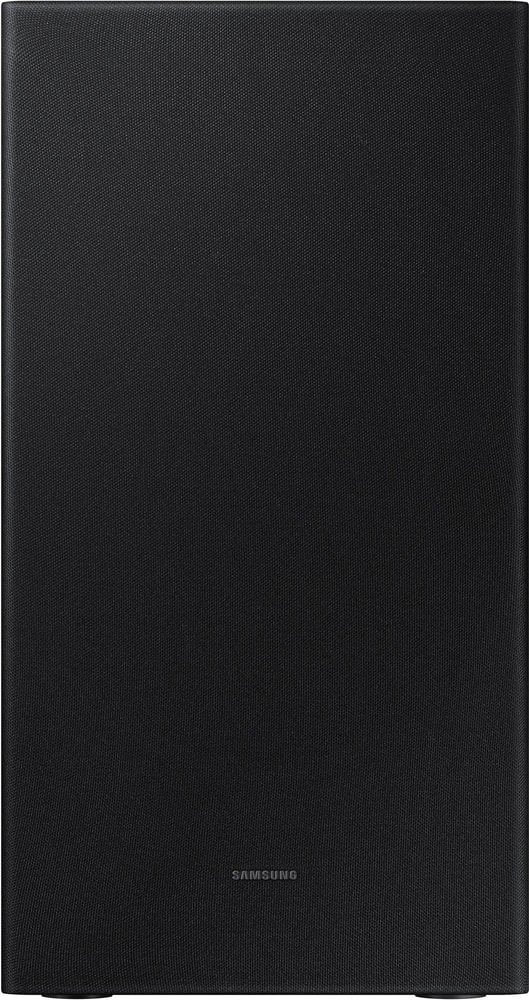
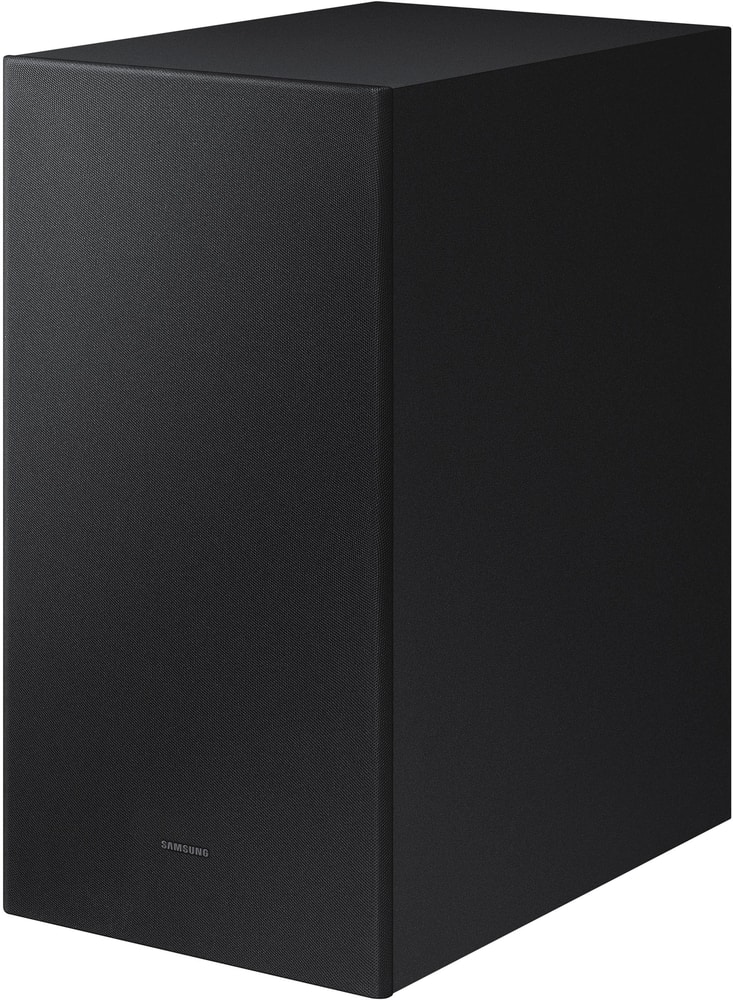
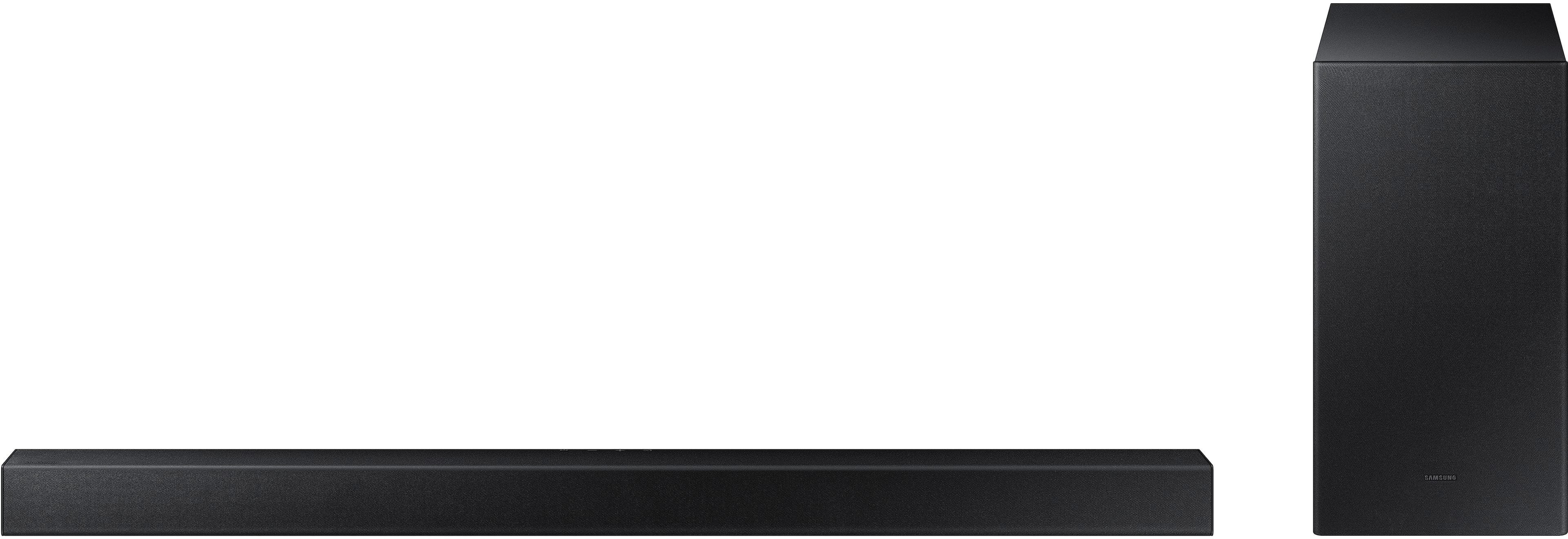
The HW-A430 Soundbar is exclusively compatible with the provided wireless subwoofer and cannot be connected to another subwoofer.
~Samsung Solutions
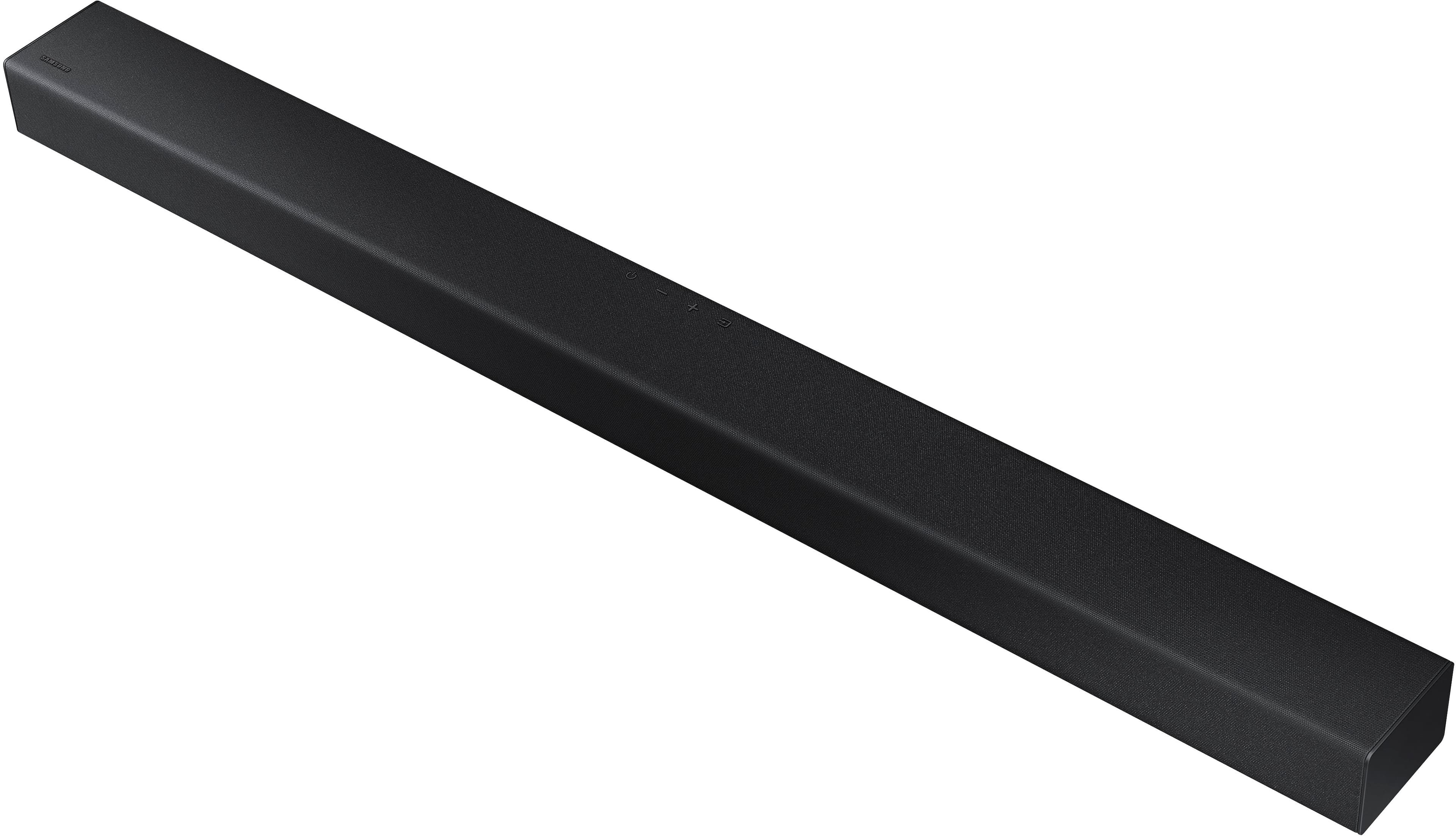
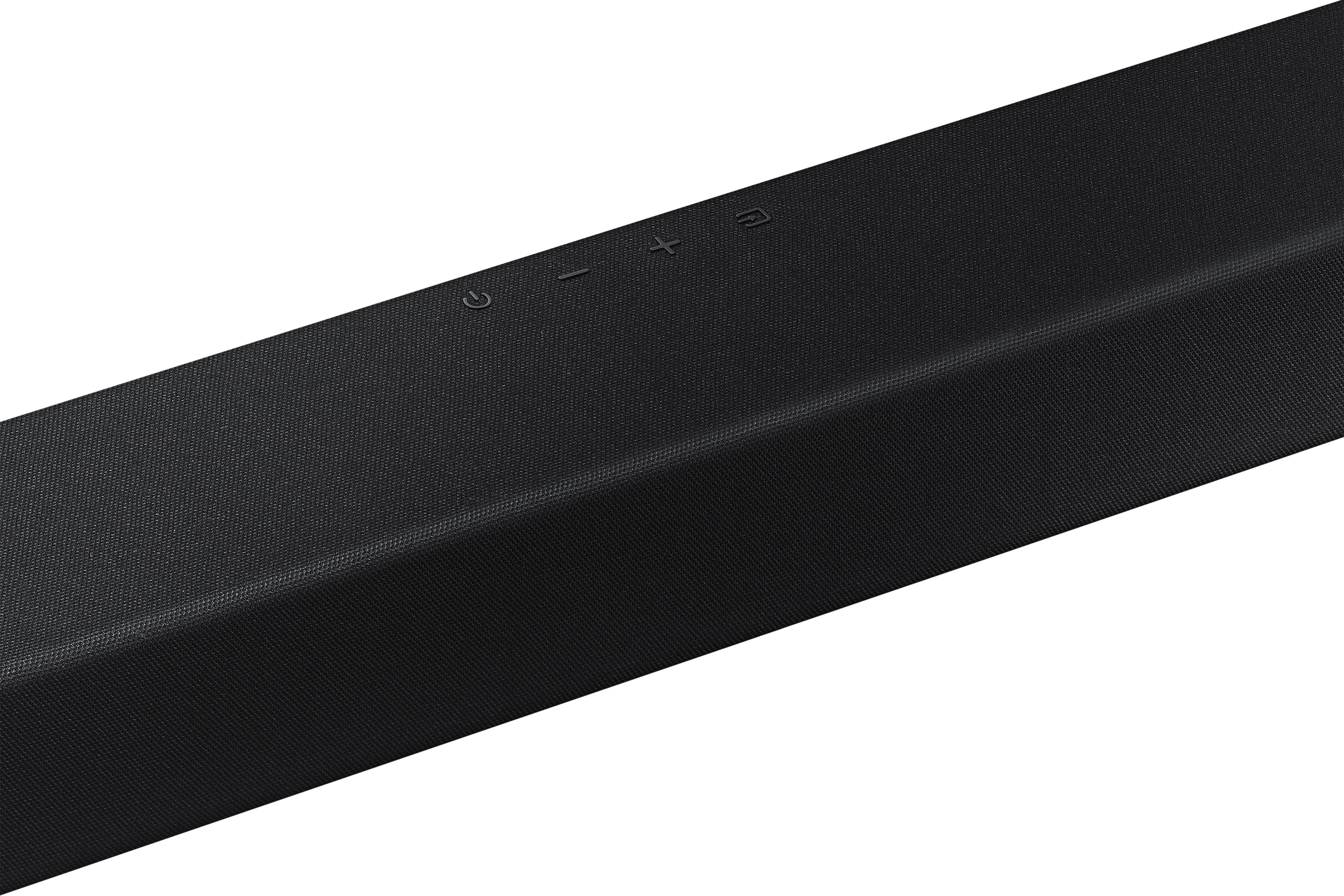
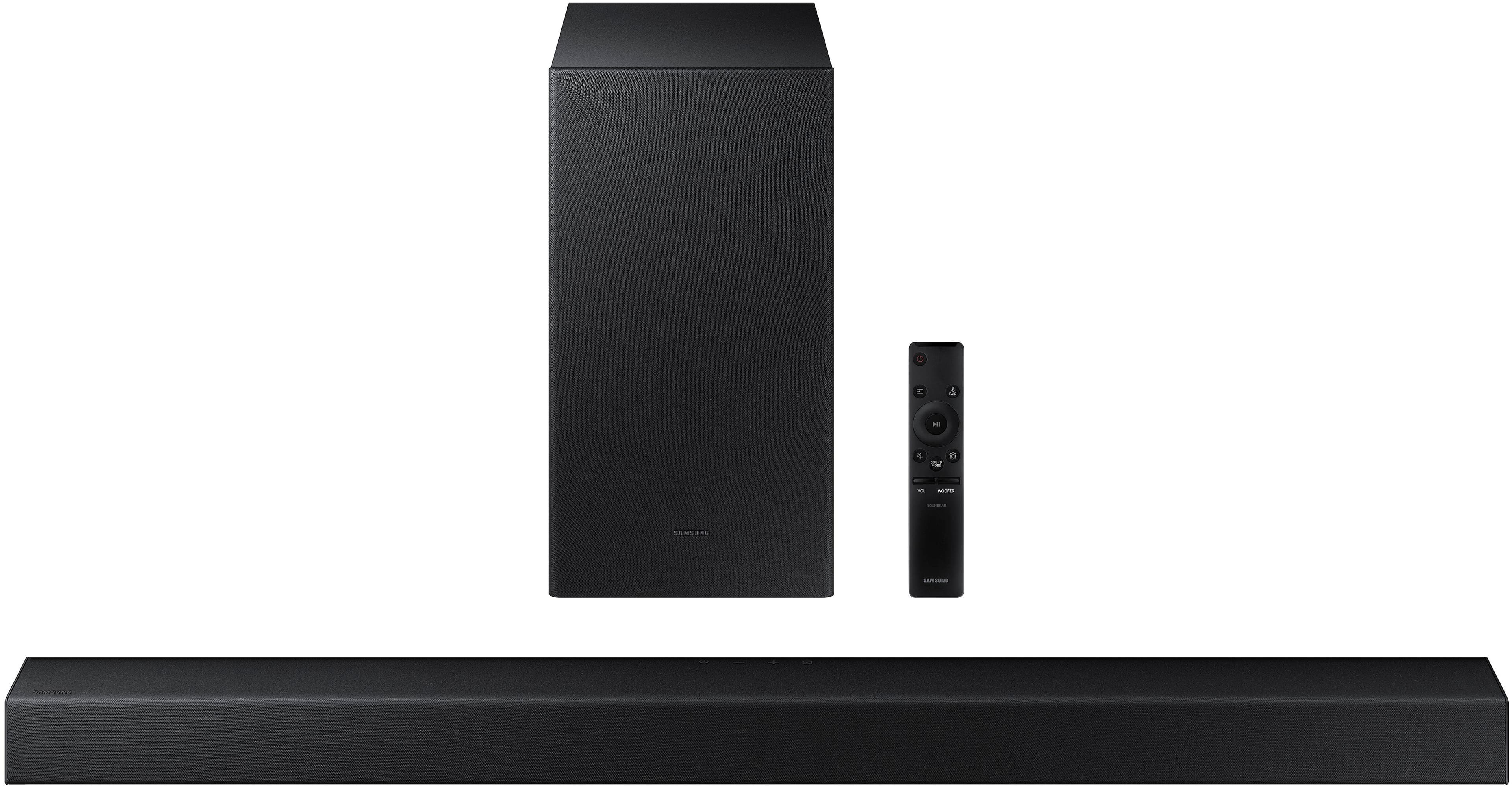
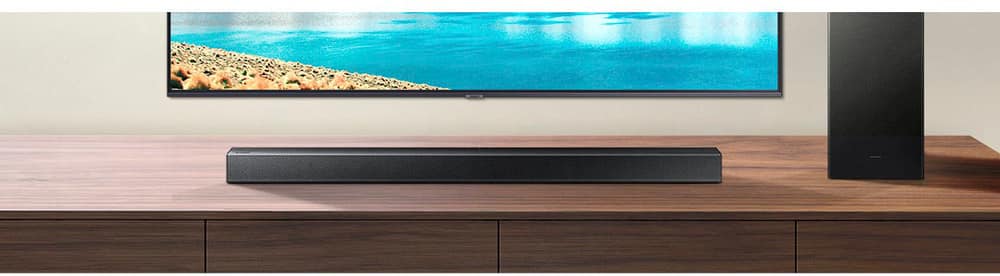
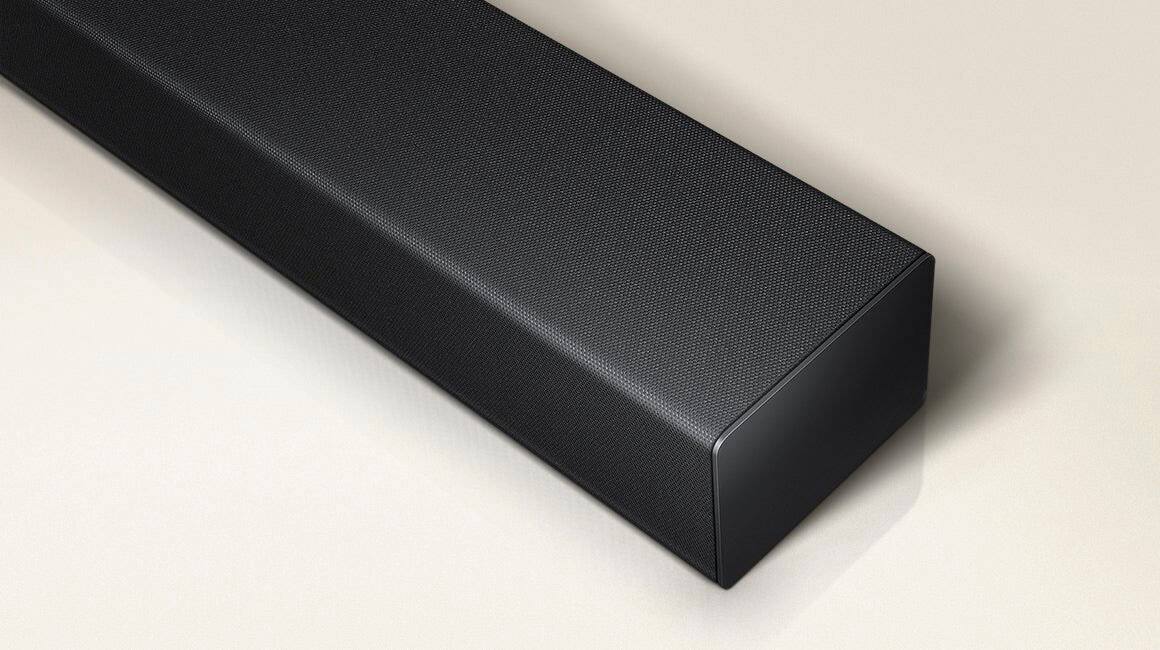
A:AnswerThe sound bar appears to be dark until you turn on the television, then there is an LED light that comes on behind the mesh in the center of the sound bar.
And also indicates the sound level and base level when you toggle up or down on the switches. Other than that the sound bar is dark.
A:AnswerHello,
Make sure that you have your TV sound output set to External Speakers, if this still continues, please contact Samsung Customer Service.
Call us at 1-800-SAMSUNG (ask for Soundbars), available 8 AM – 12 AM EST, 7 days a week.
~Samsung Solutions
A:AnswerHello Tanner,
Please reach out to Samsung Customer Service as they will be more than happy to offer step-by-step technical assistance.
Call us at 1-800-SAMSUNG (ask for Soundbars), available 8 AM – 12 AM EST, 7 days a week.
~Samsung Solutions
A:AnswerHi there,
Try doing a hard reset on your soundbar.
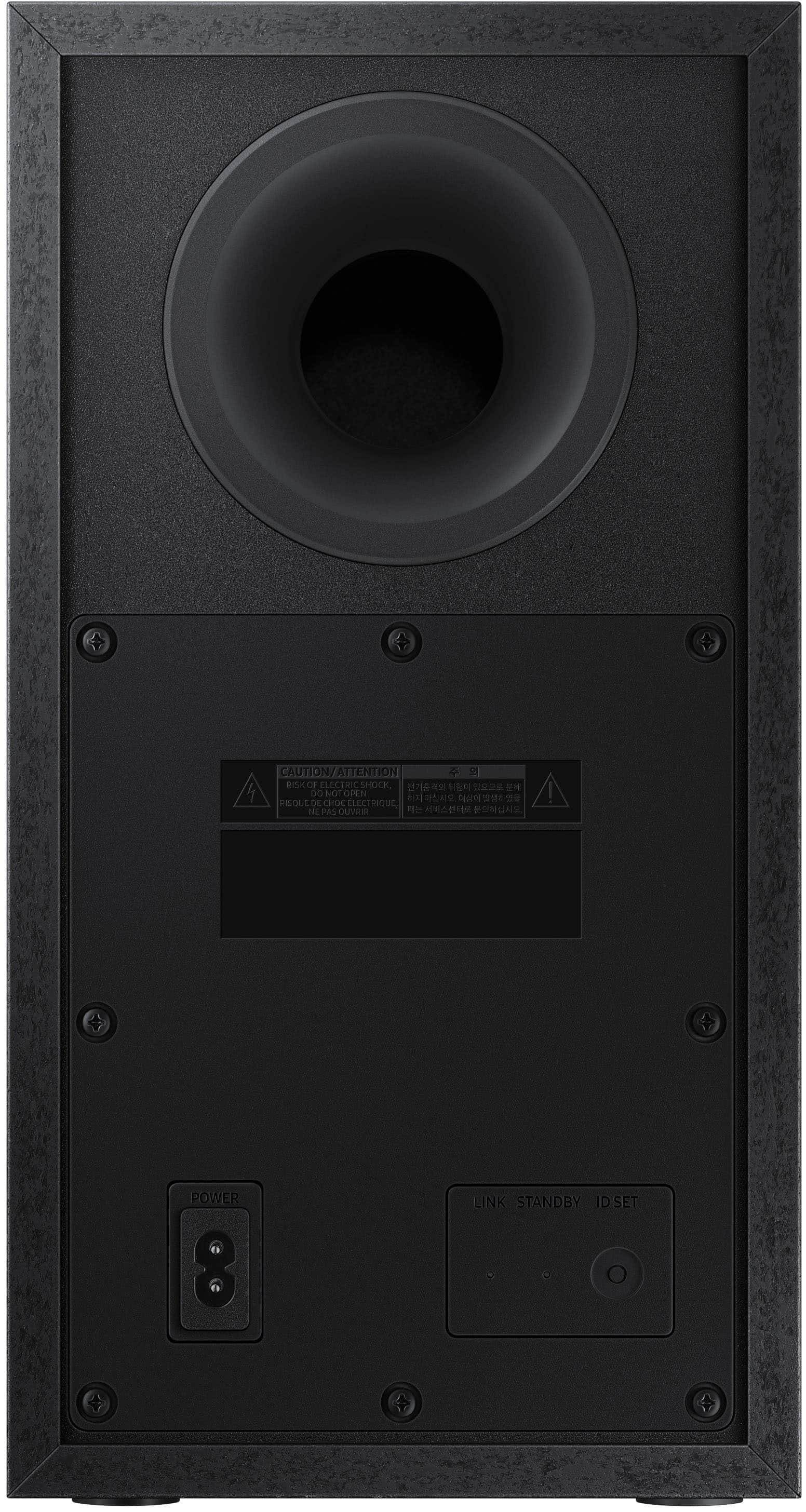
With the power ON, press and hold the + & - Volume UP/DOWN buttons until you see "INIT OK" scroll across the LED display of your soundbar. If you are still noticing some issues with lower bass levels, try doing a manual pair of your subwoofer to soundbar.
1. Press and hold ID SET on the rear of the subwoofer for at least 5 seconds.
• The red indicator on the rear of the subwoofer turns off and the blue indicator blinks.
2. Press and hold the Up button on the remote control for at least 5 seconds.
• The ID SET message appears on the display of the Soundbar for a moment, and then it
disappears.
• The Soundbar will automatically power on when ID SET is complete.
3. Check if the LINK LED is solid blue (connection complete).
If you need any extra assistance, contact Samsung Customer Service 7 days a week, from 8 AM to 12 AM EST. Call us at 1-800-SAMSUNG (ask for Soundbars).
~Samsung Solutions
A:AnswerHello GB,
Please reach out to Samsung Customer Service with this question regarding Bluetooth connection and your Epson projector.
Call us at 1-800-SAMSUNG (ask for Soundbars), available 8 AM – 12 AM EST, 7 days a week.
~Samsung Solutions
A:AnswerHello Greg,
For the best audio and user experience, we recommend using the included Optical cable and avoiding splitters or adapters if possible.

~Samsung Solutions