A:AnswerHi mize,
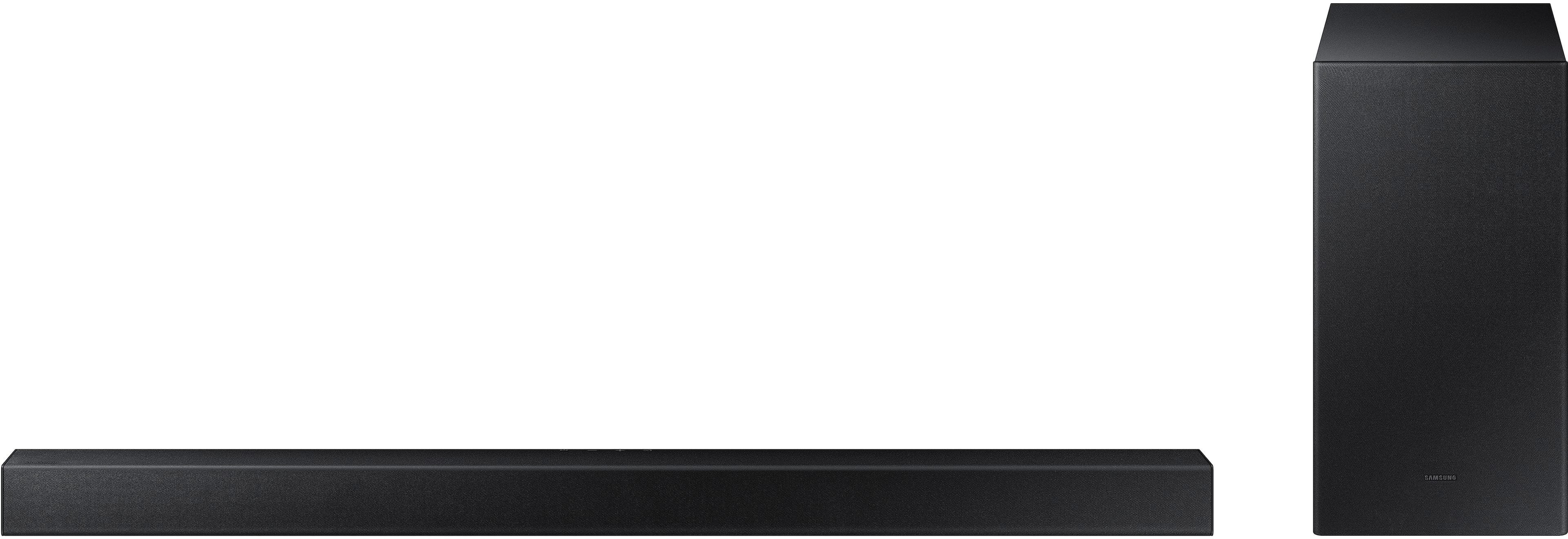
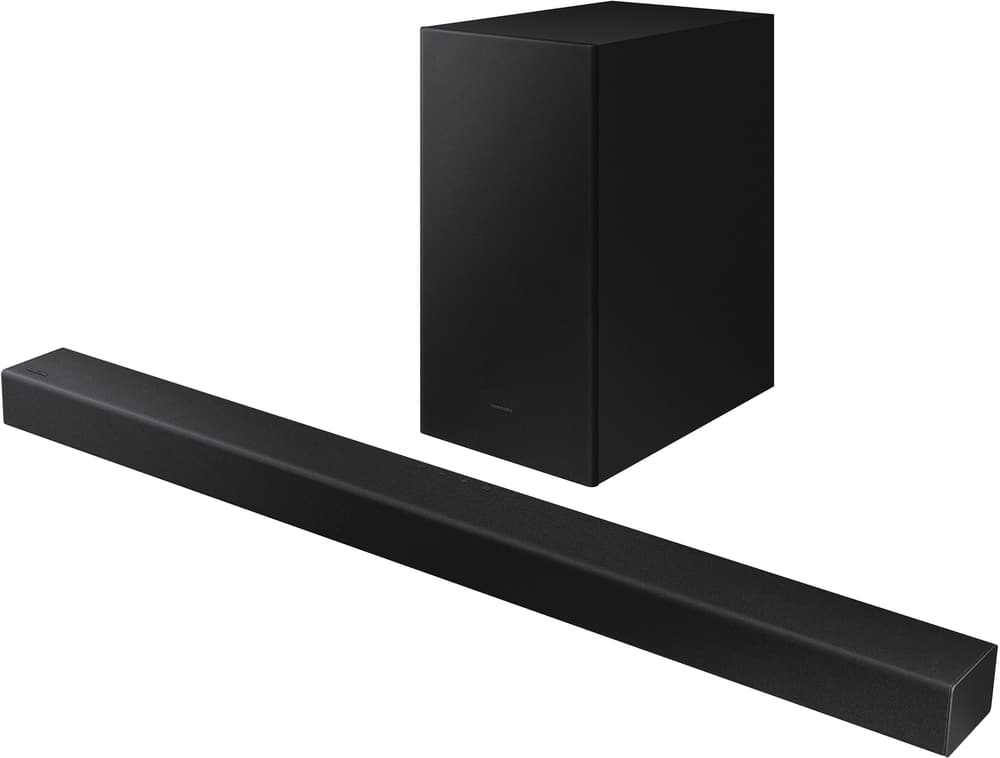
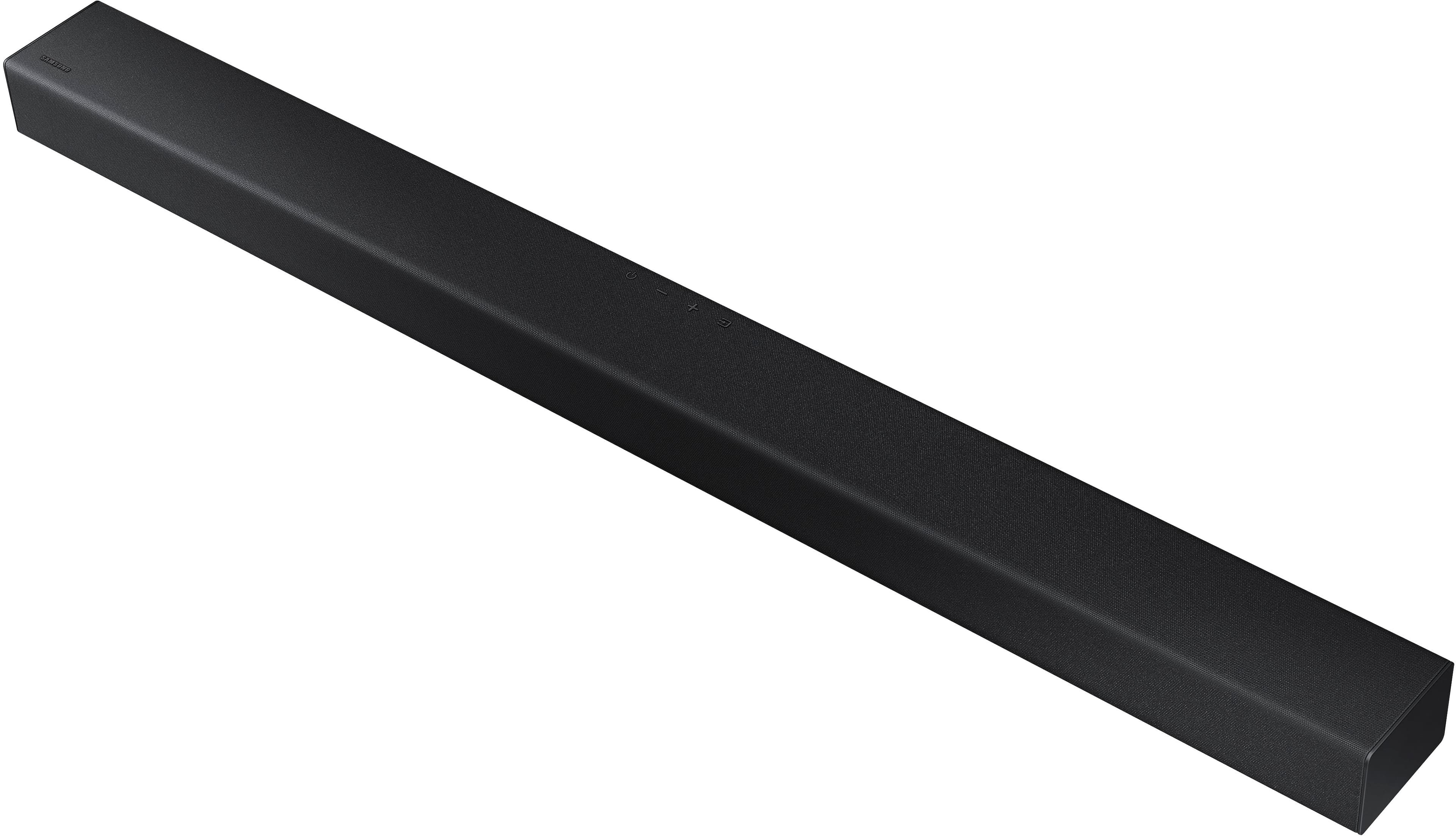
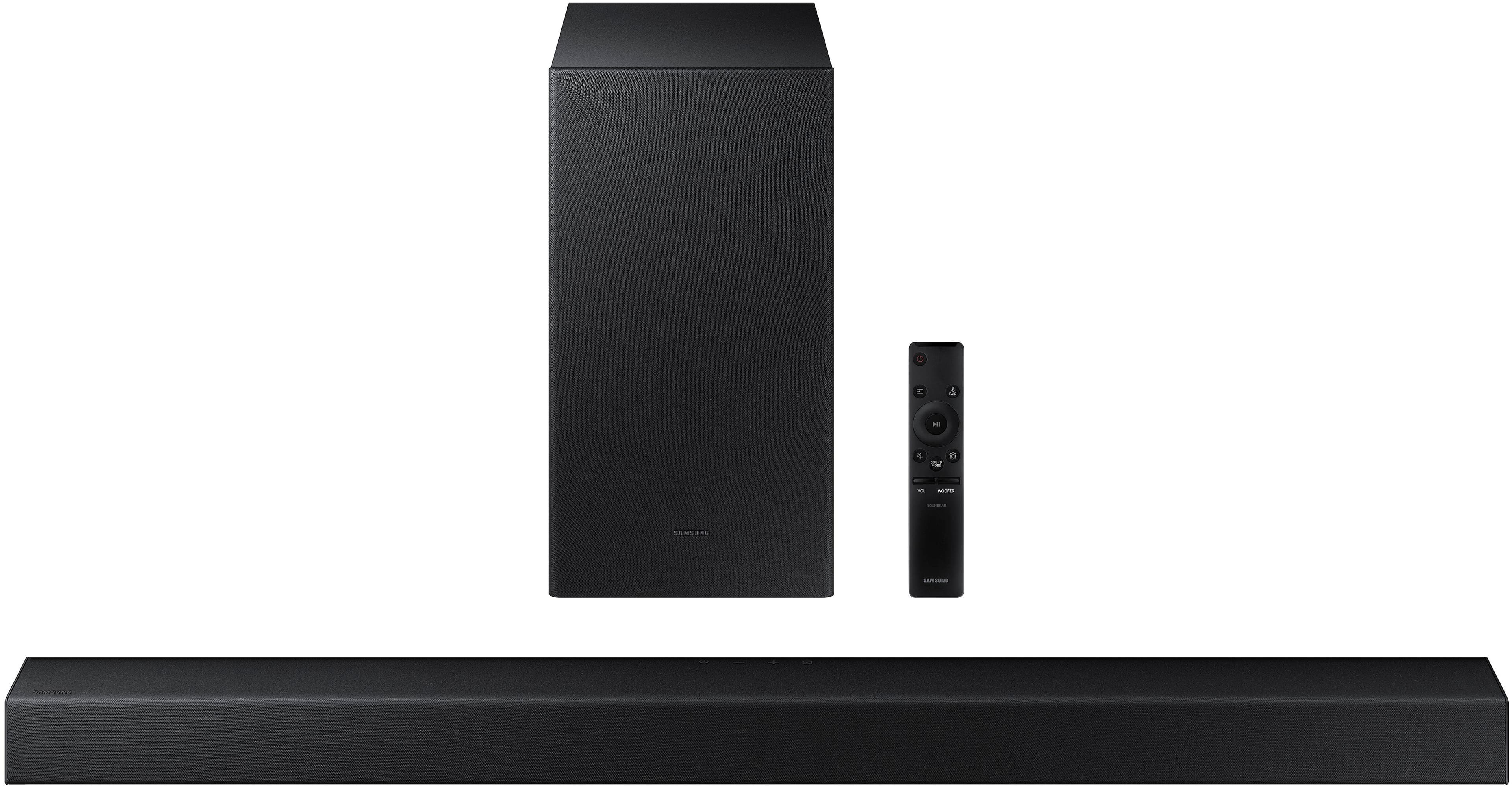
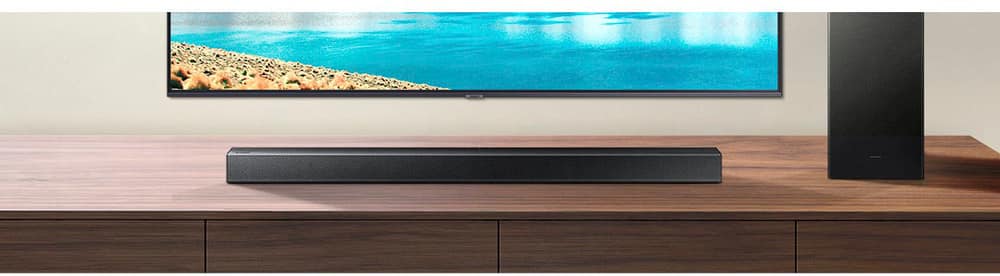
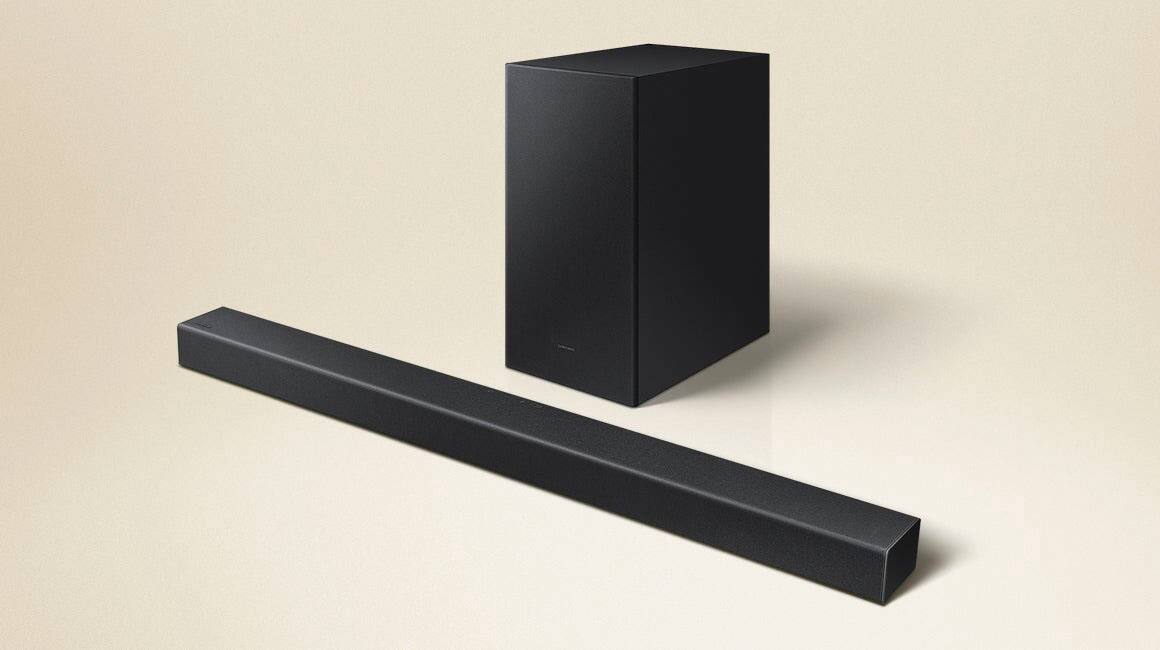
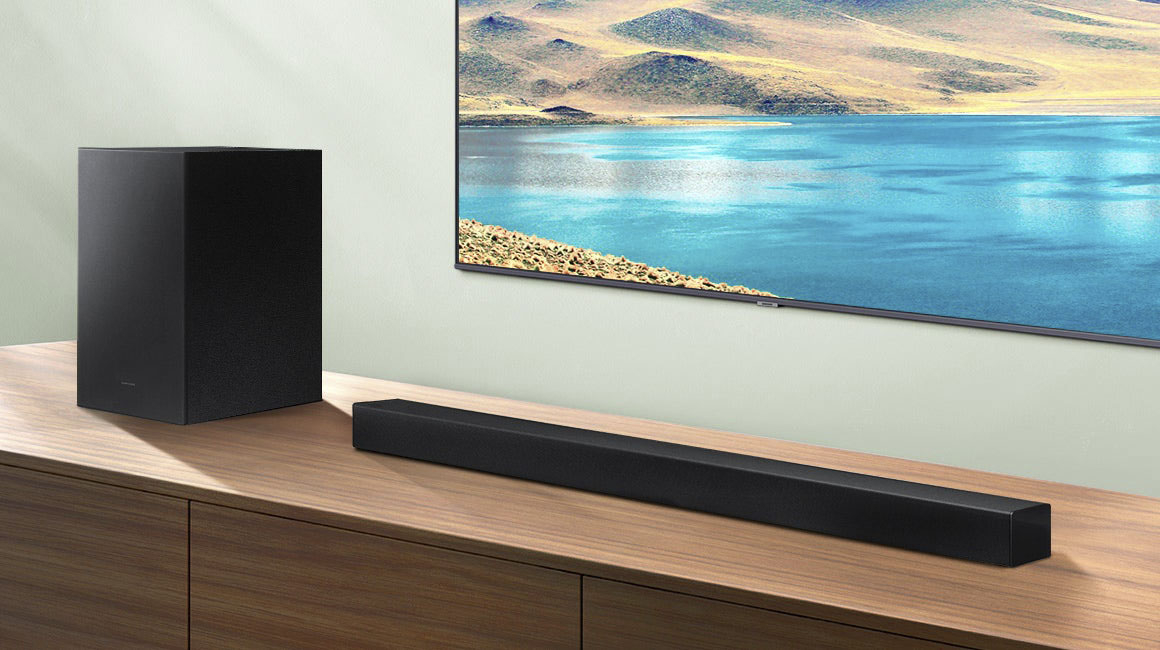
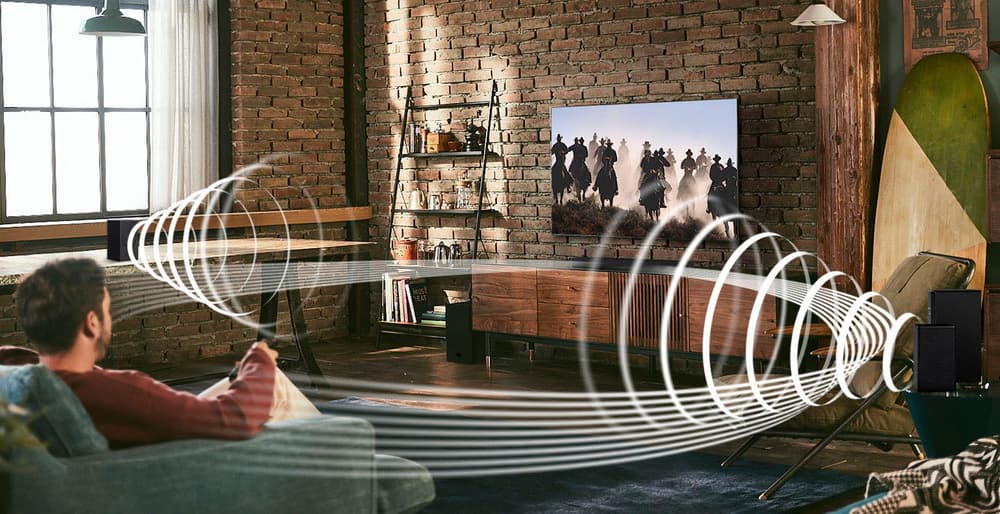
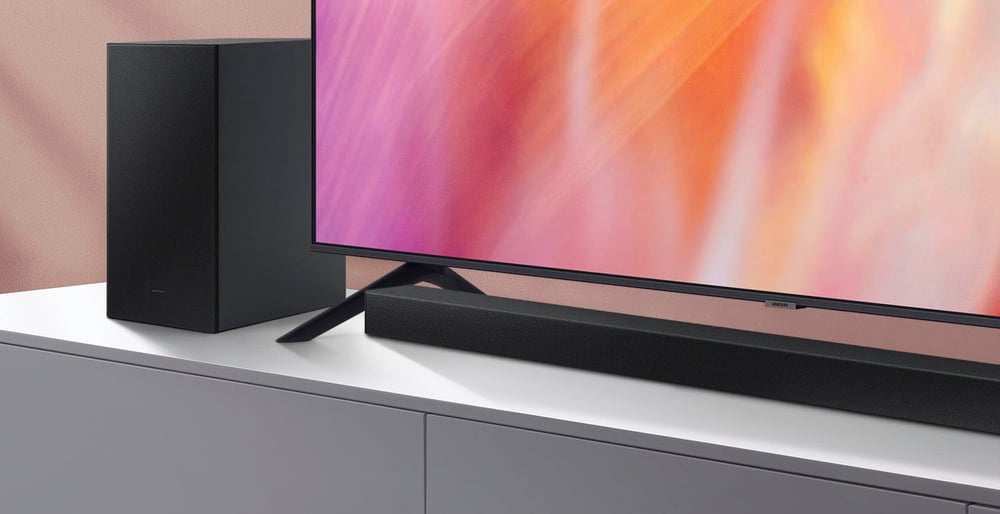
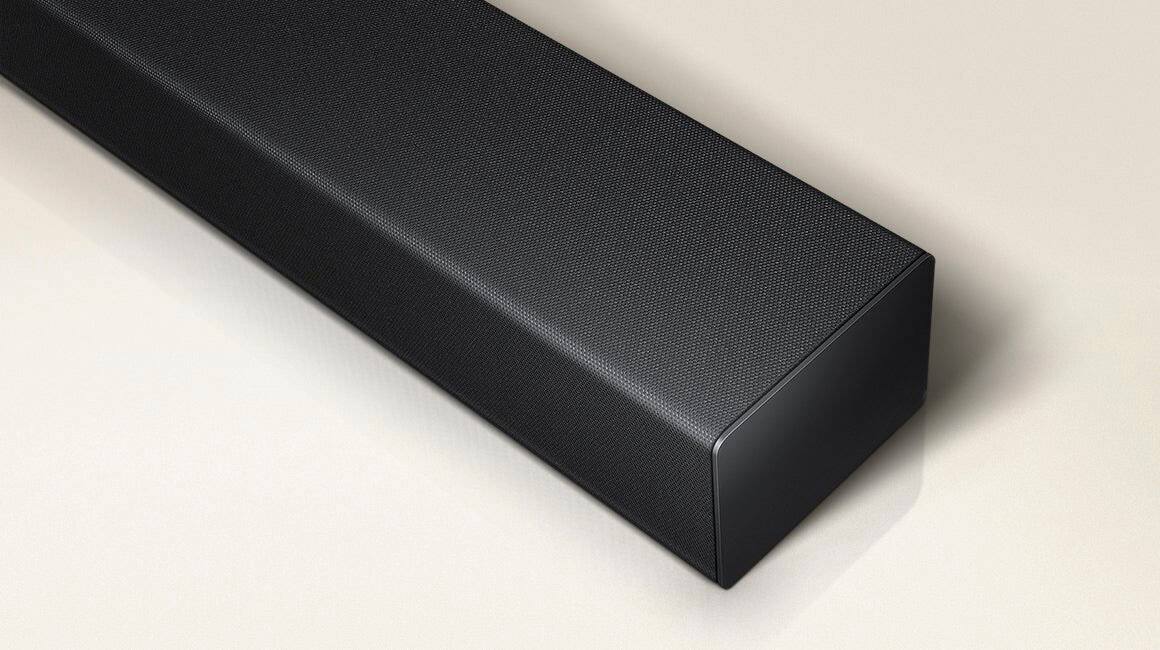
The HW-A430 Soundbar will improve your overall viewing experience by adding more high ends, mid tones and bass levels with the 2.1 channels. Additionally you will be able to increase the volume on the soundbar from 0 to 100.
~Samsung Solutions
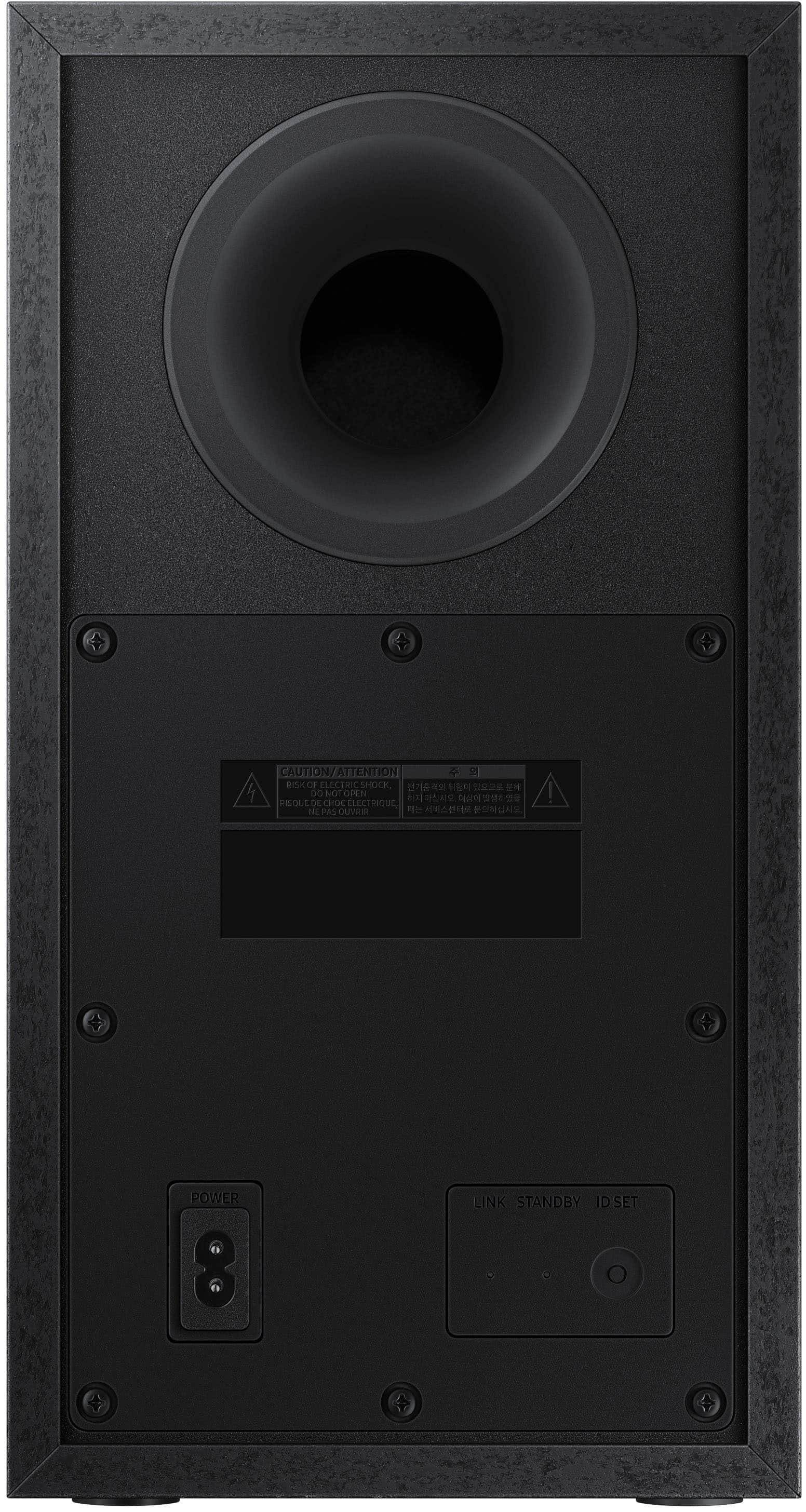
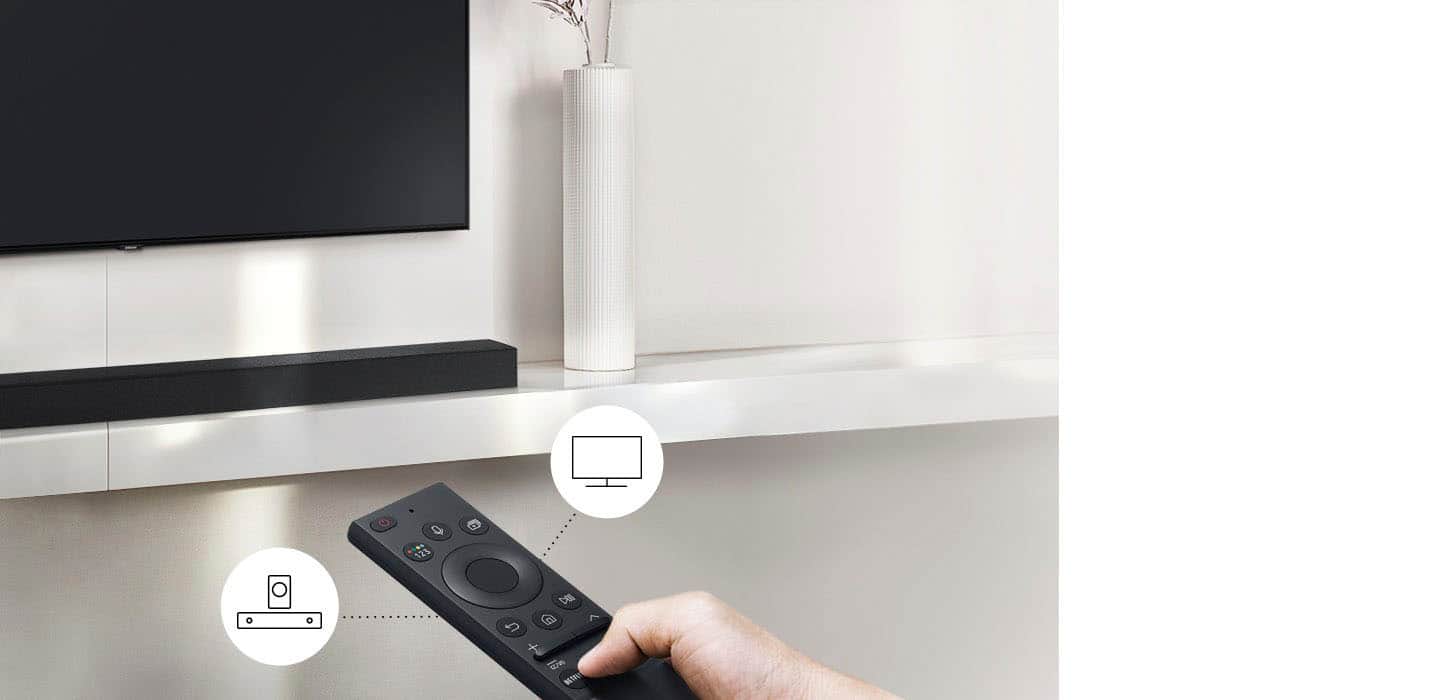
A:AnswerPress the button on the sub for 5 seconds blue light should start fast flashing. On the remote press the top of the circle for 5 seconds. Sound bar should say connected or something along the lines.
A:AnswerIf you buy it from SA it should come with the correct power cord for that country. If you buy it in the US and bring it there it has a US plug.
A:AnswerGo-to Samsung support, there is a firmware upgrade available. You will need a USB thumb drive. Best buy typically has a 14 return policy. Longer during the holiday season
A:AnswerIt may help if you turn the treble up, I put my treble and bass on +2 And depending on the movie I actually turn down the subwoofer to -2 sometimes -6
A:AnswerHi Freeman13,
So that we can better assist with this concern, please contact Samsung Support on Facebook or Chat with us on the Samsung website. You can also reach us at 1-800-SAMSUNG / Available 8AM - 12AM EST, 7 days a week.
^Andrew
A:AnswerHi Nick,
Go to the URL: https://www.samsung.com/us/support/warranty/?model=N0054639 and register your product.
You can view the full details of your warranty here: https://www.samsung.com/us/support/service/warranty/HW-A430/ZA
^Andrew
A:AnswerHi Spencer,
Make sure that your Soundbar is on the latest firmware (ver. 1015) by connecting a USB drive that contains the firmware to the SERVICE port of the Soundbar.
For further assistance, please contact Samsung Customer Support at 1-800-SAMSUNG / Available 8AM – 12AM EST 7 days a week.
^Andrew