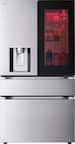
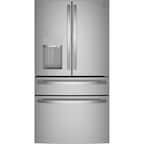
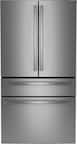
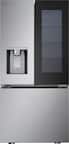
A:AnswerMy purchase came with installation. I paid for water install. I also purchased additional filter for future. I am not sure if it came with purchase because I paid for more service.
A:AnswerYou will be able to remove the one next to the cabinets, I have the same space with a wall to the right, and to get that drawer out for cleaning I need to pull the fridge to the front. It opens good to get food out of it, tho.
A:AnswerHi there,
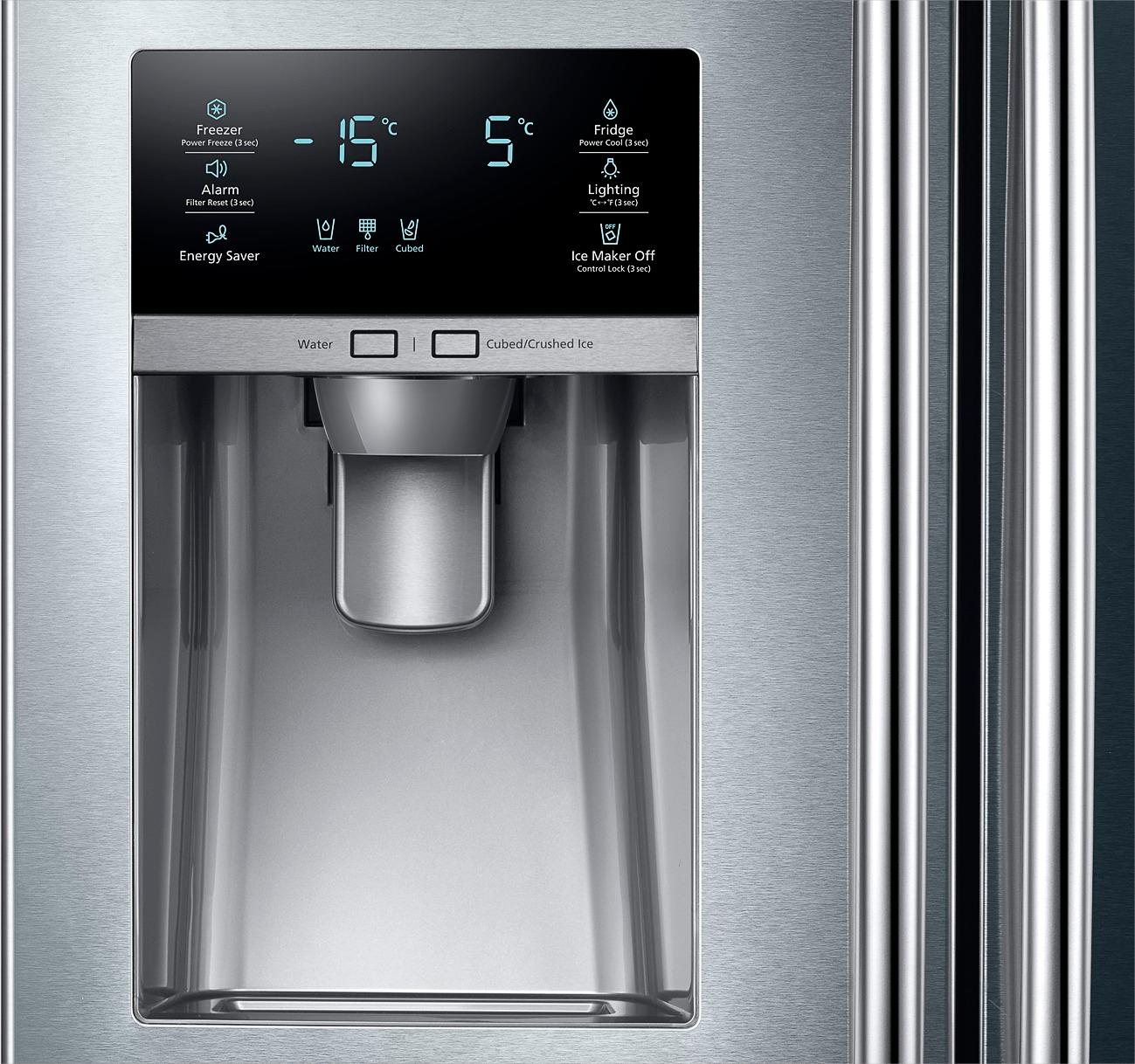
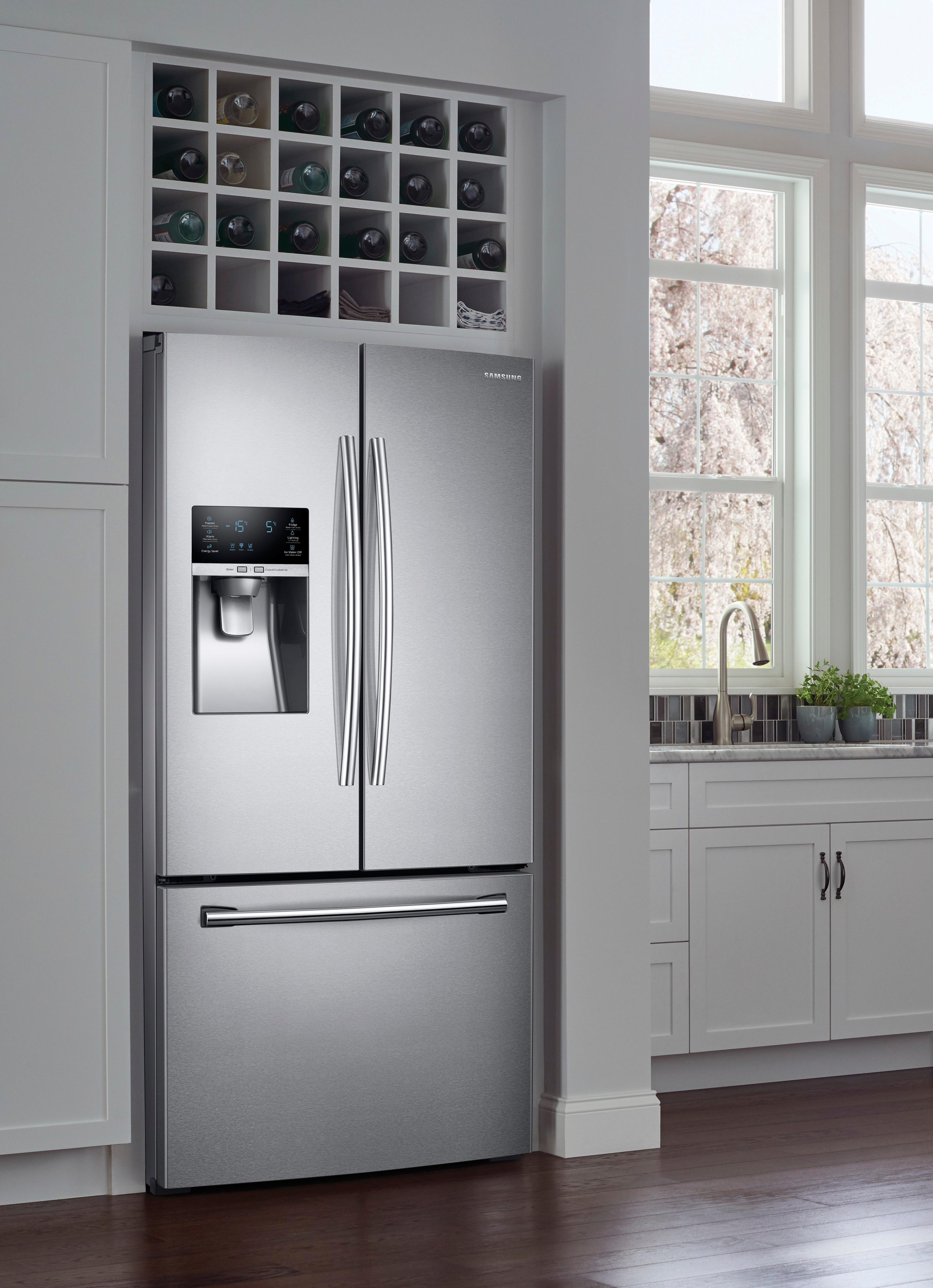
I see that your Display Panel is Child Locked. I can help with that. On the lower right corner, PRESS the Ice Maker Off button and HOLD for 3 seconds. Child Lock will disengage and you will be able to use your control panel. Thank you for choosing Samsung. ^Brad
A:AnswerWe removed it by popping the white plastic square in each corner of the back of the glass.. The squares broke off and we didn’t put them back but I was able to remove the glass, clean it and placed it back. I hope this helps.
A:AnswerHey MKK,
I understand your situation and can imagine how frustrating it must be. I encourage you to get in contact with us. We will be more than happy to have a tech go out and help you. Please contact us via Facebook Messenger: http://m.me/samsungsupport
Twitter: https://bit.ly/2pTYDc7
LiveChat or Email: https://bit.ly/2z9FXFrt
or by calling 1-800- SAMSUNG ^Penny
A:AnswerHi TexasBob! The control panel lights automatically shut off if there is no interaction to save energy. Tapping a button or opening a door will cause the display lights to come on again. ^Jecca
A:AnswerHi GrampieDoug! We'd like to speak with you directly about this to ensure we provide accurate information. Please reference ticket number , and contact us through Facebook Messenger: http://m.me/samsungsupport; or Twitter: https://twitter.com/messages/compose?recipient_id=18768513. ^Jecca