Main Content

Questions & Answers

$149.99
Save $50
Comp. Value: $199.99
Page Showing 1-20 of 28 questions
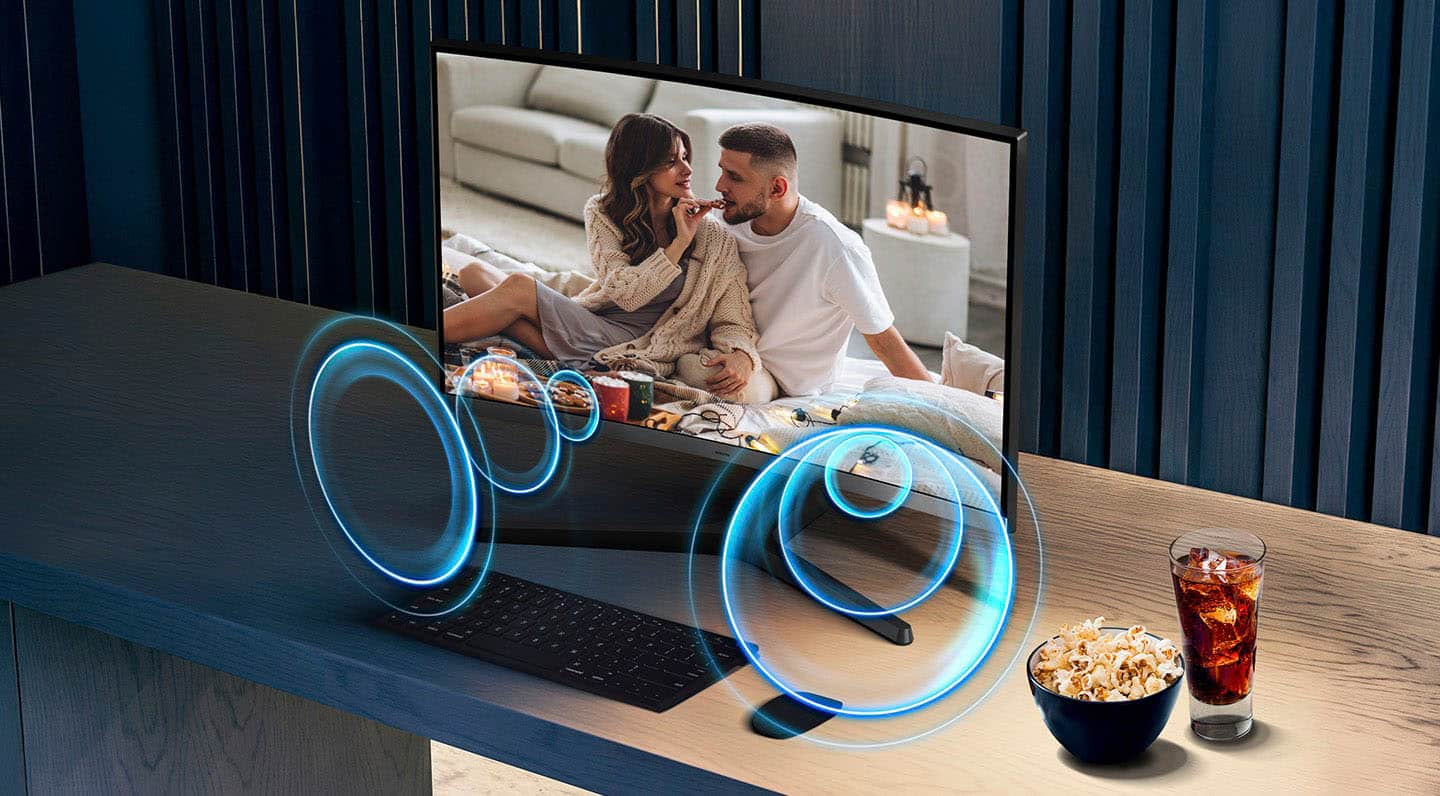
  • QuestionDoes this monitor have built-in speakers?

    • Answer Yes, this monitor has built-in speakers.
    This question and answer was generated by AI based on customer and product data.

  • QuestionWhat is the response time of the monitor?

    • Answer The response time is 4 milliseconds.
    This question and answer was generated by AI based on customer and product data.

  • QuestionIs this monitor wall mountable?

    • Answer Yes, it is wall mountable and compatible with VESA 75mm x 75mm standard.
    This question and answer was generated by AI based on customer and product data.

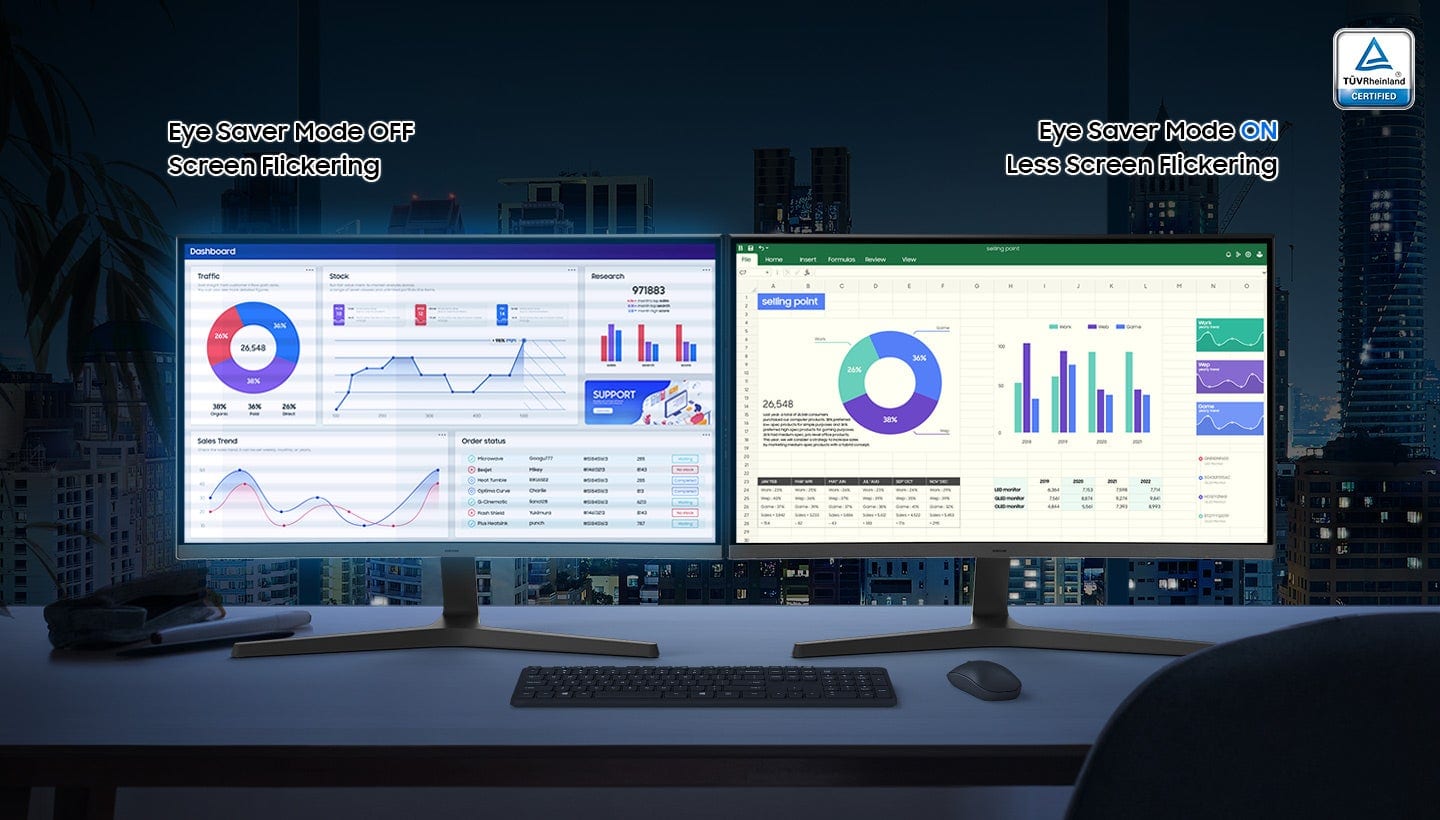
  • QuestionHow does the Eye Saver Mode work?

    • Answer Eye Saver Mode reduces eye strain by minimizing blue light and reducing screen flicker. It's certified by TÜV for advanced eye comfort.
    This question and answer was generated by AI based on customer and product data.

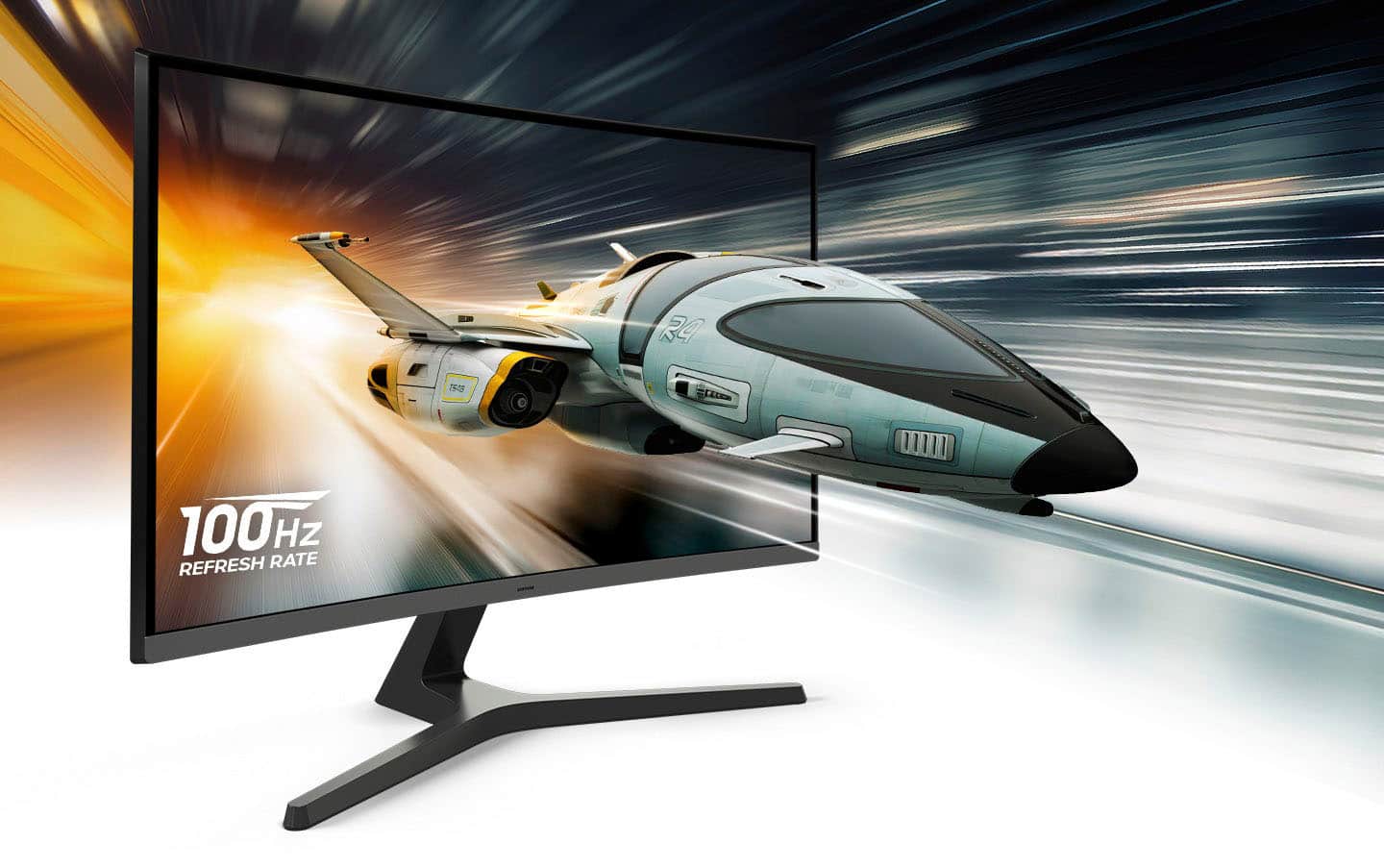
  • QuestionWhat is the refresh rate of this monitor?

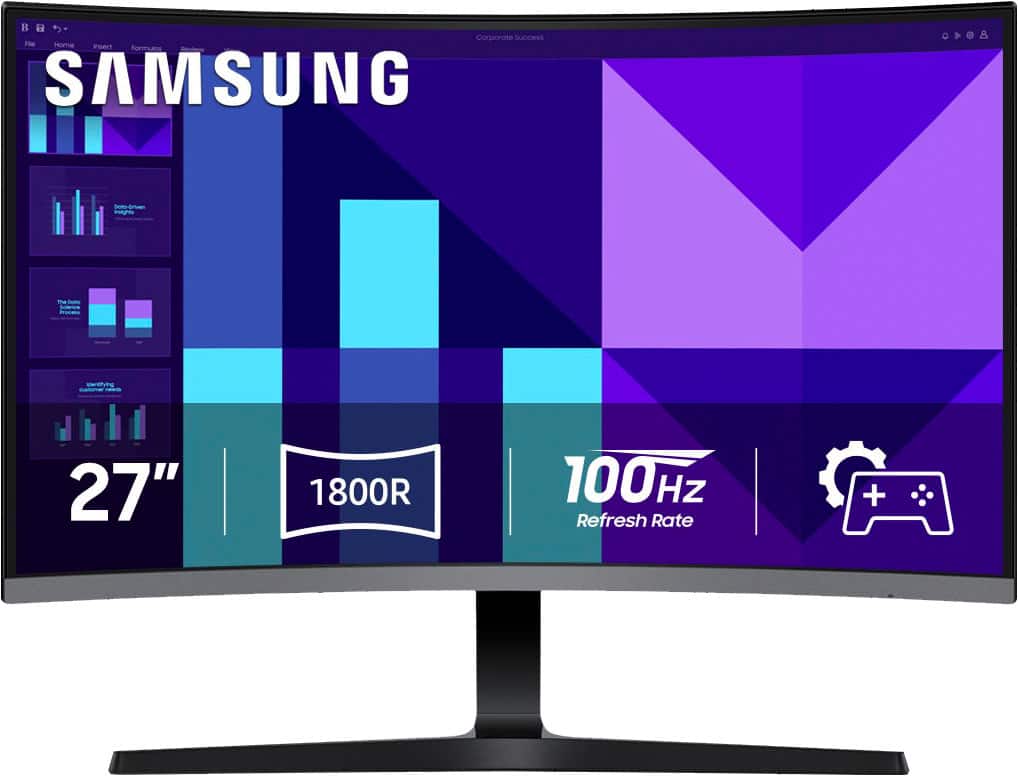
    • Answer The refresh rate of the monitor is 100Hz.
    This question and answer was generated by AI based on customer and product data.

  • QuestionWhat type of panel does this monitor use?

    • Answer This monitor uses a VA panel.
    This question and answer was generated by AI based on customer and product data.

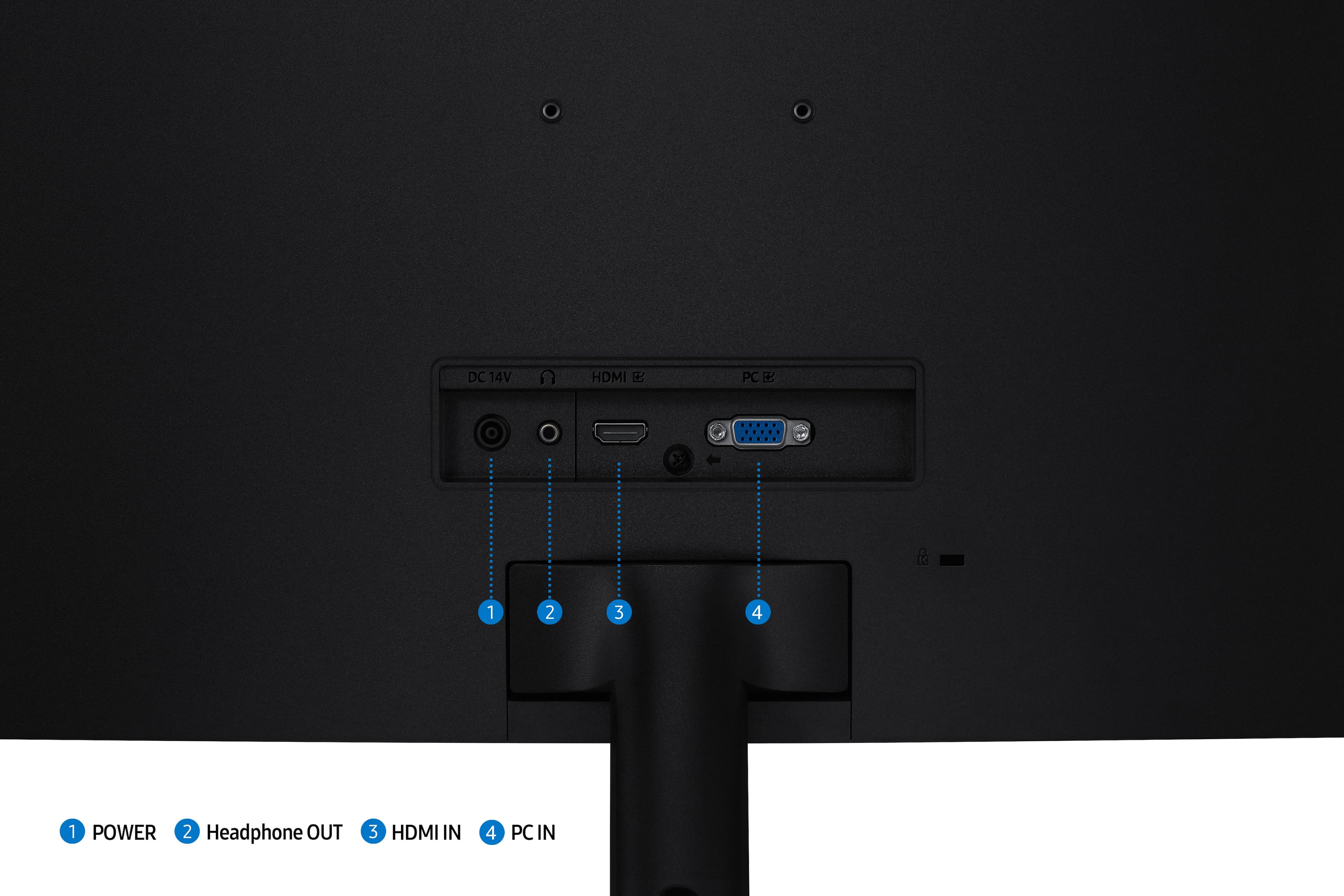
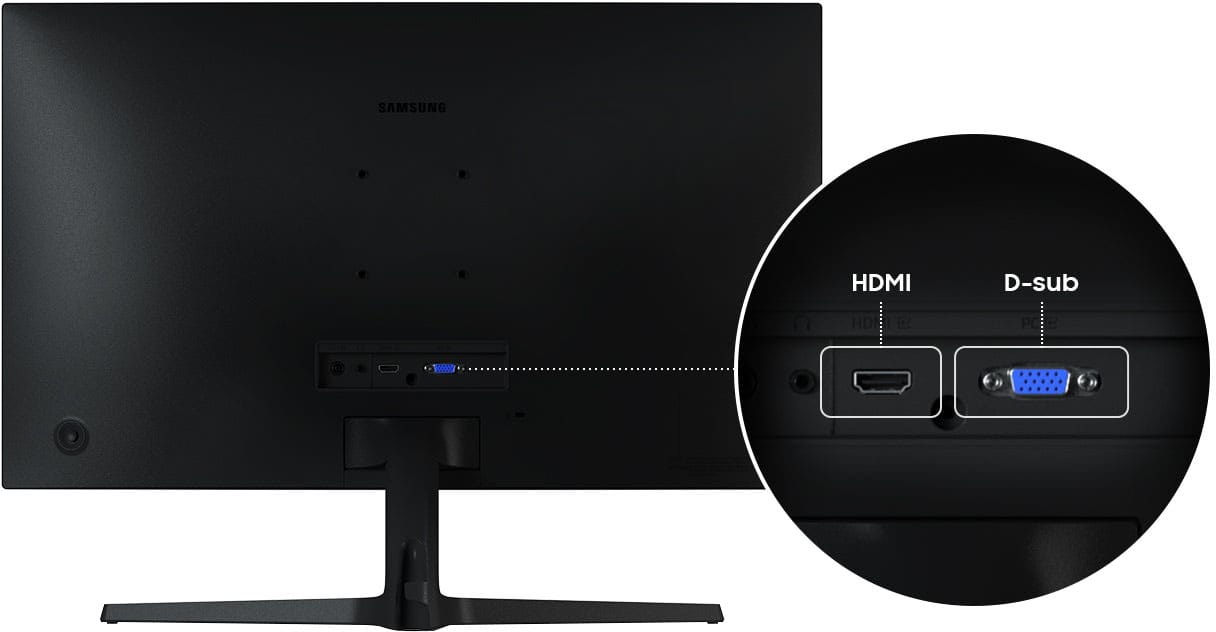
  • QuestionWhat connections does the monitor offer?

    • Answer The monitor offers multiple connectivity options, including HDMI and D-Sub.
    This question and answer was generated by AI based on customer and product data.

  • QuestionIs this monitor compatible with a Macbook Pro?

    Asked by Harper.

    • Answer Yes. I have a MacBook Air with Sequoia 15.7 OS and it works fine, at least so far. I purchased it on 10/04/25 and today was my first time using it, no problems encountered.

      Answered by Anonymous

  • QuestionHow do I increase the volume of the monitor I can barley hear anything

    Asked by Gman.

    • Answer (1) Press the button on the back of the monitor to bring up the menu. (2) Select Menu (UP) (3) Choose System --> Volume (Adjust to 100%) You're welcome!

      Answered by GeezerTX

  • QuestionHow is the sound quality for this monitor? Do you recommend exterior speakers for better sound enhancement?

    Asked by Antwill.

    • Answer Decent Sound. Good for zoom meetings

      Answered by PamelaL

  • QuestionCan I connect this monitor to my laptop for work?

    Asked by Anonymous.

    • Answer Yes, you can connect the Samsung S39GD monitor to your laptop for work, as long as your laptop has a compatible video output. The Samsung S39GD monitor includes the following input ports - HDMI IN and VGA (PC IN). - Samsung Monitors

      Answered by Samsung

  • QuestionDoes it have a type c port?

    Asked by Jones.

    • Answer Jones: No, the Samsung S39GD monitor does not have a USB‑C (Type‑C) port. - Samsung Monitors

      Answered by Samsung

  • QuestionIs this monitor compatible with a MacBook Pro (MacOS Tahoe - M2 Pro)?

    Asked by Sammy.

    • Answer Sammy: Yes, the Samsung S39GD is compatible with a MacBook Pro (macOS Tahoe – M2 Pro). - Samsung Monitors

      Answered by Samsung

  • QuestionIs this unit good for office work?

    Asked by cauldweii.

    • Answer cauldweii: Yes, the Samsung S39GD is a good monitor for typical office work. Full HD (1080p) is great for everyday productivity tasks such as email, spreadsheets, documents, and browsing. The S39GD supports a 100Hz refresh rate, which provides noticeably smoother motion than traditional 60Hz monitors, helpful for scrolling through documents and multitasking. The monitor also includes HDMI IN, making it easy to connect to most work laptops (including MacBooks with an adapter). It also includes a VGA port for older devices. The S39GD offers Eye Saver Mode and reduced blue light + flicker control, which are ideal for long work sessions. - Samsung Monitors

      Answered by Samsung

  • Questioncan this monitor be used as dual monitor?

    Asked by lisa.

    • Answer lisa: Yes, the Samsung S39GD monitor can be used as part of a dual‑monitor setup. Because it has standard video inputs, it can be paired with any second monitor as long as your computer has two video outputs. - Samsung Monitors

      Answered by Samsung

  • QuestionDoes monitor come with hdmi cable

    Asked by Anonymous.

    • Answer Yes, a HDMI cable is included. - Samsung Monitors

      Answered by Samsung

  • QuestionCan the monitor be turned vertical?

    Asked by EDTechGuy.

    • Answer EDTechGuy: Unfortunately, no. The Samsung S39GD cannot be turned vertical using its included stand. - Samsung Monitors

      Answered by Samsung

  • QuestionWould this be a decent gaming monitor

    Asked by Angel.

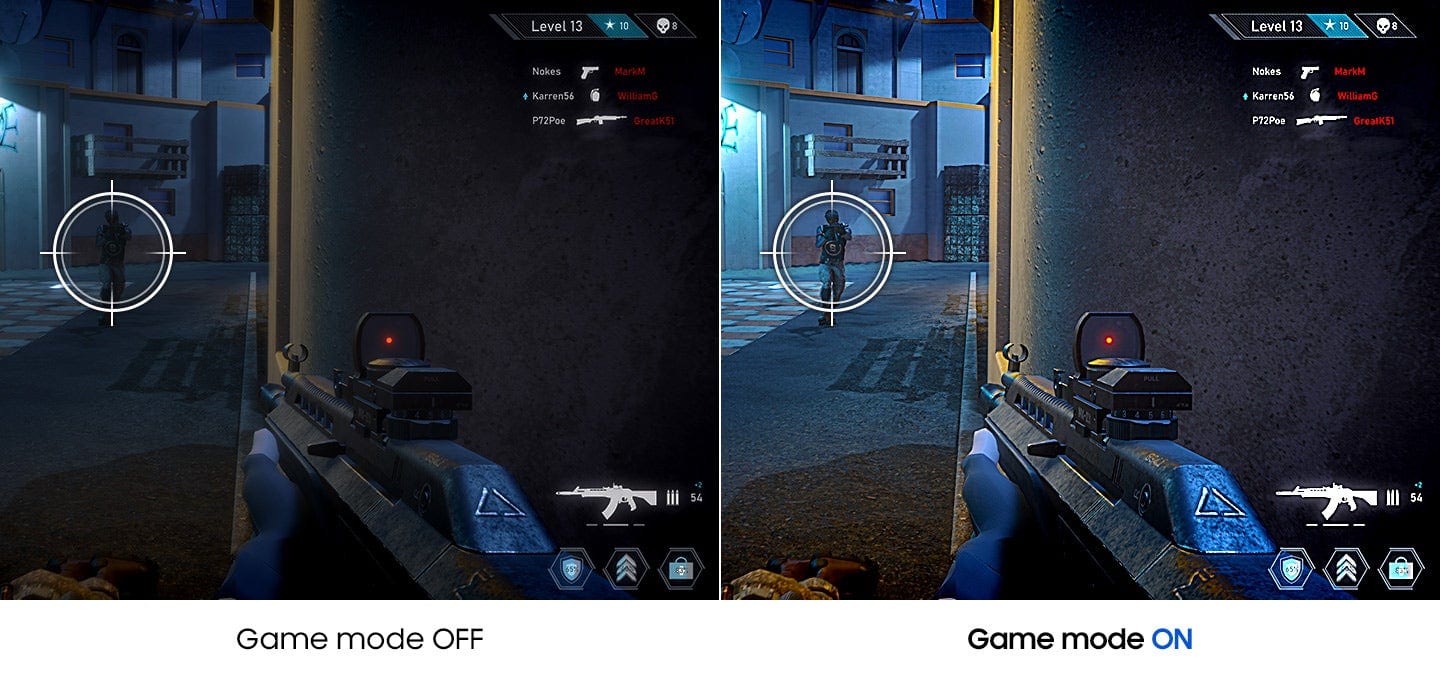
    • Answer Angel: Yes, the S39GD is a great option as a gaming monitor. The 100Hz Refresh Rate reduces lag and motion blur when playing games, watching videos, or working on creative projects. Game Mode with optimizable settings allows color and image contrast to be instantly adjusted, filling the screen with every detail in view. - Samsung Monitors

      Answered by Samsung

  • QuestionCan this be connected to cable tv?

    Asked by Warren.

    • Answer Yes

      Answered by GSquad

  • QuestionIs this compatible with Nintendo and PS 5

    Asked by Anonymous.

    • Answer Yes

      Answered by GregoryS