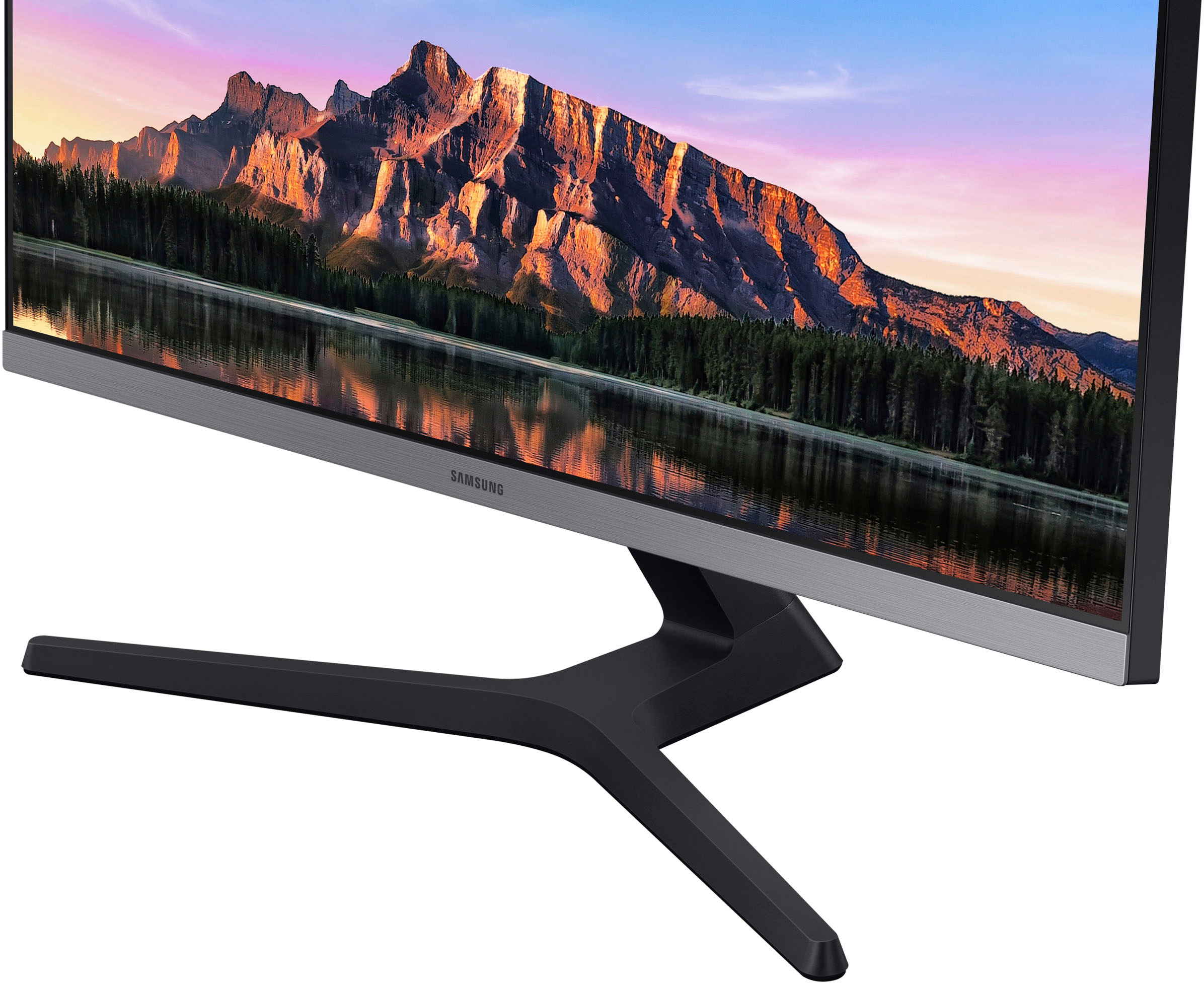
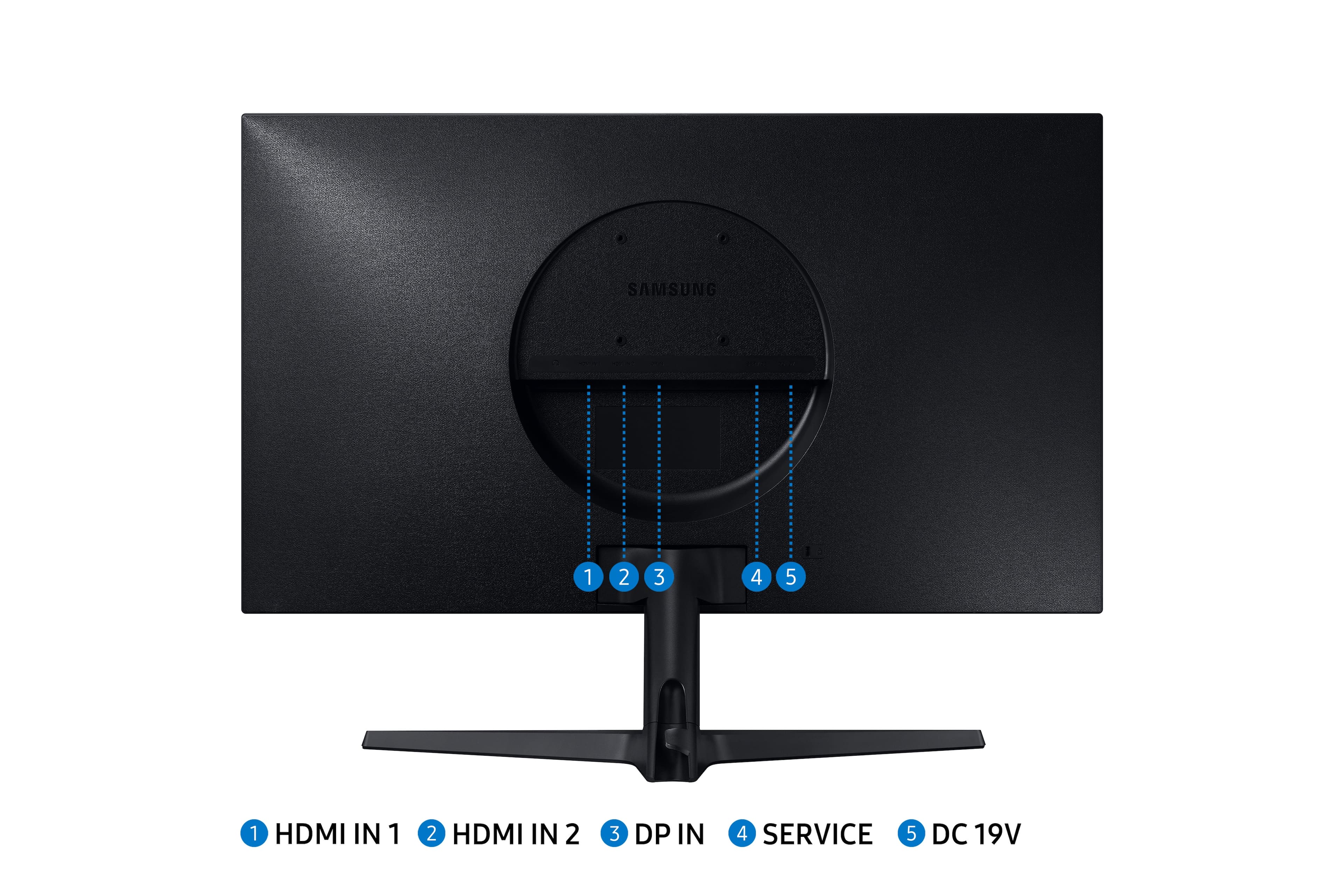
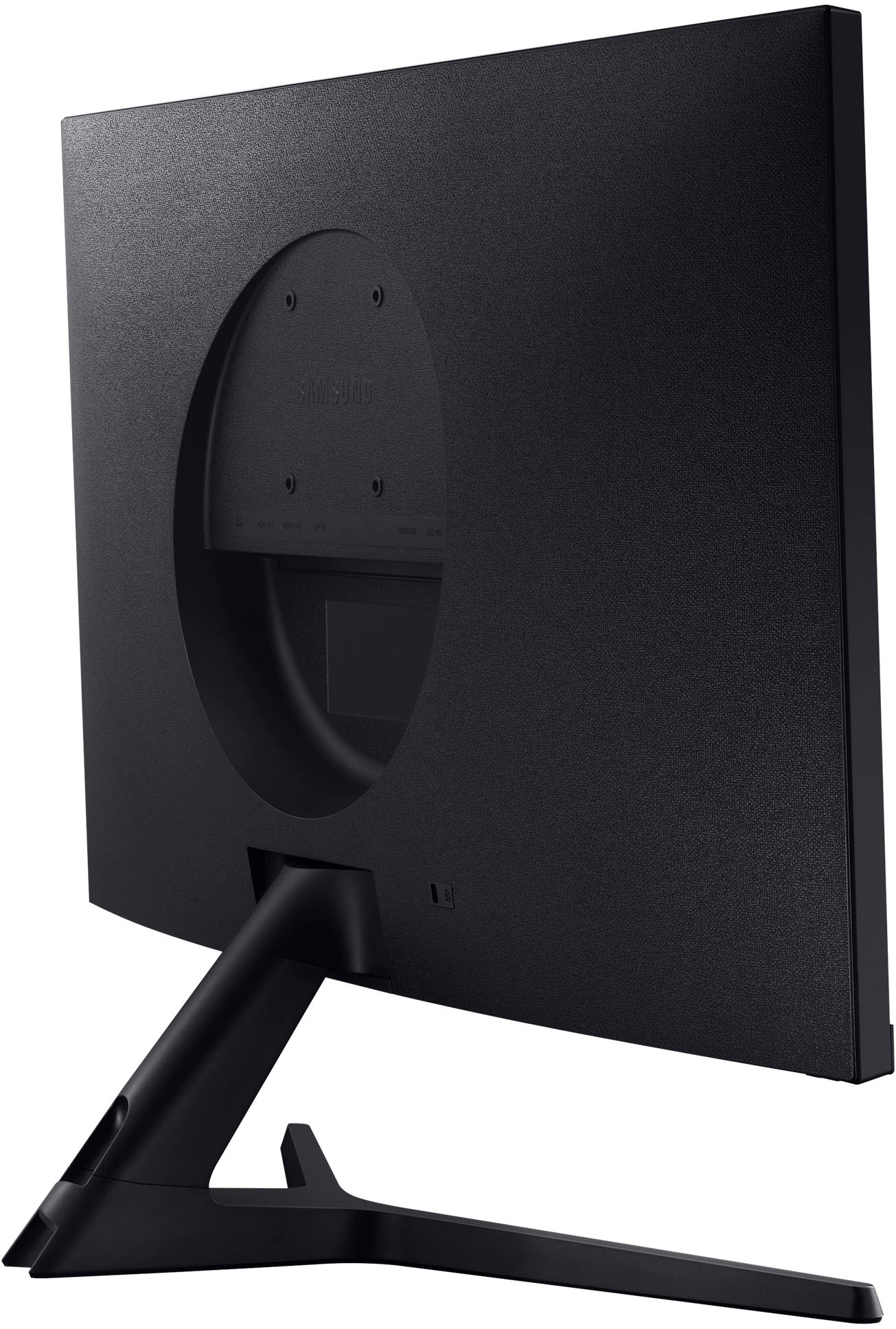
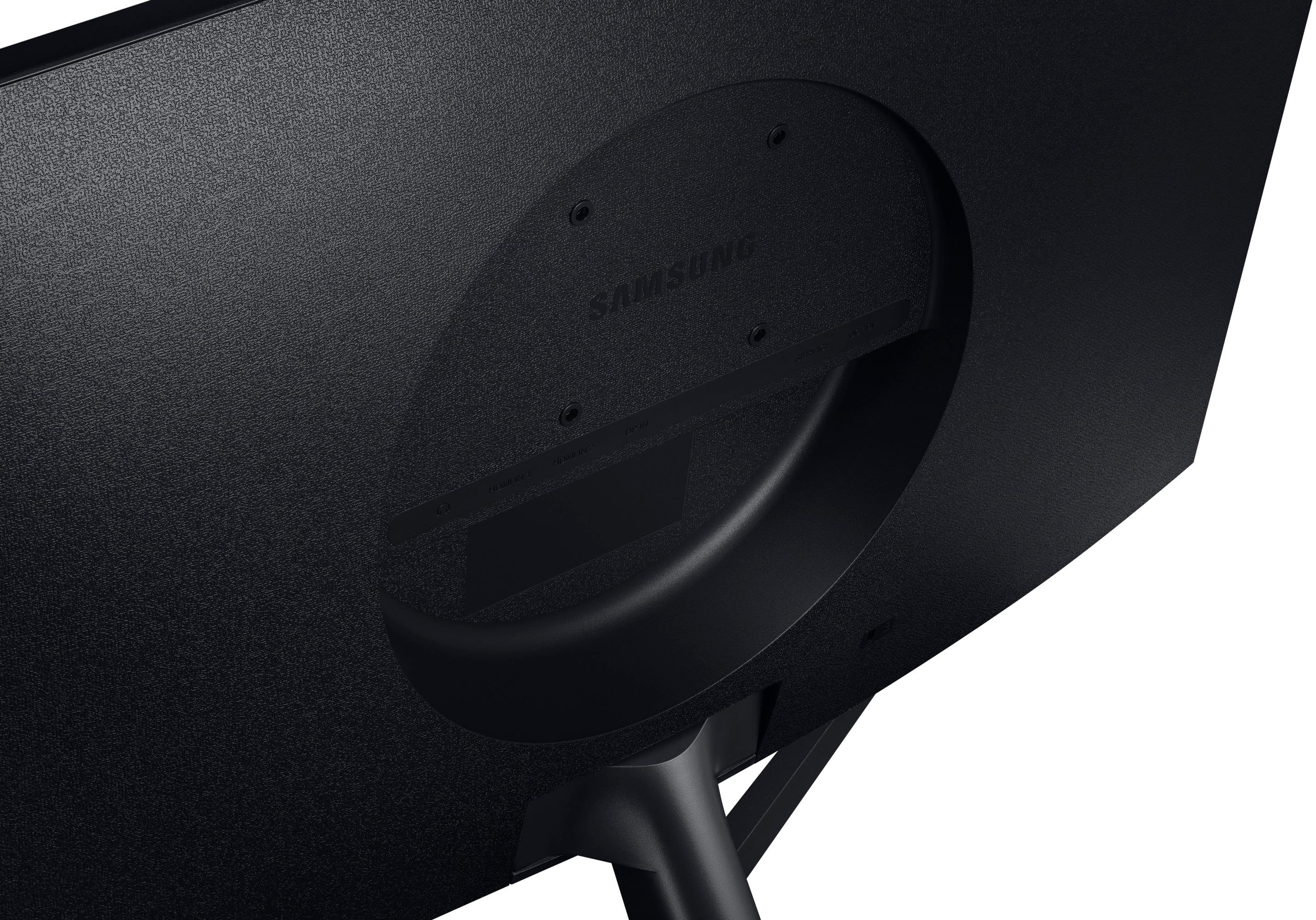
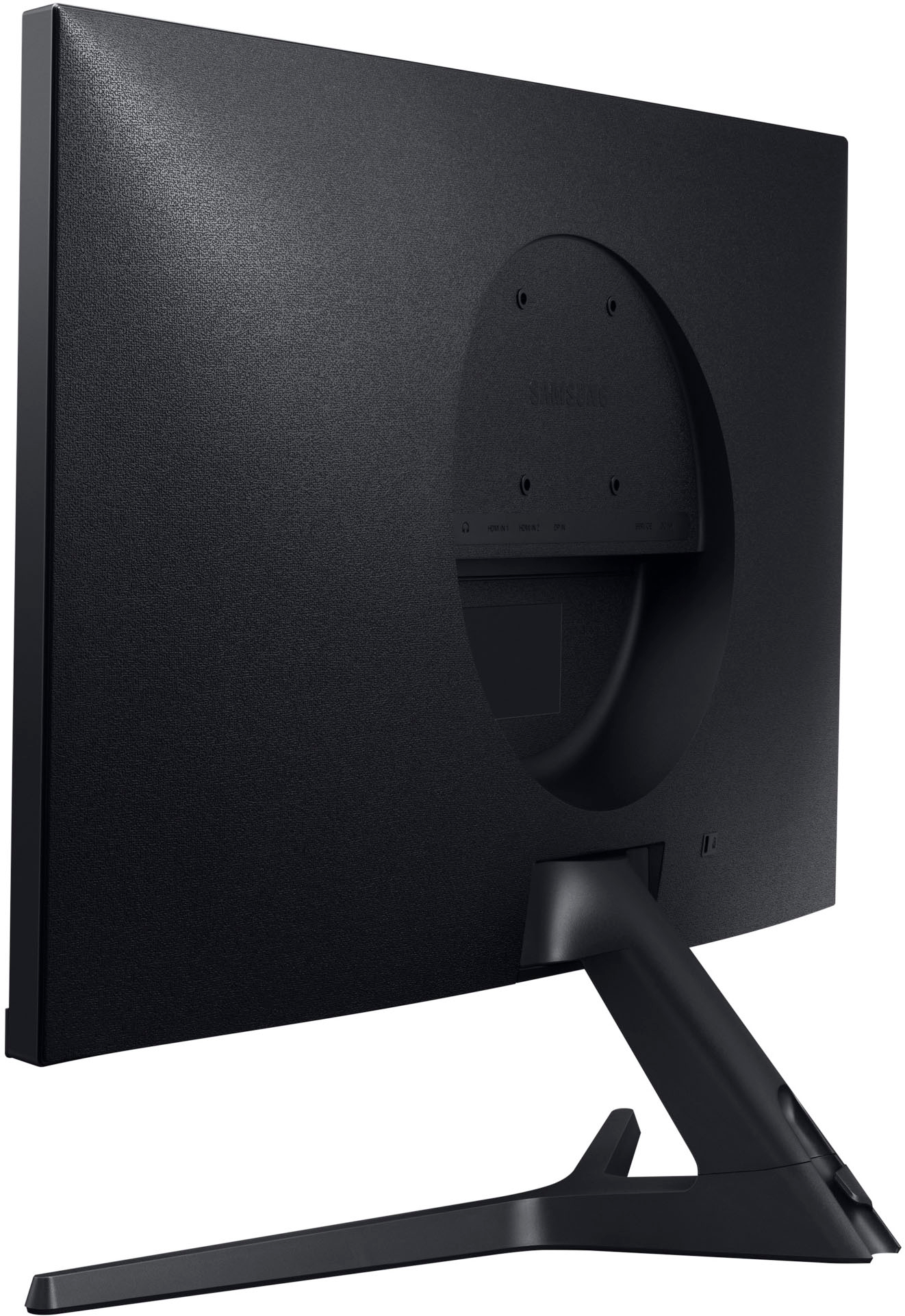
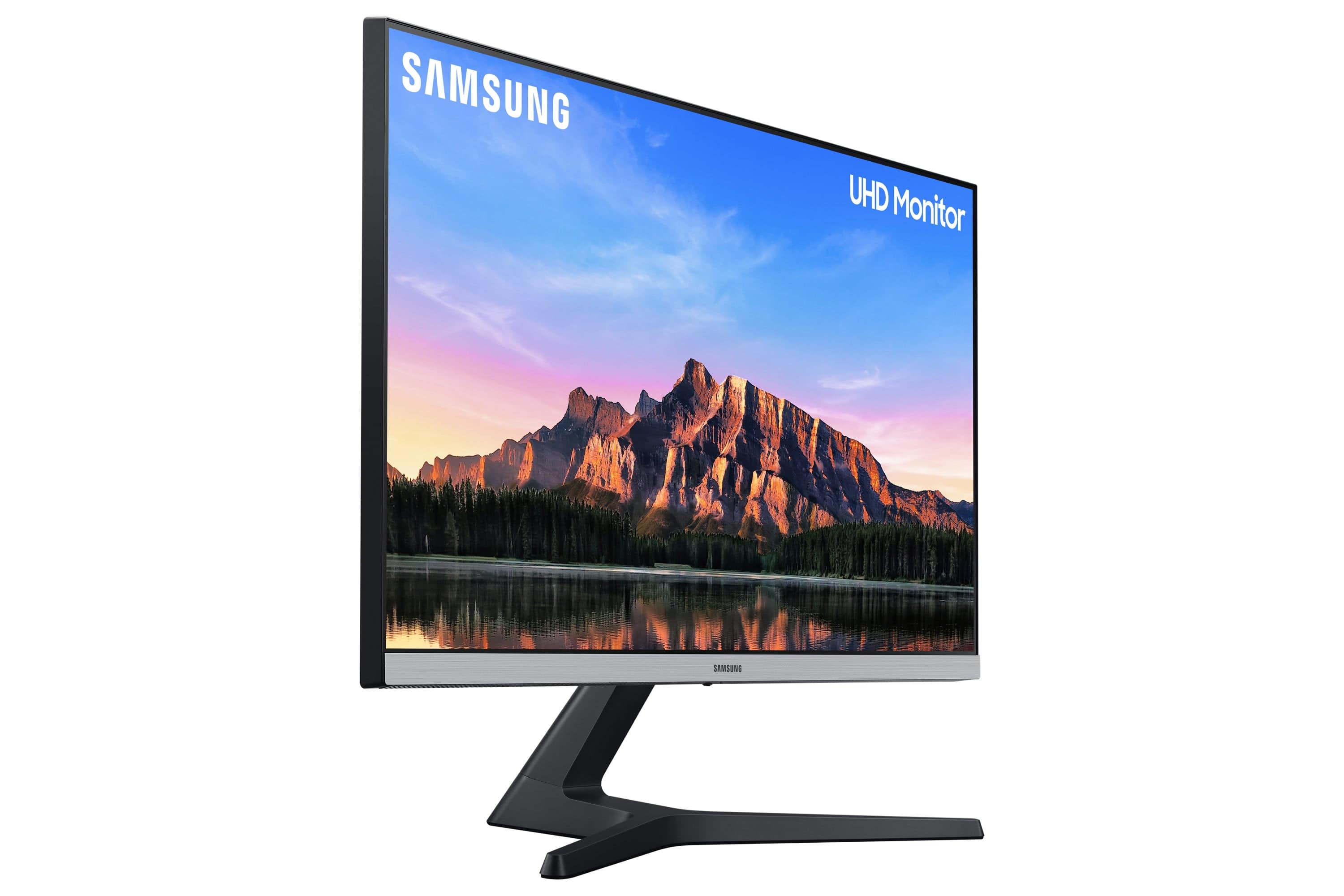
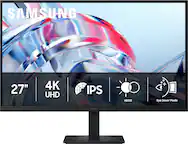
A:AnswerYes it is compatible with the Mac Studio (as well as with the many other Macs we use it with).
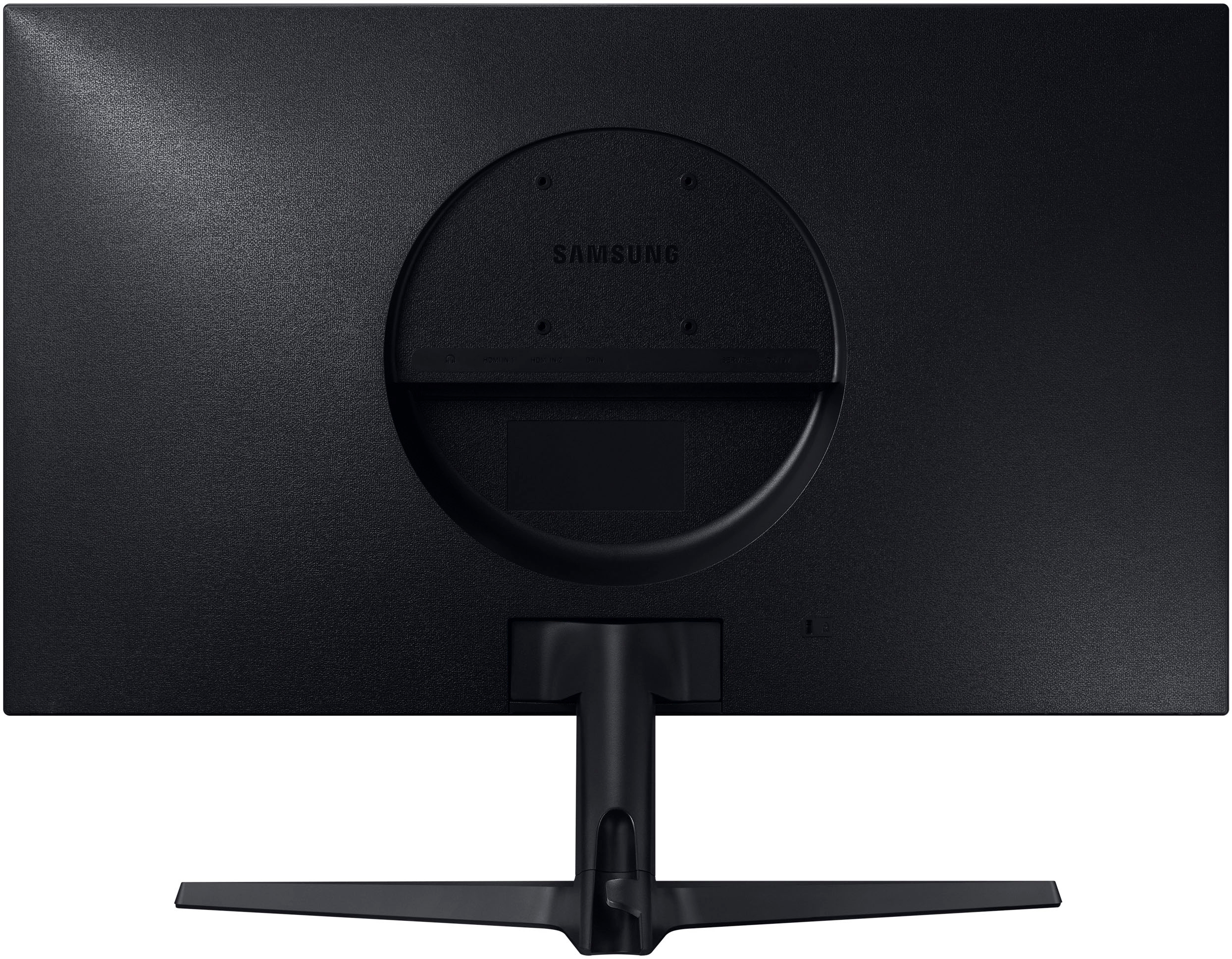
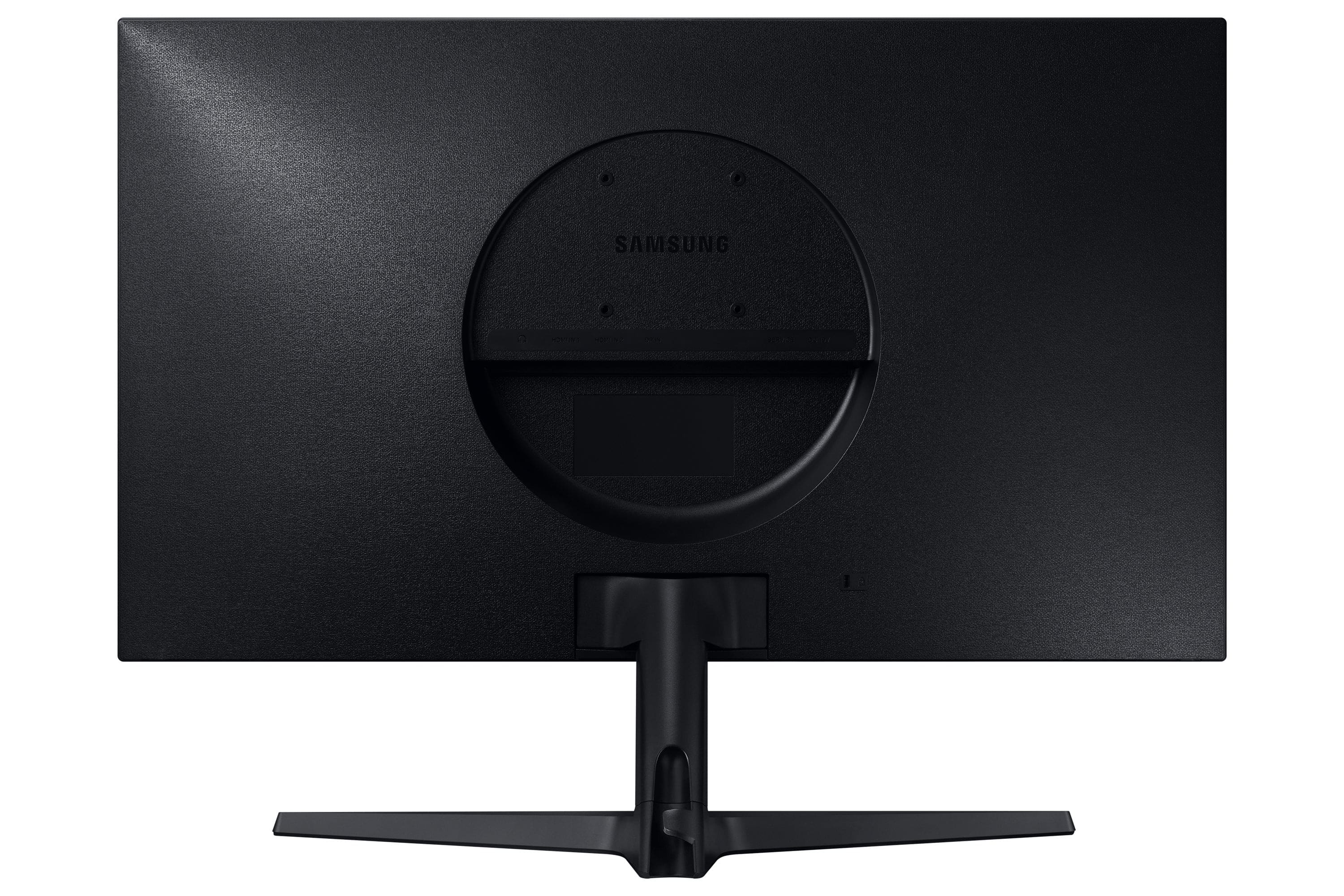
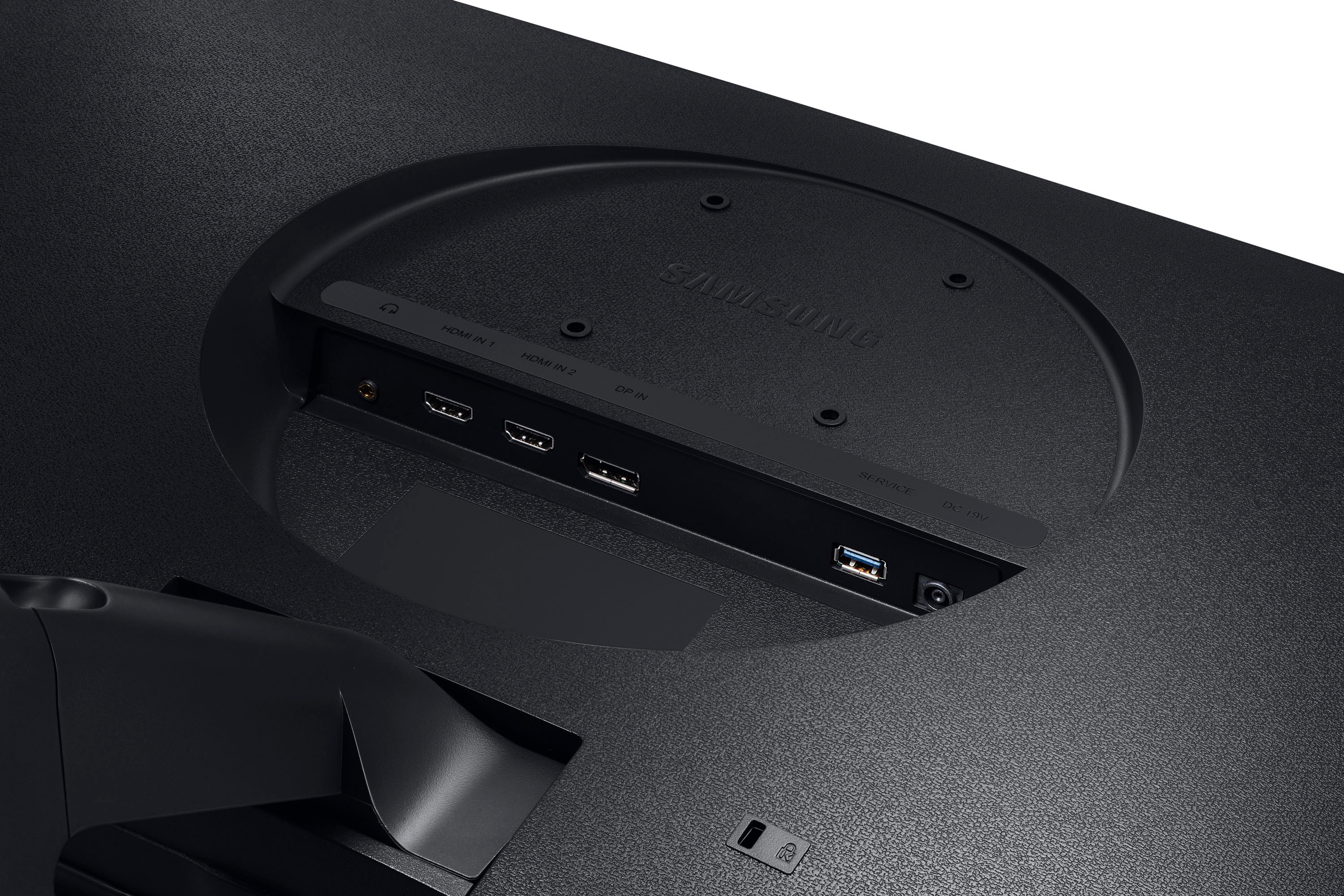
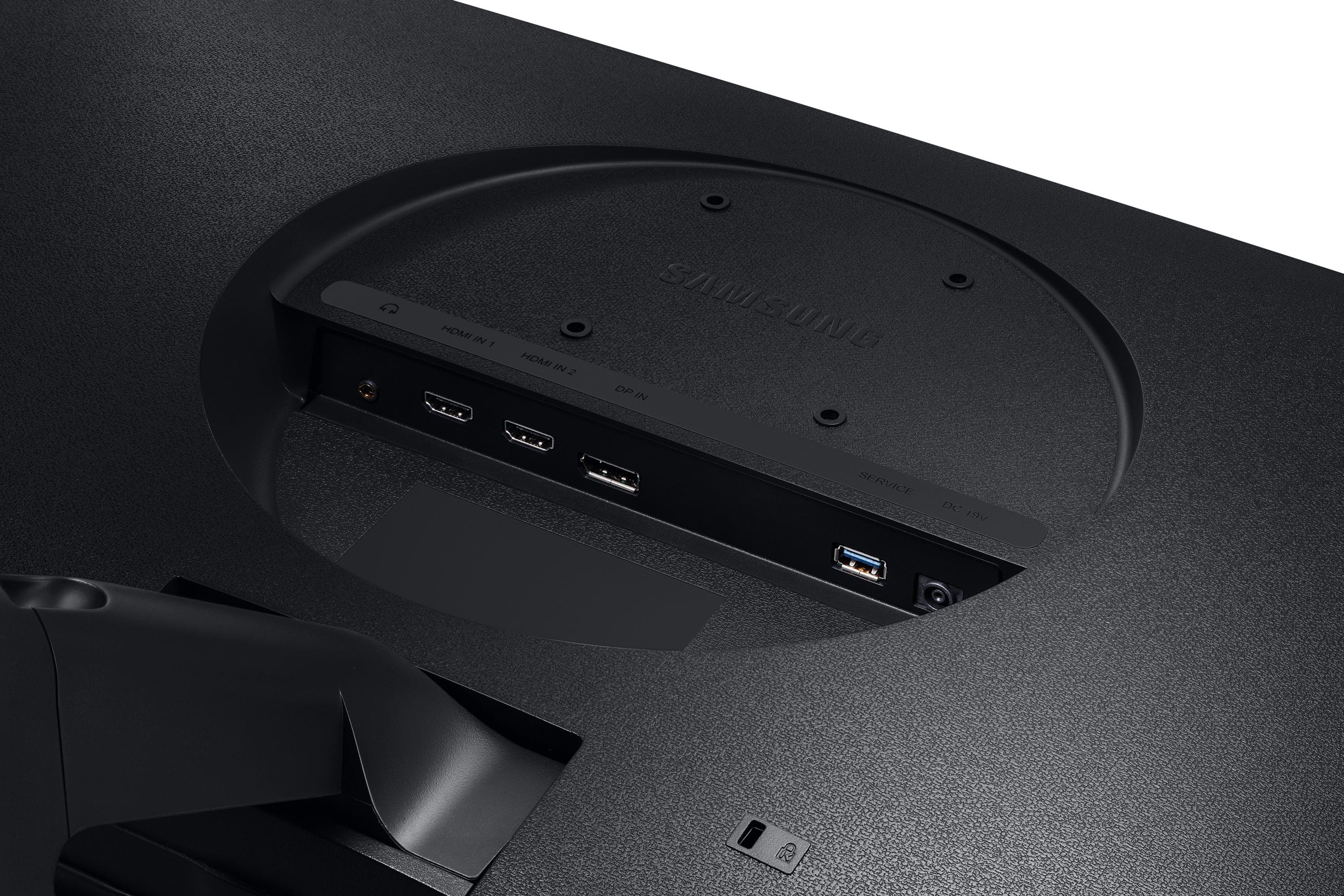
You can use the HDMI to HDMI cable included with the monitor, or a USB-C to Display Port cable (not included). In my experience the latter is more stable, although you might not want to give up a USB-C port on the Mac Studio.
A:AnswerI don't believe so. If you need color accuracy for professional work, you may want to look into NEC (or similar) monitors with color calibration hardware. I have 2 of those that work with X-Rite ColorMunki to calibrate for color accuracy for my photo editing.
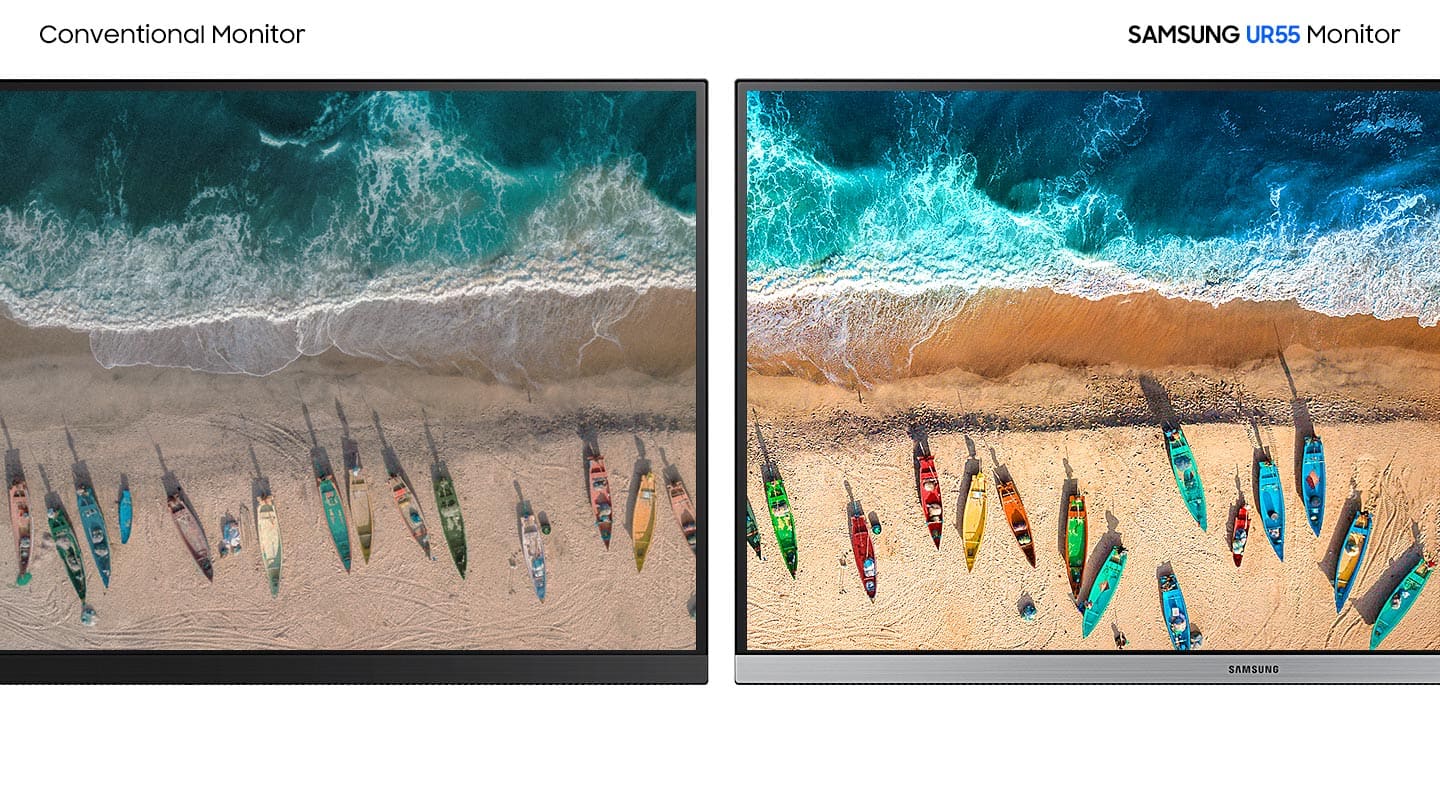
A:AnswerI have not done a calibration but I did change the Color Profile setting on the Mac that (at least by eye) made the colors look like the $1600.00 palate. I chose the Display P3 setting. It gave me good results.
A:AnswerIf it has the ports (hdmi, display port, or use a usb-c adapter for the usb-c port specifically labeled as carrying a video signal), it'll work.