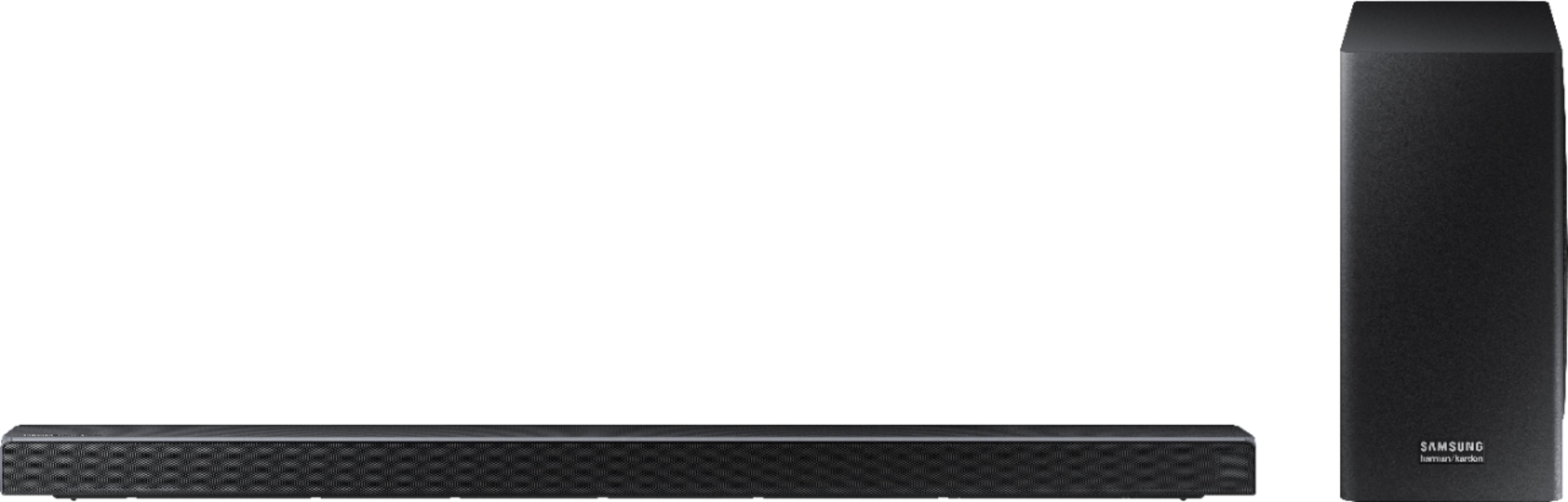
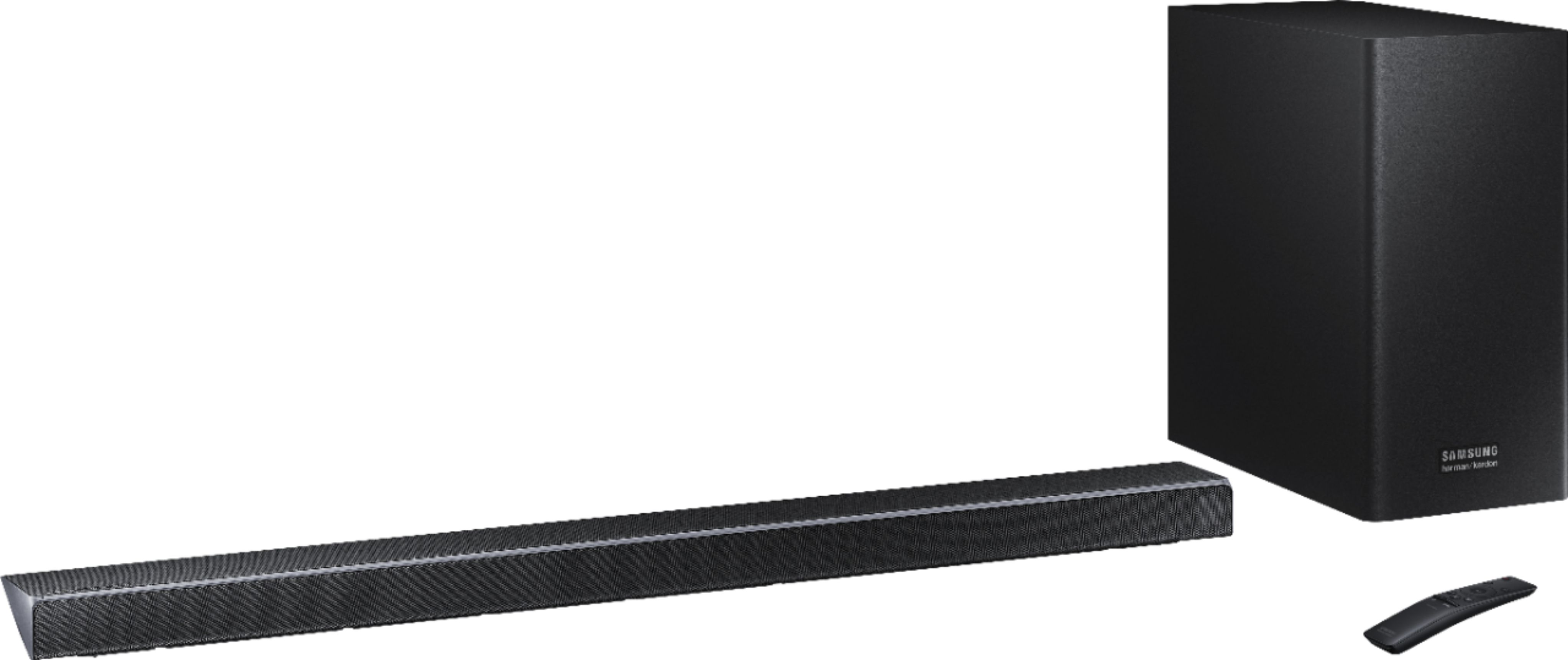
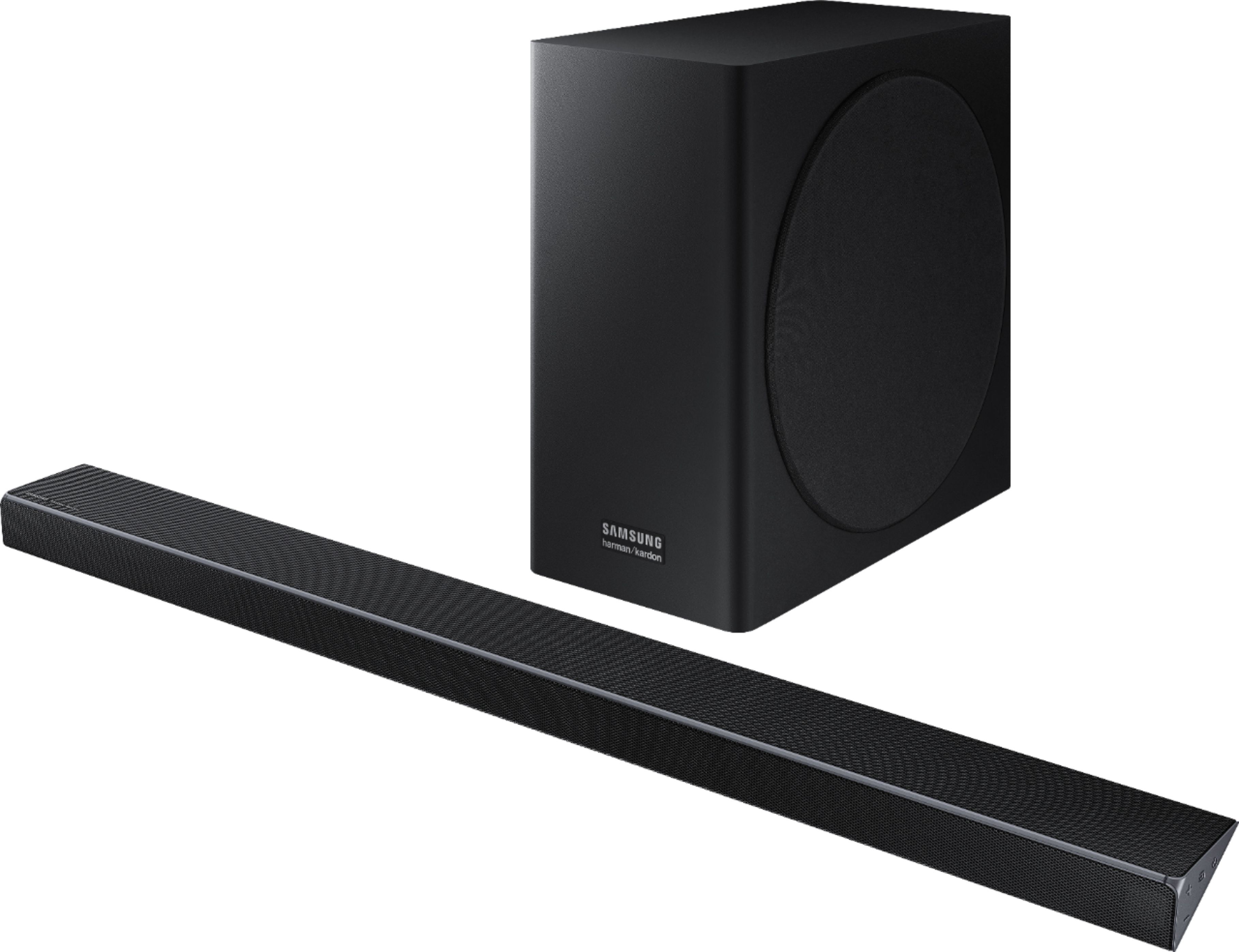
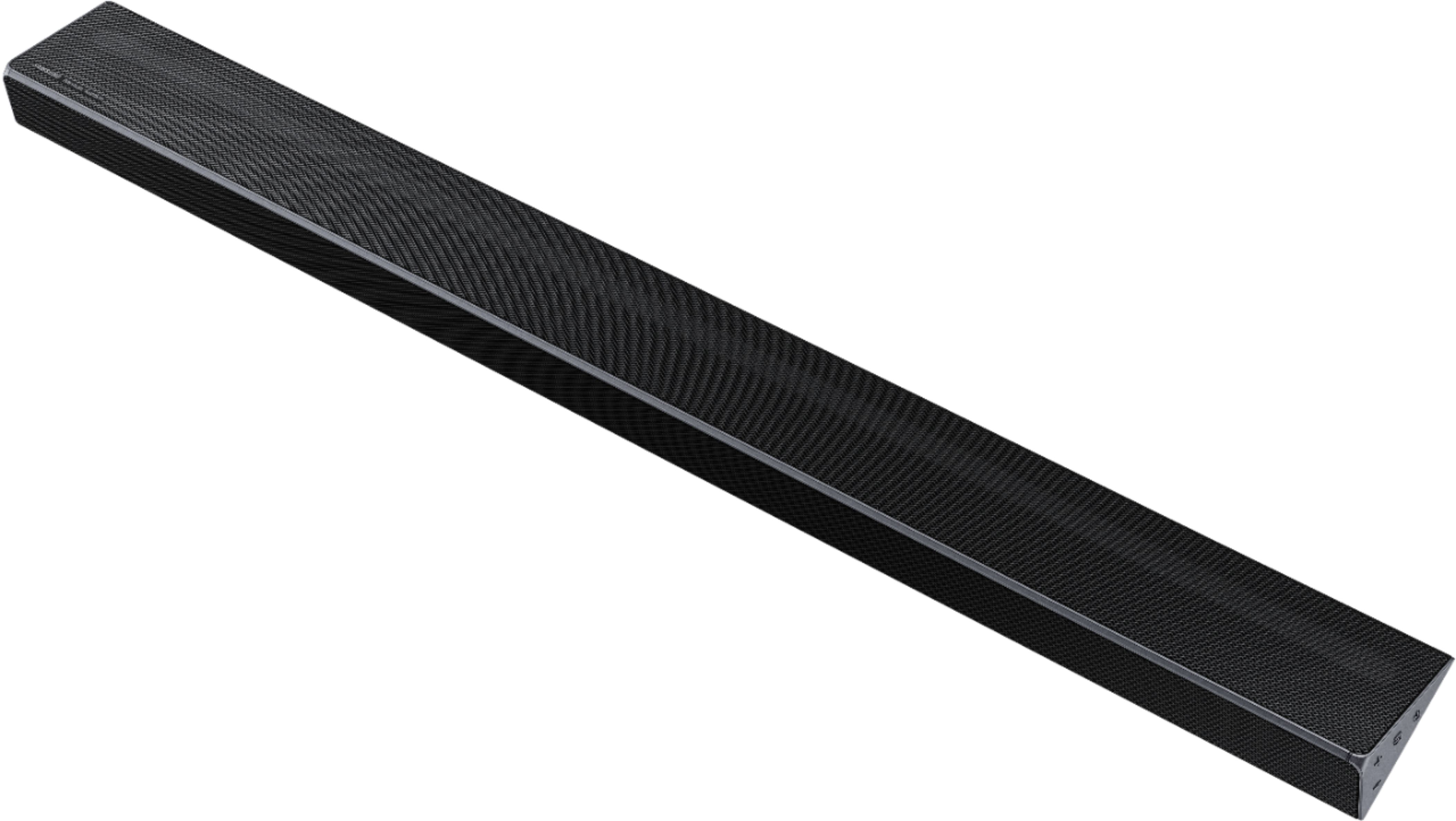
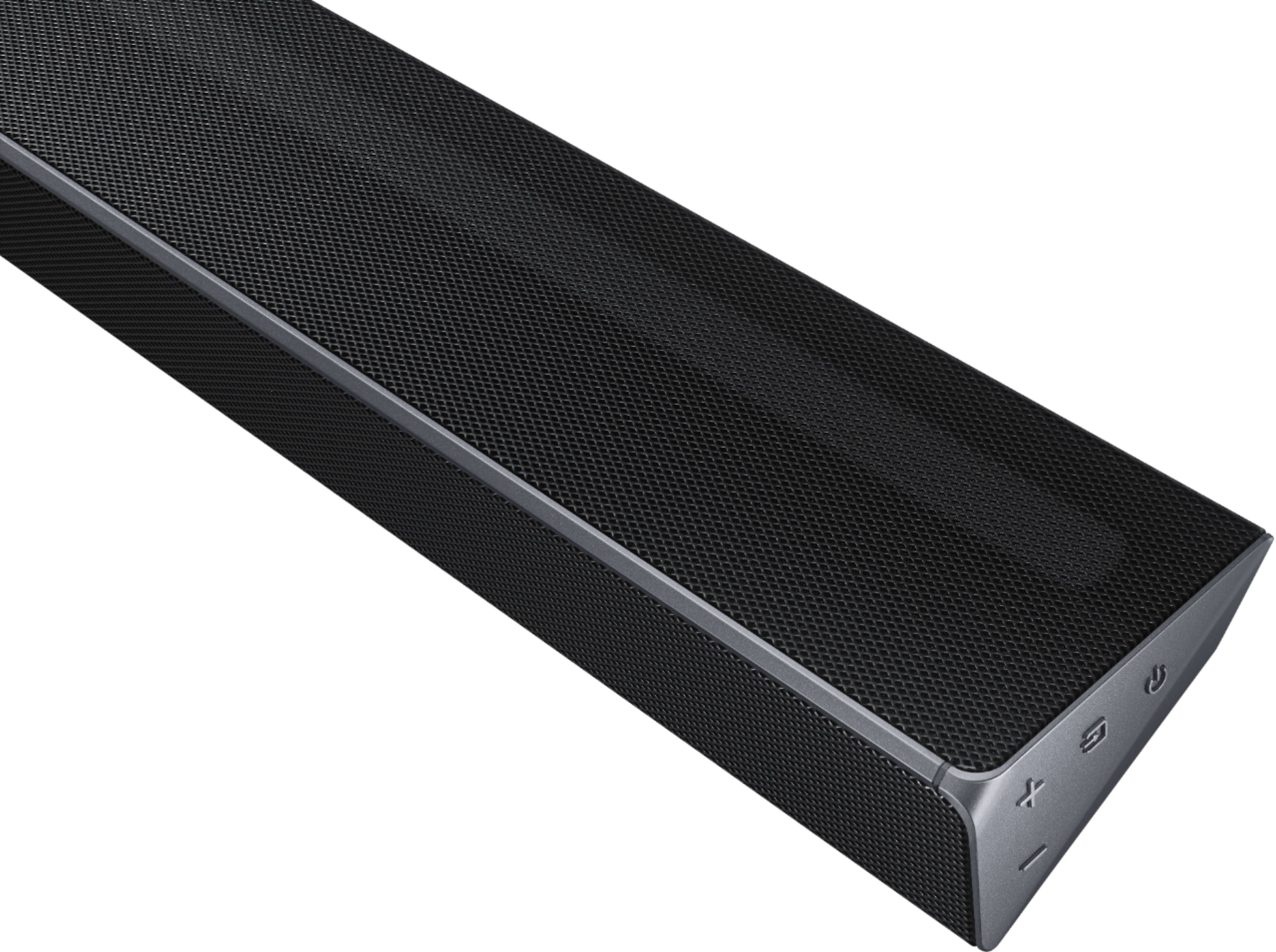
A:AnswerYes. What Samsung calls Acoustic Beam Technology. It's a flutelike tube at the top rear of the sound bar which has two speakers firing inward and projects sound upward.
A:AnswerYes there is a matching set of small rear speakers that work well once you figure out how to use the remote to adjust their volume. They are sold separately but are reasonably priced
A:AnswerSamsung makes a wireless set that connects very easy and works well. Model - SWA-8500S. *note: wireless only means from tv to surround base kit. then there is a power wire and there is speaker wires from the base to each speaker.
A:AnswerI can!t say for 100%, but looking over all the spec sheets it does not mention Dolby Vision. Considering Samsung has not supported Dolby a Vision in their TVs I would not be surprised to see them NOT support it in this bar. I continue to search for the definitive answer as I am seriously considering this bar to replace the quirky LG SL9YG I just bough and must return.
A:AnswerYou should be fine but check the tv settings under audio to be sure the soundbar is the source of sound and not the tv itself. When I use wifi I occasionally need to check that on my Samsung TV. YMMV with a different tv manufacturer or not smart tv.
A:AnswerClick on your TV settings, then scroll down to sound, then sound output, select an audio device (it should appear if you are connected via HDMI).
A:AnswerTry using the Samsung smarthings app, connecting soundbar to your internet network and see if the app will install a firmware update. I just did. Recently, I was experiencing audio issues with soundbar. That appears to have resolved issues. I am monitoring and will next try changing HDMI cable.
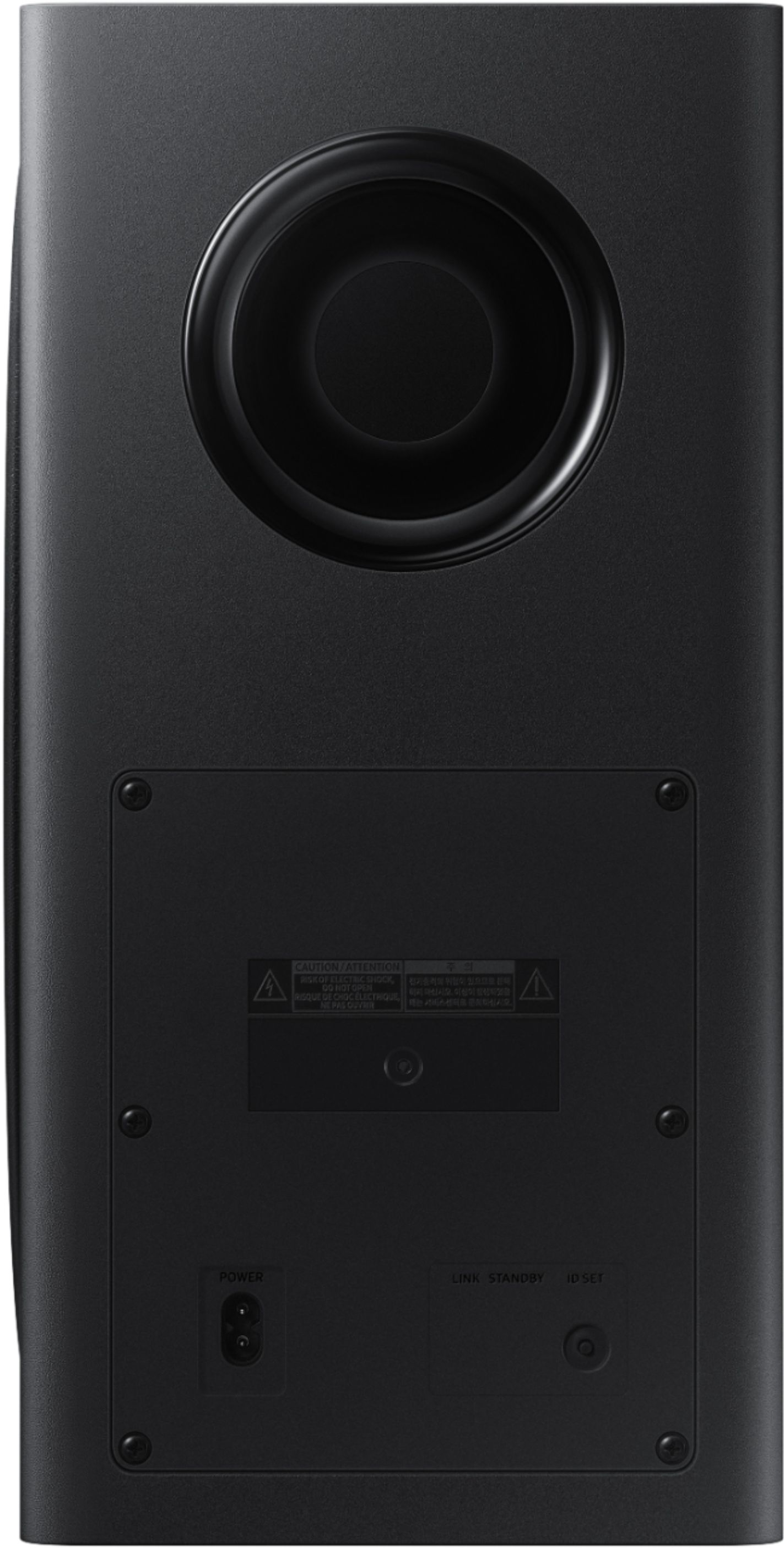
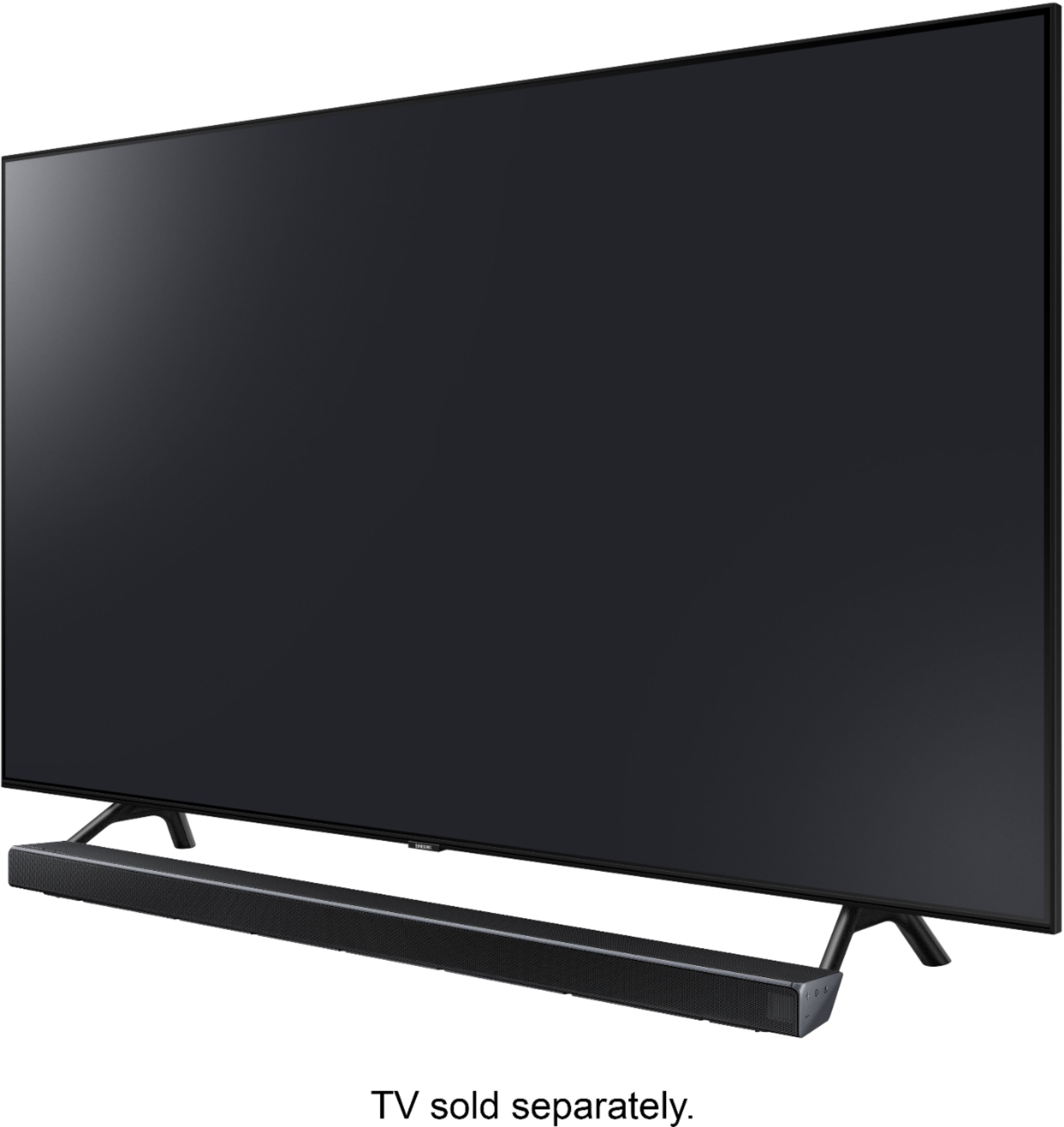
A:AnswerI have mine mounted under my TV. It comes with different options for mounting. The subwoofer is amazing. The sound on this is like being in the theatre.