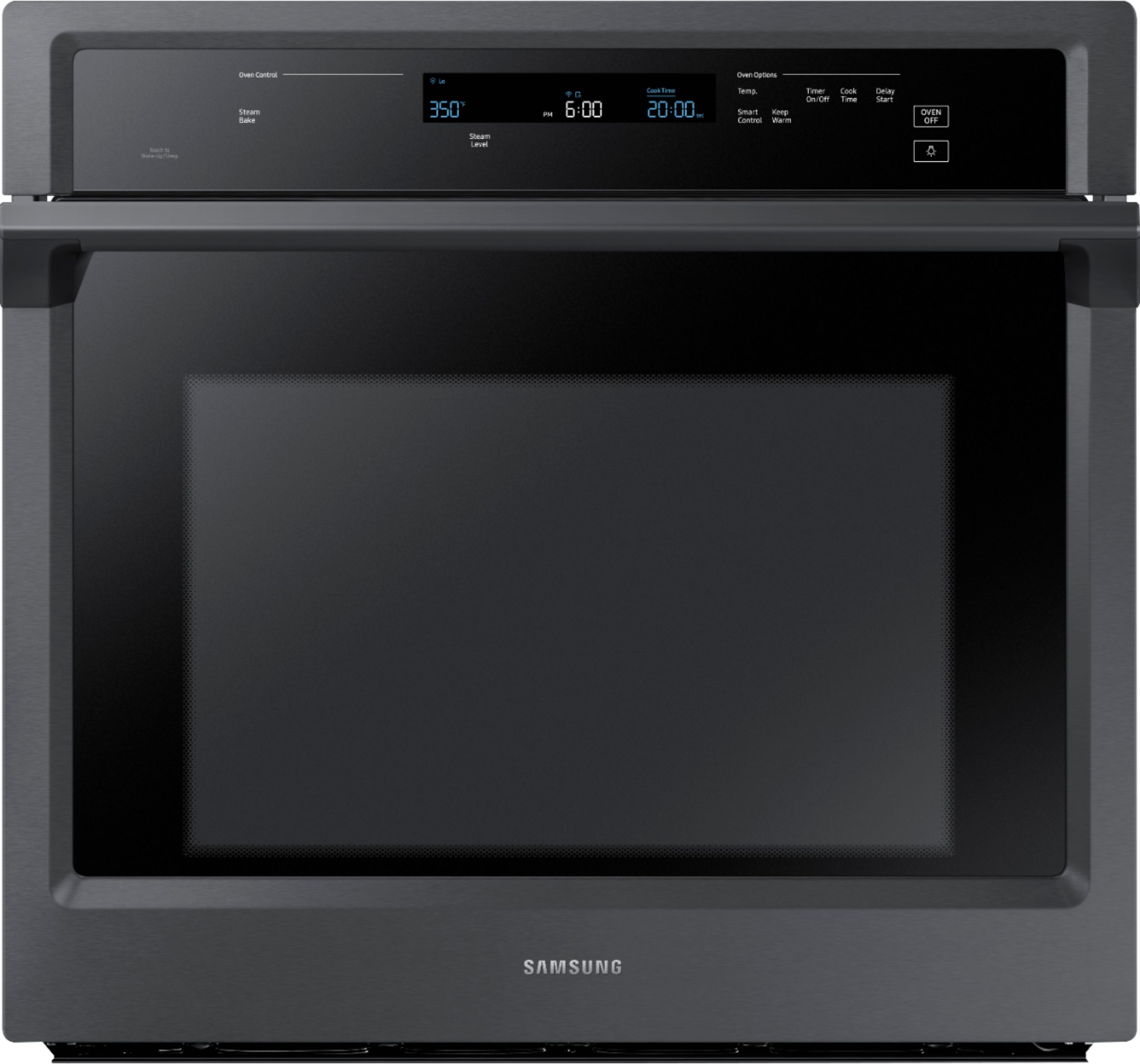
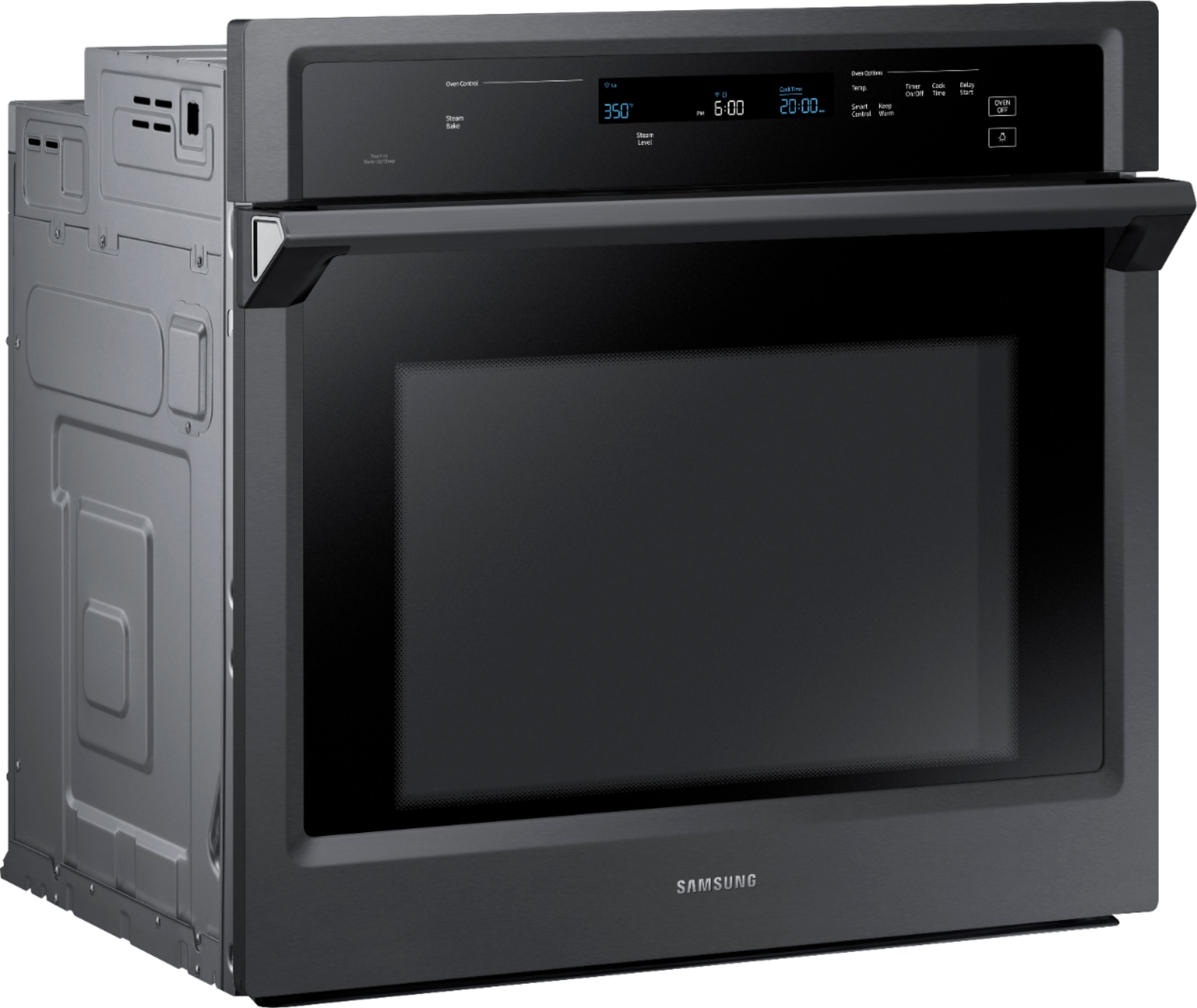
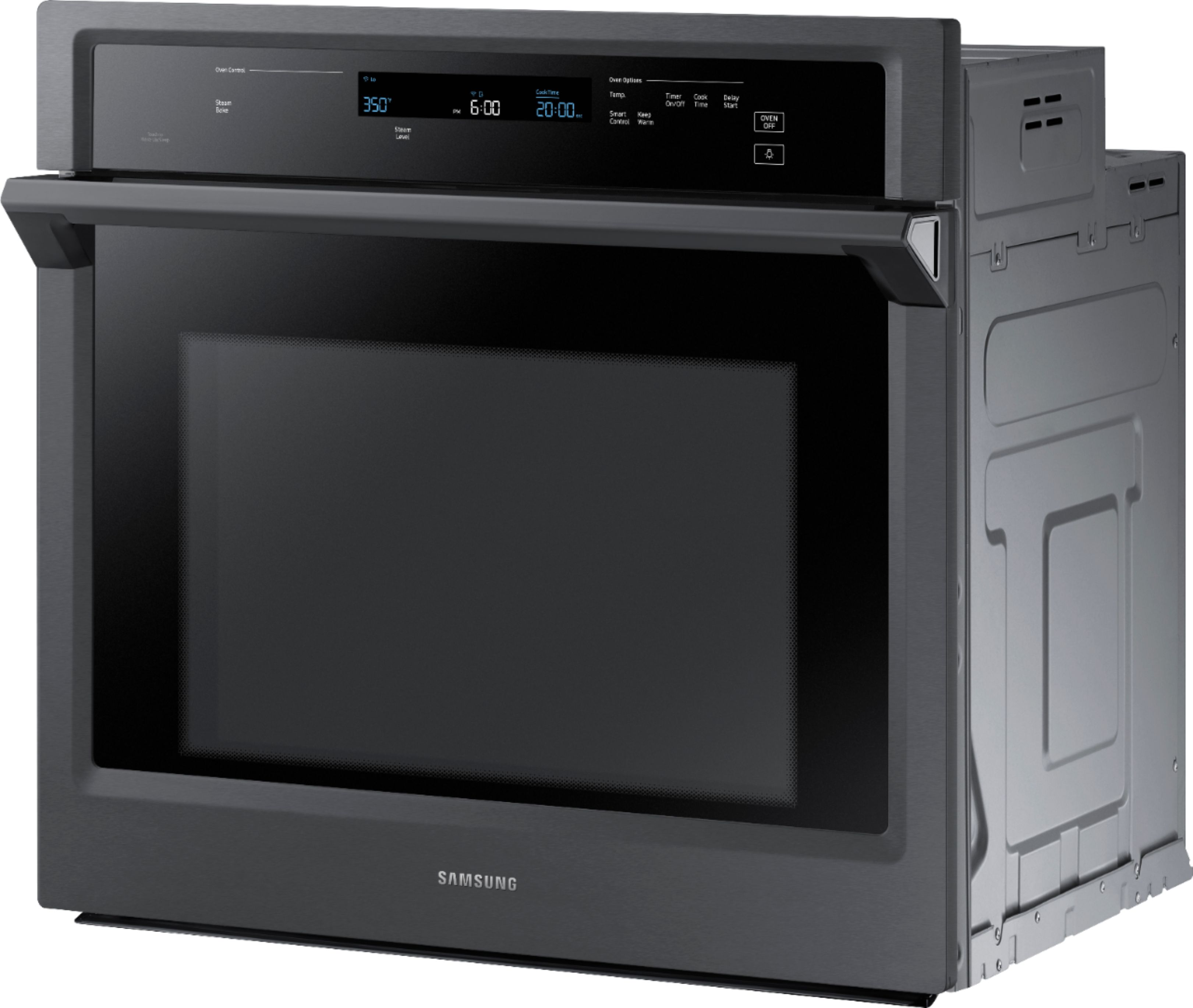
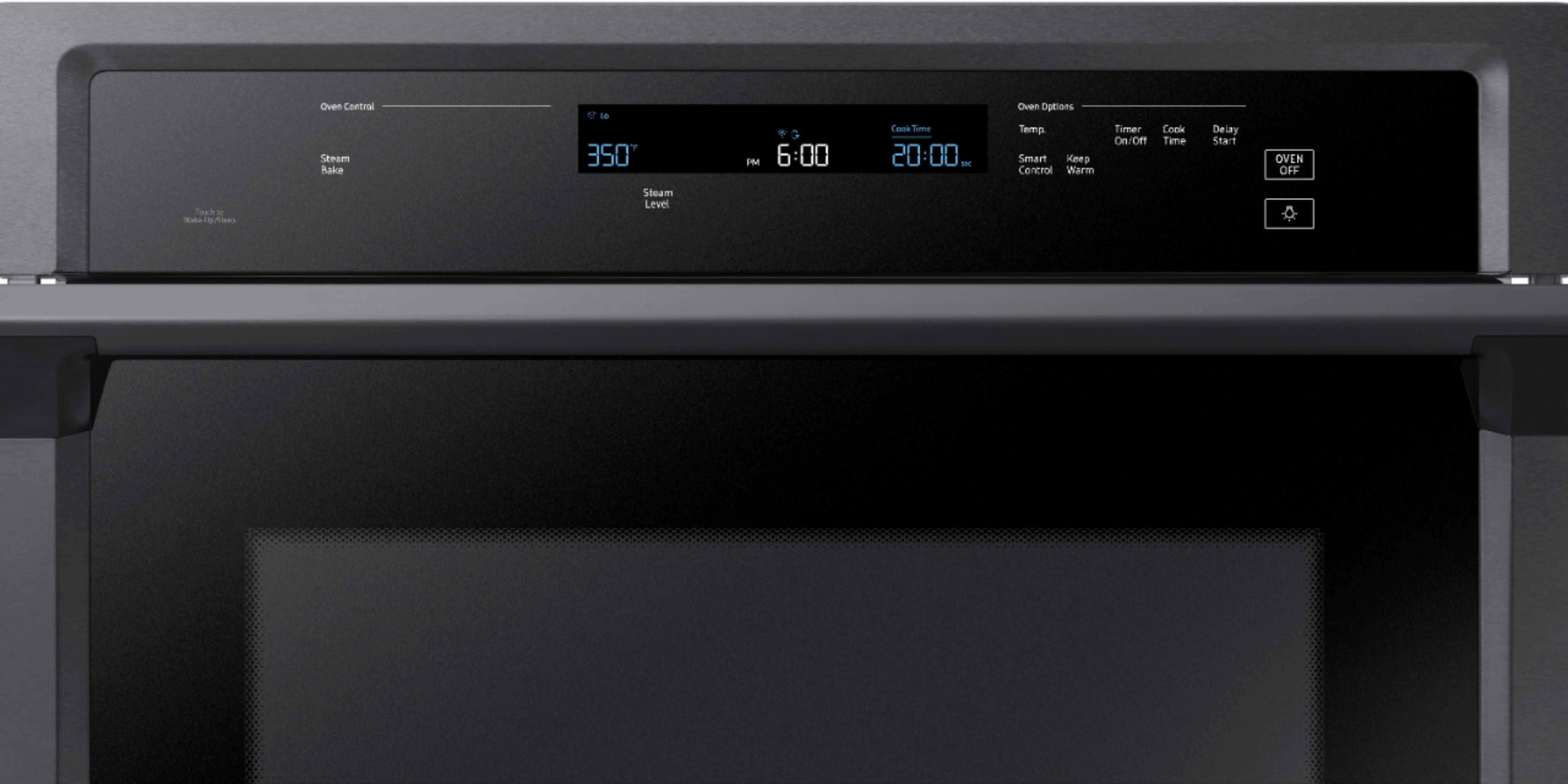
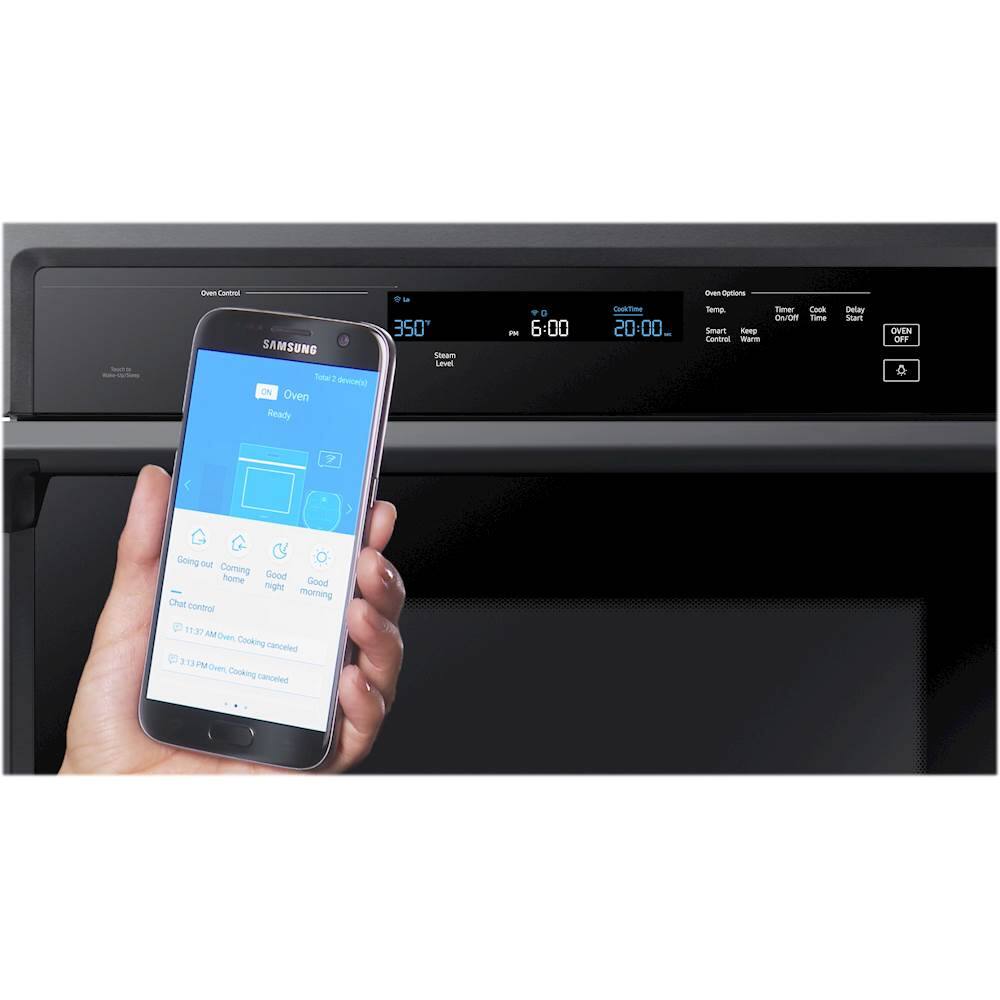
A:AnswerHello dwillgolf! The oven can be programmed to bake at any temperature from 175 °F to 550 °F. Baking temperature and time will vary depending on the ingredients and the size and shape of the baking pan used. And yes, you can remotely change oven settings (mode, time, temperature) using your mobile device. For more information about this refer to this link (https://bit.ly/2QmJrhc) ''Using Smart Control'' page 32.
^Gaby
A:AnswerHello,
Thank you for reaching out and raising your question about the Samsung - 30" Single Wall Oven with Steam Cook and Wi-Fi - Stainless steel. I understand you want to know the breaker size and the power wire you need to have for the product. We are here to help.
To answer your question, the KW rating is 4.9, the breaker size is 30 Amps, and the correct voltage is 240 volts.
You may refer to this link https://image-us.samsung.com/SamsungUS/home/home-appliances/cooktops-and-hoods/gas/pd/03202018/NV51K6650SS.pdf to know more about the product specifications.
Should you need more assistance, please feel free to get back to us via the following options:
1. Facebook Messenger: http://m.me/samsungsupport
2. Twitter: https://twitter.com/messages/compose?recipient_id=18768513
3. Samsung Community: https://us.community.samsung.com/t5/Samsung-Community/ct-p/us
Your reference number is 1144318140.
-Noraina
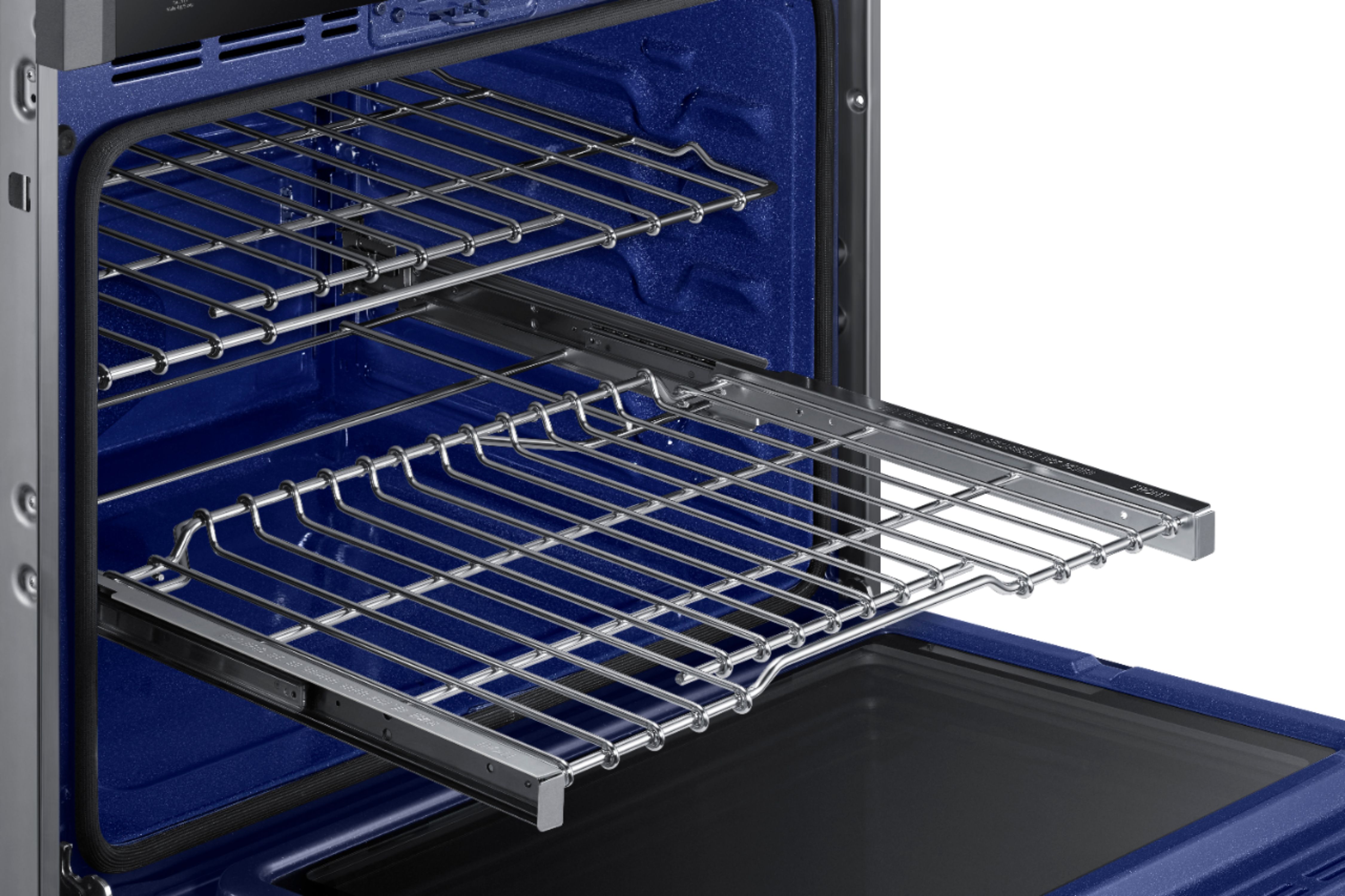
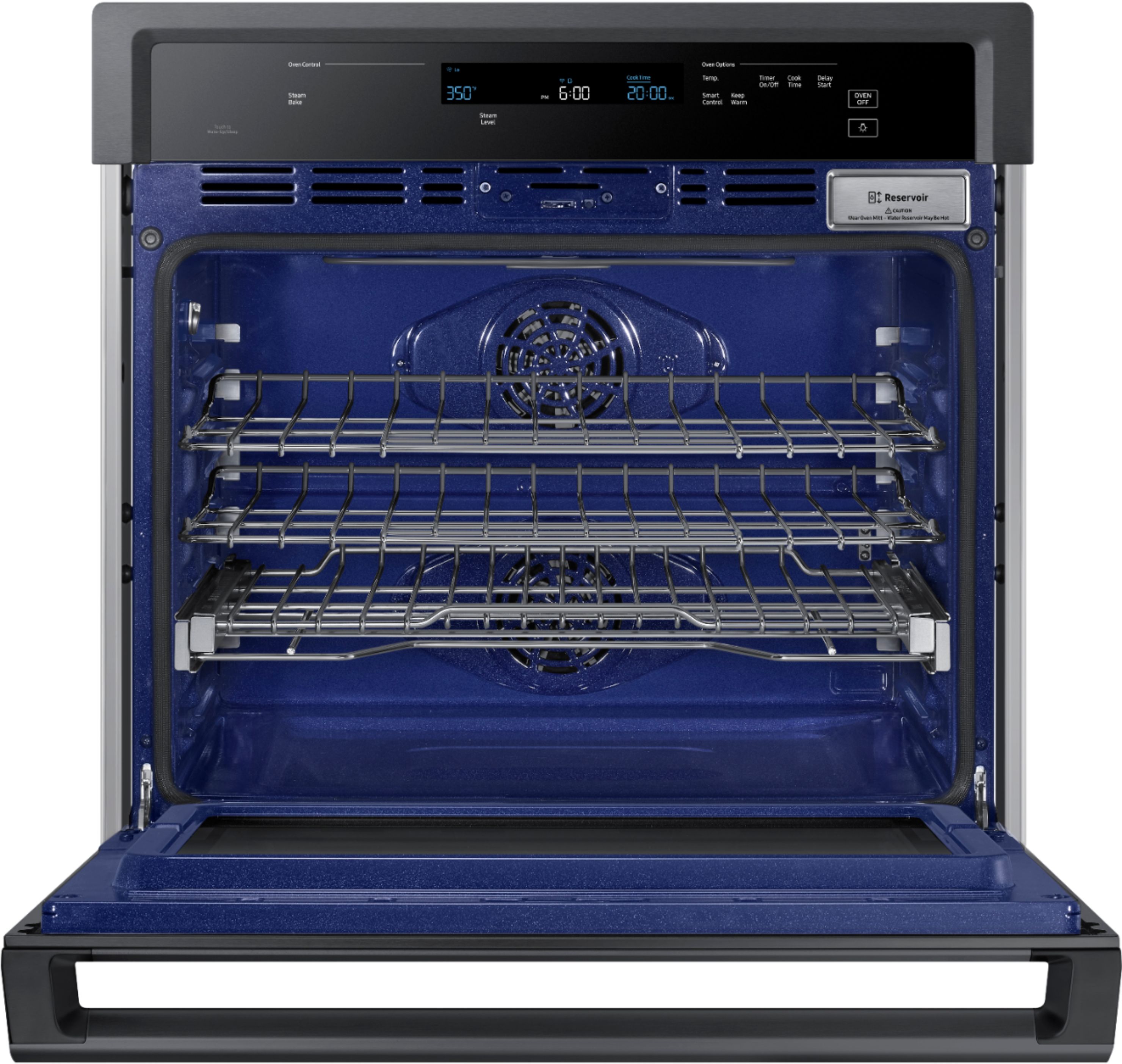
A:AnswerGreat question, Allison! To help answer this, I'm providing this link (https://bit.ly/3GJlBpi) to the user manual for this model. Page 17 has a detailed list of everything that is included with this range. ^Jecca
A:AnswerHere is a link to our website Samsung.com for you to view our Flex Duo wall ovens (https://bit.ly/2NArDPw). Thank you for choosing Samsung! ^Lena
A:AnswerI can help you find this information, Curious. If you follow this link (https://bit.ly/2Ef2TKC) and scroll down to Product Info, you will see the complete dimensions for this wall oven. It includes the cut-out and overall dimensions. ^Jecca
A:AnswerHey Andy.
You can install the Samsung NV51K6650SG Oven under a cooktop. Check page 6 on the installation manual for space requirements. Manual: https://bit.ly/2vtElGe
^Joan
A:AnswerI would not recommend that. It would be very difficult to get food in and out of the oven if it is up high. It would have to be 30" above the cooktop. It does not have a vent built in like a microwave.
A:AnswerHi Austin,
Thank you for reaching out and we hope you are in good health. We appreciate your interest in Samsung home appliances, specifically with Samsung - 30" Single Wall Oven with Steam Cook and WiFi - Black stainless steel.
Yes, you can pre-heat the oven via the SmartThings app via a mobile smart device. I have shared the user manual link below. Please access the link and turn to pages 32 - 33.
I have also shared a link below where you can download and learn more about the SmartThings app.
https://www.samsung.com/us/support/owners/app/smartthings
Please feel free to communicate with us through the channels below if you have additional questions.
1. Facebook Messenger: http://m.me/samsungsupport
2. Twitter: https://twitter.com/messages/compose?recipient_id=18768513
3. Samsung Community: https://us.community.samsung.com/t5/Samsung-Community/ct-p/us
Your reference number: 1144439766
Leo
A:AnswerHi seabass.
Thank you for reaching out regarding your Samsung - 30" Single Wall Oven with Steam Cook and WiFi - Stainless steel on how to use the steam function. Regarding your concern, I recommend you check these steps.
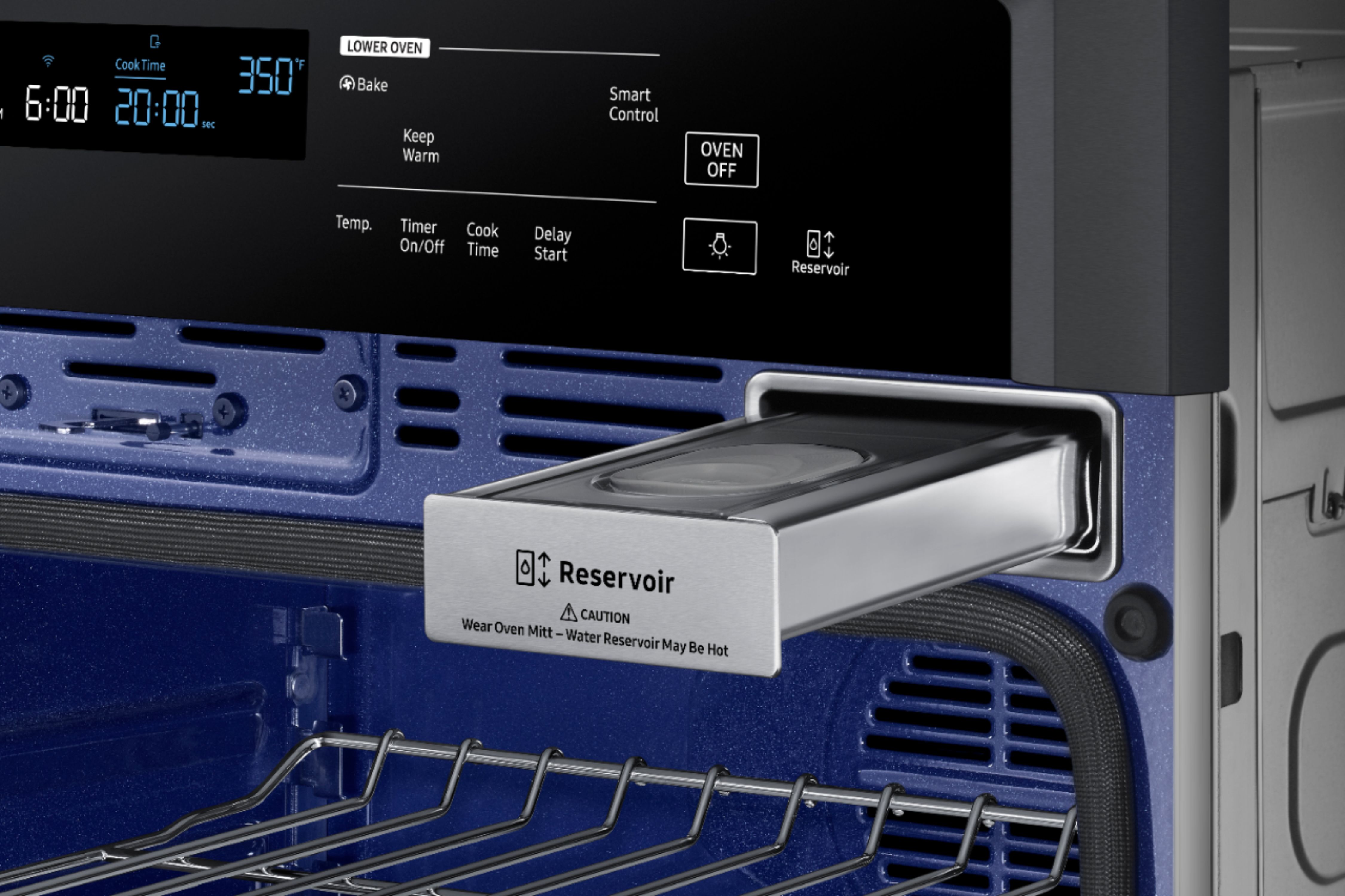
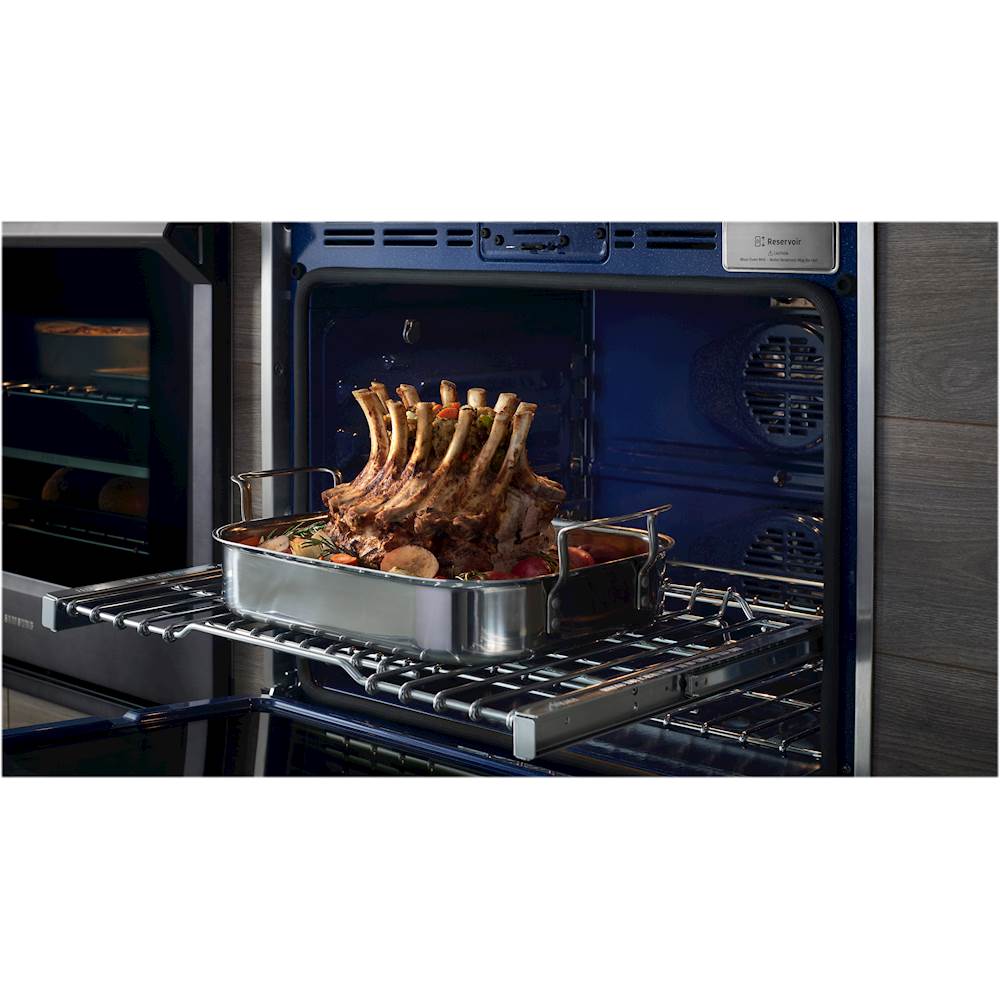
1. Open the oven door, and then touch Reservoir.
2. The oven ejects the reservoir. Grasp the front of the reservoir, and then pull it
all the way out of the slot.
3. Fill the water reservoir with 22 oz (650ml) of water.
NOTE
You can open the reservoir by removing the rubber cap or by removing the clear
plastic top.
4. Replace the rubber cap or clear plastic top.
5. Return the reservoir to the slot, and then push it in. There will be a soft click
when it is in place correctly. Touch Reservoir. The oven retracts the water
reservoir.
6. Close the oven door.
7. Touch Steam Bake or Steam Roast.
8. Touch Steam Level once for Med, twice for Hi, or 3 times for Lo. (Default is Lo.)
The display will show the steam level.
9. Enter the temperature you want, eg.400 °F, using the number pad.
10. Touch START/SET.
The temperature display will start to change once the oven temperature
reaches 175 °F. The oven will beep 6 times when the oven reaches the set
oven temperature.
11. If you want to cancel steam baking or steam roasting or if you have finished,
touch OVEN OFF.
I also recommend checking your user manual for assistance. Please go to page 29.
https://downloadcenter.samsung.com/content/UM/201904/20190417152823461/NV51K6650S_DG68-00855A-03_EN-MES-CFR.pdf
Should you need more assistance, please feel free to get back to us via the following options:
1. Facebook Messenger: http://m.me/samsungsupport
2. Twitter: https://twitter.com/messages/compose?recipient_id=18768513
3. Samsung Community: https://us.community.samsung.com/t5/Samsung-Community/ct-p/us
Thank you for being a valued customer of Samsung. Have a great day.
Reference Ticket Number: 1144214942
^Camille