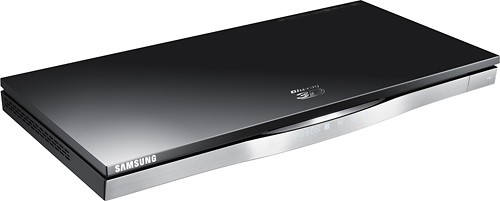
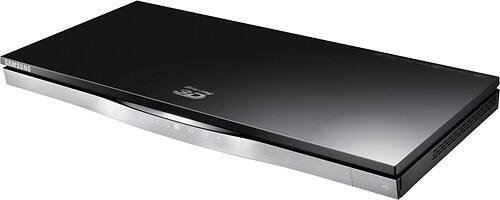
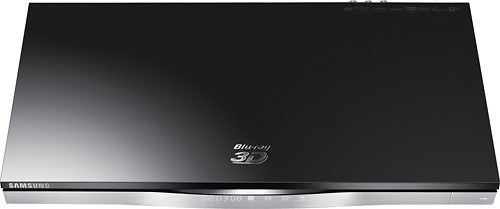
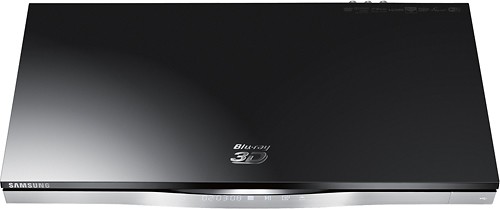
A:Answer I can't say for 100% because I haven't done it, but that shouldn't be any different than watching a disk. You select the video source in the player menu, if you have something connected to one of the HDMI inputs. It then SHOULD use the HDMI output for the video (as normal) and the optical out for the audio (again, as normal). As I say, I can't confirm this 100% because I haven't tried it, but I see no reason that it would t work. I am assuming you're connecting the computer to the player with a single HDMI cable.