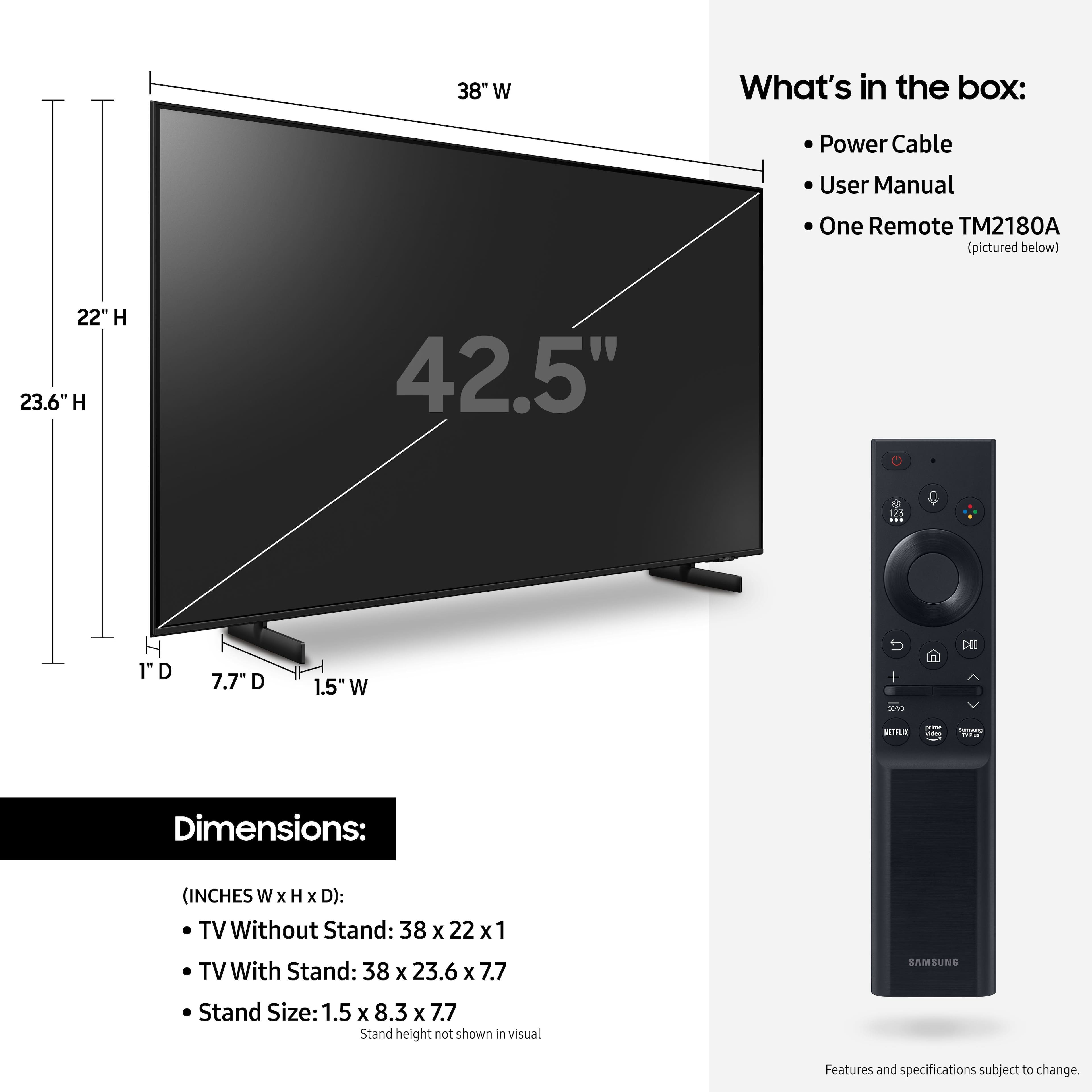
A:AnswerThe remote was an adjustment but I ordered a generic Samsung remote and it works my TV and sound system. It was not expensive at all and made it easier to work the tv and the apps buttons etc.
A:AnswerHi Blacky! Thank you for your question. With gaming and HDMI 2.1 being such a complex topic, we feel it is clearer to highlight the specific features supported by each TV model. This model has 3 HDMI ports, all of which support HDR10+ and Auto Low Latency Mode (Auto Game Mode). The “HDMI In 2” port further supports eARC. If you are looking for a TV capable of 4K@120fps (FRL), please consider a step up to Q70A Series, which supports “FRL on HDMI In 4”.
^Tim
A:AnswerHi Eudoro6300! You can control external devices connected to the TV using the Samsung universal remote control included with your TV. Connect an external device to the HDMI port of the TV, and then power on the external device. Your TV will automatically recognize the device when connected through HDMI, and will switch the output. If it doesn’t automatically detect, press Source, and select Universal Remote to continue the setup process for the Universal Remote. ^Tim

A:AnswerTo give you an actual clear answer: No, it does not have HDMI 2.1. It has HDMI 2.0 inputs.
Several websites that have reviewed the AU8000 have specified this. Plus, if it did have HDMI 2.1 inputs they would advertise it very clearly as it is a new and sought-after technology. But the AU8000 is a budget-friendly series.