A:AnswerYou can absolutely utilize the DU7200 TV as a PC monitor! While you can connect it to your PC with an HDMI cable, you also can wirelessly connect using the PC on TV feature. PC on TV allows you to connect your PC to a TV and control it while it's displaying on a bigger screen. You can access this feature under Home > Menu > Connected Devices > PC on TV.
I hope this helps!
~Samsung Advisor
A:AnswerHi Gil,
To best understand your question, please reach out to us at 1-800-SAMSUNG, 8 AM – 12 AM EST, 7 days a week, or Chat with us on Samsung.com: https://www.samsung.com/us/support/contact/.
~Samsung Advisor
A:AnswerHi Mike,
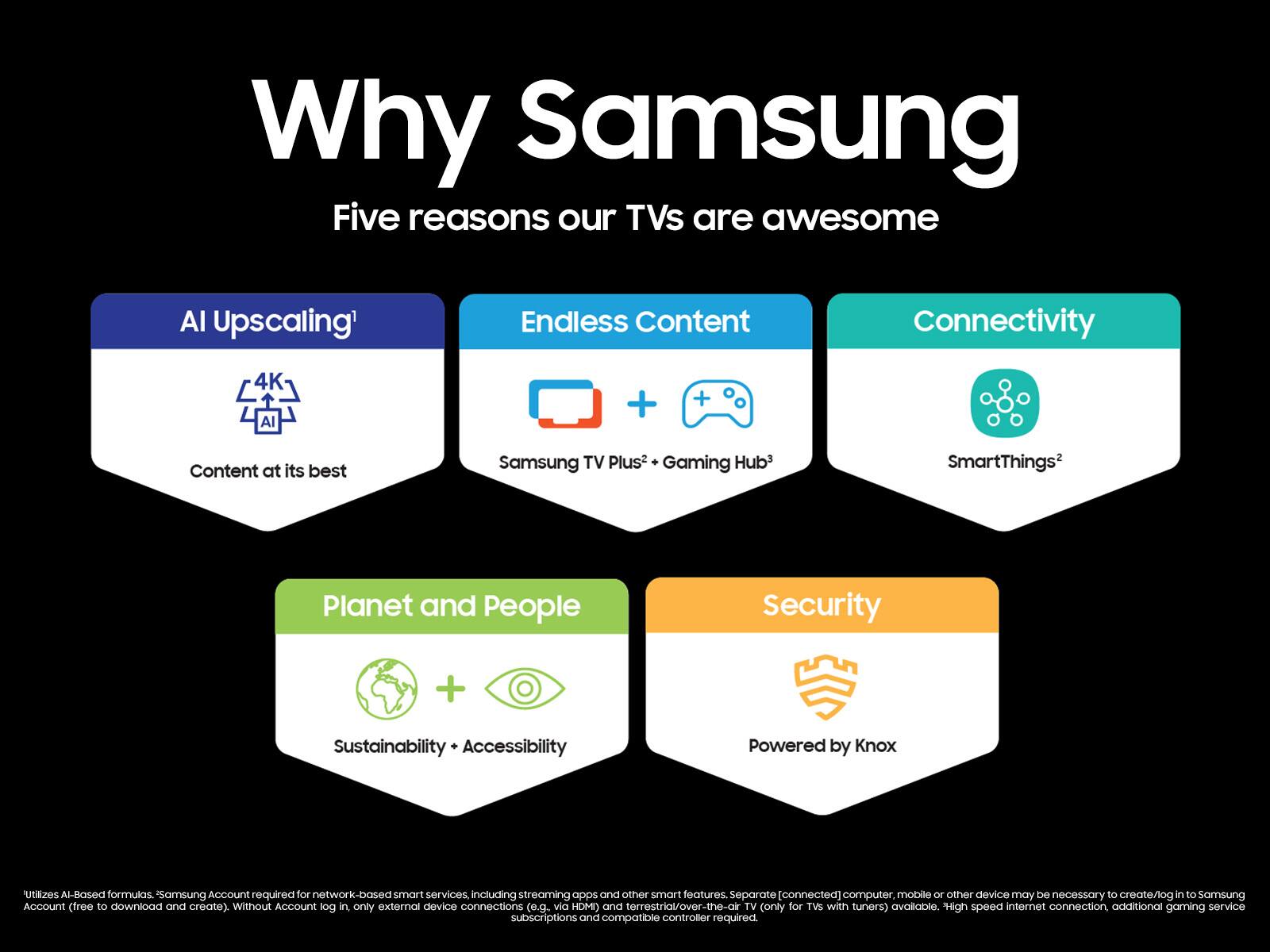
The Samsung 2024 TVs do offer Samsung TV Plus. It does not have a built-in DVR and you would need an external DVR to record any content.
~Samsung Advisor
A:AnswerHi Kk,
Please ensure you have set the TV to the correct source. Go to Home> Settings> Source> HDMI 1.
If you continue to have issues, please contact us at 1-800-SAMSUNG, 8 AM - 12 AM EST, seven days a week. Our LiveChat agents are also available by clicking on the ‘Support’ link on our website.
~ Samsung Advisor
A:AnswerHi LC59,
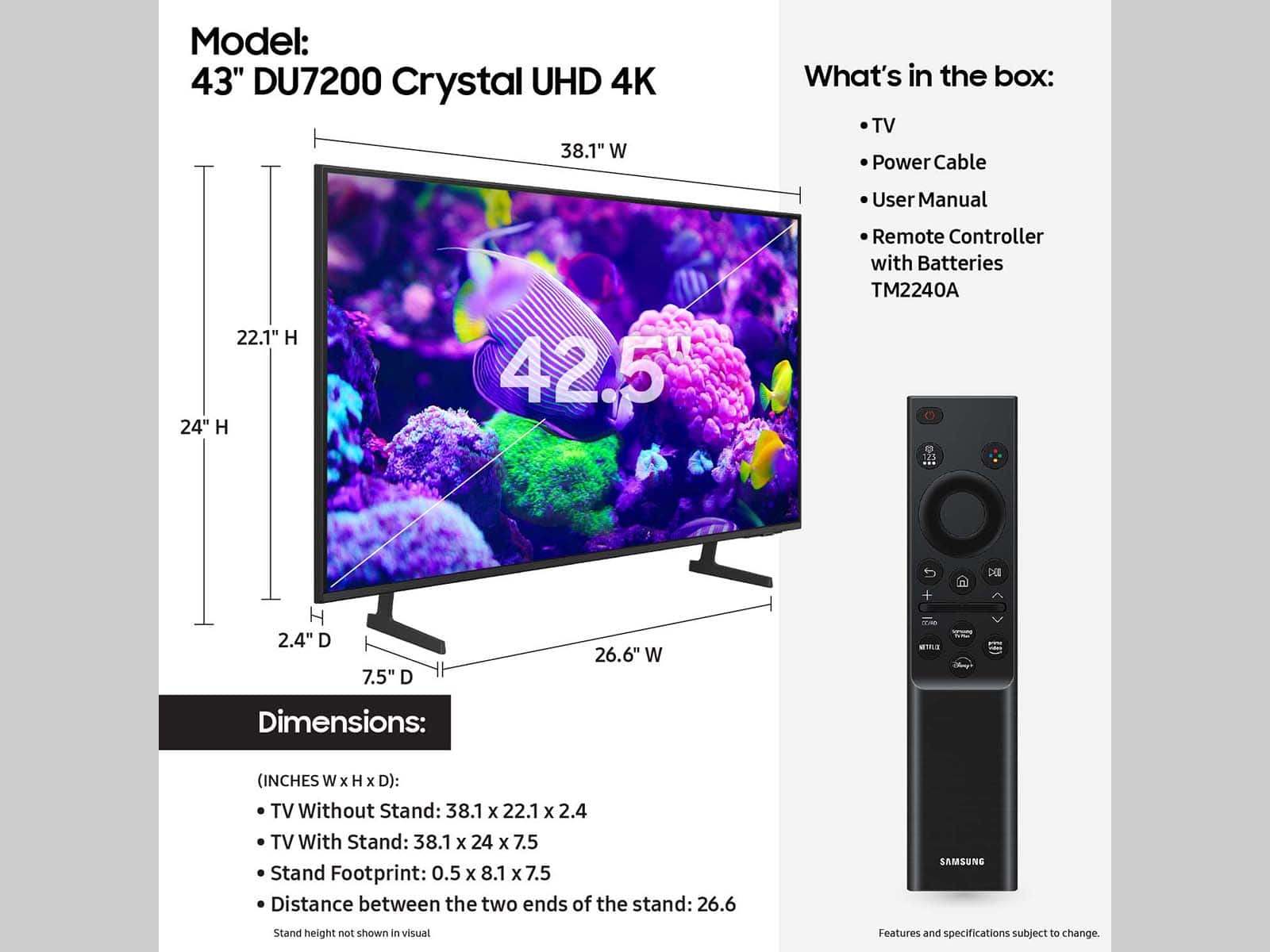
There is not a center stand that connects to the bottom of the DU7200 TV. However you could attach a stand via the back of the TV. It will need to have a VESA Map of 200x200mm.
~Samsung Advisor
A:AnswerHi Larry,
The DU72000F TV offers 3 HDMI ports and is Bluetooth and Wi-Fi capable, allowing a seamless connection across multiple devices at a time. If your external device requires an Optical port, we recommend utilizing an HDMI to Optical Converter. These can be found at your local electronics store. Please also keep in mind that an Optical port can be found on our DU8000F Series and above.
~Samsung Advisor