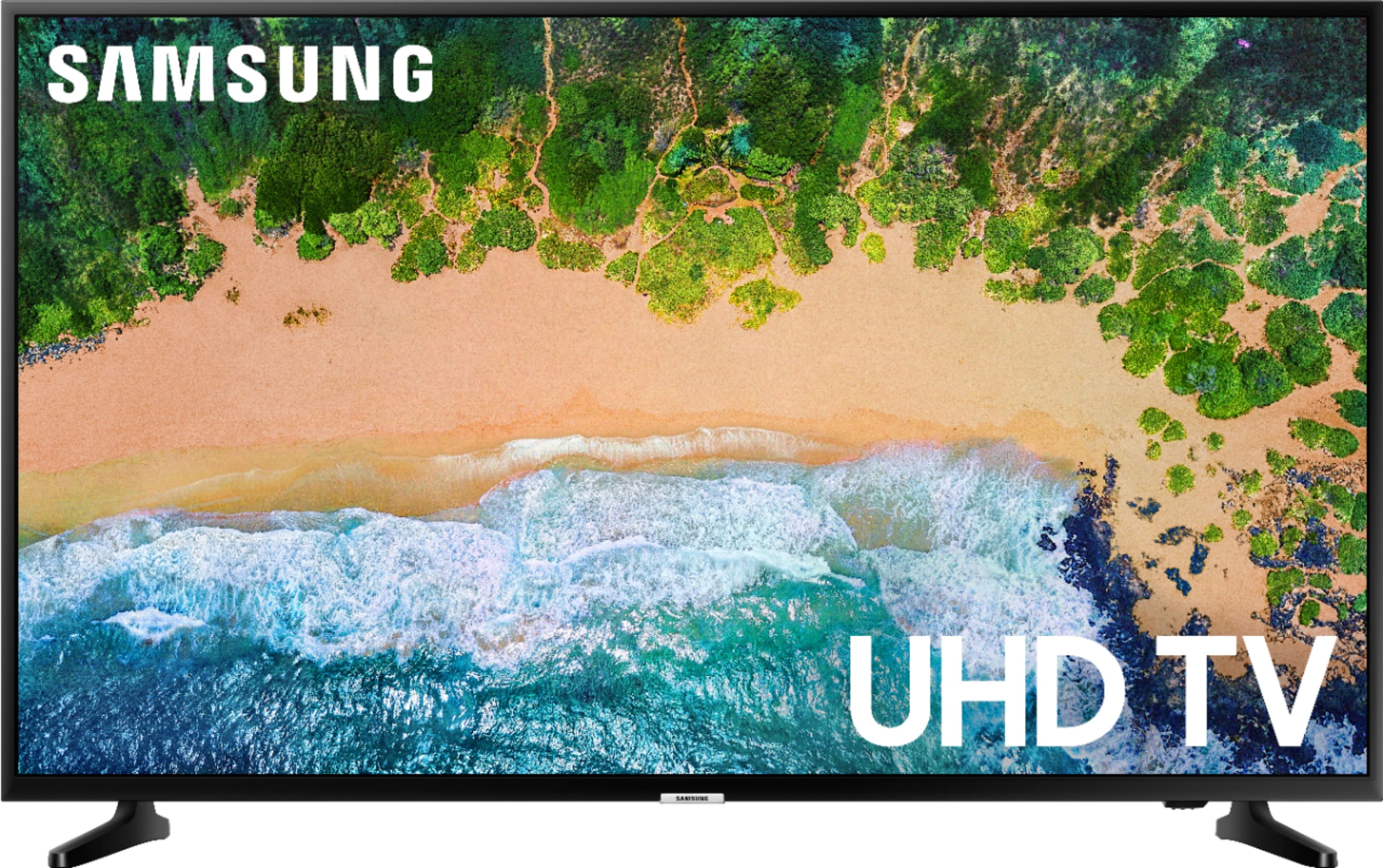
A:Answer This was a big question for me. I was getting different answers from the store and the on-line Best Buy tech. Here's the answer: the Samsung 43" nu6900 does Not come with the Spectrum app pre-loaded, but it CAN be downloaded on this TV. So when you set up the TV, connect the TV to your Spectrum Wifi, press the Smart Hub button on remote control to go the home screen, scroll to and select Apps (the 4 dots), then select the search icon (magnifying glass). Type in spectrum TV using the onscreen keypad and then select Done. I only have the TV plugged-in - no cables or anything. We have been watching our spectrum channels no problem.