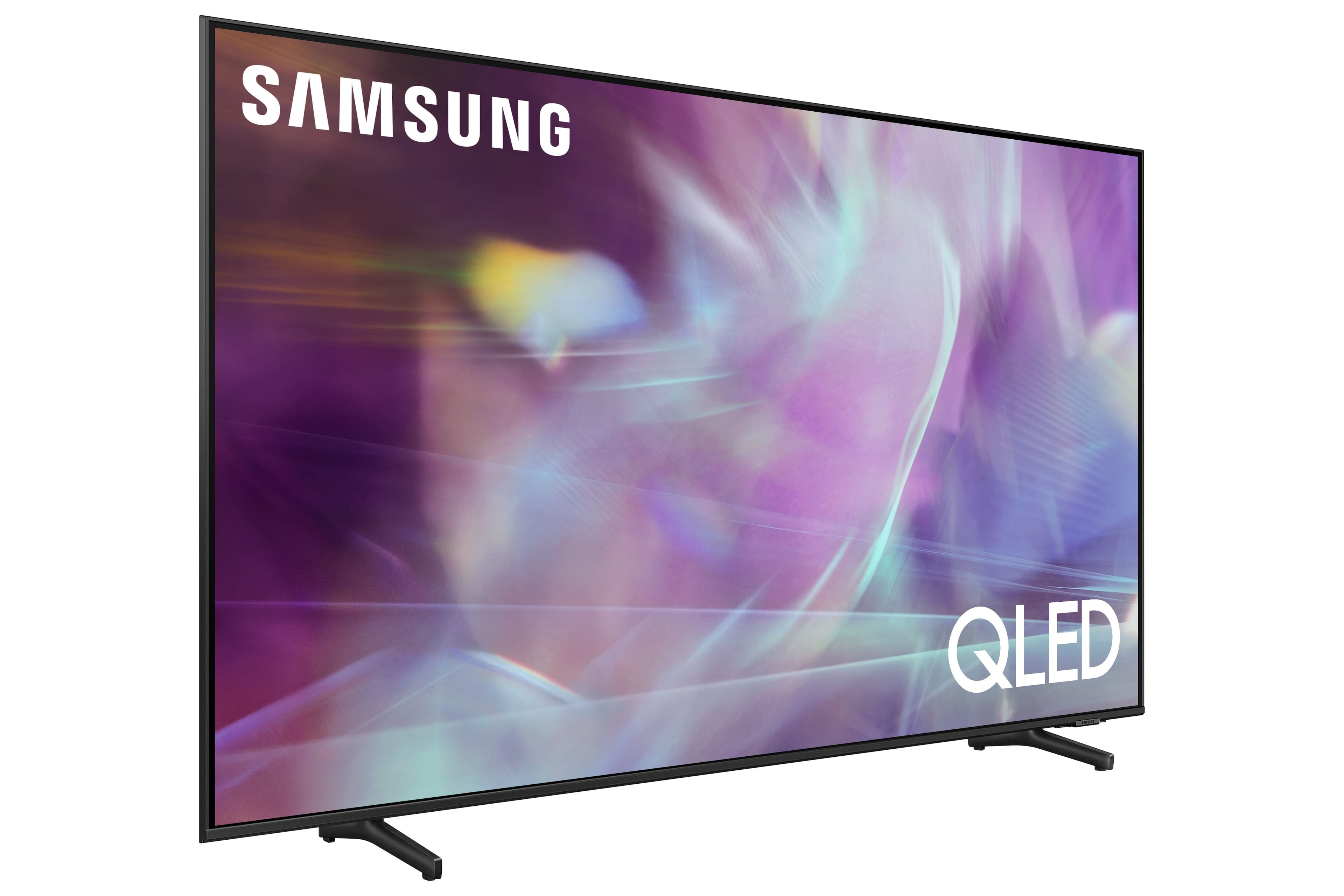
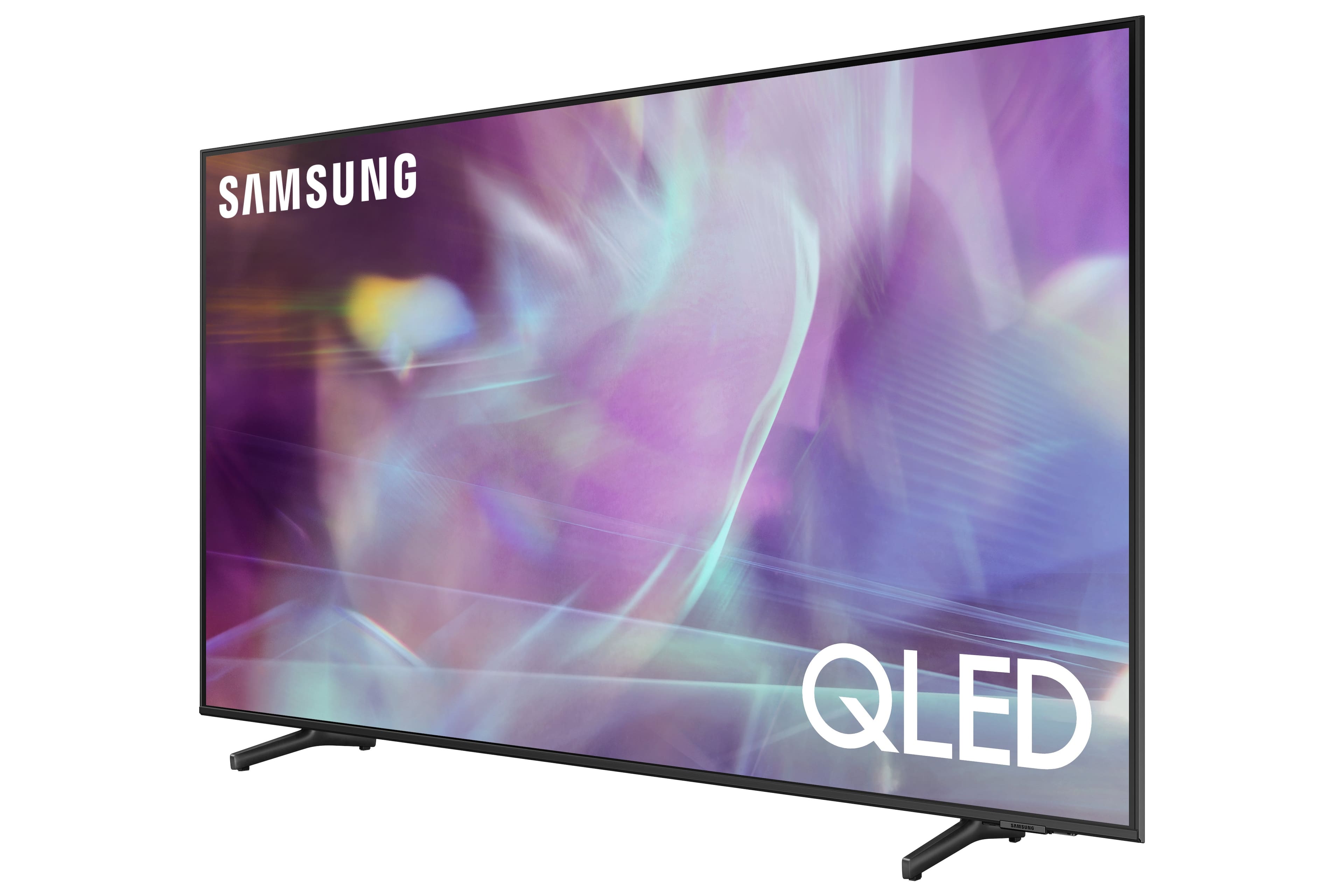
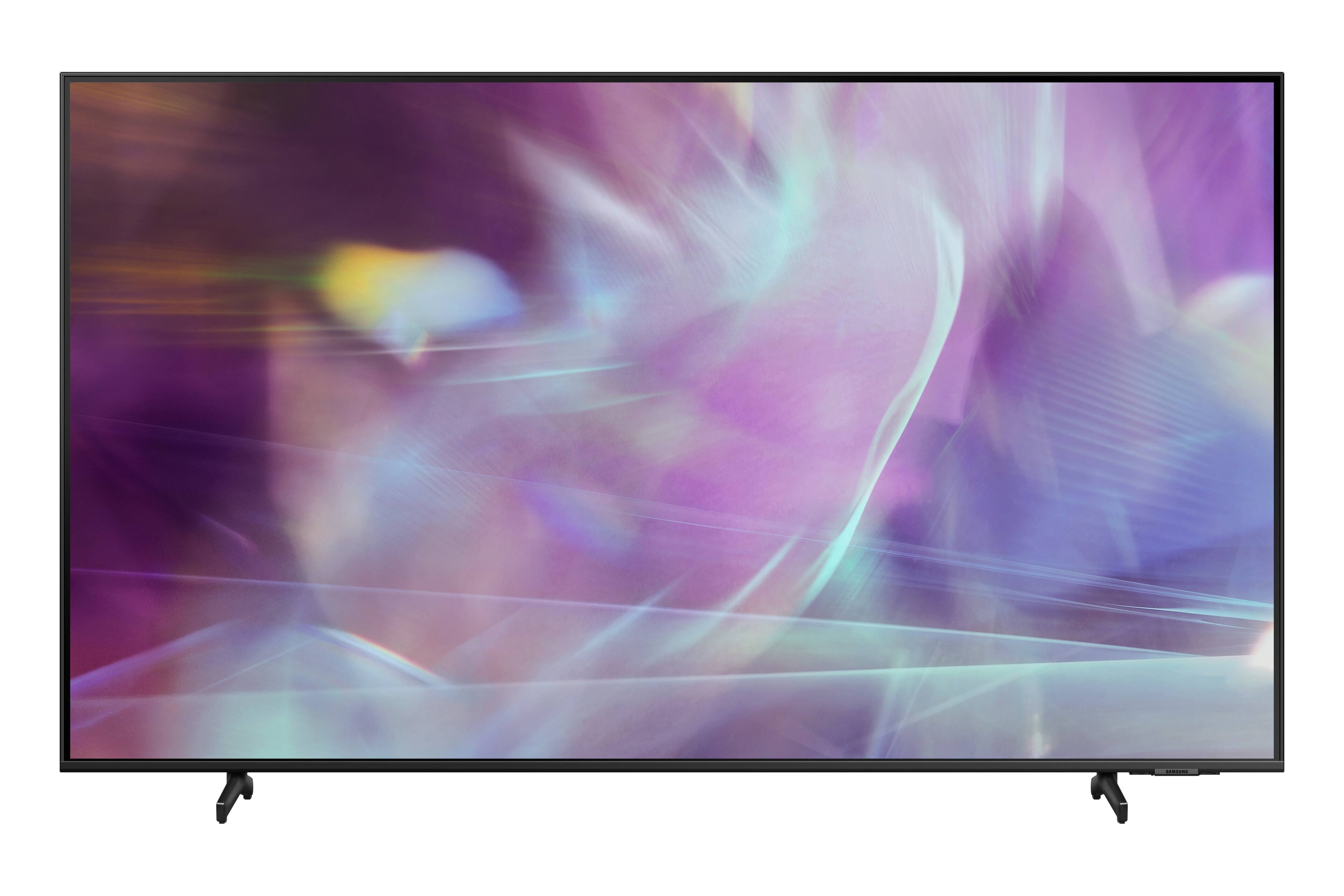
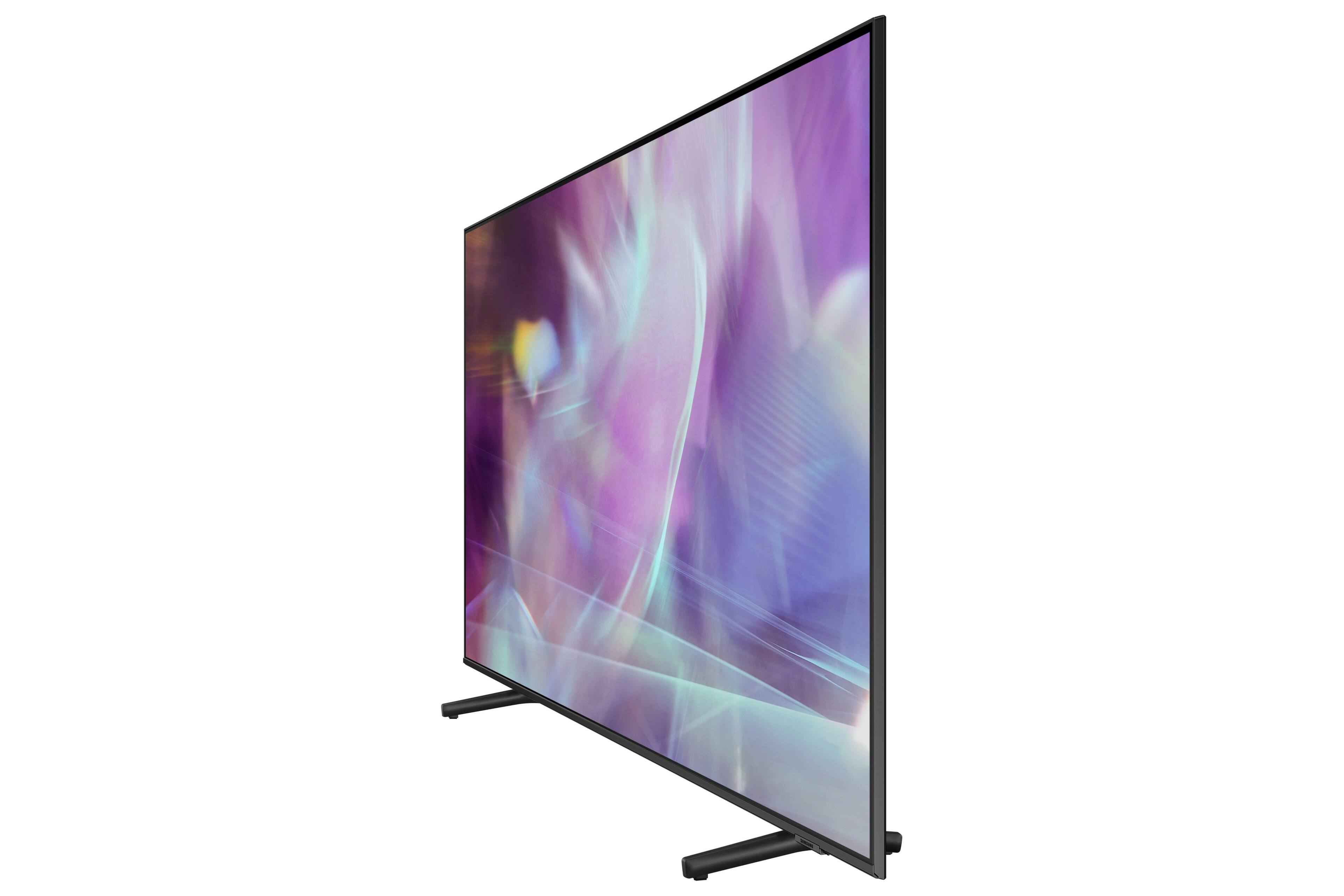
A:Answerrichard - You can use both TV and Bluetooth device audio simultaneously using the Multi-Output Audio feature. When this function is active, you can set the volume of the Bluetooth headphones higher than the volume of the TV speaker. The Q60A TV features built-in Alexa support. For further information on availability, please contact or visit your local Best Buy. ^Gina
A:AnswerHi Jim - Chromecast is not built into the Q60A. Samsung Smart TVs utilize the Tizen operating system. You can choose and download from hundreds of apps available in your TV's built-in App Store; you can also screen mirror from your smartphone via SmartThings (Android devices) or AirPlay 2 (iOS devices). ^Gina
A:AnswerTvQuestion - So we can better understand and assist you with your question, please reach out to Samsung Support at: 1-800-SAMSUNG (ask for TVs), available 8AM -12AM EST M-F (9AM – 6PM EST Sat), text HELP to 62913, LiveChat on Samsung.com, or Email: https://www.samsung.com/us/support/#contact_us_for_support ^Gina
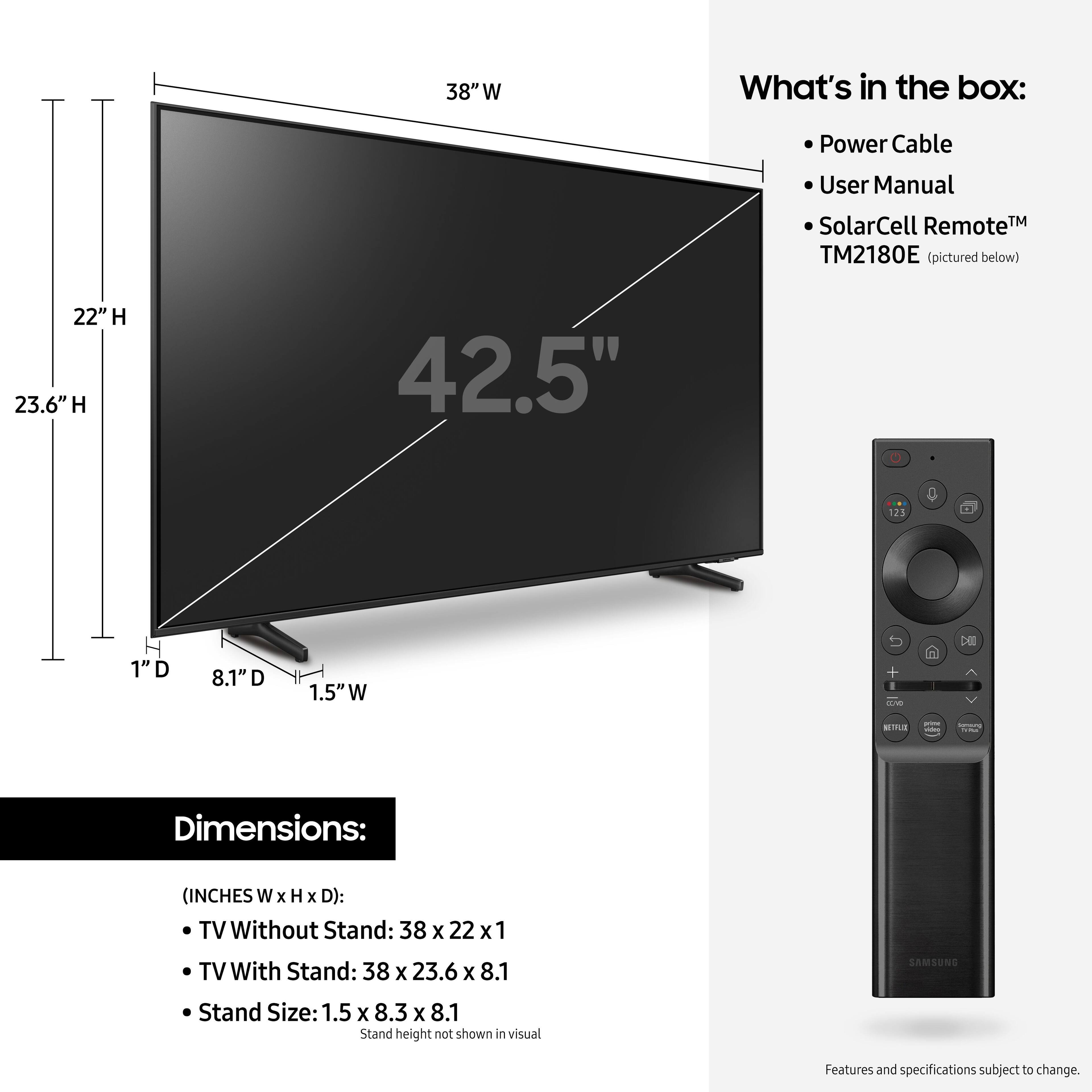
A:AnswerHi HMH - Check out this great universal center stand option at Best Buy: https://www.bestbuy.com/site/sanus-premium-swivel-tv-base-for-most-32-60-tvs-black/5463304.p?skuId=5463304 ^Gina
A:AnswerHi DH - Split-screen capability to view two different content side-by-side is available on the Q60A TV using our Multi View feature. For example, you can view media from different sources, such as an app, Blu-ray player, or game console, on the main left screen, while also mirroring your phone to the smaller screen. Multi View provides you with endless possibilities for splitting screens and viewing several types of content at the same time. ^Gina
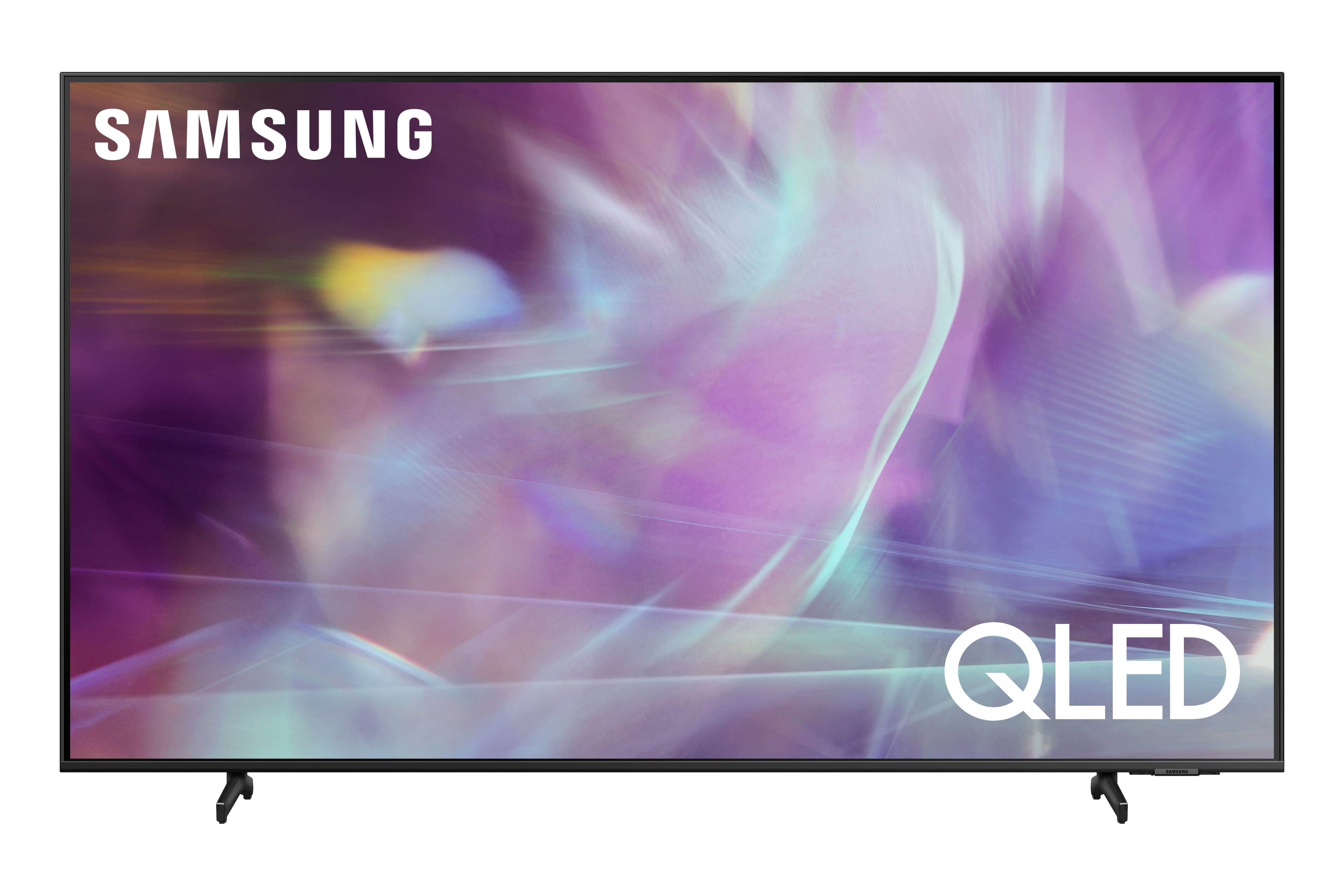
A:AnswerHi dazz - Please enable Anynet+ on your TV, which controls external devices that are connected to the TV via an HDMI cable. You can do this by going to Settings > General > External Device Manager > Anynet+ (HDMI-CEC) = on. If your Q60A TV is still not recognizing your DVD player, please try replacing the HDMI cable with a High-Speed cable with Ethernet Channel, labeled as HEC or HEAC on the cable. ^Gina

A:Answerpat77 - Thank you for your question. With HDMI 2.1 being such a complex topic, we feel it is clearer to highlight the specific features supported by each TV model. This model has 3 HDMI ports, all of which support HDR10+ and Auto Low Latency Mode (Auto Game Mode). The “HDMI In 2” port further supports eARC. If you are looking for a TV capable of 4K@120fps (FRL), please consider a step up to Q70A Series, which supports “FRL on HDMI In 4”. ^Gina

A:AnswerHi Leslie - This will ultimately depend on the type of headphones you are utilizing, and if they support connectivity while charging. Any Bluetooth enabled headphones will pair seamlessly with the Q60A TV. Please contact or visit your local Best Buy for further assistance in choosing a pair that is perfect for your needs! ^Gina