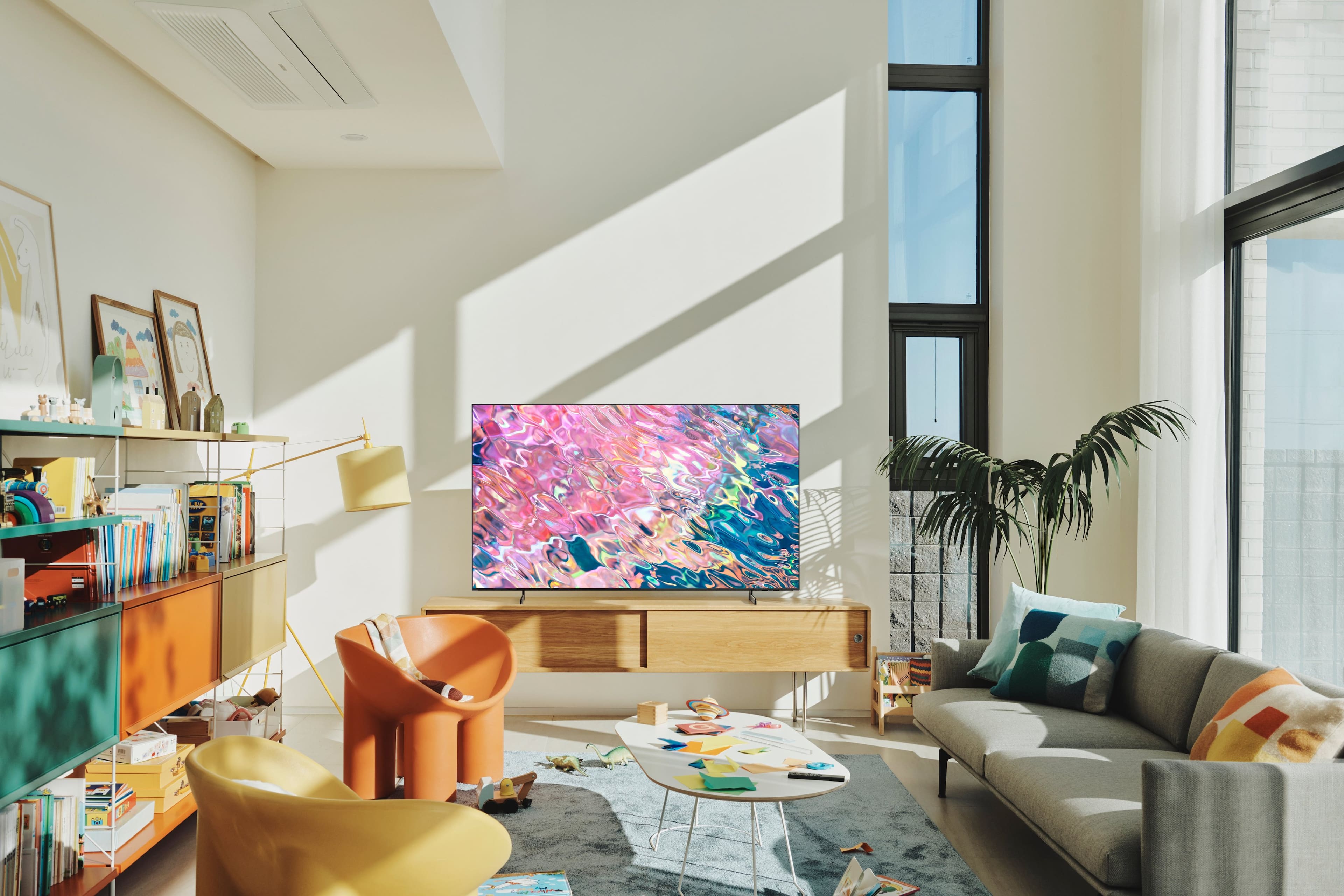
A:AnswerWhile the Q60B doesn't have an on timer, it does have a Sleep Timer. You can set the Sleep Timer to turn your TV off after 30, 60, 120, or 180 minutes.
~ Samsung Specialist
A:AnswerHi Jim23 - We recommend utilizing a Samsung-branded USB-C cable when charging the remote via a wired connection. You can find it here on Best Buy's site: https://www.bestbuy.com/site/combo/cell-phone-usb-chargers/55d91e2d-59a6-4057-a896-fcbed32afab7
~ Samsung Specialist
A:AnswerI only use microfiber towels, no chemicals ever! If you have hard to remove fingerprints I suggest using a spray bottle with water and barley wetting the towel only then wiping the screen with that and then wipe with a dry towel right after that, DON’T spray directly on the screen.
A:AnswerHi Reetie - Made from recycled materials and powered by solar cell technology, the Solar Cell Remote can be charged by sunlight or indoor/ambient light. It also harvests unused energy from radio frequencies generated by Wi-Fi routers in your home, so you'll never need disposable batteries again.
~ Samsung Specialist