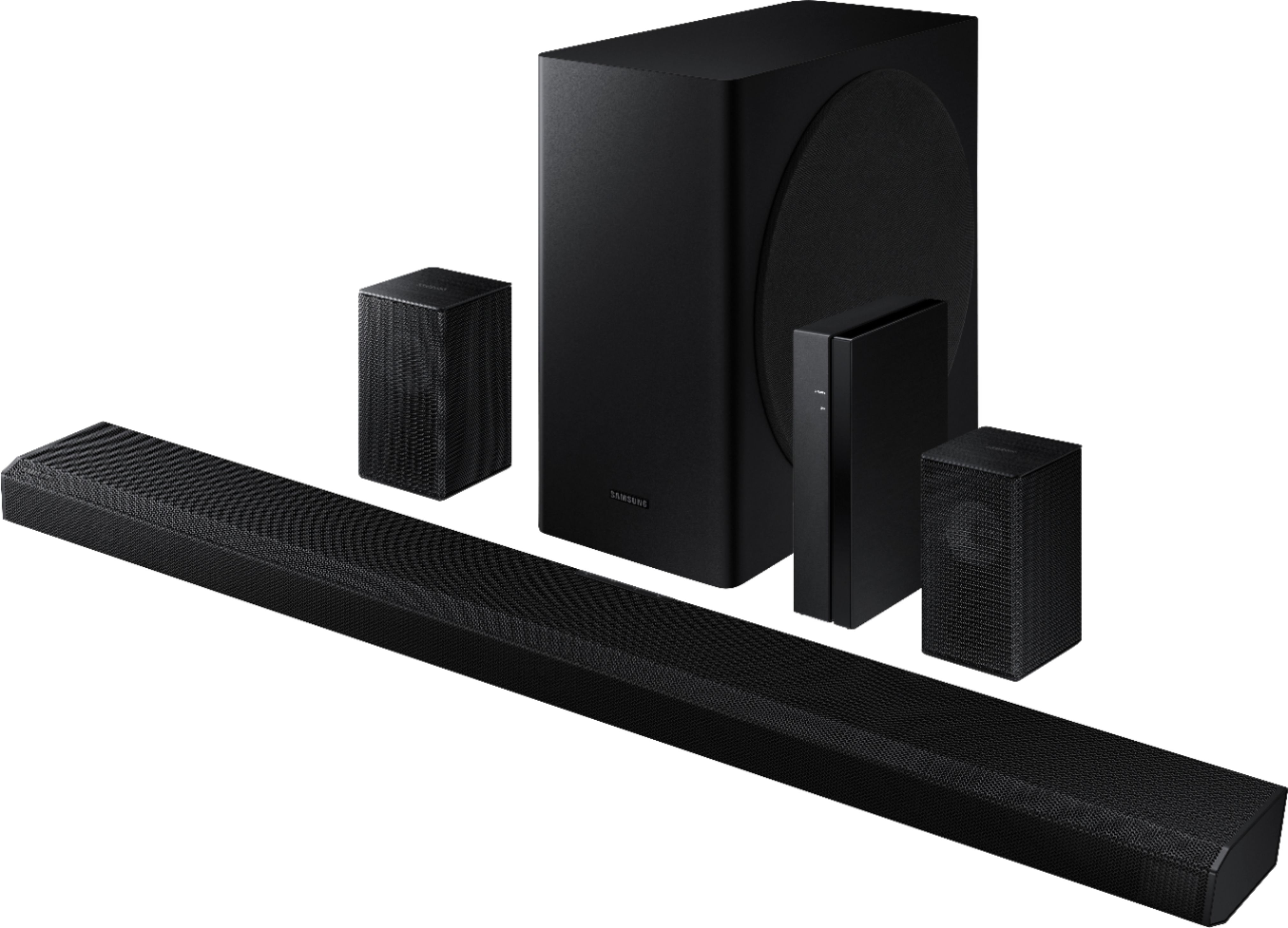
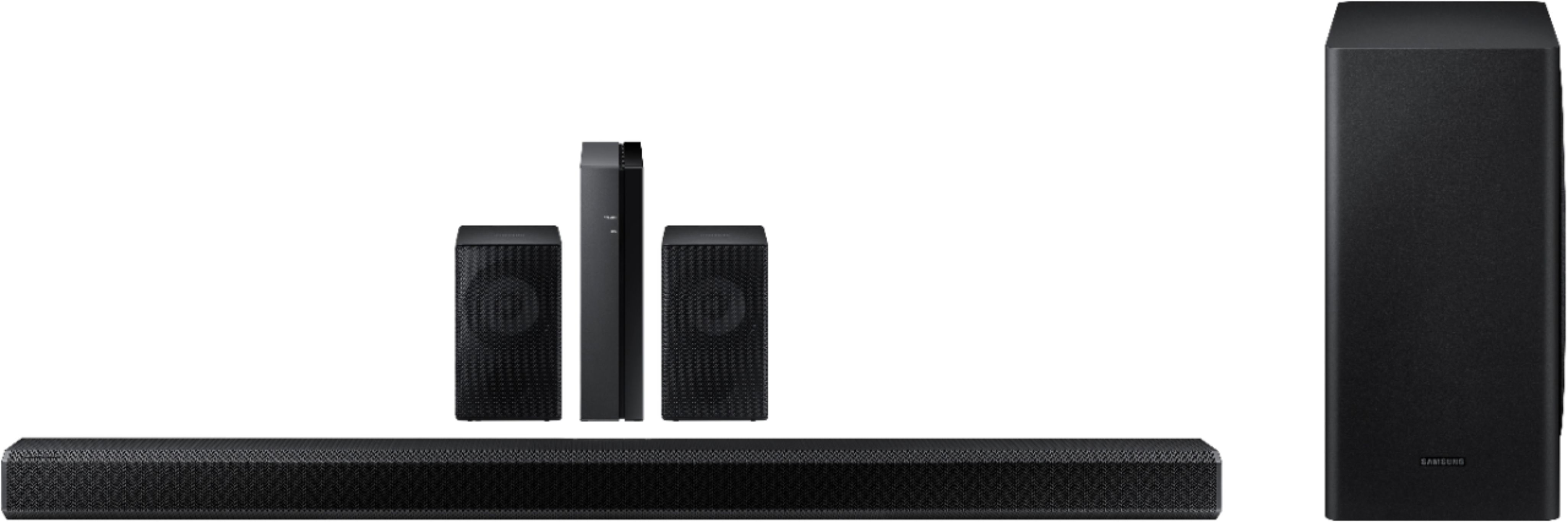
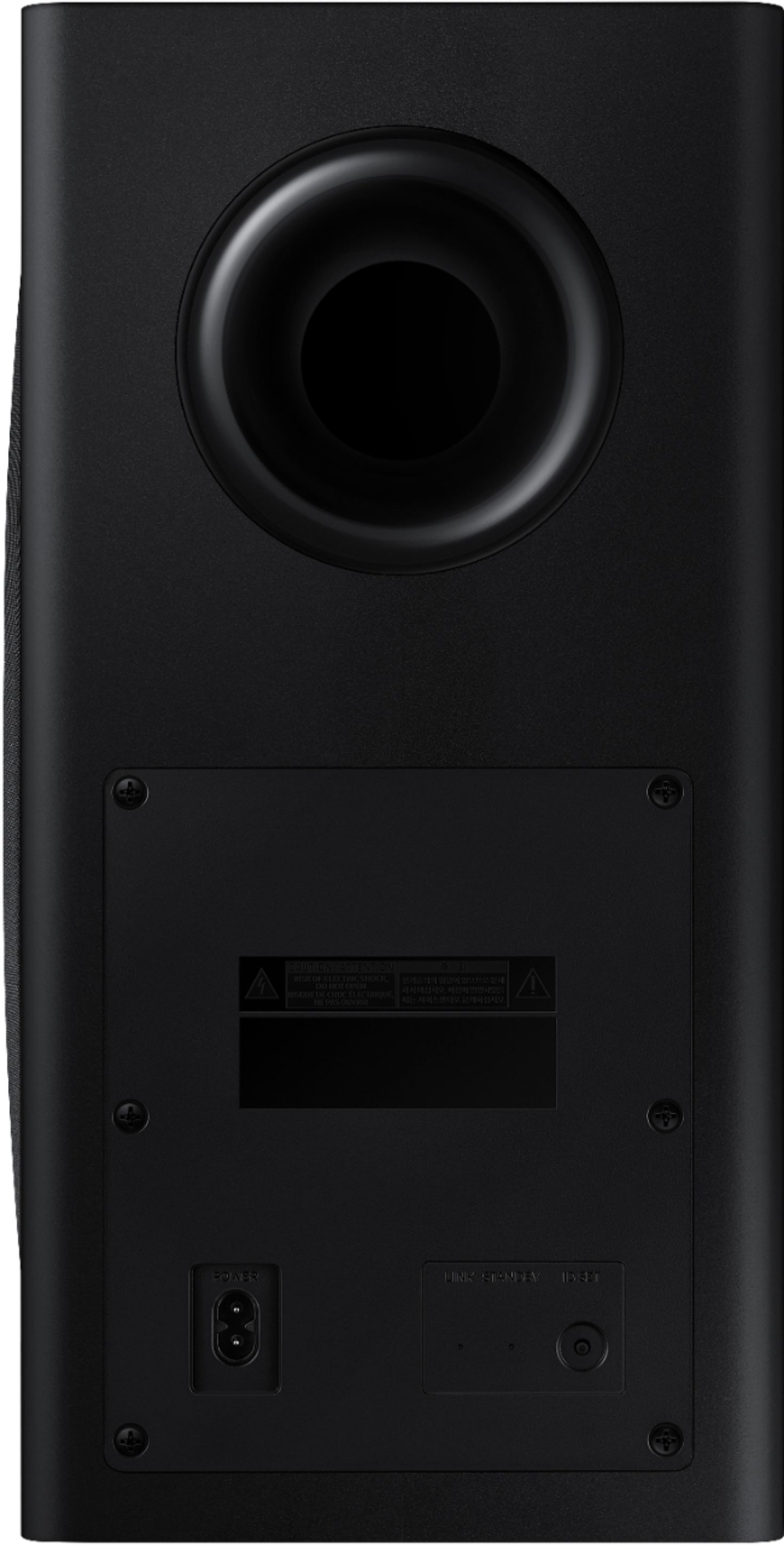
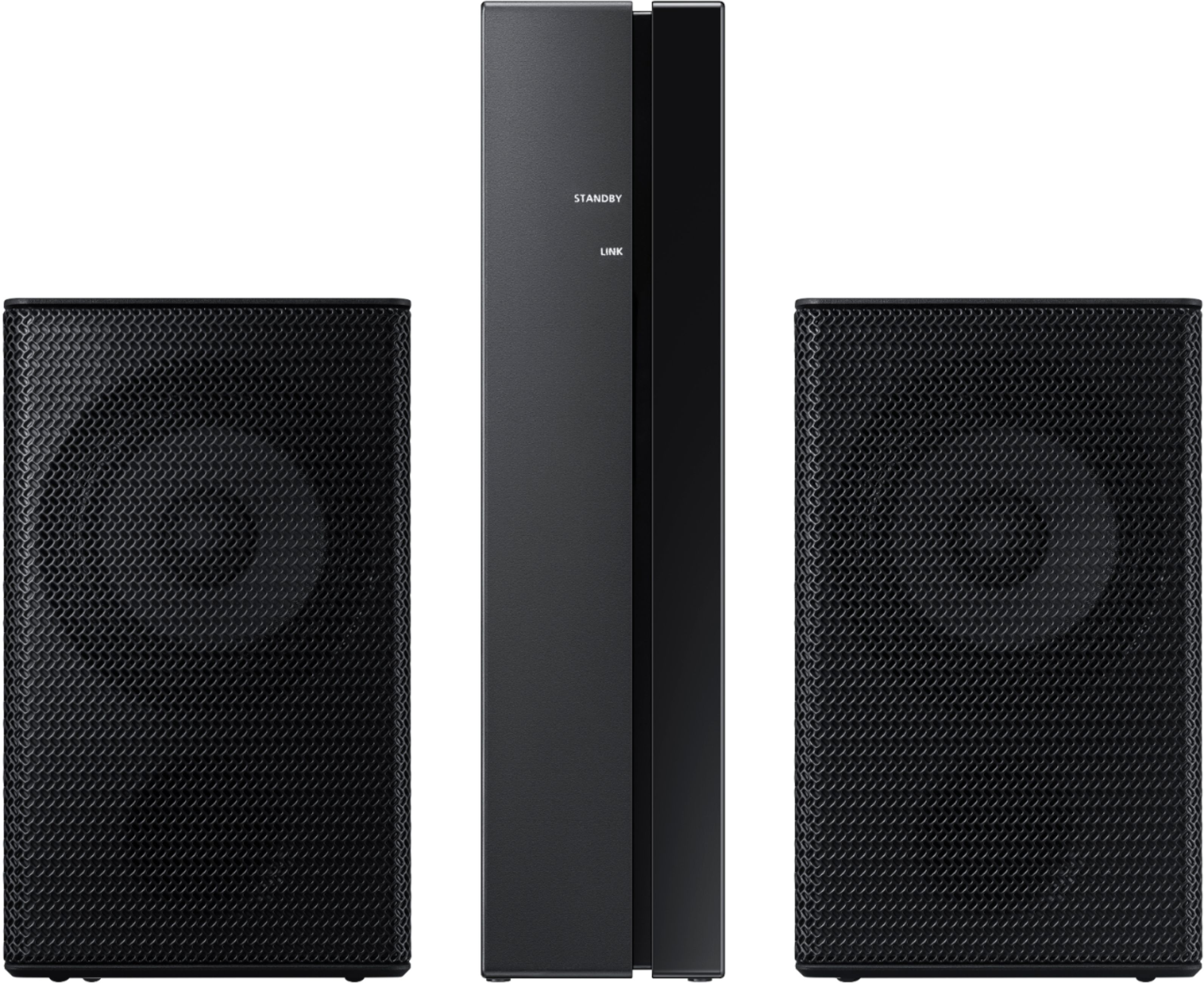
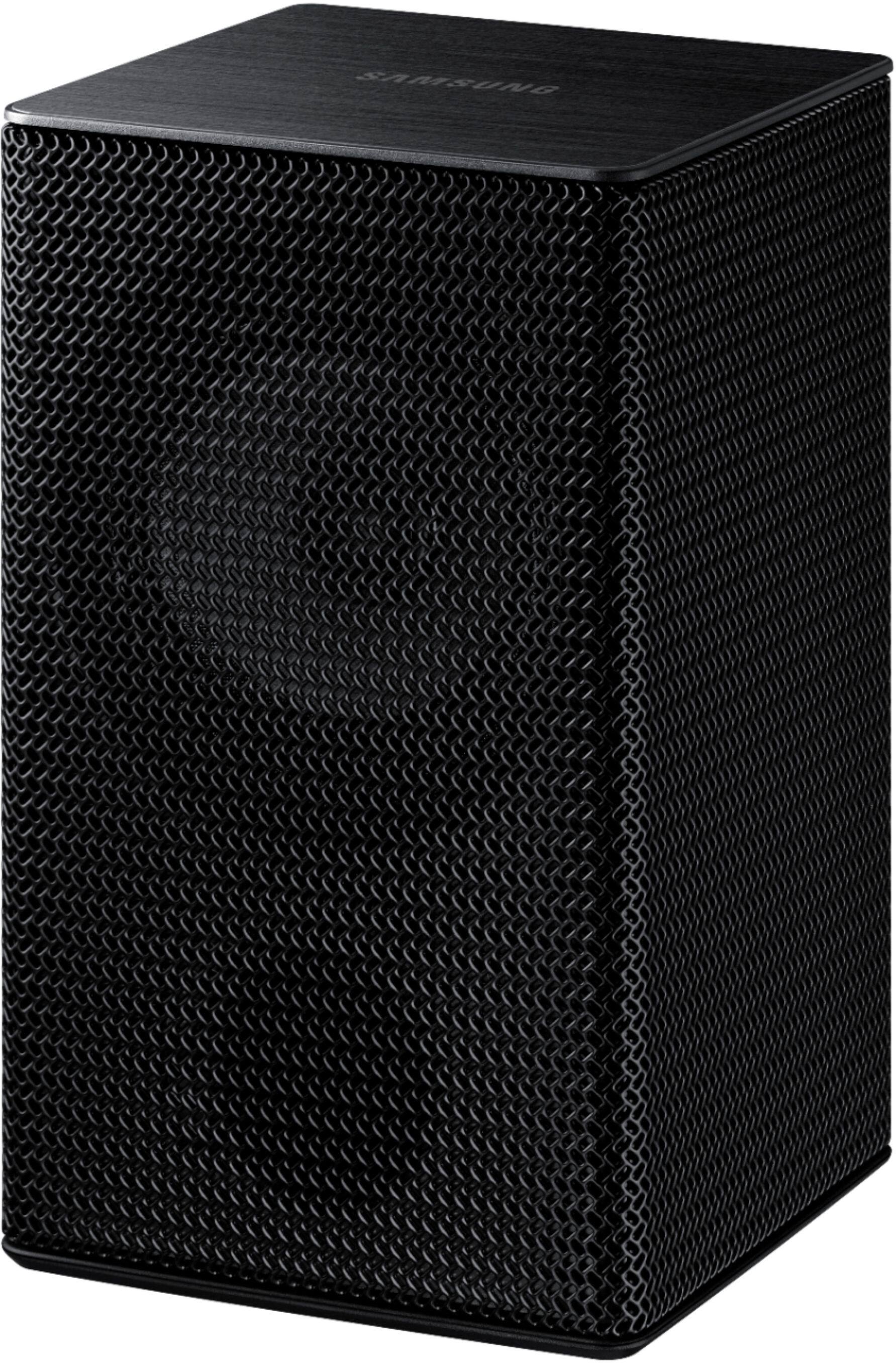
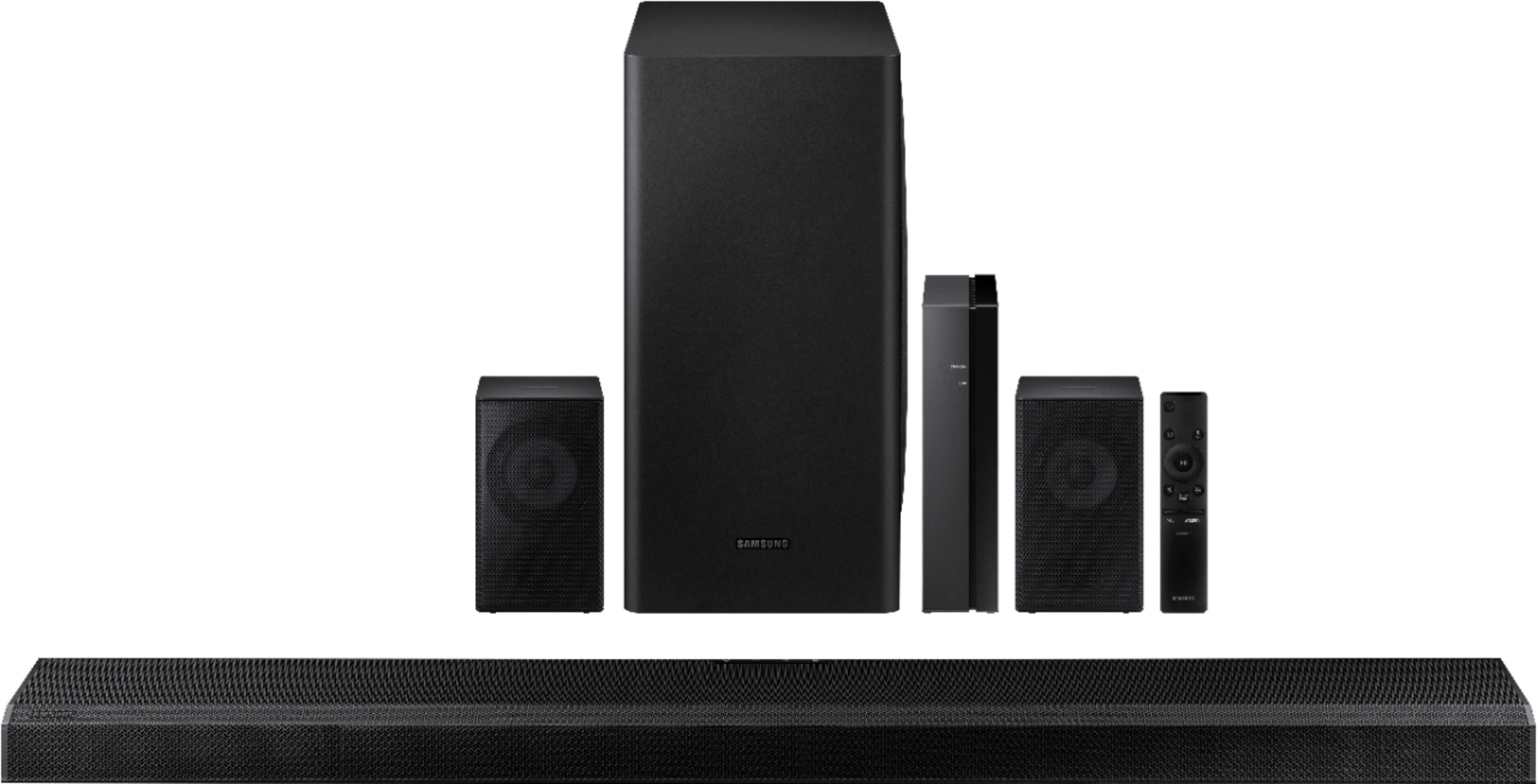
A:AnswerHi Nala2020! The HW-Q850T includes a wireless subwoofer along with two rear speakers. The rear speakers are designed for wireless surround sound and will not act as a subwoofer. ^Tim
A:AnswerI have been trying to reach Best Buy by phone for three days but they never pick up. Each time I’ve waited over 30 minutes. Very poor customer service!
A:AnswerHi Ish! The surround speaker volume can be adjusted using the soundbar remote. Press the settings button until you get to “Rear Level” on the soundbar display, then press up or down on the remote to adjust the volume to your preference. To further troubleshoot the soundbar and the ability to turn on with the TV remote, please reach out to Samsung Audio Support at: 1-800-SAMSUNG, available 8AM - 12AM EST, 7 days a week. For more contact options, click here: https://www.samsung.com/us/support/contact/
^Tim
A:AnswerHi Pop, So that we can walk you through the connection setup, please reach out to Samsung Audio Support at:
• Phone: 1-800-SAMSUNG / Available 8 AM - 9 PM EST, Mon - Fri
• LiveChat or Email: https://www.samsung.com/us/support/#contact_us_for_support
We look forward to hearing from you. ^Scott
A:AnswerHi Scott, great name. The HW-Q850T can accept a Bluetooth signal from the vast majority of devices up to Bluetooth 4.2. As such, it will depend on the capabilities of your projector. I hope this helps. ^Scott
A:AnswerHi Pericles! The HW-Q850T Soundbar includes two rear speakers that you can mount behind you (or in a position you desire) to give you a more immersive audio experience. ^Gina
A:AnswerHi there! This year, Samsung has adjusted the Acoustic Beam Technology by moving the Acoustic Beam unit forward, so the sound is not blocked even when positioned between the TV’s stand or close to the wall. ^Gina
A:AnswerHello J23Mau,
For the best sound quality, please check out high def HDMI cables at Best Buy.
https://www.bestbuy.com/site/searchpage.jsp?st=hdmi+cables&_dyncharset=UTF-8&_dynSessConf=&id=pcat17071&type=page&sc=Global&cp=1&nrp=&sp=&qp=&list=n&af=true&iht=y&usc=All+Categories&ks=960&keys=keys
^Cristian
A:AnswerHello Belle,
When stepping up from the HW-Q70T to HW-Q850T you gain features like 5.1.2ch which gives you an even more immersive sound, Rear speakers for the ultimate surround sound experience and Powerful bass with 8” Wireless Active subwoofer. ^Cristian
A:AnswerHi fnava24! The rear speakers do not include a wall mounting solution. The speakers are compatible with a standard universal speaker mount. ^Tim
A:AnswerHello Will,
So that we can walk you through the connection setup, please reach out to Samsung Audio Support at:
• Phone: 1-800-SAMSUNG / Available 8 AM - 9 PM EST, Mon - Fri
• LiveChat or Email: https://www.samsung.com/us/support/#contact_us_for_support
We look forward to hearing from you.
^Cristian
A:AnswerHi there, The Samsung HW-Q850T 5.1.2ch Soundbar with Dolby Atmos/DTS:X and Wireless Rear Speakers (2020) would work great with the Q70T. If you would like Samsung Symphony where you can have the TV speakers and soundbar playing at the same time you might consider the Q80T here: https://www.bestbuy.com/site/samsung-65-class-q80t-series-led-4k-uhd-smart-tizen-tv/6402408.p?skuId=6402408 ^Scott
A:AnswerHi there, it's unlikely (almost impossible actually) an older TV will be able to pass Dolby Atmos. You might try sending the content source to the sound bar first then to the TV via HDMI. That should do the trick. I hope this helped! ^Scott
A:AnswerHi there! We recommend connecting your sources (Blu-ray player) to your TV via HDMI, and HDMI eARC from your TV to the HW-Q850T Soundbar. ^Gina