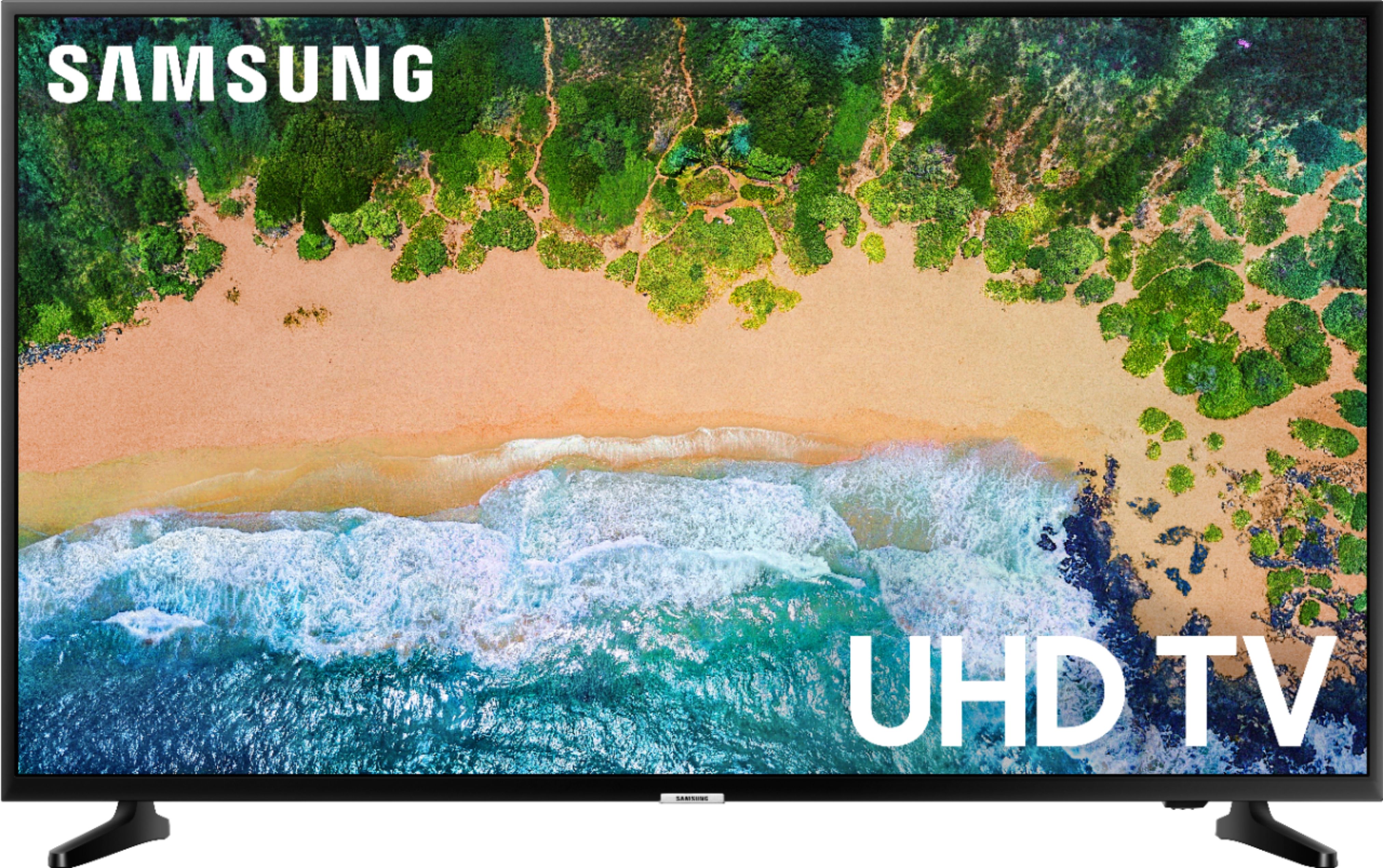
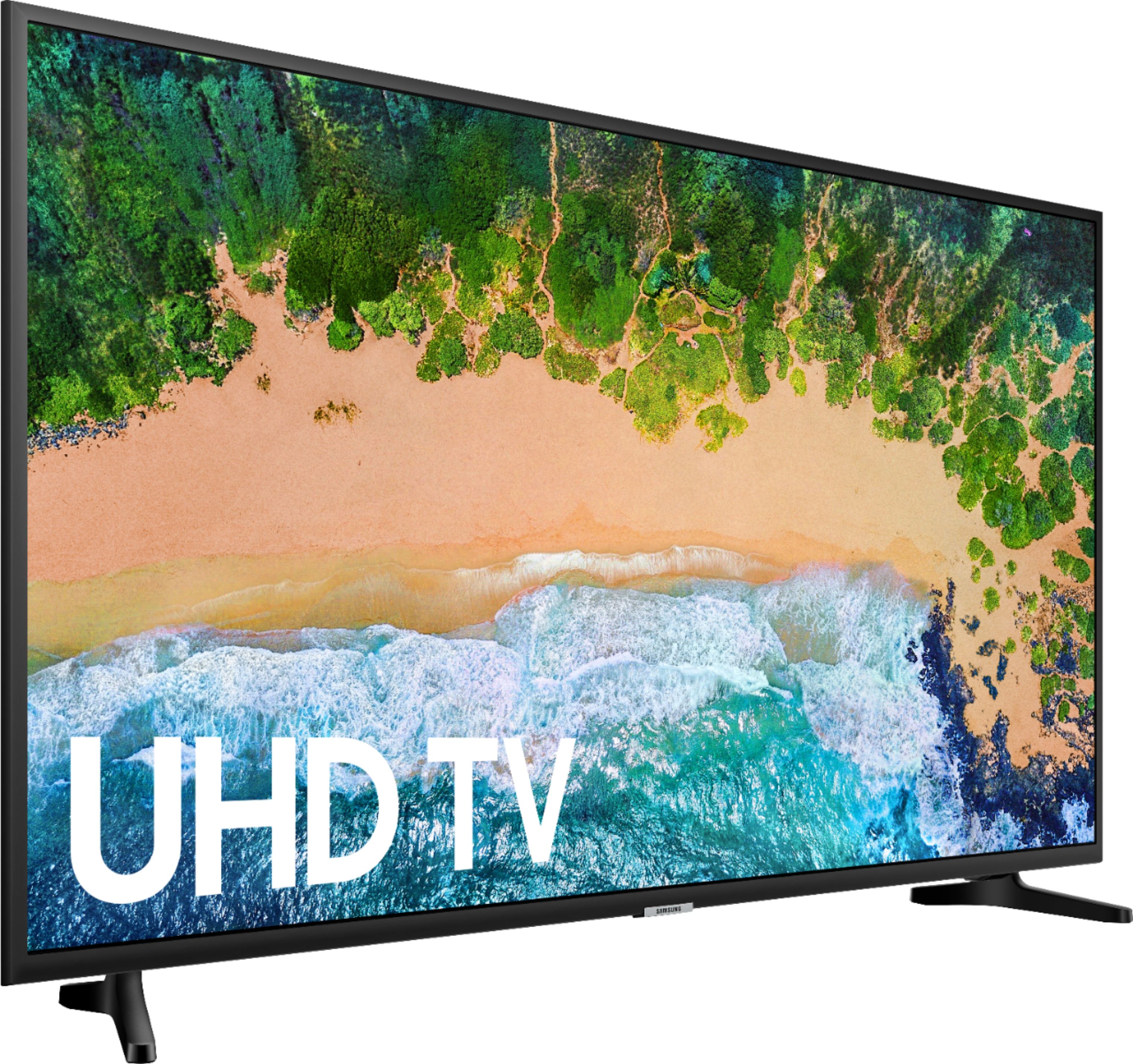
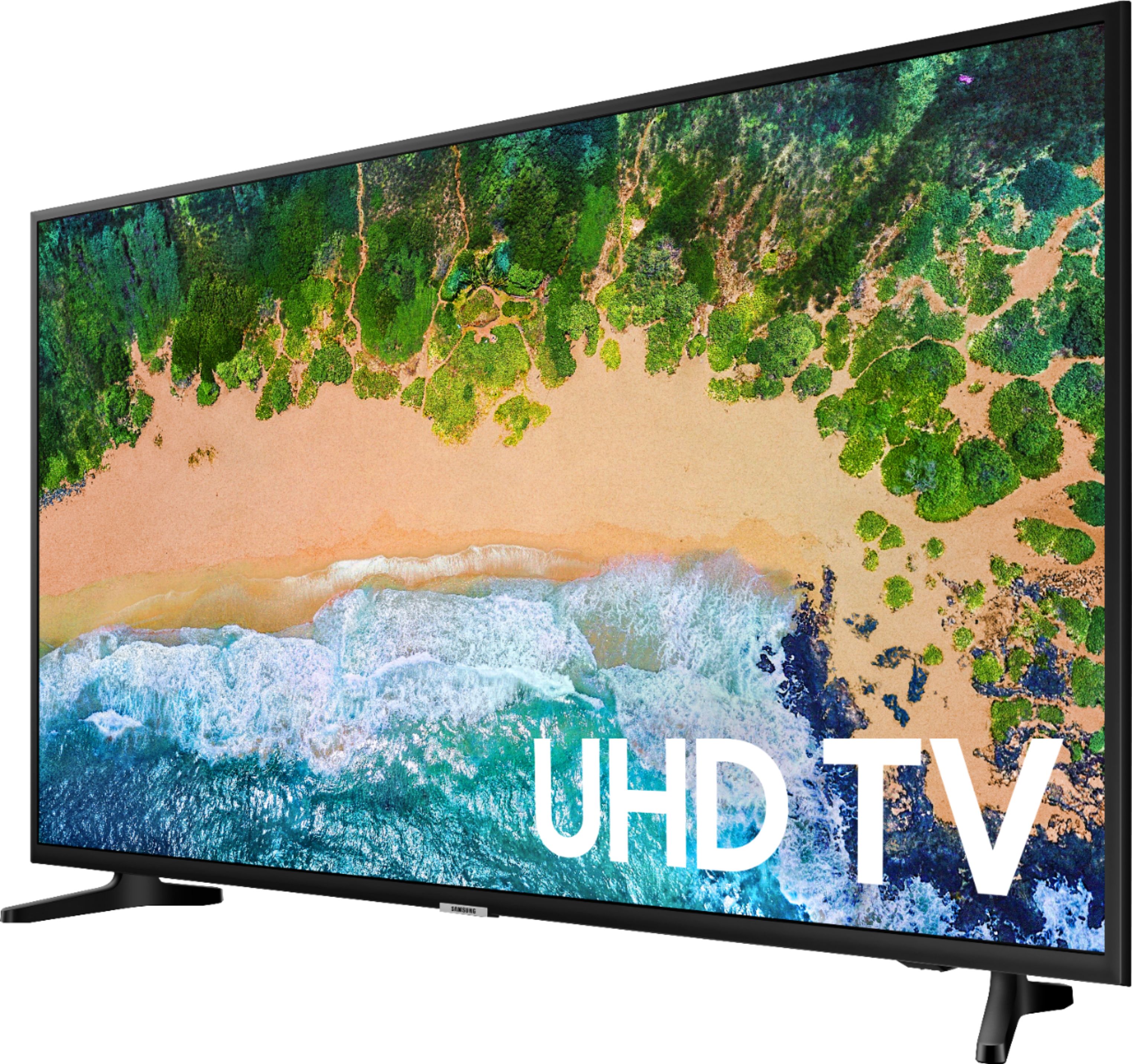
A:AnswerThere is a single button underneath the Samsung logo in the bottom center of the TV. You can press this to go between the Power, Volume, Input, etc. You hold down the button to select which one you want.
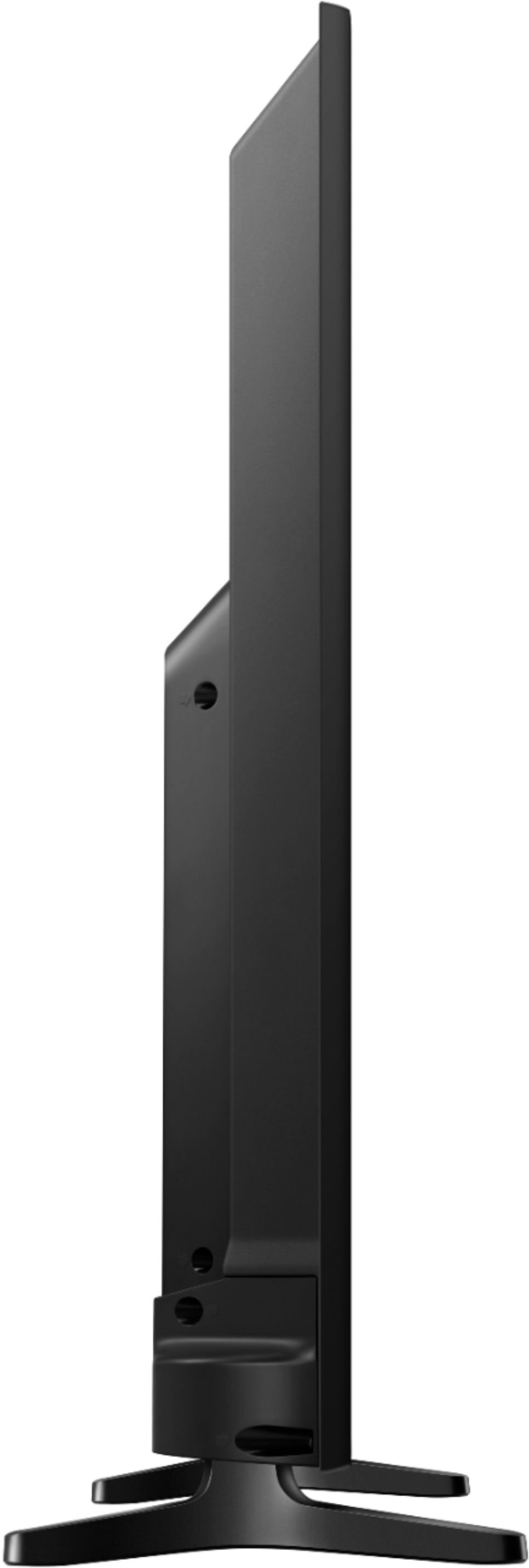
A:AnswerThere is no Aux output, or any analog audio output with this TV. However, there is an Optical (digital) audio out; which you would need to find an Optical-to-Aux/3.5mm cable or adapter.
A:AnswerThe TV is 50" so we have ours sitting on a 60" table and it is a perfect fit. I would not recommend to sit it on a 40" table; as to the width, I am not home at the moment to check, but I recommend that you review the stats of the TV to see how wide it is and then check whether or not it will fit the 14" width with another longer table.