A:AnswerThe TV is supposed to switch between 2G and 5G automatically. That being said sometimes it does initially connect to 2G first. It is my understanding that this feature is to keep the 5G network clear if you need it for a faster option.
A:AnswerDepending on what you’re using to play the 4K video you may have to go through the devices settings to enable higher resolution. I hope this helps. What are you using to play 4K videos?
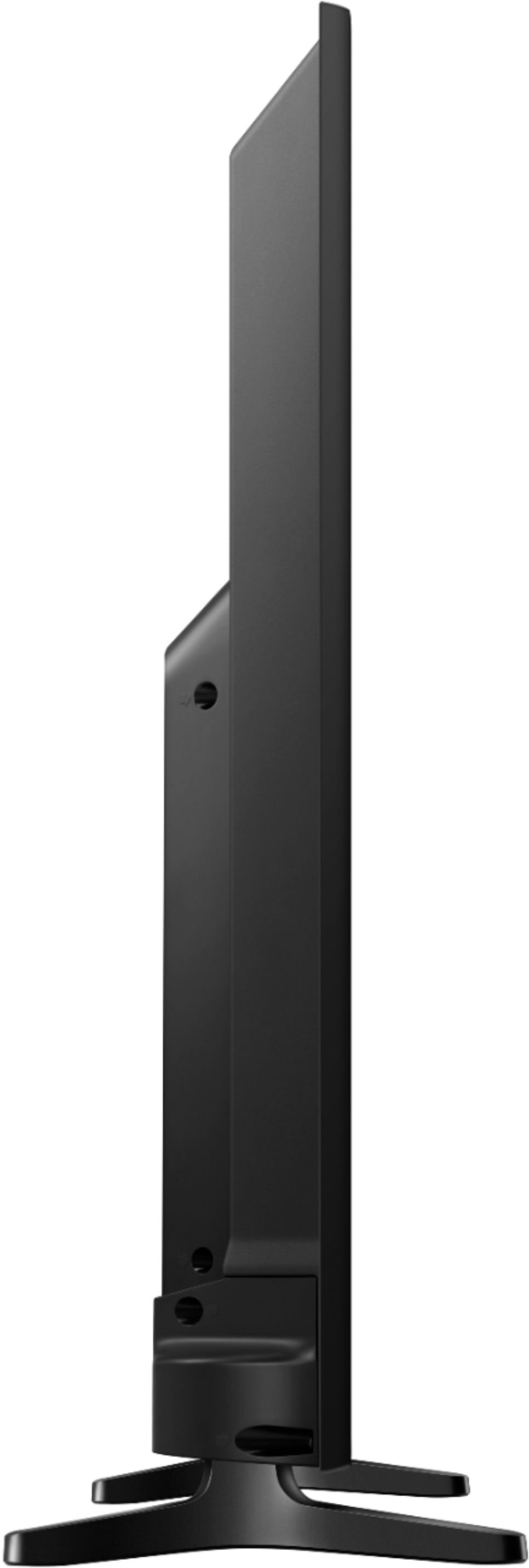
A:AnswerIf that's all the space you have I definitely would not recommend a 50" TV. Though you may find one that is very closed to your dimensions I would definitely say that you need to leave at least 2" (width) and 2" (height) so TV can breathe. It should not be tightly enclosed.